Page 78 of 328
yellowblue
2-16
New Vehicle ªBreak-Inº
NOTICE:
Your vehicle doesn't need an elaborate
ªbreak
-in.º But it will perform better in the long
run if you follow these guidelines:
�Don't drive at any one speed -- fast or
slow
-- for the first 500 miles (805 km).
Don't make full
-throttle starts.
�Avoid making hard stops for the first
200 miles (322 km) or so. During this time
your new brake linings aren't yet broken
in. Hard stops with new linings can mean
premature wear and earlier replacement.
Follow this breaking
-in guideline every
time you get new brake linings.
�Don't tow a trailer during break
-in.
See ªTowing a Trailerº in the Index for
more information.
Ignition Positions
CAUTION:
Leaving children in a vehicle with the ignition
key is dangerous for many reasons. A child or
others could be badly injured or even killed.
They could operate power windows or other
controls or even make the vehicle move. Don't
leave the keys in the vehicle with children.
NOTICE:
If your key seems stuck in LOCK and you can't
turn it, be sure you are using the correct key; if
so, is it all the way in? If it is, then turn the
steering wheel left and right while you turn the
key hard. But turn the key only with your hand.
Using a tool to force it could break the key or the
ignition switch. If none of this works, then your
vehicle needs service.
Page 79 of 328

yellowblue
2-17
Keep in mind that you may have to turn the steering
wheel as you turn the key in order to turn the ignition
switch from LOCK to START
-- this is normal. Using
extra effort to remove the key from the ignition switch,
as compared to other GM vehicles that you may have
owned, is also normal.
If your key is stuck in the ignition switch and cannot be
turned back to LOCK, your vehicle will need to be
repaired. See your dealer for service.
With the key in the
ignition switch, you can
turn the switch to four
different positions.
LOCK (�): Before you put the key in, the ignition will
be in LOCK. This is the only position from which you
can remove the key. This position locks the ignition,
steering wheel and transmission. It's a
theft
-deterrent feature.OFF (I): This position lets you turn off the engine but
still turn the steering wheel. It doesn't lock the steering
wheel like LOCK. Use OFF if you must have your
vehicle in motion while the engine is off (for example, if
your vehicle is being pushed).
ON (II): The ignition is on in this position. ON is used
for driving your vehicle.
START (III): This position starts the engine.
To lock the steering column, remove the key while in
LOCK. Turn the steering wheel until you hear a click.
Retained Accessory Power (RAP)
The radio and the optional cellular phone are the only
accessories on your vehicle that may be used for up to
10 minutes after the ignition is turned to OFF or until a
door is opened.
Power to the door locks is available at all times. Power
to the fuel door and trunk release will be available for
15 minutes after the ignition is turned to OFF. The
power window controls and the sunroof (optional)
controls are active until a door is opened
-- there is no
time limit as long as the doors remain closed.
Page 84 of 328
yellowblue
2-22
Your vehicle has a Brake-Transmission Shift Interlock
(BTSI). You have to fully apply the regular brakes
before you can shift from PARK (P) when the ignition
key is in ON. If you cannot shift out of PARK (P), ease
pressure on the shift lever
-- push the shift lever all the
way into PARK (P) as you maintain brake application.
Then move the shift lever into the gear you wish. See
ªShifting Out of PARK (P)º in this section.
REVERSE (R): Use this gear to back up.
To rock your vehicle back and forth to get out of snow,
ice or sand without damaging the transmission, see
ªStuck: In Sand, Mud, Ice or Snowº in the Index.
NEUTRAL (N): The engine doesn't connect with the
wheels when driving in NEUTRAL (N). Use
NEUTRAL (N) to restart your vehicle when you're
already moving or when your vehicle is being towed.
CAUTION:
Shifting out of PARK (P) or NEUTRAL (N) while
your engine is ªracingº (running at high speed) is
dangerous. Unless your foot is firmly on the
brake pedal, your vehicle could move very
rapidly. You could lose control and hit people or
objects. Don't shift out of PARK (P) or
NEUTRAL (N) while your engine is racing.
NOTICE:
Damage to the transmission caused by shifting
out of PARK (P) or NEUTRAL (N) with the
engine racing isn't covered by your warranty.
Page 85 of 328
yellowblue
2-23
DRIVE (D): Use this for normal driving. If you need
more power for passing, and you're:
�Going less than 35 mph (55 km/h), push the
accelerator pedal about halfway down.
�Going about 35 mph (55 km/h) or more, push the
accelerator all the way down.
The transmission will shift down to the next gear.
THIRD (3): This position is not used for normal
driving. It offers more power and lower fuel economy
than DRIVE (D).
Here are some times you might choose THIRD (3)
instead of DRIVE (D):
�When driving on hilly, winding roads.
�When towing a trailer, so there is less shifting
between gears.
�When going down a steep hill.
SECOND (2): Driving in this position gives you more
power than driving in THIRD (3). Use it on hills. It can help
control your speed as you go down steep mountain roads, but
then you would also want to use the brakes off and on.
FIRST (1): This position gives you more power (but
lower fuel economy) than SECOND (2). You can use it
on very steep hills. If the shift lever is put in FIRST (1),
the transmission won't shift into first gear until the
vehicle is going slowly enough.
NOTICE:
If the rear wheels can't rotate, don't try to drive.
This might happen if you were stuck in very deep
sand or mud or you were up against a solid
object. You could damage the transmission.
Also, if you stop when going uphill, don't hold
your vehicle there with only the accelerator
pedal. This could overheat and damage the
transmission. Use the brakes to hold your vehicle
in position on a hill.
Note: When you start your vehicle and the engine
temperature is below 86�F (30� C), upshifting of the
transmission will be delayed for about one minute. This
is normal. The engine's catalytic converter is warming
up during this time.
Upshifting and downshifting of the transmission is
automatically modified to prevent undesired shifting when
your vehicle is towing a trailer or when you are driving in
hilly or mountainous terrain. This is also normal.
Page 95 of 328
yellowblue
2-33
Anti-Pinch Feature
If a hand, an arm or another object is above the middle
of the window and is in the way of the power window
express
-closing, the window will stop at the obstruction
and express
-open to a preset factory position.
CAUTION:
Pressing and holding the power window control
button will turn off the anti
-pinch feature. If this
happens, a power window won't stop if
something gets in the way. You or others could be
injured, and your window could be damaged. Be
careful not to press and hold the power window
control button.
Rear Window Lockout
Pushing this button
rearward will disable the
rear passenger window
controls. This is a useful
feature if you have children
as passengers. Press the
button forward to allow
your passengers to use their
window controls.
Horn
The horn can be sounded by pressing either horn symbol
on the steering wheel. The symbols are located at about
the 9 and 3 o'clock positions.
Page 96 of 328
yellowblue
2-34
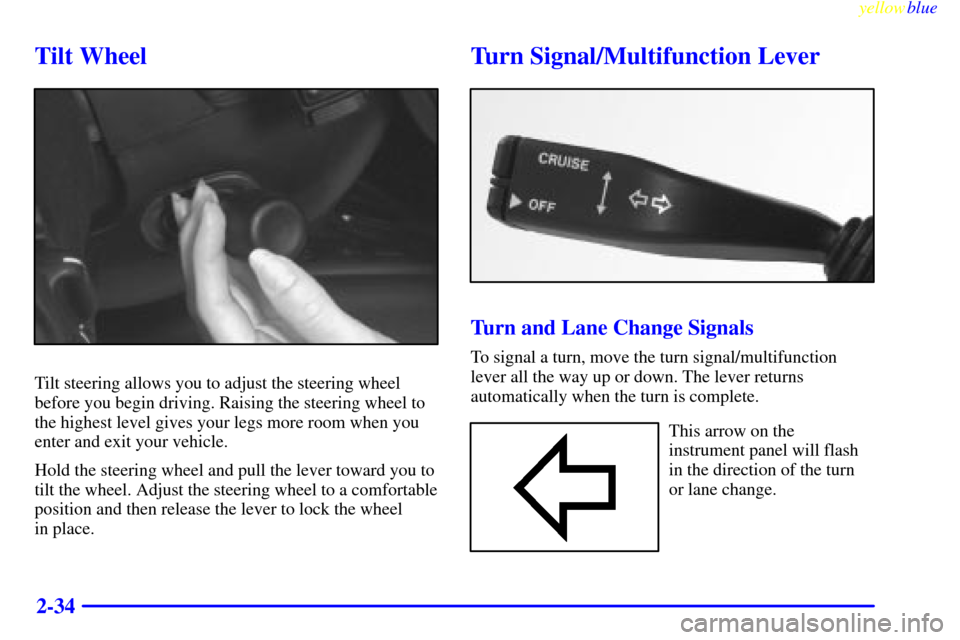
Tilt Wheel
Tilt steering allows you to adjust the steering wheel
before you begin driving. Raising the steering wheel to
the highest level gives your legs more room when you
enter and exit your vehicle.
Hold the steering wheel and pull the lever toward you to
tilt the wheel. Adjust the steering wheel to a comfortable
position and then release the lever to lock the wheel
in place.
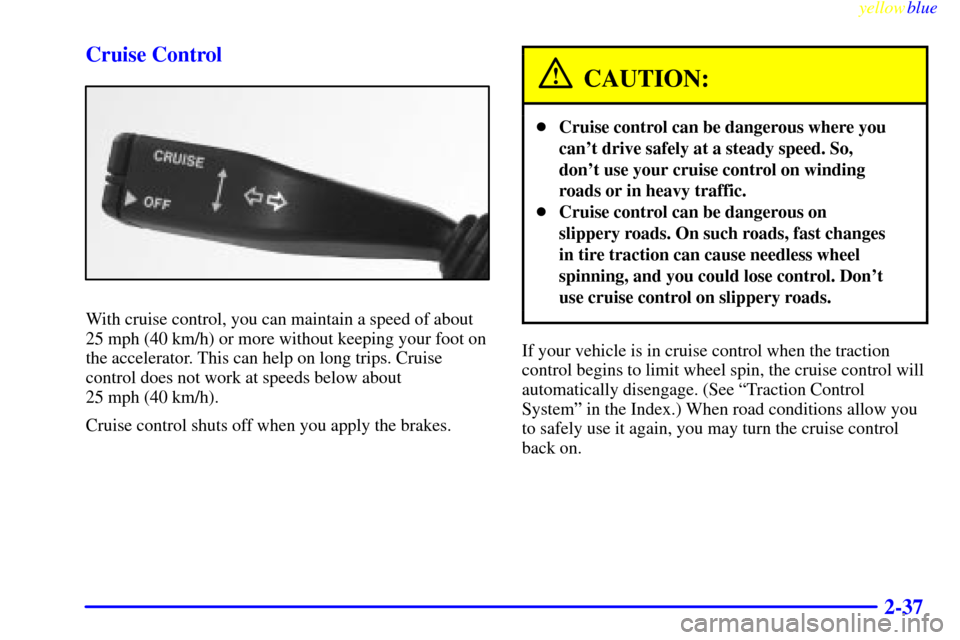
Turn Signal/Multifunction Lever
Turn and Lane Change Signals
To signal a turn, move the turn signal/multifunction
lever all the way up or down. The lever returns
automatically when the turn is complete.
This arrow on the
instrument panel will flash
in the direction of the turn
or lane change.
Page 97 of 328

yellowblue
2-35
Raise or lower the lever until the arrow starts to flash to
signal a lane change. Hold it there until the lane change
is complete. The lever returns when it is released.
Arrows that flash rapidly when signaling for a turn or
lane change may be caused by a burned
-out front signal
bulb. (This does not occur with a burned
-out rear bulb.)
Other drivers won't see the turn signal. Replace
burned
-out bulbs to help avoid possible accidents.
Check the fuse (see ªFuses and Circuit Breakersº in the
Index) and for burned
-out bulbs if the arrow fails to
work when signaling a turn.
Headlamp High/Low Beam
With the Twilight Sentinel� on or with the lamp control
dial turned to the headlamp position, push the turn
signal lever on the driver's side of the steering wheel
away from you to turn on the high
-beam headlamps.
This light on the instrument
panel will be on, indicating
high
-beam usage.Pull the lever back to the original position to return to
low
-beam headlamps. For more information, see
ªHeadlampsº in the Index.
Flash-To-Pass
This feature uses the high-beam headlamps to signal the
driver in front of you that you want to pass. This feature
will work with either the headlamps on or off.
To use, pull the turn signal lever toward you and release.
Windshield Wipers
WIPER: Move the lever on the passenger's side of the
steering wheel up and down to control the wipers.
Page 99 of 328
yellowblue
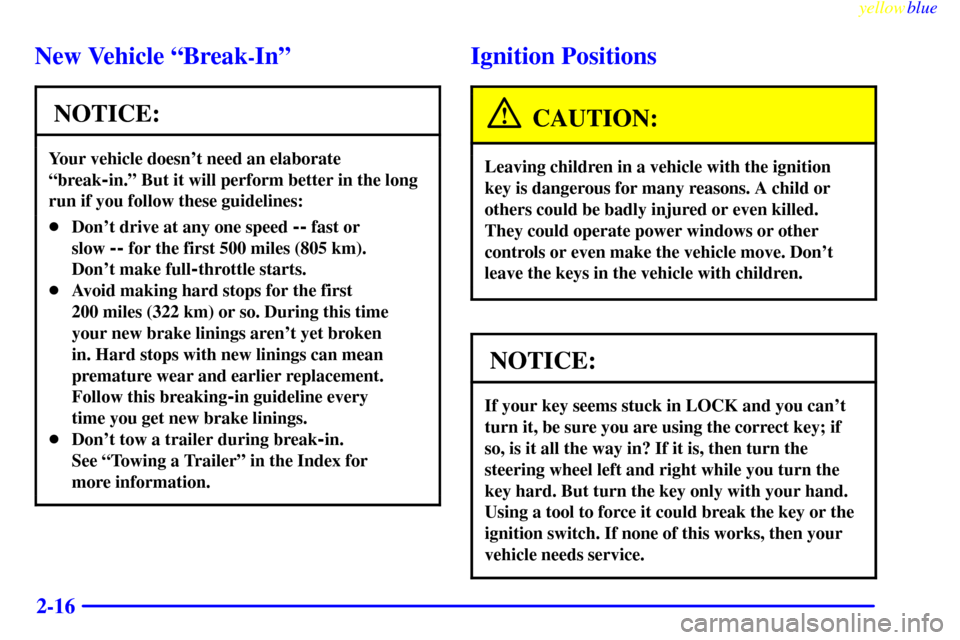
2-37 Cruise Control
With cruise control, you can maintain a speed of about
25 mph (40 km/h) or more without keeping your foot on
the accelerator. This can help on long trips. Cruise
control does not work at speeds below about
25 mph (40 km/h).
Cruise control shuts off when you apply the brakes.
CAUTION:
�Cruise control can be dangerous where you
can't drive safely at a steady speed. So,
don't use your cruise control on winding
roads or in heavy traffic.
�Cruise control can be dangerous on
slippery roads. On such roads, fast changes
in tire traction can cause needless wheel
spinning, and you could lose control. Don't
use cruise control on slippery roads.
If your vehicle is in cruise control when the traction
control begins to limit wheel spin, the cruise control will
automatically disengage. (See ªTraction Control
Systemº in the Index.) When road conditions allow you
to safely use it again, you may turn the cruise control
back on.