1998 PONTIAC BONNEVILLE ignition
[x] Cancel search: ignitionPage 31 of 395
If your vehicle ever gets into a lot of water -- such as
water up to the carpeting or higher
-- or if water enters
your vehicle and soaks the carpet, the air bag controller
can be soaked and ruined. If this ever happens, and then
you
start your vehicle, the damage could make the air
bags inflate, even if there’s no crash. You would have to
replace the air bags
as well as the sensors and related
parts.
If your vehicle is ever in a flood, or if it’s exposed
to water that
soaks the carpet, you can avoid needless
repair costs by turning
off the vehicle immediately.
Don’t let anyone start the vehicle, even to tow it, unless
the battery cables are first disconnected.
Servicing Your Air Bag-Equipped Vehicle
Air bags affect how your vehicle should be serviced.
There are
parts of the air bag system in several places
around your vehicle. You don’t want the system to
inflate while someone
is working on your vehicle. Your
dealer and the Bonneville Service Manual have
information about servicing
your vehicle and the air bag
system.
To purchase a service manual, see “Service and
Owner Publications” in the Index.
I
For up to 10 minutes after the ignition key is
turned
off and the battery is disconnected, an air
bag can still inflate during improper service. You
can be injured
if you are close to an air bag when
it inflates. Avoid yellow connectors. They are
probably part
of the air bag system. Be sure to
follow proper service procedures, and make sure
the person performing work for you
is qualified
to do so.
The air bag system does not need regular maintenance.
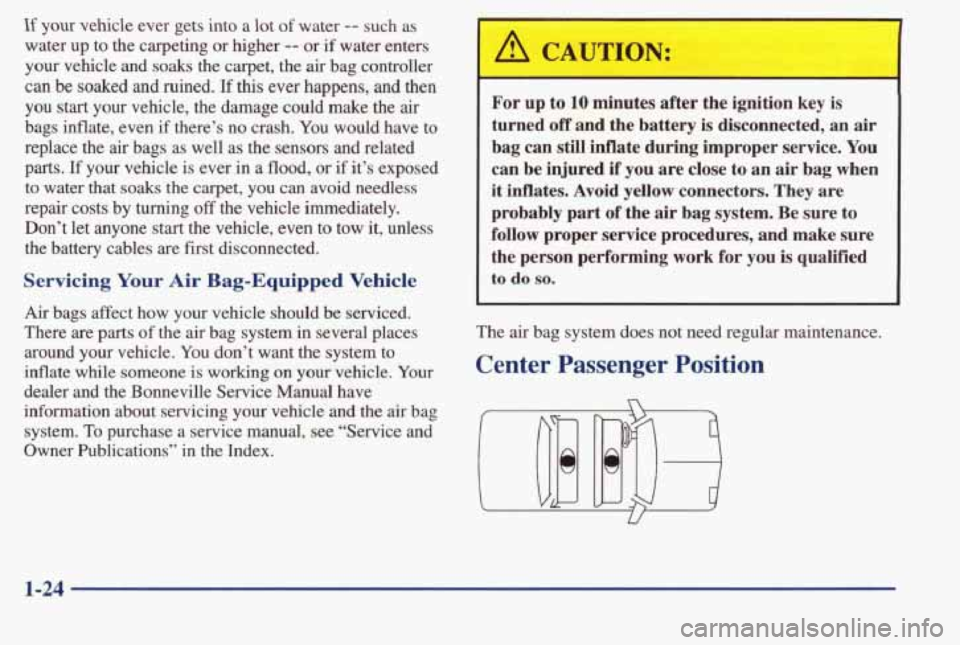
Center Passenger Position
1-24
Page 58 of 395

Section 2 Features and Controls
Here you can learn about the many standard and optional featur\
es on your vehicle, and information on starting,
shifting and braking.
Also explained are the instrument panel and the warning systems that tell you if everything is
working properly
-- and what to do if you have a problem.
2-2
2-4 2-
10
2- 14
2-15
2-16
2-18
2- 19
2-20
2-21
2-23
2-24
2-28
2-29 2-32
2-33 2-33 Keys
Door Locks
Remote Keyless Entry (Option)
TnXnk
Theft
Universal Theft-Deterrent (Option)
PASS-Key@
I1
New Vehicle “Break-In”
Ignition Positions
Starting
Your Engine
Engine Coolant Heater (If Equipped) Automatic Transaxle Operation
Computer Command Ride (Option)
Shifting Into PARK (P)
Shifting Out
of PARK (P)
Parking Over Things That Burn Engine Exhaust 2-34
2-35
2-35
2-36
2-36
2-43
2-46
2-48 2-5
1
2-53
2-54
2-55
2-56 2-62
2-74
2-77
2-79 Running
Your Engine While You’re Parked
Windows Horn
Tilt Wheel
Turn SignaYMultifunction Lever
Exterior Lamps
Interior Lamps
Mirrors Storage Compartments
Sun Visors
Air Inflator System (Option)
Sunroof (Option)
Instrument Panel
Warning Lights, Gages and Indicators Head-Up Display (Option)
Driver Information Center (Option)
Electronic Compass (Option)
2-1
Page 59 of 395
Keys
' A CAUTION:
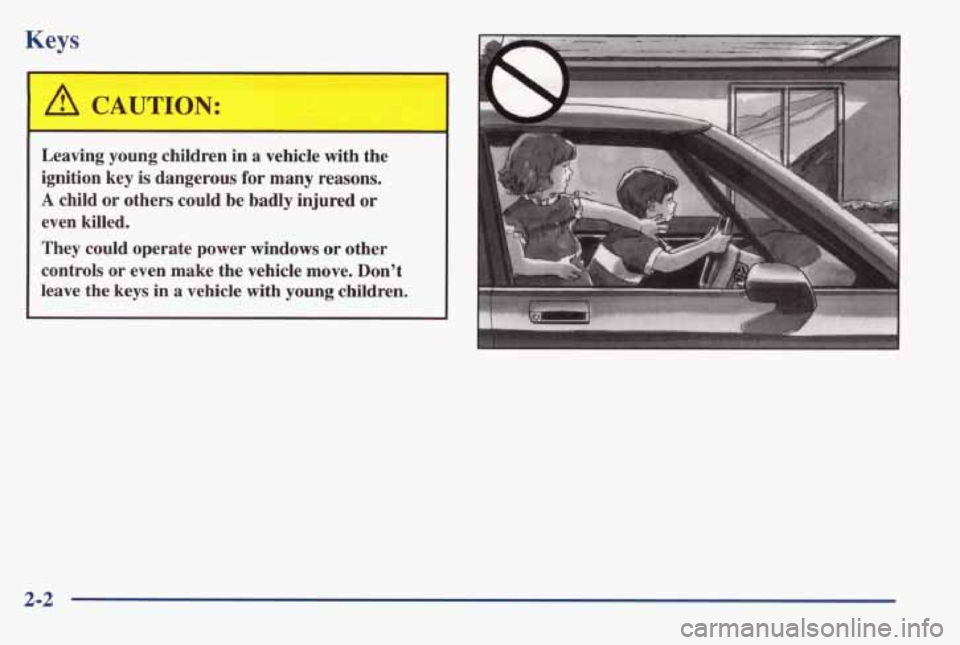
Leaving young children in a vehicle with the
ignition key
is dangerous for many reasons.
A child or others could be badly injured or
even killed.
They could operate power windows
or other
controls
or even make the vehicle move. Don't
leave the keys in
a vehicle with young children.
2-2
Page 60 of 395
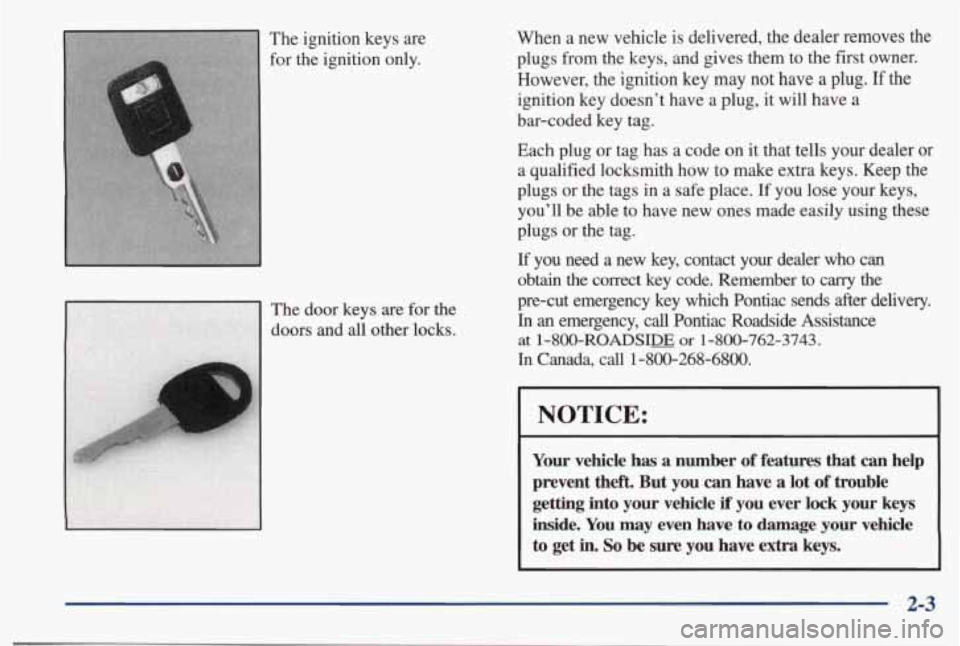
When a new vehicle is delivered, the dealer removes the
plugs from the keys, and gives them to the first owner.
However, the ignition key may not have
a plug. If the
ignition key doesn’t have a plug, it will have a
bar-coded key tag.
Each plug
or tag has a code on it that tells your dealer or
a qualified locksmith how to make extra keys. Keep the
plugs or the tags in a safe place.
If you lose your keys,
you’ll be able
to have new ones made easily using these
plugs or the tag.
If you need a new key, contact your dealer who can
obtain the correct key code. Remember to carry the
pre-cut emergency key which Pontiac sends after delivery.
In an emergency, call Pontiac Roadside Assistance
at 1 -800-ROADSIDE or 1 -8oO-762-3743.
In Canada, call 1-800-268-6800.
NOTICE:
Your vehicle has a number of features that can help
prevent the& But you
can have a lot of trouble
getting into your vehicle if you ever lock your keys
inside. You may even have to damage your vehicle
to get in. So be sure you have extra keys.
2-3
Page 62 of 395
Power Door Locks Programmable Automatic Door
Locks
(Option)
Close the doors and turn on the ignition. Every time you
move the shift lever out of PARK
(P), all of the doors
will lock. And, every time you stop and move the shift
lever into
PARK (P) and turn the ignition OFF, the doors
will unlock. If someone needs to get out while you’re
not in PARK
(P), have that person use the manual or
power lock. When the door is closed again, it will not
lock automatically. Just use the manual or power lock to
lock the door again.
Overriding Lock Delay
If you need to lock your doors before shifting out of
PARK (P), just use the manual or power lock button to
lock the doors.
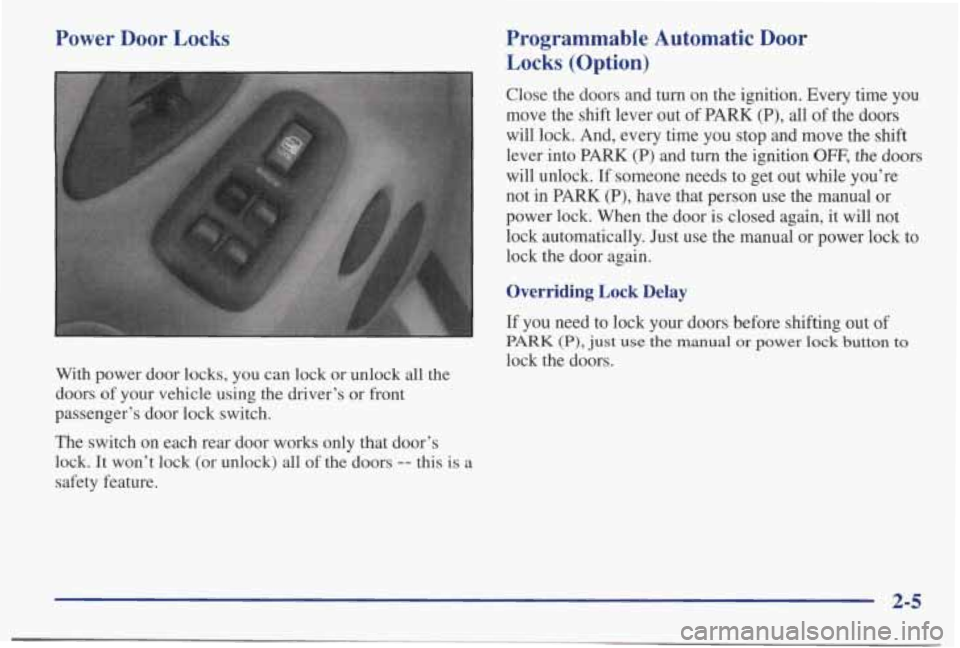
With power door locks, you can lock or unlock all the
doors
of your vehicle using the driver’s or front
passenger’s door lock switch.
The switch on each rear door works only that door’s
lock.
It won’t lock (or unlock) all of the doors -- this is a
safety feature.
2-5
Page 63 of 395
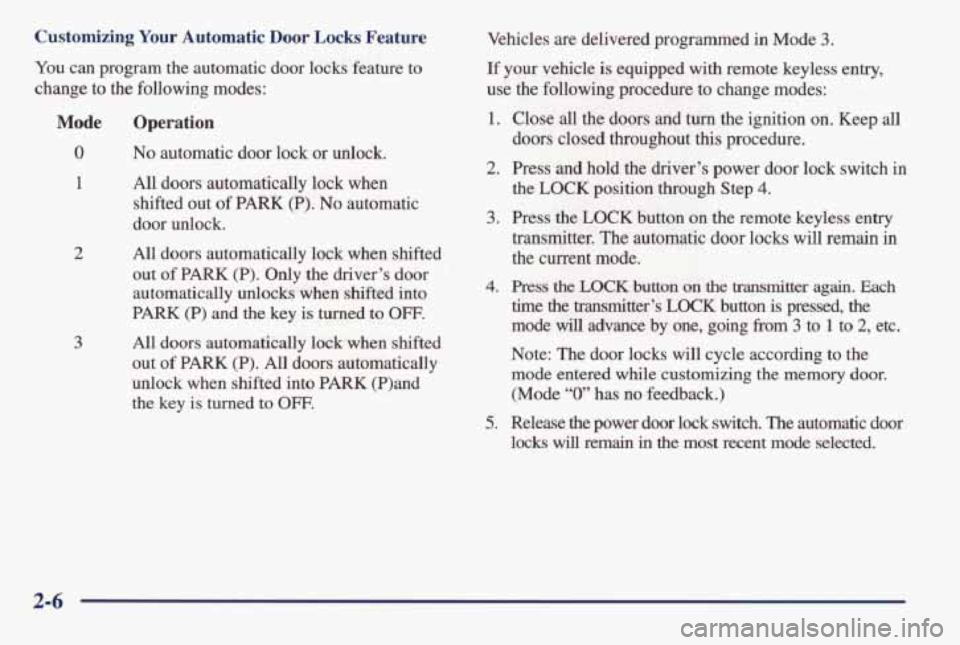
Customizing Your Automatic Door Locks Feature
You can program the automatic door locks feature to
change to the following modes:
Mode
0
1
2
3
Operation
No automatic door lock or unlock.
All doors automatically lock when
shifted out of
PARK (P). No automatic
door unlock.
All doors automatically lock
when shifted
out
of PARK (P). Only the driver’s door
automatically unlocks when shifted into
PARK (P) and the key is turned to OFF.
All doors automatically lock when shifted
out
of PARK (P). All doors automatically
unlock when shifted into
PARK (P)and
the key
is turned to OFF.
Vehicles are delivered programmed in Mode 3.
If your vehicle is equipped with remote keyless entry,
use
the following procedure to change modes:
1.
2.
3.
4.
5.
Close all the doors and turn the ignition on. Keep all
doors closed throughout this procedure.
Press and hold the driver’s power door lock switch
in
the LOCK position through Step 4.
Press the LOCK button on the remote keyless entry
transmitter. The automatic door locks will remain in
the current mode.
Press the LOCK button on the transmitter again. Each
time the transmitter’s LOCK button is pressed, the
mode
will advance by one, going from 3 to 1 to 2, etc.
Note: The door locks will cycle according to the
mode entered while customizing the memory door.
(Mode
“0” has no feedback.)
Release the power door lock switch. The automatic door
locks will remain in the most recent mode selected.
2-6
Page 64 of 395
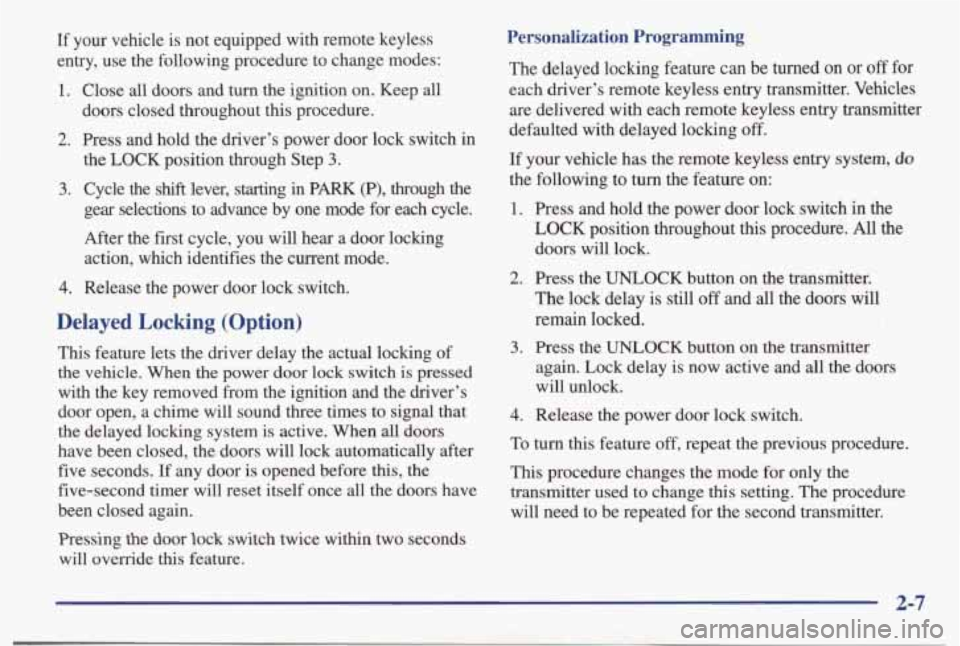
If your vehicle is not equipped with remote keyless
entry, use the following procedure to change modes:
1. Close all doors and turn the ignition on. Keep all
doors closed throughout this procedure.
2. Press and hold thedriver’s power door lock switch in
the LOCK position through Step
3.
3. Cycle the shift lever, starting in PARK (P), through the
gear selections to advance by one mode for each cycle.
After the first cycle, you will hear a door locking action, which identifies the current mode.
4. Release the power door lock switch.
Delayed Locking (Option)
This feature lets the driver delay the actual locking of
the
vehicle. When the power door lock switch is pressed
with the key removed from the ignition and the driver’s
door open, a chime will sound three times to signal that
the delayed locking system is active. When
all doors
have been closed, the doors will lock automatically after five seconds. If any door is opened before this, the
five-second timer will reset itself once all the doors have
been closed again.
Pressing the door lock switch twice within two seconds
will override this feature.
Personalization Programming
The delayed locking feature can be turned on or off for
each driver’s remote keyless entry transmitter. Vehicles are delivered with each remote keyless entry transmitter
defaulted with delayed locking
off.
If your vehicle has the remote keyless entry system, do
the following to turn the feature on:
1. Press and hold the power door lock switch in the
LOCK position throughout this procedure. All the
doors will lock.
2. Press the UNLOCK button on the transmitter.
The lock delay is still
off and all the doors will
remain locked.
again. Lock delay is now active and
all the doors
will unlock.
3. Press the UNLOCK button on the transmitter
4. Release the power door lock switch.
To turn this feature off, repeat the previous procedure.
This procedure changes the mode for only the
transmitter used
to change this setting. The procedure
will need to be repeated for the second transmitter.
2-7
Page 65 of 395
If your vehicle is not equipped with remote keyless
entry, the delayed locking feature can be turned
on or off
by using the following procedure:
1. With the ignition on, press and hold the driver's
power door lock switch.
All doors will lock.
2. Cycle the headlamp switch four times. On the third
cycle,
the doors will unlock to confirm that the
feature has been turned on.
Your doors will remain
locked if delayed locking is now in the non-active
mode.
3. To change modes, cycle the headlamp switch once
more.
A locking action will confirm the new mode.
4. Release the power door lock switch.
This procedure must be completed within 10 seconds of
pressing the power door lock switch. To turn the feature
off, repeat the previous procedure.
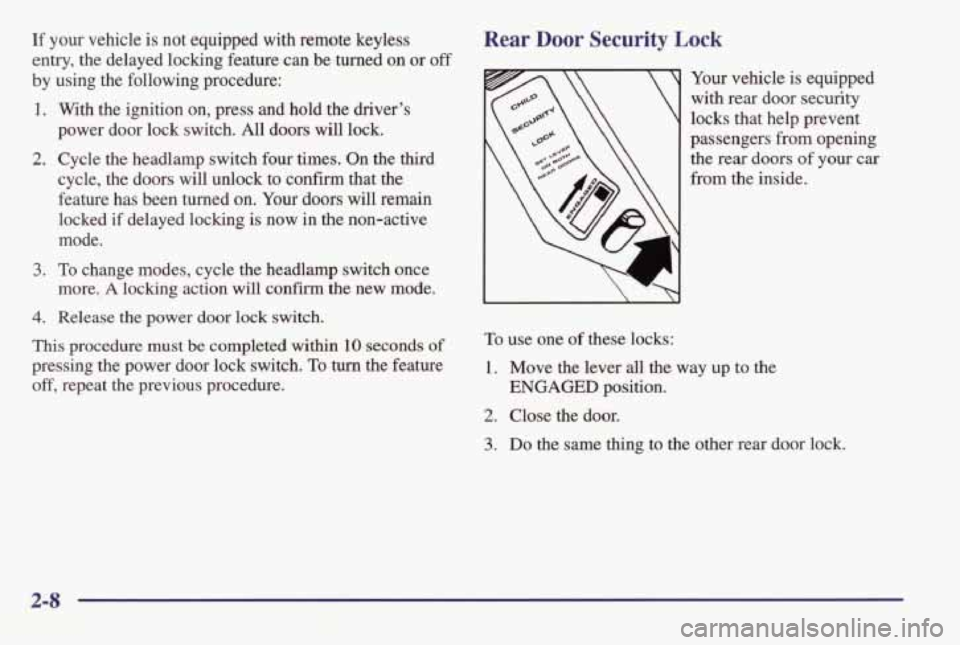
Rear Door Security Lock
Your vehicle is equipped
with rear door security
locks that help prevent
passengers
from opening
the rear doors of your car
from the inside.
To use one of these locks:
1. Move the lever all the way up to the
2. Close the door.
ENGAGED position.
3. Do the same thing to the other rear door lock.
2-8