Page 123 of 170
Working with the engine off
1. Set the parking brake and
ensure the gearshift is securely latched in P (Park).
2. Turn off the engine and remove the key.
3. Block the wheels to prevent the vehicle from moving unexpectedly.
Working with the engine on
1. Set the parking brake and
ensure the gearshift is securely latched in P (Park).
2. Block the wheels to prevent the vehicle from moving unexpectedly.
Do not start your engine with the air cleaner removed and do
not remove it while the engine is running.
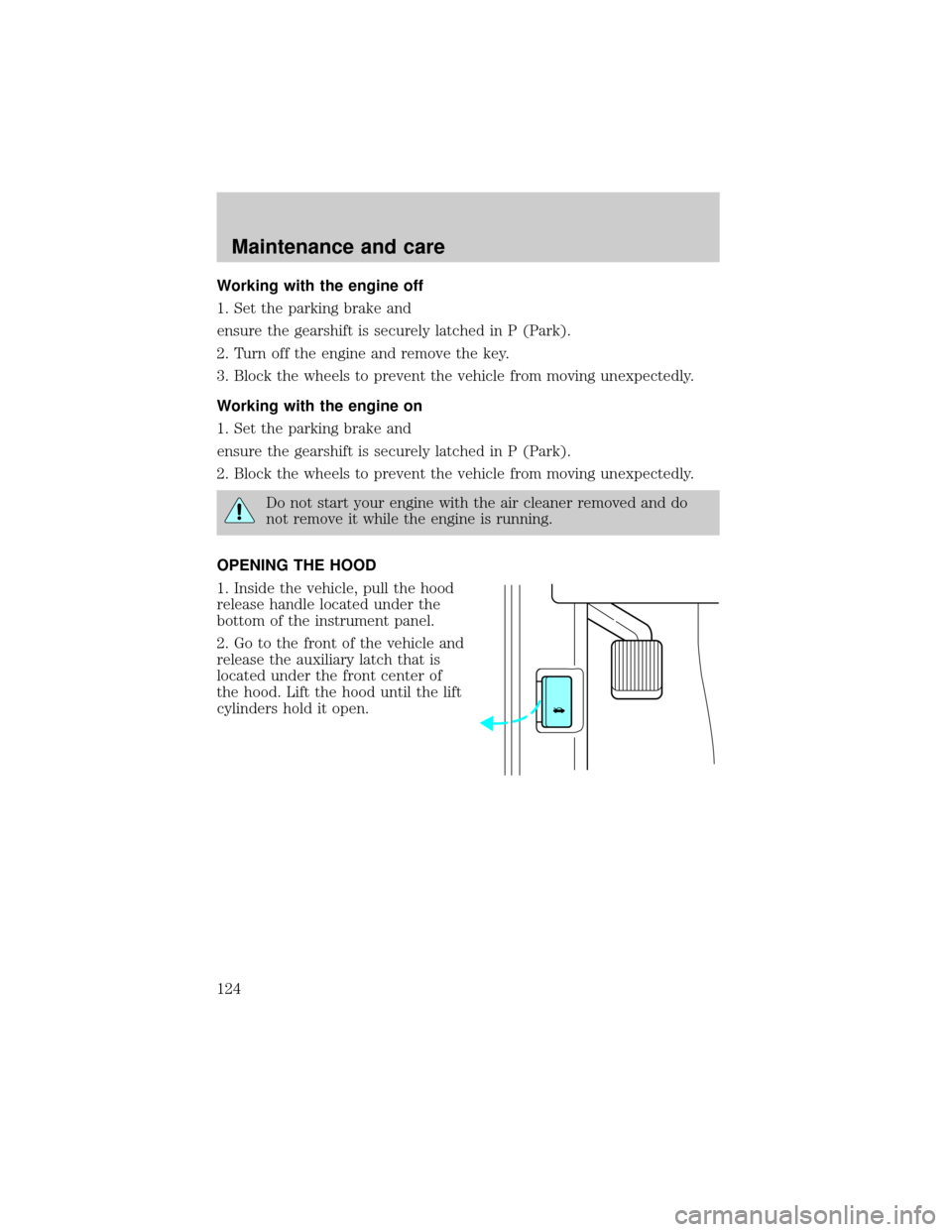
OPENING THE HOOD
1. Inside the vehicle, pull the hood
release handle located under the
bottom of the instrument panel.
2. Go to the front of the vehicle and
release the auxiliary latch that is
located under the front center of
the hood. Lift the hood until the lift
cylinders hold it open.
Maintenance and care
124
Page 130 of 170

Never remove the coolant recovery cap while the engine is
running or hot.
If you must remove the coolant recovery cap, follow these steps to avoid
personal injury:
1. Before you remove the cap, turn the engine off and let it cool.
2. When the engine is cool, wrap a thick cloth around the cap. Slowly
turn cap counterclockwise until pressure begins to release.
3. Step back while the pressure releases.
4. When you are sure that all the pressure has been released, use the
cloth to turn it counterclockwise and remove the cap.
Use Ford Premium Cooling System Fluid E2FZ-19549±AA (in Canada,
Motorcraft CXC-8±B) or an equivalent premium engine coolant that
meets Ford specification ESE-M97B44±A. Ford Premium Engine Coolant
is an optimized formula that will protect all metals and rubber elastomers
used in Ford cooling systems for four years or 80,000 km (50,000 miles).
Do not use alcohol or methanol antifreeze or any engine coolants mixed
with alcohol or methanol antifreeze. Do not use supplemental coolant
additives in your vehicle. These additives may harm your engine cooling
system. The use of an improper coolant may void your warranty of your
vehicle's engine cooling system.
Recycled engine coolant
Ford Motor Company recommends that Ford and Lincoln-Mercury
dealers use recycled engine coolant produced by Ford-approved
processes. Not all coolant recycling processes produce coolant which
meets Ford specification ESE-M97B44±A, and use of such coolant may
harm engine and cooling system components.
Always dispose of used automotive fluids in a responsible manner.
Follow your community's regulations and standards for recycling and
disposing of automotive fluids.
Coolant refill capacity
To find out how much fluid your vehicle's cooling system can hold, refer
toRefill capacitiesin theCapacities and specificationschapter.
Have your dealer check the engine cooling system for leaks if you have
to add more than a liter (quart) of engine coolant per month.
Maintenance and care
131
Page 135 of 170

3. The relearning process will automatically complete as you drive the
vehicle.
²If you do not allow the engine to relearn its idle, the idle quality of
your vehicle may be adversely affected until the idle is eventually
relearned.
²If the battery has been disconnected or a new battery has been
installed, the clock and the preset radio stations must be reset once
the battery is reconnected.
²Always dispose of automotive
batteries in a responsible manner.
Follow your community's
standards for disposal. Call your
local recycling center to find out
more about recycling automotive
batteries.
WINDSHIELD WIPER BLADES
Check the wiper blades at least twice a year or when they seem less
effective. Substances such as tree sap and some hot wax treatments used
by commercial car washes reduce the effectiveness of wiper blades.
Checking the wiper blades
If the wiper blades do not wipe properly, clean both the windshield and
wiper blades using undiluted windshield wiper solution or a mild
detergent. Rinse thoroughly with clean water. To avoid damaging the
blades, do not use fuel, kerosene, paint thinner or other solvents.
Changing the wiper blades
When replacing wiper blade assemblies, always use a Motorcraft part or
equivalent. To make replacing the wipers easy, turn the ignition to ACC,
then turn the wipers on. When the wipers reach the vertical position,
turn the ignition to LOCK.
Maintenance and care
136
Page 136 of 170

To replace the wiper blades:
1. Pull the wiper arm away from the
windshield and lock into the service
position.
2. Turn the blade at an angle from
the wiper arm. Push the lock pin
with a screwdriver to release the
blade and pull the wiper blade down
toward the windshield to remove it
from the arm.
3. Attach the new wiper to the
wiper arm and press it into place
until a click is heard.
INFORMATION ABOUT TIRE QUALITY GRADES
New vehicles are fitted with tires
that have their Tire Quality Grade
(described below) molded into the
tire's sidewall. These Tire Quality
Grades are determined by standards
that the United States Department
of Transportation has set.
Tire Quality Grades apply to new
pneumatic tires for use on
passenger cars. They do not apply
to deep tread, winter-type snow
tires, space-saver or temporary use
spare tires, tires with nominal rim
diameters of 10 to 12 inches or limited production tires as defined in
Title 49 Code of Federal Regulations Part 575.104(c)(2).
U.S. Department of Transportation-Tire quality grades:The U.S.
Department of Transportation requires Ford to give you the following
information about tire grades exactly as the government has written it.
Maintenance and care
137
Page 146 of 170
4. Remove the retaining screw from
the corner of the headlamp
assembly.
5. Remove the bolts from the top of
the headlamp assembly.
6. Gently pull the headlamp
assembly forward. Noting the
location of each connector,
disconnect the wire connectors from
the headlamp assembly.
7. Remove the headlamp assembly
and place it on a clean work surface.
8. Remove the low beam headlamp
housing cover by rotating
counterclockwise 1/4 turn.
Maintenance and care
147
Page 147 of 170
9. Remove the headlamp bulb
retaining nuts.
10. Remove the headlamp bulb
assembly.
11. Slide the headlamp level and
bracket off the bulb assembly and
remove.
12. Twist headlamp housing
counterclockwise to remove
headlamp bulb from socket.
Maintenance and care
148
Page 148 of 170
To install the new low beam headlamp bulb:
1. Insert the new bulb into the
socket and twist clockwise to lock
into place.
2. Pull the headlamp level and
bracket over the bulb assembly and
snap into place.
3. Insert the bulb assembly into the
socket opening.
4. Install the retaining nuts. Tighten
them 1/4 turn past finger tight.
Maintenance and care
149
Page 149 of 170
5. Position the low beam headlamp
housing cover over the bulb
assembly and rotate clockwise to
lock into place.
6. Match the remaining wire
connectors with their proper mates
and reinstall.
7. Reinstall the top bolts. Tighten
1/2 turn past finger tight.
8. Reinstall the retaining screw at
the corner of the headlamp
assembly.
Maintenance and care
150