Page 15 of 192
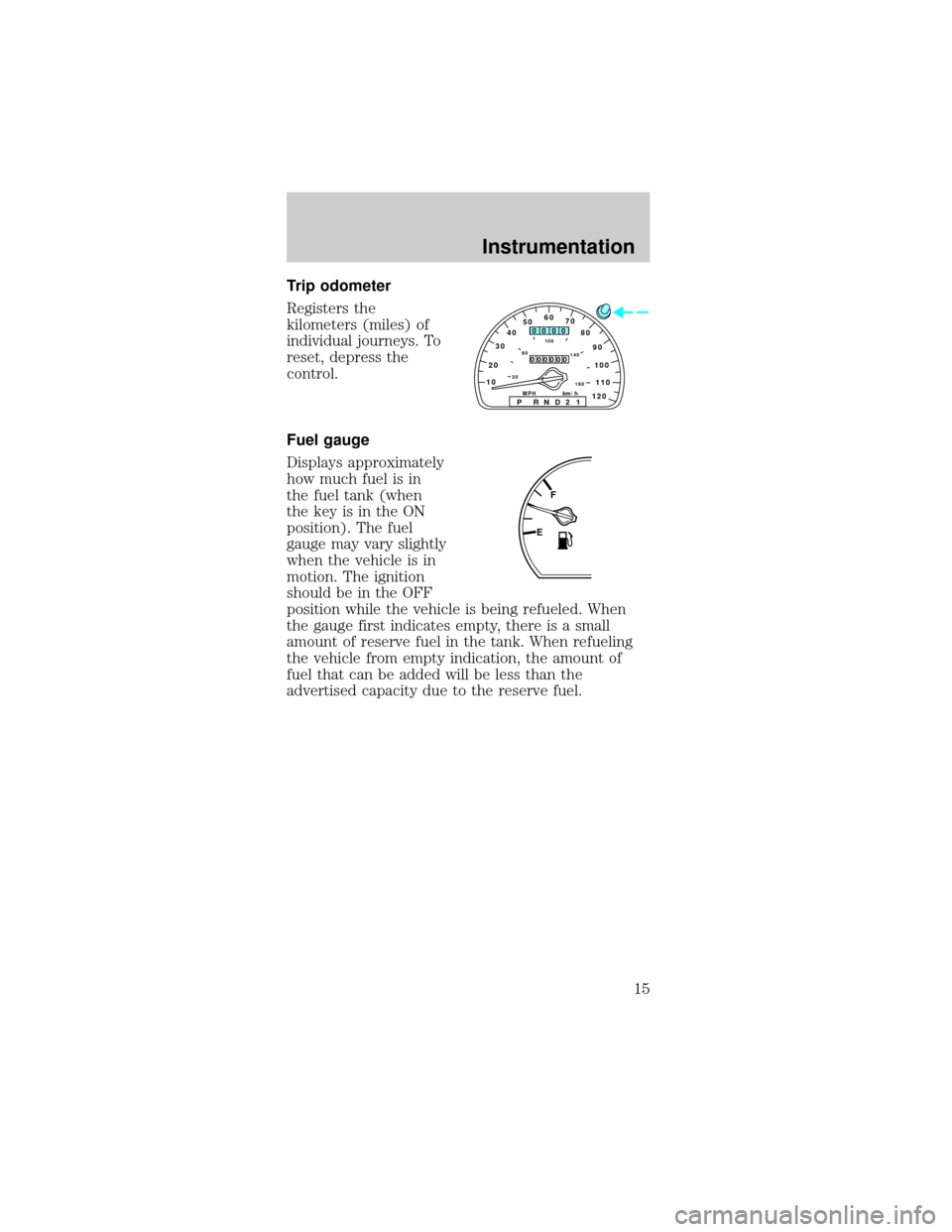
Trip odometer
Registers the
kilometers (miles) of
individual journeys. To
reset, depress the
control.
Fuel gauge
Displays approximately
how much fuel is in
the fuel tank (when
the key is in the ON
position). The fuel
gauge may vary slightly
when the vehicle is in
motion. The ignition
should be in the OFF
position while the vehicle is being refueled. When
the gauge first indicates empty, there is a small
amount of reserve fuel in the tank. When refueling
the vehicle from empty indication, the amount of
fuel that can be added will be less than the
advertised capacity due to the reserve fuel.
102030405060
70
80
90
100
1202060100
140
180
P R N D 2 1MPH km/h
00
000
00000
110
EF
Instrumentation
15
Page 23 of 192
Automatic operation
Press AUTO and select the desired temperature.
The selected temperature and the word AUTO will
appear in the display window. The EATC system will
either heat or cool to achieve the selected
temperature. The system will automatically
determine fan speed, airflow location and if fresh
outside air or recirculated air is required. Fan speed
remains automatic unless the fan speed control is
pressed.
When in AUTO and weather conditions require heat,
air will be sent to the floor. However, if the engine is
not warm enough to provide heat, the fan will be at
a low speed and the air will be directed to the
windshield. In 3ó minutes or less, the fan speed will
start to increase and the airflow location will change
to the floor area.
If unusual conditions exist (i.e.-window fogging,
etc.), the manual override controls allow you to
select airflow locations and the fan control allows
you to adjust fan speed as necessary.
Temperature selection
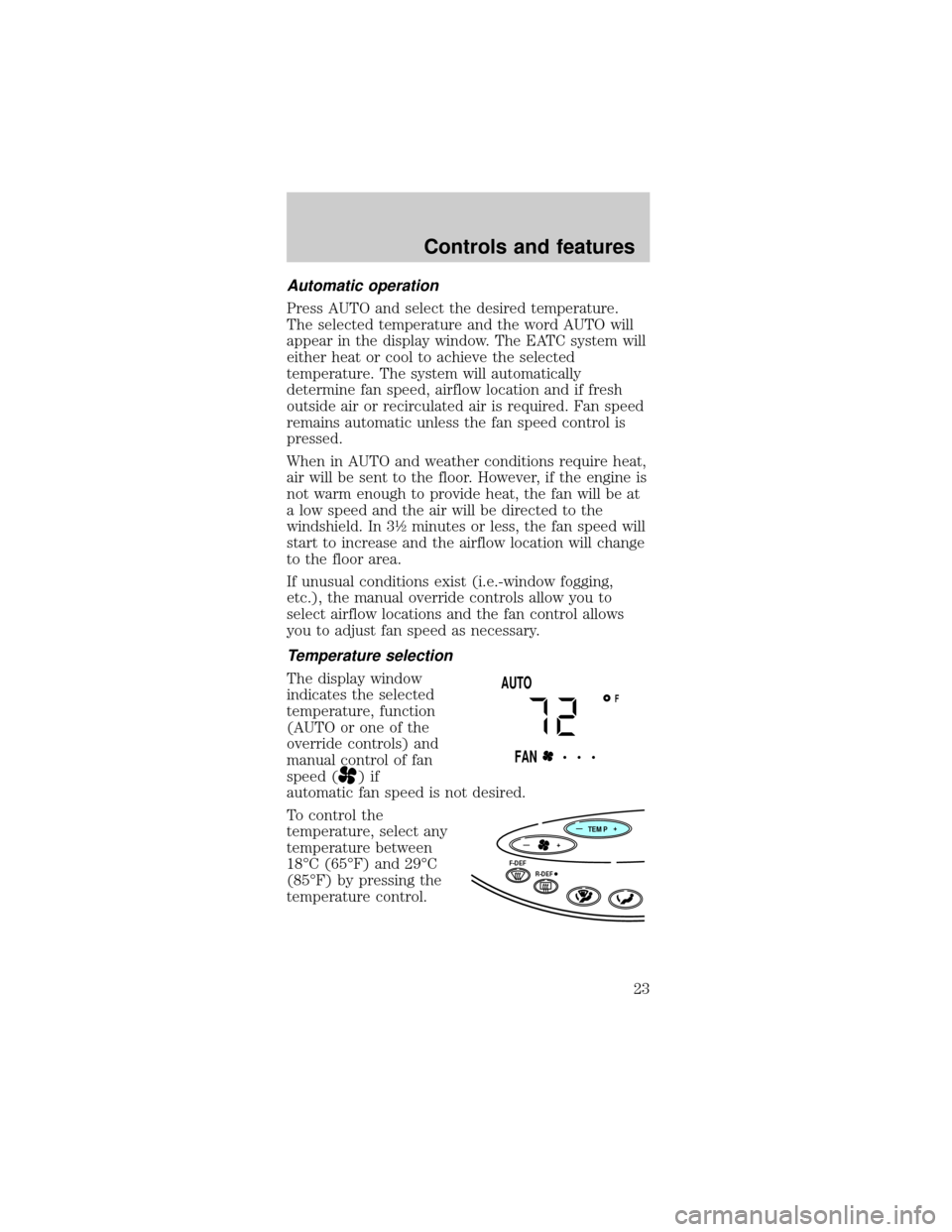
The display window
indicates the selected
temperature, function
(AUTO or one of the
override controls) and
manual control of fan
speed (
)if
automatic fan speed is not desired.
To control the
temperature, select any
temperature between
18ÉC (65ÉF) and 29ÉC
(85ÉF) by pressing the
temperature control.
FAUTO
FAN• • •
TEMP
—+
F-DEF
R-DEF
—+
Controls and features
23
Page 24 of 192
For continuous maximum cooling, push the
temperature control until 16ÉC (60ÉF) is shown in
the display window. The EATC will continue
maximum cooling (disregarding the displayed
temperature) until a warmer temperature is selected
by pressing the temperature control.
For continuous maximum heating, push the
temperature control until 32ÉC (90ÉF) is shown in
the display window. The EATC will continue
maximum heating (disregarding the displayed
temperature) until a cooler temperature is selected
by pressing the temperature control.
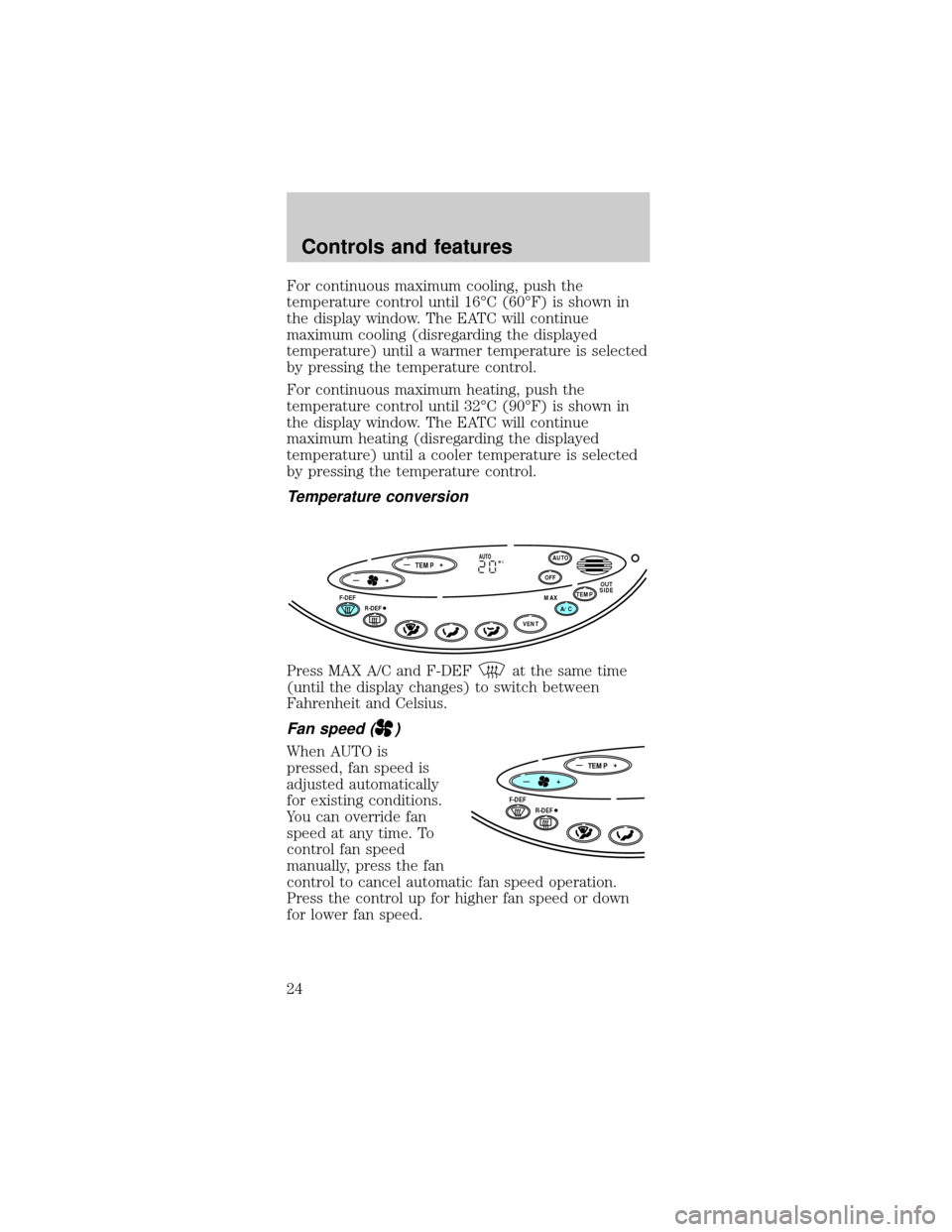
Temperature conversion
Press MAX A/C and F-DEFat the same time
(until the display changes) to switch between
Fahrenheit and Celsius.
Fan speed ()
When AUTO is
pressed, fan speed is
adjusted automatically
for existing conditions.
You can override fan
speed at any time. To
control fan speed
manually, press the fan
control to cancel automatic fan speed operation.
Press the control up for higher fan speed or down
for lower fan speed.
TEMP
—+OFFAUTO
TEMPOUT
SIDEA/C MAXF-DEF
R-DEF
VENT
—+AUTOC
TEMP
—+
F-DEF
R-DEF
—+
Controls and features
24
Page 25 of 192
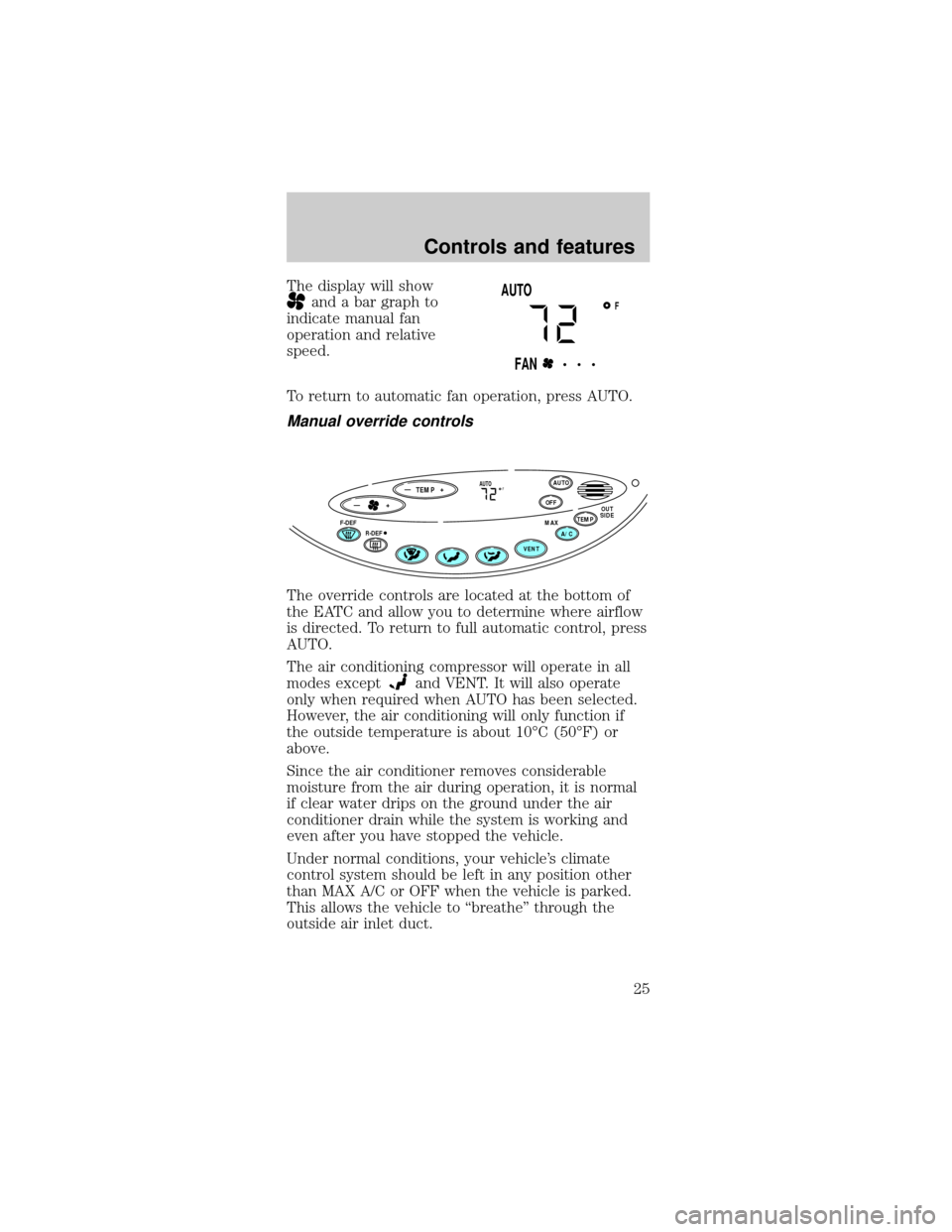
The display will show
and a bar graph to
indicate manual fan
operation and relative
speed.
To return to automatic fan operation, press AUTO.
Manual override controls
The override controls are located at the bottom of
the EATC and allow you to determine where airflow
is directed. To return to full automatic control, press
AUTO.
The air conditioning compressor will operate in all
modes except
and VENT. It will also operate
only when required when AUTO has been selected.
However, the air conditioning will only function if
the outside temperature is about 10ÉC (50ÉF) or
above.
Since the air conditioner removes considerable
moisture from the air during operation, it is normal
if clear water drips on the ground under the air
conditioner drain while the system is working and
even after you have stopped the vehicle.
Under normal conditions, your vehicle's climate
control system should be left in any position other
than MAX A/C or OFF when the vehicle is parked.
This allows the vehicle to ªbreatheº through the
outside air inlet duct.
FAUTO
FAN• • •
TEMP
—+OFFAUTO
TEMPOUT
SIDEA/C MAXF-DEF
R-DEF
VENT
—+AUTOF
Controls and features
25
Page 27 of 192

²F- DEF-Distributes outside air through the
windshield defroster ducts. It can be used to clear
ice or fog from the windshield. If the outside air
temperature is about 10ÉC (50ÉF) or higher, the
air conditioner will automatically dehumidify the
air to prevent fogging.
²OFF-Outside air is shut out and the fan will not
operate. For short periods of time only, use this
mode to prevent undesirable odors from entering
the vehicle.
Displaying outside temperature
Press OUTSIDE TEMP
to display the outside
air temperature. It will
be displayed until
OUTSIDE TEMP is
pressed again or until
any other control is
pressed. When the
EATC system is off and OUTSIDE TEMP is pressed,
the outside temperature will only be displayed for
four seconds.
The outside temperature reading is most accurate
when the vehicle is moving. Higher readings may be
obtained when the vehicle is not moving. The
readings that you get may not agree with
temperatures given on the radio due to differences
in vehicle and station locations.
Operating tips
²In humid weather, select F-DEFbefore
driving. This will prevent your windshield from
fogging. After a few minutes, select any desired
position.
²To prevent humidity buildup inside the vehicle,
don't drive with the climate control system in the
OFF position.
²Don't put objects under the front seat that will
interfere with the airflow to the back seats.
OFFAUTO
TEMPOUT
SIDE
A/C MAX
VENT
Controls and features
27