1998 CHEVROLET VENTURE battery
[x] Cancel search: batteryPage 144 of 474
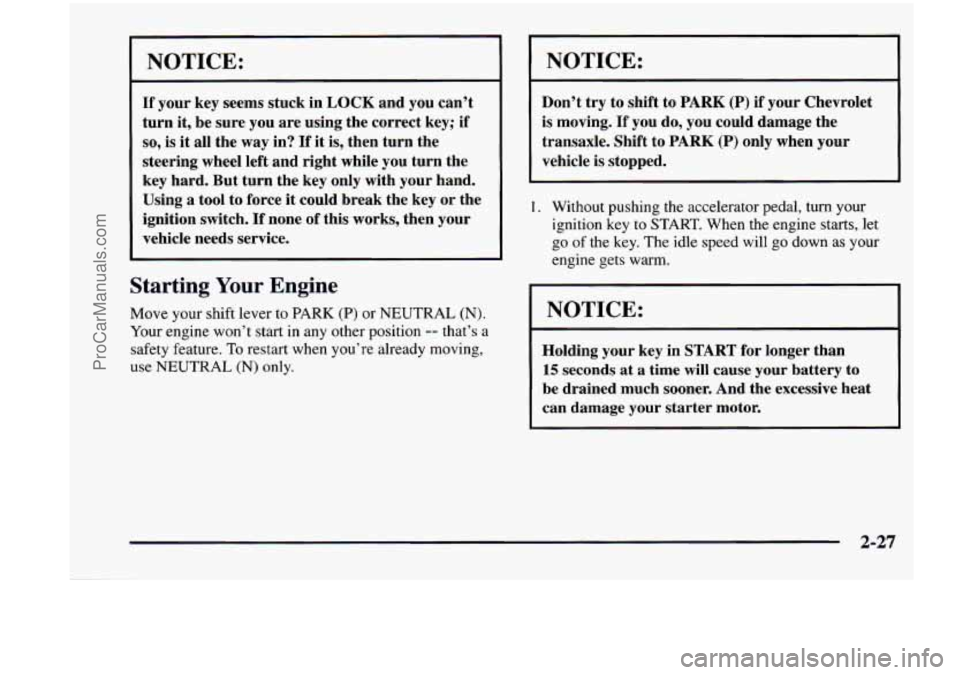
NOTICE:
If your key seems stuck in LOCK and you can’t
turn it, be sure you are using the correct key;
if
so, is it all the way in? If it is, then turn the
steering wheel left and right while you turn the
key hard. But turn
the key only with your hand.
NOTICE:
Don’t try to shift to PARK (P) if your Chevrolet
is moving.
If you do, you could damage the
transaxle. Shift to
PARK (P) only when your
vehicle is stopped.
Using a tool to force
it could break the key or the
ignition switch.
If none of this works, then your ignition key to START. When the engine starts, let
vehicle needs service.
go of the key. The idle speed will go down as your
1.
Without pushing the accelerator pedal, turn your
I engine gets warm.
Starting Your Engine
Move your shift lever to PARK (P) or NEUTRAL (N).
Your engine won’t start in any other position -- that’s a
safety feature.
To restart when you’re already moving,
use
NEUTRAL (N) only.
NOTICE:
Holding your key in START for longer than
15 seconds at a time will cause your battery to
be drained much sooner. And the excessive heat
can damage your starter motor.
2-27
ProCarManuals.com
Page 182 of 474
Battery Saver
Your vehicle has a feature to help prevent you from
draining the battery, in case you accidentally leave the
interior or underhood lamps
on. If you leave any of
these lamps on while the ignition is
in LOCK or OFF,
they will automatically turn off after 10 minutes. The
lamps won’t come back on again until you:
turn the ignition to RUN or ACCESSORY,
turn the interior lamps dial all the way to the right,
open (or close and reopen) a door that is closed.
Note that if your vehicle has less than 15 miles
(25 km)
on the odometer, the battery saver will turn off the lamps
after only three minutes. then
slightly back to the left; or
Mirrors
Inside Daymight Rearview Mirror
To reduce glare from lights behind you, pull the lever
toward you (to the night position). To return the mirror
to the day position, push the lever away from you.
Power Remote Control Mirrors
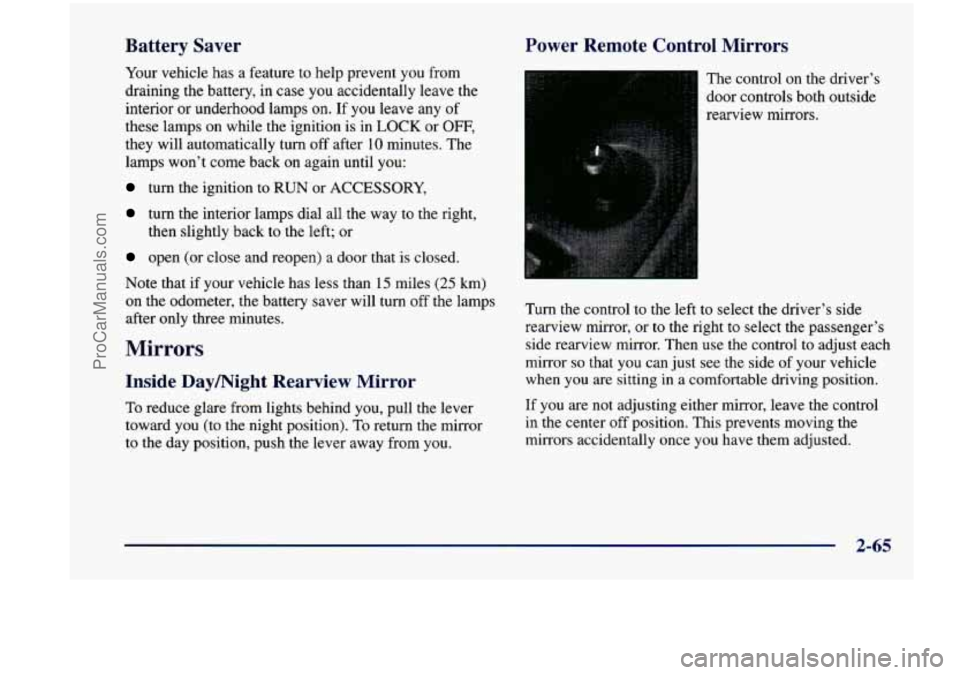
The control on the driver’s
door controls both outside
rearview mirrors.
Turn the control to the left to select the driver’s side
rearview mirror,
or to the right to select the passenger’s
side rearview mirror. Then
use the control to adjust each
mirror
so that you can just see the side of your vehicle
when you
are sitting in a comfortable driving position.
If you are not adjusting either mirror, leave the control
in the center off position. This prevents moving the
mirrors accidentally once you have them adjusted.
2-65
ProCarManuals.com
Page 198 of 474
The power outlets can be used to plug in electrical
equipment such as a cellular telephone,
CB radio, etc.
Follow the proper installation instructions that are
included
with any electrical equipment you install.
When not in use, always cover the rear outlet with the
protective cap.
To replace the cover on the rear outlet, line up the tabs
at the back
of the cover and put the cover in place. Push
down on the tab to secure the cover.
I NOTICE:
When using the accessory power outlet:
Maximum load of any electrical equipment
should not exceed
20 amps.
Be sure to turn off any electrical equipment
when not in use. Leaving electrical
equipment on for extended periods can
drain your battery.
2-81
ProCarManuals.com
Page 204 of 474

Air Bag Readiness Light
There is an air bag readiness light on the instrument
panel, which shows
a deployed air bag. The system
checks the air bag’s electrical system for malfunctions.
The light tells you if there is an electrical problem.
The system check includes the air bag sensors, the air
bag module, the wiring and the diagnostic module. For
more information on
the air bag system, see “Air Bag”
in the Index.
This light will come on
when you start your engine,
and
it will flash for a few
seconds. Then the light
should go out. This means
the system is ready.
If the air bag readiness light stays on after you start the
engine or comes on when you are driving, your air bag
system may not work properly. Have your vehicle
serviced right away.
The air bag readiness light should flash for
a few
seconds when you turn the ignition key to
RUN. If the
light doesn’t come on then, have it fixed
so it will be
ready to warn you
if there is a problem.
Charging System Indicator Light
1+1
The charging system light
will come on when you turn
on the ignition as a check to
show you it is working. It
will remain on as long as
the engine is not running.
It should go out once the engine is running. If
it stays
on, or comes on while you are driving, you may have a
problem with the charging system. It could indicate that
you have problems with a generator
drive belt, or
another electrical problem. Have
it checked right away.
Driving while this light
is on could drain your battery.
If you must drive a short distance with the light
on, be
certain to turn off all your accessories, such as the radio
and air conditioner.
Brake System Warning Light
When the ignition is on, the brake system warning light
will come on when you set your parking brake. The light
will stay on if your parking brake doesn’t release fully.
If it stays on after your parking brake is fully released, it
means you have a brake problem.
2-87
ProCarManuals.com
Page 245 of 474

PREV (1): Press this button to go back to the
start
of the current track if more than eight seconds have
played. Press PREV again to go to the previous track on
the disc.
NEXT (3): Press this button to advance to the next track
on the disc.
REV (4): Press and hold this button to quickly reverse
within a track. As the CD reverses, elapsed time will be
displayed to help you find the correct passage.
FWD (6): Press and hold this button to quickly advance
within a track. As the
CD advances, elapsed time will be
displayed to help you find the correct passage.
SEEK: Press the left arrow while playing a CD to go
back to
the start of the current track. It will go back to
the current track if more than eight seconds have played.
Press the left arrow again
to go to previous tracks. Press
the right arrow to go to the next higher track on the disc.
RANDOM: Press P.SCAN to enter the random play
mode. RANDOM will appear on the display. While in
this mode, the tracks on the discs will be played in
random order.
If you press SEEK, PREV or NEXT
while in the random mode, the PREV or NEXT track
will be scanned randomly. Press P.SCAN again to turn
off RANDOM and return to normal operation.
RECALL: Press this button to see what track is
currently playing. Press
RECALL again within five
seconds to see how long the track has been playing.
When a new track starts to play, the track number will
also appear. Press RECALL a third time and the time of
day will be displayed.
TAPE AUX: With a disc loaded in the player and the
radio playing, press this button once to play the compact
disc. To return to playing the radio, press AM-FM.
If
both a cassette tape and CD are loaded, press TAPE
AUX to switch between the tape and compact disc.
EJECT Press this button on the remote player to eject a
compact disc.
Theft-Deterrent Feature (If Equipped)
THEFTLOCK@ is designed to discourage theft of your
radio.
It works by using a secret code to disable all radio
functions whenever battery power is removed. Your
audio system is equipped with THEFTLOCK
if
THEFTLOCK is displayed on the front of the radio.
The THEFTLOCK feature for the radio may be used or
ignored. If ignored, the system plays normally and the
radio is not protected by the feature. If
THEFTLOCK is
activated, your radio will not operate if stolen.
3-26
ProCarManuals.com
Page 246 of 474
When THEFTLOCK is activated, the radio will display
LOC to indicate a locked condition anytime battery
power has been interrupted. If your battery loses power
for any reason, you must unlock the radio with the secret
code before it will operate.
Activating the Theft-Deterrent Feature
The instructions which follow explain how to enter your
secret code to activate the THEFTLOCK system. It is
recommended that you read through all nine steps
before starting the procedure.
NOTE: If you allow more than
15 seconds to elapse
between any steps, the radio automatically reverts to
time and you must start the procedure over at Step
4.
1. Write down any three or four-digit number from
000 to 1999 and keep it in a safe place separate from
the vehicle.
2. Turn the ignition to ACCESSORY or RUN.
3. Turn the radio off.
4. Press the 1 and 4 buttons together. Hold them down
until
--- shows on the display. Next you will use the
secret code number which you have written down.
5. Press MN and 000 will appear on the display.
6. Press MN again to make the last two digits agree
with your code.
7. Press HR to make the first one or two digits agree
with your code.
code matches the secret code you have written down.
The display will
show REP to let you know that you
need to repeat Steps
5 through 7 to confirm your
secret code.
8. Press AM-FM after you have confirmed that the
9. Press AM-FM and this time the display will show
SEC to let you know that your radio is secure. The
indicator by the volume control will begin flashing
when the ignition
is turned off.
Unlocking the Theft-Deterrent Feature After a
Power
Loss
Enter your secret code as follows; pause no more than
15 seconds between steps:
1. LOC appears when the ignition is on.
2. Press MN and 000 will appear on the display.
3. Press MN again to make the last two digits agree
with your code.
4. Press HR to make the first one or two digits agree
with your code.
3-27
ProCarManuals.com
Page 247 of 474
5. Press AM-FM after you have confirmed that the
code matches the secret code you have written down.
The display will show
SEC, indicating the radio is
now operable and secure.
If you enter the wrong code eight times, INOP will
appear
on the display. You will have to wait an hour
with the ignition on before you can try again. When you
try again, you will only have three chances to enter the
correct code before INOP appears.
If you lose or forget your code, contact your dealer.
Disabling the Theft-Deterrent Feature
Enter your secret code as follows; pause no more than
15 seconds between steps:
1. Turn the ignition to ACCESSORY or RUN.
2. Turn the radio off.
3. Press the 1 and 4 buttons together. Hold them down
until
SEC shows on the display.
4. Press MN and 000 will appear on the display.
5. Press MN again to make the last two digits agree
with your code.
6. Press HR to make the first one or two digits agree
with your code.
7. Press AM-FM after you have confirmed that the
code matches the secret code you have written down.
The display will show
---, indicating that the radio is
no longer secured.
If the code entered is incorrect, SEC will appear on the
display. The radio will remain secured until the correct
code is entered.
When battery power is removed and later applied
to a
secured radio, the radio won’t turn on and
LOC will
appear on the display.
To unlock a secured radio, see “Unlocking the
Theft-Deterrent Feature After a Power
Loss” earlier in
this section.
3-28
ProCarManuals.com
Page 283 of 474
Run your engine only as long as you must. This saves
fuel. When you run the engine, make it go a little faster
than just idle. That is, push the accelerator slightly. This
uses less fuel for the heat that you get and
it keeps the
battery charged.
You will need a well-charged battery to
restart the vehicle, and possibly for signaling later on with your headlamps. Let the heater run for a while.
Then, shut the engine off and close the window almost
all the way to preserve the heat. Start the engine again
and repeat this only when you feel really uncomfortable
from the cold. But do it as little as possible. Preserve the
fuel as long
as you can. To help keep warm, you can get
out of the vehicle and do some fairly vigorous exercises
every half hour or so until help comes.
Loading Your Vehicle
COLD TIRE PRESSURE
00
00
on
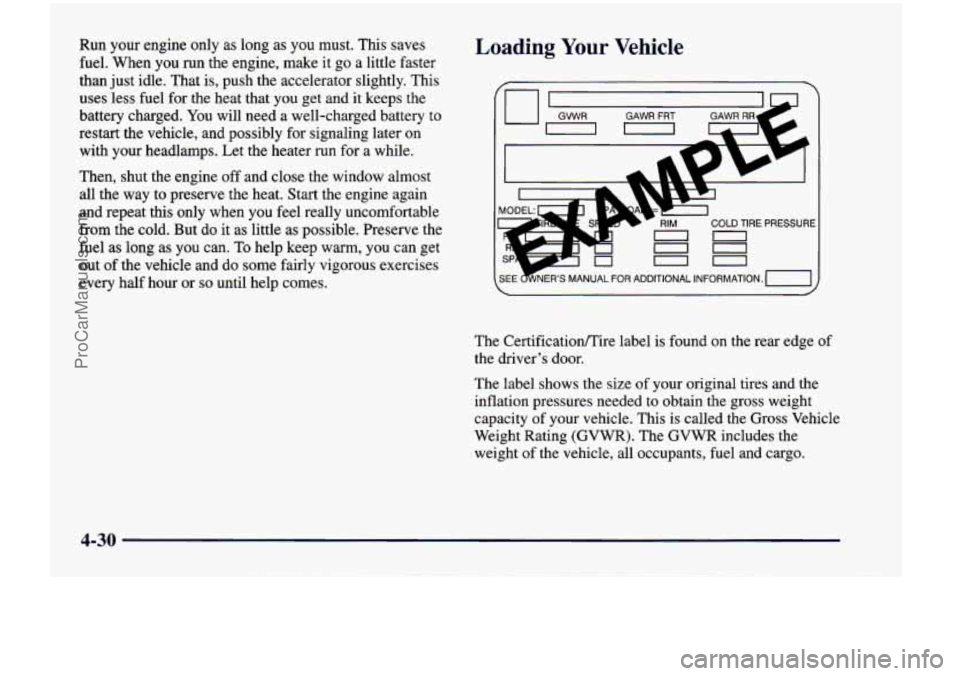
The Certificationire label is found on the rear edge of
the driver’s door.
The label shows the size of your original tires and the
inflation pressures needed to obtain the gross weight
capacity of your vehicle. This
is called the Gross Vehicle
Weight Rating (GVWR). The GVWR includes the
weight of the vehicle, all occupants, fuel and cargo.
4-30
ProCarManuals.com