1998 CHEVROLET MALIBU tow
[x] Cancel search: towPage 84 of 362
Downloaded from www.Manualslib.com manuals search engine PARK (P): This locks your front wheels. It’s the best
position to use when you start your engine because your
vehicle can’t move easily.
A CAUTION:
It is dangerous to get out of your vehicle if the
shift lever
is not fully in PARK (P) with the
parking brake firmly set. Your vehicle can roll.
Don’t leave your vehicle when the engine
is
running unless you have to. If you have left the
engine running, the vehicle can move suddenly.
You or others could be injured. To be sure your
vehicle won’t move, even when you’re on fairly
level ground, always set your parking brake and
move the shift lever to
PARK (P).
you’re pulling a trailer, see “Towing a Trailer” in
the Index.
, See “Shifting Into PARK (P)” in the Index. If
~
Ensure the shift lever is fully in PARK (P) range
before starting the engine. Your vehicle has a
Brake-Transaxle Shift Interlock. You have to apply
your regular brake before you can shift from PARK
(P)
when the ignition key is in ON. If you cannot shift out
of PARK
(P), ease pressure on the shift lever -- push the
shift lever all the way into PARK (P)
-- as you maintain
brake application. Then move the shift lever into the
gear you wish. (Press the shift lever button before
moving the shift lever.) See “Shifting Out of
PARK (P)”
later in this section.
REVERSE (R): Use this gear to back up.
I NOTICE: 1
Shifting to REVERSE (R) while your vehicle is
moving forward could damage your transaxle.
Shift to
REVERSE (R) only after your vehicle
is stopped. 1
To rock your vehicle back and forth to get out of snow,
ice or sand without damaging your transaxle, see
“Stuck: In Sand, Mud,
Ice or Snow’’ : Index.
2-19
Page 85 of 362
Downloaded from www.Manualslib.com manuals search engine NEUTRAL (N): In this position, your engine doesn’t
connect with the wheels.
To restart when you’re
already moving, use
NEUTRAL (N) only. Also, use
NEUTRAL (N) when your vehicle is being towed.
L I
I A CAU‘ [ON:
Shifting out of PARK (P) or NEUTRAL (N) while
your engine
is “racing” (running at high speed) is
dangerous. Unless your foot
is firmly on the
brake pedal, your vehicle could move very
rapidly.
You could lose control and hit people or
objects. Don’t shift out
of PARK (P) or
NEUTRAL
(N) while your engine is racing.
I
I NOTICE:
Damage to your transaxle caused by shifting out
of
PARK (P) or NEUTRAL (N) with the engine
racing isn’t covered by your warranty. AUTOMATIC OVERDRIVE
(D): This
position is for
normal driving.
If you need more power for passing,
and you’re:
Going less than 35 mph (56 km/h), push your
accelerator pedal about halfway down.
Going about 35 mph (56 km/h) or more, push the
accelerator all the way down. You’ll shift down
to
the next gear and have more power.
1 NOTICE:
If your vehicle seems to start up rather slowly, or
if
it seems not to shift gears as you go faster,
something may be wrong with
a transaxle system
sensor.
If you drive very far that way, your
vehicle can be damaged.
So, if this happens, have
your vehicle serviced right
away. Until then, you
can use
SECOND (2) when you are driving less
than
35 mph (56 kmh) and AUTOMATIC
OVERDRIVE
(D) for higher speeds.
2-20
Page 86 of 362
Downloaded from www.Manualslib.com manuals search engine THIRD (3): This position is also used for normal
driving, however, it offers more power and lower fuel
economy than AUTOMATIC
OVERDRIVE (D). Here
are some times you might choose THIRD
(3) instead of
AUTOMATIC OVERDRIVE
(D):
0 When driving on hilly, winding roads.
When towing a trailer, so there is less shifting
When going down a steep hill.
SECOND
(2): This position gives you more power but
lower fuel economy.
You can use SECOND (2) on hills.
It can help control your speed as you
go down steep
mountain roads, but then you would also want to use
your brakes
off and on.
between gears.
NOTICE:
Don’t
drive in SECOND (2) for more than 25 miles
(41 km), or at speeds over 55 mph (88 km/h), or
you can damage your transaxle. Use AUTOMATIC
OVERDRIVE @) or THIRD (3) as much as
possible. Don’t shift into SECOND (2) unless you
are going slower than 65 mph (105 km/h) or you
can damage your engine. FIRST
(1): This
position gives you even more power
(but lower fuel economy) than
SECOND (2). You can
use it on very steep hills, or
in deep snow or mud.
If the selector lever is put in FIRST
(I), the transaxle
won’t shift into first gear until the vehicle is going
slowly enough.
I
NOTICE:
If your front wheels can’t rotate, don’t try to
drive. This might happen if you were stuck in
very deep sand or mud
or were up against a solid
object. You can damage your transaxle.
Also, if you stop when going uphill, don’t hold
your vehicle there with only the accelerator
pedal. This could overheat and damage the
transaxle. Use your brakes or shift into
PARK (P)
to hold your vehicle in position on a hill.
2-21
Page 87 of 362
Downloaded from www.Manualslib.com manuals search engine Second-Gear Start
Your vehicle is equipped with a second-gear start
feature. Place the shift lever
in SECOND (2) gear to
provide more traction when you are starting on ice
or
other slippery surfaces. The transaxle will be in
SECOND (2) gear when the vehicle begins to move.
After starting in
SECOND (2) gear, place the shift lever
in
THIRD (3) or AUTOMATIC OVERDRIVE (D).
This feature is only for improved traction only when the
road surface is slippery and is not intended for
continuous use or when the vehicle is stuck in sand,
mud, ice, snow or gravel.
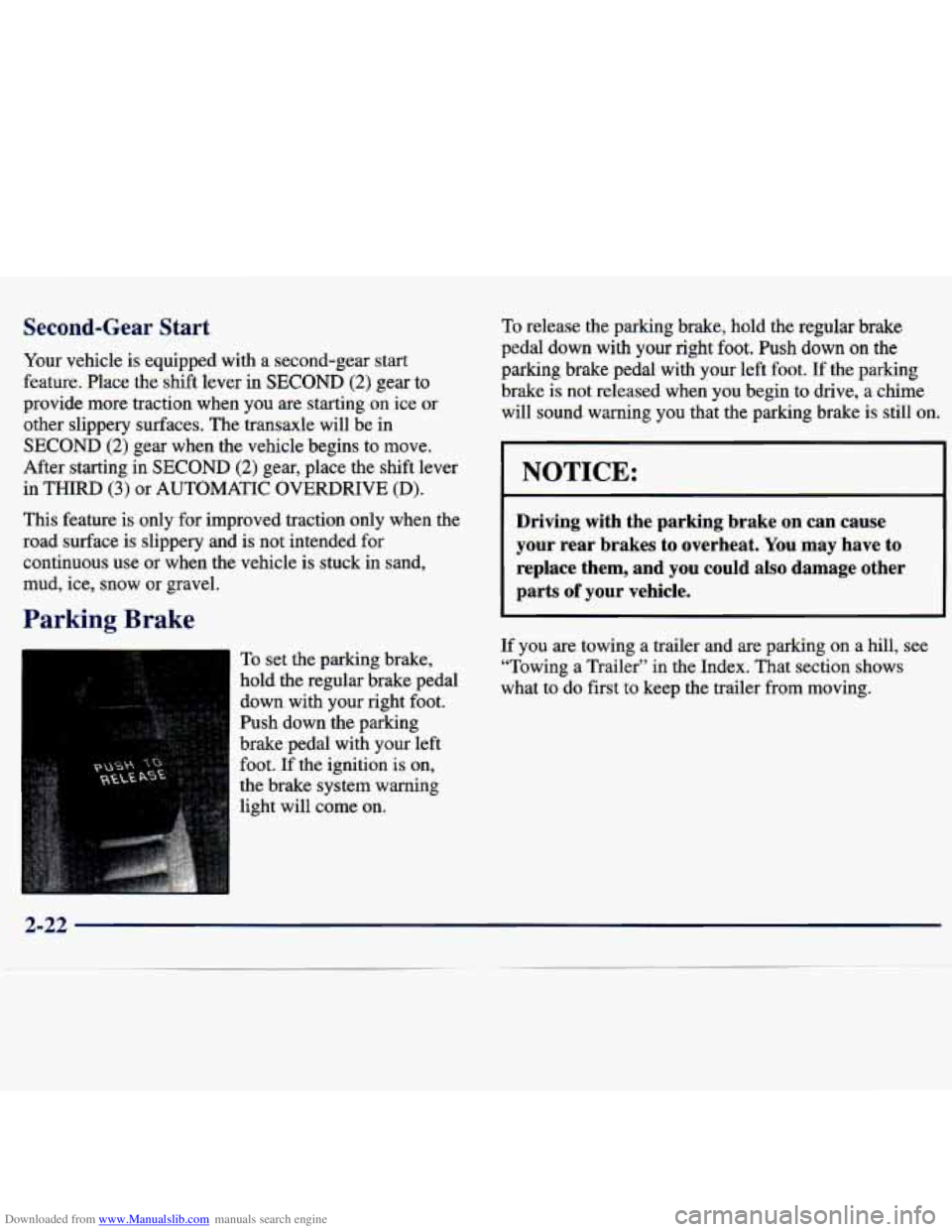
Parking Brake
To set the parking brake,
hold the regular brake pedal
down with your right foot.
Push down the parking
brake pedal with your left
foot.
If the ignition is on,
the brake system warning
light will come on.
To release the parking brake, hold the regular brake
pedal down with your right foot. Push down
on the
parking brake pedal with your left foot. If the parking
brake is not released when you begin to
drive, a chime
will sound warning you that the parking brake is still on,
NOTICE:
Driving with the parking brake on can cause
your rear brakes to overheat. You may have
to
replace them, and you could also damage other
parts
of your vehicle.
If you are towing a trailer and are parking on a hill, see
“Towing a Trailer” in the Index. That section shows
what to do first
to keep the trailer from moving.
2-22
Page 88 of 362
Downloaded from www.Manualslib.com manuals search engine Shifting Into PARK (P)
I
A CAUTION:
It can be dangerous to get out of your vehicle if
the shift lever is not fully in
PARK (P) with the
parking brake firmly set. Your vehicle can roll.
If
you have left the engine running, the vehicle can
move suddenly. You or others could be injured.
To be sure your vehicle won’t move, even when
you’re on fairly level ground, use the steps that
follow. If you’re pulling
a trailer, see “Towing a
Trailer” in the Index.
1. Hold the brake pedal down with your right foot and
set the parking brake.
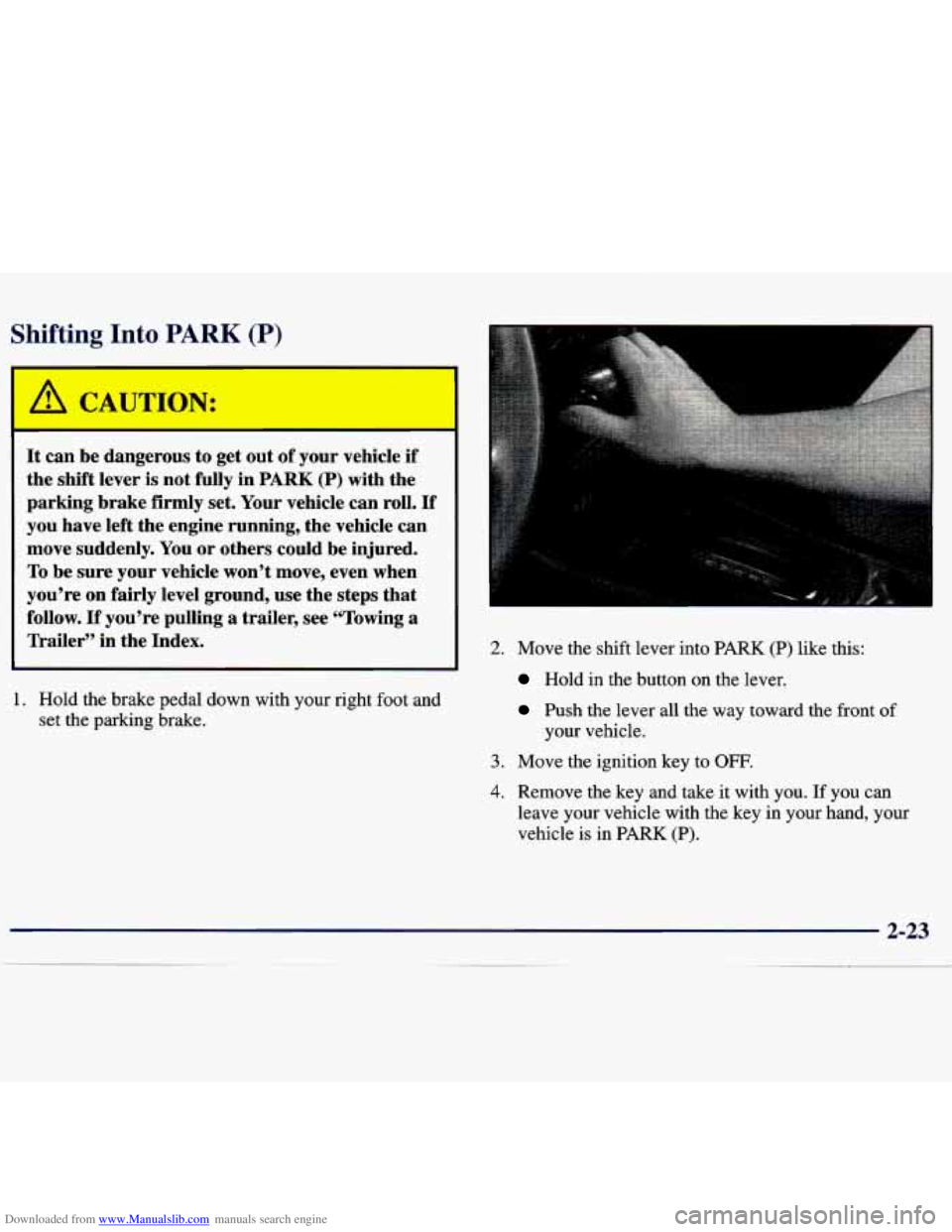
2. Move the shift lever into PARK (P) like this:
Hold in the button on the lever.
Push the lever all the way toward the front of
your vehicle.
3. Move the ignition key to OFF,
4. Remove the key and take it with you. If you can
leave your vehicle with the key in your hand, your
vehicle is in PARK
(P).
Page 92 of 362
Downloaded from www.Manualslib.com manuals search engine Power Windows (If Equipped)
I
It can be dangerous to get out of your vehicle if
the shift lever is not fully in PARK (P) with the
parking brake firmly set, Your vehicle can roll.
Don’t leave your vehicle when the engine
is
running unless you have to. If you’ve left the
engine running, the vehicle can move suddenly.
You or others could be injured.
To be sure your
vehicle won’t move, even when you’re
on fairly
level ground, always set your parking brake and
move the shift lever to
PARK (P).
Follow the proper steps to be sure your vehicle won’t
move. See “Shifting Into
PARK (P)” in the Index.
If you are parking on a hill and
if you’re pulling a
trailer, also see “Towing a Trailer” in the Index.
Windows
Manual Windows
On a vehicle with manual windows, use the window
crank to open and close each window. The
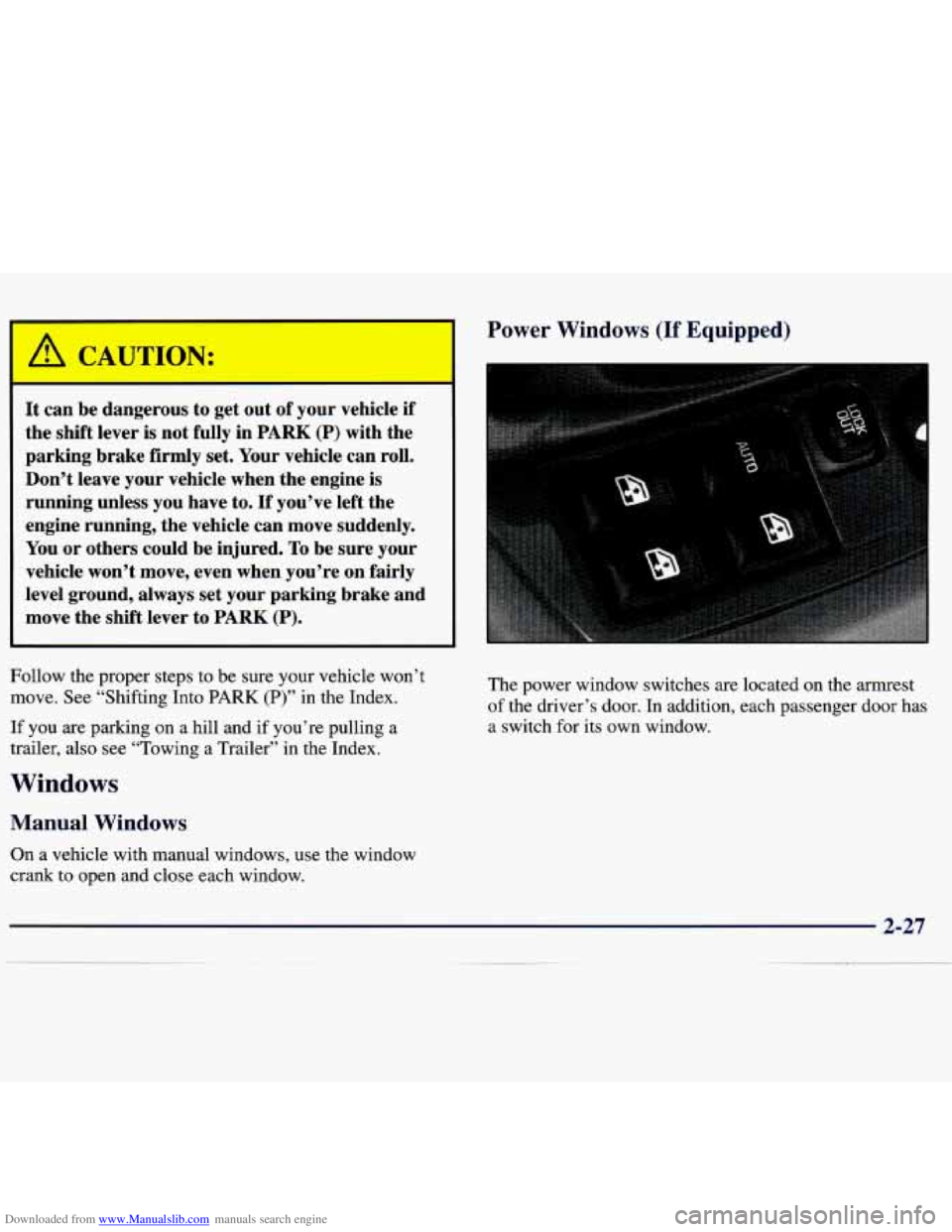
power window switches are located on the armrest
of the driver’s door. In addition, each passenger door has
a switch for its own window.
Page 93 of 362
Downloaded from www.Manualslib.com manuals search engine Auto-Down Switch Tilt Wheel
The driver's window switch has an auto-down feature.
This switch is labeled AUTO. Push the top of the switch
partway, and the driver's window will open a small
amount. If the switch is pushed all the way, the window
will go all the way down.
To stop the window while it is lowering, push the switch
forward.
To raise the window, push and hold the
switch forward.
Lock Out Switch
The driver's power window controls also include a
lock-out switch.
Press LOCK OUT to stop front and
rear passengers from using their window switches. The
driver can still control all the windows with the lock
on. Press the
LOCK OUT button again for normal
window operation.
Horn
You can sound the horn by pressing the horn symbol on
your steering wheel.
I
3
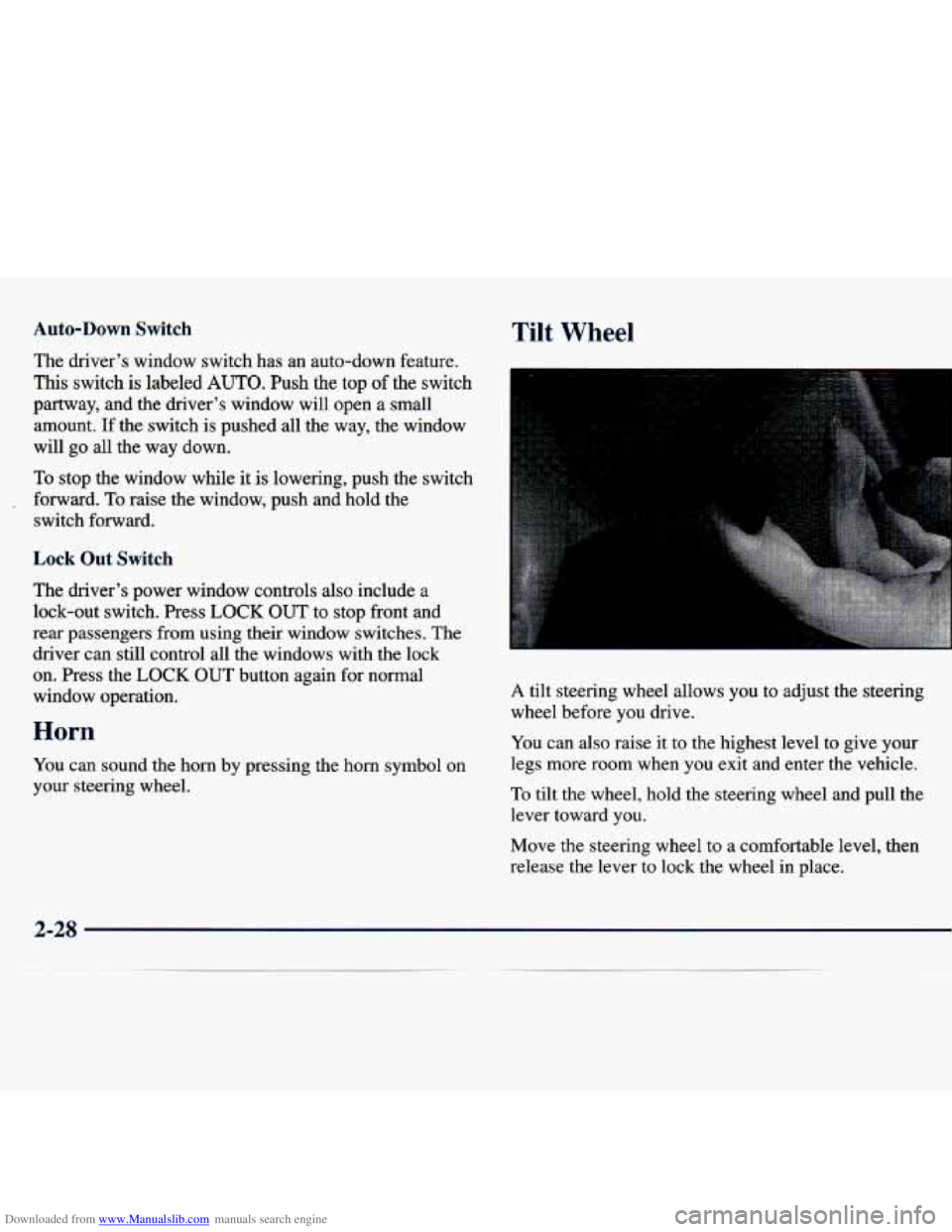
A tilt steering wheel allows you to adjust the steering
wheel before you drive.
You can also raise it to the highest level to give your
legs more room when
you exit and enter the vehicle.
To tilt the wheel, hold the steering wheel and pull the
lever toward you.
Move the steering wheel to a comfortable level, then
release the lever to lock the wheel in place.
2-28
Page 95 of 362
Downloaded from www.Manualslib.com manuals search engine If a bulb is burned out, replace it to help avoid an
accident. If the arrows don’t
go on at all when you
signal a turn, check for burned-out bulbs and then check
the fuse (see “Fuses and Circuit Breakers” in the Index).
Windshield Wipers
Headlamp High/Low Beam
To change the headlamps
from low-beam to
high-beam, push forward on the turn signaUmultifunction lever.
To change the headlamps from high-beam to low-beam,
pull the turn signal lever backward. When the high-beams
are on, a light on the instrument panel also
will be on.
Flash to Pass
This feature lets you use your high-beam headlamps to
signal a driver in front of you that you want to pass.
To use it, pull the turn signaVmultifunction lever toward
you until the high-beam headlamps come on, then
release the lever to turn them off. You
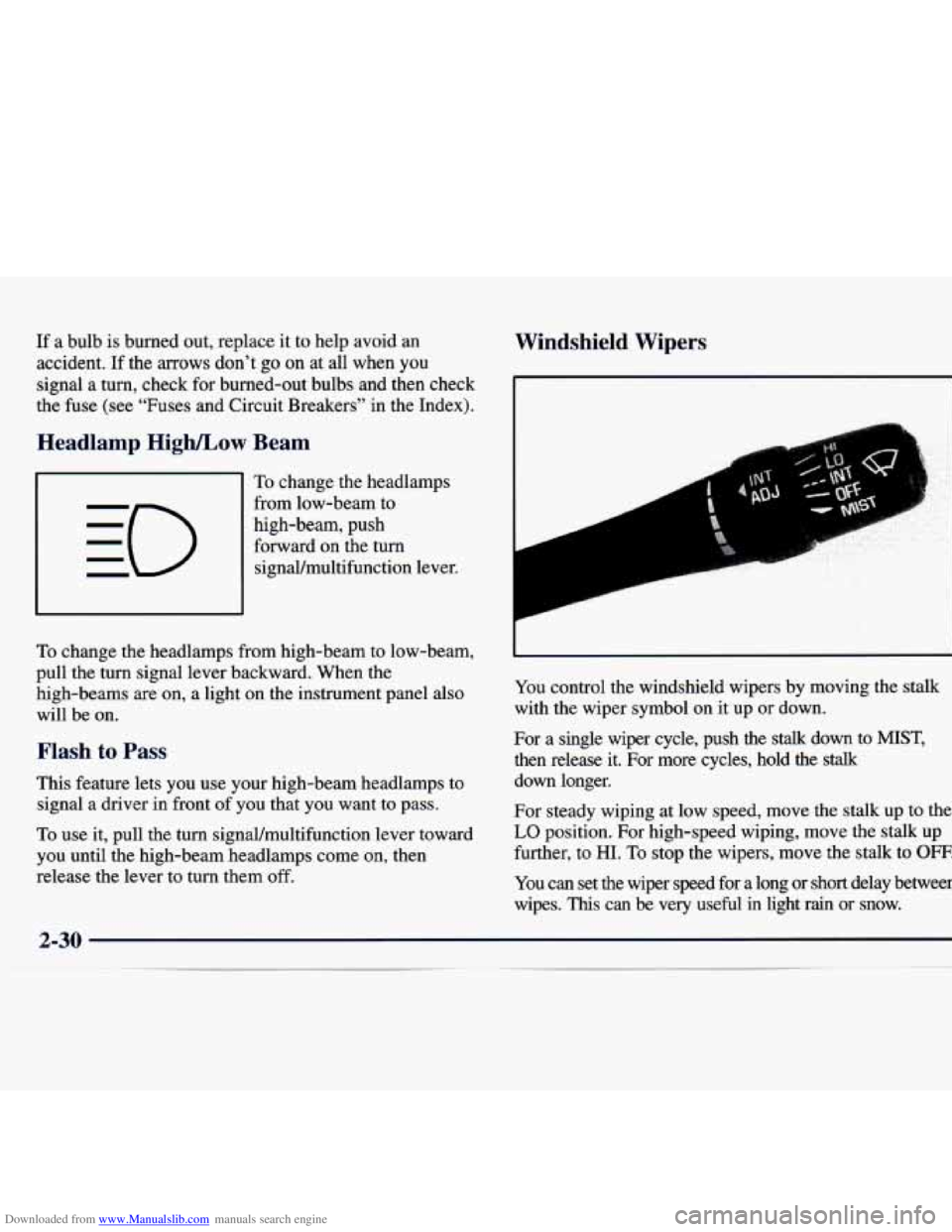
control the windshield wipers by moving the stalk
with the wiper symbol on it up or down.
For a single wiper cycle, push the
stalk down to MIST,
then release it. For more cycles, hold the stalk
down longer.
For steady wiping at low speed, move the stalk up to the
LO position. For high-speed wiping, move the stalk up
further, to
HI. To stop the wipers, move the stalk to OFF.
You can set the wiper speed for a long or short delay between
wipes.
This can be very useful in light rain or snow.