1998 CHEVROLET CAVALIER stop start
[x] Cancel search: stop startPage 143 of 400
Downloaded from www.Manualslib.com manuals search engine Charging System Light
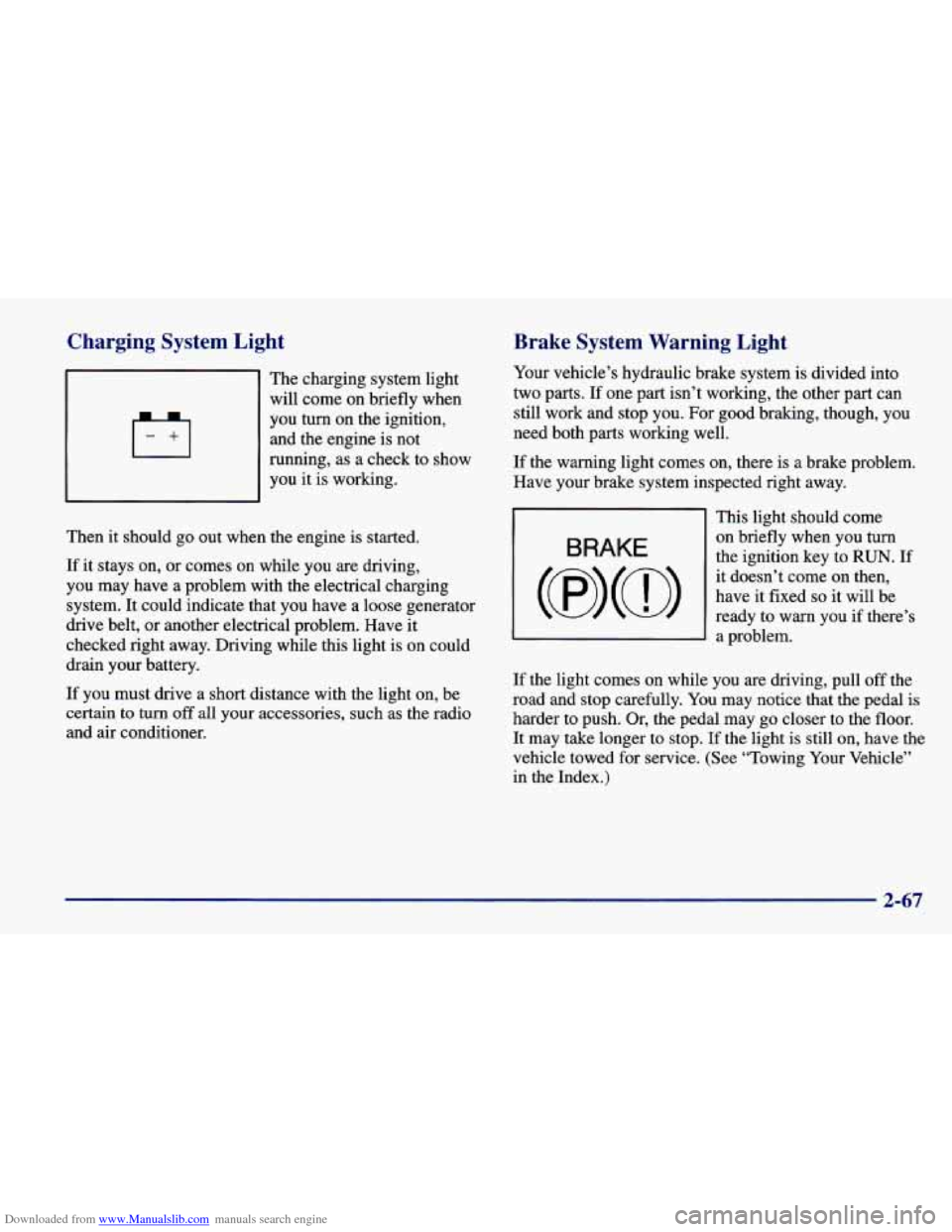
The charging system light
will come on briefly when
you turn on the ignition,
and the engine is not
running, as a check to show
you it is working.
Then
it should go out when the engine is started.
If it stays on, or comes on while you are driving,
you may have a problem with the electrical charging
system. It could indicate that you have a loose generator
drive belt, or another electrical problem. Have it
checked right away. Driving while this light is on could
drain your battery.
If you must drive a short distance with the light on, be
certain to turn
off all your accessories, such as the radio
and air conditioner.
Brake System Warning Light
Your vehicle’s hydraulic brake system is divided into
two parts.
If one part isn’t working, the other part can
still work and stop you. For good braking, though, you
need both parts working well.
If the warning light comes on, there is a brake problem.
Have your brake system inspected right away.
BRAKE
This light should come
on briefly when you
turn
the ignition key to RUN. If
it doesn’t come on then,
have it fixed
so it will be
ready to warn you if there’s
3 a problem.
If the light comes on while you are driving, pull off the
road and stop carefully. You may notice that the pedal
is
harder to push. Or, the pedal may go closer to the floor.
It may take longer to stop. If the light is still on, have the
vehicle towed for service. (See “Towing Your Vehicle”
in the Index.)
2-67
Page 144 of 400
Downloaded from www.Manualslib.com manuals search engine Your brake system may not be working properly
if the brake system warning light is on. Driving
with the brake system warning light
on can lead
to an accident. If the light is still on after you’ve
pulled
off the road and stopped carefully, have
the vehicle towed for service.
When the ignition is on, the brake system warning light
will also come on when you set your parking brake. The
light will stay on if your parking brake doesn’t release
fully. If it stays on after your parking brake is fully
released, it means you have
a brake problem.
Anti-Lock Brake System Warning Light
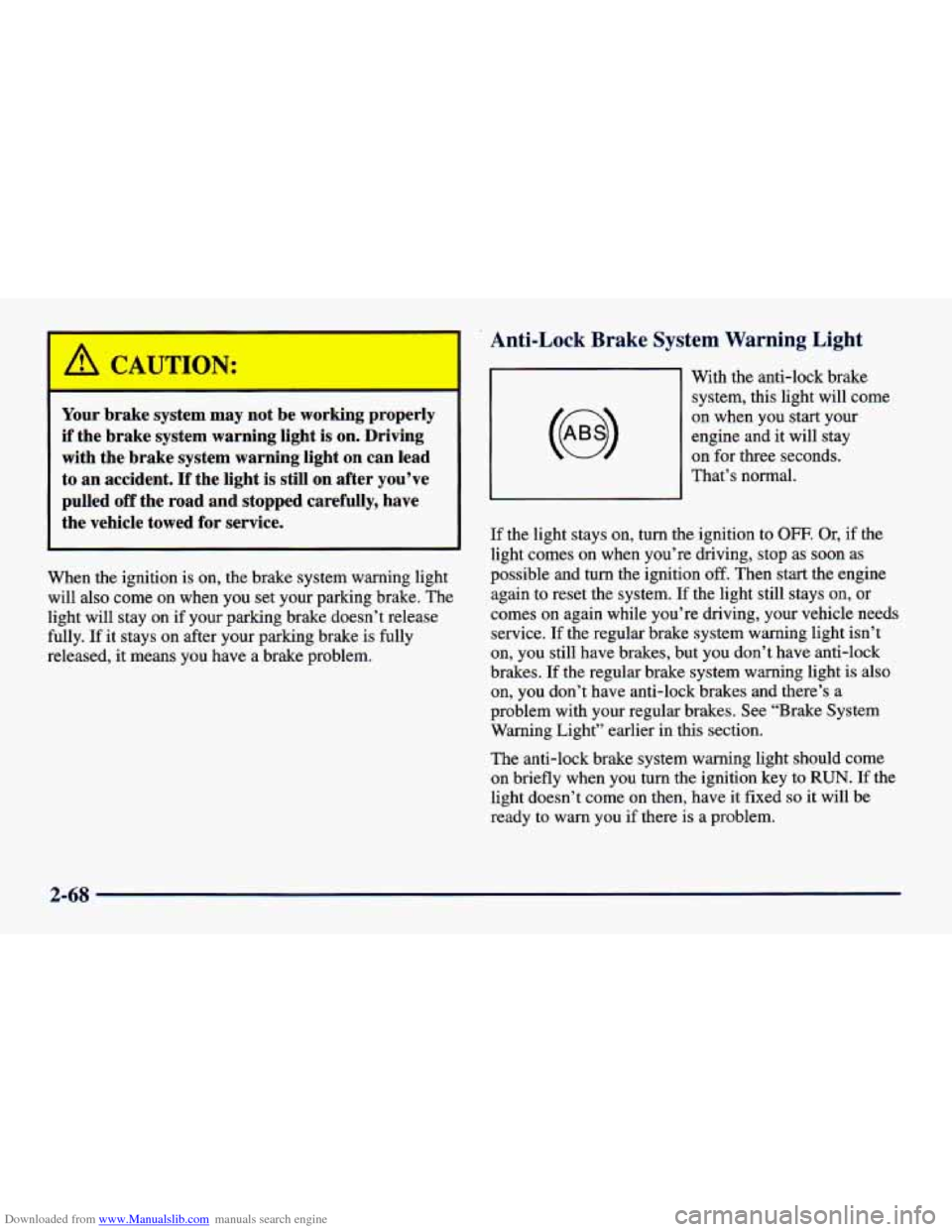
I With the anti-lock brake
system, this light will
come
on when you start your
engine and it will stay
on for three seconds.
That’s normal.
If the light stays
on, turn the ignition to OFF. Or, if the
light comes on when you’re driving, stop as
soon as
possible and
turn the ignition off. Then start the engine
again to reset the system. If the light still stays on, or
comes on again while you’re driving, your vehicle needs
service.
If the regular brake system warning light isn’t
on, you still have brakes, but you don’t have anti-lock
brakes. If the regular brake system warning light is also
on, you don’t have anti-lock brakes and there’s a
problem with your regular brakes. See “Brake System
Warning Light’’ earlier in this section.
The anti-lock brake system warning light should come
on briefly when you turn the ignition key to
RUN. If the
light doesn’t come on then, have it fixed
so it will be
ready to warn you if there is a problem.
2-68
Page 148 of 400
Downloaded from www.Manualslib.com manuals search engine This light should come on, as a check to show you it is
working, when the ignition is on and the engine is not
running. If the light doesn’t come on, have it repaired.
This light will also come on during a malfunction in one
of two ways:
0
0
Light Flashing -- A misfire condition has been
detected. A misfire increases vehicle emissions and may damage the emission control system
on your
vehicle. Dealer or qualified service center diagnosis
and service may be required.
Light On Steady -- An emission control system
malfunction has been detected
on your vehicle.
Dealer or qualified service center diagnosis and service may be required.
If the Light Is Flashing
The following may prevent more serious damage to
your vehicle:
Reducing vehicle speed.
0 Avoiding hard accelerations.
0 Avoiding steep uphill grades.
If you are towing a trailer, reduce the amount of
cargo being hauled as soon as it is possible.
If the light stops flashing and remains
on steady, see “If
the Light Is On Steady” following.
If the light continues to flash, when
it is safe to do so,
stop the vehicle. Find a safe place to park your vehicle.
Turn the key
off, wait at least 10 seconds and restart the
engine. If the light remains on steady, see
“If the Light
Is On Steady” following. If
the light is still flashing,
follow the previous steps, and drive the vehicle to your
dealer or qualified service center for service.
2-72
Page 150 of 400
Downloaded from www.Manualslib.com manuals search engine Oil Pressure Light
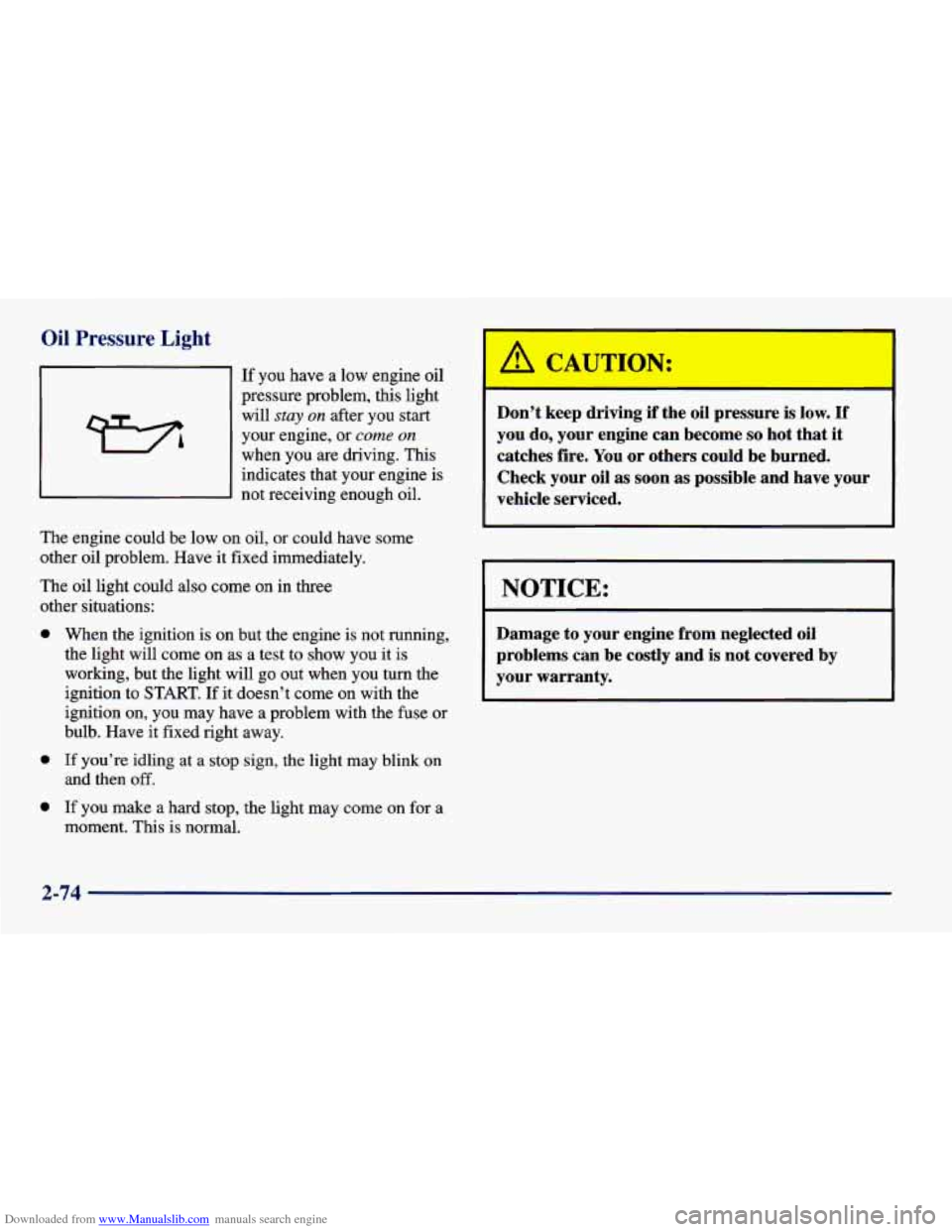
If you have a low engine oil
pressure problem, this light
will
stay on after you start
your engine, or
come on
when you are driving. This indicates that your engine is
not receiving enough oil.
The engine could be low on oil, or could have some
other oil problem. Have it fixed immediately.
The oil light could also come on in three
other situations:
0
0
0
When the ignition is on but the engine is not running,
the light will come on as a test to show you it is
working, but the light will go out when you turn the
ignition
to START. If it doesn’t come on with the
ignition on, you may have a problem with the fuse or
bulb. Have it fixed right away.
If you’re idling at a stop sign, the light may blink on
and then
off.
If you make a hard stop, the light may come on for a
moment. This is normal.
Don’t keep driving if the oil pressure is low. If
you do, your engine can become so hot that it
catches fire. You or others could be burned.
Check your oil
as soon as possible and have your
vehicle serviced.
NOTICE:
Damage to your engine from neglected oil
problems can be costly and is not covered by
your warranty.
2-74
Page 164 of 400
Downloaded from www.Manualslib.com manuals search engine In addition to the four stations already set, up to three
more stations may be preset on each band by pressing
two adjoining buttons at the same time. Just:
1. Tune in the desired station.
2. Press SET. (SET will appear on the display.)
3. Press any two adjoining pushbuttons at the same
time, within
five seconds. The sound will mute.
When it returns, release the buttons. Whenever
you press the same buttons, the station you set
will return.
4. Repeat the steps for each pair of pushbuttons.
P.SCAN: Press both SEEK arrows and P.SCAN will
appear on the display. Use P.'SCAN to listen to each of
your preset stations for a few seconds. The radio will go
to the first preset station stored on your pushbuttons, stop for a few seconds, then go on to the next preset
station.
(If a preset station has weak reception, it will not
stop.) Press either
SEEK arrow or the upper knob to
stop scanning.
Setting the Tone
BASS: Slide the lever up or down to increase or
decrease bass.
TREB: Slide the lever up or down to increase or
decrease treble.
If a station is weak or noisy, you may
want to decrease the treble.
Adjusting the Speakers
BAL:
Turn the control behind the upper knob to move
the sound to the left or right speakers. The middle
position balances the sound between the speakers.
FADE: Turn the control behind the lower knob to move
the sound to the front or rear speakers. The middle
position balances the sound between the speakers.
Playing a Cassette Tape
Your tape player is built to work best with tapes that are
30 to 45 minutes long on each side. Tapes longer than
that are
so thin they may not work well in this player.
If you hear nothing
or hear just a garbled sound, it may
not be
in squarely. Press EJECT to remove the tape and
start over.
While the tape is playing, use the
VOL, FADE, BAL,
BASS and TREB controls just as you do for the radio.
Other controls may have different functions when a tape
is inserted. The display will
show an arrow to show
which side of the tape is playing.
3-10
Page 173 of 400
Downloaded from www.Manualslib.com manuals search engine RDM (2): Press this button to hear the tracks in random,
rather than sequential, order. RANDOM will show on
the display. Press RDM again to turn off random play.
RDM is reset to off when the disc is ejected.
NEXT (3): Press this button or the right SEEK arrow
to go to the next track. If you hold the button or press
it more than once, the player will continue moving
forward through the disc, The sound will mute
while seeking.
REV (4): Press and hold this button to quickly reverse
within a track. Release it
to play the passage. You can
use the counter reading on the display to locate a
passage more easily.
FWD (6): Press and hold this button to advance
quickly within a track. Release it to resume playing.
You can use the counter reading on the display to locate
a passage easily.
RECALL: Press this button to see which track is
playing. Press it again within five seconds to
see how
long it has been playing (elapsed time). The track
number also appears when you change the volume or
when a new track starts to play.
AM-FM: Press this button to play the radio when
a disc is in the player. The letters CD will go off
the display.
CD AUX: Press this button to change to the disc
function when the radio
is on. A CD icon will appear on
the display when the disc is in the player, whether it is
active or not. If your system
is equipped with a remote
playback device, pressing this button a second time will
allow the remote device to play.
EJECT Press this button to remove the disc. The
radio will play. The disc will start at the first track when
you reinsert it.
If you turn off the ignition or radio with a disc in the
player,
it will stay in the player. When you turn on the
ignition or system, the disc will start playing where it
was stopped.
If you press EJECT but don’t remove
the disc, the player will pull the disc back in to protect
it after about one minute. If
you leave a compact disc
in the player while listening to the radio, it may
become warm.
3-19
Page 187 of 400
Downloaded from www.Manualslib.com manuals search engine Anti-Lock Brakes (ABS)
Your vehicle has anti-lock brakes (ABS). ABS is an
advanced electronic braking system that will help
prevent
a braking skid.
wnen
you start your engine, or when you begin to drive
away, your anti-lock brake system will check itself. You
may hear a momentary motor
or clicking noise while
this test is going on, and you may even notice that your
brake pedal moves or pulses a little. This is normal.
If there’s a problem with the
anti-lock brake system, this
warning light will stay on.
See “Anti-Lock Brake
System Warning Light” in
the Index.
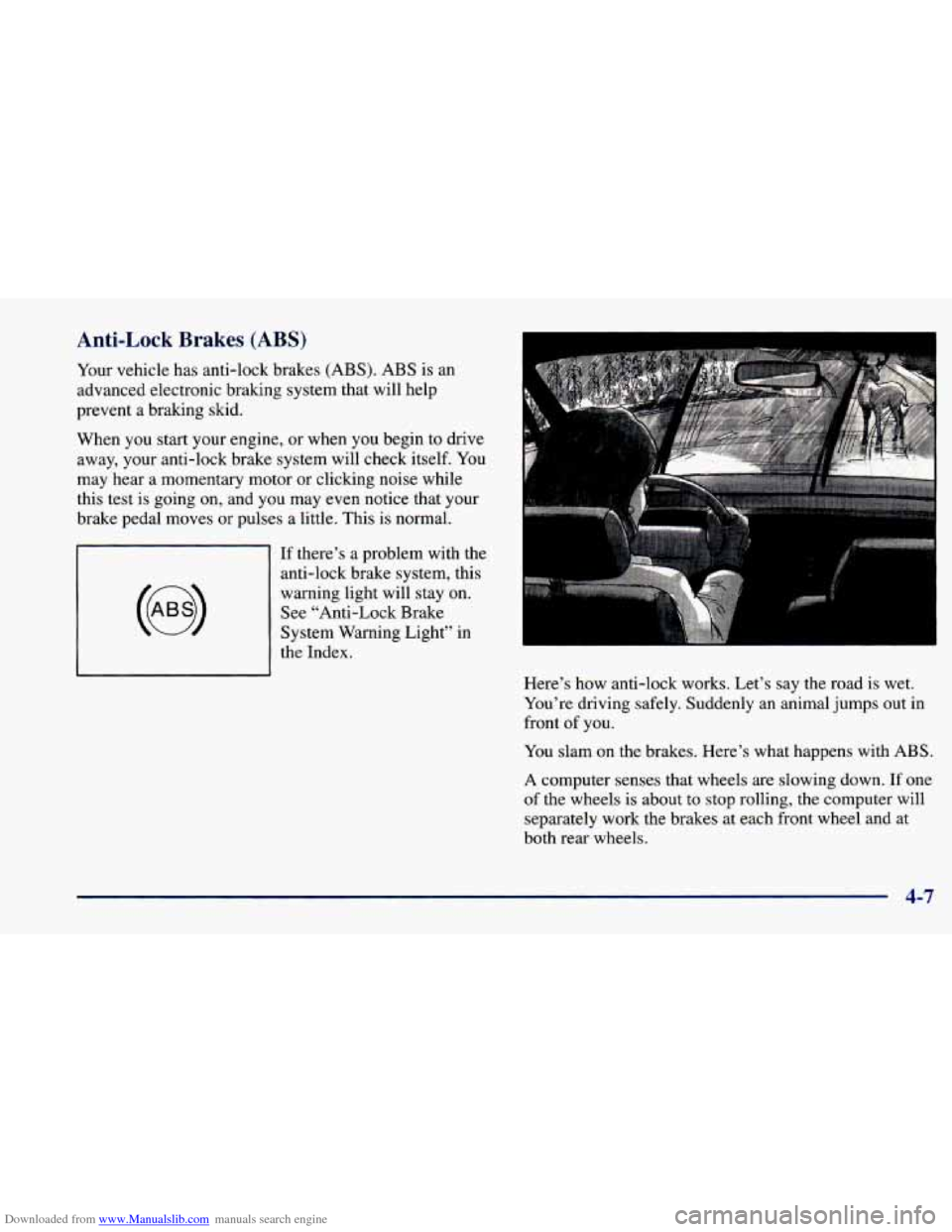
Here’s how anti-lock works. Let’s say the road is wet.
You’re driving safely. Suddenly an animal jumps out in
front
of you.
You slam on the brakes. Here’s what happens with ABS.
A computer senses that wheels are slowing down. If one
of the wheels is about to stop rolling, the computer will
separately work the brakes at each front wheel and at
both rear wheels.
4-7
Page 193 of 400
Downloaded from www.Manualslib.com manuals search engine 0 0
0
Do not get too close to the vehicle you want to
pass while you’re awaiting an opportunity. For one
thing, following too closely reduces your area of
vision, especially if you’re following
a larger
vehicle. Also, you won’t have adequate space if the vehicle ahead suddenly slows or stops. Keep back a
reasonable distance.
When it looks like a chance to pass is coming up,
start to accelerate but stay in the right lane and don’t
get too close. Time your move so you will be
increasing speed as the time comes to move into the
other lane. If the way is clear
to pass, you will have a
“running start” that more than makes up for the
distance you would lose by dropping back. And if
something happens to cause you to cancel your pass,
you need only slow down and drop back again and wait for another opportunity.
If other
cars are lined up to pass a slow vehicle, wait
your turn. But take care that someone isn’t trying to
pass you as you pull out to pass the slow vehicle.
Remember to glance over your shoulder and check
the blind spot.
0 Check your mirrors, glance over your shoulder, and
start your left lane change signal before moving out
of the right lane to pass. When you are
far enough
ahead of the passed vehicle to see its front in your
inside mirror, activate your right lane change signal
and move back into the right lane. (Remember that
your right outside mirror is convex. The vehicle you
just passed may seem to be farther away from you
than it really
is.)
Try not to pass more than one vehicle at a time on
two-lane roads. Reconsider before passing the next
vehicle.
Don’t overtake a slowly moving vehicle too rapidly.
Even though the brake lamps are not flashing, it may
be slowing down or starting to turn.
following driver to get ahead of you. Perhaps you
can ease
a little to the right.
If you’re being passed, make it easy for the
4-13