1998 CHEVROLET CAVALIER fuel
[x] Cancel search: fuelPage 137 of 400
Downloaded from www.Manualslib.com manuals search engine Your instrument panel is designed to let you know at a glance how your vehicle is running. You’ll know how fast
you’re going, how much fuel is left in the tank, and many other things you’ll need to drive sa\
fely and economically,
The main components
of your instrument panel are:
1. Instrument Panel Intensity Control
2. Turn SignaVMultifunction Lever
3. Hazard Warning Flashers Switch
4. Ignition Switch
5. Windshield Wiperwasher Controls
6. Audio System
7. Climate Controls and Rear Window Defogger
8. Ashtray
9. Parking Brake Lever
10. Tilt Steering Wheel Lever (If Equipped)
11. Hood Release Lever
12. Fuse Panel
2-61
Page 147 of 400
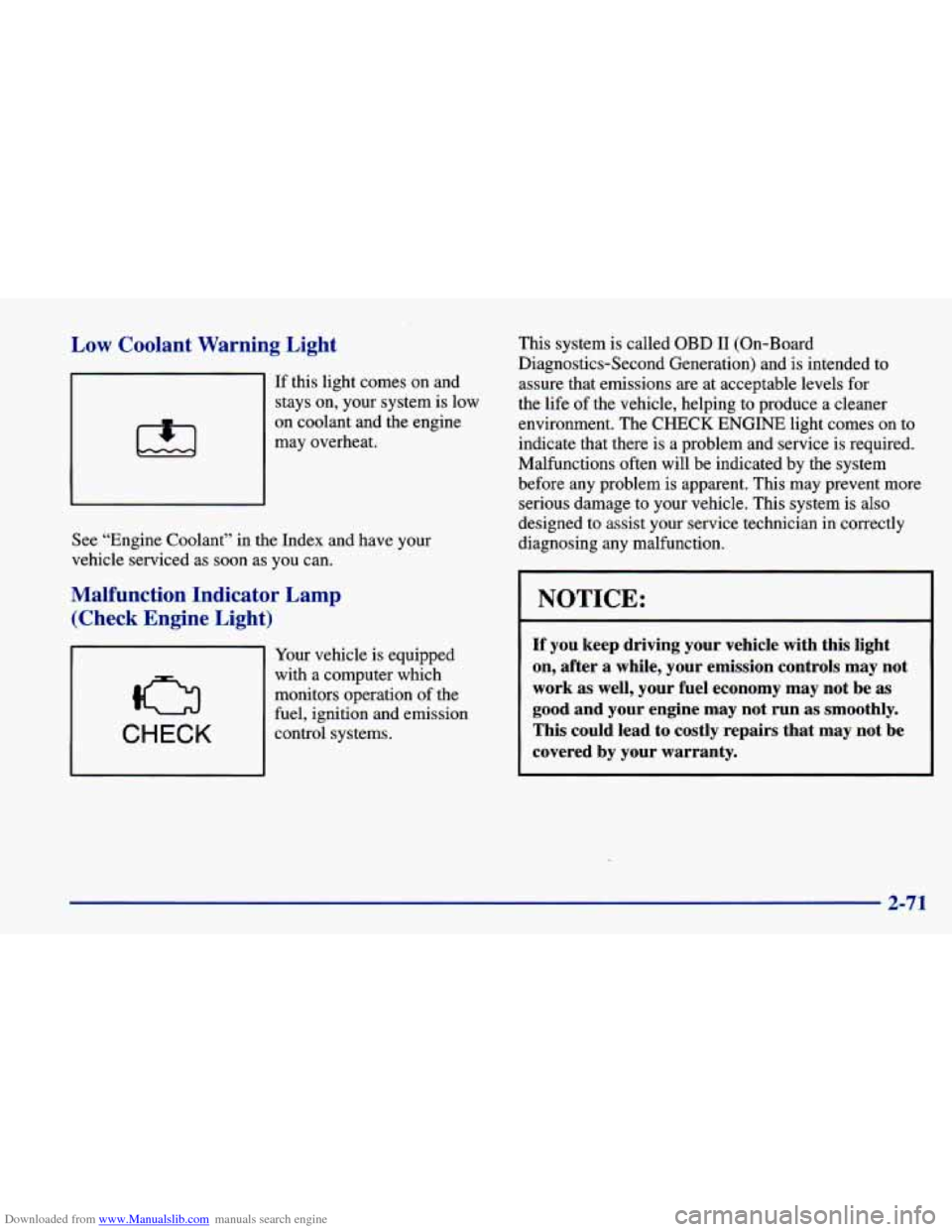
Downloaded from www.Manualslib.com manuals search engine Low Coolant Warning Light
If this light comes on and
stays on, your system is low
on coolant and the engine
may overheat.
See “Engine Coolant” in the Index and have your
vehicle serviced as soon as you can.
Malfunction Indicator Lamp
(Check Engine Light)
CHECK
Your vehicle is equipped
with a computer which
monitors operation of the
fuel, ignition and emission
control systems. This system is called
OBD I1 (On-Board
Diagnostics-Second Generation) and is intended to assure that emissions are at acceptable levels for
the life
of the vehicle, helping to produce a cleaner
environment. The
CHECK ENGINE light comes on to
indicate that there is a problem and service is required.
Malfunctions often will be indicated by the system
before any problem is apparent. This may prevent more serious damage to your vehicle. This system is also
designed to assist your service technician in correctly
diagnosing any malfunction.
NOTICE:
If you keep driving your vehicle with this light
on, after a while, your emission controls may not
work as well, your fuel economy may not be as
good and your engine may not run
as smoothly.
This could lead to costly repairs that may not be
covered by your warranty.
2-71
Page 149 of 400
Downloaded from www.Manualslib.com manuals search engine If the Light Is On Steady
You may be able to correct the emission system
malfunction by considering the following:
Did you recently put fuel into your vehicle?
If
so, reinstall the fuel cap, making sure to fully install
the cap. The diagnostic system can determine if the fuel
cap has been left off or improperly installed.
A loose or
missing fuel cap will allow fuel to evaporate into the
atmosphere.
A few driving trips with the cap properly
installed should turn the light off.
Did you just drive through a deep puddle of water?
If
so, your electrical system may be wet. The condition
will usually be corrected when the electrical system
dries out.
A few driving trips should turn the light off. Have you recently changed brands
of fuel?
If
so, be sure to fuel your vehicle with quality fuel (see
“Fuel” in the Index). Poor fuel quality will cause your
engine not to run as efficiently as designed.
You may
notice this as stalling after start-up, stalling when you
put the vehicle into gear, misfiring, hesitation on
acceleration or stumbling
on acceleration. (These
conditions may go away once the engine is warmed up.)
This will be detected by the system and cause the light
to turn on.
If you experience one or more of these conditions,
change the fuel brand you use. It will require at least one
full tank of the proper fuel to turn the light off.
If none of the above steps have made the light turn off,
have your dealer or qualified service center check the
vehicle. Your dealer has the proper test equipment and
diagnostic tools to
fix any mechanical or electrical
problems that may have developed.
2-73
Page 152 of 400
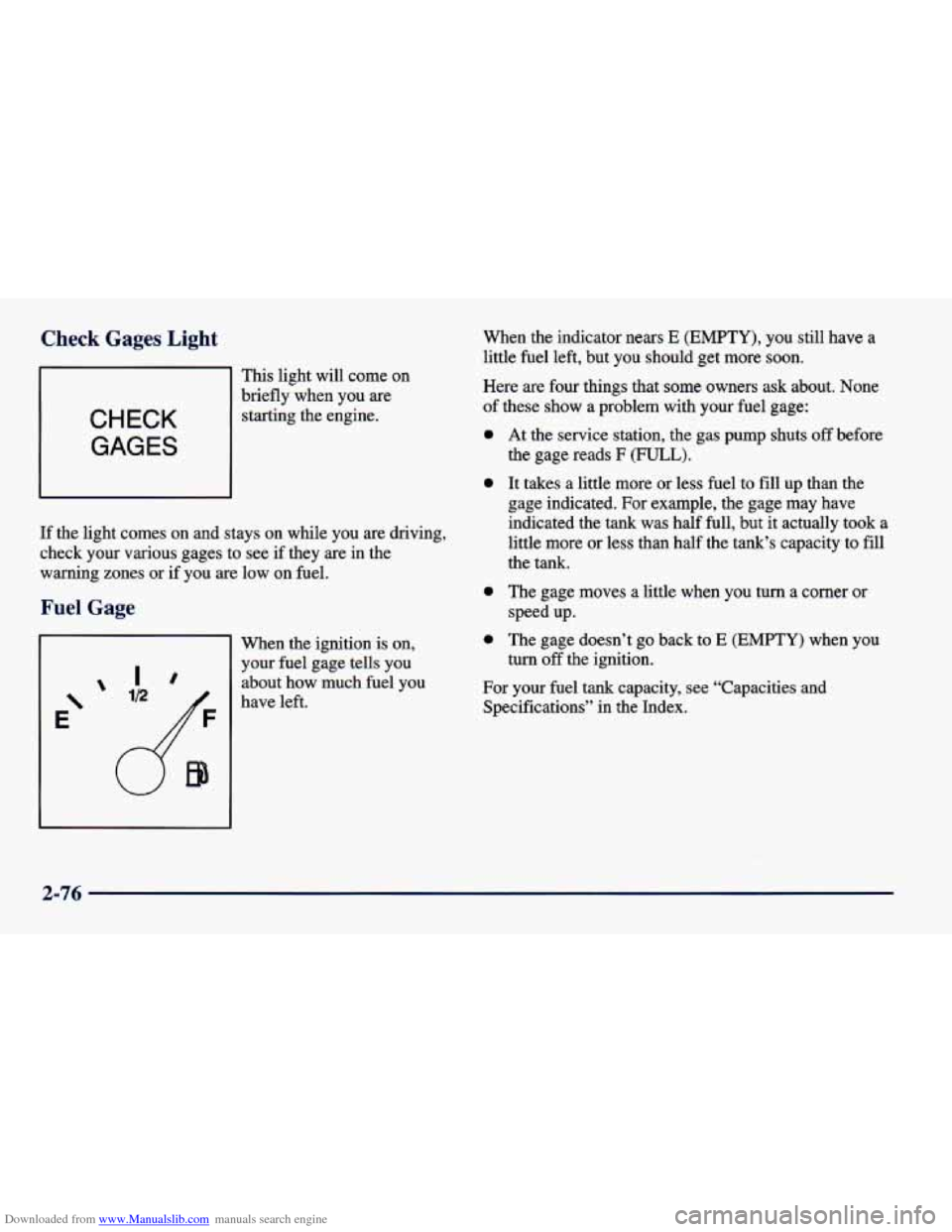
Downloaded from www.Manualslib.com manuals search engine Check Gages Light
This light will come on
CHECK
GAGES
brieflywhen you are
starting the engine.
If the light comes on and stays on while you are driving,
check your various gages to see if they are in the
warning zones or if you
are low on fuel.
:age
Ir
E‘
’ ID
When the ignition is on,
your fuel gage tells you about how much fuel you
have left. When the indicator nears
E (EMPTY), you
still have a
little fuel left, but you should get more soon.
Here are four things that
some owners ask about. None
of these show a problem with your fuel gage:
0
0
0
0
At the service station, the gas pump shuts off before
the gage reads
F (FULL).
It takes a little more or less fuel to fill up than the
gage indicated.
For example, the gage may have
indicated the tank was half full, but it actually
took a
little more or less than half the tank’s capacity to
fill
the tank.
The gage moves a little when you turn a comer or
speed up.
The gage doesn’t go back to
E (EMPTY) when you
turn
off the ignition.
For your fuel tank capacity, see “Capacities and
Specifications” in the Index.
2-76
Page 158 of 400
Downloaded from www.Manualslib.com manuals search engine -0
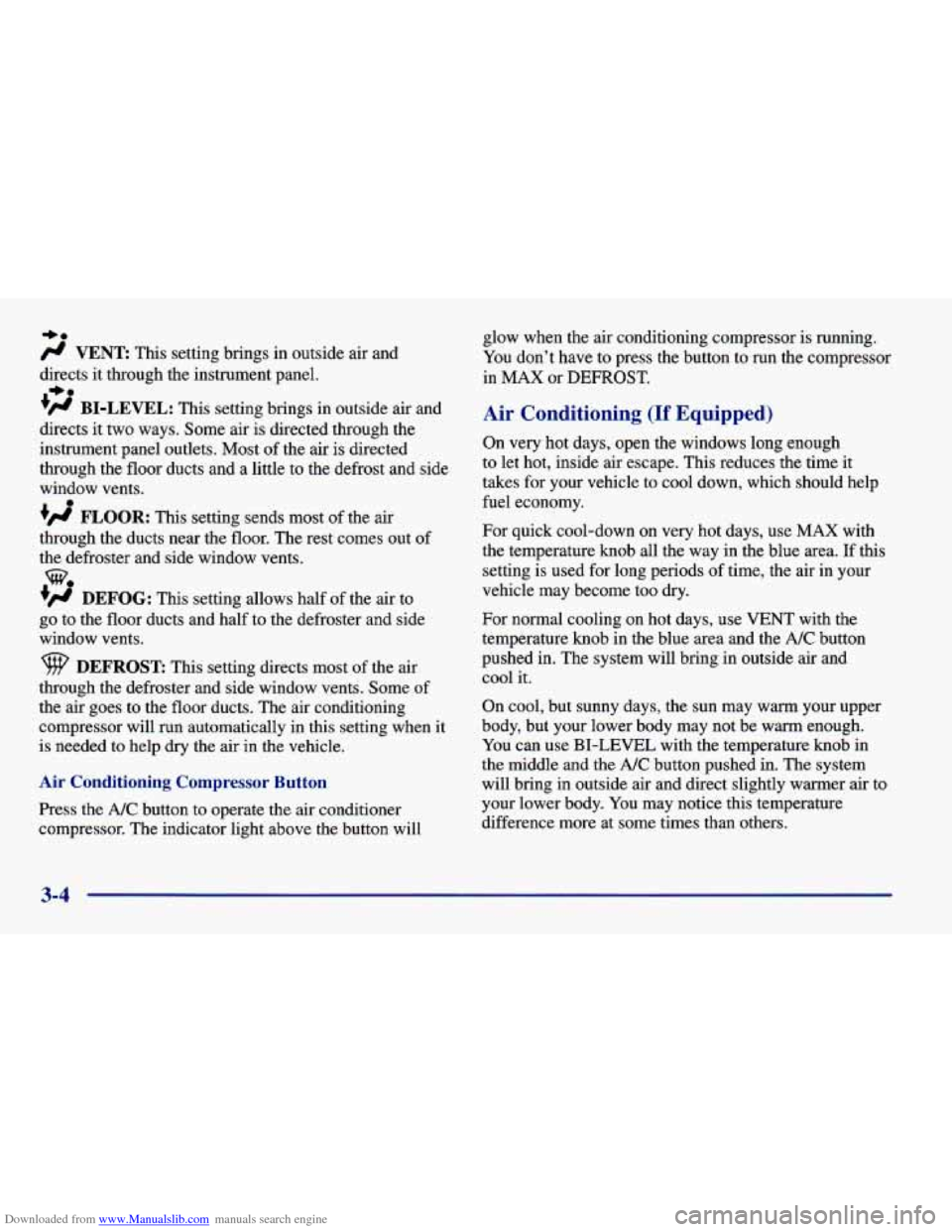
/J VENT This setting brings in outside air and
directs it through the instrument panel.
+fl BI-LEVEL: This setting brings in outside air and
directs it two ways. Some air is directed through the
instrument panel outlets. Most of the air
is directed
through the floor ducts and a little to the defrost and side
window vents.
+# FLOOR: This setting sends most of the air
through the ducts near the floor. The rest comes out of
the defroster and side window vents.
+’ DEFOG: This setting allows half of the air to
go to the floor ducts and half to the defroster and side
window vents.
+e
e
we
DEFROST: This setting directs most of the air
through the defroster and side window vents. Some
of
the air goes to the floor ducts. The air conditioning
compressor will run automatically in
this setting when it
is needed to help dry the air in the vehicle.
Air Conditioning Compressor Button
Press the NC button to operate the air conditioner
compressor. The indicator light above the button will glow
when the air conditioning compressor is running.
You don’t have to press the button to run the compressor
in MAX or DEFROST.
Air Conditioning (If Equipped)
On very hot days, open the windows long enough
to let hot, inside air escape. This reduces the time it
takes for your vehicle to cool down, which should help
fuel economy.
For quick cool-down on very hot days, use
MAX with
the temperature knob all the way in the blue area. If this
setting is used for long periods of time, the air in your
vehicle may become too dry.
For normal cooling on hot days, use VENT with the
temperature knob
in the blue area and the A/C button
pushed in. The system will bring in outside air and
cool it.
On cool, but sunny days, the sun may warm your upper
body, but your lower body may not be warm enough.
You can use BI-LEVEL with the temperature knob in
the middle and the
NC button pushed in. The system
will bring in outside air and direct slightly warmer air to
your lower body. You may notice this temperature
difference more at
some times than others.
3-4
Page 201 of 400
Downloaded from www.Manualslib.com manuals search engine The exit speed is usually posted. Reduce your speed according to your speedometer, not
to your sense of motion. After driving for any distance
at higher speeds, you may tend to think you are going
slower than you actually are.
Before Leaving on a Long Trip
Make sure you’re ready. Try to be well rested. If you
must start when you’re not fresh
-- such as after a day’s
work
-- don’t plan to make too many miles that first part
of the journey. Wear comfortable clothing and shoes you
can easily drive in.
Is your vehicle ready for
a long trip? If you keep it
serviced and maintained, it’s ready to go. If it needs
service, have it done before starting out. Of course,
you’ll find experienced and able service experts in
Chevrolet dealerships all across North America. They’ll
be ready and willing to help
if you need it.
Here are some things you can check before a trip:
0
0
0
0
0
0
0
Windshield Washer Fluid: Is the reservoir full? Are
all windows clean inside and outside?
Wiper Blades: Are they in good shape?
Fuel, Engine Oil, Other Fluids: Have you checked
all levels?
Lamps: Are they all working? Are the lenses clean?
Tires: They are vitally important to a safe,
trouble-free trip. Is the tread
good enough for
long-distance driving? Are the tires all inflated to the
recommended pressure?
Weather Forecasts: What’s the weather outlook
along your route? Should you delay your trip a short
time to avoid a major storm system?
Maps: Do you have up-to-date maps?
Page 208 of 400
Downloaded from www.Manualslib.com manuals search engine Run your engine only as long as you must. This saves
fuel. When you run the engine, make it
go a little faster
than just idle. That is, push the accelerator slightly.
This
uses less fuel for the heat that you get and it keeps the
battery charged. You will need a well-charged battery to
restart the vehicle, and possibly for signaling later on with your headlamps. Let
the heater run for a while.
Then, shut the engine
off and close the window almost
all the way to preserve the heat. Start the engine again
and repeat this only when you feel really uncomfortable
from the cold. But do it as little as possible. Preserve the
fuel as long as you can. To help keep warm, you can get
out
of the vehicle and do some fairly vigorous exercises
every half hour or
so until help comes.
Recreational Vehicle Towing
You can tow your vehicle behind another vehicle for use
at your destination. Be sure to use the proper towing
equipment designed for recreational towing. Follow the instructions for the towing equipment.
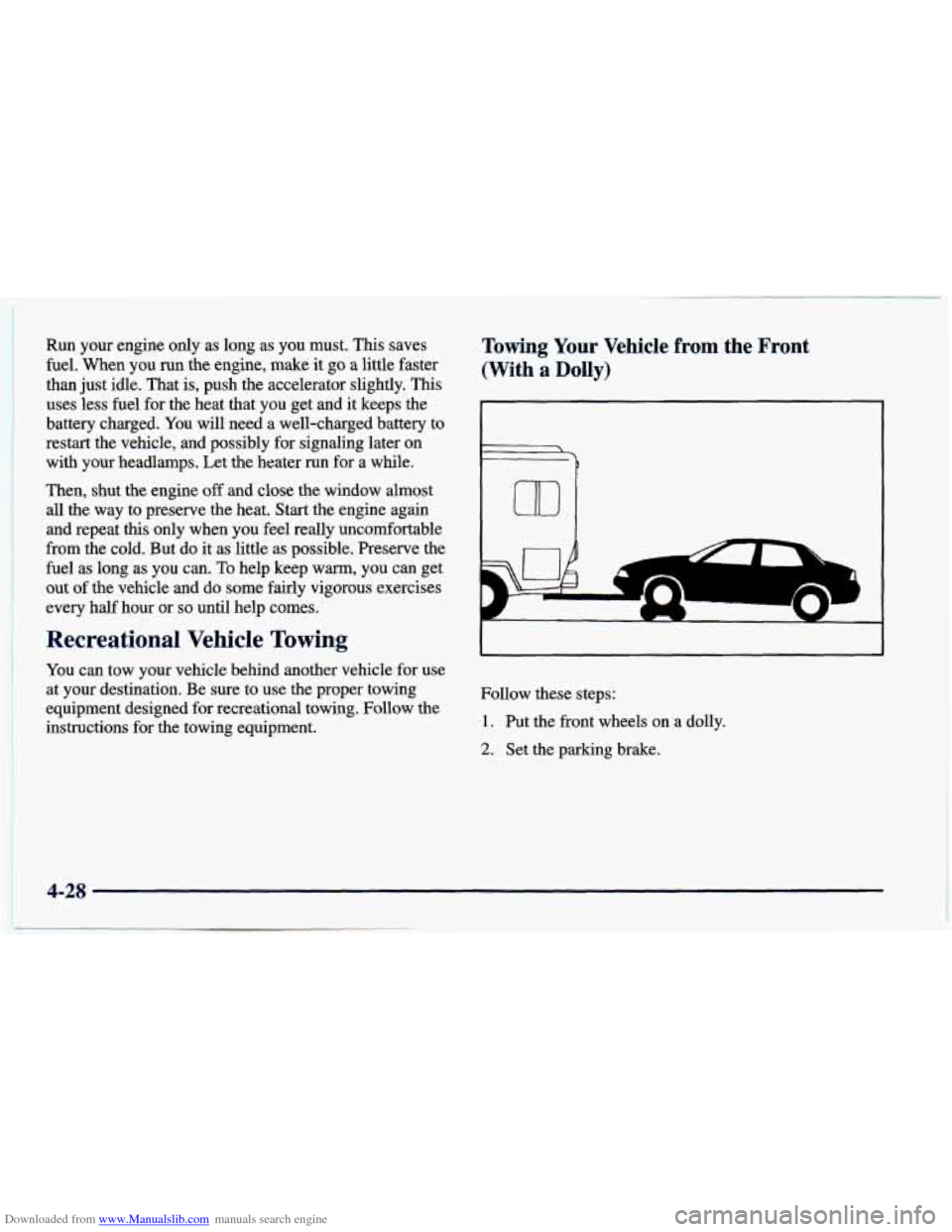
Towing Your Vehicle fr--m the Front
(With
a Dolly)
Follow these steps:
1. Put the front wheels on a dolly.
2. Set the parking brake.
4-28
Page 211 of 400
Downloaded from www.Manualslib.com manuals search engine Loading Your Vehicle
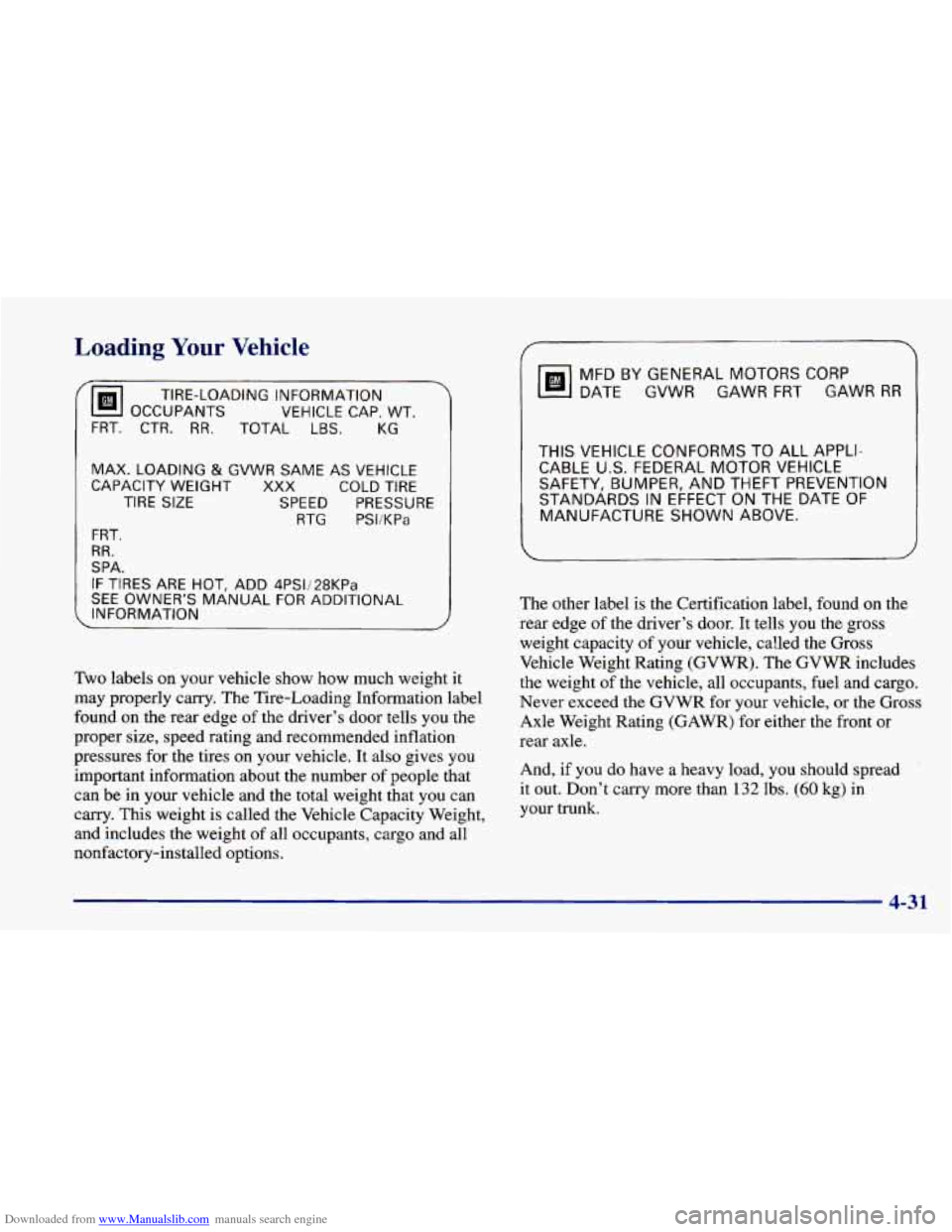
TIRE-LOADING INFORMATION
OCCUPANTS VEHICLE
CAP. WT.
FRT. CTR. RR. TOTAL LBS. KG
MAX. LOADING & GVWR SAME AS VEHICLE
CAPACITY WEIGHT XXX COLD TIRE
TIRE SIZE SPEED PRESSURE
RTG PSI/KPa
FRT,
RR.
SPA.
IF TIRES ARE HOT, ADD 4PSIi28KPa
SEE OWNER‘S MANUAL FOR ADDITIONAL
INFORMATION
Two labels on your vehicle show how much weight it
may properly carry, The Tire-Loading Information label
found on the rear edge
of the driver’s door tells you the
proper size, speed rating and recommended inflation
pressures for the tires on your vehicle. It also gives you
important information about the number
of people that
can be in your vehicle and the total weight that you can
carry. This weight is called the Vehicle Capacity Weight,
and includes the weight of all occupants, cargo and
all
nonfactory-installed options.
MFDBYGENERALMOTORSCORP
DATE GVWR
GAWR FRT GAWR RR
THIS VEHICLE CONFORMS TO ALL APPLI-
CABLE
US. FEDERAL MOTOR VEHICLE
SAFETY, BUMPER, AND THEFT PREVENTION
STANDARDS
IN EFFECT ON THE DATE OF
MANUFACTURE SHOWN ABOVE.
The other label is the Certification label, found on the
rear edge of the driver’s door. It tells you the gross
weight capacity
of your vehicle, called the Gross
Vehicle Weight Rating
(GVWR). The GVWR includes
the weight of the vehicle, all occupants, fuel and cargo.
Never exceed the GVWR for your vehicle, or the Gross
Axle Weight Rating (GAWR) for either the front or
rear axle.
And,
if you do have a heavy load, you should spread
it out. Don’t carry more than
132 lbs. (60 kg) in
your trunk.
4-31