1998 CADILLAC SEVILLE engine oil
[x] Cancel search: engine oilPage 10 of 378
Downloaded from www.Manualslib.com manuals search engine L
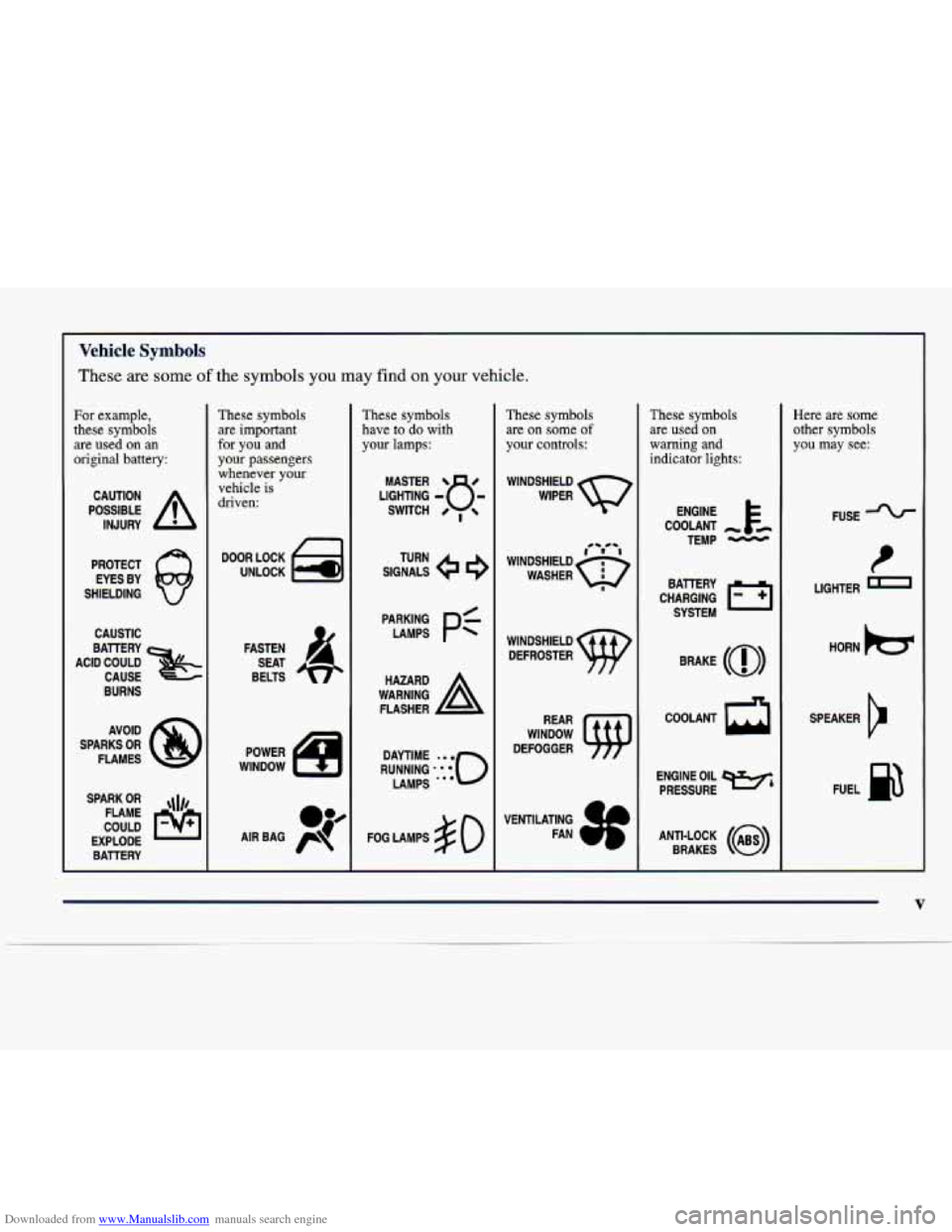
Vehicle Symbols
These are some of the symbols you may find on your vehicle.
For example,
these symbols are
used on an
original battery:
POSSIBLE A
CAUTION
INJURY
PROTECT EYES BY
SHIELDING
CAUSTIC
BURNS
SPARK
OR ,\I/,
COULD FLAME
EXPLODE BAlTERY
These symbols are important
for you and
your passengers whenever your
vehicle is
driven:
DOOR LOCK
UNLOCK
FASTEN SEAT
BELTS
These symbols have to
do with
your lamps:
SIGNALS e e
TURN
FOG LAMPS
# 0
These symbols
are on
some of
your controls:
WINDSHIELD
WIPER
WINDOW
DEFOGGER
These symbols are used on
warning and
indicator lights:
COOLANT -
TEMP -
CHARGING BAllERY
SYSTEM
BRAKE
(0)
COOLANT a
ENGINE OIL e,
PRESSURE
ANTI-LOCK
(a)
BRAKES
Here are some
other symbols
you may see:
FUSE
P
LIGHTER I
HORN be
SPEAKER
12
FUEL B
V
Page 82 of 378
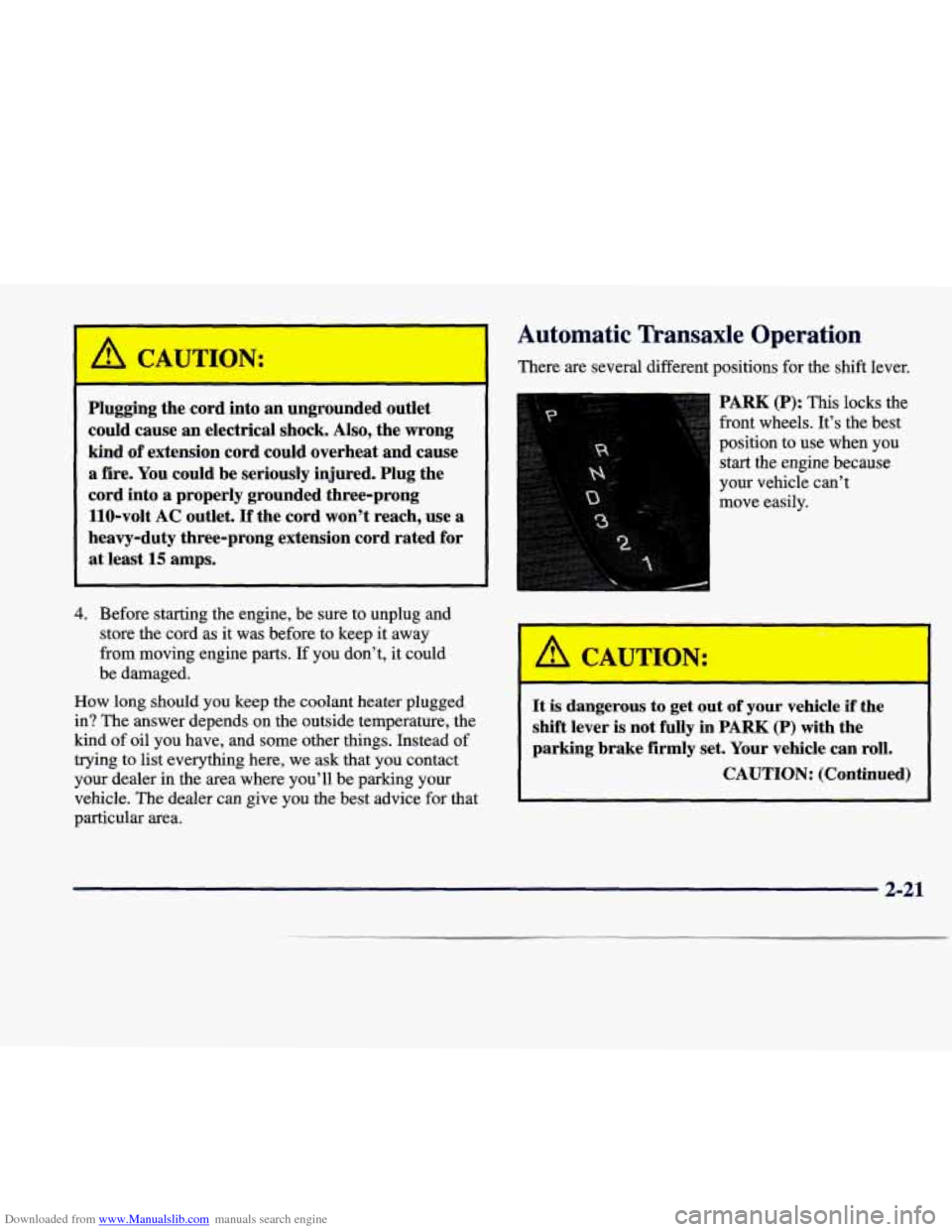
Downloaded from www.Manualslib.com manuals search engine Automatic Transaxle Operation
I A CAUTION: There are several different positions for the shift lever.
Plugging the cord into an ungrounded outlet
could cause an electrical shock.
Also, the wrong
kind
of extension cord could overheat and cause
a fire. You could be seriously injured. Plug the
cord into
a properly grounded three-prong
110-volt AC outlet.
If the cord won’t reach, use a
heavy-duty three-prong extension cord rated for
at least
15 amps.
4. Before starting the engine, be sure to unplug and
store the cord as it was before to keep it away
from moving engine parts.
If you don’t, it could
be damaged.
How long should you keep the coolant heater plugged in? The answer depends on the outside temperature, the
kind of oil you have, and some other things. Instead of
trying to list everything here, we ask that you contact
your dealer in the area where you’ll be parking your
vehicle. The dealer can give you the best advice for that
particular area.
PARK (P): This locks the
front wheels. It’s the best
position to use when you
start the engine because
your vehicle can’t
move easily.
A CAUTION: I
It is dangerous to get out of your vehicle if the
shift lever
is not fully in PARK (P) with the
parking brake
firmly set. Your vehicle can roll.
CAUTION: (Continued)
2-21
Page 133 of 378
Downloaded from www.Manualslib.com manuals search engine If so, be sure to fuel your vehicle with quality fuel (see
“Fuel”
in the Index). Poor fuel quality will cause your
engine not to run as efficiently as designed.
You may
notice this as stalling after start-up, stalling when you
put the vehicle into gear, misfiring, hesitation on acceleration or stumbling on acceleration. (These
conditions may go away once the engine is warmed up.)
This will be detected by the system and cause the light
to turn on.
If you experience one or more of these conditions,
change the fuel brand you use. It will require at least one
full tank
of the proper fuel to turn the light off.
If none of the above steps have made the light turn off,
have your dealer or qualified service center check the
vehicle.
Your dealer has the proper test equipment and
diagnostic tools to fix any mechanical
or electrical
problems that may have developed.
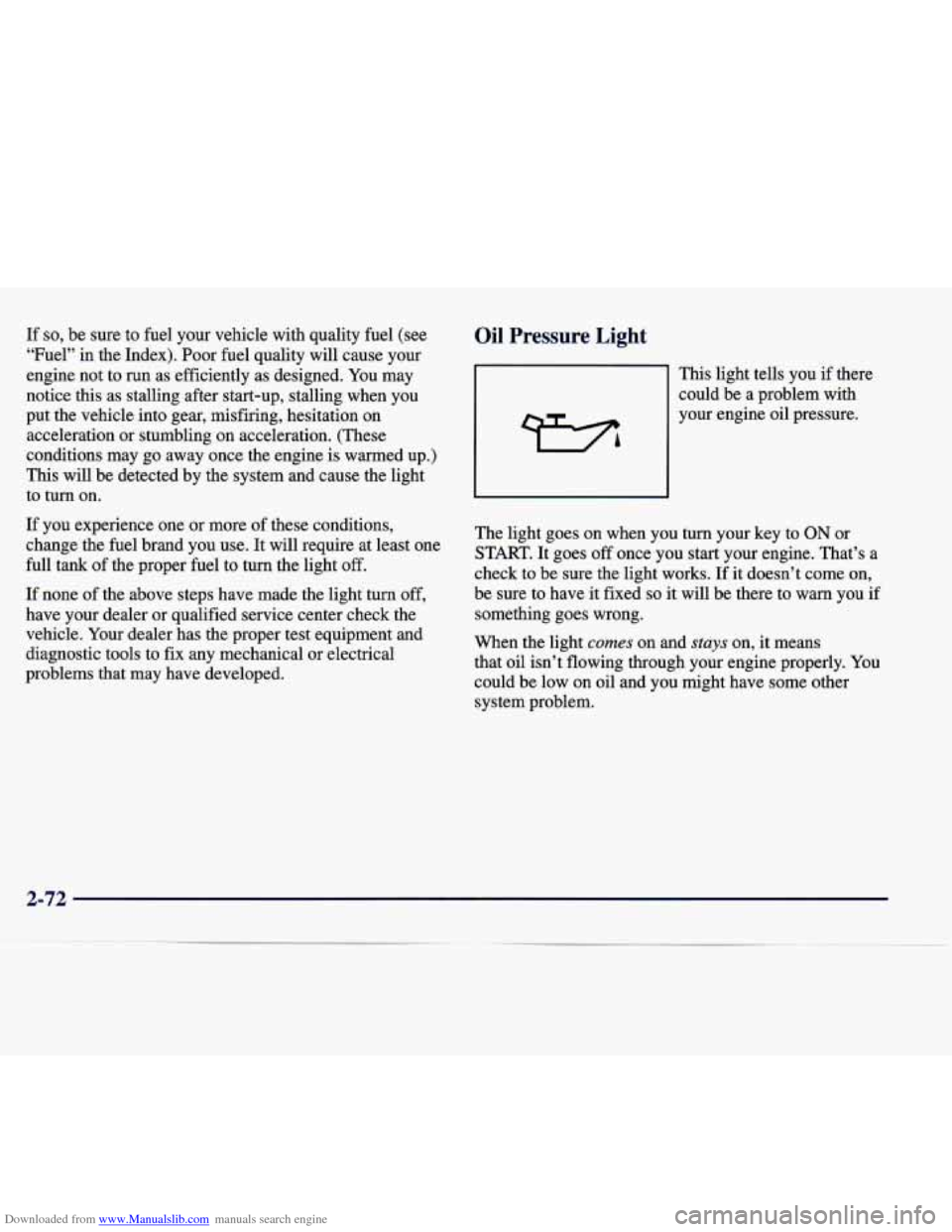
Oil Pressure Light
This light tells you if there
could be a problem with
your engine oil pressure.
The light goes on when you turn your key to
ON or
START. It goes
off once you start your engine. That’s a
check to be sure the light works. If it doesn’t come on,
be sure to have it fixed
so it will be there to warn you if
something goes wrong.
When the light
comes on and stuys on, it means
that oil isn’t flowing through your engine properly.
You
could be low on oil and you might have some other
system problem.
2-72
Page 134 of 378
Downloaded from www.Manualslib.com manuals search engine A CAUTION:
Don’t keep driving if the oil pressure is low. If
you do, your engine can become so hot that it
catches fire. You or others could be burned.
Check your oil as soon as possible and have your
vehicle serviced.
I NOTICE:
Damage to your engine from neglected oil
problems can be costly and
is not covered by
your warranty.
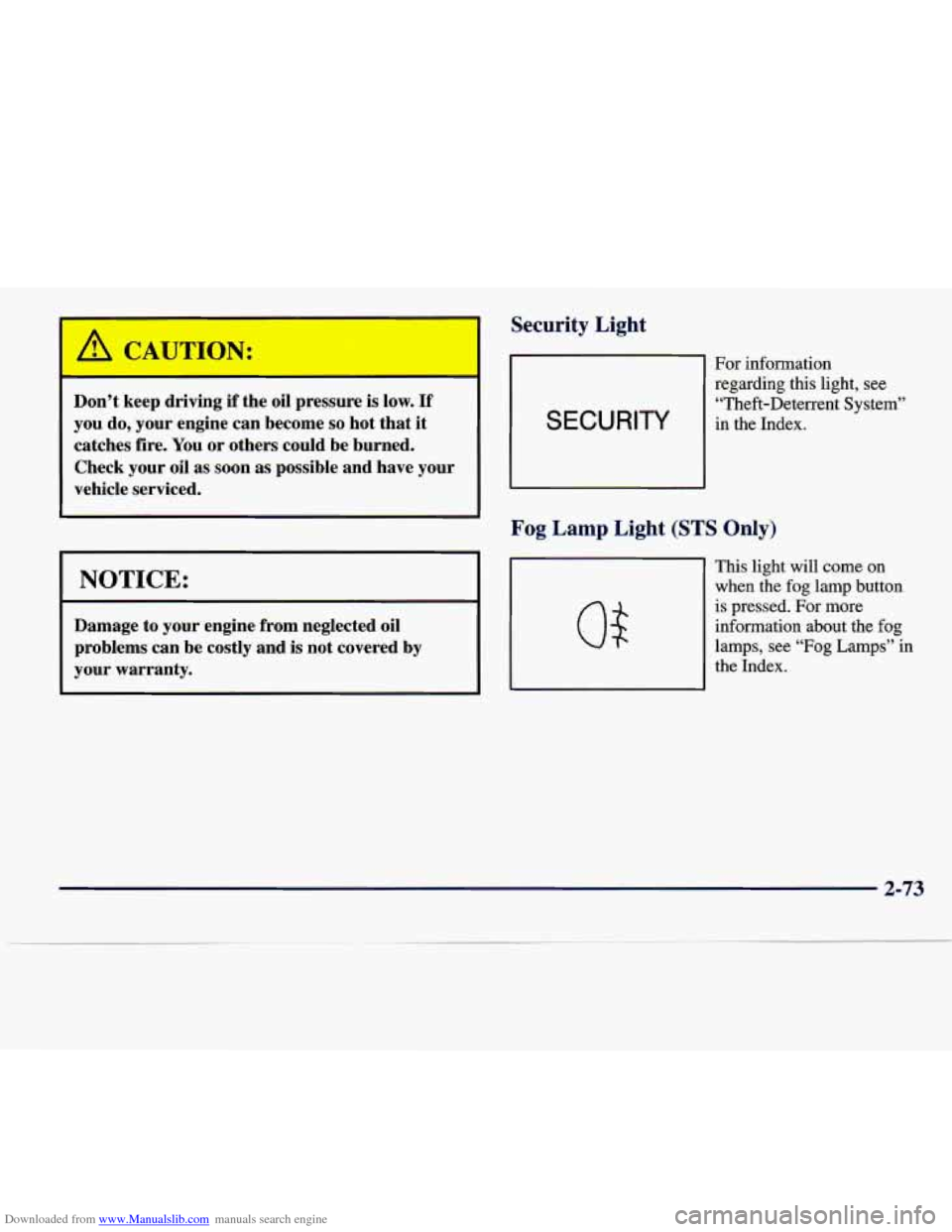
Security Light
SECURITY
For information regarding this light, see
“Theft-Deterrent System”
in the Index.
Fog Lamp Light (STS Only)
This light will come on
when the fog lamp button
is pressed. For more
information about the fog
lamps, see “Fog
Lamps” in
the Index.
2-73
Page 142 of 378
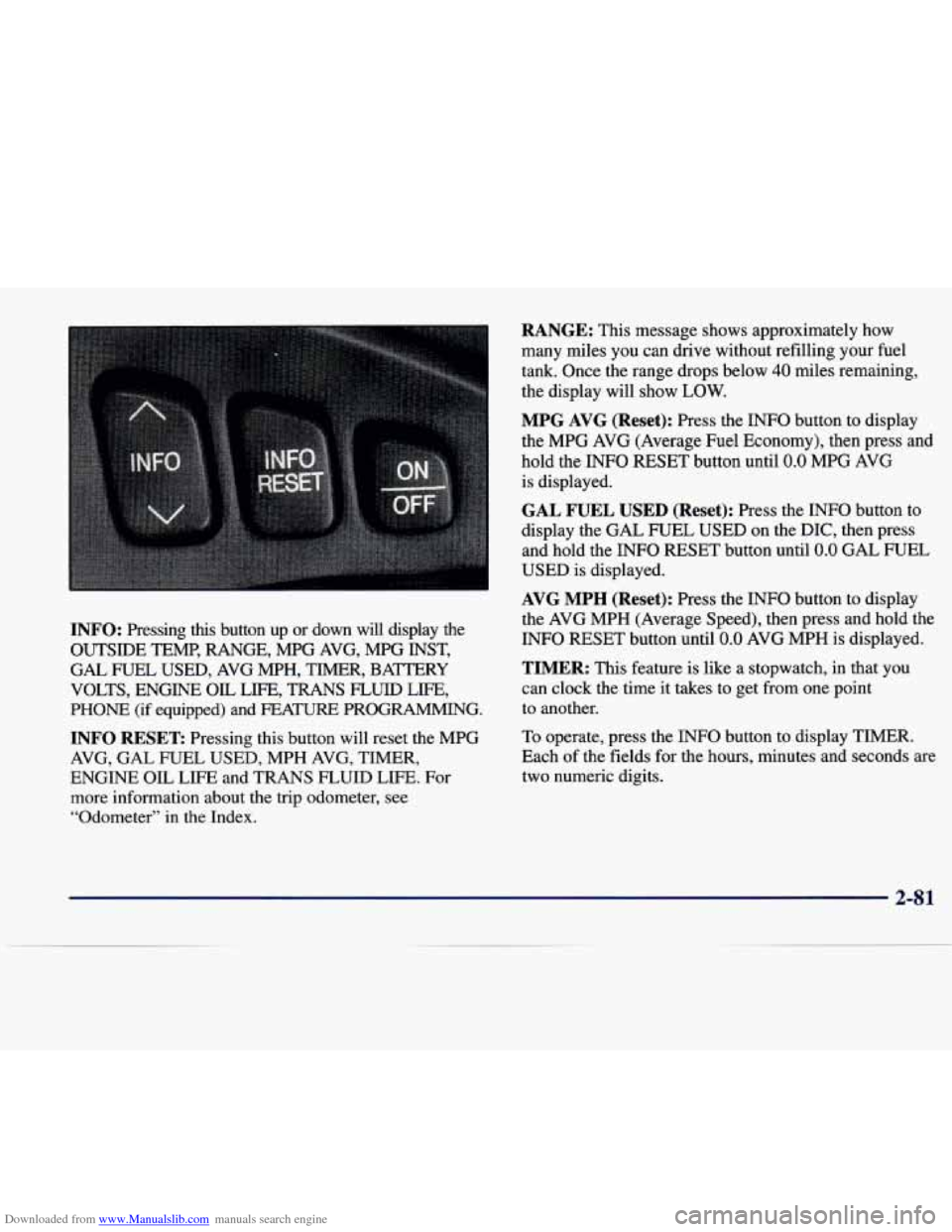
Downloaded from www.Manualslib.com manuals search engine INFO: Pressing this button up or down will display the
OUTSIDE TEMP, RANGE, MPG AVG, MPG INST,
GAL FUEL USED, AVG MPH, TIMER, BAmRY
VOLTS, ENGINE
OIL LIFE, TRANS FLUID LIFE,
PHONE (if equipped) and FEA- PROGRAMMING.
INFO RESET Pressing this button will reset the MPG
AVG, GAL FUEL USED, MPH AVG, TIMER,
ENGINE OIL LIFE and TRANS FLUID LIFE. For
more information about the trip odometer, see
“Odometer”
in the Index.
RANGE: This message shows approximately how
many miles you can drive without refilling your fuel
tank. Once the range drops below
40 miles remaining,
the display will show
LOW.
MPG AVG (Reset): Press the INFO button to display
the MPG AVG (Average Fuel Economy), then press and
hold the INFO RESET button until
0.0 MPG AVG
is displayed.
GAL FUEL USED (Reset): Press the INFO button to
display the GAL FUEL USED on the DIC, then press
and hold the INFO RESET button until
0.0 GAL FUEL
USED is displayed.
AVG MPH (Reset): Press the INFO button to display
the AVG MPH (Average Speed), then press and hold the
INFO RESET button until
0.0 AVG MPH is displayed.
TIMER: This feature is like a stopwatch, in that you
can clock the time it takes to get from one point
to another.
To operate, press the
INFO button to display TIMER.
Each
of the fields for the hours, minutes and seconds are
two numeric digits.
2-8 1
Page 143 of 378
Downloaded from www.Manualslib.com manuals search engine Once TIMER 0O:OO:OO is displayed, press the ON/OFF
button to start the timing feature. Press the ON/OFF
button again to stop it. If you will be starting and
stopping your vehicle, during a trip for instance, the
TIMER feature will automatically start timing where it
left off when you last stopped.
To reset it, press and hold
the INFO RESET button until the display reads TIMER
0O:OO:OO. Press the INFO button to exit from the
TIMER function.
ENGINE OIL LIFE (Reset): Press the INFO button to
display the ENGINE OIL LIFE, then press and hold
the
INFO RESET button until 100% ENGINE OIL LIFE is
displayed. (This only needs to be reset after you have
had the oil changed.)
Transmission Fluid Life Monitor: Under normal
conditions, the rate of deterioration
of the transmission
fluid is slow. See the Maintenance Schedule booklet for
proper fluid and change intervals. Press the INFO button
to display the TRANS FLUID LEFT, then press and
hold the INFO RESET button until
100% TRANS
FLUID LEFT is displayed. (This only needs to be reset after you have had the fluid changed.)
Driver Information Center Messages
These messages will appear if there is a problem sensed
in one of your vehicle’s systems. Vehicles that
are first
sold in Canada will have a number after each message.
This number helps to identify the message which is only
displayed in English.
BATTERY NOT CHARGING - 7: This message will
appear if the battery is not being charged. Have the
electrical system checked by your dealership at your
earliest convenience.
BATTERY SAVER ACTIVE - 27: This message is
displayed when the vehicle has detected that the battery
voltage is dropping beyond a reasonable point. The
battery saver system will start reducing certain features
of the vehicle that you may not be able to notice. At the
point that features are disabled, this message is displayed. It is used to convey that the vehicle is trying
to save the charge in the battery. Turn
off unnecessary
accessories to allow the battery to recharge.
ENGMET: Press this button to display information in
the English (miles) or metric (kilometers) system.
2-82
Page 144 of 378
Downloaded from www.Manualslib.com manuals search engine BATTERY VOLTAGE HIGH - 8: This message shows
that the electrical charging system is overcharging (more
than 16 volts). To avoid being stranded, have the electrical
system checked by your dealership.
You can reduce the
charging overload by using the accessories.
Turn on the
lamps and radio, set the climate control on
AUTO and the
fan speed on
HI, and turn the rear window defogger on.
You can monitor battery voltage on the DIC by pressing
the
INFiO button. The normal range is 11.5 to 15.5 volts
when the engine is running.
BATTERY VOLTAGE LOW - 6: This message will
appear when the electrical system is charging less than
9 volts or if the battery has been drained. If this message
appears immediately after starting, it
is possible that the
generator can still recharge the battery. The battery should recharge while driving but may take a few hours
to do
so. Consider using an auxiliary charger (be sure to
follow the manufacturer’s instructions) to boost the
battery after returning home or to a final destination. If
this message appears while driving or after starting your
vehicle and stays on, have
it checked immediately to
determine the cause of this problem.
To help the
generator recharge the battery quickly, you can reduce
the load on the electrical system by turning
off the
accessories.
You can monitor battery voltage on the DIC
by pressing the INFO button. The normal range is 11.5
to 15.5 volts.
CHANGE BRAKE PADS - 125: This message is used
to notify you that the brake pads may have worn down.
A sensor is connected to the brake pads and is triggered
when they wear to a certain point. Have the front and
rear brakes serviced by your dealer as soon as possible.
CHANGE TRANS FLUID - 47: This message will
appear when
it is time to replace the transaxle fluid. See
the Maintenance Schedule booklet for the proper fluid and change intervals.
CHECK BRAKE FLUID - 37: This message will
display if the ignition is in
ON to inform the driver that
the brake fluid level is low. Have the brake system
serviced by a technician as soon as possible. See “Brake
System Warning Light” in the Index.
CHECK COOLANT LEVEL - 2: This message will
appear when there is a low level of engine coolant. Have
the cooling system serviced by a technician as soon
as possible.
CHANGE ENGINE OIL - 82: This means that the life
of the engine oil has expired and it should be changed
within
200 miles. See “Engine Oil” and “Filter
Recommendations” in the Maintenance Schedule
booklet. After
an oil change, the Oil Life Indicator must
be reset. See “Oil Life Indicator” in the Index
on how to
reset
it.
2-83
Page 145 of 378
Downloaded from www.Manualslib.com manuals search engine CHECK FUEL GAGE - 50: This message will appear
when the fuel supply is less than
5 gallons (1 8.9 L) and
the display is turned off.
A single chime will also sound
when this message is displayed.
CHECK GAS CAP - 61: This message will appear if
the gas cap has not been fully tightened. You should
recheck your gas cap to ensure that it’s fully tightened.
CHECK OIL LEVEL - 36: For correct operation of
the low oil sensing system, your vehicle should be on a
level surface.
A false CHECK OIL LEVEL message
may appear if the vehicle is parked on grades. The oil
level sensing system does not check for actual oil level
if the engine has been
off for a short period of time, and
the oil
level is never sensed while the engine is running.
If the CHECK OIL LEVEL message appears, and your
vehicle has been parked
on level ground with the engine
off for at least 30 minutes, the oil level should be
checked by observing the oil dipstick. Prior to checking
the oil level, be sure the engine has been off for
a few
minutes and your vehicle is on a level surface. Then
check the dipstick and add oil if necessary. See “Engine
Oil” in the Index.
CHECK WASHER FLUID - 25: This message will
appear to indicate that you need washer solvent.
DRIVER DOOR A JAR - 140: This message will
display anytime the key is in
ON and your driver’s door
is open or ajar.
A chime will also sound when the
vehicle’s speed is greater than
3 mph (4.8 km/h).
DRIVER NO. X (1 OR 2) : This message will appear
when the remote keyless entry is used. The message will
show which driver is activating the personalization
feature. It will only stay on for five seconds.
This message will appear when the engine coolant temperature is over
262 OF ( 128 O C). Stop and allow your
vehicle to idle in
PARK (P) until it cools down and the
message is removed.
Do not increase engine speed
above a normal idle.
If it does not cool down, turn off
the engine and have it serviced before driving it again.
Severe engine damage can result from an overheated
engine. See “Engine Overheating” in the Index.
ENGINE HOT-A/C OFF - 16: This message displays
when the engine coolant becomes hotter than the normal
operating temperature. To avoid added strain on a hot
engine, the air conditioning compressor is automatically
turned off. When the coolant temperature returns to
normal, the
A/C operation will automatically resume.
You can continue to drive your vehicle.
If this message
continues to appear, have the system repaired as soon as
possible to avoid compressor damage.
ENGINE COOLANT HOT IDLE ENGINE - 44:
2-84