1998 CADILLAC SEVILLE traction control
[x] Cancel search: traction controlPage 206 of 378
Downloaded from www.Manualslib.com manuals search engine The TRACTION ENGAGED message will display on
the Driver Information Center when the traction control
system is limiting wheel spin. See “Driver Information
Center Messages” in the Index. You may feel or hear the
system working, but this is normal.
If your vehicle is in cruise control when the traction control
system
begins to limit wheel spin, the cruise control will
automatically disengage. When road conditions allow you
to safely use it again, you my reengage the cruise control.
(See “Cruise Control” in
the Index.)
TRACTION CONTROL
United States Canada
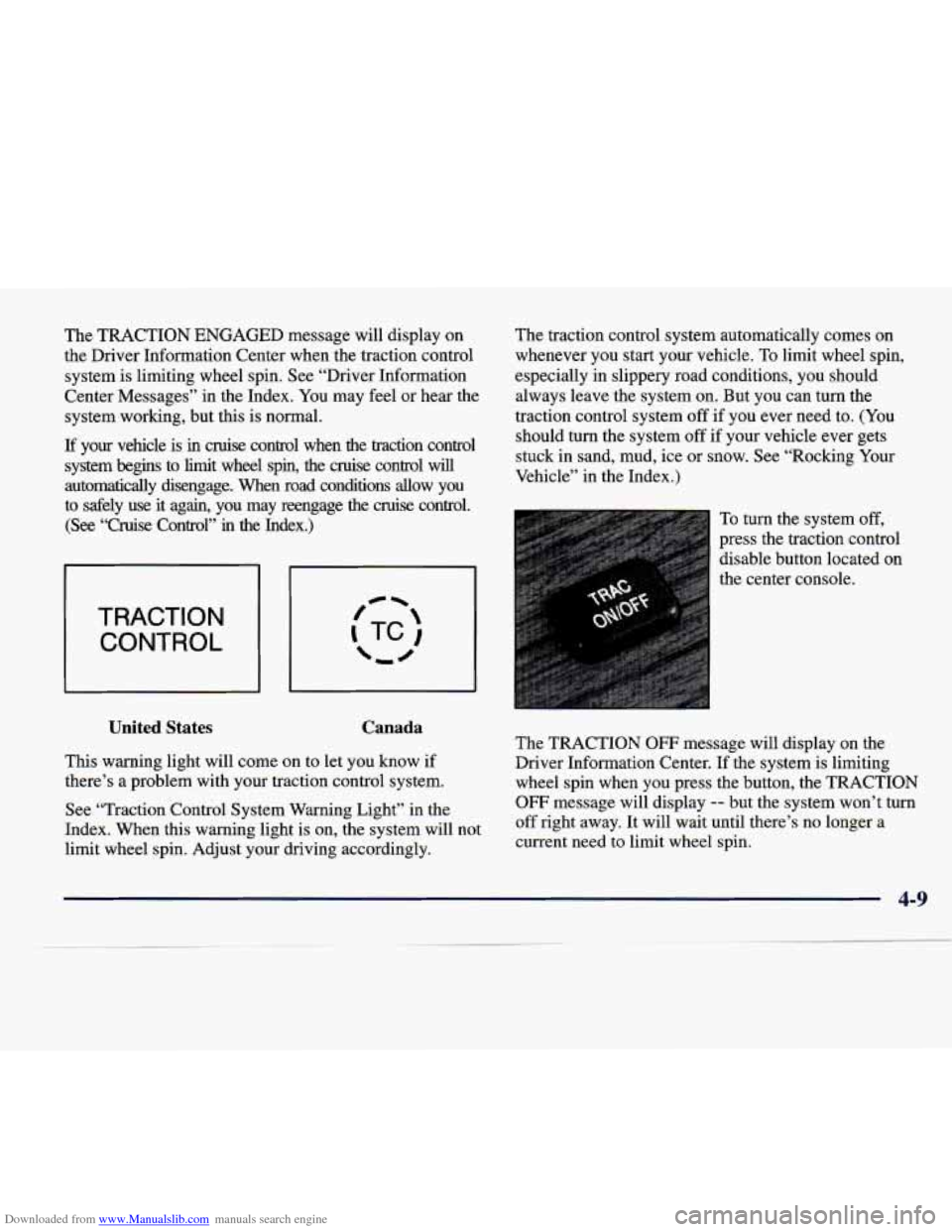
This warning light will come on to let you know if
there’s a problem with your traction control system.
See “Traction Control System Warning Light” in the
Index. When this warning light is on, the system will not
limit wheel spin. Adjust your driving accordingly. The
traction control system automatically comes on
whenever you start your vehicle. To limit wheel spin,
especially in slippery road conditions, you should
always leave the system on. But you can turn the
traction control system off
if you ever need to. (You
should turn the system off if your vehicle ever gets
stuck in sand, mud, ice or snow. See “Rocking Your
Vehicle” in the Index.)
To turn the system off,
press the traction control
disable button located on
the center console.
The TRACTION
OW message will display on the
Driver Information Center. If the system is limiting
wheel spin when you press the button, the TRACTION
OFF message will display -- but the system won’t turn
off right away. It will wait until there’s no longer a
current need to limit wheel spin.
Page 207 of 378
Downloaded from www.Manualslib.com manuals search engine You can turn the system back on at any time by pressing
the button again. The TRACTION READY message
should display briefly on the Driver Information Center.
Braking in Emergencies
With anti-lock, you can steer and brake at the same
time. In many emergencies, steering can help you
more than even the very best braking.
Steering
Power Steering
If you lose power steering assist because the engine
stops or the system is not functioning, you can steer
but it will take much more effort.
MAGNASTEEP
Your vehicle may be equipped with GM
MAGNASTEER, a system that continuously adjusts the
effort you feel when steering at all vehicle speeds. It
provides ease when parking yet a firm, solid feel at highway speeds.
Steering Tips
Driving on Curves
It’s important to take curves at a reasonable speed.
A lot of the “driver lost control” accidents mentioned
on the news happen on curves. Here’s why:
Experienced driver or beginner, each
of us is subject to
the same laws of physics when driving
on curves. The
traction of the tires against the road surface makes it
possible for the vehicle to change its path when you turn
the front wheels.
If there’s no traction, inertia will keep
the vehicle going in the same direction. If you’ve ever
tried to steer a vehicle on wet ice, you’ll understand this.
The traction you can get in a curve depends
on the
condition of your tires and the road surface, the angle
at which the curve is banked, and your speed.
While you’re in a curve, speed is the one factor you
can control.
4-10
Page 208 of 378
Downloaded from www.Manualslib.com manuals search engine Suppose you’re steering through a sharp curve.
Then you suddenly accelerate. Both control
systems
-- steering and acceleration -- have to do
their work where the tires meet the road. Adding the
sudden acceleration can demand too much of those
places. You can lose control. Refer to “Traction
Control System” in the Index.
What should you do if this ever happens? Ease up on the
accelerator pedal, steer the vehicle the way you want it
to
go, and slow down.
Since your vehicle is equipped with Stabilitrak, you will
see the STABILITY SYS ENGAGED message
on the
Driver Information Center. See “Stability Sys Engaged
Message” in the Index.
Speed limit signs near curves warn that you should
adjust your speed. Of course, the posted speeds are
based on good weather and road conditions. Under less
favorable conditions you’ll want to
go slower.
If you need to reduce your speed as you approach a
curve, do it before you enter the curve, while your
front wheels are straight ahead.
Try to adjust your speed
so you can “drive” through
the curve. Maintain a reasonable, steady speed. Wait
to accelerate until
you are out of the curve, and then
accelerate gently into the straightaway.
To help you steer in the direction you want to go, during
certain sharp or sudden cornering maneuvers, gear selection
is controlled. This will maximize the available
drive wheel torque and minimize the transaxle response
time and shift activity. During this kind of maneuver, the
transaxle shifts automatically as vehicle speed changes.
Steering in Emergencies
There are times when steering can be more effective
than braking. For example, you come over a hill and
find a truck stopped in your lane, or
a car suddenly pulls
out from nowhere, or a child darts
out from between
parked cars and stops right in front
of you. You can
avoid these problems by braking
-- if you can stop in
time. But sometimes you can’t; there isn’t room.
That’s the time for evasive action
-- steering around
the problem.
Your vehicle can perform very well in emergencies
like these. First apply your brakes. (See “Braking in
Emergencies” earlier in this section.) It is better to
remove as much speed as you can from a possible
collision. Then steer around the problem, to the left
or right depending on the space available.
4-11
Page 211 of 378
Downloaded from www.Manualslib.com manuals search engine Check your mirrors, glance over your shoulder, and
start your left lane change signal before moving out
of the right lane to pass. When you are far enough
ahead of the passed vehicle to see its front in your
inside mirror, activate your right lane change signal
and move back into the right lane. (Remember that
your right outside mirror is convex. The vehicle you
just passed may seem to be farther away from you
than it really is.)
Try not to pass more than one vehicle at a time
on two-lane roads. Reconsider before passing the
next vehicle.
Don’t overtake a slowly moving vehicle too rapidly.
Even though the brake lamps are not flashing, it may
be slowing down or starting to turn.
If you’re being passed, make it easy for the
following driver to get ahead
of you. Perhaps you
can ease a little to the right.
Loss of Control
Let’s review what driving experts say about what
happens when the three control systems (brakes, steering
and acceleration) don’t have enough friction where the
tires meet the road to do what the driver has asked.
In any emergency, don’t give up. Keep trying to steer and
constantly seek an escape route or area of less danger.
Skidding
In a skid, a driver can lose control of the vehicle.
Defensive drivers avoid most skids by taking reasonable
care suited to existing conditions, and by not “overdriving”\
those conditions. But skids
are always possible.
The three types of skids correspond to your vehicle’s
three control systems. In the braking skid, your wheels
aren’t rolling. In the steering
or cornering skid, too
much speed or steering in a curve causes tires to slip
and
lose cornering force. And in the acceleration skid, too
much throttle causes the driving wheels to spin.
A cornering skid is best handled by easing your foot off
the accelerator pedal.
Remember: Any traction control system helps avoid
only the acceleration skid.
4-14
Page 212 of 378
Downloaded from www.Manualslib.com manuals search engine If your traction control system is off, then an acceleration skid is also best handled by easing your
foot off the accelerator pedal.
If your vehicle starts to slide, ease your foot
off the
accelerator pedal and quickly steer the way you want the
vehicle to go.
If you start steering quickly enough, your
vehicle may straighten out. Always be ready for a
second skid if it occurs.
If you have Stabilitrak, you may see the STABILITY
SYS ENGAGED message on the Driver Information
Center. See “Stability Engaged Message” in the Index.
Of course, traction is reduced when water, snow, ice,
gravel or other material is
on the road. For safety, you’ll
want to
slow down and adjust your driving to these
conditions. It is important to slow down on slippery
surfaces because stopping distance will be longer and
vehicle control more limited.
While driving on a surface with reduced traction, try
your best to avoid sudden steering, acceleration or
braking (including engine braking by shifting to a lower
gear). Any sudden changes could cause the tires to
slide. You may not realize the surface is slippery until
your vehicle
is skidding. Learn to recognize warning
clues
-- such as enough water, ice or packed snow on
the road to make
a “mirrored surface” -- and slow down
when you have any doubt. Remember: Any anti-lock brake system
(ABS) helps
avoid only the braking skid.
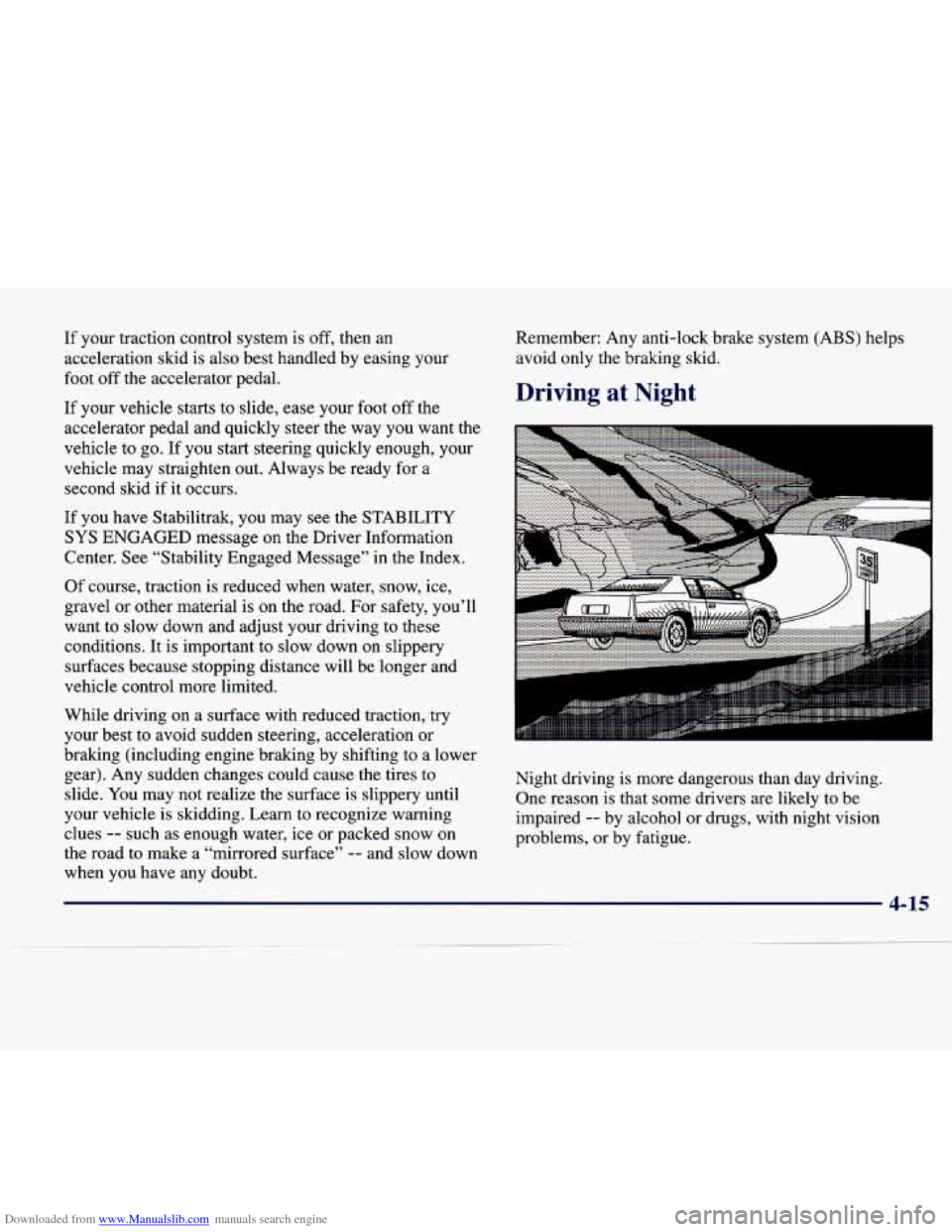
Driving at Night
Night driving is more dangerous than day driving.
One reason is that some drivers are likely to be
impaired
-- by alcohol or drugs, with night vision
problems, or by fatigue.
Page 223 of 378
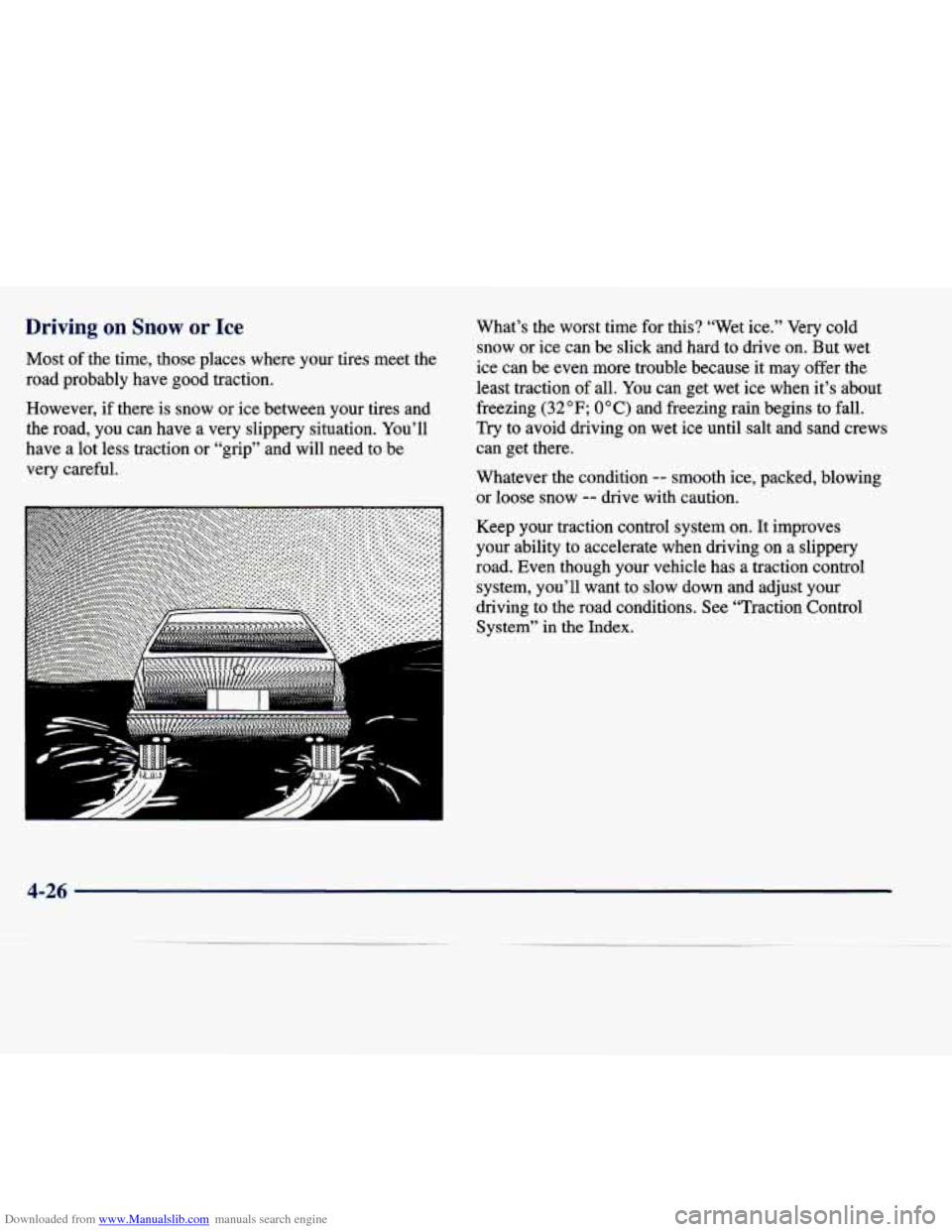
Downloaded from www.Manualslib.com manuals search engine Driving on Snow or Ice
Most of the time, those places where your tires meet the
road probably have good traction.
However, if there is snow or ice between your tires and
the road, you can have a very slippery situation. You’ll
have a lot less traction or “grip” and will need to be
very careful.
, ...,... .... -. . ...,,
D c A
What’s the worst time for this? “Wet ice.” Very cold
snow or ice can be slick and hard to drive on. But wet
ice can be even more trouble because it may offer the
least traction
of all. You can get wet ice when it’s about
freezing
(32 OF; 0 O C) and freezing rain begins to fall.
Try to avoid driving on wet ice until salt and sand crews
can get there.
Whatever the condition
-- smooth ice, packed, blowing
or loose snow
-- drive with caution.
Keep your traction control system on. It improves
your ability to accelerate when driving on a slippery road. Even though your vehicle has a traction control
system, you’ll want
to slow down and adjust your
driving to the road conditions. See “Traction Control
System” in the Index.
4-26
Page 273 of 378
Downloaded from www.Manualslib.com manuals search engine If You’re Stuck: In Sand, Mud,
Ice
or Snow
What you don’t want to do when your vehicle is stuck is
to spin your wheels too fast. The method known as
“rocking” can help you get out when you’re stuck, but \
you must use caution. Spinning your wheels can destroy parts of your
vehicle as well as the tires.
If you spin the wheels
too fast while shifting your transaxle back and
forth, you can destroy your transaxle.
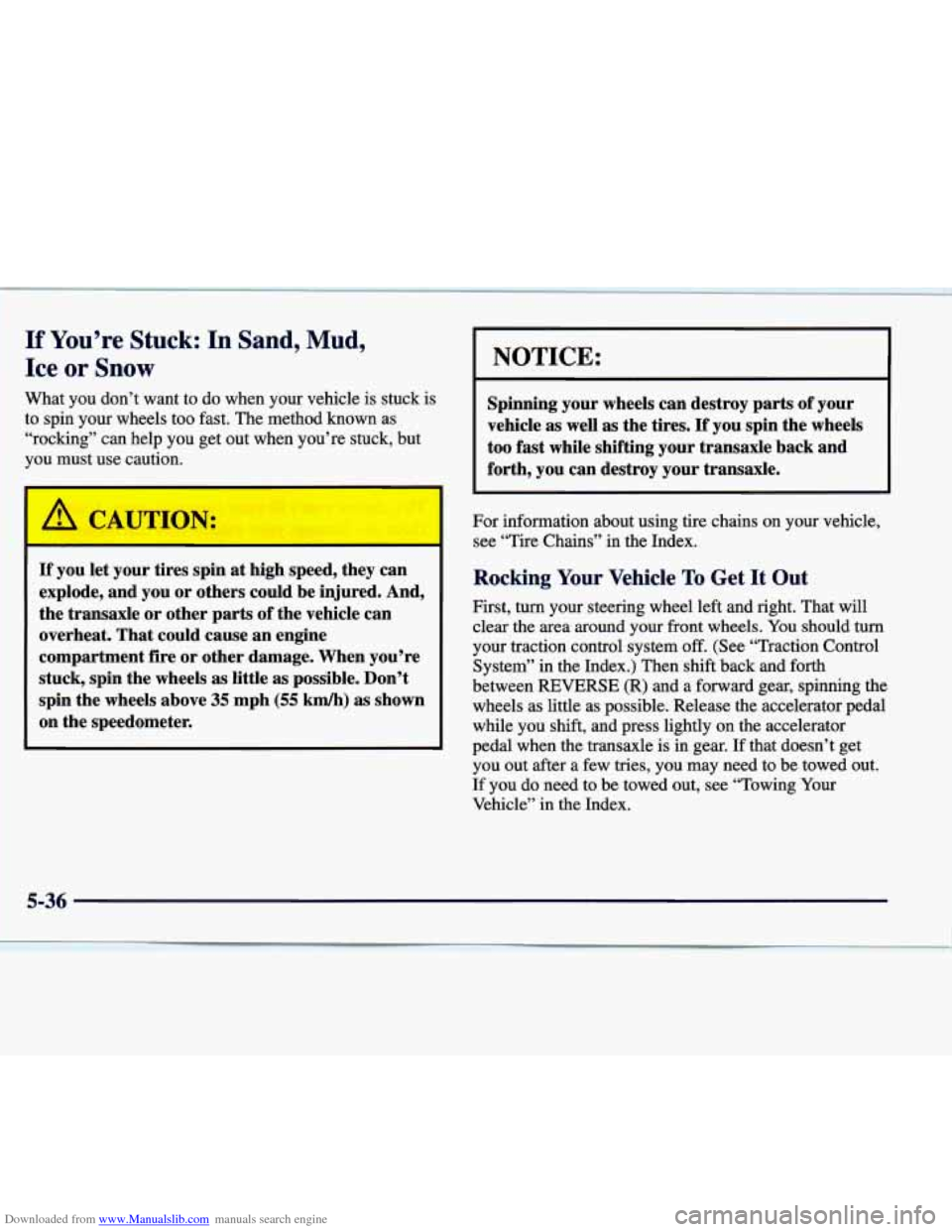
If you let your tires spin at high speed, they can
explode, and you or others could be injured. And,
the transaxle or other parts of the vehicle can
overheat. That could cause an engine
compartment fire or other damage. When you’re
stuck, spin the wheels
as little as possible. Don’t
spin the wheels above
35 mph (55 km/h) as shown
on the speedometer.
For information about using tire chains on your vehicle,
see “Tire Chains” in the Index.
Rocking Your Vehicle To Get It Out
First, turn your steering wheel left and right. That will
clear the area around your front wheels.
You should turn
your traction control system
off. (See “Traction Control
System” in the Index.) Then shift back and forth
between
REVERSE (R) and a forward gear, spinning the
wheels as little as possible. Release the accelerator pedal
while you shift, and press lightly on the accelerator
pedal when the transaxle
is in gear. If that doesn’t get
you out after a few tries, you may need to be towed out.
If you do need to be towed out, see “Towing Your
Vehicle” in the Index.
5-36
Page 321 of 378
Downloaded from www.Manualslib.com manuals search engine A CAUTIL I:
Mixing tires could cause you to lose control while
driving.
If you mix tires of different sizes or types
(radial and bias-belted tires), the vehicle may not
handle properly, and you could have
a crash.
Using tires of different sizes may also cause
damage to your vehicle. Be sure to use the same
size and type tires on all wheels.
It’s all right to drive with your compact spare,
though.
It was developed for use on your vehicle.
I A CAUTION:
If you use bias-ply tires on your vehicle, the
wheel rim flanges could develop cracks after
many miles
of driving. A tire and/or wheel could
fail suddenly, causing
a crash. Use only radial-ply
tires with the wheels on your vehicle.
Uniform Tire Quality Grading
The following information relates to the system
developed by the United States National Highway
Traffic Safety Administration, which grades tires by
treadwear, traction and temperature performance. (This applies only to vehicles sold in the United States.) The
grades are molded on
the sidewalls of most passenger
car tires. The Uniform Tire Quality Grading system does
not apply to deep tread, winter-type snow tires,
space-saver or temporary use spare tires, tires with
nominal rim diameters of
10 to 12 inches (25 to 30 cm),
or to some limited-production tires.
While the tires available on General Motors passenger
cars and light trucks may vary with respect to these
grades, they must also conform to Federal safety
requirements and additional General Motors Tire
Performance Criteria (TPC) standards.
6-46