1998 CADILLAC ELDORADO buttons
[x] Cancel search: buttonsPage 77 of 380
Downloaded from www.Manualslib.com manuals search engine Operation
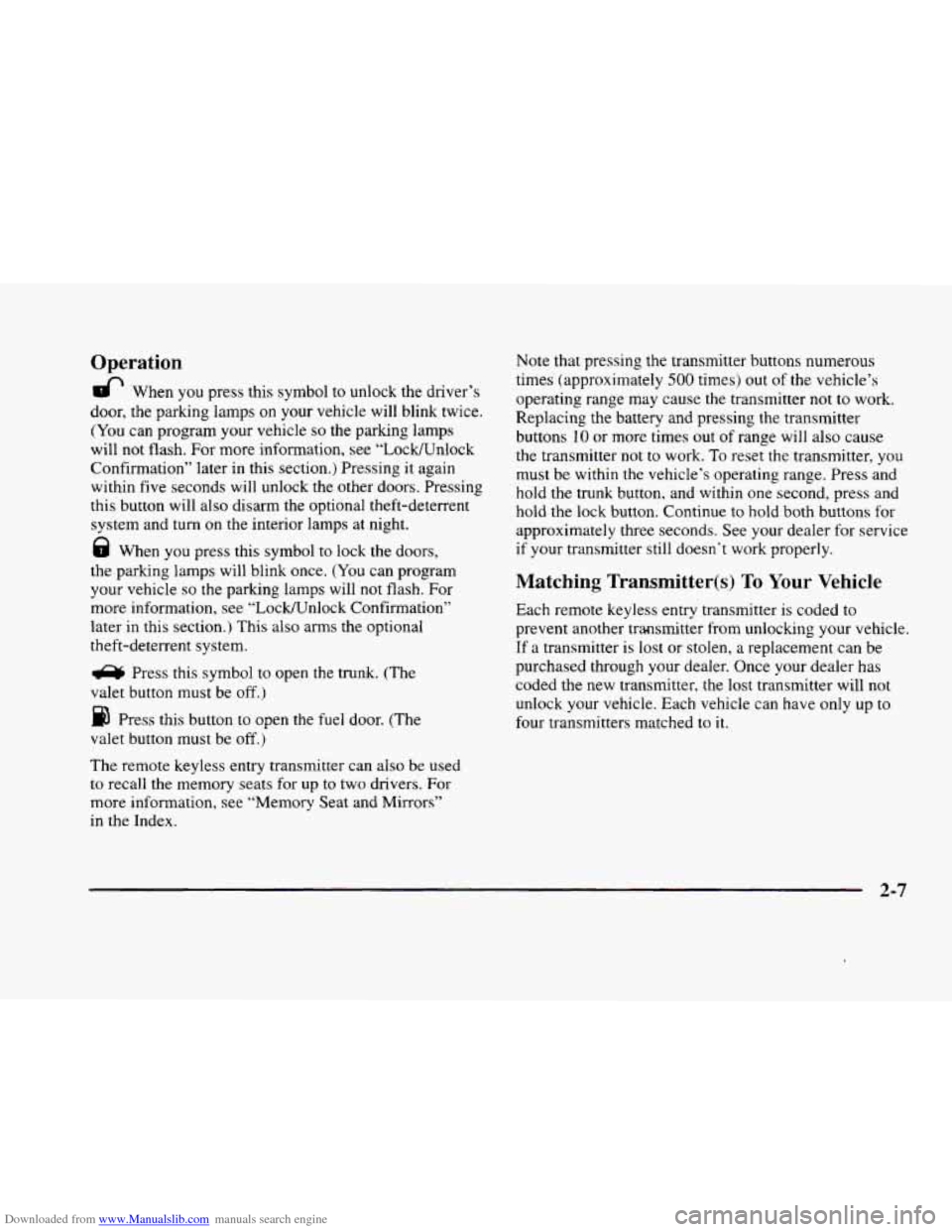
& When you press this symbol to unlock the driver’s
door, the parking lamps
on your vehicle will blink twice.
(You can program your vehicle so the parking lamps
will not flash. For more information, see “LocWnlock
Confirmation” later in this section.) Pressing it again
within five seconds will unlock the other doors. Pressing
this button will also disarm the optional theft-deterrent
system and turn
on the interior lamps at night.
8 When you press this symbol to lock the doors,
the parking lamps will blink once. (You can program
your vehicle
so the parking lamps will not flash. For
more information, see “LockKJnlock Confirmation”
later in this section.) This also arms the optional
theft-deterrent system.
a Press this symbol to open the trunk. (The
valet button must be off.)
Press this button to open the fuel door. (The
valet button must be
off.)
The remote keyless entry transmitter can also be used
to recall the memory seats for up to two drivers. For
more information, see “Memory Seat and Mirrors”
in the Index. Note
that pressing the transmitter buttons numerous
times (approximately
500 times) out of the vehicle’s
operating range may cause the transmitter
not to work.
Replacing the battery and pressing the transmitter
buttons
10 or more times out of range will also cause
the transmitter not to work. To reset the transmitter, you
must be within
the vehicle’s operating range. Press and
hold the trunk button, and within
one second, press and
hold the lock button. Continue to hold both buttons for
approximately
three seconds. See your dealer for service
if your transmitter still doesn’t work properly.
Matching Transmitter@) To Your Vehicle
Each remote keyless entry transmitter is coded to
prevent another transmitter from unlockmg your vehicle.
If a transmitter is lost or stolen,
a replacement can be
purchased through your dealer. Once your dealer has
coded the new transmitter, the lost transmitter will not
unlock your vehicle. Each vehicle can have
only up to
four transmitters matched to
it.
2-7
Page 79 of 380
Downloaded from www.Manualslib.com manuals search engine d
r
?
!-
,i
b“
1 P
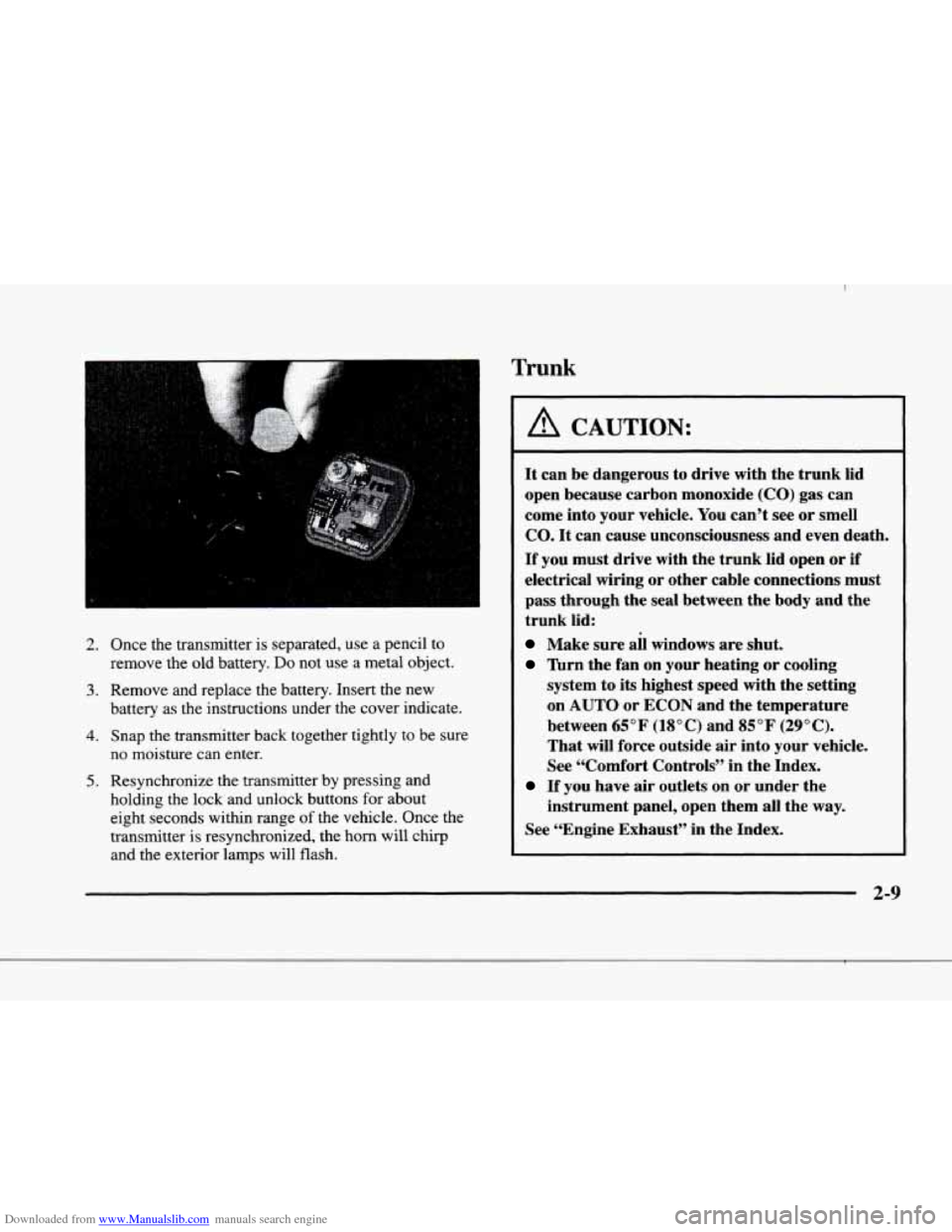
2. Once the transmitter is separated, use a pencil to
remove the old battery.
Do not use a metal object.
battery as the instructions under the cover indicate.
3. Remove and replace the battery. Insert the new
4. Snap the transmitter back together tightly to be sure
no moisture can enter.
5. Resynchronize the transmitter by pressing and
holding the lock and unlock buttons for about
eight seconds within range
of the vehicle. Once the
transmitter is resynchronized, the horn will chirp
and the exterior lamps will flash.
Trunk
A CAUTION:
It can be dangerous to drive with the trunk lid
open because carbon monoxide (CO) gas can
come into your vehicle. You can’t see or smell
CO. It can cause unconsciousness and even death.
If you must drive with the trunk lid open or if
electrical wiring or other cable connections must
pass through the seal between the body and the
trunk lid:
Make sure all windows are shut.
nrn the fan on your heating or cooling
system to its highest speed with the setting
on AUTO or ECON and the temperature
between
65°F (18°C) and 85°F (29°C).
That will force outside air into your vehicle.
See “Comfort Controls” in the Index.
If you have air outlets on or under the
instrument panel, open them all the
way.
See “Engine Exhaust” in the Index.
f9 2-9
Page 123 of 380
Downloaded from www.Manualslib.com manuals search engine This device complies with RSS-210 of Industry Canada.
Operation is subject to the following two conditions:
(1 j this device may not cause interference, and (2) this
device must accept any interference, including
interference that may cause undesired operation
of
the device.
Changes and modifications to this system by other
than an authorized service facility could void
authorization
to use this equipment.
Programming the Transmitter
Do not use the universal transmitter with any garage
door opener that does not have the “stop and reverse”
safety feature. This includes any garage door opener
model manufactured before April
1, 1982.
Be sure that people and objects are clear of the garage
door you are programming.
Your vehicle’s engine should be turned
off while
programming the transmitter. Follow these steps
to
program up to three channels:
1. If you have previously programmed a transmitter
channel, proceed to Step
2. Otherwise, hold down the
two outside buttons on
the universal transmitter
until the amber light begins to flash rapidly
(approximately
20 seconds). Then release the
buttons. This procedure initializes the memory and
erases any previous settings for all three channels.
2. Decide which one of the three channels you want
to program.
3. Hold the end of the hand-held transmitter against the
front surface of the universal transmitter
so that you
can still see the amber light.
4. Using both hands, press the hand-held transmitter
button and the desired button on the universal
transmitter. Continue
to press both buttons through
Step
5.
light on the universal transmitter flash slowly and
then rapidly. The rapid flashing, which could take up
to
90 seconds, indicates that the universal transmitter
has been programmed. Release both buttons once the
light starts
to flash rapidly.
5. Hold down both buttons until you see the amber
2-53
Page 124 of 380
Downloaded from www.Manualslib.com manuals search engine If you have trouble programming the universal
transmitter, make sure that you have followed the
directions exactly as described and that the battery
in
the hand-held transmitter is not dead. If you still
cannot program it, rotate the hand-held transmitter
end over end and try again. The universal transmitter
may not work with older garage door openers that
do
not meet current Federal Consumer Safety Standards.
If you cannot program the transmitter after repeated
attempts, consult your dealer.
Be sure to keep the original hand-held transmitter
in case you need to erase and reprogram the
universal transmitter.
Note to Canadian Owners: During programming, the
hand-held transmitter may stop transmitting after one or
two seconds. If you are programming from one of these
transmitters, you should press and re-press the button
on
the hand-held transmitter every two seconds without
ever releasing the button
on the universal transmitter.
Release both buttons when the amber light on the
universal transmitter begins to flash rapidly.
Operating the Transmitter
Press and hold the appropriate button on the universal
transmitter. The amber light comes on while the signal
is being transmitted.
Note that the universal transmitter is disabled when
the valet button inside the glove box is activated. For
more information, see “Valet Lockout Button” earlier
in this section.
Also note that
if the hand-held transmitter appears to
program the universal transmitter but does not open
your garage door, and
if the garage door opener was
manufactured after
1995, the garage door opener may
have a “rolling code” system.
A rolling code system
changes the code of the garage door opener every time
you open or close the garage door.
To determine if you have this system, press the button
on the universal transmitter that you have programmed
already.
If the amber light on the universal transmitter
flashes rapidly for one or two seconds and then stops
flashing, the garage door opener has
a rolling code
system. In a rolling code system, the garage door
receiver must
be trained to the universal transmitter.
Page 125 of 380
Downloaded from www.Manualslib.com manuals search engine Training a Garage Door Opener with
“Rolling Codes”
(If Equipped)
If you have not previously programmed the hand-held
transmitter to
the universal transmitter. see
“Programming the Transmitter” earlier in this section. If
you have completed this programming already. you now
need to train the garage door opener receiver
to
recognize the universal transmitter. Refer to your garage
door opener owner’s manual
for the proper transmitter
training procedure for your garage door opener brand.
1.
2.
3.
Locate the training button on the garage door opener
receiver. The exact location and color
of the button
may vary by garage door opener brand.
If you have
difficulty locating the training button. refer to your
garage door opener manual.
Press the training button on the garage door opener
receiver for one or two seconds.
A light indicator
will begin
to flash when the receiver enters the
train mode.
Return to
the universal transmitter in your vehicle
and press the universal transmitter button
you have
already programmed for two to three seconds. Press
the button again to make sure that the universal transmitter
has been trained to the garage door
opener receiver. Check that the training was
successful. The receiver light should
no longer
be flashing.
The garage door opener should now recognize the
universal transmitter. You may either use
the universal
transmitter or the hand-held transmitter to open the
garage door.
If after following these instructions you still have
problems training the garage door opener, consult
your dealer.
Erasing Channels
To erase all three-programmed channels, hold down
the two outside buttons until the red light begins to
flash. Individual channels cannot be erased, but can be
reprogrammed using the procedure for Programming
the transmitter explained earlier.
Accessories
Accessories for the universal transmitter are available
from
the manufacturer of the unit. If you would like
additional information, please call
1-800-355-35 15.
2-55
Page 127 of 380
Downloaded from www.Manualslib.com manuals search engine The instrument panel IS designed to let you know at a glance how your vehicle is running. You’ll know how fast
you’re going, how much fuel you’re using
and many of the other things you’ll need to know to drive safely and
economically. The main components
of the instrument panel are:
A. Air Outlets H. Hood Release
B. Turn SignaVMultifunction Lever
C. Cluster
D. Radio (Audio System)
E. Driver Information Center Control Buttons
F. Lamp Controls
G. HVAC Steering Wheel Controls (or Cellular
Telephone Controls,
If Equipped)
I. Horn
J. Audio Steering Wheel Controls
K. Shift Lever
L. Climate Control Panel
M. Glove Box
2-57
Page 129 of 380
Downloaded from www.Manualslib.com manuals search engine Speedometer and Odometer
The speedometer lets you see your speed in both miles
per hour (mph) and kilometers per hour
(km/h). The
odometer shows how far your vehicle has been driven,
in either miles (used in the United States) or kilometers
(used in Canada).
You may wonder what happens if a vehicle has to have a
new odometer installed. The new one may read the
correct mileage. This is because your vehicle’s computer
has stored the mileage in memory.
Trip Odometer
By pressing this button,
TRIP RESET I
you-can tell how far
you’ve traveled since
you last set the trip
odometer back to zero.
For information on resetting this button, see “Control
Buttons’’ later in this section.
EnglisWetric Display
Press the INFO button until ENGLISHMETRIC
RESET displays and then press INFO RESET to select.
Note that other readings such as temperature, fuel and
trip odometer also go back and
forth between English
and metric.
2-59
Page 139 of 380

Downloaded from www.Manualslib.com manuals search engine Fuel Gage
The fuel gage shows
approximately how much
fuel
is in the tank. It
works only when the
ignition is
in RUN.
Here are a few concerns some owners have had about
the fuel gage. All
of these situations are normal and do
not indicate that anything is wrong with the fuel gage.
0 At the gas station the gas pump shuts off before the
gage reads F.
It takes more (or less) gas to fill the tank than the
gage said. For example, the gage read
8 GALLONS
(30 L), but it took more (or less) than the tank’s
remaining capacity to fill it.
0 The gage may change when you turn, stop or
speed up.
Fuel Data Display
Everything you need to know about the fuel economy
and how far you can travel with your vehicle’s
remaining fuel
is displayed. Fuel data can be obtained
by pressing the
INFO button. See “Control Buttons”
later in this section.
2-69