1998 CADILLAC ELDORADO radio
[x] Cancel search: radioPage 149 of 380
Downloaded from www.Manualslib.com manuals search engine VEHICLE OVERSPEED - 52: A failure in the
suspension control system has occurred when this
message appears. The
PCM determines the speed your
vehicle is limited
to. Have your vehicle serviced if this
message appears.
VEHICLE SPEED LIMITED TO XXX MPH
(KM/H) - 113: A failure in the suspension control
system has occurred when this message appears. The
PCM determines the speed your vehicle is limited to.
Have your vehicle serviced
if this message appears.
Programmable, Memory and
Personalization Features
(If Equipped)
Your vehicle may be equipped with the following
features that can be individually programmed,
memorized or personalized for up to two drivers. For
a brief description of each feature (except for climate
control and radio personalization), see each feature
in the Index.
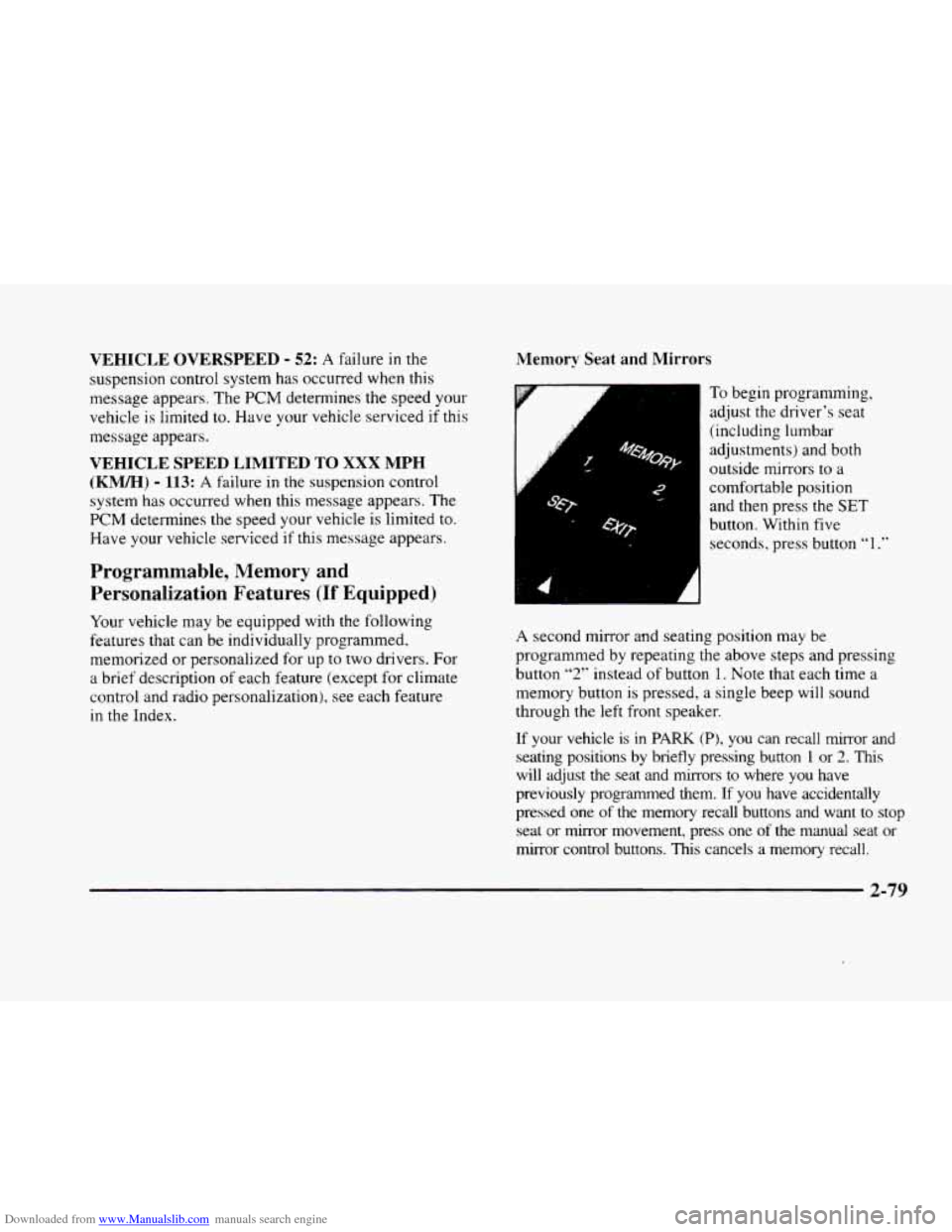
Memory Seat and Mirrors
6
-
: 4’
To begin progranming,
adjust the driver’s seat
(including lumbar
adjustments) and both
outside mirrors to
a
comfortable position
and then press the
SET
button. Within five
seconds, press button
“1 .”
A second mirror and seating position may be
programmed by repeating
the above steps and pressing
button
“2” instead of button 1. Note that each time a
memory button
is pressed, a single beep will sound
through the left front speaker.
If your vehicle is in PARK (PI, you can recall mirror and
seating positions by briefly pressing button 1 or 2. This
will adjust the seat and mirrors to where you have
previously programmed them.
If you have accidentally
pressed one
of the memory recall buttons and want to stop
seat or mirror movement, press one of the manual seat or
mirror control buttons.
This cancels a memory recall.
2-79
Page 152 of 380
Downloaded from www.Manualslib.com manuals search engine EXT LIGHTS AT UNLOCK: Exterior lamps (parking
lamps, taillamps, sidemarker lamps, license plate lamps,
low-beam headlamps, etc.) turn
on when the unlock
button
on the remote keyless entry transmitter is pressed
and
it is dark outside. These lamps stay on for about 20
seconds or until the key is turned OFF.
The prompts listed here appear in the same order as
displayed on
the Driver Information Center (DIC).
FEATURE
ON appears when a yes response is made
and FEATURE OFF appears with a no response. To
skip
to the next personalization feature (REMOTE
RECALL MEMORY), press the
INFO button.
Remote Recall Memory (If Equipped with
Memory Personalization)
Memory settings that have been previously programmed
(climate control settings,
radio preset settings, exterior
lighting choices, remote confirmation choices and
programmable automatic door lock choices) can be
recalled by using the remote keyless entry transmitter or
by placing the key in your vehicle’s ignition. Before
you begin
programming, make sure that your
vehicle’s ignition
is in RUN. To begin programming,
press the
INFO and INFO RESET buttons at the same
time for about two seconds. As mentioned, remote recall
memory
is the third feature to appear. To skip past the
first two personalization features, press the
INFO button.
When REMOTE RECALL MEMORY appears, the
driver is able to recall memory settings when the unlock
button on the remote keyless entry transmitter is
pressed. Press
the TRIP RESET button to select or press
the
INFO RESET button to answer no and to continue
on to the next prompt. FEATURE ON displays when a
yes response
is made.
If
a no response was made, the KEY IN RECALL
MEMORY prompt will’ show next.
This choice recalls
memory settings when the key is placed
in your
vehicle’s ignition. FEATURE
ON displays for a yes
response, and FEATURE
OFF for a no response. A yes
or
no response is required.
2-82
Page 153 of 380
Downloaded from www.Manualslib.com manuals search engine Curb View Assist Mirror (If Equipped
with Memory)
If your vehicle has this personalization feature,
MIRROR TILT IN REV will be the fourth
personalization prompt to display on the Driver
Information Center
(DIC).
To program your vehicle, press the INFO and INFO
RESET buttons at the same time for about two seconds.
When
MIRROR TILT IN REV appears? a yes or no
response is needed. Press the TRIP RESET button to
answer yes or the INFO RESET button to answer no.
FEATURE ON displays when a yes response is made
and FEATURE OFF shows after a no response. Tf
you do not want this feature, press the INFO button
to skip to the next personalization feature which is
STORAGE MODE.
Storage Mode Personalization
Before you begin programming, make sure that your
vehicle's ignition is in RUN. To begin programming,
press
the INFO and INFO RESET buttons at the same
time for about two seconds. The first message to appear
is DOORS LOCK IN GEAR. Press the INFO button
after this prompt
is displayed until STORAGE MODE
prompt appears on the Driver Information Center (DIC).
Press the TRiP RESET button to answer yes or press
the
INFO RESET button to indicate a no response.
FEATURE ON appears when a yes response is made
and
FEATURE OFF shows when a no response is made.
Since this is the last personalization feature available. a
yes or no response will end out of the Driver
Information
Center (DIC) display.
Once the battery
guard has been programmed, your
vehicle
will enter the storage mode about 20 minutes
after the ignition
key has been turned off.
Your vehicle will stay in the storage mode until the
ignition key is turned out of LOCK. The system will
"wake-up" when the door key is inserted into the door,
however,
your vehicle will remain in the storage mode.
The ignition must be out of LOCK before the battery
guard
is disabled.
Home and Away Feature
To program. hold two radio preset buttons at the same
time until HOME PWSETS DRVR 1 ( DRVR 2)
appears on the Driver Information Center (DIC) display.
At this time,
you are able to input your desired radio
stations. Holding the
same two radio preset buttons
again will display
AWAY PRESETS DRVR 1 (or
DRVR 2). Radio stations that are out of your normal
operating
range can be input at this time.
Page 154 of 380
Downloaded from www.Manualslib.com manuals search engine Climate Control Personalization
With this feature, your vehicle will recall the latest
climate control settings as adjusted
the last time your
vehicle was operated. This feature allows two different
drivers
to store and recall their own climate control
settings. The settings recalled by the climate control
system are determined by which remote keyless entry
transmitter
(“1” or “2”) was used to enter the vehicle.
The number
on the back of the remote keyless entry
transmitter corresponds
to driver 1 or to driver 2. After
the unlock button is pressed on the remote keyless entry
transmitter
or the ignition key is placed in the ignition,
the climate control settings will automatically adjust to
where they were last
set. The settings can also be
changed by briefly pressing the memory seat
buttons
1 or 2 located on the driver’s door.
Radio Personalization
With this feature, your vehicle will recall the latest radio
settings as adjusted the last time your vehicle was
operated. This feature allows two different drivers
to
store and recall their own radio settings for AM and FM
presets, last tuned station, volume, tone and audio
source (radio, cassette
or CD). The settings recalled by
the radio are determined by which remote keyless
entry transmitter
(1 or 2) was used to enter the vehicle.
The number
on the back of the remote keyless entry
transmitter corresponds to driver
1 or to driver 2. After
the unlock button is pressed
on the remote keyless entry
transmitter and the ignition
is in RUN, the radio settings
will automatically adjust to where they were last set
by
the identified driver. The settings can also be changed by
briefly pressing the memory seat buttons
1 or 2 located
on the driver’s door. The new settings will be saved for
the driver.
Continuous Variable -- Road Sensing
Suspension
(CV-RSS) (ETC Only)
The CV-RSS automatically adjusts the ride of your
vehicle. Automatic ride control is achieved through a
computer used
to control and monitor the suspension
system. The controller receives input from various
sensors
to determine the proper system response. If the
controller detects
a problem within the system, the
Driver Information Center
(DIC) will display a
SERVICE RIDE CONTROL message. If this message
appears, have your vehicle serviced at your dealership.
2-84
Page 157 of 380
Downloaded from www.Manualslib.com manuals search engine -,
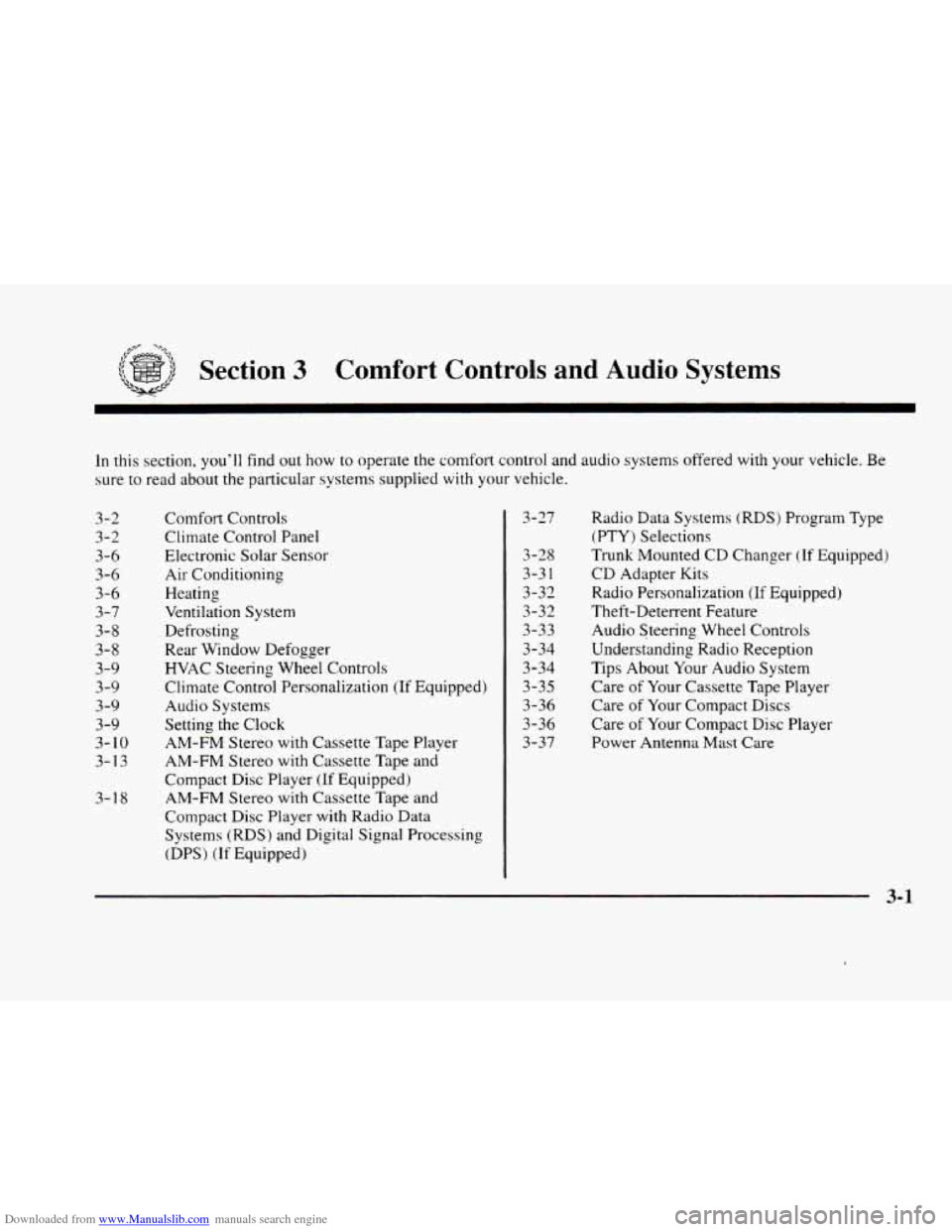
Section 3 Comfort Controls and Audio Systems
In this section, you’ll find out how to operate the comfort control and audio systems offered with your vehicle. Be
sure to read about the particular systems supplied with your vehicle.
3-2
3-2
3-6 3-6
3-6
3-7
3-8
3-8
3-9
3-9
3-9
3-9
3-
10
3-13
3-1
8 Comfort
Controls
Climate Control Panel
Electronic Solar Sensor
Air Conditioning
Heating
Ventilation System
Defrosting
Rear Window Defogger
HVAC Steering Wheel Controls
Climate Control Personalization
(If Equipped)
Audio Systems
Setting the Clock
AM-FM Stereo with Cassette Tape Player
AM-FM Stereo with Cassette Tape
and
Compact Disc Player (If Equipped)
AM-FM Stereo with Cassette Tape and
Compact Disc Player with Radio Data
Systems (RDS) and Digital Signal Processing
(DPS)
(If Equipped) 3-27
3-28
3-3
1
3-32
3-32
3-33
3-34
3-34 3-35
3-36
3-36
3-37
Radio Data Systems (RDS) Program Type
(PTY) Selections
Trunk Mounted CD Changer
(If Equipped)
CD Adapter Kits
Radio Personalization
(If Equipped)
Theft-Deterrent Feature
Audio Steering Wheel Controls
Understanding Radio Reception
Tips About Your Audio System
Care
of Your Cassette Tape Player
Care of Your Compact Discs
Care of Your Compact Disc Player
Power Antenna Mast
Care
Page 158 of 380
Downloaded from www.Manualslib.com manuals search engine Comfort Controls
This section tells you how to make your air system work
for you. Your Electronic Climate Control (ECC) system
uses ozone-friendly
R- 134a refrigerant.
With
the ECC system, you can control the heating,
cooling and ventilation in your vehicle. Your vehicle
also has a flow-through ventilation system described
later in this section.
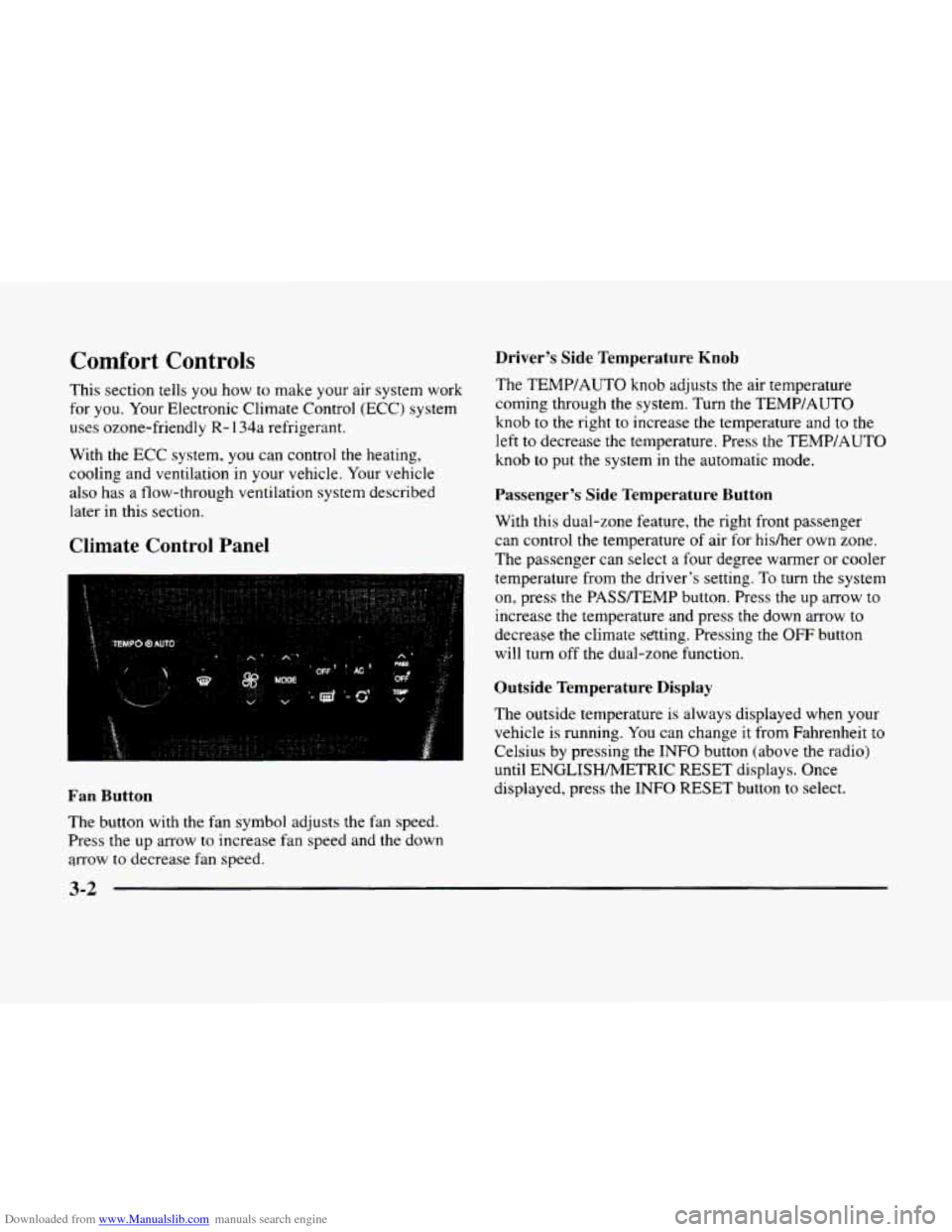
Climate Control Panel
Driver’s Side Temperature Knob
The TEMP/AUTO knob adjusts the air temperature
coming through the system. Turn the TEMPIAUTO
knob
to the right to increase the temperature and to the
left to decrease the temperature. Press
the TEMP/AUTO
knob
to put the system in the automatic mode.
Passenger’s Side Temperature Button
With this dual-zone feature, the right front passenger
can control
the temperature of air for hisher own zone.
The passenger can select a four degree warmer or cooler
temperature from
the driver’s setting. To turn the system
on, press the PASSREMP button. Press the up arrow to
increase
the temperature and press the down arrow to
decrease the climate sating. Pressing the OFF button
will turn off the dual-zone function.
Outside Temperature Display
The outside temperature is always displayed when your
vehicle is running. You can change
it from Fahrenheit to
Celsius by pressing the
INFO button (above the radio)
until ENGLISHMETRIC RESET displays. Once
displayed, press the
INFO RESET button to select. Fan Button
The button with the fan symbol adjusts the fan speed.
Press
the up arrow to increase fan speed and the down
arrow
to decrease fan speed.
3-2
Page 166 of 380
Downloaded from www.Manualslib.com manuals search engine AM-FM Stereo with Cassette Tape Player
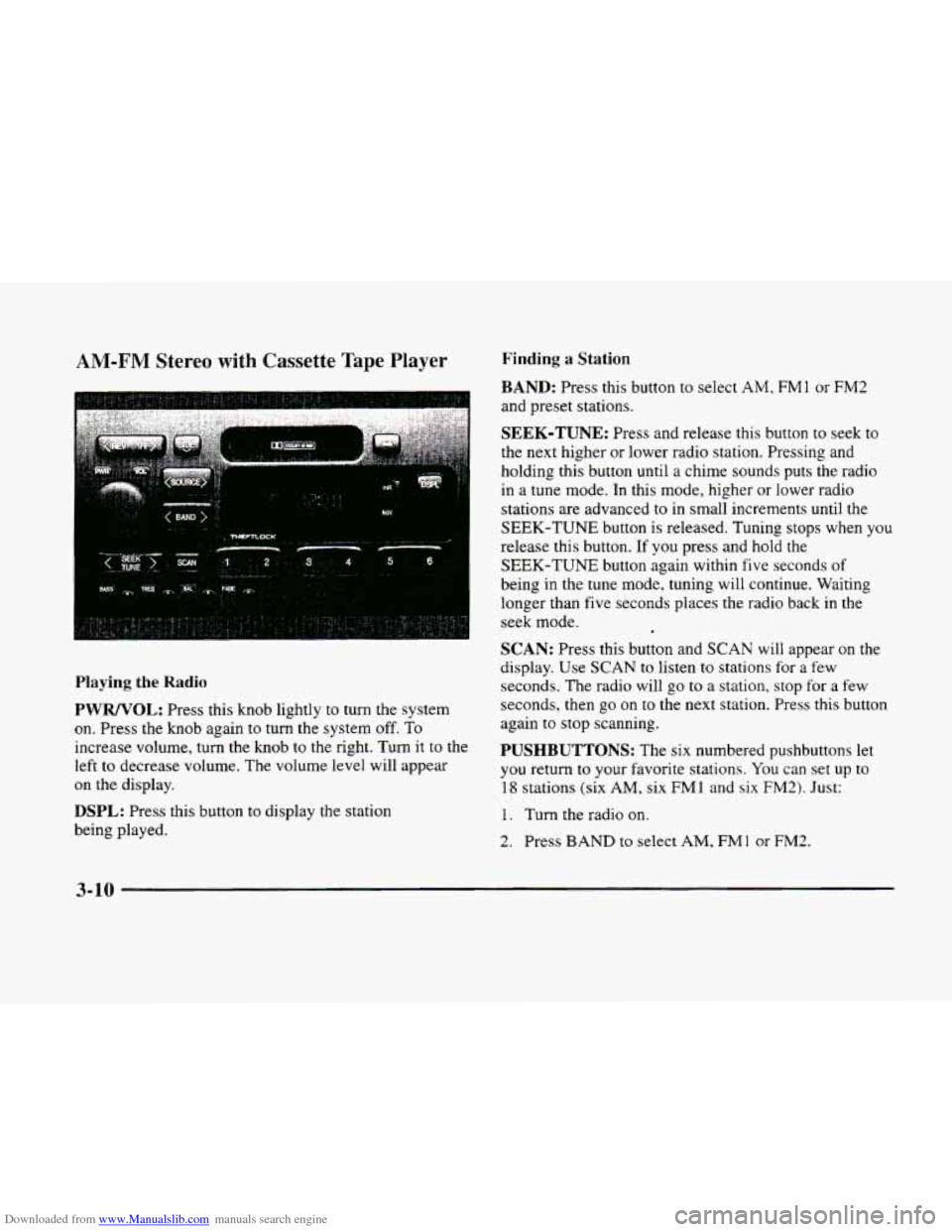
Playing the Radio
PWRNOL: Press this knob lightly to turn the system
on. Press the knob again to turn
the system off. To
increase volume, turn the knob to the right. Turn it to the
left
to decrease volume. The volume level will appear
on the display.
DSPL: Press this button to display the station
being played.
Finding a Station
BAND: Press this button to select AM, FMl or FM2
and preset stations.
SEEK-TUNE: Press and release this button to seek to
the next higher or lower radio station. Pressing and
holding this button until a chime sounds puts the radio
in a tune mode. In this mode, higher or lower radio
stations are advanced
to in small increments until the
SEEK-TUNE button is released. Tuning stops when you
release this button.
If you press and hold the
SEEK-TUNE button again within five seconds of
being in the tune mode, tuning will continue. Waiting
longer than five seconds places the radio back in the
seek mode.
SCAN: Press this button and SCAN will appear on the
display.
Use SCAN to listen to stations for a few
seconds.
The radio will go to a station, stop for a few
seconds, then
go on to the next station. Press this button
again to stop scanning,
PUSHBUTTONS: The six numbered pushbuttons let
you return
to your favorite stations. You can set up to
18 stations (six AM, six FM1 and six FM2). Just:
1. Turn the radio on.
2. Press BAND to select AM, FMl or FM2.
3-10
Page 167 of 380
Downloaded from www.Manualslib.com manuals search engine 3. Tune in the desired station.
4. Press and hold one of the six numbered buttons for
more than two seconds until you hear a beep.
Whenever
you press that numbered button for less
than two seconds,
the station you set will return.
5. Repeat the steps for each pushbutton.
When battery power is removed and later applied,
you
will not have to reset your radio presets because the
radio remembe,rs them.
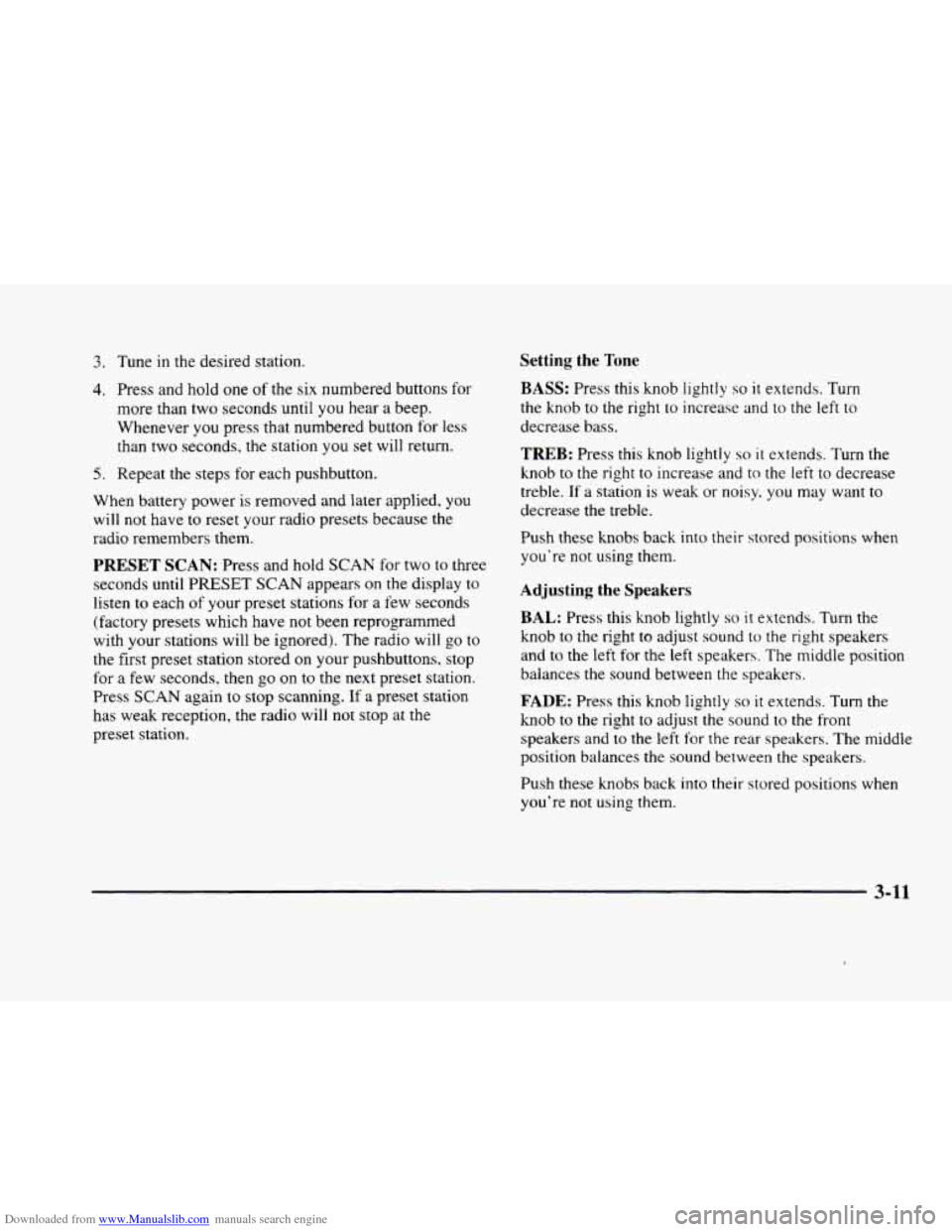
Setting the Tone
BASS: Press this knob lightly so it extends. Turn
the knob to
the right to increase and to the left to
decrease bass.
PRESET SCAN: Press and hold SCAN for two to three
seconds
until PRESET SCAN appears on the display to
listen
to each of your preset stations for a few seconds
(factory presets which have not been reprogrammed
with your stations will be ignored).
The radio will go to
the first preset station stored on your pushbuttons, stop
for a few seconds, then go
on to the next preset station.
Press
SCAN again to stop scanning. If a preset station
has weak reception, the radio will not stop at the
preset station.
TREB: Press this knob lightly so it extends. Turn the
knob to the right
to increase and to the left to decrease
treble.
If a station is weak or noisy. you may want to
decrease the treble.
Push these
knobs back into their stored positions when
you’re not using them.
Adjusting the Speakers
BAL: Press this knob lightly so it extends. Turn the
knob to
the right to adjust sound to the right speakers
and
to the left for the left speakers. The middle position
balances the sound between the speakers.
FADE: Press this knob lightly so it extends. Turn the
knob to the right to adjust the sound to the front
speakers and to the left for the rear speakers. The middle
position balances the sound between the speakers.
Push these knobs back into
their stored positions when
you’re not using them.
3-11