1997 Oldsmobile Aurora battery
[x] Cancel search: batteryPage 105 of 404

To turn the feature on: Front Reading Lamps
1.
2.
3.
4.
Press and hold the door lock switch throughout this
procedure. All doors will lock.
Press the instant alarm button
on the key chain
transmitter. Perimeter lighting remains off at this
time and the
horn will chirp one time.
Press the instant alarm button on the transmitter
again. Perimeter lighting is now enabled and the
horn will chirp two times.
Release the door lock switch. The perimeter lighting
option is now on.
These lamps and the interior courtesy lamps will come
on when you open a door. They will turn off when you
turn on
the ignition. If the door is left open, they will
turn off after about
10 minutes.
To turn
on the reading lamps when the doors are closed,
press the button behind the lamp you want on. Press
it
again to turn the lamp off.
These lamps work even when the ignition is off. To avoid
draining your vehicle's battery, be sure to
turn off all front
and rear reading lamps when leaving your vehicle.
2-49
Page 106 of 404

Rear Reading Lamps Inadvertent Load Protection
These lamps
go on when you open the doors. You can
also turn them on by pressing the button to the side
of
the lamp. Press it again to turn them off.
Trunk Lamp
When you open the trunk to its full open position, a
lamp will come on inside the trunk. This lamp will
automatically turn off when the trunk
is closed. This feature
shuts
off the courtesy, reading, trunk, glove
box and visor vanity mirror lamps if any are left on for
more than
10 minutes when the ignition is off. This will
keep your battery from running down.
Mirrors
Electrochromic Day/Night Rearview Mirror
With Compass
This mirror automatically changes to reduce glare from
headlamps behind you when set in the M (Mirror)
or
C/M (Compass/Mirror) positions.
One photocell
on the back of the mirror senses when it
is becoming dark outside. Another photocell built into
the mirror surface senses when headlamps are
behind you.
At night, when the glare is too high, the mirror will
gradually darken to reduce glare (this change may take a
few seconds). The
mirror will return to its clear daytime
state when the glare is reduced.
2-50
Page 117 of 404

Universal Transmitter This device complies with Part 15 of the FCC Rules.
Operation
is subject to the following two conditions:
(1) This device may not cause harmful interference, and
(2) This device must accept any interference received,
including interference that may cause undesired
operation.
This device complies with RSS-210 of Industry and
Science Canada. Operation is subject to the following
two conditions:
(1) this device may not cause
interference, and
(2) this device must accept any
interference, including interference that may cause
undesired operation of the device.
Changes or modifications to this system by other than an
authorized service facility could void authorization to
use this equipment.
Programming the Transmitter
Do not use the universal transmitter with any garage
door opener that does not have the “stop and reverse”
safety feature. This includes any garage door opener
model manufactured before April
1, 1982.
Be sure that people and objects are clear of the garage
door
you are programming.
This transmitter allows
you to consolidate the functions
of up to three individual hand-held transmitters. It will
operate garage doors and gates, or other devices
controlled
by radio frequency such as home and office
lighting systems.
The transmitter will learn and transmit the frequencies
of most current transmitters and is powered by your
vehicle’s battery and charging system.
Page 126 of 404

Battery Warning Light
U
VOLTS
This light will come on
briefly when you start the
vehicle, as a check to show
you it is working, then it
should go out. If
it stays on,
or comes on while
you are
driving, you may have a
problem with the electrical
charging system.
A warning chime and the message CHECK CHARGE
SYSTEM may also come on. Have it checked right
away. Driving while this light is on could drain
your battery.
If you must drive a short distance with the light on, be
certain to turn off all your accessories, such as the radio
and climate control.
Brake System Warning Light
Your Aurora’s hydraulic brake system is divided into
two parts. If one part isn’t working, the other part can
still work and stop you. For good braking, though, you
need both parts working well.
This light should come on
when you turn
the ignition
key to
START. If it doesn’t
come
on then, have it fixed
so it will be ready to warn
BRAKE (a) you if there’s a problem. FLUID
If this warning light stays on after you start the engine,
there could be a brake problem. Have your brake system
inspected right away.
2-70
Page 138 of 404
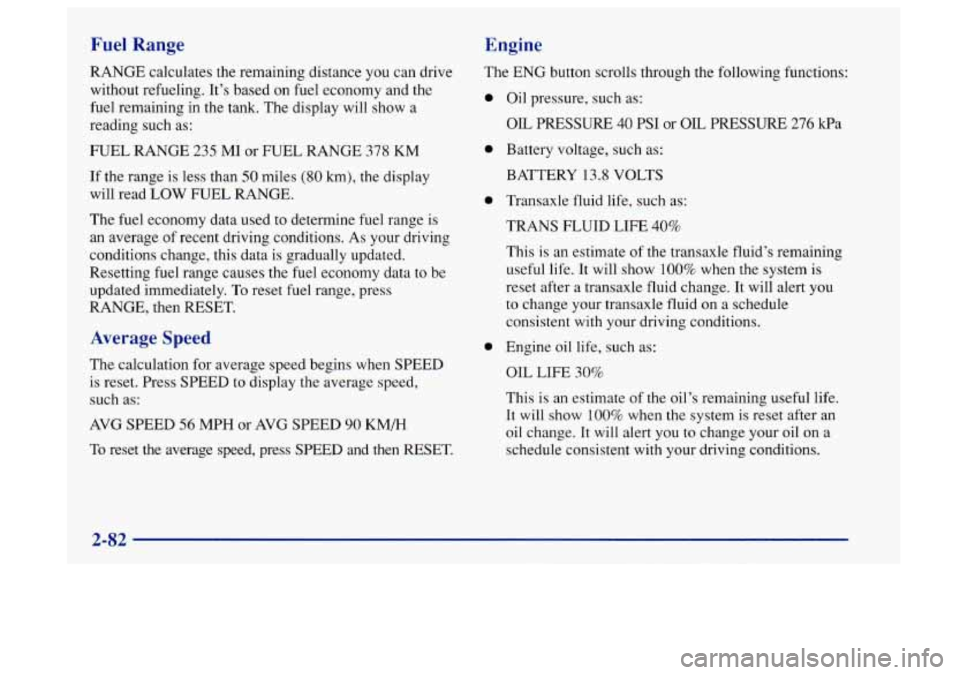
Fuel Range
RANGE calculates the remaining distance you can drive
without refueling. It’s based on fuel economy and the
fuel remaining in the tank. The display will show a
reading such as:
FUEL RANGE 235 MI or FUEL RANGE 378 KM
If the range is less than SO miles (80 km), the display
will read
LOW FUEL RANGE.
The fuel economy data used to determine fuel range is
an average of recent driving conditions.
As your driving
conditions change, this data is gradually updated.
Resetting fuel range causes the fuel economy data to be
updated immediately. To reset fuel range, press
RANGE, then RESET.
Average Speed
The. calculation for average speed begins when SPEED
is reset. Press SPEED to display the average speed,
such as:
AVG SPEED 56 MPH or AVG SPEED 90 KM/H
To reset the average speed, press SPEED and then RESET.
Engine
The ENG button scrolls through the following functions:
0
0
0
0
Oil pressure, such as:
OIL PRESSURE 40 PSI or OIL PRESSURE 276 kPa
Battery voltage, such as:
BATTERY 13.8 VOLTS
Transaxle fluid life, such as:
TRANS
FLUID LIFE 40%
This is an estimate of the transaxle fluid’s remaining
useful life.
It will show 100% when the system is
reset after a transaxle fluid change. It will alert you
to change your transaxle fluid on a schedule
consistent with your driving conditions.
Engine oil life, such as:
OIL LIFE 30%
This
is an estimate of the oil’s remaining useful life.
It
will show 100% when the system is reset after an
oil change.
It will alert you to change your oil on a
schedule consistent with your driving conditions.
2-82
Page 141 of 404
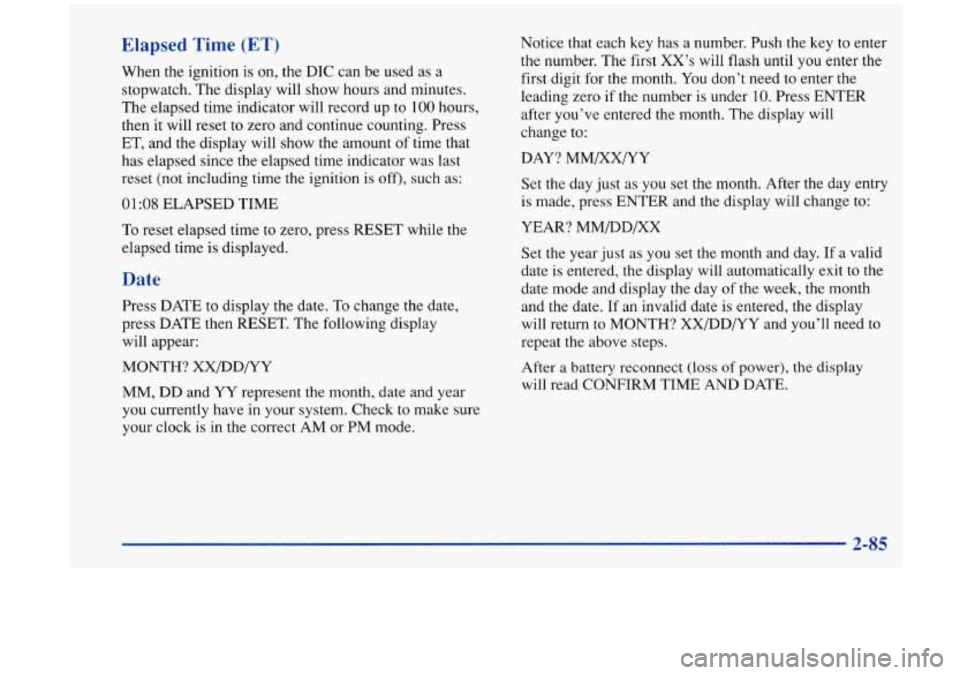
Elapsed Time (ET)
When the ignition is on, the DIC can be used as a
stopwatch. The display will show hours and minutes.
The elapsed time indicator will record up to
100 hours,
then it will reset to zero and continue counting. Press
ET, and the display will show the amount
of time that
has elapsed since the elapsed time indicator was last
reset (not including time
the ignition is off), such as:
01:08 ELAPSED TIME
To reset elapsed time to zero, press RESET while the
elapsed time is displayed.
Date
Press DATE to display the date. To change the date,
press DATE then RESET. The following display
will appear:
MONTH? XX/DD/YY
MM, DD and YY represent
the month, date and year
you currently have in your system. Check to make sure
your clock is in the correct AM or PM mode. Notice that each
key has a number. Push the key to enter
the number. The first XX’s will flash until you enter the
first digit for the month. You don’t need to enter the
leading zero if the number is under
10. Press ENTER
after you’ve entered the month. The display will
change to:
DAY? MM/XX/YY
Set the day just as you set the month. After the day entry
is made, press ENTER and the display will change to:
YEAR? MM/DD/XX
Set the year just as you set the month and day.
If a valid
date is entered, the display will automatically exit to the
date mode and display the day of the week, the month
and the date. If an invalid date is entered, the display
will return to MONTH? XX/DD/YY and you’ll need
to
repeat the above steps.
After
a battery reconnect (loss of power), the display
will read CONFIRM TIME AND DATE.
2-85
Page 169 of 404

RANDOM (5): Press this button to enter the random
play mode. RDM will appear on the display. While
in
this mode, the tracks on the discs will be played in
random order. If you press PROG or
SEEK while in the
random mode, discs and tracks will be scanned
randomly. Press this button again
to turn off the random
feature and return to normal operation.
RCL: Press this button to see what track is currently
playing. Press RCL again within five seconds to see how
long the track has been playing. EL TM will appear on the
display when in elapsed time mode. When a new track
starts to play, the track number will also appear. Press RCL
a third time and the time of day will be displayed.
SEEK: Press the SEEK down arrow while playing a CD
to go back to the start of the current track if more than
eight seconds have played. If you press it again, the
changer will go to previous tracks. Press the SEEK up
arrow and it will
go to the next higher track on the disc.
SCAN: Press this button and release to listen to each
selection for a few seconds. The first few seconds
of
each selection on the current disc will be played. The
sound will mute while scanning and SCAN will appear
on
the display. Press this button again to stop scanning.
P SCAN: Press and hold the SCAN button for two
seconds to hear the first selection of each loaded disc for
a few seconds. The sound will mute while scanning and
P SCAN will appear on the display. Press SCAN again
to stop scanning.
TAPE/CD: Press this button to play a CD if you have a
magazine loaded in the changer and
the radio is playing.
To return to the radio while a CD is playing, press
AM-FM. You can also press this button to switch
between a cassette tape, CD or the CD changer if all
three are loaded.
Theft-Deterrent Feature
THEFTLOCK TM is designed to discourage theft of your
radio. It works by using a secret code to disable all radio
functions whenever battery power is removed.
The THEFTLOCK feature for the radio may be used
or
ignored. If ignored, the system plays normally and the
radio is not protected by the feature. If THEFTLOCK is
activated, your radio will not operate if stolen.
When THEFTLOCK is activated, the radio will display
LOC to indicate a locked condition anytime battery
power is removed. If your battery loses power for any
reason, you must unlock the radio with the secret code
before
it will operate.
Page 171 of 404

Unlocking the Theft-Deterrent Feature After a
Power
Loss
Enter your secret code as follows; pause no more than
15 seconds between steps:
1. LOC appears when the ignition is on.
2. Press MN and 000 will appear on the display.
3. Press MN again to make the last two digits agree
4. Press HR to make the first one or two digits agree
with
your code.
with your code.
5. Press AM-FM after you have confirmed that the
code matches the secret code you have written down.
The display will show SEC, indicating the radio is
now operable and secure.
If you enter the wrong code eight times, INOP will
appear
on the display. You will have to wait an hour
with the ignition on before you can try again. When you
try again, you will only have three chances to enter the
correct code before INOP appears.
If you lose or forget your code, contact your retailer.
Disabling the Theft-Deterrent Feature
1. Turn the ignition to ACCESSORY or RUN.
2. Turn the radio off.
3. Press the 1 and 4 buttons together. Hold them down
until SEC shows on the display.
4. Press MN and 000 will appear on the display.
5. Press MN again to make the last two digits agree
with your code.
6. Press HR to make the first one or two digits agree
with your code.
7. Press AM-FM after you have confirmed that the
code matches the secret code you have written down.
The display will show
---, indicating that the radio is
no longer secured.
If the code entered is incorrect, SEC will appear on the
display. The radio will remain secured until the correct
code is entered.
When battery power is removed and later applied to a
secured radio, the radio won’t turn
on and LOC will
appear on the display.
To unlock a secured radio,
see “Unlocking the
Theft-Deterrent Feature After a Power
Loss” earlier in
this section.
Enter your secret code as follows; pause no more than
15 seconds between steps:
3-27