Page 6 of 224
* if equipped
REW
1FF
2SIDE 1-2
3
FM 1STVOL – PUSH ON
AM
FMBASS TREBBAL FADE
AUTO
SET CLK
SEEKTUNE
DISCSSCAN
4
DOLBY SYSTEMEJTAPE CD
COMP5SHUFFLE
6
WARM COOLFLR
& DEF *MAX
A/CFLOOR PANEL &
FLOOR
DEF OFF
PANEL
*A/C
LO
HI2WD4WD
HIGH4WD
LOW
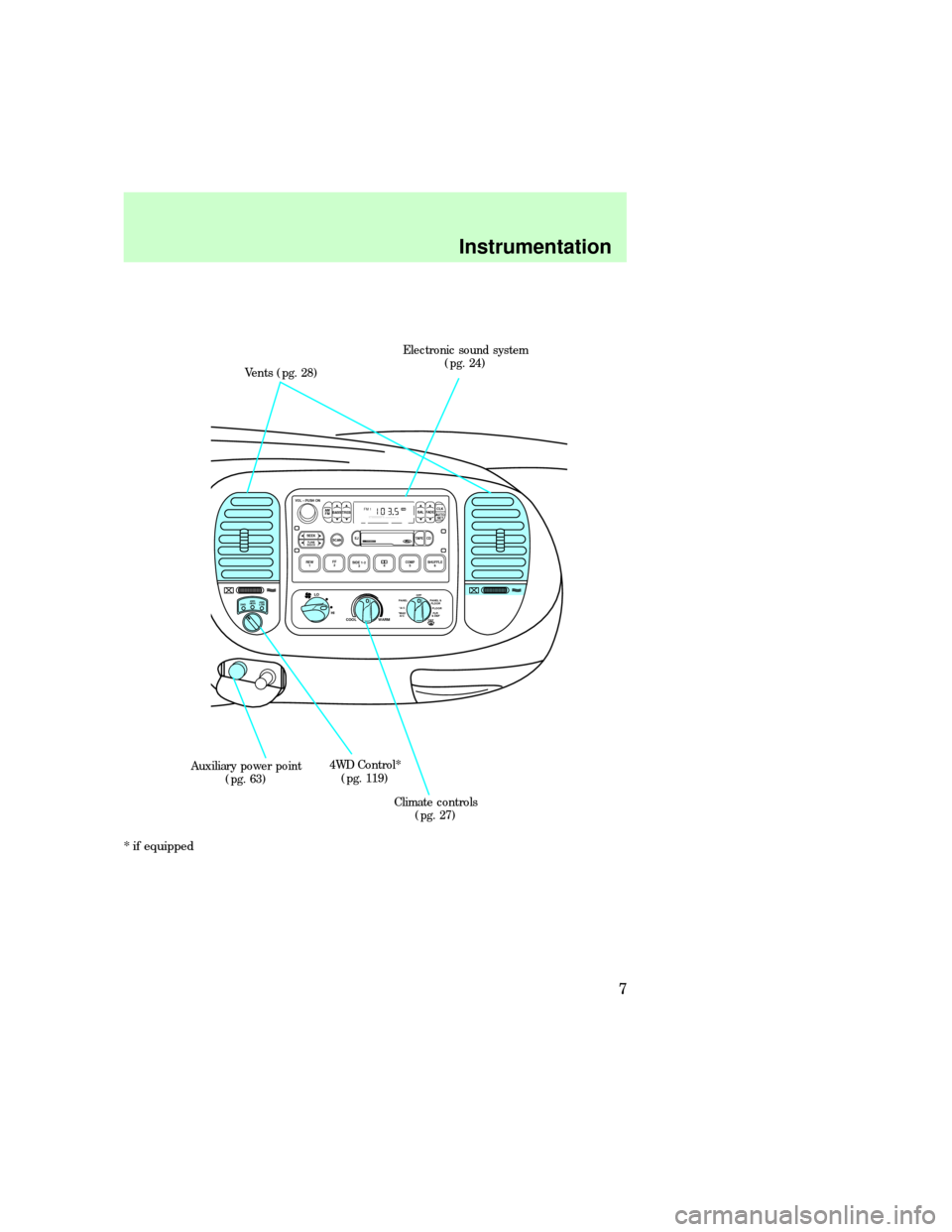
Vents (pg. 28)Electronic sound system
(pg. 24)
Climate controls
(pg. 27) 4WD Control*
(pg. 119) Auxiliary power point
(pg. 63)
Instrumentation
7
Page 26 of 224
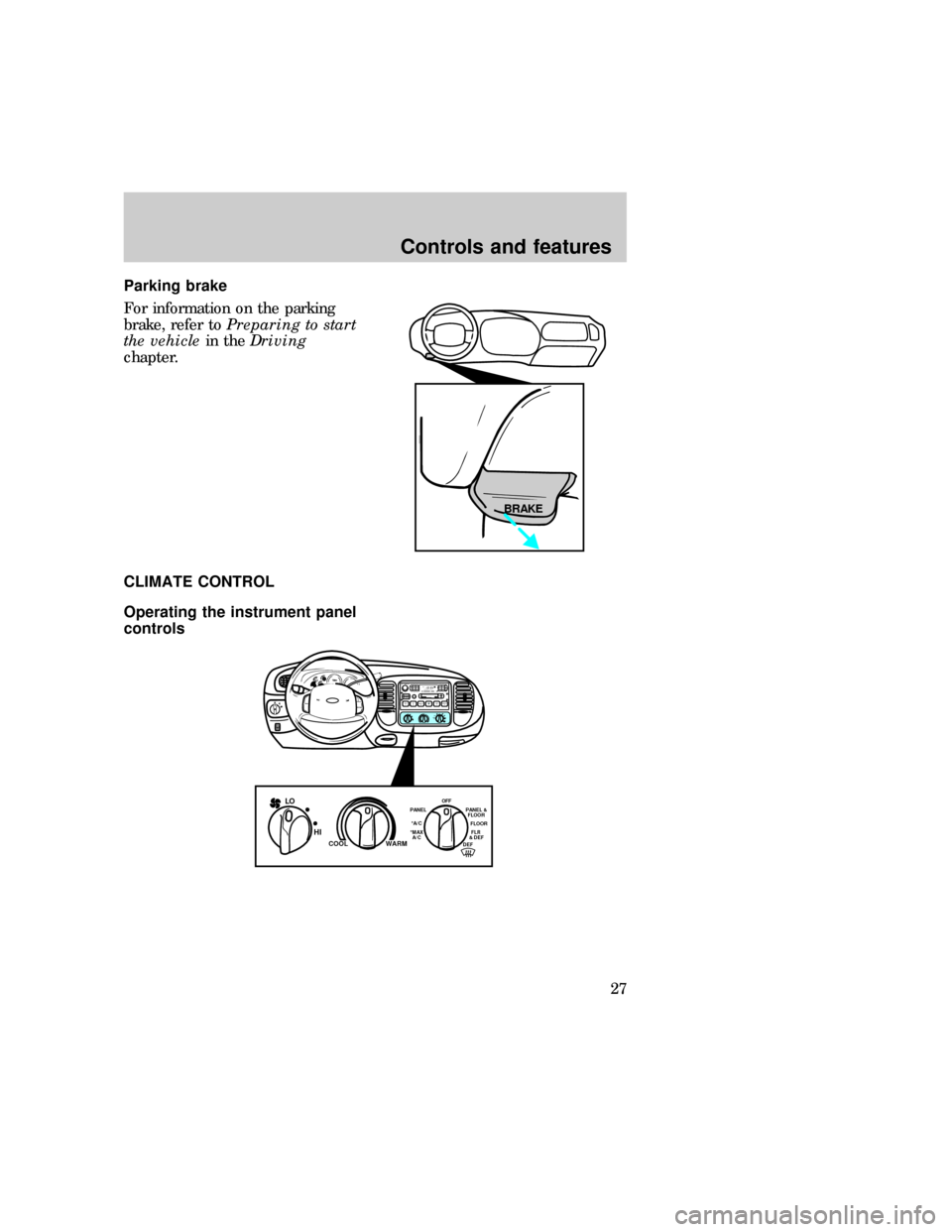
Parking brake
For information on the parking
brake, refer toPreparing to start
the vehiclein theDriving
chapter.
CLIMATE CONTROL
Operating the instrument panel
controls
BRAKE
PHI LOOFF*A/C*MAX
A/CREW
1FF
2SIDE 1-2
3
FM 1STVOL – PUSH ON
AM
FMBASS TREBBAL FADE
AUTO
SET CLKSEEKTUNE
DISCSSCAN4DOLBY SYSTEMEJTAPE CDCOMP5SHUFFLE
6
FLR
& DEF *MAX
A/CFLOOR PANEL &
FLOOR
DEF OFF
PANEL
*A/CWARM COOL
LO
HI
exd_climate_overview_art
exd_title_climate_controls
exd_vents_climate_controls
Controls and features
27
Page 27 of 224
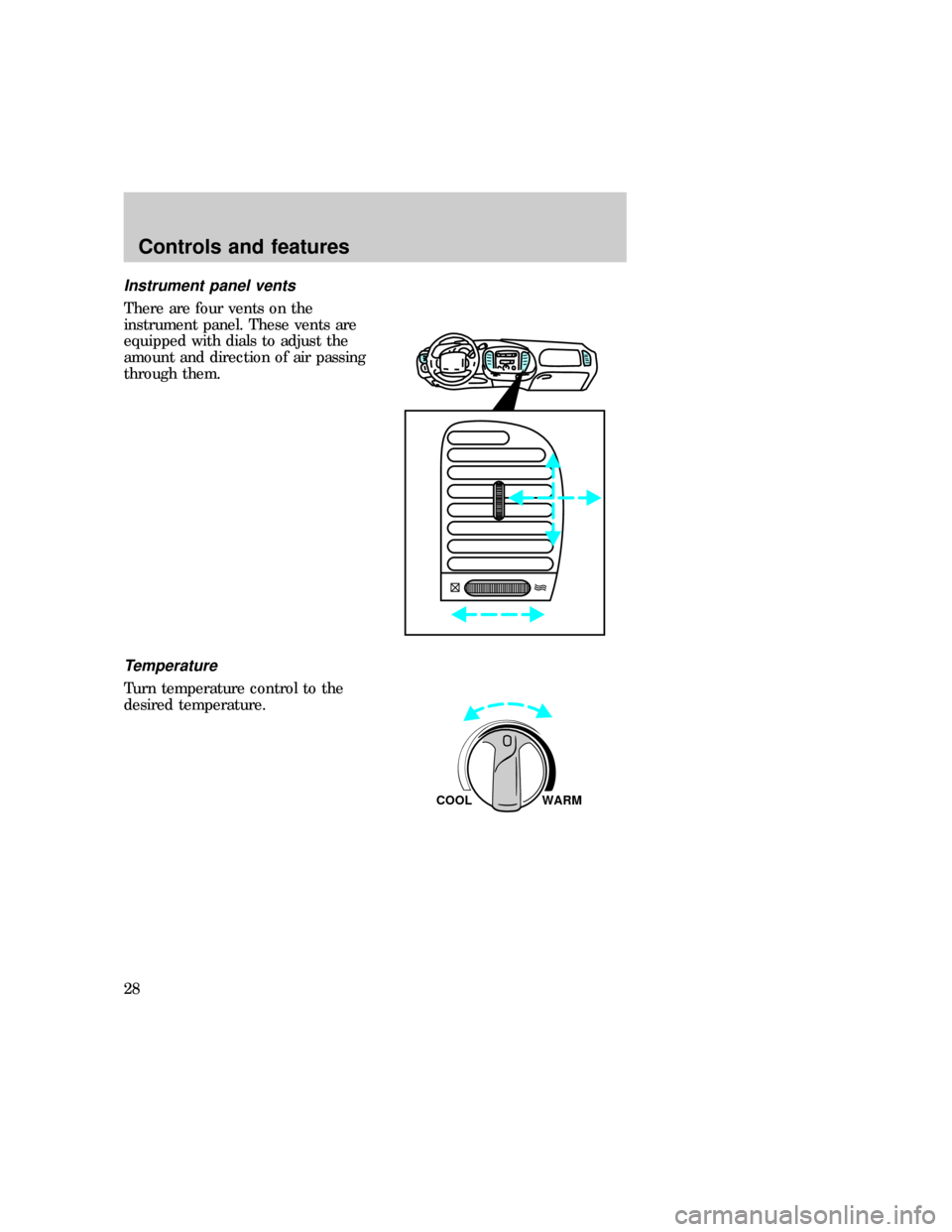
Instrument panel vents
There are four vents on the
instrument panel. These vents are
equipped with dials to adjust the
amount and direction of air passing
through them.
Temperature
Turn temperature control to the
desired temperature.
WARM COOL
exd_temperature_control
exd_fan_speed_climate
Controls and features
28
Page 32 of 224
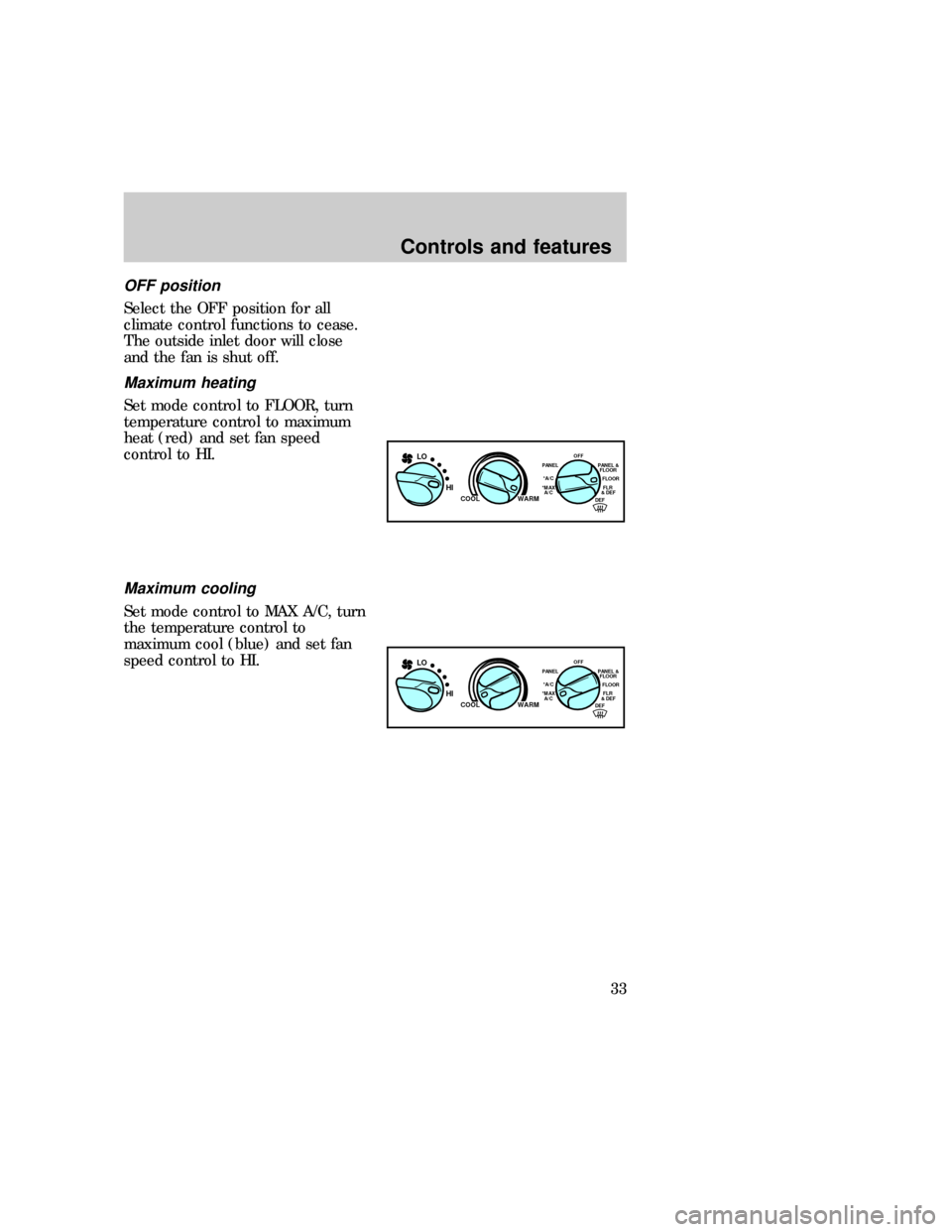
OFF position
Select the OFF position for all
climate control functions to cease.
The outside inlet door will close
and the fan is shut off.
Maximum heating
Set mode control to FLOOR, turn
temperature control to maximum
heat (red) and set fan speed
control to HI.
Maximum cooling
Set mode control to MAX A/C, turn
the temperature control to
maximum cool (blue) and set fan
speed control to HI.
FLR
& DEF *MAX
A/CFLOOR PANEL &
FLOOR
DEF OFF
PANEL
*A/CWARM COOL
LO
HI
FLR
& DEF *MAX
A/CFLOOR PANEL &
FLOOR
DEF OFF
PANEL
*A/CWARM COOL
LO
HI
exd_max_heat exd_max_cooling
exd_ventilating
Controls and features
33
Page 33 of 224
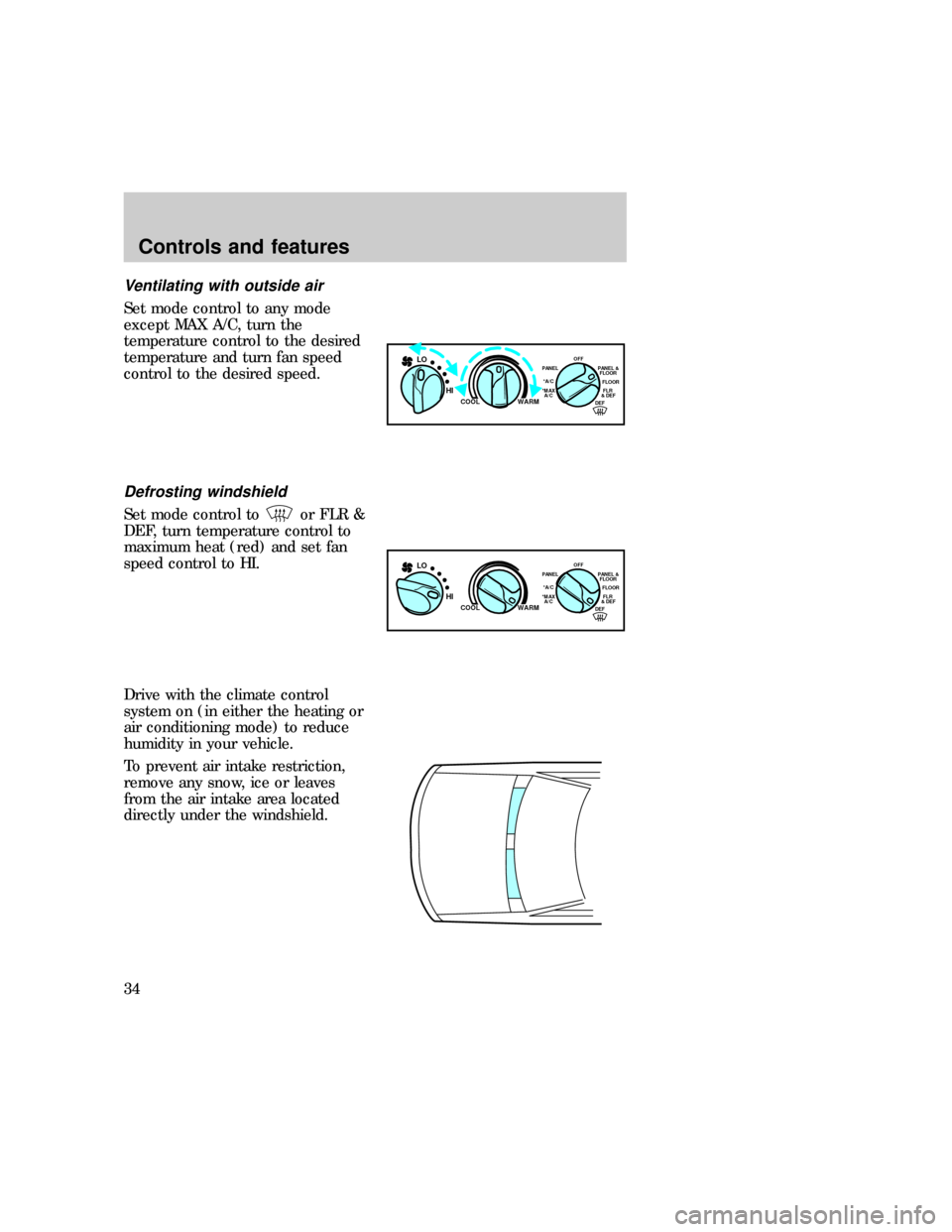
Ventilating with outside air
Set mode control to any mode
except MAX A/C, turn the
temperature control to the desired
temperature and turn fan speed
control to the desired speed.
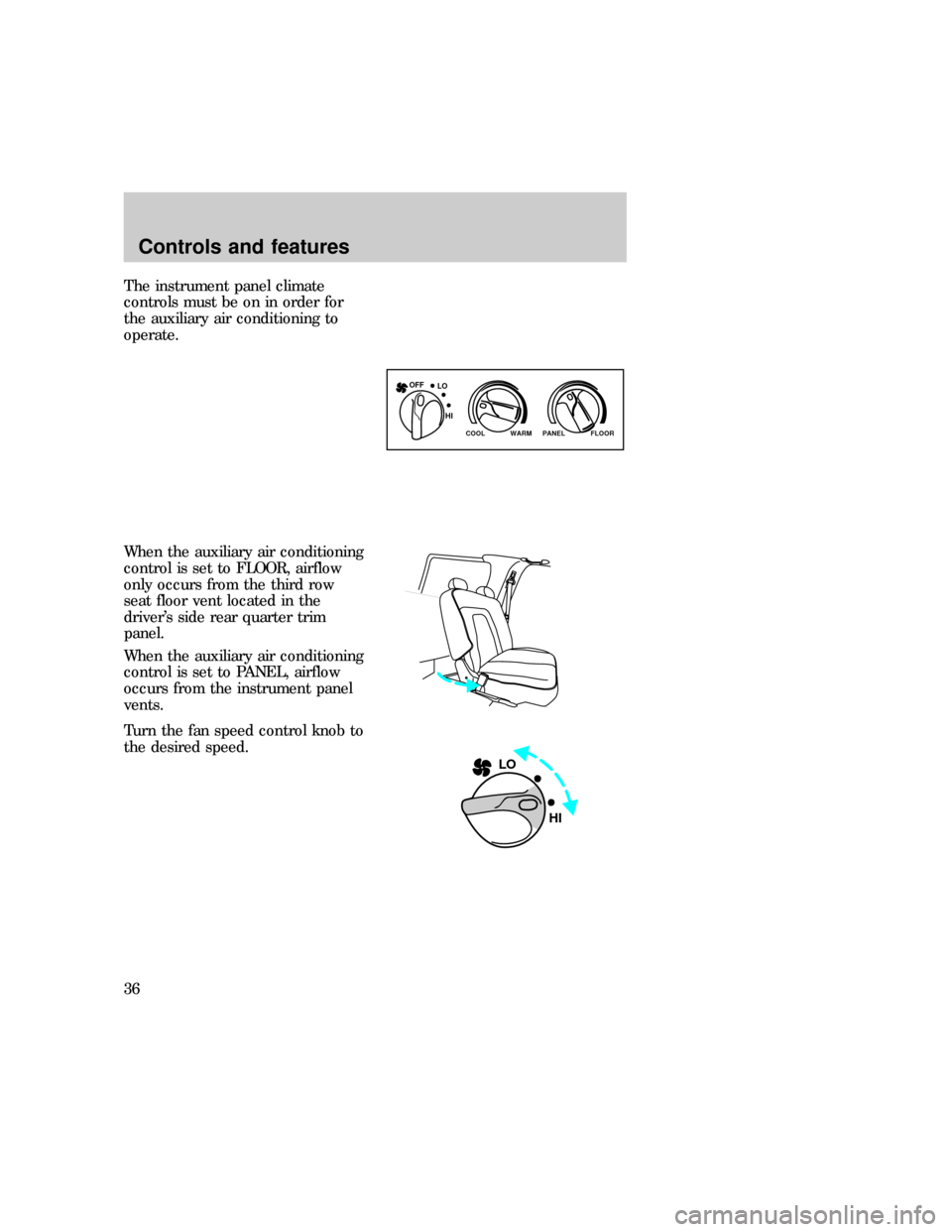
Defrosting windshield
Set mode control toor FLR &
DEF, turn temperature control to
maximum heat (red) and set fan
speed control to HI.
Drive with the climate control
system on (in either the heating or
air conditioning mode) to reduce
humidity in your vehicle.
To prevent air intake restriction,
remove any snow, ice or leaves
from the air intake area located
directly under the windshield.
FLR
& DEF *MAX
A/CFLOOR PANEL &
FLOOR
DEF OFF
PANEL
*A/CWARM COOL
LO
HI
FLR
& DEF *MAX
A/CFLOOR PANEL &
FLOOR
DEF OFF
PANEL
*A/CWARM COOL
LO
HI
exd_defrosting
exd_aux_ac_controls
Controls and features
34
Page 35 of 224
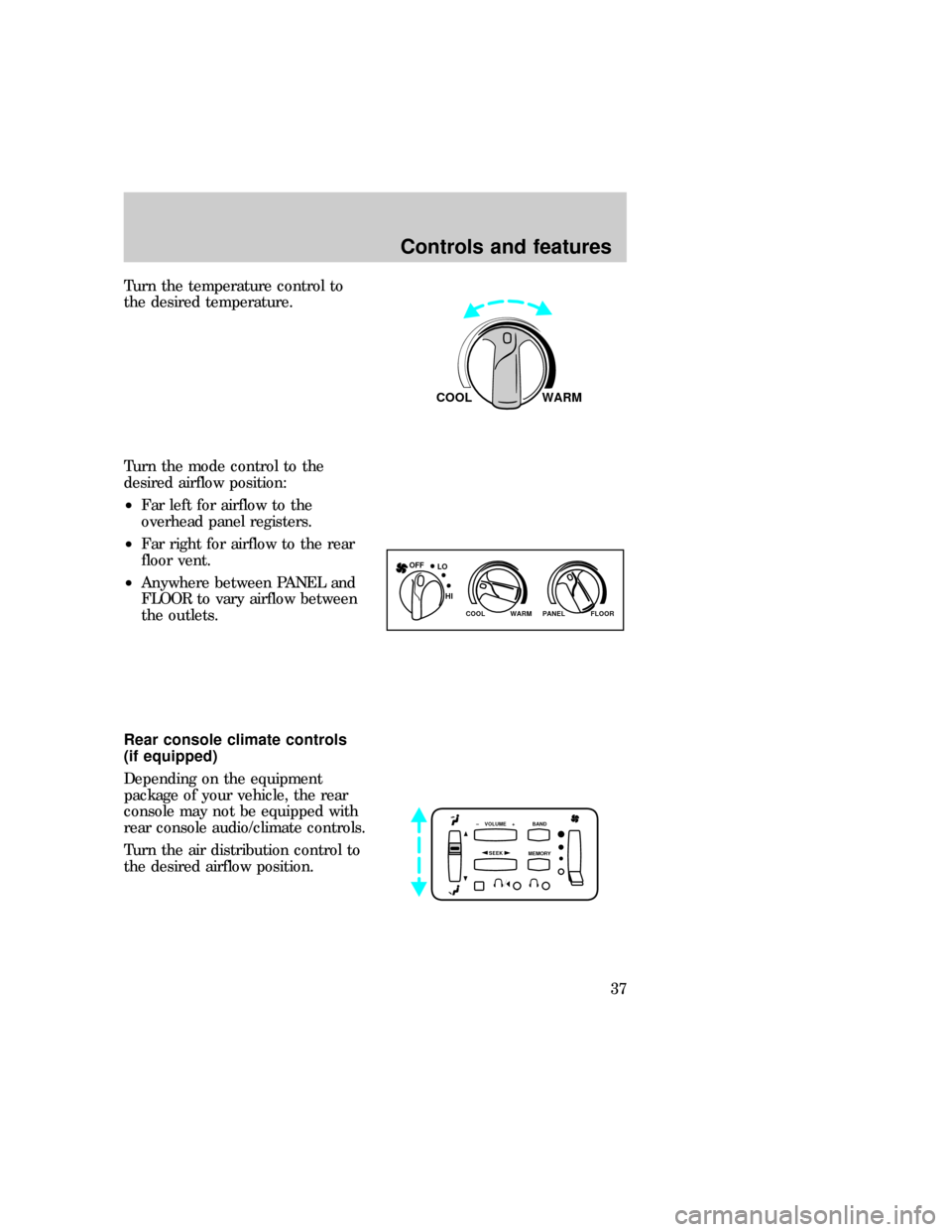
The instrument panel climate
controls must be on in order for
the auxiliary air conditioning to
operate.
When the auxiliary air conditioning
control is set to FLOOR, airflow
only occurs from the third row
seat floor vent located in the
driver's side rear quarter trim
panel.
When the auxiliary air conditioning
control is set to PANEL, airflow
occurs from the instrument panel
vents.
Turn the fan speed control knob to
the desired speed.
WARM PANEL FLOOR COOL
LO OFF
HI
LO
HI
Controls and features
36
Page 36 of 224
Turn the temperature control to
the desired temperature.
Turn the mode control to the
desired airflow position:
²Far left for airflow to the
overhead panel registers.
²Far right for airflow to the rear
floor vent.
²Anywhere between PANEL and
FLOOR to vary airflow between
the outlets.
Rear console climate controls
(if equipped)
Depending on the equipment
package of your vehicle, the rear
console may not be equipped with
rear console audio/climate controls.
Turn the air distribution control to
the desired airflow position.
WARM COOL
WARM PANEL FLOOR COOL
LO OFF
HI
SEEK
– VOLUME + BAND
MEMORY
exd_climate_rear_controls
Controls and features
37
Page 62 of 224
The floor console and floor console
controls incorporate a variety of
available features including:
²air vents
²audio system controls
²rear seat climate controls
²auxiliary power point
For information on the rear
console audio system, refer to the
ªAudio Guideº.
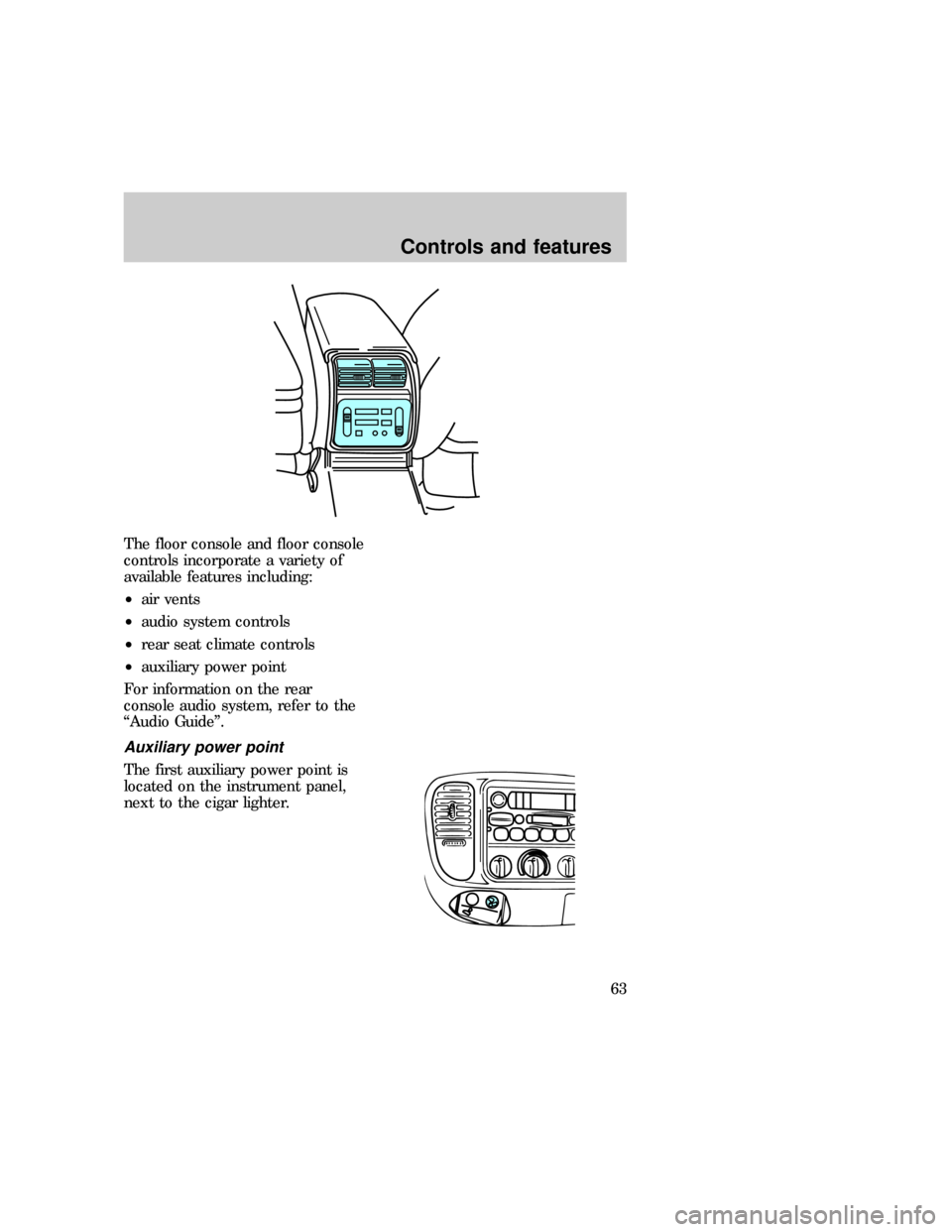
Auxiliary power point
The first auxiliary power point is
located on the instrument panel,
next to the cigar lighter.
exd_rear_console
exd_aux_power_point
Controls and features
63