1997 CADILLAC SEVILLE display
[x] Cancel search: displayPage 66 of 370
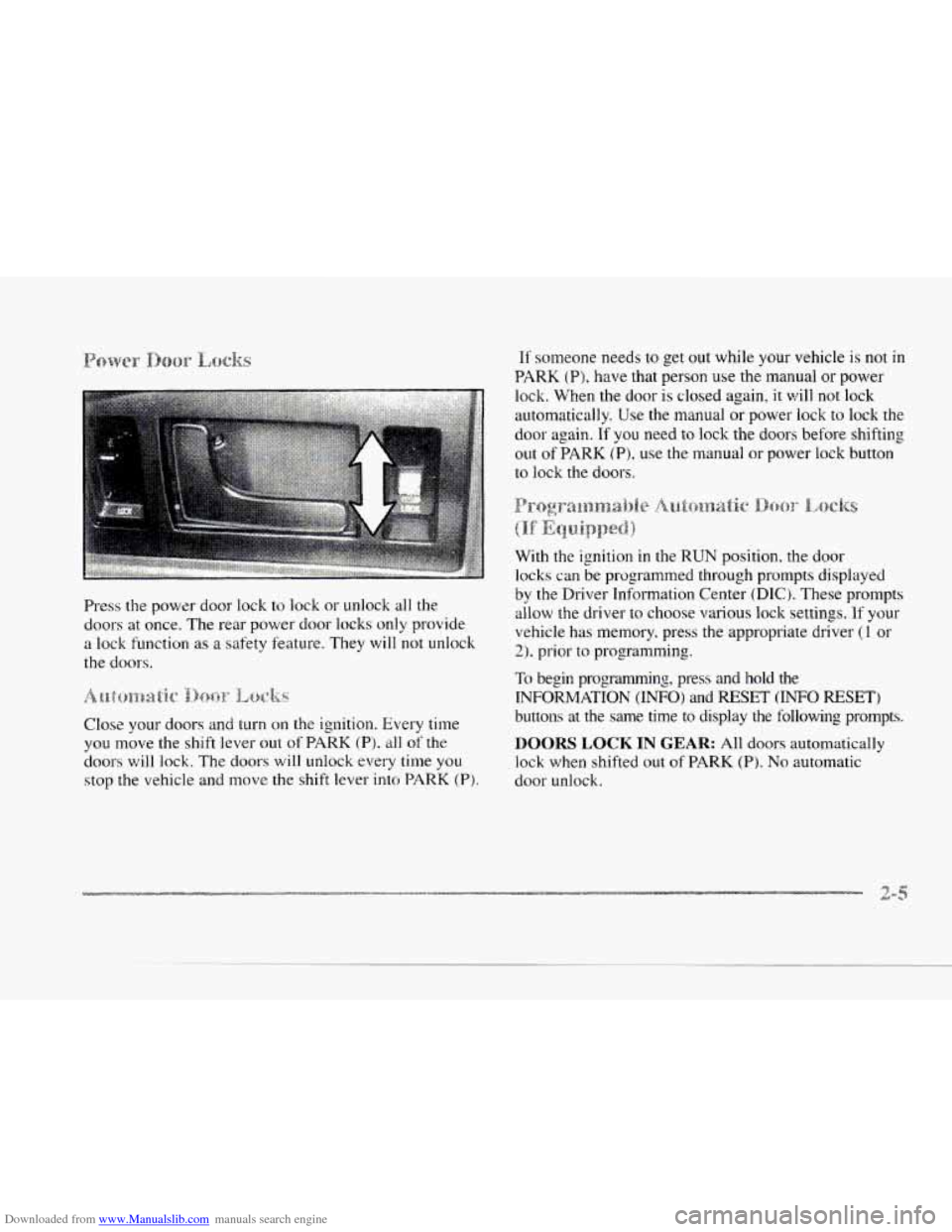
Downloaded from www.Manualslib.com manuals search engine c Press the power door lock to lock or unlock all the
doors at once. The rear power door locks
only provide
a lock function as a safety feature. They will not unlock
the doors.
c-
Close your doors and turn on the ignition. Every time
you move the shift lever out of PARK (Pj. all of the
doors will lock. The doors will unlock every time you
stop the vehicle and move the shift lever into PARK (P).
If someone needs to get out while your vehicle is not in
PARK (Pj. have that person use the manual or power
lock. When the door is closed again,
it will not lock
automatically. Use the manual or power lock to lock the
door again.
If you need to lock the doors before shifting
out of
PARK (P), use the manual or power lock button
to lock the doors.
With the ignition in the
RUN position. the door
locks
can be programmed through prompts displayed
by the Driver Information Center (DIC). These prompts
allow the driver to choose various lock settings. If your
vehicle has memory. press the appropriate driver (1 or
2). prior to programming.
To begin progranlming, press and hold the
INFORMATION (INFO) and RESET (INFO RESET)
buttons at the same time to display the following prompts.
DOORS LOCK IN GEAR: All doors automatically
lock when shifted out of PARK (P). No automatic
door unlock.
Page 67 of 370
Downloaded from www.Manualslib.com manuals search engine DOORS UNLOCK IN PARK: All doors automatically
lock when shifted out
of PARK (P). All doors
automatically unlock when shifted into
PARK (Pi.
DRIVR UNLOCK IN PARK: All doors automatically
lock when shifted out of PARK
(P). Only the driver's
door automatically unlocks when shifted into
PARK (P).
A "yes" or "no" response must be made after each
prompt is displayed in order
to continue on to the next
prompt
or personalization feature. Press the TRIP SET
(TRIP RESET) button to choose yes, press the RESET
(INFO RESET) button to choose no or press the
INFORMATION (INFO) button to "skip" to the next
personalization feature.
FEATURE
ON appears when a yes response is made
and
FEATURE OW appears with a no response. allows
the
DOORS UNLOCK IN PARK prompt to
appear.
Choosing this prompt advances you to
REMOTE FLASH LIGHTS whereas a no response
will display the DRIVR UNLOCK
IN PARK prompt.
A yes or
no response here automatically brings up the
REMOTE FLASH LIGHTS feature.
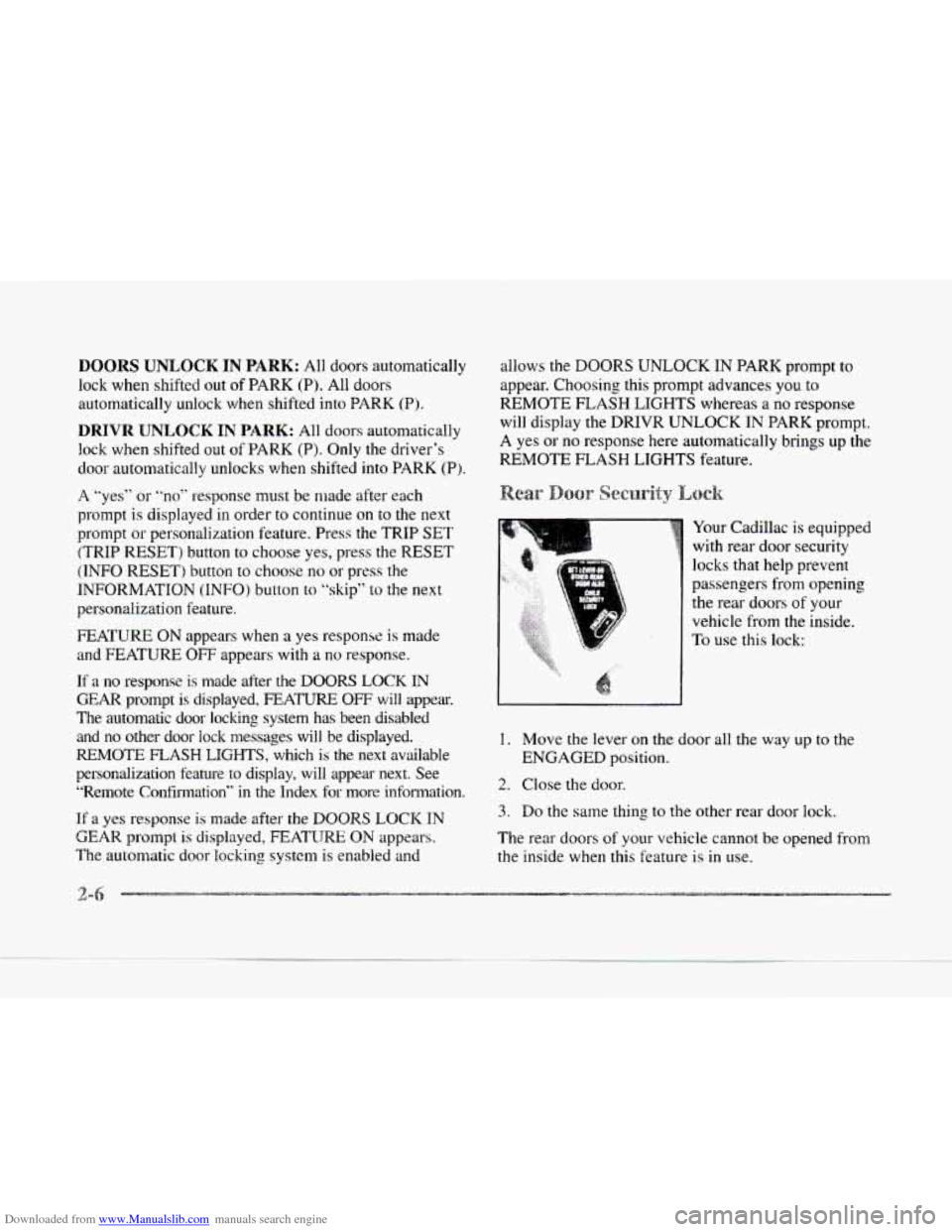
Your Cadillac is equipped
with rear door security
locks
that help prevent
passengers from opening
the rear doors
of your
vehicle from the inside.
To use this lock:
If a no response is made after the DOORS LOCK IN
GEAR prompt is displayed, FEATURE OFF will appear.
The automatic door locking system has been disabled and
no other door lock messages will be displayed. 1. Move the lever on the door all the way up to the
REMOTE FLASH LIGHTS, which is the next available ENGAGED position.
personalization feature
to display. will appear next. See
"Remote Confirmation"
in the Index for more infolmation.
If a yes response is made after the DOOR§ LOCK IN
GEAR prompt is displayed, FEATIJRE ON appears. The rear doors of your vehicle cannot be opened from
The automatic door locking system is enabled and the inside when this feature is in use.
2. Close the door.
3. Do the same thing to the other rear door lock.
2-6
Page 70 of 370
Downloaded from www.Manualslib.com manuals search engine c
L
c
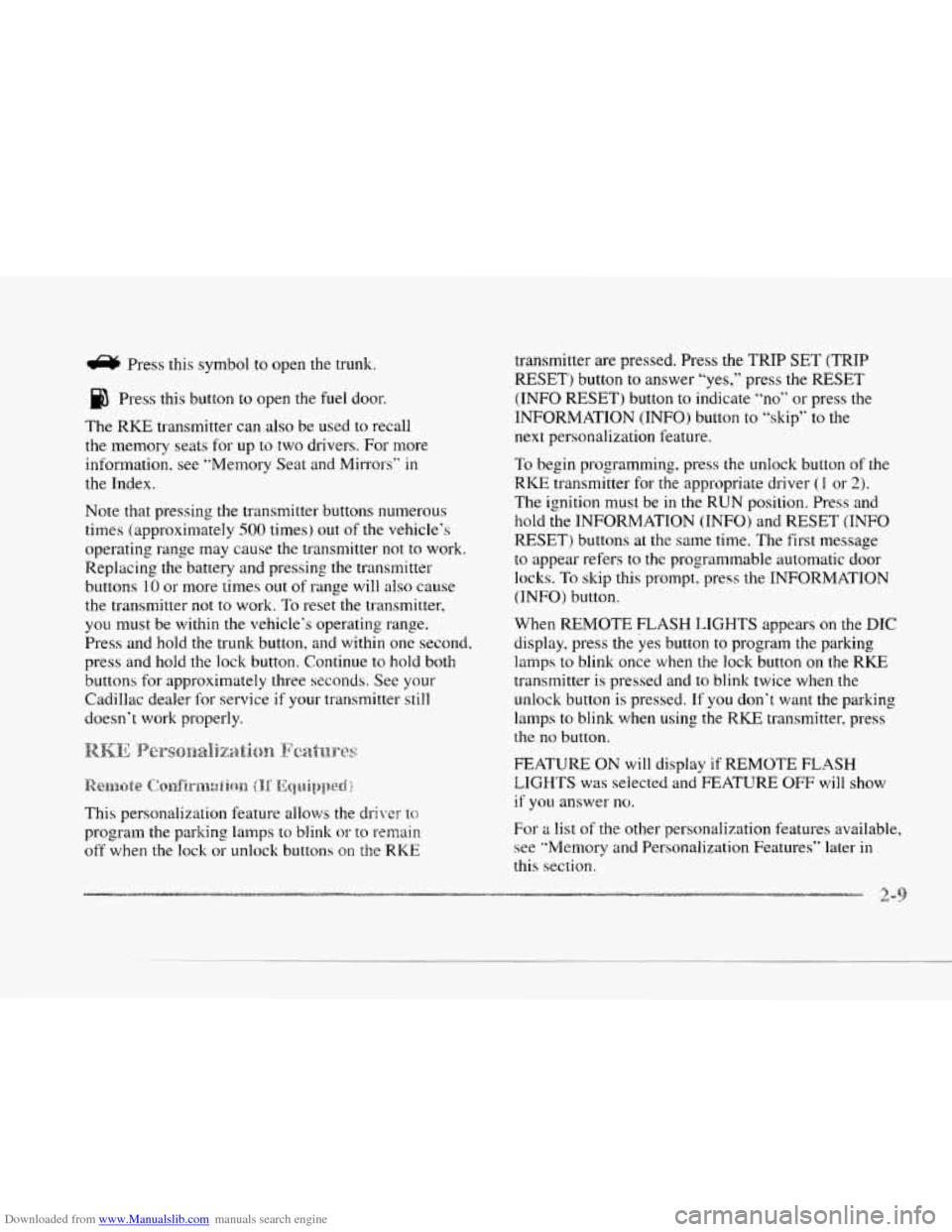
e Pras this symbol to open the trunk.
Press this button
to open the fuel door.
The RKE transmitter can also be used to recall
the memory seats for up to two drivers.
For rnore
information, see “Memory Seat and Mirrors”
in
the Index.
Note that pressing the transmitter buttons numerous
times (approximately
500 times) out of the vehicle’s
operating range may cause the transmitter not to work.
Replacing the battery and pressing the transmitter
buttons
10 or more times out of range will also cause
the transmitter not to work. To reset the transmitter,
you must be within the vehicle’s operating range.
Press and hold the trunk button,
and within one second,
press and hold the lock button. Continue to hold both
buttons
for approximately three seconds. See your
Cadillac dealer for service
if your transmitter still
doesn’t work properly.
This personalization feature
allo\vs the drikw tc;
program the parking lamps to blink or to remain
off when the lock or unlock buttons on the RICE
transmitter are pressed. Press the TRIP SET (TRIP
RESET) button
to answer “yes,” press the RESET
(INFO RESET) button to indicate
“no” or press the
INFORMATION (INFO) button
to ”skip” to the
next personalization feature.
To begin programming, press the unlock button of the
RICE transmitter for the appropriate driver (1 or 2).
The ignition must be in the RUN position. Press and
hold the INFORMATION (INFO) and RESET (INFO
RESET) buttons at the same time. The first message
to appear refers to the programmable automatic door
loclts.
To skip this prompt. press the INFORMATION
(INFO) button.
When REMOTE FLASH
LIGHTS appears on the DIC
display, press the yes button to program the parking
lamps
to blink once when the lock button on the RKE
transmitter is pressed and
to blink twice when the
unlock button
is pressed. If you don‘t want the parking
lamps
to blink when using the RKE transmitter, press
the
no button.
FEATURE
ON will display if REMOTE FLASH
LIGH’TS
was selected and FEATURE OFF will show
it you answer no.
For a list of the other pe.rsonalization features available,
see “Memory
and Personalization Features” later in
this section.
Page 71 of 370
Downloaded from www.Manualslib.com manuals search engine This personalization feature enables the driver to
program the exterior lamps
to turn on or to remain off
when using the RKE transmitter to unlock your vehicle.
If exterior lighting is selected, the parking lamps.
taillamps, sidemarker lamps. license plate lamps,
low-beam headlamps, etc. will turn
on for about
20 seconds or until a door is opened or the key is
placed in your vehicle’s ignition.
To begin programming, press the INFORMATION
(INFO) and RESET (INFO RESET’) buttons at the same
time for about two seconds. Exterior lighting is
the third
feature to display. Press the INFORMATION (INFO)
button to “skip” past the first two features
-- DOOR
LOCKS IN GEAR and REMOTE FLASH LIGHTS.
When EXT LIGHTS AT UNLOCK appears, a “yes”
or
“no” response is required. Press the TRIP SET (TRIP
RESET) button to answer
yes 01- press the RESET
(INFO RESET) button
to indicate a no response.
FEATURE
ON displays when a yes response is made
and FEATURE OFF shows after
a no response.
For a list
of the other personalization features available,
see “Memory and Personalization Features” later
in
this section. Your
vehicle may have memory personalization. If
it
does, REMOTE RECALL MEMORY will be the fourth
personalization feature to display
on the DIC system.
Memory settings that have been previously programmed
(HVAC settings, radio preset settings, exterior lighting
choices, remote confirmation choices and programmable
automatic door lock choices) can be recalled by using
the RKE transmitter or by placing the key in your
vehicle’s ignition.
To begin programming, press the INFORMATION
(INFO) and RESET (INFO RESET) buttons at the same
time for about two seconds. As mentioned, memory
recall
is the fourth feature to appear. To “skip” past the
first three personalization features, press the
INFORMATION (INFO) button.
When REMOTE RECALL MEMORY appears,
the
driver is able to recall memory settings when the unlock
button on the RKE transmitter is pressed. Press the
TRIP SET (TRIP
RESET) button to select or press the
RESET (INFO RESET) button to answer no and to
continue
on to the next prompt. (FEATURE ON displays
when a yes response is made and FEATURE OFF shows
when a
no response is made.)
rrl
Page 80 of 370
Downloaded from www.Manualslib.com manuals search engine r
r
r
r
r
r
r
r
If the engine does not start and the “STARTING
DISABLED DUE TO THEFT SYSTEM, REMOVE
IGNITION
KEY” message is displayed in the Driver
Information Center, your key should be checked for
damage. Starting may be attempted with an undamaged
key immediately. See your Cadillac dealer or a
locksmith
fur key service.
If the “STARTING DISABLED DUE TO THEFT
SYSTEM,
REMOVE IGNITION KEY” and “WAIT
3 MINUTES” messages are displayed, the key should
be cleaned. After three minutes,
try again. A “START
CAR” message will appear
at this time. If the engine
still does not start, wait three minutes and try a duplicate
key. At this time, fuses should be checked (see “Fuses
and Circuit Breakers” in the Index). If the engine does
not start with the duplicate key, your vehicle needs
service. See your Cadillac dealer for service.
If the “THEFT SYSTEM PROBLEM’ message is
displayed during vehicle operation, your vehicle needs
servicing. Your vehicle will restart if you turn it
off,
however, your vehicle may be unprotected. See your
Cadillac dealer for service.
If an ignition key is lost or damaged, see your Cadillac
dealer or a locksmith to have a new key made.
e c6
NOTICE:
Your modern Cadillac doesn’t need an elaborate
“break-in.” But it
will perform better in the long
run if you follow these guidelines:
0 Don’t drive at any one speed -- fast or
slow -9 for the first 500 miles (805 km).
Don’t make full-throttle starts.
200 miles (322 km) or so. During this time
your new brake linings aren’t yet broken
in. Hard stops with new linings can mean
premature wear and earlier replacement.
Follow this breaking-in guideline every
time you get new brake linings.
0 Don’t tow a trailer during break-in. See
“Towing a Trailer” in the Index for more
information.
0 Avoid making hard stops for the first
Page 98 of 370
Downloaded from www.Manualslib.com manuals search engine is complete.
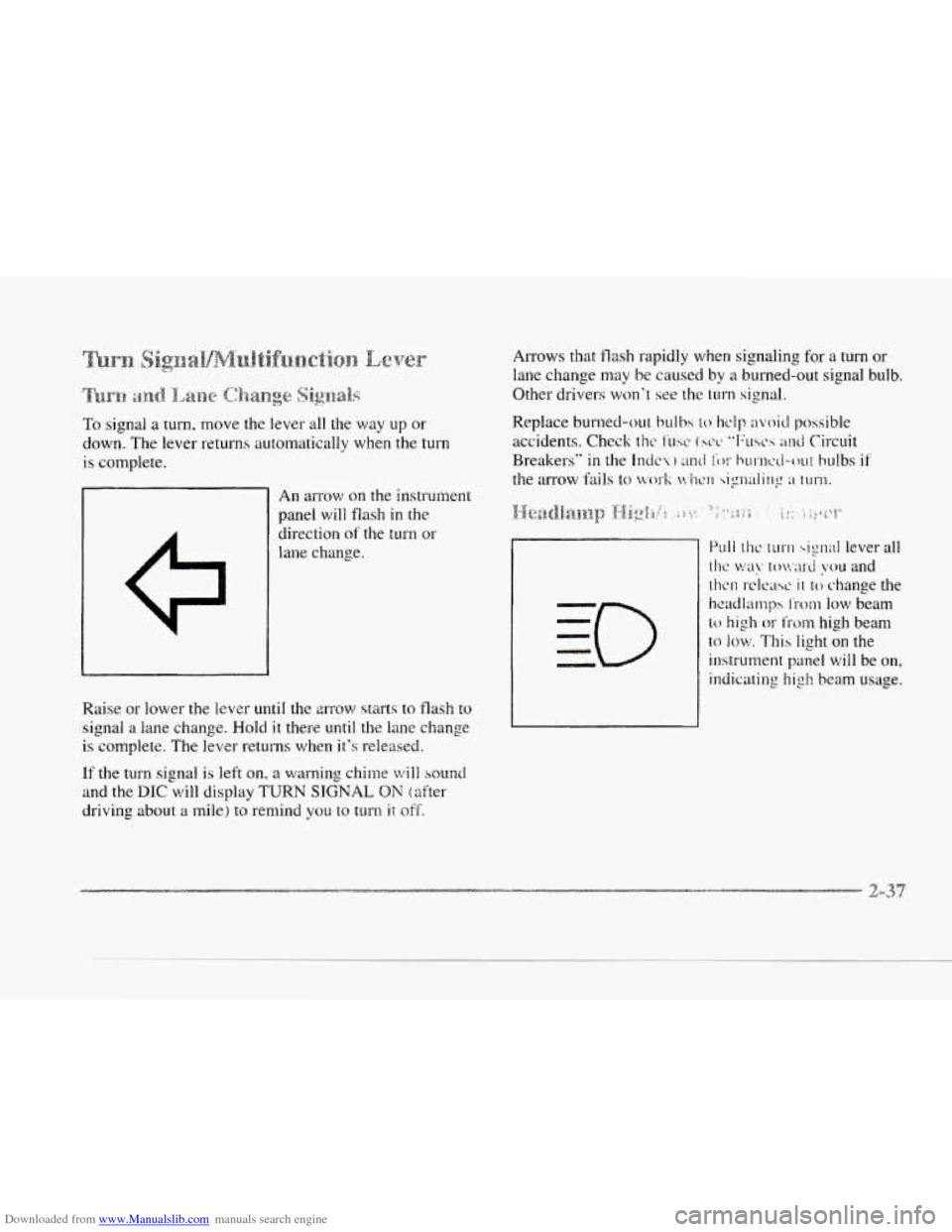
An arrow on the instrument
panel will flash
in the
direction
ot' the turn or
lane change.
Raise or lower the
lever until the m-ow starts to flash to
signal a lane change. Hold it there until the lane change
is complete. The lever returns when it's released.
If the turn signal. is left on, a warning chime will sound
and the DIC will display TURN SIGNAL ON (after
driving about a mile) to remind you to turn ii off.
Arrows that flash rapidly when signaling for a turn or
lane change may be caused
by a burned-out signal bulb.
Other drivers
won.? see the turn signal.
Page 101 of 370
Downloaded from www.Manualslib.com manuals search engine occur each time you turn the wiper stalk to a higher
sensitivity level.
An initial wipe occurs when you turn
the ignition on as a reminder that Rainsense
is active.
The windshield wipers also remain in
a “high park”
position, even when the ignition
is turned off.
The Rainsense wipers operate in a delay mode as well
as a continuous low
or high speed depending on the
amount
of moisture and the sensitivity level. The
MIST and
“wash” cycles operate as normal and are
not affected
by the Rainsense function.
I NOTICE:
The wipers must be turned off when going
through a car wash to avoid damage.
It is important to note that the Rainsense wiping feature
(AUTO DELAY) can be overridden at any time by
~nanually changing the wiper control to
LO or HI speed.
Note that
if you ever need to replace the windshield,
make sure it is Rainsense compatible.
I A CAUTION:
In freezing weather, don’t use your washer until
the windshield is warmed. Otherwise the washer
fluid
can form ice on the windshield, blocking
your vision.
-
Press and hold the PUSH paddle to wash the Windshield.
Release the paddle when
you have enough fluid. The
wipers will clear the windshield and either stop or
return to your preset speed.
LOW WASHER FLUID will be displayed 011 the DIC
when the washer fluid reaches a low level.
Driving without washer fluid can
be dangerous. A bad
mud splash can block your vision and
you could hit
another vehicle
or go off the road. Check the washer
fluid level often.
Page 103 of 370
Downloaded from www.Manualslib.com manuals search engine A CAUTIO
If you leave your cruise control switch on when
you're not using cruise, you might hit
a button
and
go into cruise when you don't want to. You
could be startled
and even lose control. Keep
the cruise control switch
off until you want to
use it.
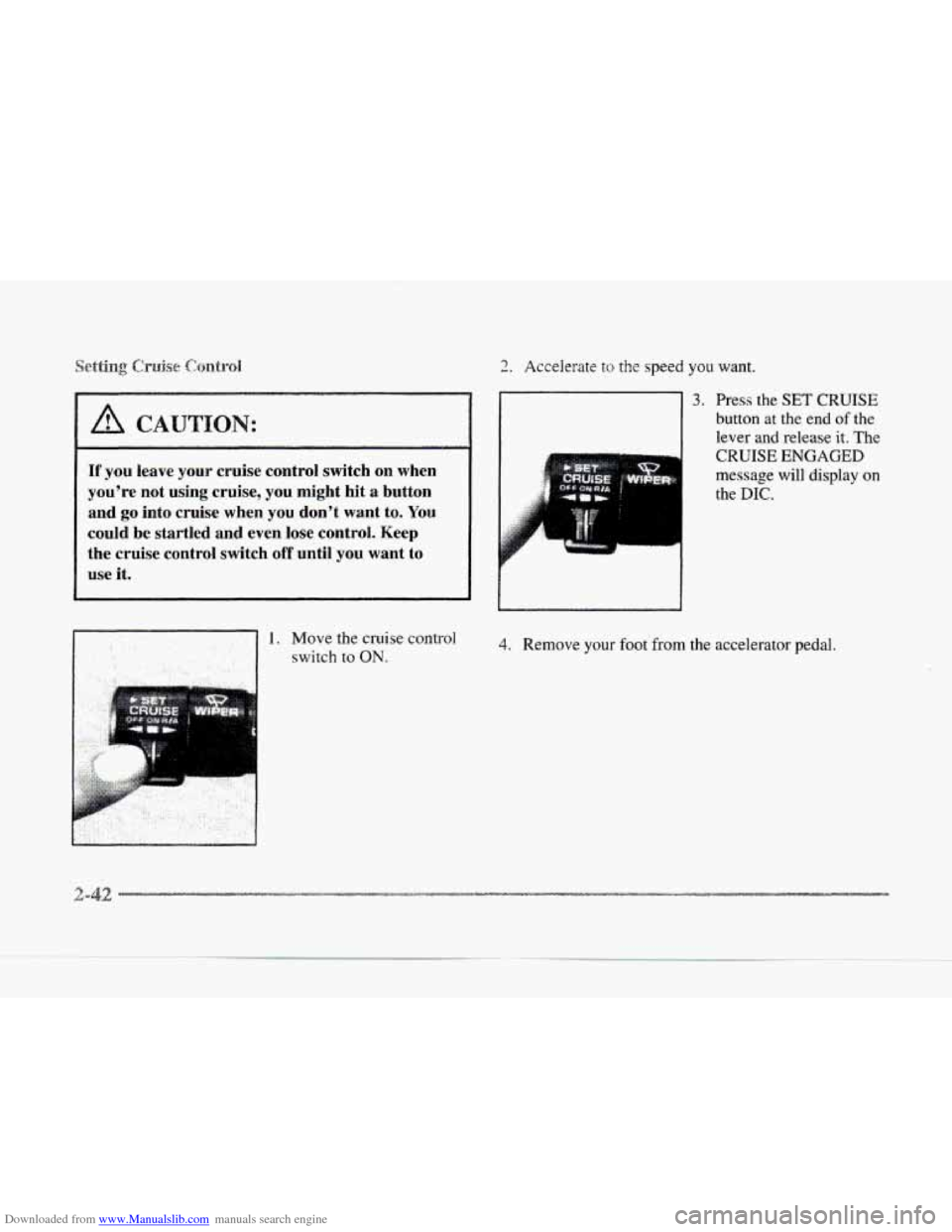
1. Move the cruise control
switch to ON.
2. Accelerate to the speed you want.
3. Press the SET CRUISE
button at the end of the
lever and release it. The
d CRUISE ENGAGED
message will display on
the DIC.
4. Remove your foot'from the accelerator pedal,