1997 CADILLAC SEVILLE display
[x] Cancel search: displayPage 186 of 370
Downloaded from www.Manualslib.com manuals search engine P
II
c
L
c
c
A tape player that is not cleaned regularly can cause
reduced sound quality, ruined cassettes
or a damaged
mechanism. Cassette tapes should be stored in their
cases away from contaminants. direct sunlight and
extreme heat. If they aren't, they may not operate
properly
or may cause failure of the tape player.
Your tape player should be cleaned regularly after every
50 hours of use. Your radio may display CLN or CLEAN
TAPE to indicate that you have used your tape player for
50 hours without resetting the tape clean timer. Each time
the cassette is cleaned, the
50 hour cassette timer should be
reset.
This is done by holding down the eject button for
three seconds until the
TME CLEAN message is
displayed. If you notice a reduction in sound quality, tly a
known good cassette to see
if it is the tape or the tape
player at fault.
If this other cassette has no improvement in
sound quality, clean the tape player.
Cleaning may be done
with a scrubbing action,
non-abrasive cleaning cassette with pads which scrub
the
tape head as the hubs of the cleaner cassette turn. It is
normal for the cassette to eject while cleaning. Insert the
cassette at least six times to ensure thorough cleaning. Some cleaning cassettes or
CD adapter
kits may appear
as a broken tape.
If the cleaning cassette is ejected
immediately from the tape player.
follow these steps for
the TAPE CLEAN
OVERRIDE teatur-e:
1. Turn the ignition to RUN or ACC
2. Turn the radio off.
3. Press and hold the SOL!KCE button l'or three
seconds. After three
scconds. thc tapc icon will flash
indicating the
cut tape feature is 1.10n. turned off.
4. Turn the radio on and insert the clcming cassette (or
the CD adapter kit ).
5. Eject the tape after the tape player has been cleaned.
When the cleaning cassetIe has been ejected, the broken
tape detection feature is active again.
You may also choose
a non-scrubbing action. wet-type
cleaner which uses
a cassette with a fabric belt to clean
the tape head. This type
of cleaning cassette will not
eject and, it may not clean as thoroughly
as the
scrubbing type cleaner.
Cassettes are subject
to wear and the sound quality
may degrade over time. Always make sure
the cassette
tape is
in good condition before you have your tape
player serviced.
Page 200 of 370
Downloaded from www.Manualslib.com manuals search engine c
c
c
L
Remember: Anti-lock doesn’t change the time you need
to get your foot up to the brake pedal
or always decrease
stopping distance.
If you get too close to the vehicle in
front of you, you won’t have time to apply your brakes
if that vehicle suddenly slows or stops. Always leave
enough room up ahead to stop. even though
you have
anti-lock brakes.
thg AnJ:i=f,.ciick
Don’t pump the brakes. Just hold the brake pedal down
and let anti-lock work for you.
You may hear the
anti-lock pump or motor operate. and feel the brake
pedal pulsate. but this is normal.
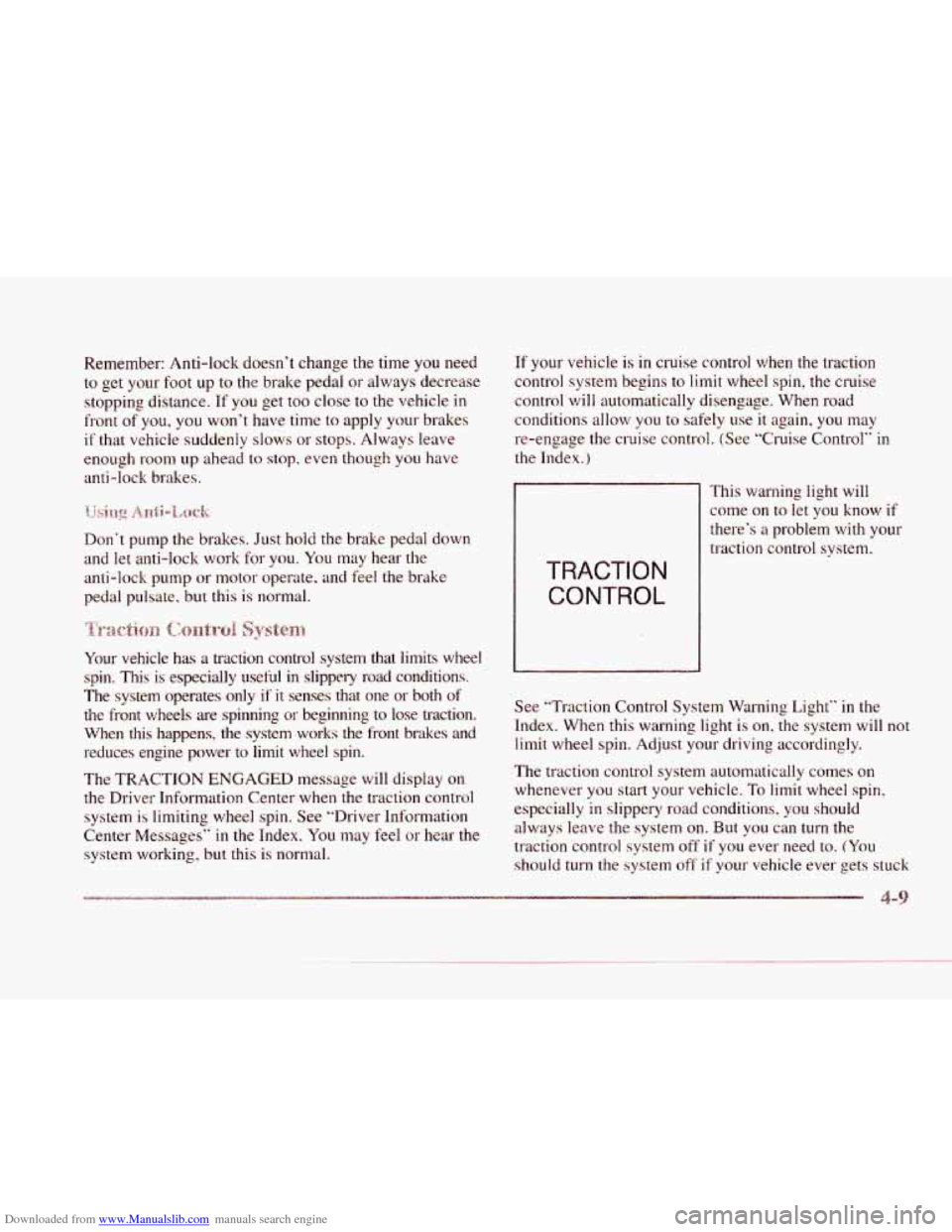
Your vehicle
has a traction control system that limits wheel
spin.
This is especially useful in slippely road conditions.
The system operates only
if it senses that one or both of
the front wheels are spinning or beginning to lose traction.
When
this happens, the system works the front brakes and
reduces engine power to limit wheel
spin.
The TRACTION ENGAGED message will display on
the Driver Information Center when the traction control
system is limiting wheel spin. See “Driver Information
Center Messages”
in the Index. You may feel or hear the
system working, but this
is normal.
If your vehicle is in cruise control when the traction
control system begins
to limit wheel spin, the cruise
control will automatically disengage. When road
conditions allow you
to safely use it again, you may
re-engage the cruise control. (See “Cruise Control”
in
the Index.)
This warning light will
come
on to let you know if
there’s
a problem with your
traction control system.
TRACTION
CONTROL
See “Traction Control System Warning Light” in the
Index. When this warning light is on, the system will
not
limit wheel spin. Adjust your driving accordingly.
The traction control system automatically comes
on
whenever you start your vehicle. To limit wheel spin.
especially in slippery road conditions, you should
always leave the system on. But
you can turn the
traction control system off
if you ever need to. (You
should turn
the system off if your vehicle ever gets stuck
Page 201 of 370
Downloaded from www.Manualslib.com manuals search engine in sand, mud, ice or snow. See “Rocking Your Vehicle”
in the Index.)
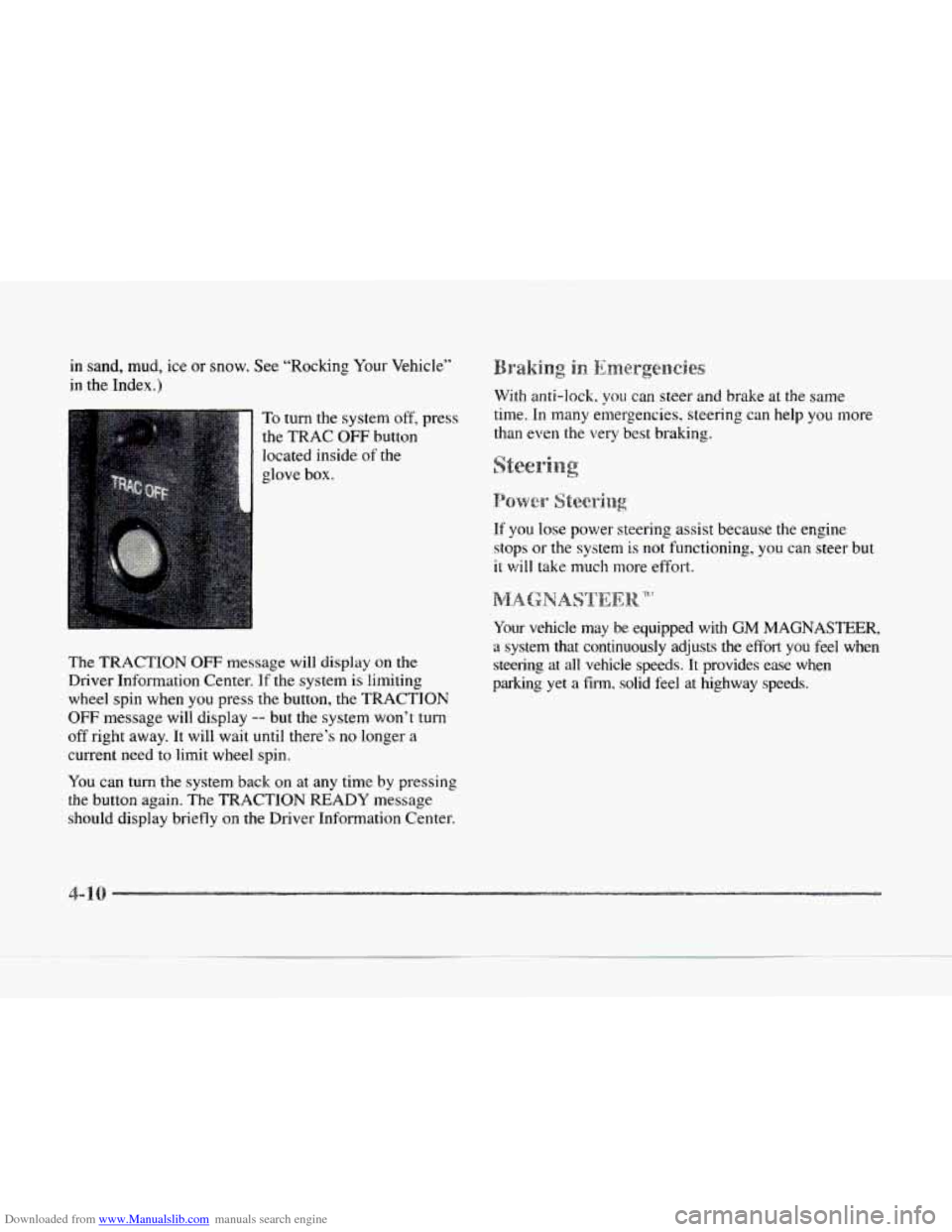
To turn the system off, press
the
TRAC OFF button
located inside
of the
I
glove box.
The
TRACTION OFF message will display on the
Driver Information Center.
If the system is limiting
wheel spin when you press the button, the
TRACTION
OFF message will display -- but the system won’t turn
off right away. It will wait until there’s no longer a
current need to limit wheel spin.
You can turn the system back on at any time by pressing
the button again. The TRACTION READY message
should display briefly
on the Driver Information Center. With
anti-lock,
you can steer and brake at the same
time. In many emergencies. steering can help you more
than even the very best braking.
eeri
If you lose power steering assist because the engine
stops or the system
is not functioning, you can steer but
it
will take much more effort.
Your vehicle may
be equipped with GM MAGNASTEER,
a system that continuously adjusts the effort you feel when
steering at all vehicle speeds. It provides ease when
parking
yet a film. solid feel at highway speeds.
Page 247 of 370
Downloaded from www.Manualslib.com manuals search engine You will find an ENGINE COOLANT HOT-IDLE
ENGINE message or a STOP ENGINE ENGINE
OVERHEATED message
on the Driver Information
Center
(DIC). There is also an engine temperature
warning light and/or gage on the instrument panel.
See “Engine Coolant Temperature Warning Light”
or “Engine Coolant Temperature Gage” in the Index
Should a low coolant condition exist and the message
STOP ENGINE ENGINE OVERI-IEATED is displayed,
an overheat protection mode which alternates firing
groups of four cylinders helps prevent engine damage.
In this mode,
you will notice a loss in power and engine
performance. This operating mode allows your vehicle
to be driven
to a safe place in an emergency; you may
drive up
to 50 miles (80 km). Towing a trailer in the
overheat protection mode should be avoided.
NOTICE:
After driving in the overheated engine protection
operating mode, to avoid engine damage.
allow
the engine to cool before attempting any repair.
The engine
oil will be severely degraded. Kcpair
the cause
of coolant loss, change the oil and reset
the
oil life indicator. See “Engine Oil, lli’hcn to
Change” in the Index.
Page 281 of 370
Downloaded from www.Manualslib.com manuals search engine FUEL ONLY
pq~~~mrnmr~l
.......................... .............. ........... ...... .......... ........... : :...::.. : :,a .... ... .... : : :.. : : .. .............................. !. ... I .... ‘?I .... I ....
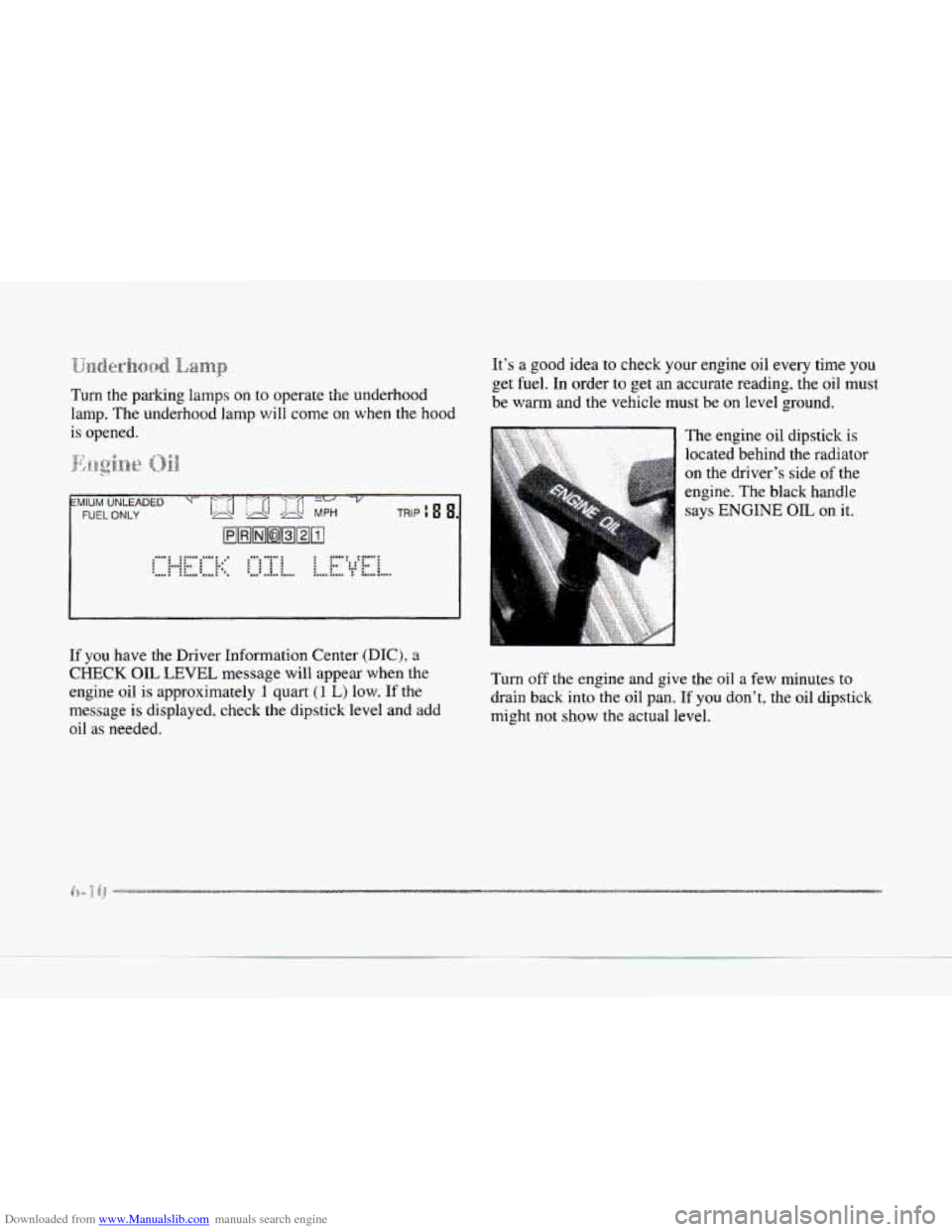
If you have the Driver Information Center (DIC), a
CHECK OIL LEVEL message will appear when the
engine
oil is approximately 1 quart (1 L) low. If the
message is displayed. check the dipstick level and add
oil
as needed.
It’s a good idea to check your engine oil every time you
get fuel. In order to get an accurate reading, the oil must
be warm and the vehicle must be on level ground.
The engine oil dipstick
is
located behind the radiator
on the driver’s side of the
engine. The black handle
says
ENGINE OIL on it.
Turn off
the engine and give the oil a few minutes to
drain back into the oil pan.
If you don’t, the oil dipstick
might not show the actual level.
-a
Page 285 of 370
Downloaded from www.Manualslib.com manuals search engine ow to Reset t
After the oil has been changed. display the OIL LIF’E
LEFT message by pressing the INFORMATION (INFO)
button. Then press and hold the RESET (INFO RESET)
button until the display shows
”100.” This resets the
oil life index. The message will remain
off until the
next
oil change is needed. The percentage of oil life
remaining may be checked at any time by pressing
the INFORMATION
(INFO) button several times
until the
OIL LIFE LEFT message appears. For more
information
on the Oil Life feature, see “Oil Life
Indicator” in the Index.
Did you know that used engine oil contains certain
elements that may be unhealthy for your skin and could
even cause cancer? Don’t let used oil stay on your skin
for very long. Clean your skin and nails with soap and
water,
or a good hand cleaner. Wash or properly throw
away clothing or rags containing used engine oil. (See
the manufacturer’s warnings about the
use and disposal
of oil products.)
Used oil can be a real threat
to the environment. If you
change your own oil, be sure
to drain all free-flowing oil
from the filter before disposal. Don’t ever dispose of oil
by putting it in the trash, pouring
it on the ground, into sewers,
or into
streams or bodies of water. Instead,
recycle it by taking it to
a place that collects used oil. If
you have
a problem properly disposing of your used oil,
ask your dealer, a service station 01 a local recycling
center for help.
ir
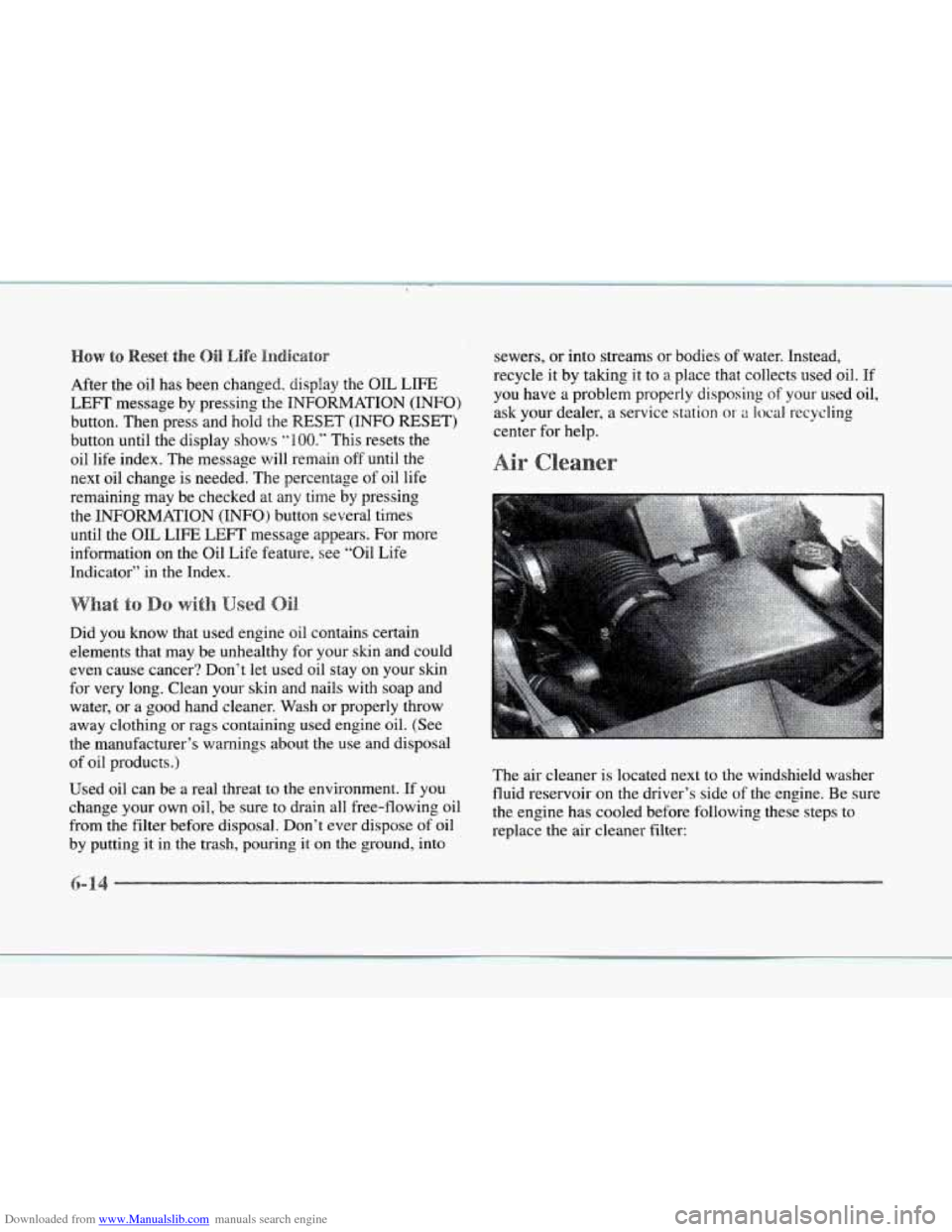
The air cleaner is located next to the windshield washer
fluid reservoir on the driver’s side of the engine. Be sure
the engine has cooled before following these steps
to
replace the air cleaner filter:
Page 291 of 370
Downloaded from www.Manualslib.com manuals search engine Refer to the Maintenance Schedule to determine what
kind of transaxle fluid to use. See “Recommended Fluids
and Lubricants” in the Maintenance Schedule booklet.
If the fluid level is low, add only enough of the proper
fluid
to bring the level into the cross-hatched area on
the dipstick.
1. Pull out the dipstick.
2. Using a long-neck funnel, add enough fluid at the
dipstick hole to bring
it to the proper level.
it doesn’t take much fluid, generally less than one
pint
(0.5 L). DOH ’r ow@/!.
I NOTICE:
We recommend you use only fluid labeled
DEXRON‘%I, because fluid with that label
is made especially for your automatic
transmission. Damage caused by fluid other
than DEXRON-111 i.s not covered
by your
new vehicle warranty.
3. After adding fluid, recheck the fluid level as
described under ‘(HOW to Check.“
4. When the correct fluid level is obtained. push the
dipstick back in all the way.
Your vehicle is equipped with a transaxle fluid change
indicator-
A CHANGE TRANS FLUID message will
display
on the Driver Information Center (DIC) when
the powertrain computer determines that the transaxle
fluid needs
to be changed or at each 100,000 miles
(160 000 km) interval, whichever occurs first. See your
Maintenance Schedule booklet for more information.
When this message appears, change the transaxle fluid
and reset the
transaxle fluid life indicator as follows:
1. Turn the ignition on but do not start the engine.
2. Press and hold the OFF and rear defog buttons on the
climate control at the
same time until the TRANS
FLUID RESET message appears on the DIC.
--
-2
Page 361 of 370
Downloaded from www.Manualslib.com manuals search engine Driving City
........................................ 4-21
Defensive
.................................... 4-2
Drunken
..................................... 4- 3
Freeway .................................... 4-22
In
a Blizzard ................................. 4-28
In Foreign Countries ........................... 6-4
IntheRain
.................................. 4-18
Night
...................................... 4-1 6
On
Curves .................................. 4- 1 1
On Grades While Towing a Trailer ............... 4-37
On
Hill and Mountain Roads .................... 4-24
On Snow and Ice ............................. 4-27
Throughwater
............................... 4-20
WetRoads
.................................. 4-18
Winter
...................................... 4-26
With s1 Trailer ................................ 4-36
DRL ......................................... 2-46
Drunken Driving
................................ 4-3
Ecc ......................................... 3-2
Electrical Equipment . Adding ........... 2-22 . 3-26, 6-55
Electrochromic Dayh'ight Rearview Minor
..... 2-52, 2-53
Electronic Climate Control
........................ 3-2
Electronic Level Control ......................... 4-32
Electronic Solar Sensor
........................... 3-6
Engine
........................................ 6-9
Coolant
..................................... 6-21
Coolant Heater
............................... 2-23
Coolant Hot-Idle Engille Message ................ 2-51
Coolant Temperature Gage ..................... 2-80
Coolant Temperature Warning Light .............. 2-79
Electrical System ............................... 6-55
Compartment Fuse Block
....................... 6-58 Exhaust
..................................... 2-33
Identification
................................ 6-54
Misfire
.. Ease Off Gas Pedal Message ........... 2-92
Overheating ................................. 5-16
Running While Parked ......................... 2-34
Specifications
................................ 6-64
StartingYour
................................ 2-21
Engineoil .................................... 6-10
Adding
..................................... 6-11
Additives
................................... 6-13
Checking ................................... 6-11
Used
....................................... 6-14
What Kind
of Oil to Use ....................... 6-12
Whentochange .............................. 6-13
Engine Speed Limiter ............................ 2-74
English/Metric Display
.......................... 2-73
Ethanol
........................................ 6-4
Exhaust.Engine
................................ 2-33
Express-Down Window
........................... 2-35
Exterior Lighting
............................... - 7-10
E.xterior Lighting Battery Saver
.................... 2-49
Fabric Cleaning
.......................... 6-46.6-47
Fan Button
..................................... 3-2
Filling Your Tank
................................ 6-5
Filter.Air
..................................... 6-14
Finish Care
.................................... 6-51
Finish Damage
................................. 6-52
First Gear. Automatic Transaxle
................... 2-27
Flash-To-Pass Feature
........................... 2-38
Flashers, Hazard Warning ......................... 5-2
Flat Tire, Changing ............................. 5-26
FloorMats .................................... 2-62
Fluid Capacities
................................ 6-63