1997 CADILLAC ELDORADO ECO mode
[x] Cancel search: ECO modePage 172 of 361
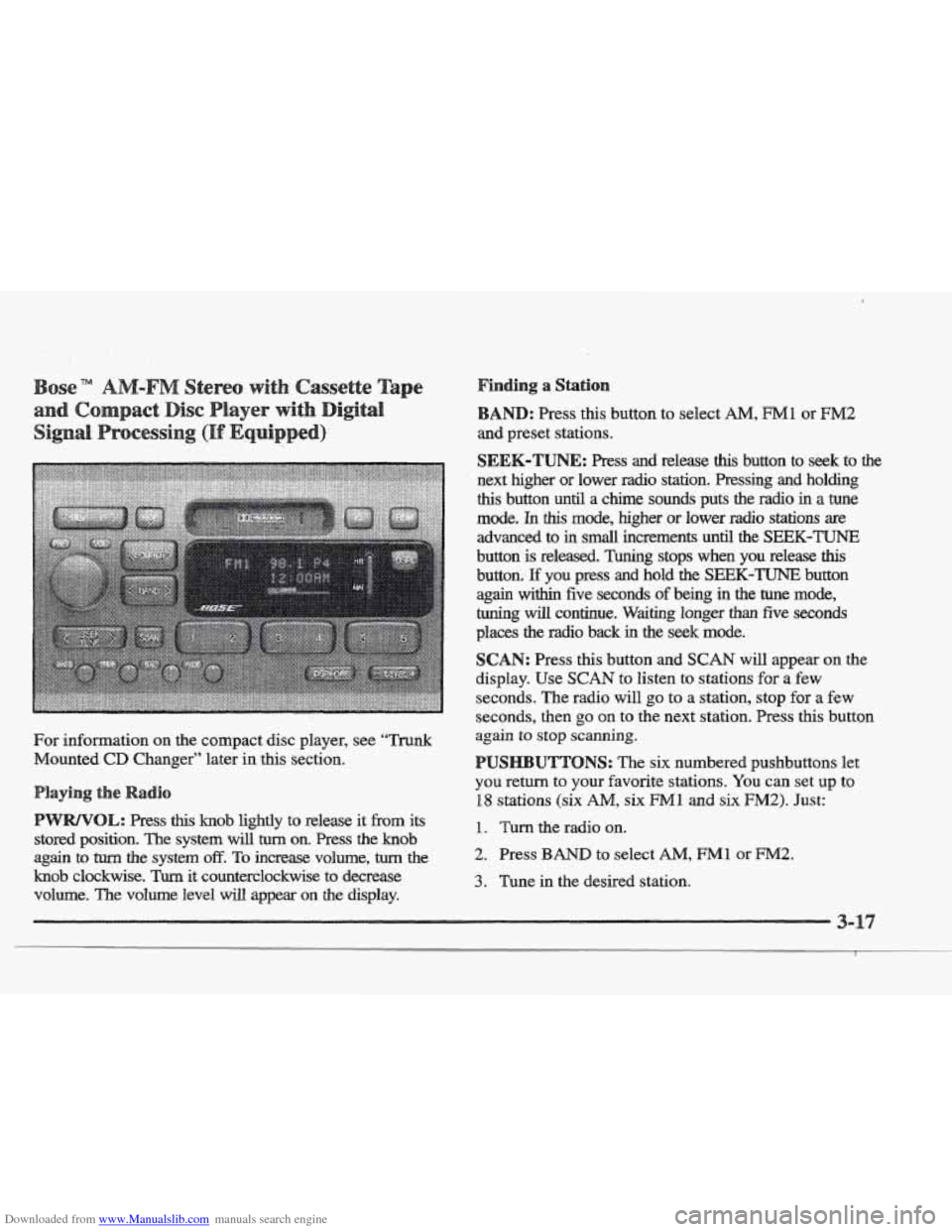
Downloaded from www.Manualslib.com manuals search engine For information on the compact disc player, see ‘‘Trunk
Mounted CD Changer” later in this section.
this knob lightly to release it from its
stored position.
The system will turn on. Press the knob
again
to turn the system off. To increase volume, turn the
knob clockwise. Turn it counterclockwise to decrease
volume. The volume level
will appear on the display.
Finding a Station
: Press this button to select AM, FM1 or EM2
SEEK-TUNE: Press and reiease this button to seek to the
next higher or lower radio station. Pressing and holding
this button until a chime sounds puts the radio in a tune
mode. In this mode, higher or lower radio stations are
advanced to
in small increments until the SEEK-TUNE
button is released. Tuning stops when you release this
button. E you press and hold the SEEK-TUNE button
again within five seconds of being in the tune mode,
tuning
will continue. Waiting longer than five seconds
places
the radio back in the seek mode.
SCAN: Press this button and SCAN will appear on the
display. Use
SCAN to listen to stations for a few
seconds. The radio will
go to a station, stop for a few
seconds, then
go on to the next station. Press this button
again to
stop scanning.
UTTONS: The six numbered pushbuttons let
you return to your favorite stations. You can set up to
18 stations (six AM, six Ml and six F”2). Just:
1. Turn the radio on.
2. Press BAND to select AM, FM1 or FM2.
3. Tune in the desired station.
Page 175 of 361
Downloaded from www.Manualslib.com manuals search engine Br: Press the left mow to reverse the tape rapidly.
Press it again
to return to playing speed. The radio will
play while the tape reverses and
REV will appear on the
display. You may use your station pushbuttons to tune to
another radio station while in
REV mode.
FF: Press the right arrow to fast forward to another part
of the tape. Press it again to return to playing speed. The
radio will play while
the tape advances and FF will
appear
on the display. You may ~lse your station
pushbuttons to tune to another radio station
while in
mode.
SEEK-TUNE: Press the right arrow to seek to the next
selection
on the tape. Press the left arrow to search for
the previous selection
on the tape (REP will appear on
the display). Your tape must have at least three
seconds
of silence between each selection for SEEM-TUNE to
work. The sound will mute while seeking.
SCAN: Press this button. SCAN FF will appear on the
display until the next selection
is found and then SCAN
PLAY will appear on the display. Use SCAN to listen to
selections for
a few seconds. The tape will go to a
selection, stop for
a few seconds, then go on to the next
selection. Press this button again to stop scanning.
SIDE: Press this button to change the side of the tape
that
is playing. (PLAY shows on the display.)
SOURCE: Press this button to switch from radio to
cassette tape play.
If no cassette tape is in the tape
player,
CASS appears on the display and then the radio
station appears
briefly. The display then reverts back to
showing the
time of day. Press this button again or
BAND to switch back to the radio.
A EJECT: Press the upward triangle button to remove
a tape. The radio will play. Eject may be activated with
the radio
off if the ignition is on. Cassette tapes may be
loaded with the radio
off but they will not start playing
until the PWR button is pressed. Press PWR or turn the
ignition key
off to stop the cassette tape player. The tape
will stay in
the player and resume play at the point where
it stopped.
If you leave a cassette tape in the player while
listening to the radio, it may become wm.
CLN: If this message appears on the display, the
cassette tape player needs to
be cleaned. It will still play
tapes, but you should clean
it as soon as possible to
prevent damage
to the tapes and player. See “Care of
Your Cassette Tape Player”
in the Index. After you clean
the player, press
and hold EJECT hr five seconds to
reset
the CLN indicator. The radio will display --- to
show the indicator was reset.
Dolby@
Noise Reduction is manufactured under a
license from Dolby Laboratories Licensing Corporation.
Dolby and the double-D symbol are trademarks of
Dolby Laboratories Licensing Corporation.
Page 293 of 361
Downloaded from www.Manualslib.com manuals search engine The braking system on a modem vehicle is complex.
Its many parts have to be of top quality and work well
together if the vehicle
is to have really good braking.
Your vehicle was designed and tested with top-quality
GM brake parts. When you replace parts of your braking
system
-- for example, when your brake linings wear
down and you have
to have new ones put in -- be sure
you get new approved
CM replacement parts. If you
don’t, your brakes may no longer work properly. For
example, if someone puts
in brake linings that are wrong
for your vehicle, the balance between your front and
rear brakes can change
-- for the worse. The braking
performance you’ve come
to expect can change in many
other ways
if someone puts in the wrong replacement
brake parts.
e
Every new Cadillac has a Delco Freedom@ battery. YOU
never have to add water to one of these. When it’s time
for a new battery, we recommend a Delco Freedom
battery.
Get one that has the replacement number shown
on the original battery’s label.
If you’re not going to drive your vehicle for 25 days
or more, take
off the black, negative (-) cable from
the battery. This will help keep your battery from
running down.
Batteries have acid that can burn YOU and gas
aren’t careful. See “Jump Starting’’ in the Index
for tips
on working around a battery without
that
can explode. You can be badly hurt if you
Contact your
dealer to learn how to prepare your vehicle
for longer storage periods.
Also, for your audio system, see “Theft-Deterrent
Feature” in the Index.
Page 336 of 361
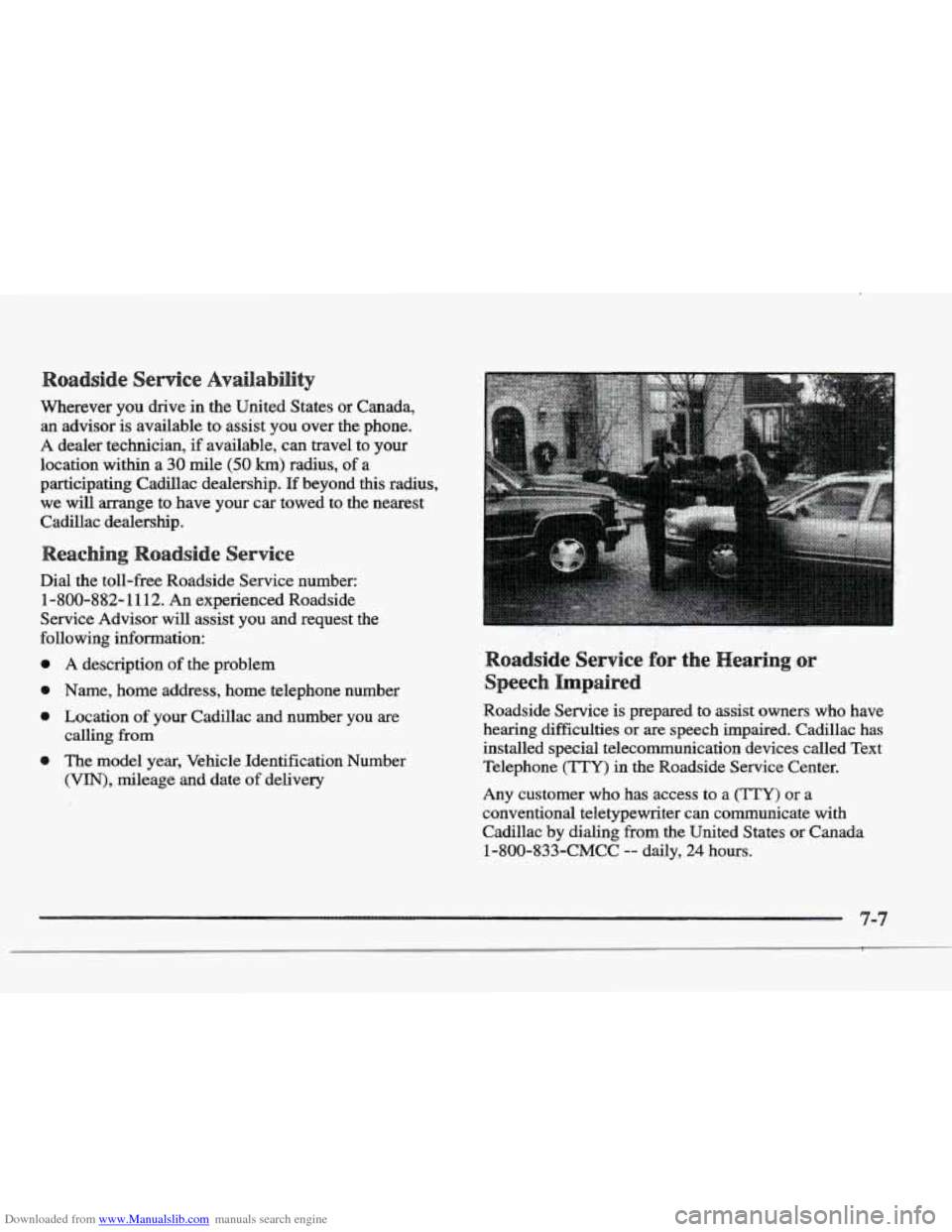
Downloaded from www.Manualslib.com manuals search engine Wherever you drive in the United States or Canada,
an advisor is available to assist you over the phone.
A dealer technician, if available, can travel to your
location
within a 30 mile (50 km) radius, of a
participating Cadillac dealership.
If beyond this radius,
we will arrange
to have your car towed to the nearest
Cadillac dealership.
Dial the toll-free Roadside Service number:
1-800-882-1112. An experienced Roadside
Service Advisor
will assist you and request the
following information:
@ A description of the problem
@ Name, home address, home telephone number
@ Location of your Cadillac and number you are
0 The model year, Vehicle Identification Number
calling
from
(VIN), mileage
and date of delivery
oadside Service for the
Impaired
Roadside Service is prepared to assist owners who have
hearing difficulties
or are speech impaired. Cadillac has
installed special telecommunication devices called Text
Telephone
('ITY) in the Roadside Service Center.
Any customer who has access to a
(my) or a
conventional teletypewriter can communicate
with
Cadillac by dialing from the United States or Canada
1-800-833-CMCC -- daily, 24 hours.
Page 352 of 361
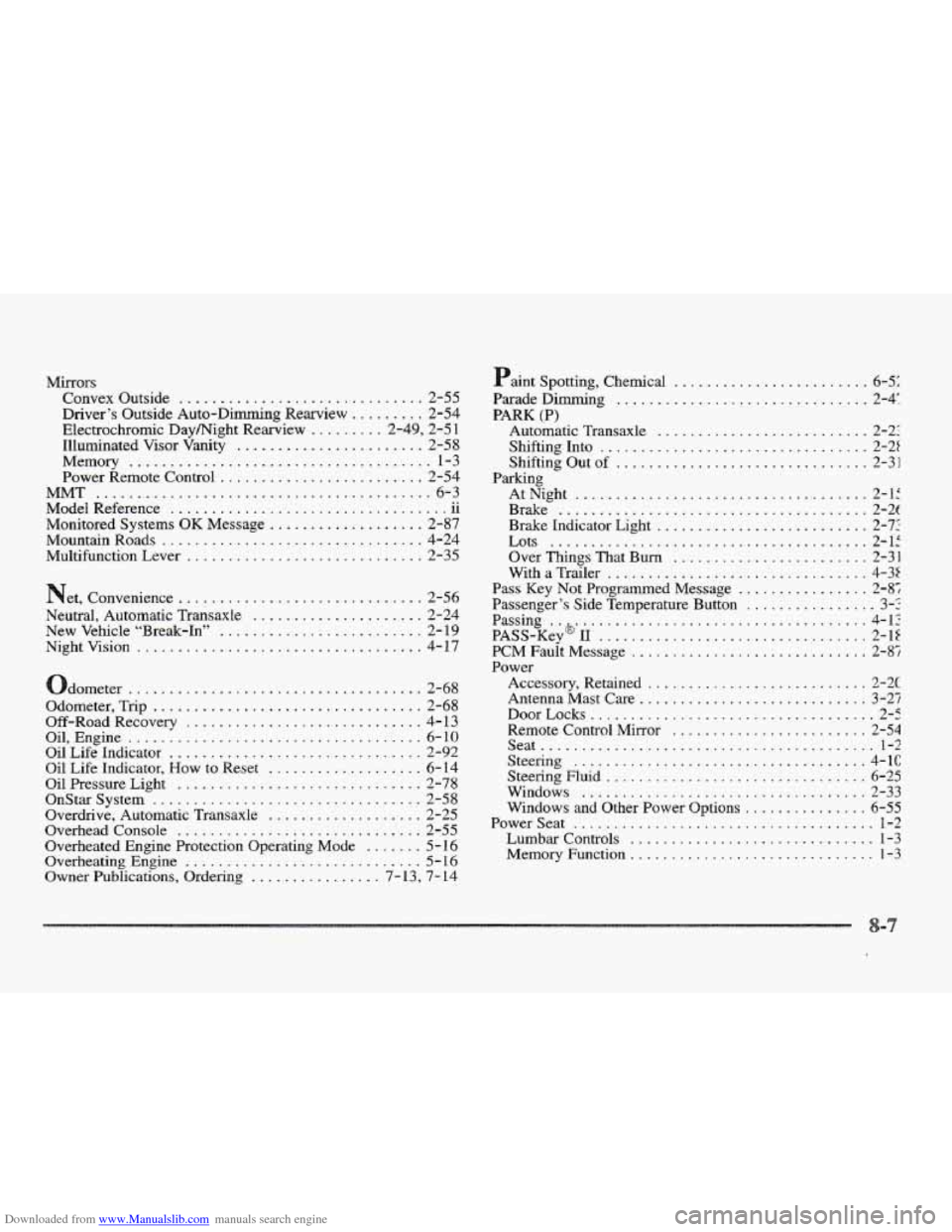
Downloaded from www.Manualslib.com manuals search engine Mirrors Convex Outside
.............................. 2-55
Driver‘s Outside Auto-Dimming Rearview
......... 2-54
Electrochromic Daymight Rearview
......... 2.49. 2.5 1
Illuminated
Visor Vanity ....................... 2-58
Memory
..................................... 1-3
Power Remote Control ......................... 2-54
ModelReference
11
Monitored Systems OK Message ................... 2-87
Mountain Roads
................................ 4-24
Multifunction Lever
............................. 2-35
MMT ......................................... 6-3 .. ..................................
Net. Convenience .............................. 2-56
Neutral. Automatic Transaxle
..................... 2-24
New Vehicle “Break-In”
......................... 2- 19
Nightvision
................................... 4-17
dometer
.................................... 2-68
Odometer. Trip
................................. 2-68
Off-RoadRecovery
............................. 4-13
Oil. Engine
.................................... 6-10
Oil Life Indicator ............................... 2-92
Oil Life Indicator. How to Reset ................... 6- 14
Oil Pressure Light
.............................. 2-78
Overdrive. Automatic Transaxle
................... 2-25
Overhead Console
.............................. 2-55
Overheated Engine Protection Operating Mode
....... 5- 16
Overheating Engine ............................. 5 - 16
Owner Publications. Ordering ................ 7-13. 7-14
OnStar System ................................. 2-58 aint Spotting.
Chemical
........................ 6-51
Parade Dimming
............................... 2-4:
Shifting Into
................................. 2-2t
AtNight
.................................... 2-1:
PARK (P)
Automatic Transaxle .......................... 2-22
Shifting Out
of ............................... 2-31
Parking
Brake
...................................... 2-2(
Brake Indicator Light
.......................... 2-7:
Over Things That Bum ........................ 2-31
With
a Trailer ................................ 4-35
Pass Key Not Programmed Message ................ 2-87
Passenger’s Side Temperature Button
................ 3-2
Passing
..&.................................... 4-12
PASS-Key 11 ................................. 2-1Z
PCM Fault Message ............................. 2-87
Power
Accessory, Retained ........................... 2-X
Antenna Mast Care ............................ 3-25
DoorLocks
................................... 2-5
Remote Control Mirror
........................ 2-54
Seat
......................................... 1-2
Steering
.................................... 4-1C
Steering Fluid ................................ 6-25
Windows
................................... 2-33
Windows and Other Power Options
............... 6-55
Powerseat ..................................... 1-2
Lumbar Controls .............................. 1-3
Memory Function .............................. 1-3
Lots ....................................... 2-15