1997 CADILLAC ELDORADO radio
[x] Cancel search: radioPage 123 of 361
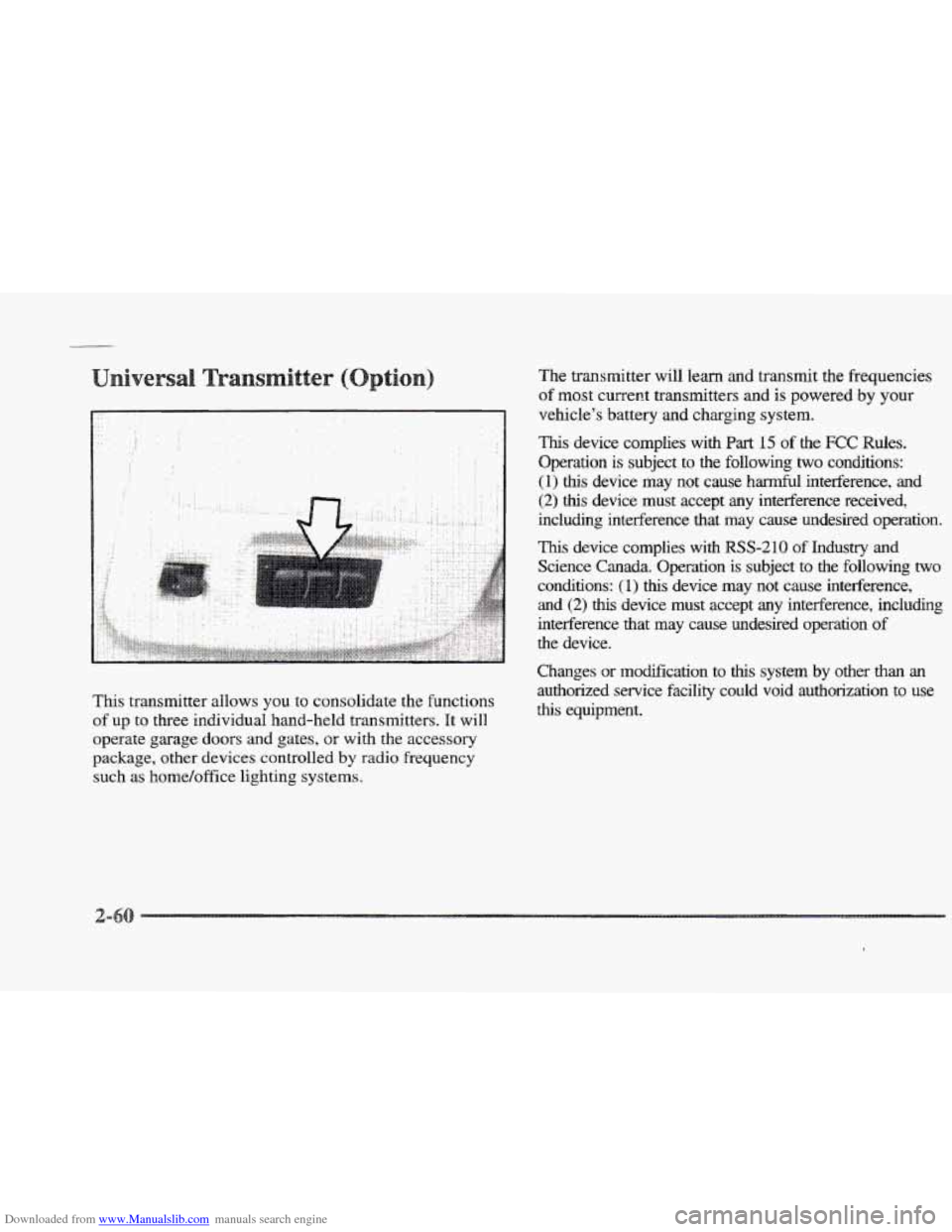
Downloaded from www.Manualslib.com manuals search engine This transmitter allows you to consolidate the functions
of up to three individual hand-held transmitters. It will
operate garage doors and gates, or with the accessory
package, other devices controlled
by radio frequency
such as home/office lighting systems. The transmitter
will learn and transmit the frequencies
of
most current transmitters and is powered by your
vehicle’s battery and charging system.
This device complies with Part 15 of the FCC Rules.
Operation is subject to the following
two conditions:
(1) this device may not cause harmful interference, and
(2) this device must accept any interference received,
including interference that may cause undesired operation.
This device complies with RSS-210 of Industry and
Science
Canada. Operation is subject to the following two
conchtions:
(1) this device may not cause interference,
and (2) this device must accept any interference, including
interference that may cause undesired operation
of
the device.
Changes
or modification to thls system by other than an
authorized service facility could void authorization to use
this equipment.
Page 128 of 361
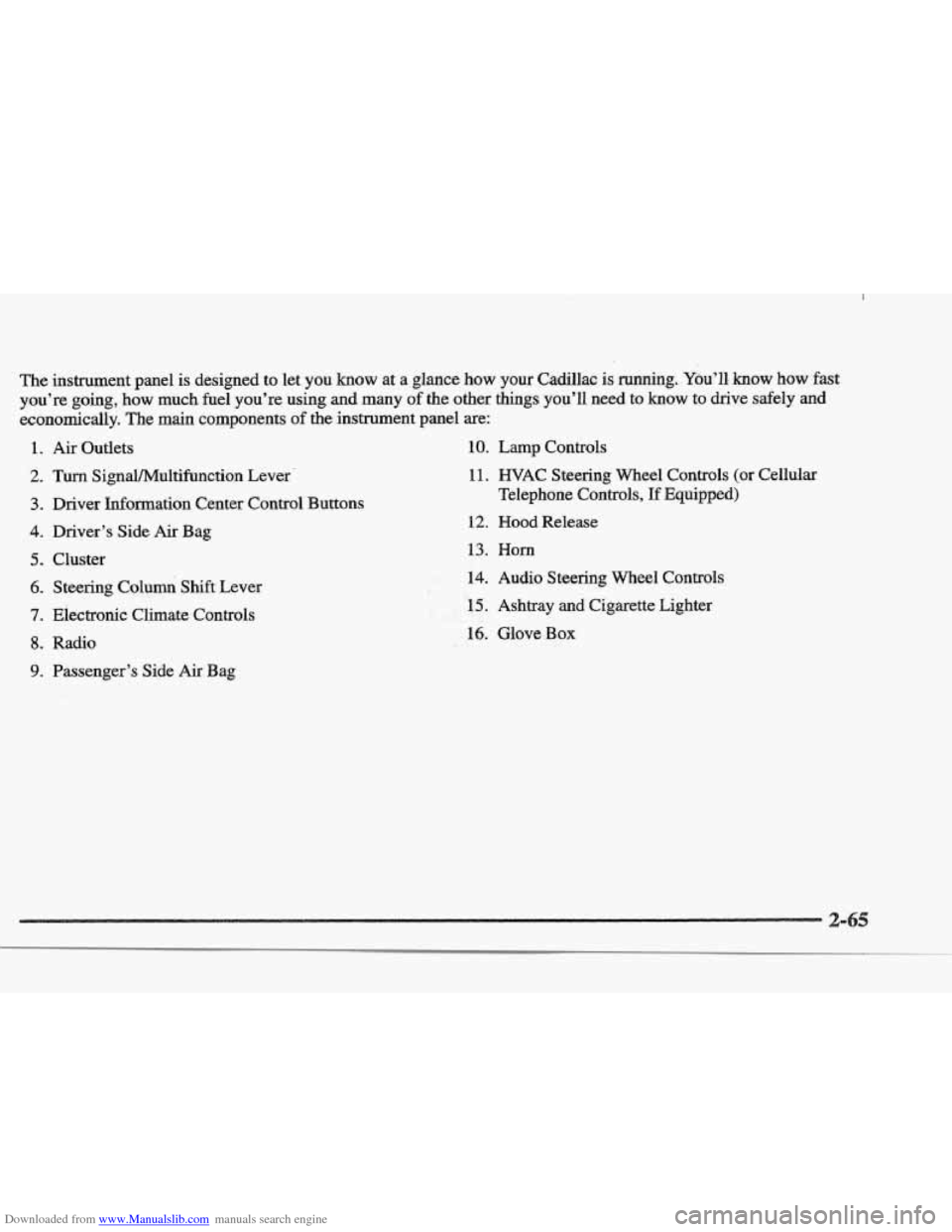
Downloaded from www.Manualslib.com manuals search engine The insbrument.pane1 is designed to let you know at a glance how your Cadillac is running. You’ll, know how fast
you’re going, how
much fuel you’re using and many of the other things you’ll need to know to drive safely and
economically. The main components of the instrument panel are:
1.
2.
3.
4.
5.
6.
7.
8.
9.
Air Outlets
Turn SignaVMultifbnction Lever.
Driver Information Center Control Buttons
Driver’s Side
Air Bag
Cluster Steering Columi Shift Lever
Electronic Climate Controls
Radio
Passenger’s Side
Air Bag
10. Lamp Controls
11. WAC Steering Wheel Controls (or Cellular
Telephone Controls,
If Equipped)
12. Hood Release
13. Horn
.#k. 14. Audio Steering Wheel Controls
F. , LI
- , .r 15. Ashtray and Cigarette Lighter I !i&&
16. Glove Box
Page 144 of 361
Downloaded from www.Manualslib.com manuals search engine river
The DIC display gives you the status of many of your
vehicle’s systems. The DIC is
also used to display driver
personalization features and warning/status messages.
Your vehicle may be equipped with the following
features that can be individually customized for up to
two drivers.
e Programmable Automatic Door Locks
e Remote Confirmation (for RKE)
e Exterior Lighting (at Unlock)
e Remote Recall Memory (for RKE or Key in
the Ignition)
e Battery Guard Storage
8 Climate Control Personalization
Memory Seat and Mirrors
Radio Personalization
For detailed information, see each feature in the Index.
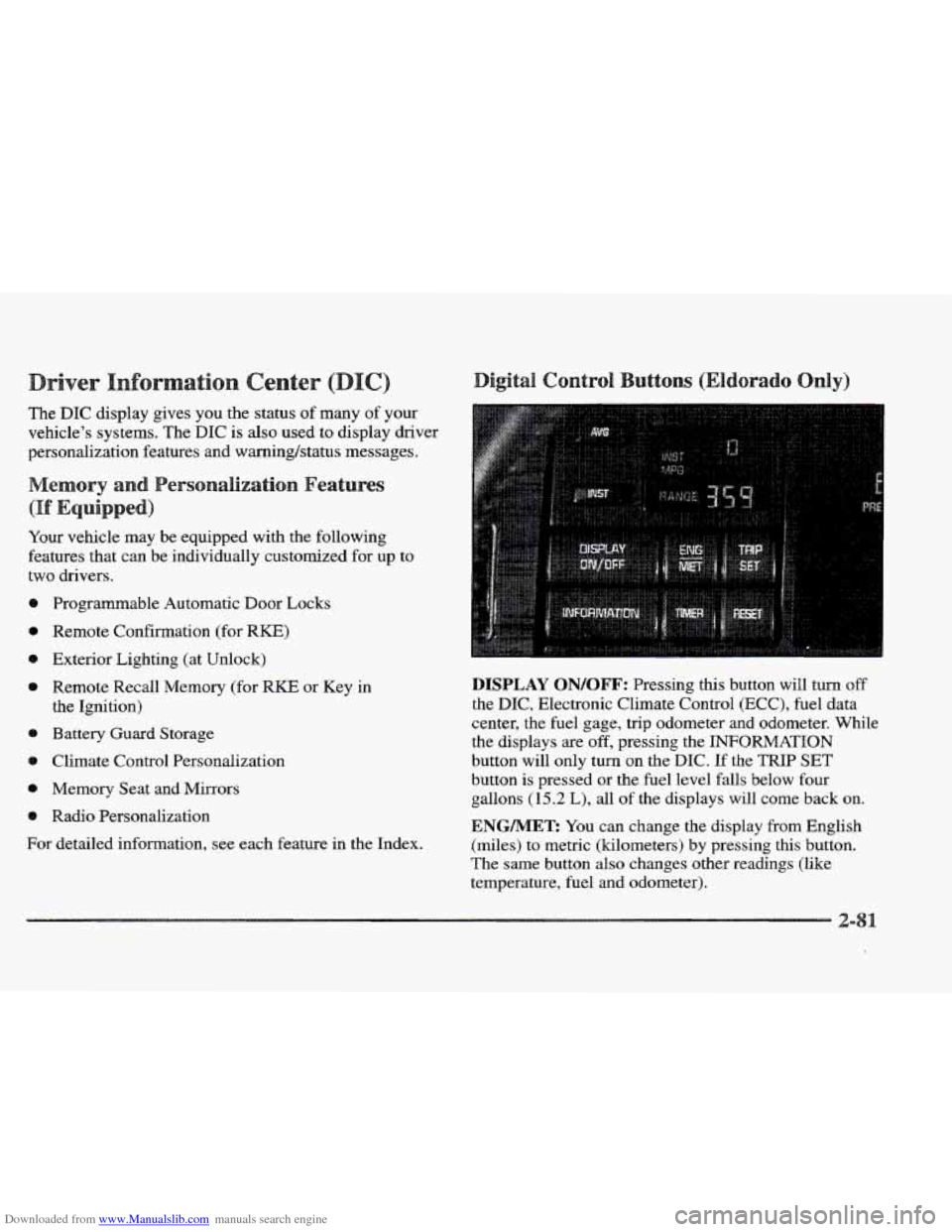
DISPLAY QN/QFF: Pressing this button will turn off
the DIC, Electronic Climate Control (ECC), fuel data
center, the fuel gage, trip odometer and odometer. While
the displays
are off, pressing the INFORMATION
button will only turn
on the DIC. If the TRIP SET
button is pressed or the fuel level falls below four
gallons
(15.2 L), all of the displays will come back on.
ENGMET: You can change the display from English
(miles) to metric (kilometers) by pressing this button.
The same button also changes other readings (like
temperature, fuel and odometer).
Page 148 of 361
Downloaded from www.Manualslib.com manuals search engine BATTERY NO CHARGE - 87: Ths message will
appear if the battery is not being charged. Have the
electrical system checked
by your Cadillac dealership at
your earliest convenience.
BATTERY VOLTS HIGH - 08: This message shows
that the electrical charging system is overcharging (more
than 16 volts).
To avoid being stranded, have the
electrical system checked by your Cadillac dealership.
You can reduce
the charging overload by using the
accessories. Turn on the lamps and radio, set the climate
control on
AUTO and the fan speed on HI, and turn the
rear window defogger on.
You can monitor battery
voltage on the DIC by pressing the
INFORMATION
(INFO) button. The normal range is 1 1.5 to 15.5 volts
when the engine is running.
BATTERY VOLTS LOW - 06: This message will
appear when the electrical system is charging less than
10 volts or if the battery has been drained.
If this
message appears immediately after starting, it
is possible
that
the generator can still recharge the battery. The
battery should recharge after driving
a few miles and the
message should
go out. If this message appears while
driving or after starting your vehicle and stays on, have
it checked immediately to determine the cause of this
problem.
To help the generator recharge the battery
quickly, you
can reduce the load on the electrical system
by turning
off the accessories. You can monitor battery
voltage on the
DIC by pressing the INFORMATION
(INFO) button. The normal range is 11.5 to
15.5 volts.
BMKE VACUUM PROBLEM -108: The circuit in
the brake booster vacuum has shorted or is loose when
this message appears. Your vehicle may lose power
brakes
but you will ‘still have the use of manual brakes.
The power brakes will not be affected
if the problem is
caused by a failed sensor. Have your vehicle serviced
immediately at your Cadillac dealership.
CHANGE ENGINE OIL - 82: This means that
the life of the engine oil has expired and
it should be
changed within
200 miles. See “Engine Oil” and
“Filter Recommendations’’ in the Maintenance Schedule
booklet. After an oil change, the Oil Life Indicator must
be reset. See “Oil Life Indicator” in the Index on how to
reset it.
CHANGE TRANS FLUID - 47: This message will
appear when
it is time to replace the transaxle fluid. See
the Maintenance Schedule booklet for
the proper fluid
and change intervals.
Page 156 of 361

Downloaded from www.Manualslib.com manuals search engine 3-2
3-2
3-6
3-6
3-6
3-7
3-8 3-8
3-9
3-9
3 -9
3-9
3-10
3-13
Comfort Controls
Climate Control Panel
Electronic Solar Sensor
Air Conditioning
Heating
Ventilation System
Defrosting
Rear Window Defogger
HVAC Steering Wheel Controls
Climate Control Personalization
Audio Systems
Setting the Clock
AM-FM Stereo with Cassette Tape Player and
Optional Compact Disc Player
Bose
TM AM-FM Stereo with Cassette Tape
and Compact Disc Player
In this section, you’ll find out how to operate the comfort control and audio systems offered with your Cadillac. Be
sure to read about the particular systems supplied with your vehicle.
3- 17
3-2 1
3-24
3-24
3-25
3-25
3-25
3-26
3-27
3-27
Bose TM AM-FM Stereo with Cassette
Tape and Compact Disc Player with Digital
Signal Processing
Trunk Mounted CD Changer
Radio Personalization
Theft-Deterrent Feature
Audio Steering Wheel
Controls
Understanding Radio Reception
Tips About Your Audio System
Care
of Your Cassette Tape Player
Care of Your Compact Discs
Power Antenna Mast Care
Page 158 of 361

Downloaded from www.Manualslib.com manuals search engine With this dual-zone feature, the right front passenger can
control the temperature
of air for hisher own zone. The
passenger
can select a four degree warmer or cooler
temperature from the driver's setting. To turn the system
on, press the PASS/TEMP button. Press the up arrow to
increase the temperature and press the down arrow to
decrease the climate setting. Pressing the
OFF button
will
turn off the dual-zone function.
The outside temperature is always displayed when your
vehicle is running. You can change it from Fahrenheit to
Celsius by pressing the
INFO button (above the radio)
until ENGLHSH/METRIC RESET displays. Once
displayed, press the
INFO RESET button to select.
The outside temperature sensor
is located near the front
grille.
The sensor can be affected by road or engine heat
dnring idling, slow driving or when the engine is first
started after
a short trip. In order to ensure proper
automatic climate control operation,
the outside air
temperature display may not update as quickly
as
expected. This is to allow the air surrounding the outside
temperature sensor to be as close to
the actual outside
conditions as possible. This is determined by how much
time has elapsed since the vehicle has been turned
off
and by vehicle speed. Press this button to deliver
air through the floor, middle
or windshield outlets. The system will
stay in the selected
mode
until the MODE button is pushed again. Press the
up or down ~QW to cycle through the available modes.
Automatic
When the system is set for automatic operation, sensors
will control the
air delivery mode. Air will come from
the floor, middle or windshield outlets. The fan speed
will
vary as the system maintains the selected
temperature setting.
Be careful not to put anything over the
solar sensor
located in the middle
of the instrument panel near the
windshield. This sensor is used by the automatic system
to regulate temperature.
To find your comfort zone, start with the 75°F (24°C)
setting and allow about 20 minutes for the system to
regulate. Turn the
TEMP/AUTO knob to adjust the
temperature if necessary. If you' choose 60 OF ( 16 " C),
the system will remain at that maximum cooling setting
and will not regulate fan speed.
If you choose the
temperature of
90°F (32"C), the system will remain at
that maximum heating setting and will not regulate fan
speed. Choosing either maximum setting will not cause
the system to
heat or cool any faster.
Page 165 of 361

Downloaded from www.Manualslib.com manuals search engine For information on the compact disc player, see "Trunk
Mounted
CD Changer'' later in this section.
Playing the %dis
PWWOL: Press this knob lightly to release it from its
stored position. The system will
turn on. Press the knob
again to turn the system off. To increase volume, turn the
knob clockwise. Turn it counterclockwise to decrease
volume. The volume level
will appear on the display.
DSPL: Press this button to display the station
being played.
BAND: Press this button to select AM, FM1 or FM2
and preset stations.
SEEK-TUNE: Press and release this button to seek
to the next higher or lower radio station. Pressing and
holding
this button until a chime sounds puts the radio
in a tune mode. In this mode, higher or lower radio
stations are advanced to in small increments until the
SEEK-TUNE button is released. Tuning stops when
you release this button.
If you press and hold the
SEEK-TUNE button again within five seconds of being
in the tune mode, tuning will continue. Waiting longer
than five seconds places the radio back in the seek
mode.
SCAN: Press this button and SCAN will appear on the
display.
Use SCAN to listen to stations for a few
seconds. The radio will
go to a station, stop for a few
seconds, then
go on to the next station. Press this button
again
to stop scanning.
Page 166 of 361

Downloaded from www.Manualslib.com manuals search engine NS: The six numbered pushbuttons let
you return to your favorite stations. You can set up to
18 stations (six AM, six FM1 and six FM2). Just:
1. Turn the radio on.
2. Press BANI3 to select AM, FMl or FM2.
3. Tune in the desired station.
4. Press and hold one of the six numbered buttons until
YSU hear a chime. The sound will mute. When it
returns, release the button. Whenever
you press that
numbered button, the station
YOU set will return.
5. Repeat the steps for each pushbutton.
SET SCAN: Press and hold SCAN for two to three
seconds until
PRESET SCAN appears on the display to
listen to each of your preset stations for a few seconds
(factory presets which have
not been reprogramed
with your stations will be ignored). The radio will
go to
the first preset station stored on your pushbuttons, stop
€or a few seconds, then go on to the next preset station.
Press
SCAN agaia to stop scanning. If a preset station
has weak reception, the radio will not
stop at the
preset station.
ASS: Press this knob lightly so it extends. Turn the
knob clockwise to increase and counterclockwise to
decrease bass.
T : Press this knob lightly so it extends. Turn the
hob clockwise to increase and counterclockwise to
decrease treble. If a station is weak or noisy, YOU may
want to decrease the treble.
Push these kn~bs back into their stored positions when
you’re not
using them.
Adjusting the s
: Press this bob lightly so it extends. Turn the
knob clockwise to adjust sound to the right speakers and
counterclockwise for the Beft speakers. The middle
position balances the
sound between the speakers.
: Press this hob lightly so it extends. Turn the
knob clockwise to adjust the sound to the front speakers
and counterclockwise €or the rear speakers. The fiddle
position balances the sound between the speakers.
Push these h~bs back into their stored positions when
~U’E not using them.