1997 BUICK REGAL wheel
[x] Cancel search: wheelPage 154 of 422
Control Buttons
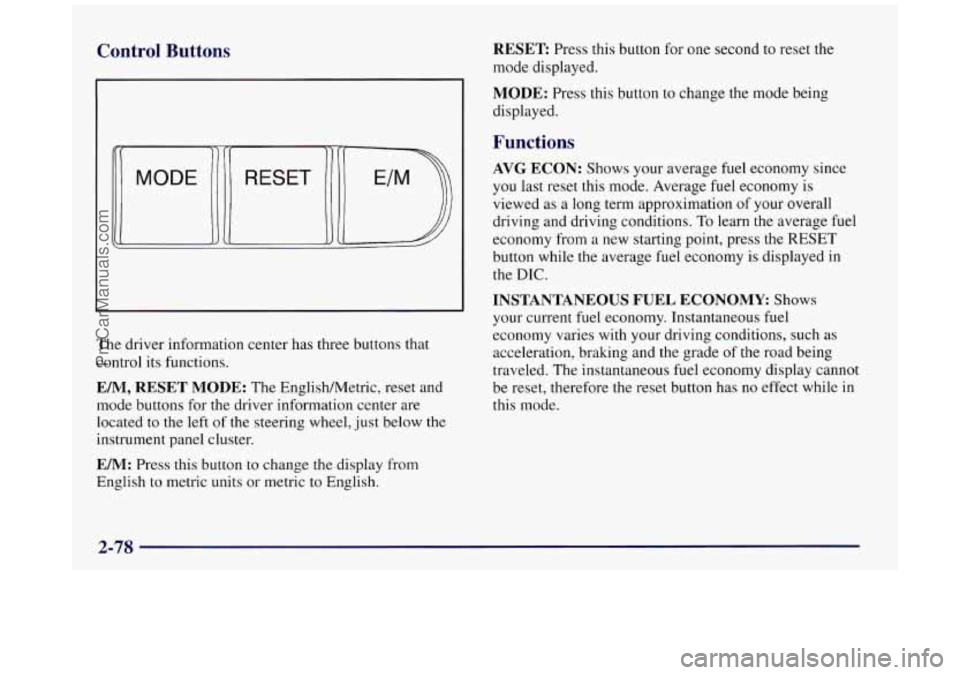
The driver information center has three buttons that
control its functions.
EM, RESET MODE: The EnglishMetric, reset and
mode buttons for
the driver information center are
located to the left
of the steering wheel, just below the
instrument panel cluster.
EM: Press this button to change the display from
English to metric units or metric
to English.
RESET Press this button for one second to reset the
mode displayed.
MODE: Press this button to change the mode being
displayed.
Functions
AVG ECON: Shows your average fuel economy since
you last reset this mode. Average fuel economy is
viewed
as a long term approximation of your overall
driving and driving conditions.
To learn the average fuel
economy from a new starting point, press the RESET
button while the average fuel economy is displayed
in
the DIC.
INSTANTANEOUS FUEL ECONOMY Shows
your current
fuel economy. Instantaneous fuel
economy varies with your driving conditions, such
as
acceleration, braking and the grade of the road being
traveled.
The instantaneous fuel economy display cannot
be reset, therefore the reset button has no effect while in
this mode.
2-78
ProCarManuals.com
Page 157 of 422
Section 3 Comfort Controls and Audio Systems
In this section, you’ll find out how to operate the comfort control and audio systems offered with your Buick. Be sure
to read about the particular systems supplied with your vehicle.
3-2
3-2
3 -4
3-7
3-10
3-1
1
3-12
3-12
3-13
3-
15
3-18 Comfort Controls
Manual Single Zone Climate Control
Dual ComforTemp Climate Control
Dual Automatic ComforTemp Climate Control
Ventilation System
Rear Window Defogger
Audio Systems
Setting
the Clock
AM-FM Stereo
AM-FM Stereo with Cassette Tape Player
AM-FM Stereo with Cassette Tape Player and
Automatic Tone Control 3-22
3-26
3-3
1
3-33
3-34
3-34
3-35
3-36
3-36
3-37 AM-FM
Stereo with Compact Disc Player and
Automatic Tone Control AM-FM Stereo with Cassette Tape and
Compact Disc Player with Automatic
Tone Control
Theft-Deterrent Feature
Audio Steering Wheel Controls
Understanding Radio Reception
Tips About Your Audio System
Care of Your Cassette Tape Player
Care of Your Compact Discs
Fixed Mast Antenna
Backglass Antenna
ProCarManuals.com
Page 189 of 422
Disabling the Theft-Deterrent Feature
Enter your secret code as follows; pause no more than
15 seconds between steps:
1. Turn the ignition to ACCESSORY or RUN.
2. Turn the radio off.
3. Press the 1 and 4 buttons together. Hold them down
4. Press MIN and 000 will appear on the display.
5. Press MTN again to make the last two digits agree
6. Press HRS to make the first one or two digits agree
7. Press AM-FM after you have confirmed that the
until
SEC shows on the display.
with your code.
with your code.
code matches the secret code you have written down.
The display will show
---, indicating that the radio is
no longer secured.
If the code entered is incorrect, SEC will appear on the
display. The radio will remain secured until the correct
code is entered.
When battery power
is removed and later applied to a
secured radio, the radio won’t turn on and LOC will
appear on the display.
To unlock a secured radio see “Unlocking the
Theft-Deterrent Feature After a Power
Loss” earlier in
this section.
Audio Steering Wheel Controls
(If Equipped)
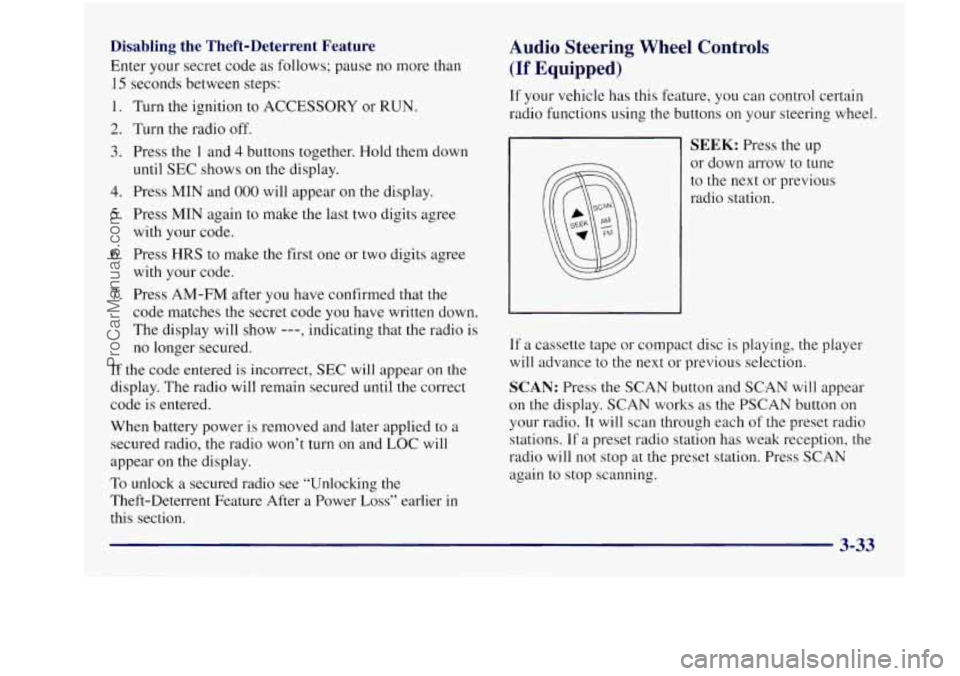
If your vehicle has this feature, you can control certain
radio functions using the buttons
on your steering wheel.
SEEK: Press the up
or down arrow to tune
to the next or previous
radio station.
If a cassette tape or compact disc is playing, the player
will advance to the next or previous selection.
SCAN: Press the SCAN button and SCAN will appear
on the display. SCAN works as the PSCAN button
on
your radio. It will scan through each of the preset radio
stations. If
a preset radio station has weak reception, the
radio will not stop at the preset station. Press
SCAN
again to stop scanning.
ProCarManuals.com
Page 204 of 422
I 1
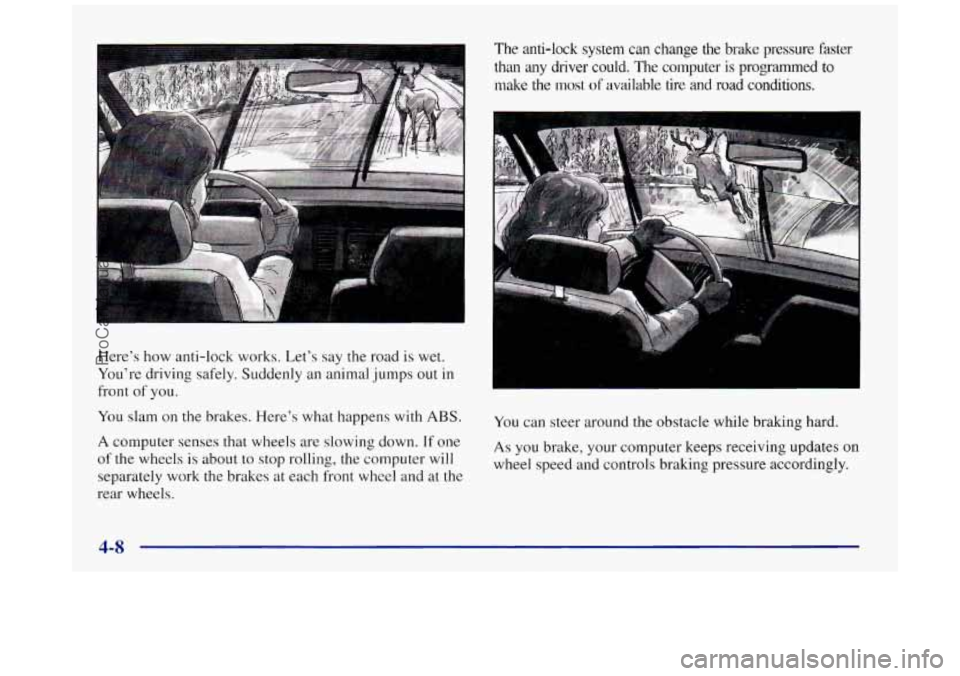
Here’s how anti-lock works. Let’s say the road is wet.
You’re driving safely. Suddenly
an animal jumps out in
front of you.
You slam on the brakes. Here’s what happens with
ABS.
A computer senses that wheels are slowing down. If one
of the wheels
is about to stop rolling, the computer will
separately work
the brakes at each front wheel and at the
rear wheels.
The anti-lock system can change the brake pressure faster
than any driver could. The computer
is programmed to
make the most of available tire and road conditions.
You can steer around the obstacle while braking hard.
As you brake, your computer keeps receiving updates on
wheel speed and controls braking pressure accordingly.
ProCarManuals.com
Page 205 of 422
Remember: Anti-lock doesn’t change the time you need
to get your foot up
to the brake pedal or always decrease
stopping distance. If you get too close to the vehicle in
front
of you, you won’t have time to apply your brakes
if that vehicle suddenly slows or stops. Always leave
enough room up ahead
to stop, even though you have
anti-lock brakes.
-‘sing Anti-Lock
uon’t pump the brakes. Just hold the brake pedal
down and let anti-lock work for you. You may feel the
system working, or you may notice some noise, but this
is normal.
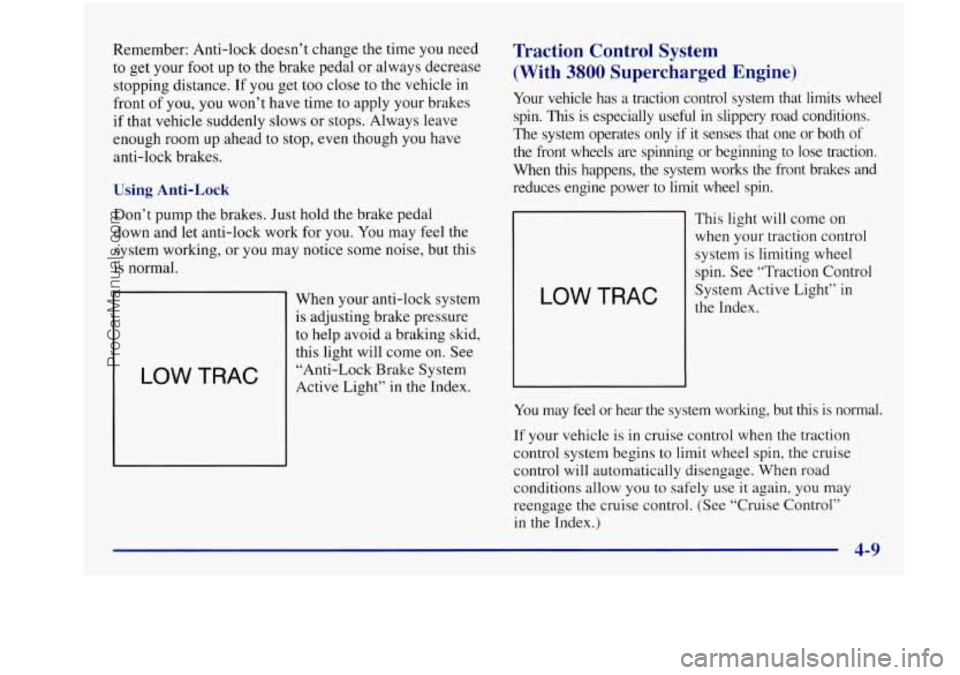
LOW TRAC
When your anti-lock system
is adjusting brake pressure
to help avoid
a braking skid,
this light will come on. See
“Anti-Lock Brake System
Active Light” in the Index.
Traction Control System
(With
3800 Supercharged Engine)
Your vehicle has a traction control system that limits wheel
spin. This is especially useful
in slippery road conditions.
The system operates only if it senses that one or both
of
the front wheels are spinning or beginning to lose traction.
When this happens,
the system works the front brakes and
reduces engine power to limit wheel spin.
LOW TRAC
This light will come on
when your traction control
system is limiting wheel
spin. See “Traction Control
System Active Light” in
the Index.
You may feel or hear the system working, but this is normal.
If your vehicle is in cruise control when the traction
control system begins to limit wheel spin, the cruise
control will automatically disengage. When road
conditions allow you to safely use it again, you may
reengage the cruise control. (See “Cruise Control”
in the Index.)
ProCarManuals.com
Page 206 of 422
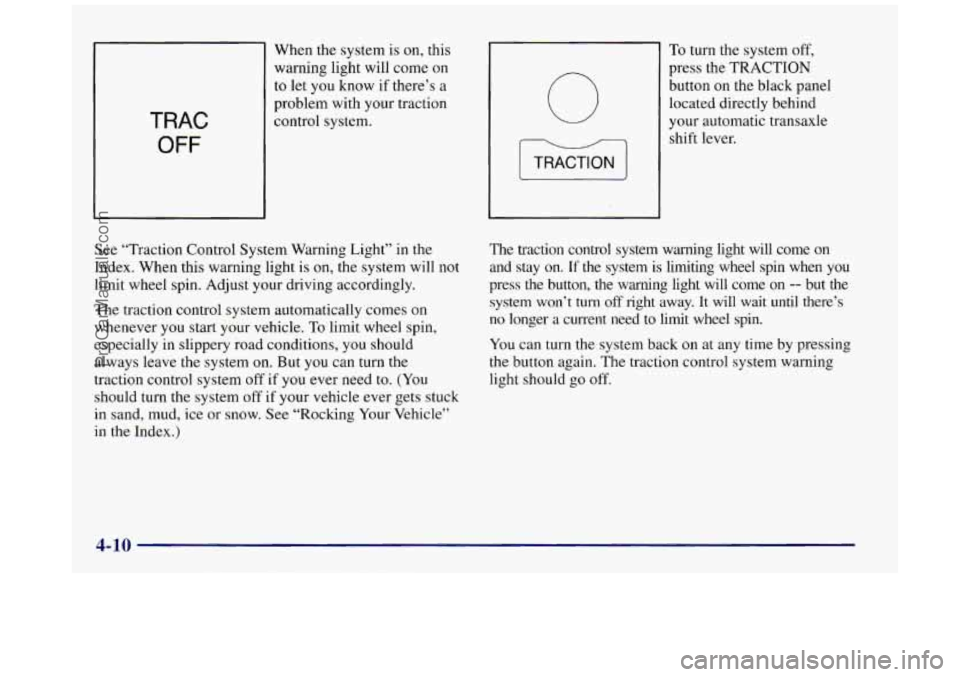
When the system is on, this
warning light will come on
to let you know if there’s a
problem with your traction
TRAC
OFF
0
To turn the system off,
press the TRACTION
button
on the black panel
located directly behind
your automatic transaxle
shift lever.
See “Traction Control System Warning Light” in the
Index. When this warning light is on, the system will not
limit wheel spin. Adjust your driving accordingly.
The traction control system automatically comes on
whenever you start your vehicle. To limit wheel spin,
especially in slippery road conditions, you should
always leave the system on. But you can turn the
traction control system off
if you ever need to. (You
should turn the system off if your vehicle ever gets stuck
in sand, mud, ice or snow.
See “Rocking Your Vehicle”
in the Index.) The
traction control system warning light will come on
and stay
on. If the system is limiting wheel spin when you
press the button, the warning light will come on -- but the
system won’t
turn off right away. It will wait until there’s
no longer a current need to limit wheel spin.
You can turn the system back on at any
time by pressing
the button again. The traction control system warning
light should go off.
4-10
ProCarManuals.com
Page 207 of 422
Enhanced Traction System (Option: Not
Available with
3800 Supercharged Engine)
Your vehicle may have Enhanced Traction System
(ETS) that limits wheel spin. This is especially useful in
slippery road conditions, The system operates only if it
senses that one or both of the front wheels are spinning
or beginning to lose traction. When
this happens, the
system reduces engine power and may also upshift the
transaxle to limit wheel spin.
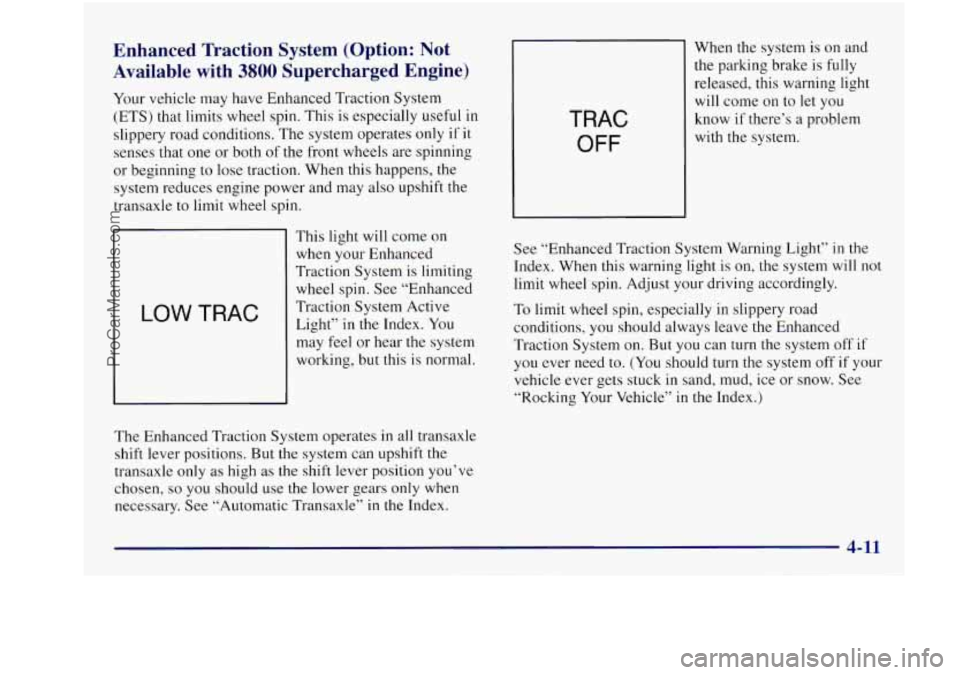
LOW TRAC
This light will come on
when
your Enhanced
Traction System is limiting
wheel spin. See “Enhanced
Traction System Active
Light” in the Index. You
may feel or hear the system
working, but this is normal.
The Enhanced Traction System operates in all transaxle
shift lever positions. But the system can upshift the
transaxle only as high as the shift lever position you’ve
chosen,
so you should use the lower gears only when
necessary. See “Automatic Transaxle” in the Index.
TRAC
OFF
When the system is on and
the parking brake is
fully
released, this warning light
will come on to
let you
know if there’s a problem
with the system.
See “Enhanced Traction System Warning Light”
in the
Index. When this warning light
is on, the system will not
limit wheel spin. Adjust your driving accordingly.
To limit wheel spin, especially in slippery road
conditions, you should always leave the Enhanced
Traction System on. But
you can turn the system off if
you ever need to. (You should turn the system off if your
vehicle ever gets stuck
in sand, mud, ice or snow. See
“Rocking Your Vehicle”
in the Index.)
4-11
ProCarManuals.com
Page 208 of 422
0
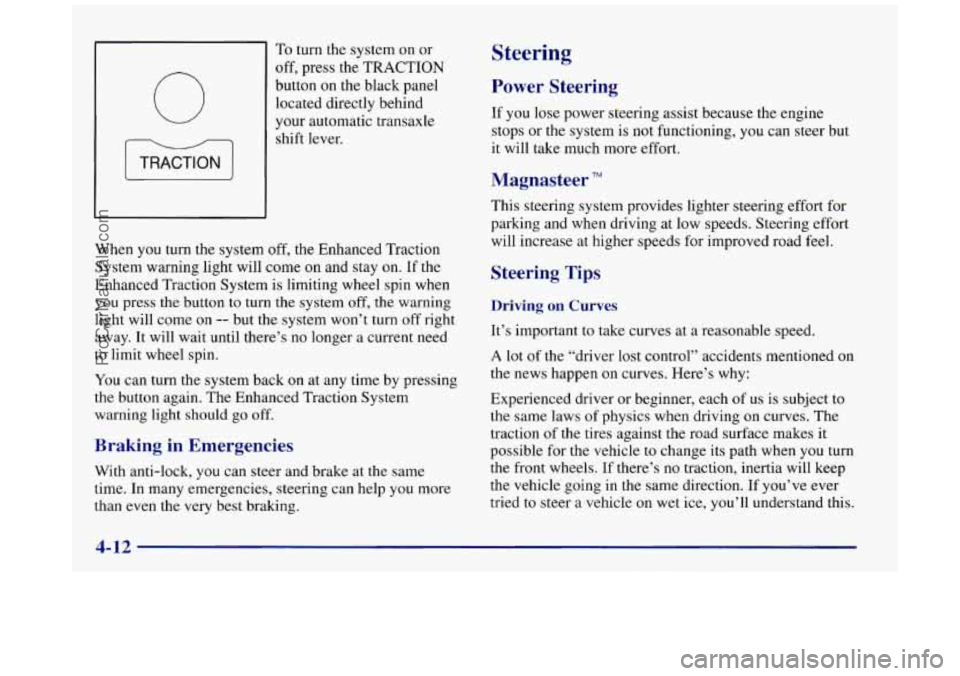
To turn the system on or
off, press the
TRACTION
button on the black panel
located directly behind
your automatic transaxle
shift lever.
When you turn the system off, the Enhanced Traction
System warning light will come on and stay on.
If the
Enhanced Traction System is limiting wheel spin when
you press the button to turn the system off, the warning
light will come on
-- but the system won’t turn off right
away. It will wait until there’s no longer a current need
to limit wheel spin.
You can turn the system back on at any time by pressing
the button again. The Enhanced Traction System
warning light should go off.
Braking in Emergencies
With anti-lock, you can steer and brake at the same
time. In many emergencies, steering can help you more
than even the very best braking.
Steering
Power Steering
If you lose power steering assist because the engine
stops or the system is not functioning,
you can steer but
it will take much more effort.
Magnasteer TM
This steering system provides lighter steering effort for
parking and when driving at low speeds. Steering effort
will increase at higher speeds for improved road feel.
Steering Tips
Driving on Curves
It’s important to take curves at a reasonable speed.
A lot of the “driver lost control” accidents mentioned on
the news happen on curves. Here’s why:
Experienced driver or beginner, each of us is subject to
the same laws of physics when driving on curves. The
traction
of the tires against the road surface makes it
possible for the vehicle
to change its path when you turn
the front wheels. If there’s no traction, inertia will keep
the vehicle going in
the same direction. If you’ve ever
tried
to steer a vehicle on wet ice, you’ll understand this.
ProCarManuals.com