1996 PONTIAC BONNEVILLE start stop button
[x] Cancel search: start stop buttonPage 73 of 387
Ensure the shft lever is fully in PARK (P) range before
starting the engine.
Your Pontiac has a brake-transaxle
shift interlock. You have to fully
apply your regular
brakes
before you can shift from PARK (P) when the
ignition key is in the on position.
If you cannot shift out
of PARK (P), ease pressure on the shift lever -- push the
shift lever all the way into PARK (P) and also release the
shift lever button on floor shift console models as you
maintain brake application. Then move the shift lever
into the gear you wish. (Press the
shift lever button before
moving the shift lever on floor shift console models.) See
“Shifting Out of PARK (P)” later in this section.
REVERSE (R): Use this gear to back up.
NOTICE:
Shifting to REVERSE (R) while your vehicle is
moving forward could damage your transaxle.
Shift to REVERSE
(R) only after your vehicle
is stopped. To
rock your vehicle back and forth
to get out of snow,
ice or sand without damaging your transaxle, see
“Stuck:
In Sand, Mud, Ice or Snow” in the Index.
NEUTRAL (N): In this position, your engine doesn’t
connect with
the wheels. To restart when you’re
already moving, use
NEUTRAL (N) only. Also, use
NEUTRAL (N) when your vehicle is being towed.
A CAUTION:
Shifting out of PARK (P) or NEUTRAL (N) while
your engine is “racing” (running at high speed) is
dangerous. Unless your foot is firmly
on the
brake pedal,
your vehicle could move very
rapidly.
You could lose control and hit people
or objects. Don’t shift out of
PARK (P) or
NEUTRAL (N) while your engine is racing.
2-22
ProCarManuals.com
Page 141 of 387
Pressing the AUTO button will display the requested
temperature, fan speed'and
air delivery mode for five
seconds, then change to display the outside air
temperature. Be careful not to put anything over the
sensor located in the middle
of the instrument panel near
the windshield, or over the sensor
in the gnlle above the
radio. These sensors are used by the automatic system to
regulate temperature.
The exterior temperature display sensor is in front
of the
car, near the radiator. This displayed temperature is most
accurate when the vehicle
is moving. During stops, or
while idling, the display shows the previous driving
temperature for best system control.
To avoid blowing cold air in cold weather, the system
will delay turning
on the fan until warm air is available.
The length
of delay depends on outside air temperature,
engine coolant temperature, and time since the engine
was last started. Pushing the
fan button will override this
delay and change the fan to a selected single speed.
If you leave your vehicle, the system will remember the
control setting the next time you start your engine.
Manual Operation
You may also manually adjust the delivery mode or
fan speed.
'!! HEAT: Manually selecting HEAT by cycling
through the
MODE settings will deliver air to the floor
outlets.
+# DEFOG: Manually selecting DEFOG by cycling
through the
MODE settings will deliver air to the floor
and windshield outlets.
12 BI-LEVEL: Manually selecting BI-LEVEL by
cycling through the MODE setting will deliver warm air
to the floor and cooler air to the middle instrument panel outlets.
OFF: Press this button to turn the system off. Fresh air
will continue to flow through the vehicle, and the
system
will try to maintain the previously set
temperature. The outside temperature will show in the
display when the system
is OFF.
w.
ProCarManuals.com
Page 157 of 387
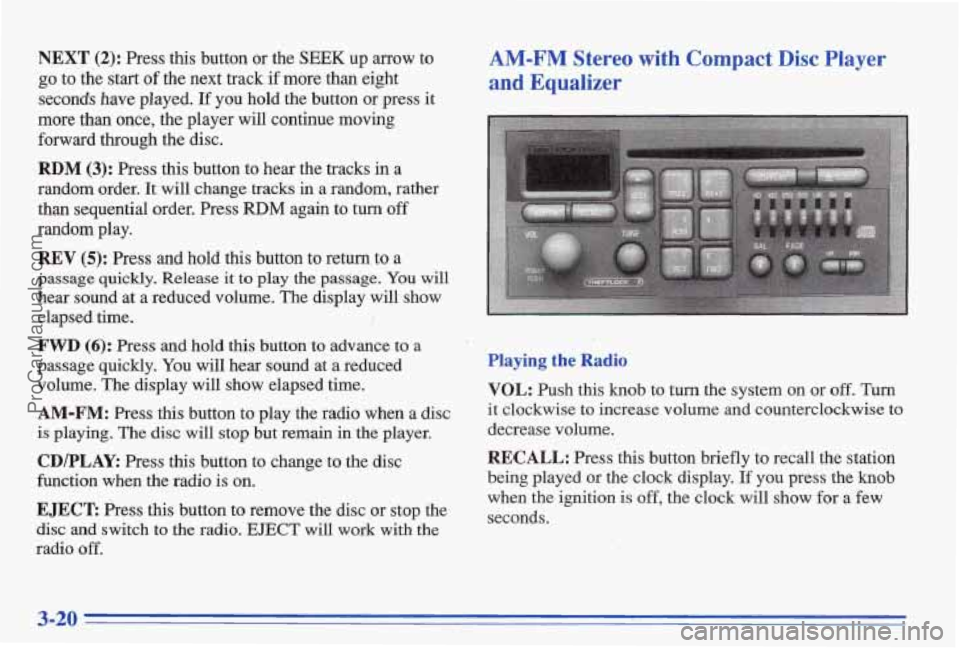
NEXT (2): Press this button or the SEEK up arrow to
go to the start of the next track if more than eight
secmds have played. If you hold the button or press it
more than once, the player will continue moving
forward through the disc.
RDM (3): Press this button to hear the tracks in a
random order.
It will change tracks in a random, rather
than sequential order. Press
RDM again to turn off
random play.
REV (5): Press and hold this button to return to a
passage quickly. Release
it to play the passage. You will
hear sound
at a reduced volume. The display will show
elapsed time.
FWD (6): Press and hold this button to advance to a
passage quickly. You will hear sound at a reduced
volume. The display will show elapsed the.
AM-FM: Press this button to play the radio when a disc
is playing. The disc will stop but remain in the player.
CD/PLAY: Press this button to change to the disc
function when the radio is on.
EJECT Press this button to remove the disc or stop the
disc
and switch to the radio. EJECT will work with the
radio
off.
AM-FM Stereo with Compact Disc Player
and Equalizer
Playing the Radio
VOL: Push this knob to turn the system on or off. Tm
it clockwise to increase volume and counterclockwise to
decrease volume.
RECALL: Press this button briefly to recall the station
being played or
the clock display. you press the knob
when the ignition is off, the clock will show for a few
seconds.
3-20
ProCarManuals.com
Page 159 of 387
P
If you're driving on a very rough road or if it's very hot,
the disc may not play and E (error) and a number may
appear on the radio display. If the disc comes out, it
could be that:
The disc is upside down.
It is dm7 scratched or wet.
The air is very humid. (If so, wait about an hour and
If any error occurs repeatedly or if an error can't be
corrected, please contact your dealer.
If your radio
displays an error number, write it down
and provide it to
your dealer when reporting the problem.
WECALL: Press this button to see what track is playing.
Press it again within five seconds to
see how long it has
been playing (elapsed
time). The track number also
appears when the disc
is inserted, the volume is changed
or whefi a new
track starts playing.
PWV (1): Press this button or the S'EEK down mow to
go to the start of the current track if more than eight
seconds have played.
If you hold the-button or press it
more than once, the player will continue moving back
through the disc.
try again.)
NEXT (2): Press this button ar the SEEK up arrow to
go to the start of the next track if more than eight
seconds have played.
If you hold the button or press it
more
than once, the player will continue moving
furward through the disc.
RDM (3): Press this button to hear the tracks in a random
order. It will change discs and tracks in a random, rather
than sequential order. Press RDM again to turn o€f randm
play. The radio
will' play during this operation.
REV (5): Press and hold this button to return to a
passage quickly. Release it
to play the passage. You will .I 's "f '
hear sound at a reduced volume. The display will show
elapsed time.
FWD (6): Press and hold this button to advance to a
passage quickly. You will hear sound at a reduced
volume.
WE display will show elapsed time.
AM-PM: Press this button to play the radio when a disc
is
playing. The Bjsc will stop but remain in the player.
CRIPLAY: Press this button to change'to the disc:
function when the radio,is
on,
EJECT Press'this button to remove the disc or stop the
disc and switch
to the radio. EJECT will work with the
radio off.
::>, _. : 7% ,
3-22
ProCarManuals.com
Page 176 of 387
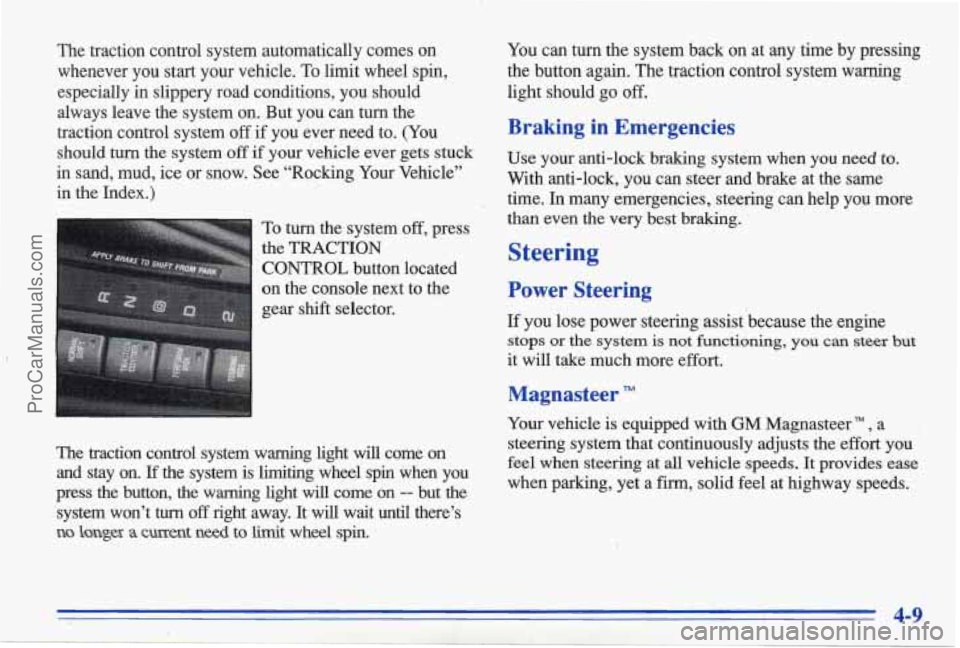
The traction control system automatically comes on whenever you start your vehicle. To limit wheel spin,
especially in slippery road conditions, you should
always leave the system on. But you can turn the
traction control system off if you ever need to. (You
should
turn the system off if your vehicle ever gets stuck
in sand, mud, ice or snow. See “Rocking Your Vehicle”
in the Index.)
To turn the system off, press
the
TRACTION
CONTROL button located
on the console next to the
gear shift selector.
I I
The traction control system warning light will come on
and stay on. If the system is limiting wheel spin when you
press
the button, the warning light will come on -- but the
system won’t
turn off right away. It will wait until there’s
no longex a current need to limit wheel spin.
You can turn the system back on at any time by pressing
the button again. The traction control system warning
light should
go off.
Braking in Emergencies
Use your anti-lock braking system when you need to.
With anti-lock, you can steer and brake at the same
time. In many emergencies, steering can help you more
than even
the very best braking.
Steering
Power Steering
If you lose power steering assist because the engine
stops or the system. is not functioning, you can steer but
it will take much more effort.
Magnasteer
Your vehicle is equipped with GM Magnasteer TM , a
steering system that continuously adjusts the effort you
feel when steering.at all vehicle speeds. It provides ease
when parking, yet a firm, solid feel at highway speeds.
4-9
ProCarManuals.com