1996 CHEVROLET S10 reset
[x] Cancel search: resetPage 87 of 375
Downloaded from www.Manualslib.com manuals search engine Be sure to clear ice and snow from the wiper blades
before
using them. If they’re frozen to the windshield,
carefully loosen or thaw them.
If your blades do become
worn or damaged, get new blades or blade inserts.
Windshield Washer
At the top of the multifunction lever there’s a paddle
marked with the windshield washer symbol and the
word
PUSH. To spray washer fluid on the windshield,
press the paddle. The wipers will clear the window and
then either stop or return to your preset speed.
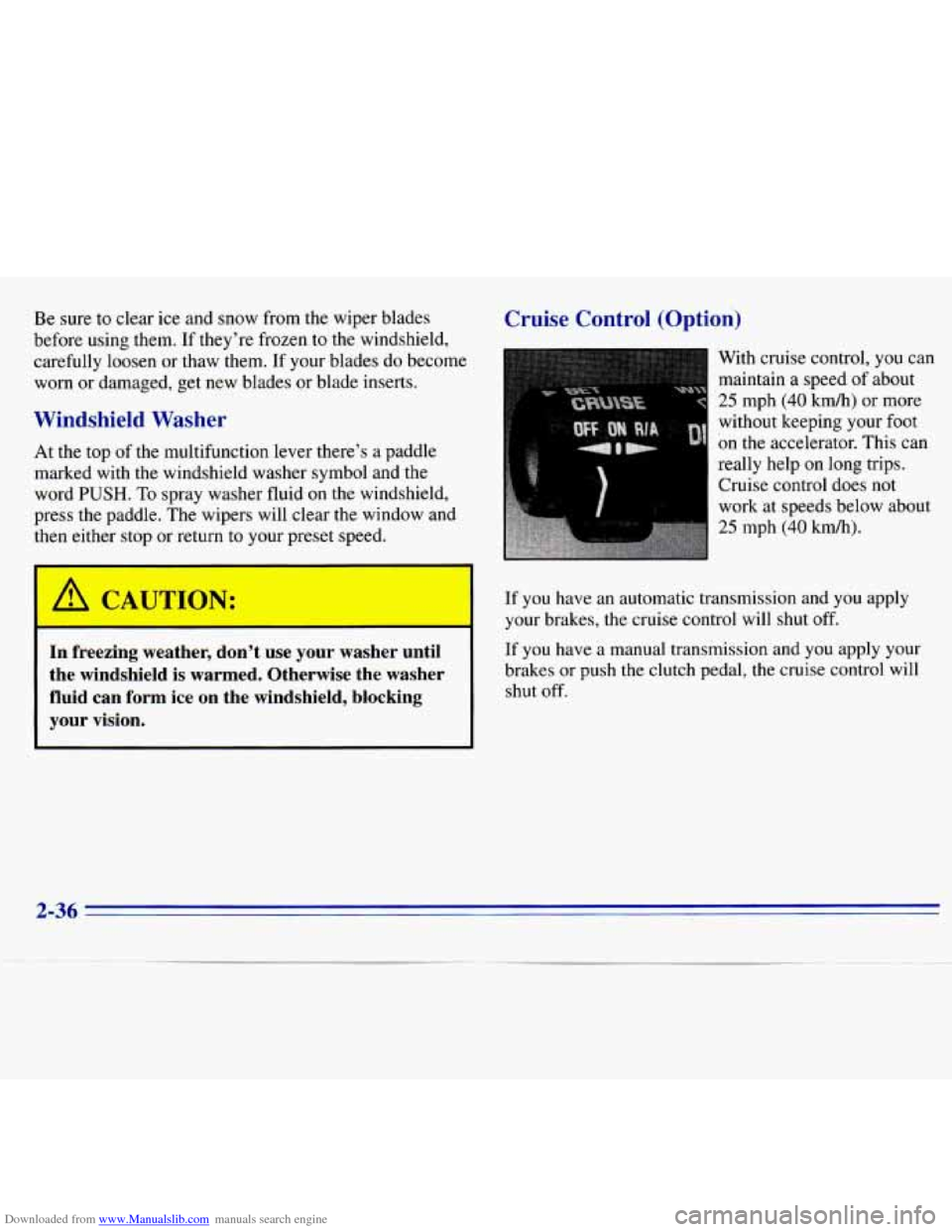
Cruise Control (Option)
With cruise control, you can
maintain a speed
of about
25 mph (40 km/h) or more
without keeping your
foot
on the accelerator. This can
really help on long trips.
Cruise control does not
work at speeds below about
25 mph (40 km/h).
-’ C SJTIC -J: If you have an automatic transmission and you apply
-- your brakes, the cruise control will shut off.
In freezing weather, don’t use your washer until If you have a manual transmission and you apply your
the windshield is warmed. Otherwise the washer brakes or push the clutch pedal, the cruise control will
fluid can form ice on the windshield, blocking shut off.
your vision.
2-36
Page 120 of 375
Downloaded from www.Manualslib.com manuals search engine In addition to the four stations set as above, up to three
additional stations may be preset on each band by
pressing two adjoining buttons at the same time. Just:
1. Tune in the desired station.
2. Press SET. (SET will appear on the display.)
3. Press two adjoining pushbuttons at the same time,
within five seconds. Whenever you press the same
two buttons, the station
you set will return.
4. Repeat these steps for each pair of buttons.
Setting the Tone
BASS:
Slide this lever up to increase the bass. Adjust
the lever until the sound is pleasing to your ear.
TREBLE: Slide this lever up to increase the treble. You
can reduce noise for weak or noisy stations by sliding
this lever down.
Adjusting the Speakers
BAL: This control ring behind the PWR-VOL-RECALL
knob adjusts the balance between the left and right speakers.
FADE: This control ring behind the TUNE-AM-FM knob
adjusts the balance between the front and rear speakers.
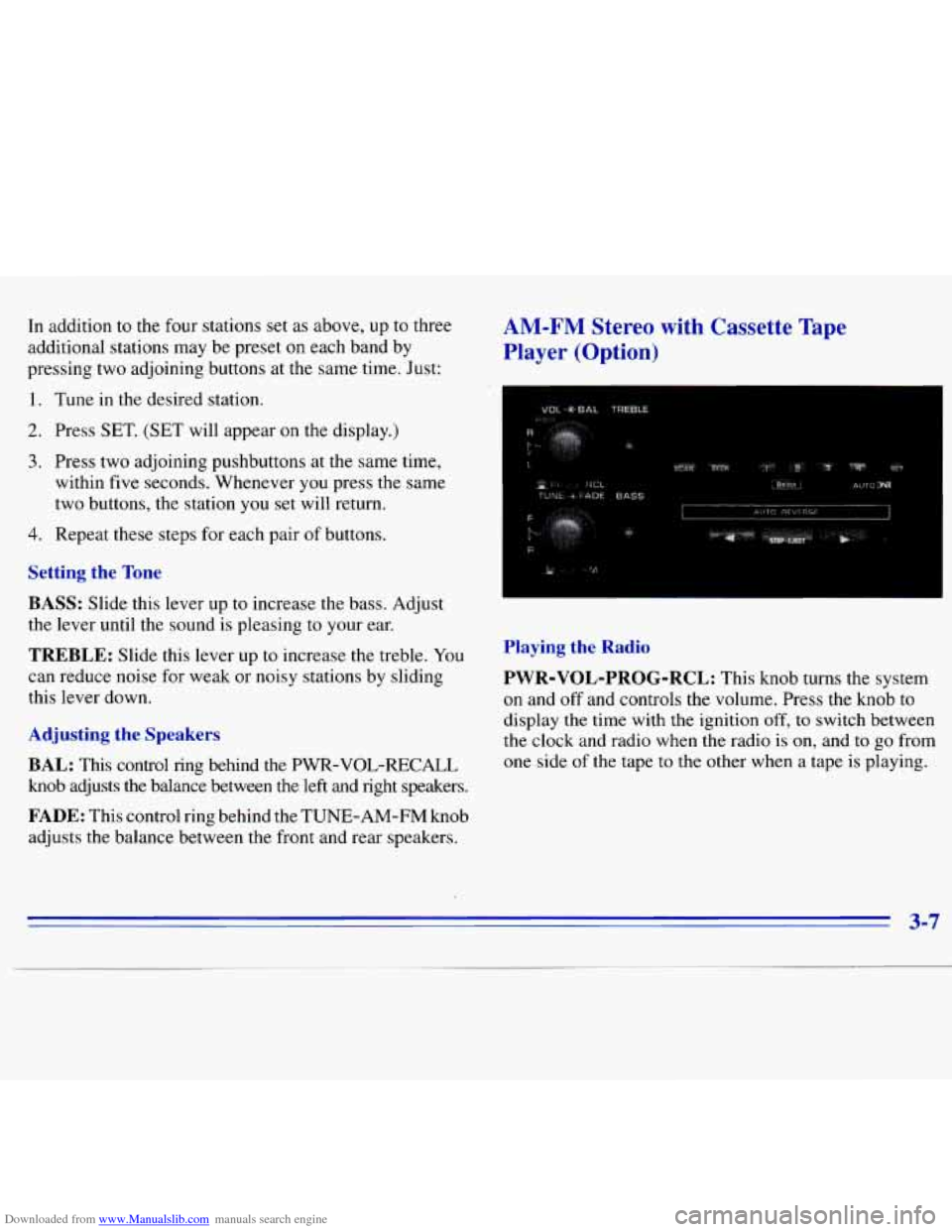
Playing the Radio
PWR-VOL-PROG-RCL:
This knob turns the system
on and off and controls the volume. Press the knob to
display the time with the ignition off,
to switch between
the clock and radio when the radio is on, and
to go from
one side
of the tape to the other when a tape is playing.
3-7
Page 121 of 375
Downloaded from www.Manualslib.com manuals search engine Finding a Station
TUNE-AM-FM:
Turn this knob to tune in radio
stations. Press it to switch between AM and FM.
SEEK: Press this button to go to the next higher station
and stop.
SCAN: Press this button to listen to each station for a
few seconds. The radio will go to
the next station, stop for
a few seconds, then go to the next station.
SCAN will
appear on the display. Press
SCAN again to stop scanning.
PUSHBUTTONS: The four numbered pushbuttons let
you return to your favorite stations. You can set up to
14 stations (seven AM and seven FM).
1. Tune in the desired station.
2. Press SET. (SET will appear on the display.)
3. Press one of the four pushbuttons, within five seconds,
to store the station. Whenever you press that numbered
button, the station you set will
return.
4. Repeat the steps for each pushbutton. In addition
to the four stations
set as above, up to three
additional
stations may be preset on each band by
pressing two adjoining buttons at the same time. Just:
1.
2.
3.
4.
Tune in the desired station.
Press
SET. (SET will appear on the display.)
Press two adjoining pushbuttons at the same time,
within five seconds. Whenever you press the same
two buttons, the station you set will return.
Repeat these steps for each pair of buttons.
Setting the Tone
BASS:
Slide this lever up to increase the bass. Adjust
the lever until the sound is pleasing to your
ear.
TREBLE: Slide this lever up to increase the treble. You
can reduce noise for weak or noisy stations by sliding
this lever down.
Adjusting the Speakers
BAL: This control ring behind the
PWR-VOL-PROG-RCL
knob adjusts the balance
between the left
and right speakers.
FADE: This control ring behind the "E-AM-EM knob
adjusts the balance between the front and rear speakers.
3-8
Page 123 of 375
Downloaded from www.Manualslib.com manuals search engine SCAN: Press this button to listen to each station for a
few seconds. The radio will go to the next station, stop
for
a few seconds, then go to the next station. SCAN will
appear
on the display. Press SCAN again to stop scanning.
PUSHBUTTONS: The four numbered pushbuttons let
you return to your favorite stations. You can set up to
14 stations (seven AM and seven FM).
1. Tune in the desired station.
2. Press SET.
3. Press one of the four pushbuttons, within five seconds,
to store the station. Whenever you press that numbered
button,
the station you set will return.
4. Repeat the steps for each pushbutton.
In addition to the four stations set as above, up to
three additional stations may be preset on each band by
pressing two adjoining buttons at the same time. Just:
1. Tune in the desired station.
2. Press SET. (SET will appear on the display.)
3. Press two adjoining pushbuttons at the same time,
within five seconds. Whenever you press the same
two buttons, the station you set will return.
4. Repeat these steps for each pair of buttons.
AM-ST Press this button to tune an AM station that
broadcasts in stereo. Your STEREO light will come on
when you’re receiving
AM stereo. If you press AM-ST
and there is no more noise, it means the station is weak.
You’ll hear the station better if you do not use
AM-ST.
Press the button again to delete stereo.
Setting the Tone
TONE ADJUSTMENT
Set the bass, midrange and
treble
by using the levers in the upper middle left corner to
get the sound you
want. The 60 and 250 levers adjust the
bass,
1K is midrange, and 3.5K and 10K control the treble.
We suggest you start with
1K in the midpoint position.
Then move
the other levers up until you get the amount
of bass and treble you like.
Adjusting the Speakers
BAL:
This control ring behind the PWR-VOL-PROG-RCL
knob adjusts the balance between the left and right speakers.
FADE: This control ring behind the TUNE-AM-FM knob
adjusts the balance between the front
and rear speakers.
3-10
Page 126 of 375
Downloaded from www.Manualslib.com manuals search engine Setting the Tone
BASS:
Press the BASS up arrow to increase bass and
the BASS down arrow to decrease bass. Press the center
of the button for the factory-preset bass position. The
bass
level will be displayed for about 10 seconds
whenever this button
is pressed.
TREB: Press the TREB up arrow to increase treble and
the TREB down arrow to decrease treble. Press the center
of the button for the factory-preset treble position. The
treble level will be displayed for about
10 seconds
whenever
this button is pressed.
Adjusting the Speakers
BAL:
This control ring behind the POWER-VOL knob
adjusts
the balance between the left and right speakers.
Balance
will be displayed briefly when using this control.
FADE: This control ring behind the TUNE knob adjusts
the balance between the front and rear speakers. Fade
levels will be briefly displayed.
Playing a Compact Disc
Insert a disc partway into the slot, label side up. The
radio will pull the disc the rest
of the way in. Wait a
few seconds and the disc should play.
If the disc comes back out and/or ERR appears on
the display:
0 You are driving on a very rough road. (The disc
should play when the road gets smoother.)
0 The disc is upside down.
0 It is dirty, scratched or wet.
0 It is very humid. (If so, wait about an hour and
try again.)
0 The disc player is too hot to play the disc. (As soon
as things get back to normal, the disc should play.)
Turn the POWER-VOL knob to turn the system on.
3-13
Page 254 of 375
Downloaded from www.Manualslib.com manuals search engine Radiator Pressure Cap
NOTICE: - ~ I
Your radiator cap is a 15 psi (105 kPa)
pressure-type cap and must be tightly installed to
prevent coolant
loss and possible engine damage
from overheating. Be sure the arrows on the cap
line up with the overflow tube on the radiator
filler neck.
Thermostat
Engine coolant temperature is controlled by a thermostat
in the engine coolant system. The thermostat stops the
flow of coolant through the radiator until the coolant
reaches a preset temperature.
6-28
Page 276 of 375
Downloaded from www.Manualslib.com manuals search engine Temperature - A, B, C
The temperature grades are A (the highest), B, and C,
representing the tire’s resistance to the generation of
heat and its ability
to dissipate heat when tested under
controlled conditions on a specified indoor laboratory
test wheel. Sustained high temperature can cause the
material
of the tire to degenerate and reduce tire life, and
excessive temperature can lead
to sudden tire failure.
The grade
C corresponds to a level of performance
which all passenger car tires must meet under the
Federal Motor Vehicle Safety Standard
No. 109. Grades
B and A represent higher levels of performance on the
laboratory test wheel than the minimum required by law.
Warning: The temperature grade for this tire
is
established for a tire that is properly inflated and not
overloaded. Excessive speed, underinflation, or
excessive loading, either separately or in combination,
can cause heat buildup and possible tire failure.
Wheel Alignment and Tire Balance
The wheels on your vehicle were aligned and balanced
carefully at the factory to give
you the longest tire life
and best overall performance.
In most cases, you will not need to have your wheels
aligned again. However, if
you notice unusual tire wear
or your vehicle pulling one way or the other, the
alignment may need to be reset. If
you notice your
vehicle vibrating when driving on a smooth road, your
wheels may need
to be rebalanced.
Wheel Replacement
Replace any wheel that is bent, cracked, or badly rusted
or corroded. If wheel nuts keep coming loose, the wheel,
wheel bolts and wheel nuts should
be replaced. If the
wheel leaks air, replace it (except some aluminum
wheels, which can sometimes be repaired). See your
GM dealer if any of these conditions exist.
6-50