Page 84 of 375
Downloaded from www.Manualslib.com manuals search engine Sliding Rear Window (Option) Tilt Wheel (Option)
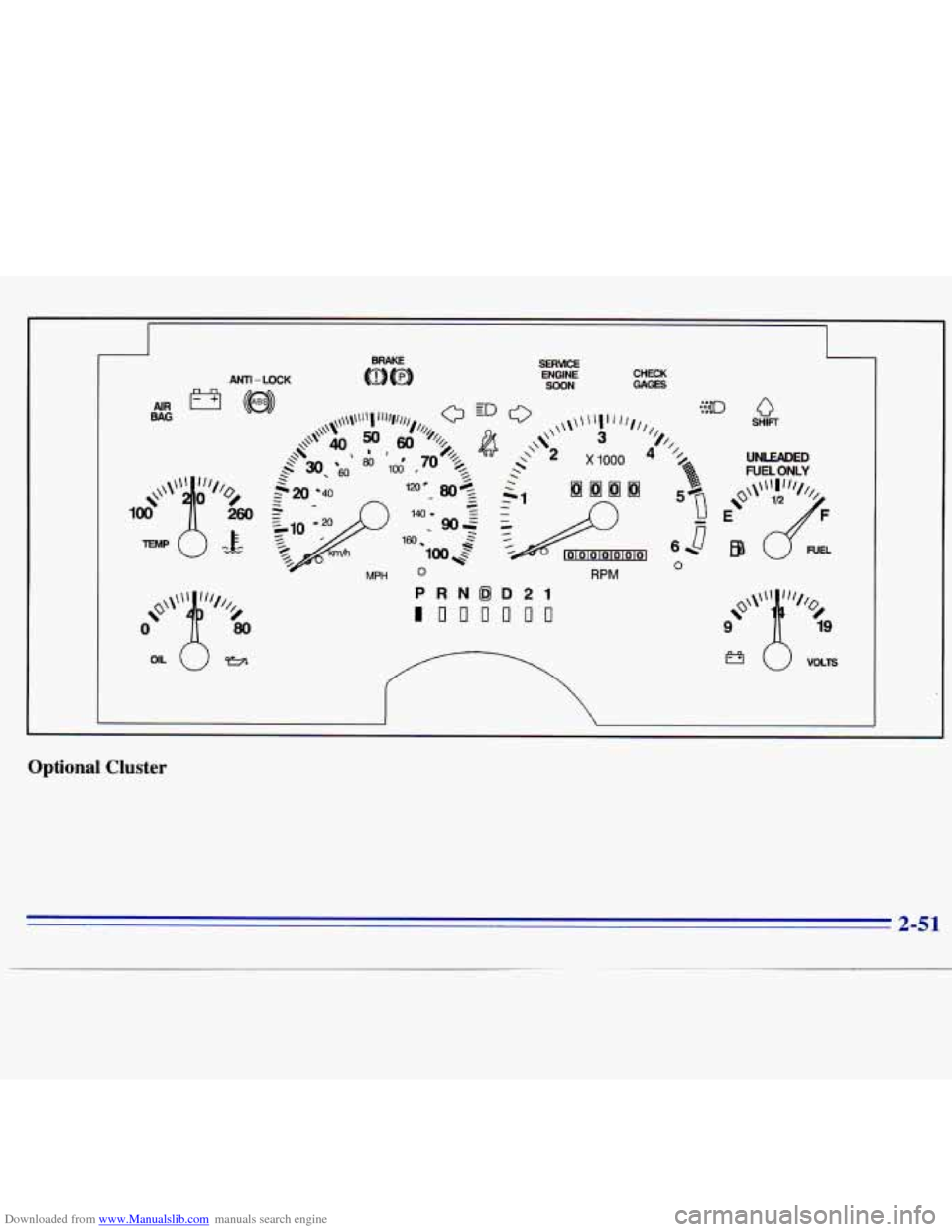
If you have the tilt steering
wheel, you should adjust
the steering wheel before you drive.
You can raise
it to the
highest level
to give your
legs more room when
you
enter and exit the vehicle.
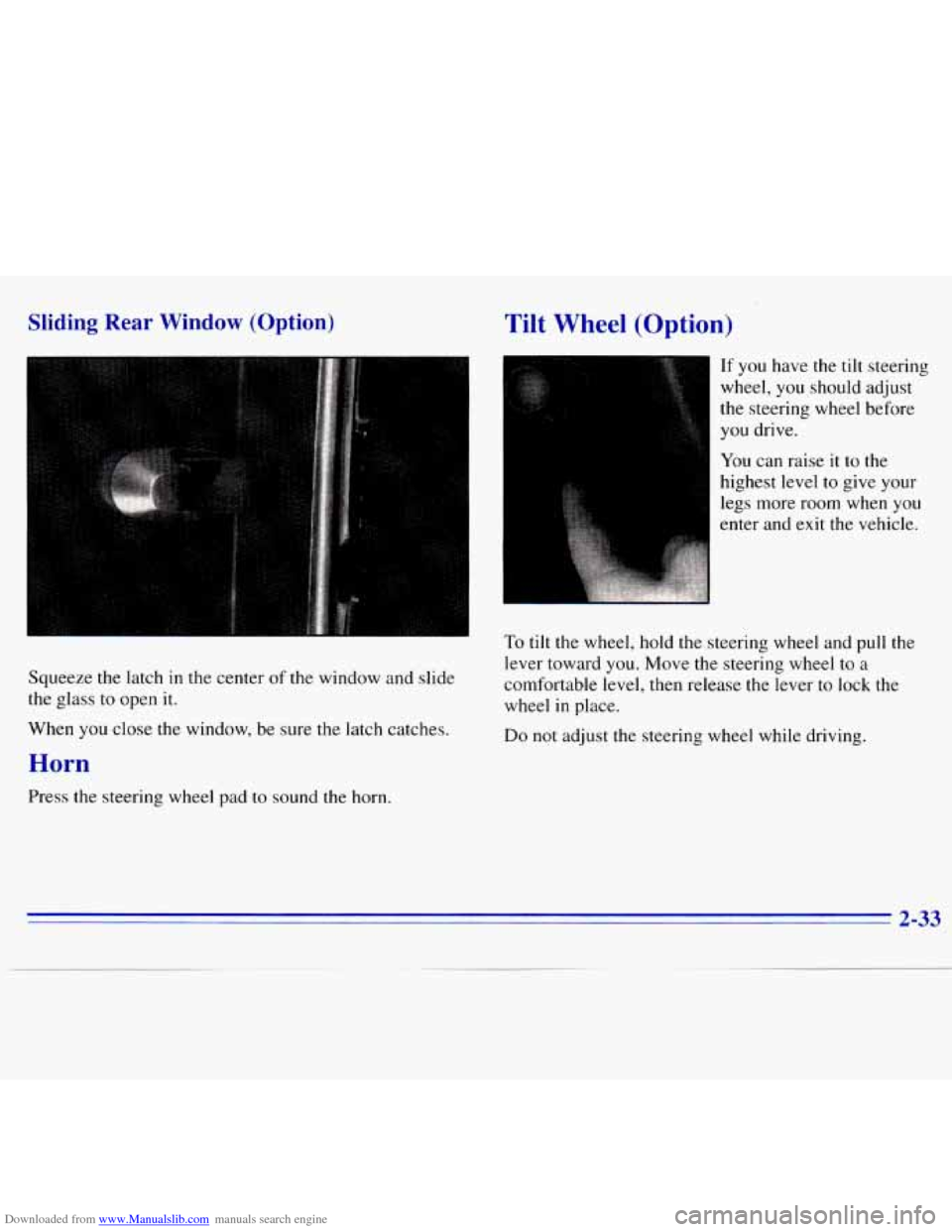
Squeeze
the latch in the center of the window and slide
the glass
to open it.
To tilt the wheel, hold the steering wheel and pull the
lever toward you. Move the steering wheel
to a
comfortable level, then release the lever to lock the
wheel
in place.
When
you close the window, be sure the latch catches.
Horn
Do not adjust the steering wheel while driving.
Press the steering wheel pad
to sound the horn.
Page 87 of 375
Downloaded from www.Manualslib.com manuals search engine Be sure to clear ice and snow from the wiper blades
before
using them. If they’re frozen to the windshield,
carefully loosen or thaw them.
If your blades do become
worn or damaged, get new blades or blade inserts.
Windshield Washer
At the top of the multifunction lever there’s a paddle
marked with the windshield washer symbol and the
word
PUSH. To spray washer fluid on the windshield,
press the paddle. The wipers will clear the window and
then either stop or return to your preset speed.
Cruise Control (Option)
With cruise control, you can
maintain a speed
of about
25 mph (40 km/h) or more
without keeping your
foot
on the accelerator. This can
really help on long trips.
Cruise control does not
work at speeds below about
25 mph (40 km/h).
-’ C SJTIC -J: If you have an automatic transmission and you apply
-- your brakes, the cruise control will shut off.
In freezing weather, don’t use your washer until If you have a manual transmission and you apply your
the windshield is warmed. Otherwise the washer brakes or push the clutch pedal, the cruise control will
fluid can form ice on the windshield, blocking shut off.
your vision.
2-36
Page 91 of 375
Downloaded from www.Manualslib.com manuals search engine Press the top switch with the parking lamps symbol on it
to turn on:
0 Parking Lamps
0 Sidemarker Lamps
Taillamps
0 License Plate Lamps
0 Instrument Panel Lights
Transfer Case Indicator Light (if you have one)
Press the bottom switch with the master lamps symbol
on it
to turn on all the lamps listed above as well as
the headlamps.
Press the side
of the switch marked OFF to turn off
your lamps.
Lamps On Reminder
A reminder tone will sound when your headlamps or
parking lamps and interior lamps are turned on and your
ignition is in
OFF, LOCK or ACCESSORY. To turn the
tone off, press the OFF switch.
Daytime Running Lamps (If So Equipped)
Daytime Running Lamps (DRL) can make it easier for
others to see the front
of your vehicle during the day.
DRL can be helpful in many different driving
conditions, but they can be especially helpful in the short periods after dawn and before sunset.
The DRL system will make your headlamps come
on at
reduced brightness when:
0 the ignition is on,
the headlamp switch is off, and
the parking brake is released.
2-40
Page 93 of 375
Downloaded from www.Manualslib.com manuals search engine Press the side of the switch with the fog lamp symbol to
turn the fog lamps on. Press OFF to turn them off. A
light will glow in the switch when the fog lamps are on.
Remember,
fog lamps alone will not give off as much
light as your headlamps.
Never
use your fog lamps in the dark without turning on
your headlamps.
Fog lamps will
go off whenever your high-beam
headlamps come on. When the high-beam headlamps go
off, the fog lamps will come on again.
Interior Lamps
Brightness Control
Turn the switch next to the headlamp switch up to
make your instrument panel and transfer case lights
brighter. Turn the switch all the way up to turn on the
interior lamps.
Front Map Lamps (Option)
If your vehicle has optional front map lamps, they are
located
on the inside rearview mirror. They will
automatically come
on for approximately 20 seconds
when either front door is opened or unlocked with the
Keyless Entry System, if
so equipped, or until the
ignition key is turned to
RUN or ACCESSORY. The
lamps will also stay
on for approximately 15 seconds
after you exit
the vehicle.
They will also stay on for 15 seconds when the INT
LIGHTS switch
on the instrument panel is turned on
then
off, while the ignition is off.
You can also turn the lamps
on and off by pressing the
switch near each lamp.
Dome Lamp
Turn the INT LIGHTS dimmer switch up until it clicks
to turn
on the dome lamp.
2-42
Page 97 of 375
Downloaded from www.Manualslib.com manuals search engine Ashtrays and Cigarette Lighter
The front ashtray must be completely pulled out to open
position before the ashtray cover opens and smoking material can be deposited.
NOTICE:
Don’t put papers and other things that burn
into your ashtray.
If you do, cigarettes or other
smoking materials could set them on fire
causing damage.
To remove the front ashtray, lift the release tab as high
as possible, then remove the tray.
To use the lighter, press it in all the way, and let go.
When it’s ready, it will pop back by itself.
NOTICE:
Don’t hold a cigarette lighter in with your hand
while it is heating.
If you do, it won’t be able to
back away from the heating element when it’s
ready. That can make it overload, damaging the
lighter and the heating element.
Sun Visors
To block out glare, you can swing down the top and
bottom visors.
You can also swing the bottom visor from
side
to side. Your visors may have an extension that can
be pulled out for additional glare protection and
a strap
for holding small items, such as maps.
Visor Vanity Mirror
Pull the sun visor down and lift the cover to expose the
vanity mirror.
2-46
Page 102 of 375
Downloaded from www.Manualslib.com manuals search engine ANTl- LOCK ENGINE SOON CHECK GAGES
RPM
Q SHIFT
'/ UNLEADED
FUEL ONLY
0
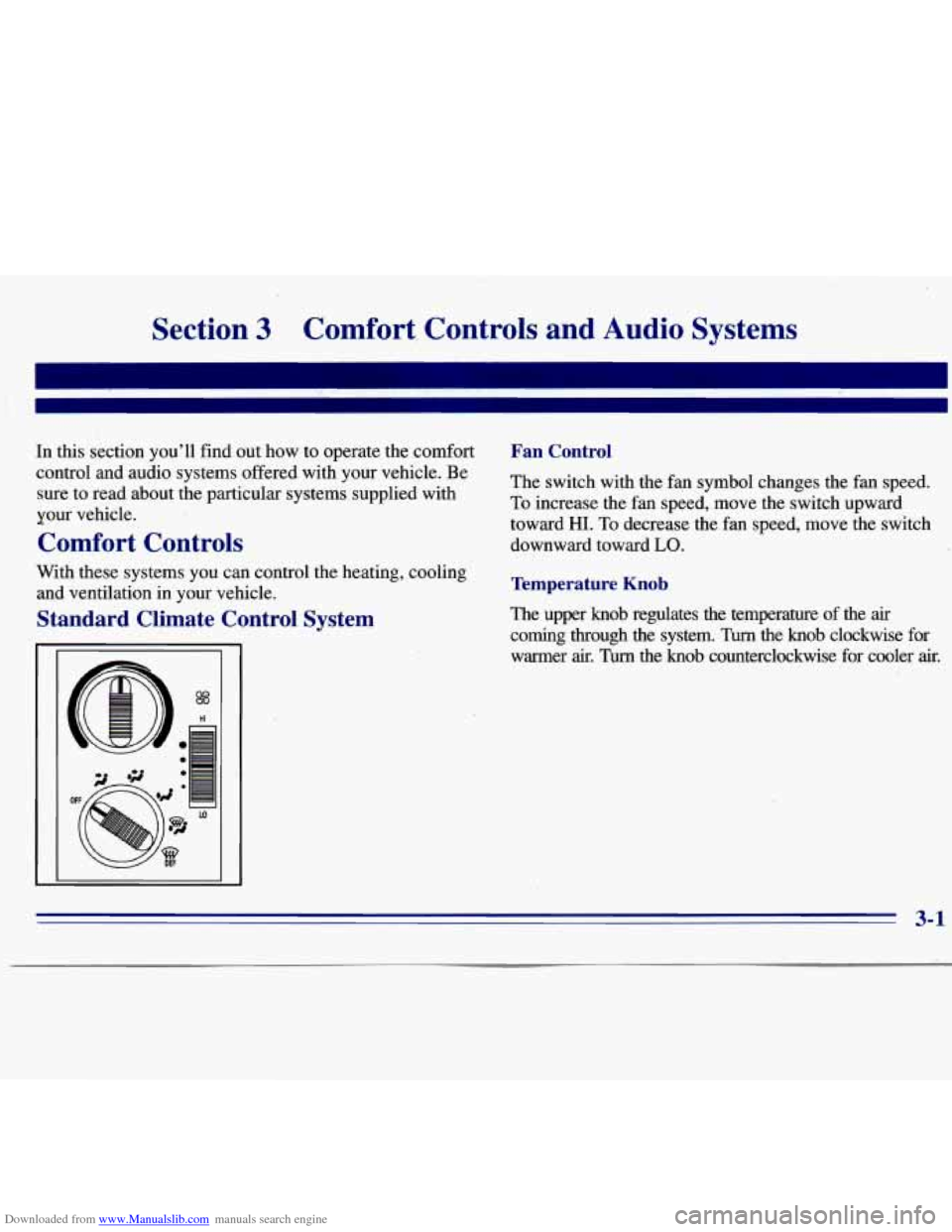
Optional Cluster
2-51
Page 107 of 375
Downloaded from www.Manualslib.com manuals search engine If the light c.omes on while you are driving, pull off the
road and stop carefully. You may notice that the pedal is
harder to push. Or, the pedal may go closer to the floor.
It may take longer to stop. If the light is still on, have the
vehicle towed for service. (See “Towing Your Vehicle”
in the Index.)
A CAUTION:
I
Your brake system may not be working properly
if the brake system warning light
is on. Driving
with the brake system warning light on can lead
to an accident. If the light is still on after you’ve
pulled
off the road and stopped carefully, have
the vehicle towed for service.
When the ignition is on, the brake system warning light
will also come on when you
set your parking brake. The
light will stay
on if your parking brake doesn’t release
fully.
If it stays on after your parking brake is fully
released, it means you have a brake problem.
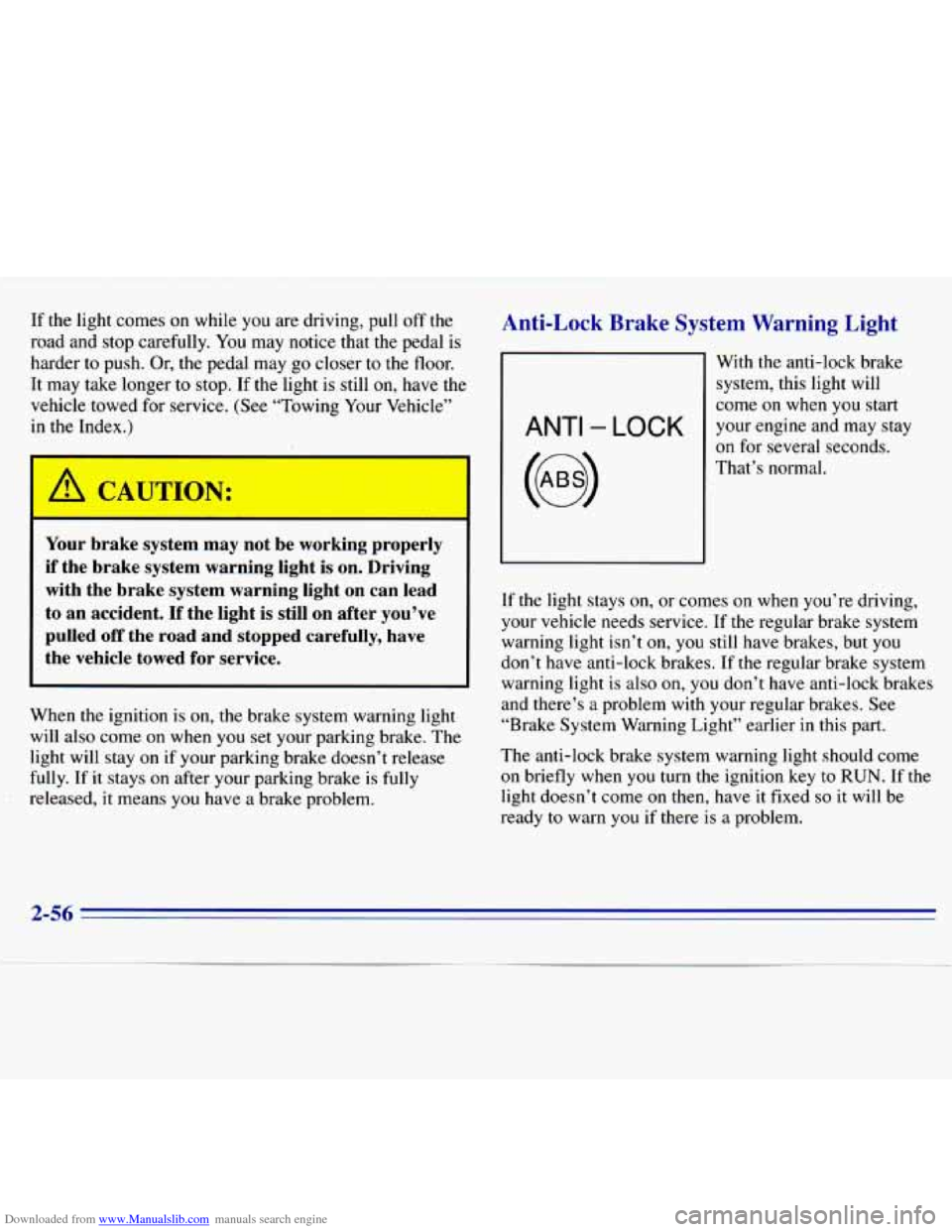
Anti-Lock Brake System Warning Light
ANTI - LOCK
With the anti-lock brake
system, this light will
come
on when you start
your engine and may stay
on for several seconds.
That’s normal.
If the light stays on, or
comes on when you’re driving,
your vehicle needs service. If the regular brake system
warning light isn’t
on, you still have brakes, but you
don’t have anti-lock brakes. If the regular brake system
warning light is also on, you don’t have anti-lock brakes
and there’s
a problem with your regular brakes. See
“Brake System Warning Light” earlier in this part.
The anti-lock brake system warning light should come
on briefly when
you turn the ignition key to RUN. If the
light doesn’t come
on then, have it fixed so it will be
ready
to warn you if there is a problem.
2-56
Page 114 of 375
Downloaded from www.Manualslib.com manuals search engine Section 3 Comfort, Controls and Audio Systems
In this section you’ll find out how to operate the comfort
control and audio systems offered with your vehicle. Be
sure to read about the particular systems supplied with
your vehicle.
Comfort Controls
With these systems- you can control the heating, cooling
and ventilation in your vehicle.
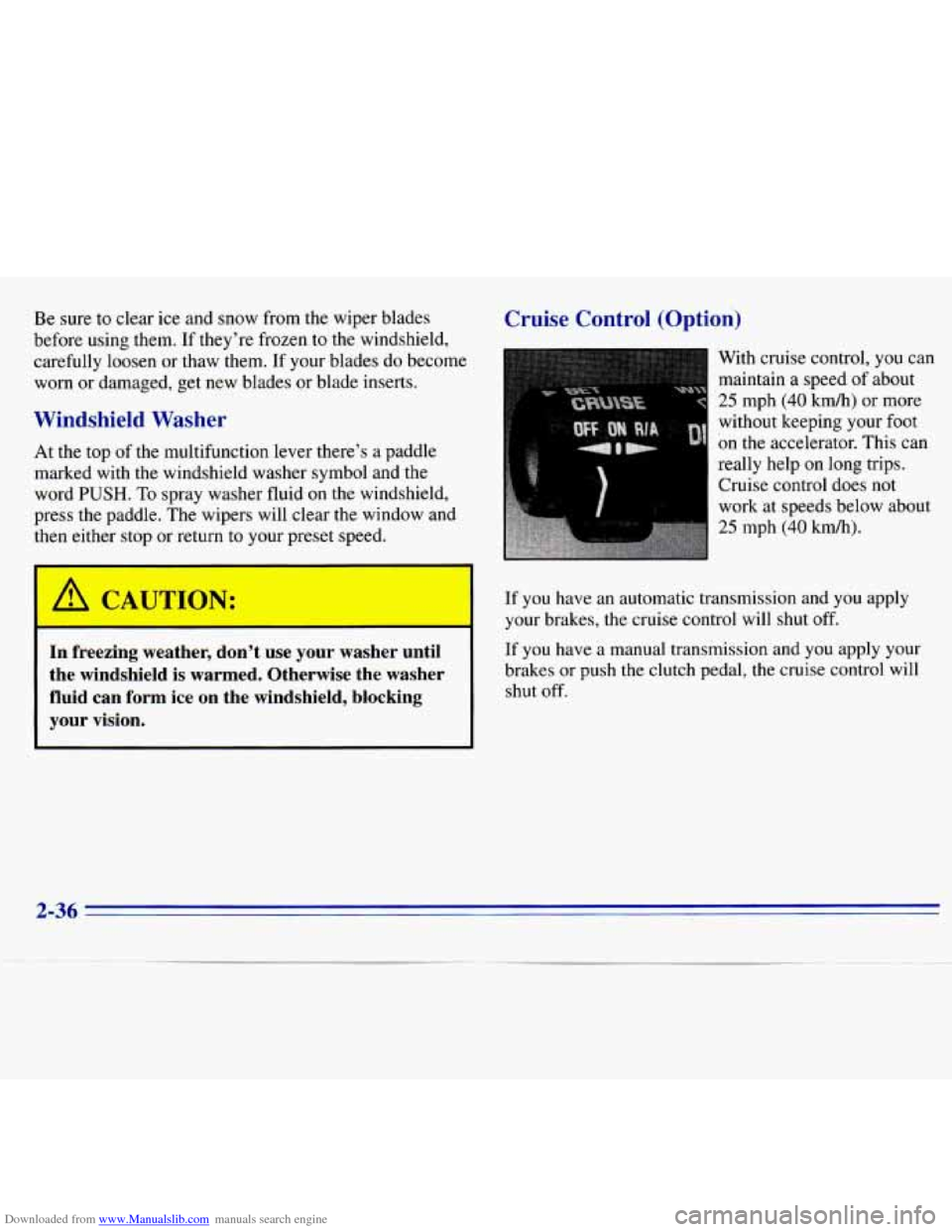
Standard Climate Control System
Fan Control
The switch with the fan symbol changes the fan speed.
To increase the fan speed, move the switch upward
toward HI. To decrease the fan speed, move the switch
downward toward
LO.
Temperature Knob
The upper knob regulates the temperature of the air
coming through the system. Turn the knob clockwise for
warmer
air. Turn the knob counterclockwise for cooler air.
3-1