Page 102 of 376
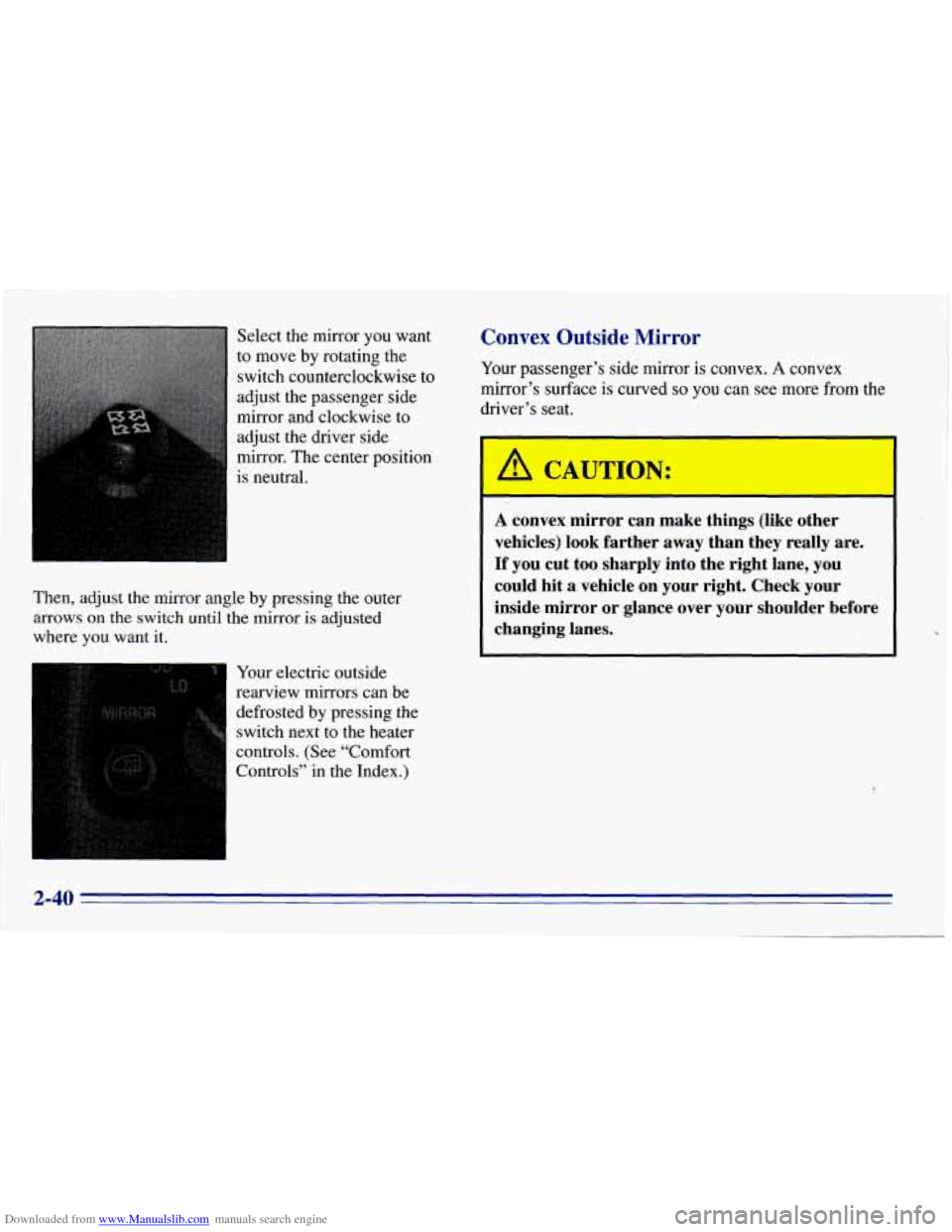
Downloaded from www.Manualslib.com manuals search engine Select the mirror you want
to move by rotating the
switch counterclockwise to
adjust the passenger side
mirror and clockwise to
adjust the driver side
mirror. The center position
is neutral.
Then, adjust the mirror angle by pressing the outer
arrows on the switch until the mirror is adjusted
where
you want it.
Your electric outside
rearview mirrors can be
defrosted by pressing the
switch next to the heater
controls. (See “Comfort
Controls” in the Index.)
Convex Outside .Mirror
Your passenger’s side mirror is convex. A convex
mirror’s surface
is curved so you can see more from the
driver’s seat.
CAUTION:
A convex mirror can make things (like other
vehicles) look farther away than they really are.
If you cut too sharply into the right lane, you
could hit a vehicle on your right. Check your
inside mirror or glance over your shoulder before
changing lanes.
I
2-40
Page 103 of 376
Downloaded from www.Manualslib.com manuals search engine Storage Compartments
..
Your front storage compartment is at the center of the
instrument panel extension,
by the floor. To open the
compartment, squeeze and
pull the handle at the top. Storage
compartments
may also be included on the
inside
of each front door.
Sun Visors
To block out glare, you can swing down the visors. You
can
also swing them from side to side. Your visors have
elastic straps
you can use to hold items such as maps.
2-41
Page 111 of 376
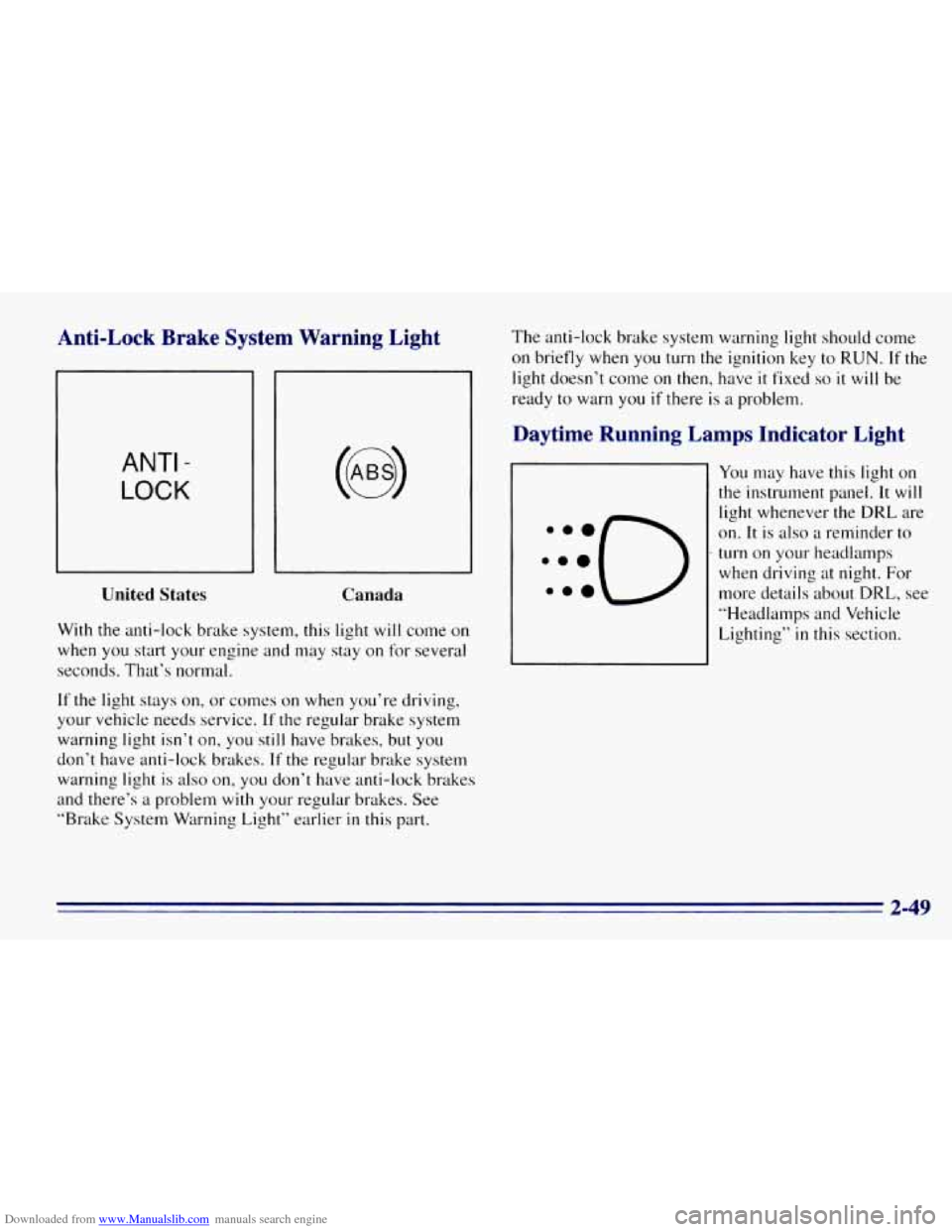
Downloaded from www.Manualslib.com manuals search engine Anti-Lock Brake System Warning Light
ANTI -
LOCK
United States
Canada
With the anti-lock brake system, this light will come on
when you start your engine and may stay
on for several
seconds. That’s normal.
If the light stays on, or comes on when you’re driving,
your vehicle needs service.
If the regular brake system
warning light isn’t
on, y0~1’still have brakes, but YOLI
don’t have anti-lock brakes. If the regular brake system
warning light
is also on, you don’t have anti-lock brakes
and there’s a problem
with your regular brakes. See
“Brake System Warning Light” earlier
in this part. The
anti-lock brake system warning light should come
on briefly when
you turn the ignition key to RUN. If the
light doesn’t come on then, have
it fixed so it will be
ready to warn you
if there is a problem.
Daytime Running Lamps Indicator Light
You may have this light on
the instrument panel. It will
light whenever the DRL are
on.
It is also a reminder to
turn on your headlamps
when driving at night. For
more details about
DRL, see
“Headlamps and Vehicle
Lighting”
in this section.
2-49
Page 118 of 376
Downloaded from www.Manualslib.com manuals search engine Center High-Mounted Stoplamp
Your vehicle’s center high-mounted stoplamp is located
above the rear doors at the center
of the vehicle.
If items are loaded on the roof of the vehicle, as in a
luggage carrier, care should be taken not to block or
damage the center high-mounted stoplamp unit.
If you tow a trailer that is equipped with provisions for
a center high-mounted stoplamp, see your
GM dealer
‘for instructions on how to make it operate with your
vehicle’s electrical system.
As with any electrical system
modification, have the work Derformed by
a qualified
electrical service person.
2-56
Page 122 of 376

Downloaded from www.Manualslib.com manuals search engine Fan Knob Mode Knob
The knob on the left side of the heating system control
panel controls the fan speed. The knob has four speed
positions. To increase airflow, move the knob toward
HI. To decrease airflow, move it toward LO. To turn the
fan off, move the knob to OFF.
Temperature
Knob
The middle knob lets you select the relative temperature
of the air flowing into the passenger area of your
vehicle. This knob will allow
you to adjust the relative
air temperature independently
of the function knob
setting. Move the knob clockwise
to the red area for
warmer air. Move the knob counter clockwise to
the
blue area for cooler air. The
right knob changes the heater setting.
+a
/J VENT: This setting directs air through the
instrument panel vents.
’# VENTMEAT Use this setting to divide airflow
between the heater
floor vents and instrument panel vents.
+” HEAT This setting directs air through the heater
floor vents. This setting is useful for cold weather.
’’ HEAT/DEFROST Use this setting to divide
airflow between the heater floor vents and windshield.
+e
e
Wa
DEFROST This setting with the defrost symbol
directs air through the windshield defroster vents.
This setting
is useful when you have fog or ice on
the windshield.
3-2
Page 123 of 376
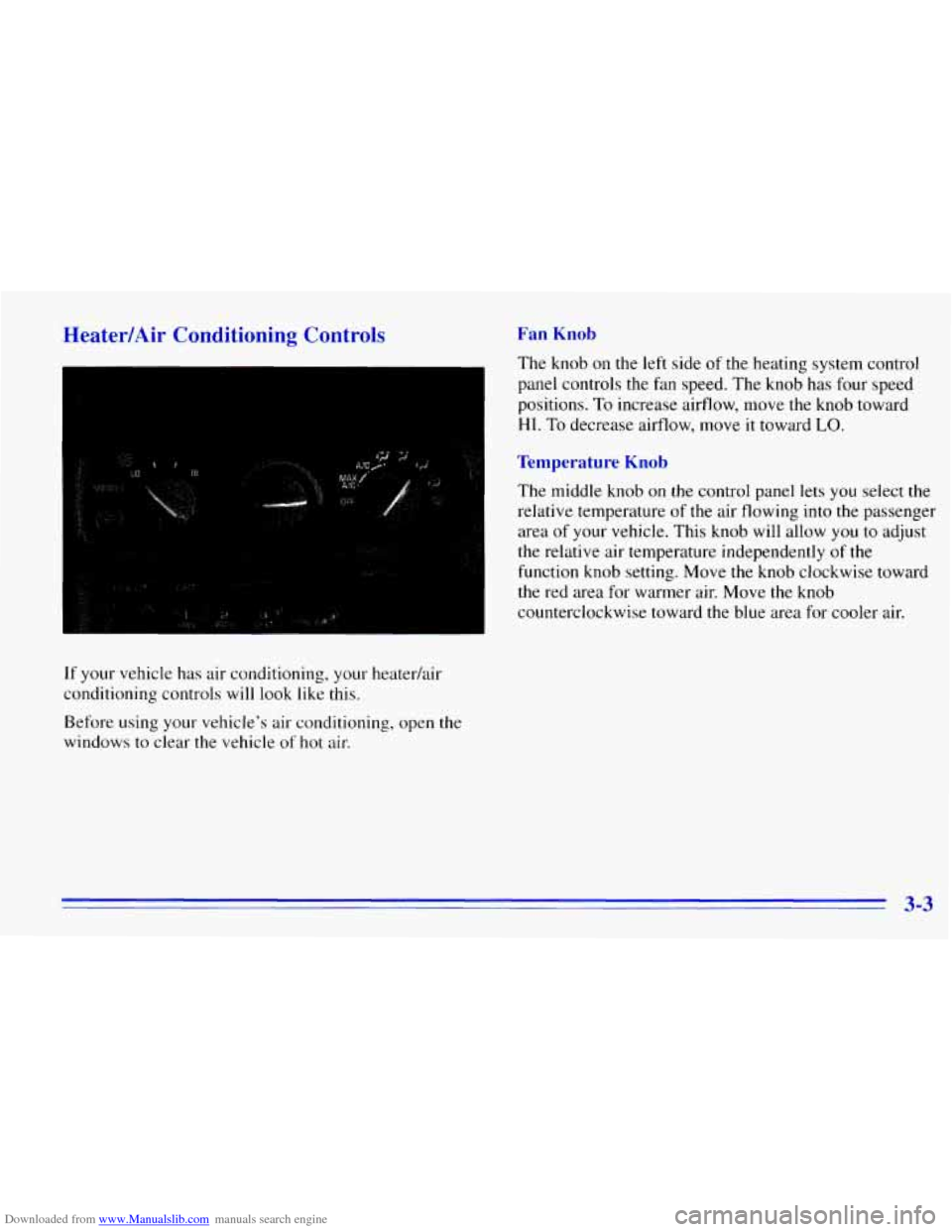
Downloaded from www.Manualslib.com manuals search engine Heater/Air Conditioning Controls
If your vehicle has air conditioning, your heaterhir
conditioning controls will look like this.
Before using
your vehicle’s air conditioning, open the
windows to clear the vehicle
of hot air.
Fan Knob
The knob on the left side of the heating system control
panel controls the fan speed. The knob has four speed
positions.
To increase airflow, move the knob toward
HI. To decrease airflow, move it toward LO.
Temperature Knob
The middle knob on the control panel lets you select the
relative temperature of the air flowing into the passenger
area
of your vehicle. This knob will allow you to adjust
the relative air temperature independently
of the
function knob setting. Move the knob clockwise toward
the red area for warmer air. Move the knob
counterclockwise toward the blue area
for cooler air.
3-3
Page 124 of 376

Downloaded from www.Manualslib.com manuals search engine Mode Knob
The right knob on the control panel changes the
heatedair conditioning setting.
MAX A/C: With A/C on, move the right knob to
MAX A/C for maximum cooling. This setting puts the
system in the recirculation mode and helps to maximize
your air conditioner’s performance and your vehicle’s
fuel economy. This setting also cools the air the fastest.
After the vehicle’s interior reaches
a comfortable
temperature, move
the knob clockwise to place the air
conditioning system
in the A/C mode.
A/C: Use for normal cooling on hot days. This setting
cools outside air and directs it through the instrument
panel outlets.
+e
@ VENT: This setting, with the arrow pointing at
the figure’s head, directs air through the instrument
panel
vents.
+e
‘N VENTMEAT Use this setting, with the arrows
pointing at
the figure’s feet and head, to divide
airflow between the heater floor vents and instrument
panel vents.
+# HEAT This setting, with the arrow pointing at the
figure’s feet, directs air through the heater floor vents.
This setting is useful for cold weather.
U
?# HEATDEFROST Use this setting, with the
arrow pointing at the figure’s feet and the defroster
symbol near the figure’s head,
to divide airflow between
the heater
floor vents and windshield.
0
WO
DEFROST This setting with the defrost symbol
directs
air through the windshield defroster vents.
This setting is
useful when you have fog or ice on
the windshield.
3-4
Page 125 of 376
Downloaded from www.Manualslib.com manuals search engine Rear Heater (Without Air Conditioning)
If you have a rear heater (without rear air conditioning),
the control switch
is located on the instrument panel.
To increase and decrease the flow of heated air to the
rear floor vents, move the switch marked
REAR HEAT
to the blower speed you want.
The knob has three speed positions.
To increase the flow
of heated air, move the switch toward HIGH. To turn the
fan
off, move the switch to OFF.
Rear Air Conditioning and Rear Heater
If your vehicle has a rear air conditioning and rear heater
system combination, controls are provided to regulate the
temperature, location
and speed of the air flow.
Front Passenger Control
To adjust the air temperature, turn the temperature knob
on the right side of the control panel.
For warmer air, turn the knob clockwise toward the red
area, and for cooler air, turn the knob counterclockwise
toward the blue area.
3-5