1996 CHEVROLET CAVALIER reset
[x] Cancel search: resetPage 92 of 372
Downloaded from www.Manualslib.com manuals search engine Windshield Washer Driving without washer fluid is dangerous. A bad mud
splash can block your
vision. You could collide with
another vehicle. Check your washer fluid often.
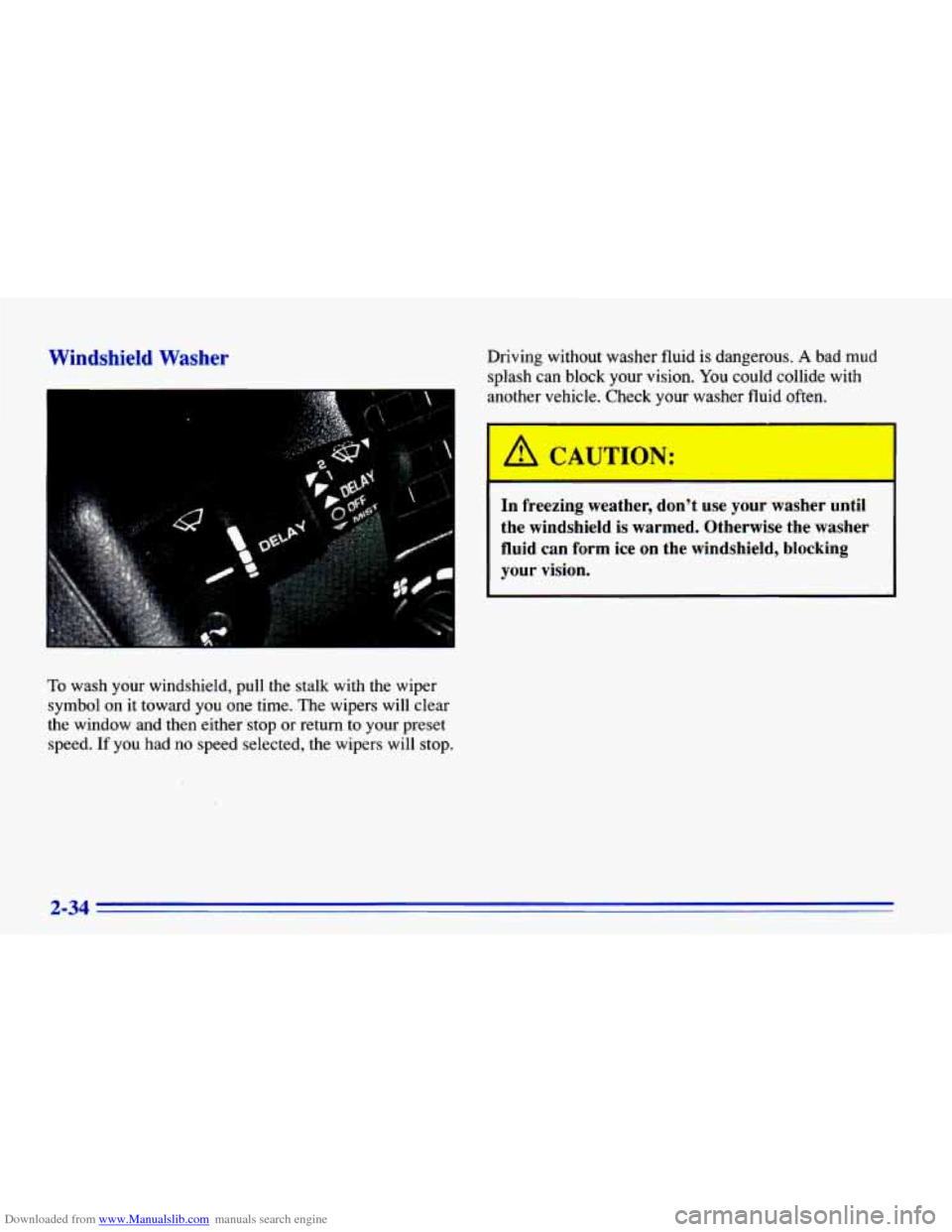
To wash your windshield, pull the stalk with the wiper
symbol on it toward you one time. The wipers will clear
the window and then either
stop or return to your preset
speed.
If you had no speed selected, the wipers will stop.
I
I A CAUTION:
In freezing weather, don’t use your washer until
the windshield is warmed. Otherwise the washer
fluid can form ice on the windshield, blocking
your vision.
2-34
Page 95 of 372
Downloaded from www.Manualslib.com manuals search engine Resuming a Set Speed
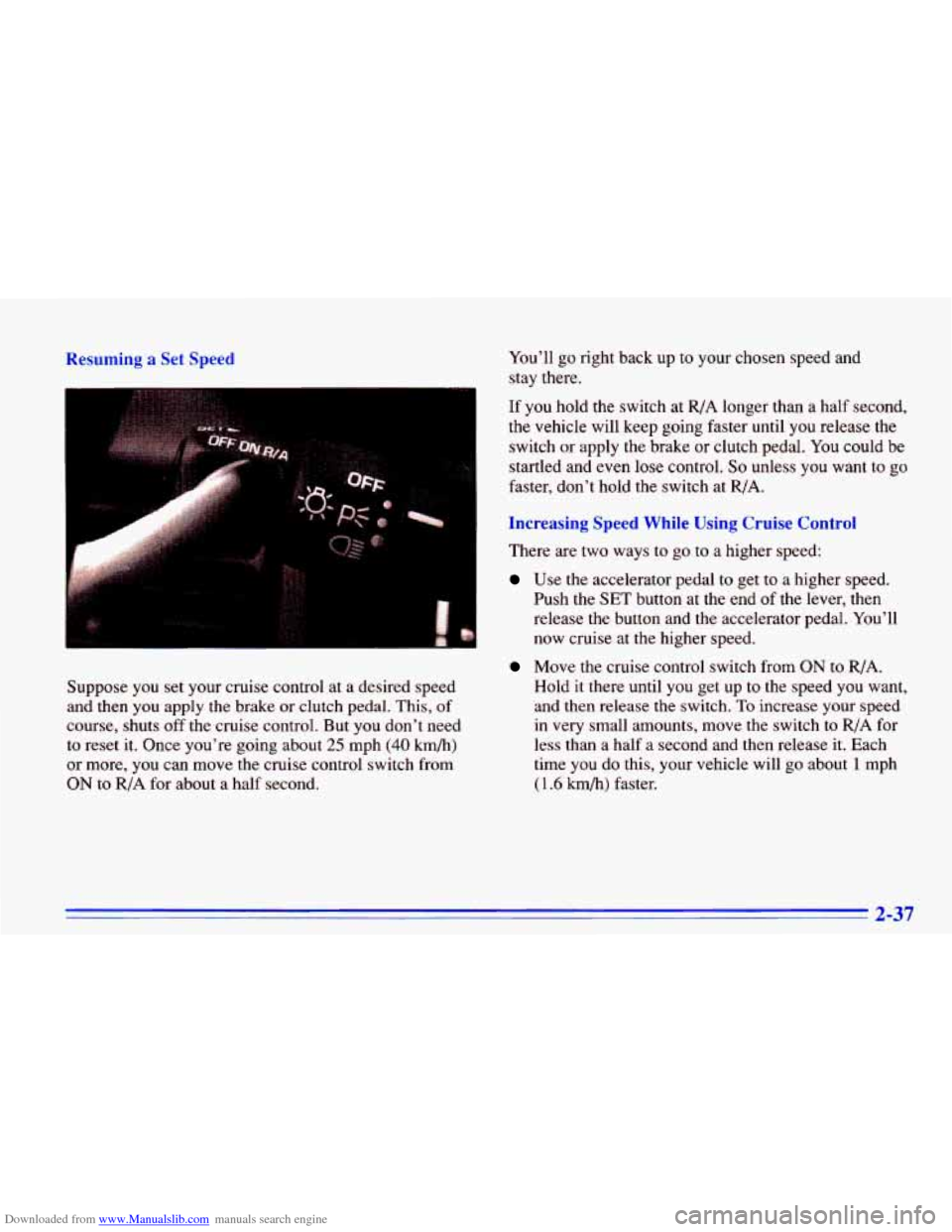
Suppose you set your cruise control at a desired speed
and then you apply the brake or clutch pedal. This, of
course, shuts off the cruise control. But you don't need
to reset it. Once you're going about
25 mph (40 km/h)
or more, you can move the cruise control switch from
ON to R/A for about a half second. You'll
go right back up to your
chosen speed and
stay there.
If you hold the switch at
R/A longer than a half second,
the vehicle will keep going faster until you release the
switch
or apply the brake or clutch pedal. You could be
startled and even lose control.
So unless you want to go
faster, don't hold the switch at R/A.
Increasing Speed While Using Cruise Control
There are two ways to go to a higher speed:
Use the accelerator pedal to get to a higher speed.
Push the
SET button at the end of the lever, then
release the button and the accelerator pedal. You'll
now cruise
at the higher speed.
Move the cruise control switch from ON to R/A.
Hold it there until
you get up to the speed you want,
and then release the switch.
To increase your speed
in very small amounts, move the switch to RIA for
less than
a half a second and then release it. Each
time
you do this, your vehicle will go about 1 mph
( 1.6 h/h) faster.
2-37
Page 101 of 372
Downloaded from www.Manualslib.com manuals search engine Battery Saver
Your Chevrolet is equipped with a battery saver feature
designed to protect your vehicle’s battery.
When any interior lamp
(trunk, reading, dome, glove
box, etc.) is left on and the ignition is turned OFF, the
battery rundown protection system will automatically
turn the lamp off after
20 minutes. This will avoid
draining the battery. This system does not protect
against leaving on the headlamps.
To reactivate the interior lamps, either:
The ignition must be turned on,
The activated lamp switch must be turned off, then
on,
OR
Mirrors
A front door must be opened.
Inside DaylNight Rearview Mirror
The battery rundown protection feature will also be
activated when any door is left open.
If your vehicle is left with the ignition off for over
24 days, the battery power to the clock and audio system
will turn
off to reduce the battery drain. When the
ignition
is turned on again, battery power will be
resupplied. Under these conditions it will be necessary
to reset the clock and audio system settings.
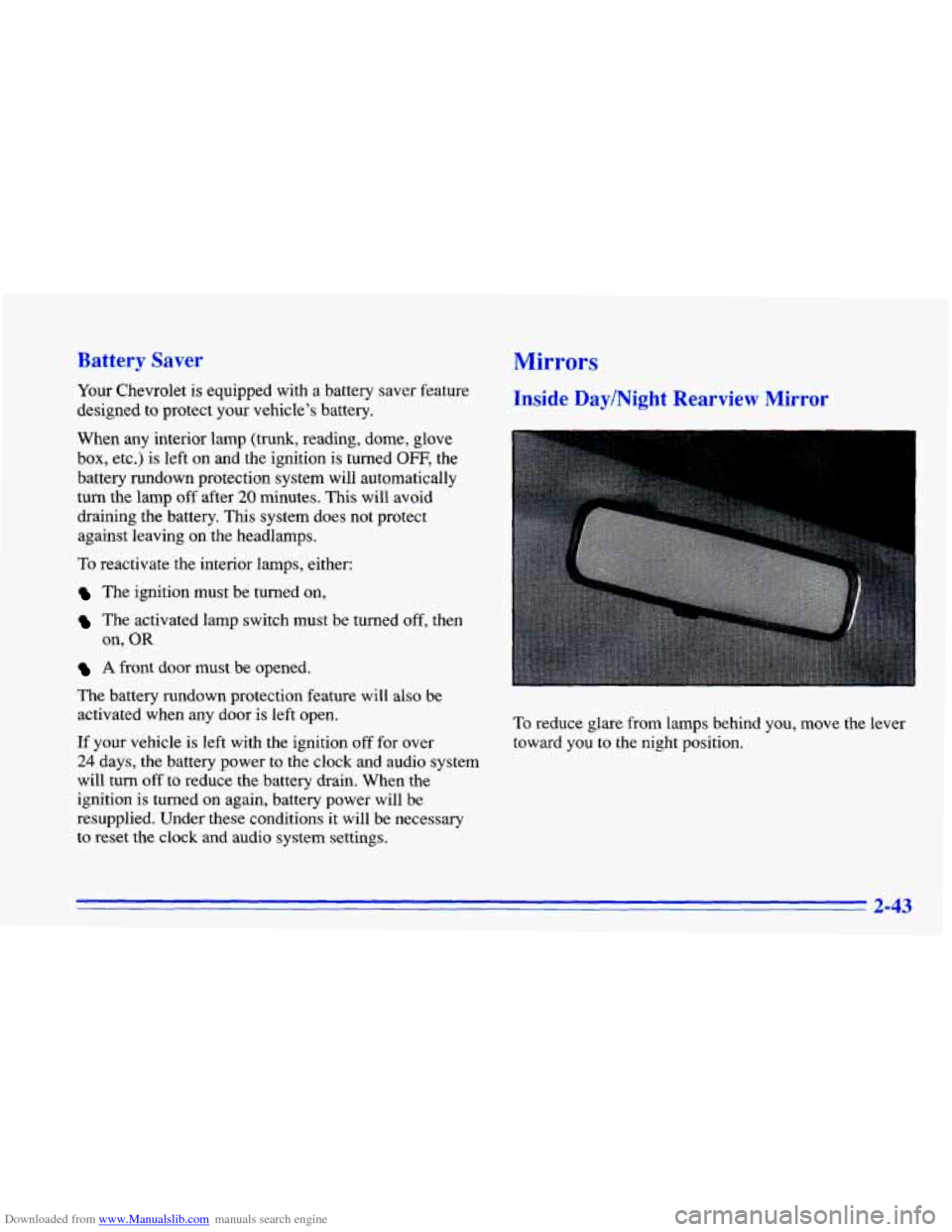
To reduce glare from lamps behind you, move the lever
toward you to the night position.
2-43
Page 126 of 372
Downloaded from www.Manualslib.com manuals search engine Anti-Lock Brake System Warning Light
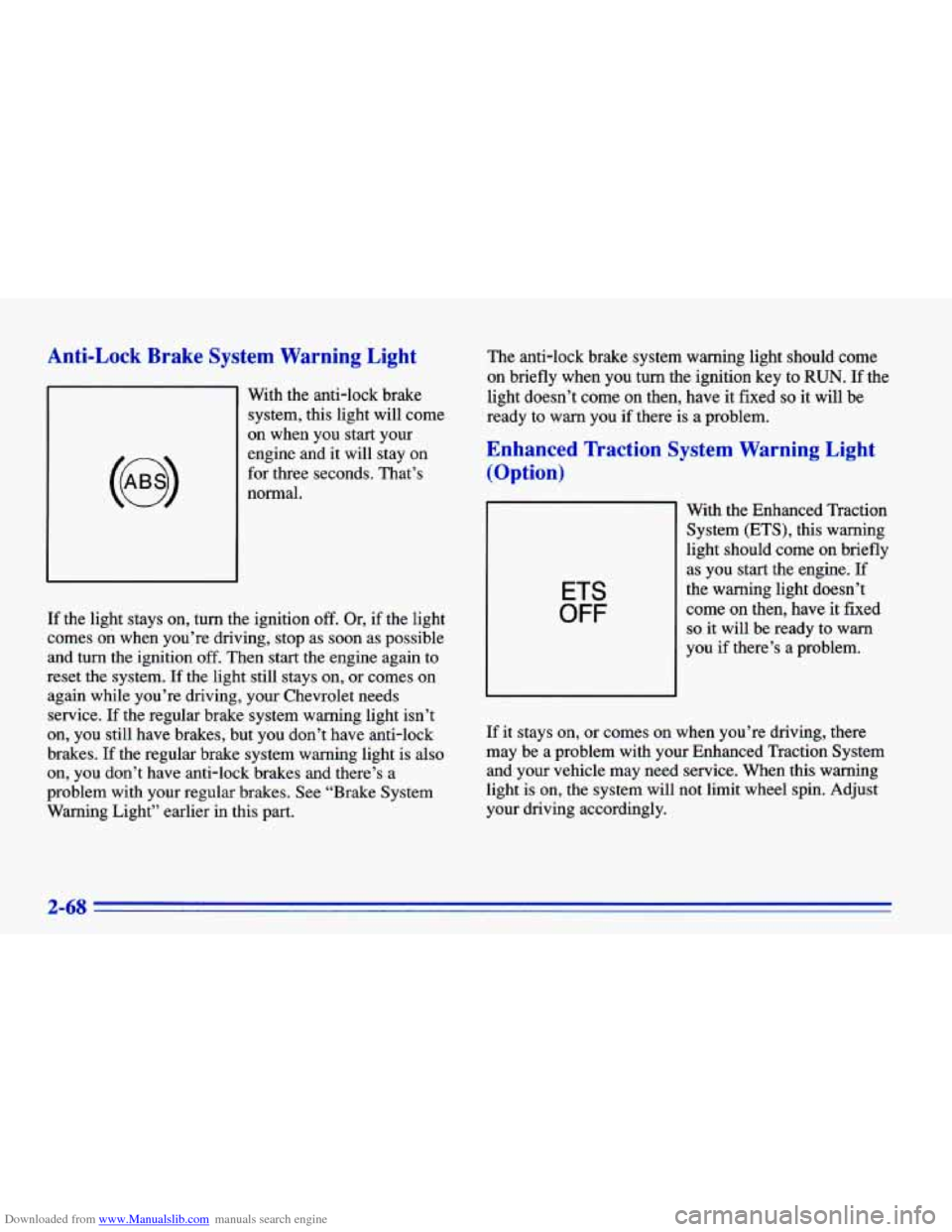
With the anti-lock brake
system, this light will come
on when you start your
engine and
it will stay on
for three seconds. That’s
normal.
If the light stays on, turn the ignition off. Or, if the light
comes
on when you’re driving, stop as soon as possible
and turn the ignition off. Then start the engine again to
reset the system. If the light still stays on, or comes on
again while you’re driving, your Chevrolet needs
service.
If the regular brake system warning light isn’t
on, you still have brakes, but you don’t have anti-lock
brakes.
If the regular brake system warning light is also
on, you don’t have anti-lock brakes and there’s a
problem with your regular brakes. See “Brake System
Warning Light” earlier in this part. The
anti-lock brake system warning light should come
on briefly when you turn the ignition key to
RUN. If the
light doesn’t come
on then, have it fixed so it will be
ready to warn you if there is a problem.
Enhanced lkaction System Warning Light
(Option)
ETS
OFF
With the Enhanced Traction
System (ETS), this warning
light should come
on briefly
as you start the engine.
If
the warning light doesn’t
come
on then, have it fixed
so it will be ready to warn
you if there’s a problem.
If
it stays on, or comes on when you’re driving, there
may be a problem with your Enhanced Traction System
and your vehicle may need service. When this warning
light is on, the system will not limit wheel spin. Adjust
your driving accordingly.
2-68
Page 145 of 372
Downloaded from www.Manualslib.com manuals search engine 4. Press and hold one of the four numbered buttons
(within five seconds).
5. The sound will mute. When it returns, release the
button. Whenever you press that numbered button,
the station you set will return.
In addition to the four stations set as above, up to three
additional stations may be preset on each band by
pressing two adjoining buttons at the same time. Just:
1. Tune in the desired station.
2. Press
SET.
3. Press any two adjoining pushbuttons at the same
time (within five seconds).
4. The sound will mute. When it returns, release the
buttons. Whenever you press the same buttons, the
station you set
will return.
Setting the Tone
BASS:
Slide the lever up or down to increase or
decrease bass. The middle position
is a detent.
TREB: Slide the lever up or down to increase or
decrease treble. The middle position is a detent. If
a
station is weak or noisy, you may want to decrease
the treble.
Adjusting the Speakers
BAL: Turn the control behind the upper knob to move
the sound to the
left or right speakers. The middle
position
is a detent and balances the speakers.
FADE: Turn the control behind the lower knob to move
the sound to the front or rear speakers. The middle
position is a detent and balances the speakers.
Page 147 of 372
Downloaded from www.Manualslib.com manuals search engine In addition to the four stations set as above, up to three
additional stations may be preset on each band by
pressing two adjoining buttons at the same time. Just:
1. Tune in the desired station.
2. Press SET.
3. Press any two adjoining pushbuttons at the same
time (within five seconds).
4. Whenever you press the same buttons, the station
PSCAN: Press both SEEK arrows and P.SCAN will
appear on the display. Use
P.SCAN to listen to each or
your preset stations for a few seconds. The radio will go
to the first preset station, stop for a few seconds, then go
on to the next preset station
(FM1 and FM2). (If a preset
station has weak reception, it will not stop.) Press either
SEEK arrow, the upper knob or a preset to stop scanning.
you
set will return.
Setting the Tone
BASS:
Slide the lever up or down to increase or
decrease bass. The middle position is a detent.
TREB: Slide the lever up or down to increase or decrease
treble. The middle position is a detent.
If a station is weak
or noisy, you may want to decrease the treble.
Adjusting the Speakers
BAL:
Turn the control behind the upper knob to move
the sound to the left or right speakers. The middle
position is a detent and balances
the speakers.
FADE: Turn the control behind the lower knob to move
the sound to the front or rear speakers.
The middle
position is a detent and balances the speakers.
Playing a Cassette Tape
Your tape player is built to work best with tapes that are
30 to 45 minutes long on each side. Tapes longer than
that are
so thin they may not work well in this player.
The longer side with the tape visible goes
in first. If you
hear nothing or hear just a garbled sound, it may not be
in
squarely. Press EJECT to remove the tape and start over.
While the tape is playing, use the VOLUME,
FADE,
BAL, TREB and BASS controls just as you do for the
radio. Other controls may have different functions when
a tape is inserted. The display will show an arrow to
show which side of the tape is playing.
Note that cassette tape adapter
kits for portable compact
disc players will not work in your cassette player. The
adapter cassette will be ejected.
3-11
Page 148 of 372
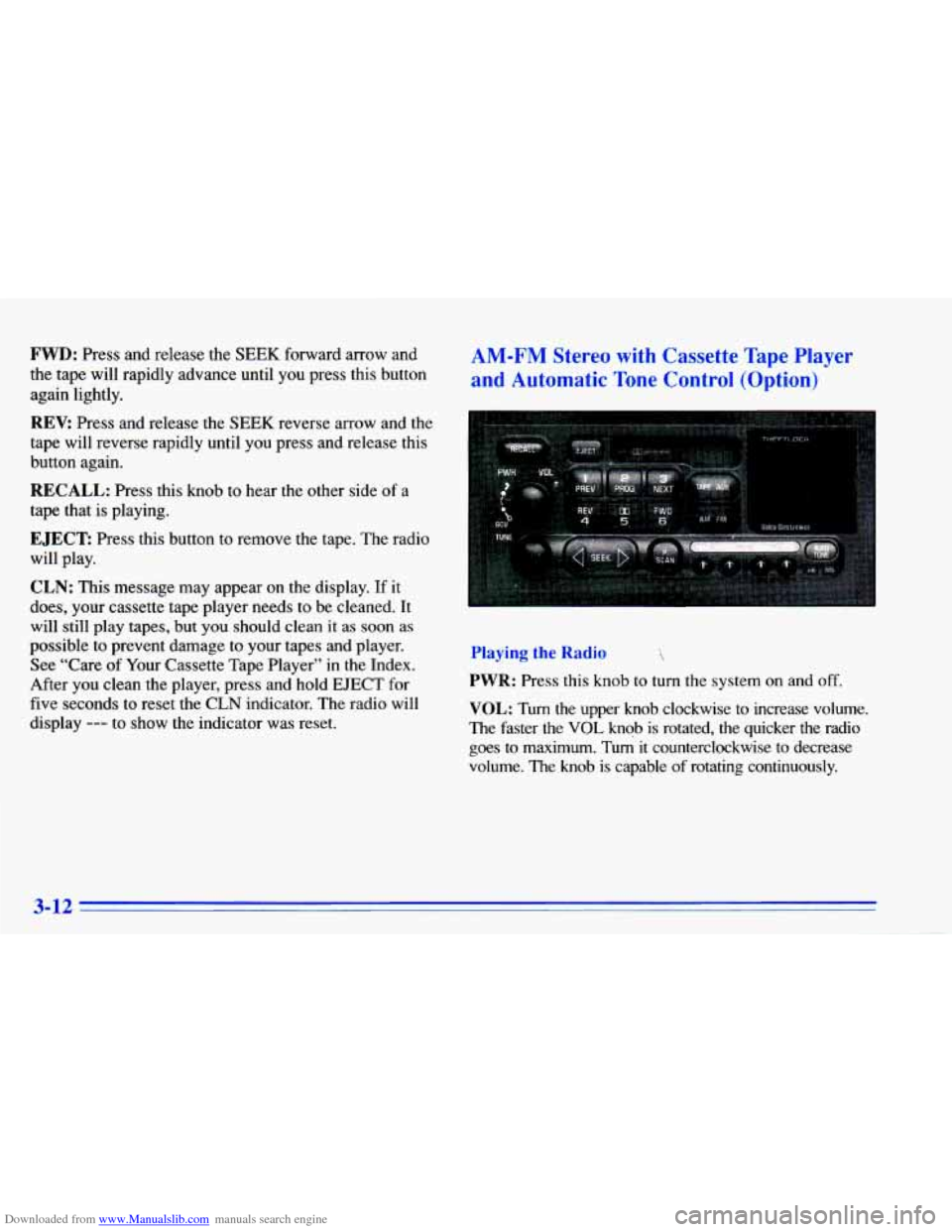
Downloaded from www.Manualslib.com manuals search engine FWD: Press and release the SEEK forward arrow and
the tape will rapidly advance until you press this button
again lightly.
REV: Press and release the SEEK reverse arrow and the
tape will reverse rapidly until you press and release this
button again.
RECALL: Press this knob to hear the other side of a
tape that is playing.
EJECT Press this button to remove the tape. The radio
will play.
CLN: This message may appear on the display. If it
does, your cassette tape player needs to be cleaned. It
will still play tapes, but you should clean it
as soon as
possible to prevent damage to your tapes and player.
See “Care of Your Cassette Tape Player” in the Index.
After you clean the player, press and hold
EJECT for
five seconds to reset the CLN indicator. The radio will
display
--- to show the indicator was reset.
AM-FM Stereo with Cassette Tape Player
and Automatic
Tone Control (Option)
Playing the Radio
PWR: Press this knob to turn the system on and off.
VOL: Turn the upper knob clockwise to increase volume.
The faster the
VOL knob is rotated, the quicker the radio
goes to maximum. Tu4 it counterclockwise to decrease
volume. The
knob is capable of rotating continuously.
3-12
Page 149 of 372
Downloaded from www.Manualslib.com manuals search engine SCV Your system has a feature called
Speed-Compensated-Volume (SCV). With SCV,’ your
audio system adjusts to make up for road and wind noise
as you drive. The volume should always sound the same
level to you as you drive. The control behind the upper
knob has SCV positions. The top position has a higher
maximum volume and gets louder faster than the middle
two positions. If you don’t want to use
SCV, turn the
control all the way down.
AM-FM: Press this button to alternate between AM,
FM1 and FM2. The display shows your selection.
RECALL: Press this button to recall the station being
played. If you press the button when the ignition is
off,
the clock will show for a few seconds.
TUNE: Press this knob lightly so it extends. ,Turn it to
choose radio stations. Push the knob back in when
you’re not using it.
SEEK: Press the forward or backward arrow to go to
the next higher or lower station. The sound will be
muted while seeking.
SCAN: Press one of the SEEK arrows for two seconds,
and SCAN will appear on the display. Use SCAN to
listen to stations for a few seconds. The radio will go
to
a station, stop for a few seconds, then go on to the next
station. Press SEEK again to stop scanning. The sound
will be muted while scanning.
P.SCAN: Press this button to listen to each of your
favorite stations stored on your pushbuttons for a few
seconds. The radio will scan through each
of the stations
stored on your pushbuttons, except those stations with
weak reception. The
AUTO TONE setting stored for
that pushbutton will be automatically chosen. Press
P.SCAN or one of the pushbuttons again to stop
scanning. P.SCAN will be displayed whenever the tuner
is in the P.SCAN mode. The channel number
(Pl-P6)
will appear momentarily just before the frequency is
displayed. In
FM mode, this function will scan through
both FM1 and FM2 preset stations and FM1 or FM2
will appear on the display.
3-13