Page 68 of 372
Downloaded from www.Manualslib.com manuals search engine Ignition Switch
A E
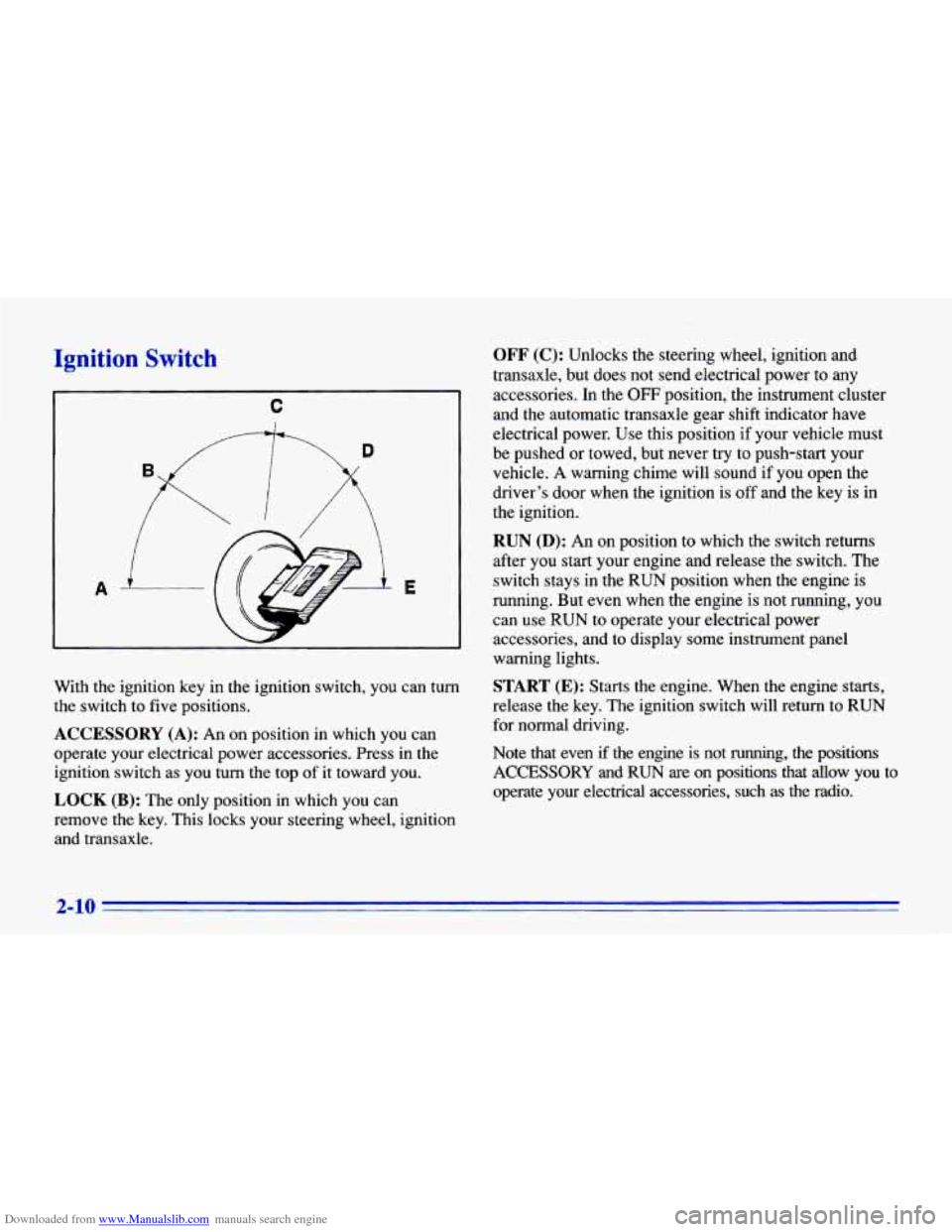
With the ignition key in the ignition switch, you can turn
the switch to five positions.
ACCESSORY (A): An on position in which you can
operate your electrical power accessories. Press in the
ignition switch as you turn the top of it toward you.
LOCK (B): The only position in which you can
remove the key. This locks your steering wheel, ignition
and transaxle.
OFF (C): Unlocks the steering wheel, ignition and
transaxle, but does not send electrical power to any
accessories.
In the OFF position, the instrument cluster
and the automatic transaxle gear shift indicator have
electrical power. Use this position if your vehicle must
be pushed or towed, but never try to push-start your
vehicle.
A warning chime will sound if you open the
driver’s door when the ignition is
off and the key is in
the ignition.
RUN (D): An on position to which the switch returns
after you start your engine and release the switch. The
switch stays in the RUN position when the engine is
running. But even when the engine is not running, you can use RUN to operate your electrical power
accessories, and to display some instrument panel
warning lights.
START (E): Starts the engine. When the engine starts,
release the key. The ignition switch will return to RUN
for normal driving.
Note that even if the engine is not running, the positions
ACCESSORY and RUN are on positions that allow you to
operate your electrical accessories, such
as the radio.
2-10
Page 70 of 372
Downloaded from www.Manualslib.com manuals search engine Starting Your Engine
Engines start differently. The 8th digit of your Vehicle
Identification Number (VIN) shows the code letter or
number for your engine. You will find the VIN at the top
left of your instrument panel. (See “Vehicle
Identification Number” in the Index.) Follow the proper
steps to start the engine.
Automatic transaxle
Move your shift lever to PARK (P) or NEUTRAL (N).
Your engine won’t start in any other position -- that’s a
safety feature.
To restart when you’re already moving,
use
NEUTRAL (N) only.
NOTICE:
Don’t try to shift to PARK (P) if your Chevrolet
is moving.
If you do, you could damage the
transaxle. Shift to PARK
(P) only when your
vehicle is stopped.
Manual transaxle
The gear selector should be in NEUTRAL (N). Hold the
clutch pedal to the floor and start the engine. Your
vehicle won’t start if the clutch pedal is not all
the way
down
-- that’s a safety feature.
Starting Your 2.2 Liter Engine
1. Without pushing the accelerator pedal, turn your
ignition key to START. When the engine starts, let
go
of the key. The idle speed will go down as your
engine gets warm.
I NOTICE:
r
Holding your key in START for longer than
15 seconds at a time will cause your battery to
be drained much sooner. And the excessive heat
can damage your starter motor.
2. If your engine still won’t start (or starts but then
stops), it could be flooded with too much gasoline.
Try pushing your accelerator pedal all the way to the
floor and holding it there as you hold
the key in
START for about three seconds. If the vehicle starts
2-12
Page 89 of 372
Downloaded from www.Manualslib.com manuals search engine Turn Signal and Lane Change Indicator
The turn signal has two upward (for right) and two
downward (for left) positions. These positions allow
you
to signal a turn or a lane change.
To signal
a turn, move the lever all the way up or
down. When the turn is finished, the lever will
return automatically.
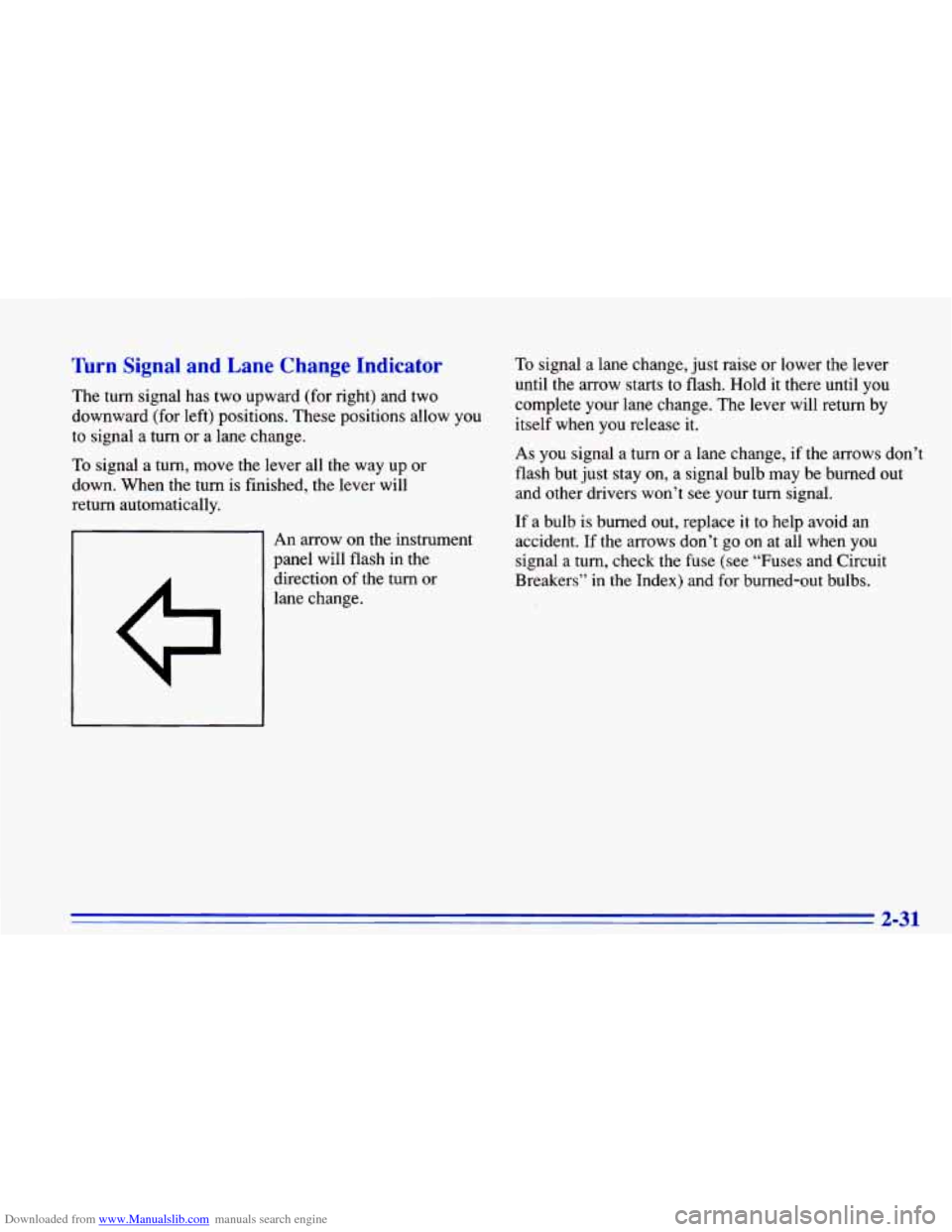
An arrow on the instrument
panel will flash in the
direction
of the turn or
lane change.
To signal a lane change, just raise or lower the lever
until the arrow starts to flash. Hold it there until you
complete your lane change. The lever will return by
itself when you release
it.
As you signal a turn or a lane change, if the arrows don’t
flash but just stay on, a signal bulb may be burned out
and other drivers won’t see your turn signal.
If a bulb is burned out, replace it to help avoid an
accident.
If the arrows don’t go on at all when you
signal a turn, check the fuse (see “Fuses and Circuit
Breakers’’ in the Index) and for burned-out bulbs.
2-31
Page 90 of 372
Downloaded from www.Manualslib.com manuals search engine Headlamp HighlLow Beam Changer
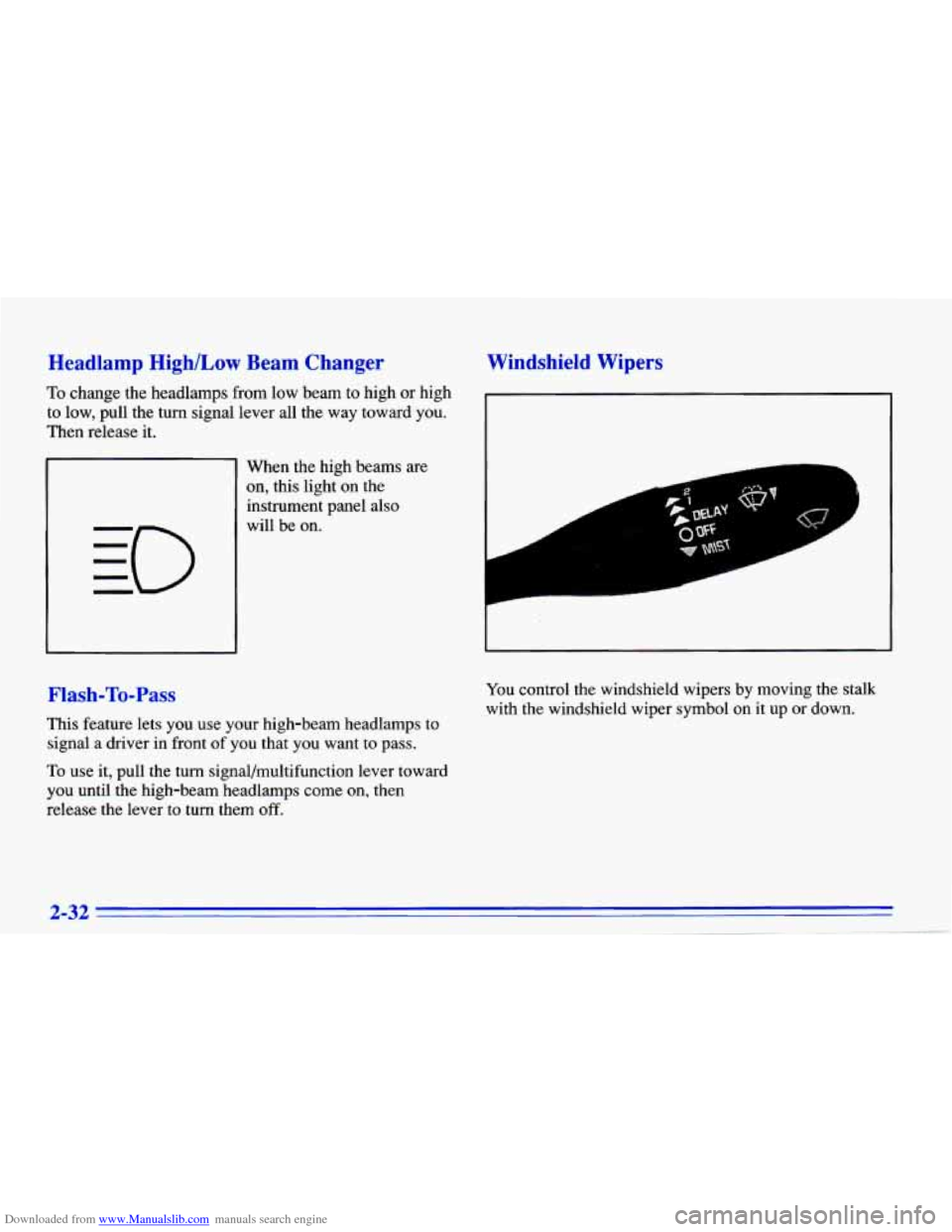
To change the headlamps from low beam to high or high
to low, pull the turn signal lever all the way toward you.
Then release it.
When the high beams
are
on, this light on the
instrument panel also
will be on.
Flash-To-Pass
This feature lets you use your high-beam headlamps to
signal a driver in front
of you that you want to pass.
To use it, pull the turn signal/multifunction lever toward
you until the high-beam headlamps come on, then
release the lever
to turn them off.
Windshield Wipers
r
You control the windshield wipers by moving the stalk
with the windshield wiper symbol on it up
or down.
2-32
~ .
Page 97 of 372
Downloaded from www.Manualslib.com manuals search engine Lamps
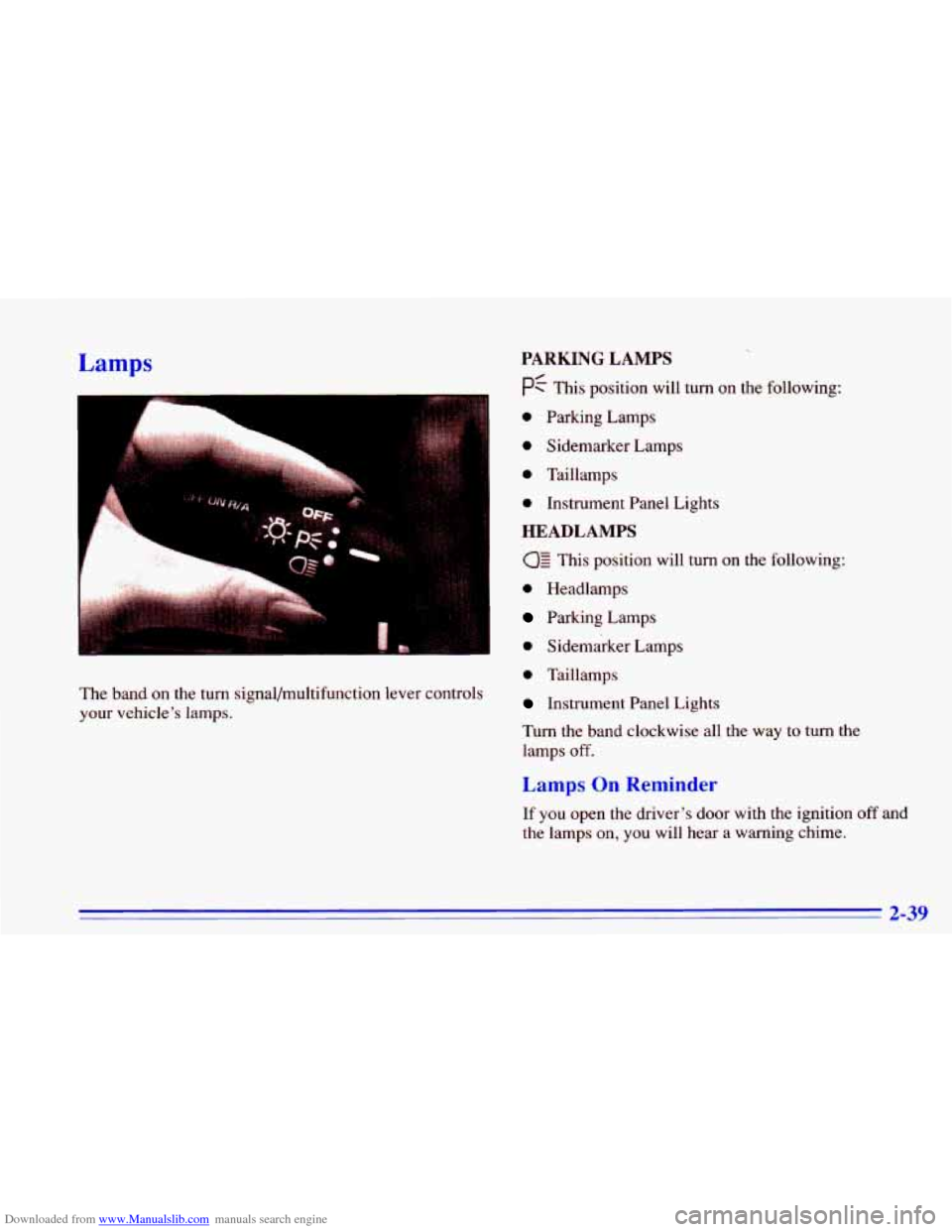
The band on the turn signal/multifunction lever controls
your vehicle’s lamps.
PARKING LAMPS
pf This position will turn on the following:
0 Parking Lamps
0 Sidemarker Lamps
0 Taillamps
0 Instrument Panel Lights
HEADLAMPS
This position will turn on the following:
0 Headlamps
Parking Lamps
0 Sidemarker Lamps
0 Taillamps
Instrument Panel Lights
Turn the band clockwise all the way
to turn the
lamps
off.
Lamps On Reminder
If you open the driver’s door with the ignition off and
the lamps on, you will hear a warning chime.
2-39
Page 98 of 372
Downloaded from www.Manualslib.com manuals search engine Daytime Running Lamps
Daytime Running Lamps (Dm) can make it easier for
others to see the front of your vehicle during the day.
DRL can be helpful in many different driving
conditions, but they can be especially helpful
in the
short periods after dawn and before sunset.
The
DRL system will make your high-beam headlamps
come on at reduced brightness
in daylight when:
the ignition is on with the engine running,
the headlamp switch is OFF,
the parking brake is released and
0 the transaxle is not in PARK (P) or NEUTRAL (N)
on models with an automatic transaxle.
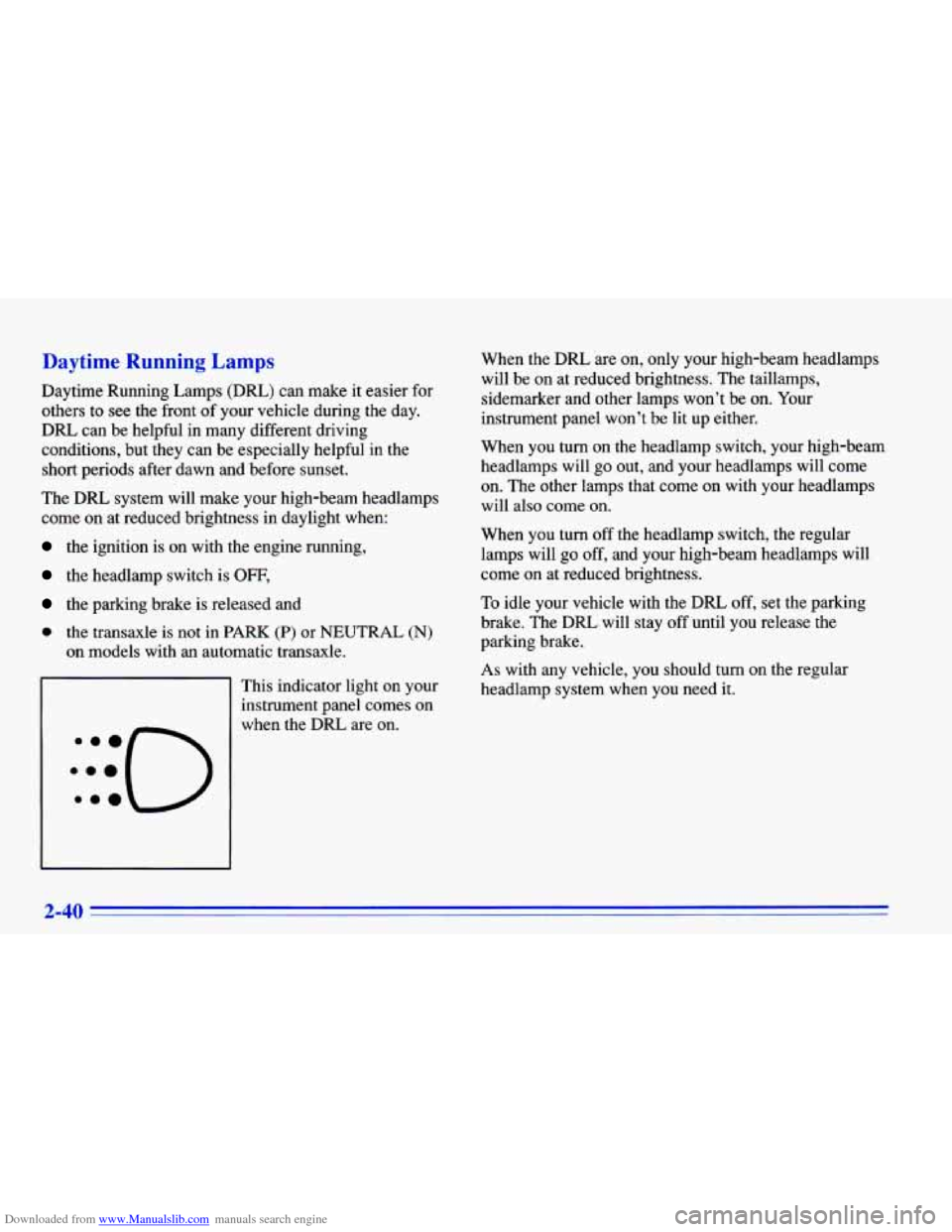
This indicator light on your
instrument panel comes on When the
DRL are
on, only your high-beam headlamps
will be on at reduced brightness. The taillamps,
sidemarker and other lamps won’t be on. Your
instrument panel won’t be lit up either.
When you turn on the headlamp switch, your high-beam
headlamps will go out, and your headlamps will come
on. The other lamps that come on with your headlamps
will also come on.
When you turn
off the headlamp switch, the regular
lamps will go off, and your high-beam headlamps will
come on at reduced brightness.
To idle your vehicle with the DRL off, set the parking
brake. The
DRL will stay off until you release the
parking brake.
As with any vehicle, you should turn on the regular
headlamp system when
you need it.
2-40
Page 99 of 372
Downloaded from www.Manualslib.com manuals search engine Fog Lamps (224 Model) Fog lamps will go off whenever the high-beam
headlamps come on. When the high beams
go off, the
fog lamps will come
on again.
Interior Lamps
Instrument Panel Intensity Control
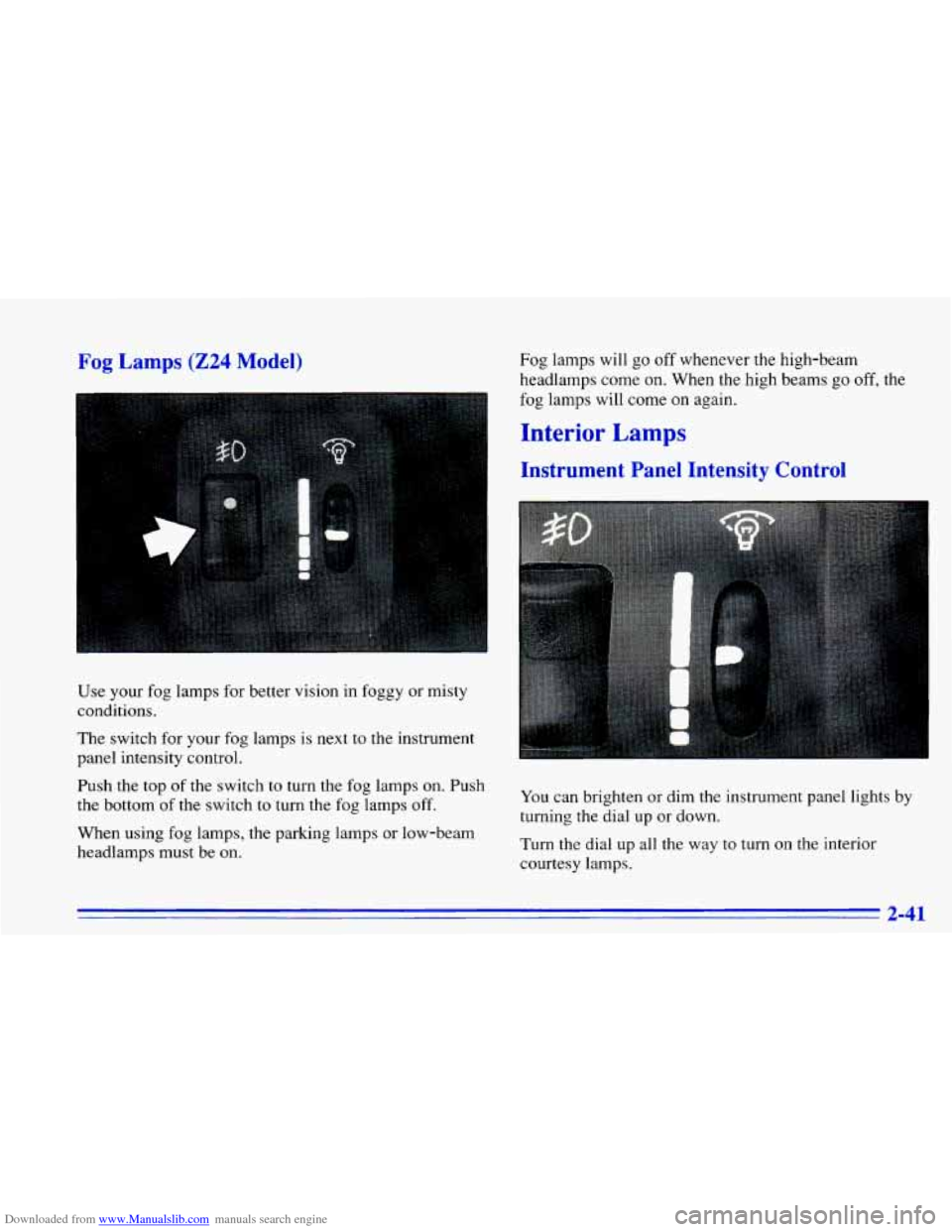
Use your fog lamps for better vision in foggy or misty
conditions.
The switch for your fog lamps is next to the instrument
panel intensity control.
Push the top of the switch to turn the fog lamps on. Push
the bottom
of the switch to turn the fog lamps off.
When using fog lamps, the parking lamps or low-beam
headlamps must be on. You
can brighten or dim the instrument panel lights by
turning
the dial up or down.
Turn the dial
up all the way to turn on the interior
courtesy lamps.
2-41
Page 118 of 372
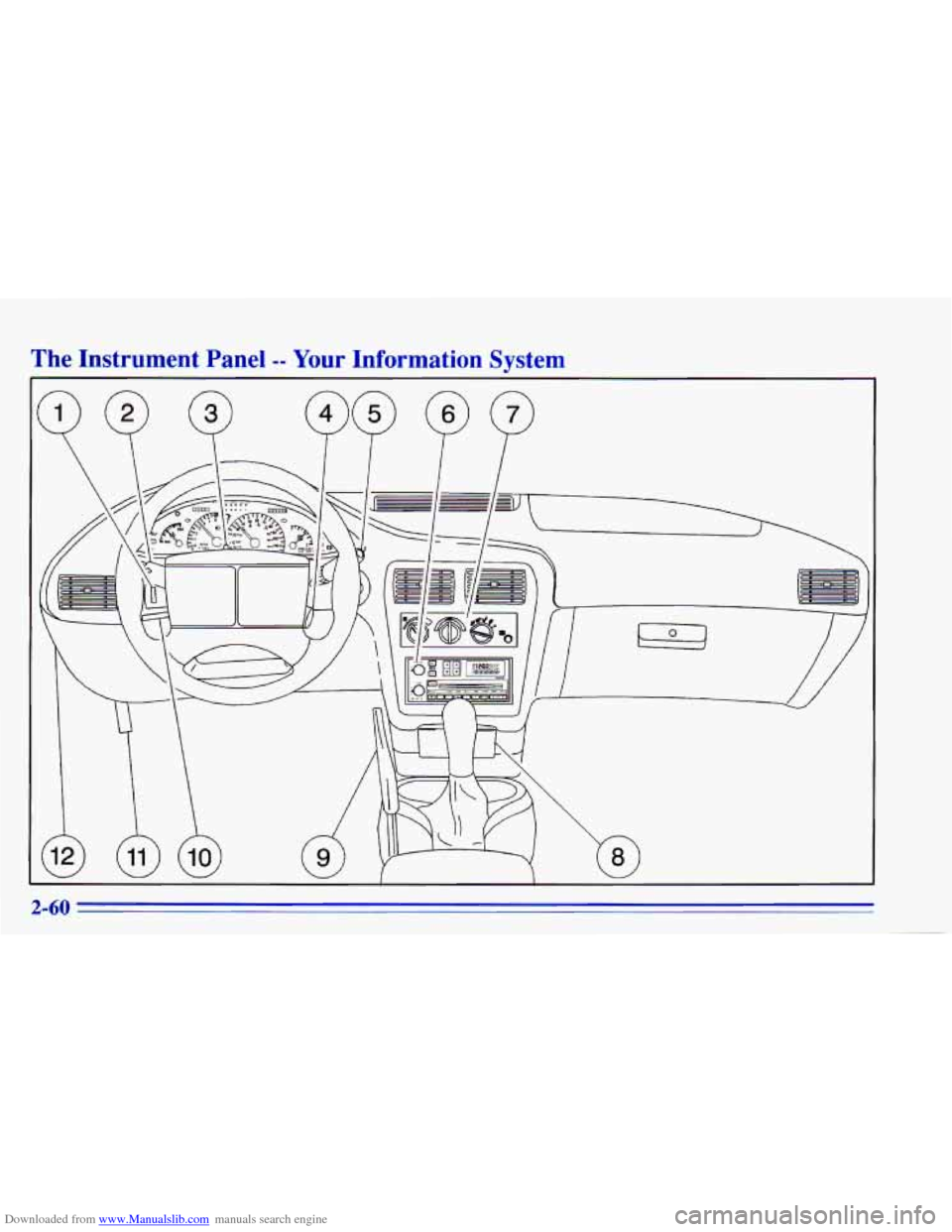
Downloaded from www.Manualslib.com manuals search engine The Instrument Panel -- Your Information System
/
2-60