1996 CHEVROLET BLAZER ignition
[x] Cancel search: ignitionPage 91 of 392
Downloaded from www.Manualslib.com manuals search engine /I CAUTION:
It can be dangerous to get out of your vehicle if
the shift lever is not fully in PARK (P) with the
parking brake firmly set. Your vehicle can roll.
Don’t leave your vehicle when the engine
is
running unless you have to. If you’ve left the
engine running, the vehicle can move suddenly.
You or others could be injured. To be sure your
vehicle won’t move, even when you’re on fairly
level ground, always set your parking brake and
move the shift lever to
PARK (P).
If you have four-wheel drive with a manual transfer case
shift lever and your transfer case is in NEUTRAL (N),
your vehicle will be free
to roll, even if your shift lever
is in PARK (P).
So, be sure the transfer case is in a drive
gear
-- not in NEUTRAL (N). Always set your parking
brake. Follow the proper steps
to be sure your vehicle
won’t move. See “Shifting Into PARK (P)” in the Index.
If you’re pulling a trailer,
see “Towing a Trailer” in
the Index.
Windows
Manual Windows
Turn the hand crank on each door to raise or lower your
manual side door windows.
Power Windows (Option)
If you have the optional power windows, the controls
are on each of the side doors. Your power windows will
only work when the ignition has been turned to RUN.
The driver’s door has a switch for the passenger
windows as well.
2-33
Page 100 of 392
Downloaded from www.Manualslib.com manuals search engine Increasing Speed While Using Cruise Control
There are two ways to go to a higher speed:
Use the accelerator pedal to get to the higher speed.
Press the button at the end of the lever, then release
the button and the accelerator pedal. You’ll now
cruise at the higher speed.
Move the cruise switch from ON to WA. Hold it
there until you get up
to the speed you want, and
then release the switch.
To increase your speed in
very small amounts, move the switch to
R/A. Each
time
you do this, your vehicle will go about 1 mph
(1.6 kmh) faster.
Reducing Speed While Using Cruise Control
Press in the button at the end of the lever until you reach
the lower speed
you want, then release it.
To slow down in very small amounts, press the button
for less than a
112 second. Each time you do this, you’ll
go
1 mph (1.6 km/h) slower.
Passing Another Vehicle While Using Cruise Control
Use the accelerator pedal to increase your speed. When
you take your foot
off the pedal, your vehicle will slow
down to
the cruise control speed you set earlier.
Using Cruise Control on Hills
How well your cruise control will work on hills depends
upon your speed, load and the steepness
of the hills.
When going up steep hills, you may want to step on the
accelerator pedal to maintain your speed. When going
downhill, you may have to brake or shift to
a lower gear
to keep your speed down. Of course, applying the brake
takes you
out of cruise control. Many drivers find this to
be too much trouble and don’t use cruise control on
steep hills.
Ending Cruise Control
There are two ways to turn off the cruise control:
0 Step lightly on the brake pedal or push the clutch
pedal, if you have a manual transmission.
0 Move the cruise switch to OFF.
Erasing Speed Memory
When you turn off the cruise control or the ignition,
your cruise control set speed memory is erased.
2-42
Page 102 of 392
Downloaded from www.Manualslib.com manuals search engine Lamps On Reminder
A reminder tone will sound when your headlamps or
parking lamps are turned
on and your ignition is in OFF,
LOCK or ACCESSORY. To turn the tone off, press the
OFF switch.
Daytime Running Lamps (If So Equipped)
Daytime Running Lamps (DRL) can make it easier for
others to see the front
of your vehicle during the day.
DRL can be helpful in many different driving
conditions, but they can be especially helpful in the
short periods after dawn and before sunset.
The DRL system will make your headlamps come
on at
reduced brightness when:
the ignition is on,
the headlamp switch is off, and
the parking brake is released. When the
DRL are
on, only your headlamps will be on.
The taillamps, sidemarker and other lamps won’t be on.
The instrument panel won’t be lit up either.
When
it begins to get dark, your DRL indicator light
is a reminder to turn your headlamp switch on. The
other lamps that come
on with your headlamps will
also come
on.
When you turn the headlamp switch off, the regular
lamps will go off, and your headlamps will change to
the reduced brightness
of DRL.
To idle your vehicle with the DRL
off, set the parking
brake. The DRL will stay off until
you release the
parking brake.
As with any vehicle, you should turn on the regular
headlamp system when you need it.
2-44
Page 104 of 392

Downloaded from www.Manualslib.com manuals search engine ‘I
Front Map Lamps (Option) ’. I Dome Lamps
If your vehicle has optional front map lamps, they The
rear dome lamp has a switch that lets you turn it on
are located on the inside rearview mirror. They will from the
rear of the vehicle.
automatically come on for approximately
20 seconds
when either front door is opened or unlocked with the
Keyless Entry System, if
so equipped, or until the
ignition key is turned to RUN or
ACCESSORY. The
lamps will also stay on for approximately 15 seconds
after you exit the vehicle.
They will also stay on for 15, seconds when the INT
LIGHTS switch
on the instiument panel is turned on
then off, while the ignition
is off.
You can also turn the lamps on and off by pressing the
switch near each lamp.
I
Press the side of the switch with the lamp symbol to turn
on the front and rear dome lamps. Pressing the other
side of the switch will turn the cargo area dome lamp
off, even when the endgate and doors’are open.
c
2-46
Page 109 of 392
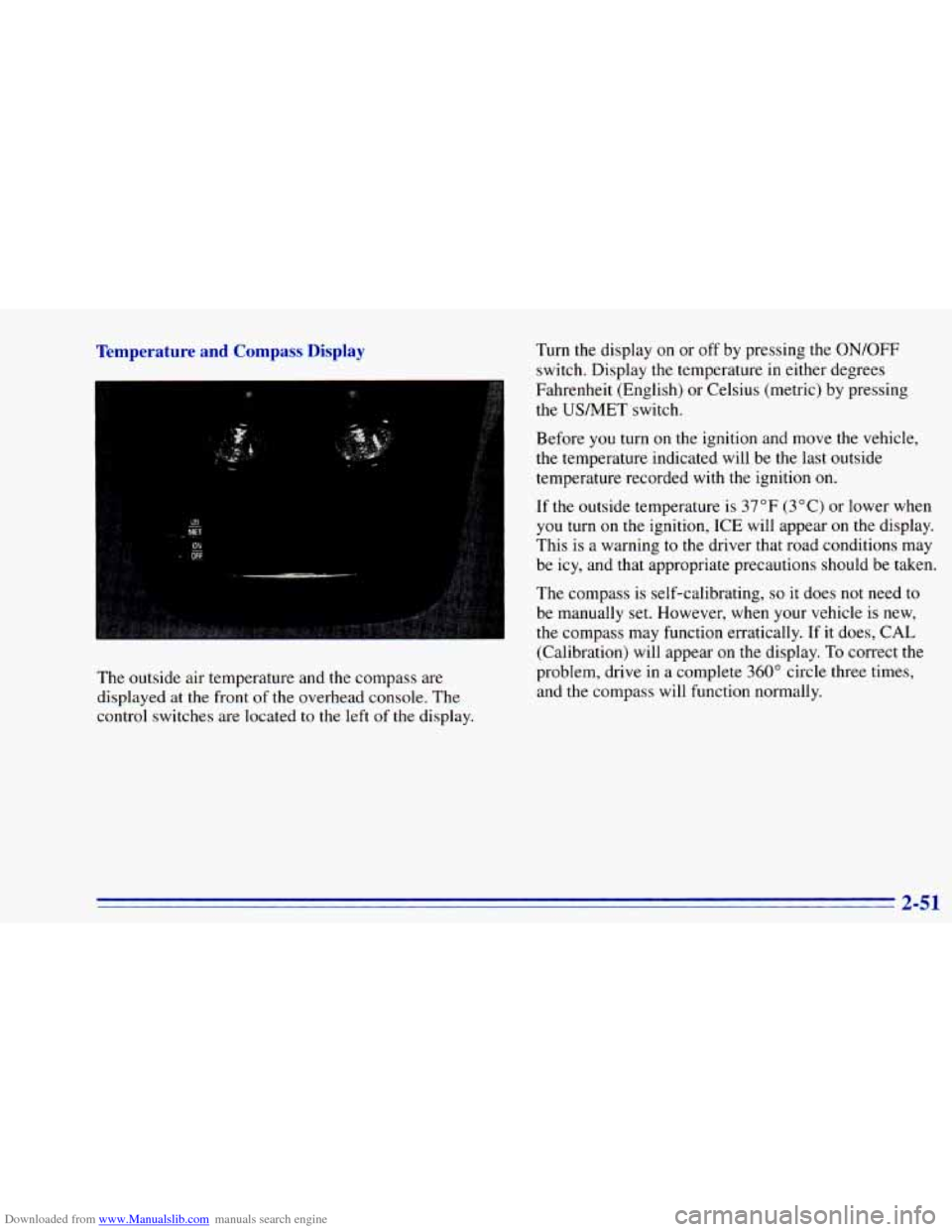
Downloaded from www.Manualslib.com manuals search engine Temperature and Compass Display Turn the display on or off by pressing the ON/OFF
switch. Display the temperature in either degrees
Fahrenheit (English) or Celsius (metric) by pressing
the USMET switch.
The outside air temperature and the compass are
displayed at the front of the overhead console. The
control switches are located
to the left of the display. Before
you turn on the
ignition and move the vehicle,
the temperature indicated will be the last outside
temperature recorded with the ignition
on.
If the outsidl- -3mperarure is 37°F (3°C) or lower when
you turn on
me ignition, ICE will appear on the display.
This is a warning to the driver that road conditions may
be icy, and that appropriate precautions should be taken.
The compass is self-calibrating,
so it does not need to
be manually set. However, when your vehicle is new,
the compass may function erratically.
If it does, CAL
(Calibration) will appear
on the display. To correct the
problem, drive
in a complete 360" circle three times,
and the compass will function normally.
Page 124 of 392
Downloaded from www.Manualslib.com manuals search engine Air Bag Readiness Light
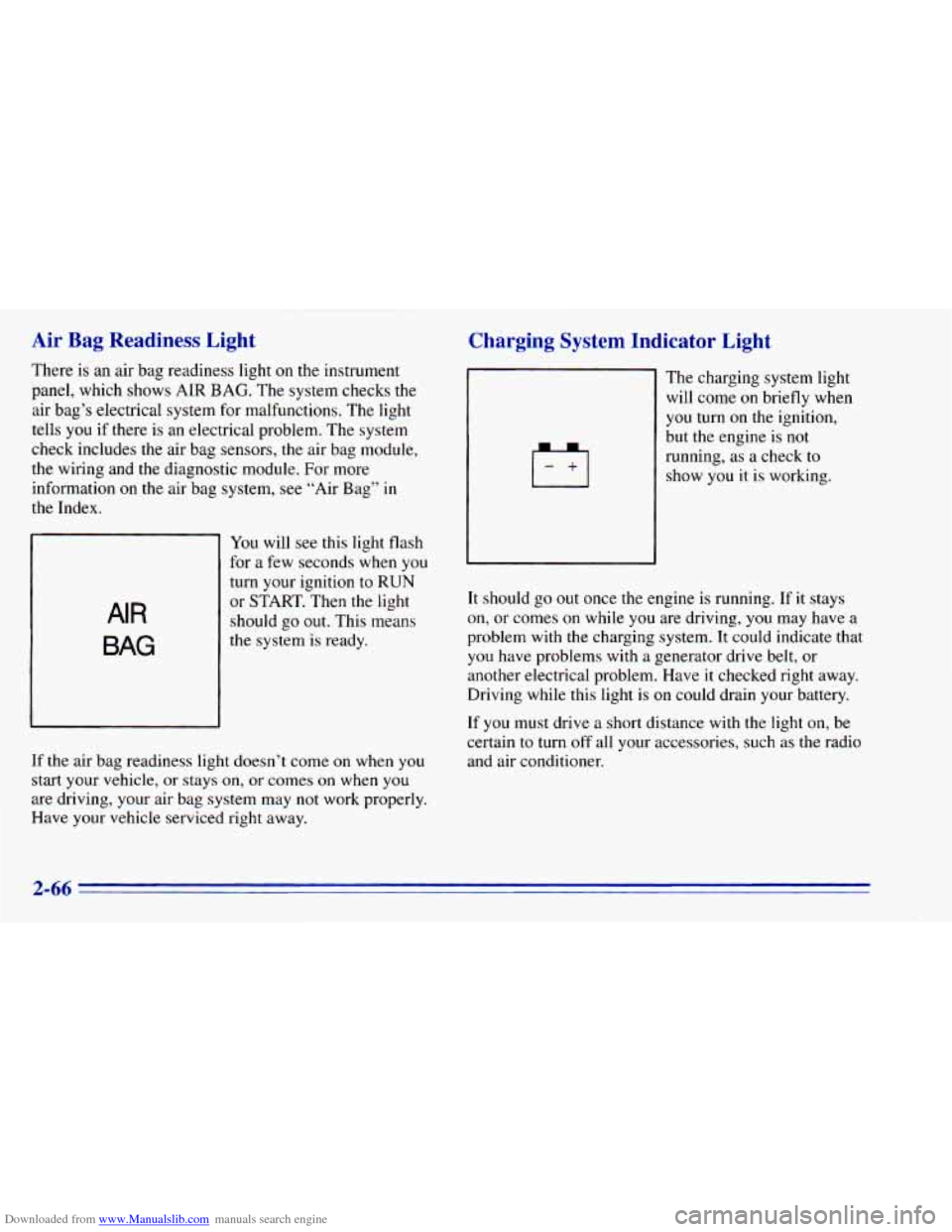
There is an air bag readiness light on the instrument
panel, which shows AIR
BAG. The system checks the
air bag’s electrical system for malfunctions. The light
tells you if there is an electrical problem. The system
check includes the air bag sensors, the air bag module,
the wiring and the diagnostic module. For more
information
on the air bag system, see “Air Bag” in
the Index.
AIR
BAG
You will see this light flash
for a few seconds when you
turn your ignition to RUN
or START. Then the light
should go
out. This means
the system is ready.
If the air bag readiness light doesn’t come on when you
start your vehicle, or stays on,
or comes on when you
are driving, your air bag system may not work properly.
Have your vehicle serviced right away.
Charging System Indicator Light
The charging system light
will come on briefly when
you turn on the ignition,
but the engine is not
running, as a check to
show you it is working.
It should go
out once the engine is running. If it stays
on, or comes on while you are driving, you may have a
problem with the charging system. It could indicate that
you have problems with a generator drive belt, or
another electrical problem. Have it checked right away.
Driving while
this light is on could drain your battery.
If you must drive a short distance with the light on, be
certain
to turn off all your accessories, such as the radio
and air conditioner.
2-66
Page 125 of 392
Downloaded from www.Manualslib.com manuals search engine Voltmeter Gage
I
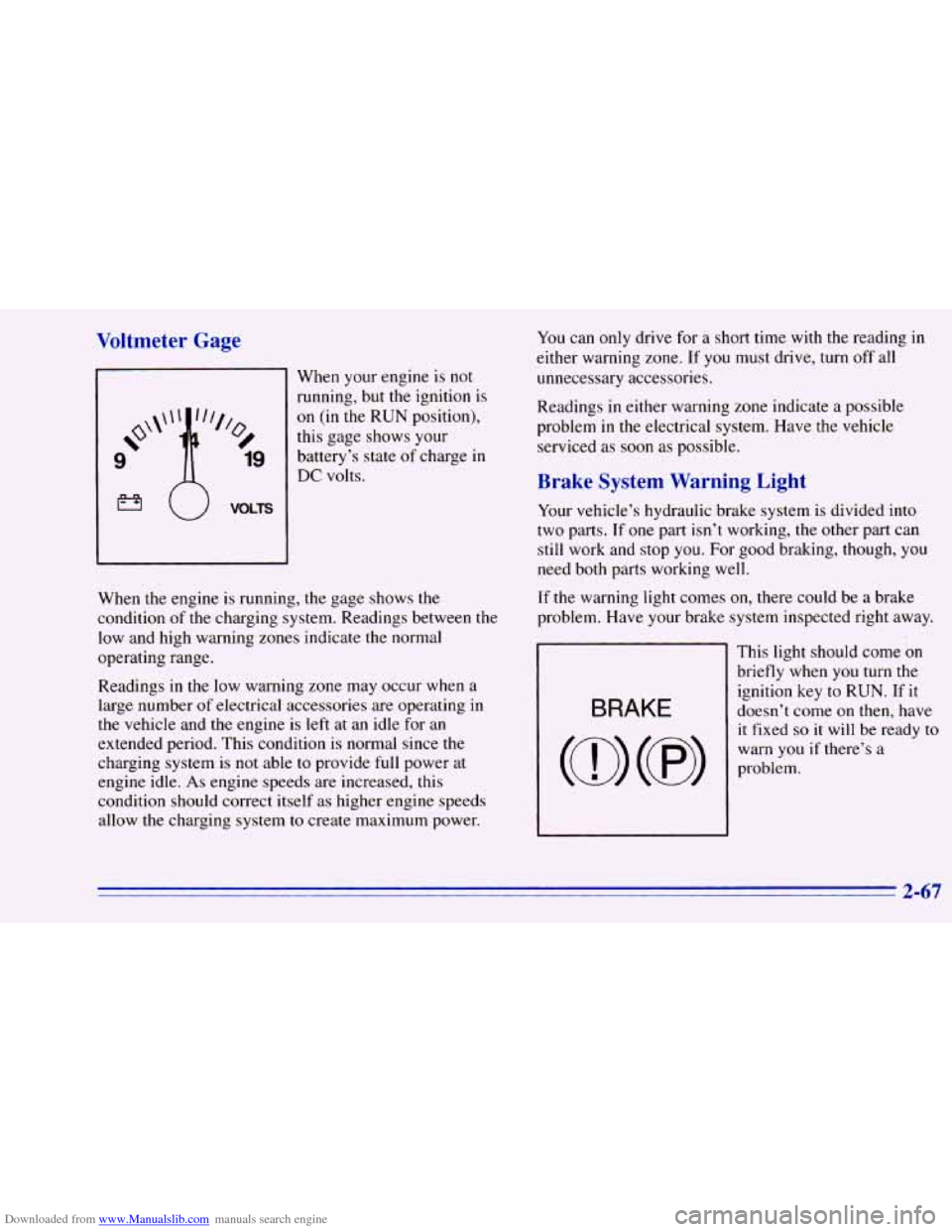
When your engine is not
running, but the ignition is
on (in the RUN position),
this gage shows your
battery’s state
of charge in
DC volts.
When the engine is running, the gage shows the
condition of the charging system. Readings between the
low and high warning zones indicate the normal
operating range.
Readings in the low warning zone may occur when a.
large number
of electrical accessories are operating in
the vehicle and the engine is left at an idle for an
extended period. This condition is normal since the
charging system is
not able to provide full power at
engine idle.
As engine speeds are increased, this
condition should correct itself as higher engine speeds
allow the charging system
to create maximum power.
You can only drive for a short time with the reading in
either warning zone.
If you must drive, turn off all
unnecessary accessories.
Readings
in either warning zone indicate a possible
problem
in the electrical system. Have the vehicle
serviced as soon as possible.
Brake System Warning Light
Your vehicle’s hydraulic brake system is divided into
two parts. If one part isn’t working, the other part can
still work and stop you. For good braking, though, you
need both parts working well.
If the warning light comes on, there could be a brake
problem. Have your brake system inspected right away.
This light should come
on
briefly when you turn the
ignition key to RUN. If it
doesn’t come on then, have
it fixed
so it will be ready to
warn you if there’s a
problem.
2-67
Page 126 of 392
Downloaded from www.Manualslib.com manuals search engine If the light comes on while you are driving, pull off the
road and stop carefully.
You may notice that the pedal is
harder to push. Or, the pedal
may go closer to the floor.
It may take longer to stop. If the light is still on, have the
vehicle towed for service. (See “Towing Your Vehicle”
,
in the Index.)
’ A CAUTIOI-
I
Anti-Lock Brake System Warning Light
Your brake system may not be working properly
if the brake system warning light is on. Driving
with the brake system warning light on
can lead
to an accident. If the light
is still on after you’ve
pulled off the road and stopped carefully, have
the vehicle towed for service.
When the ignition is on, the brake system warning light
will also come
on when you set your parking brake. The
light will stay
on if your parking brake doesn’t release
fully. If it stays
on after your parking brake is fully
released, it means you have a brake problem.
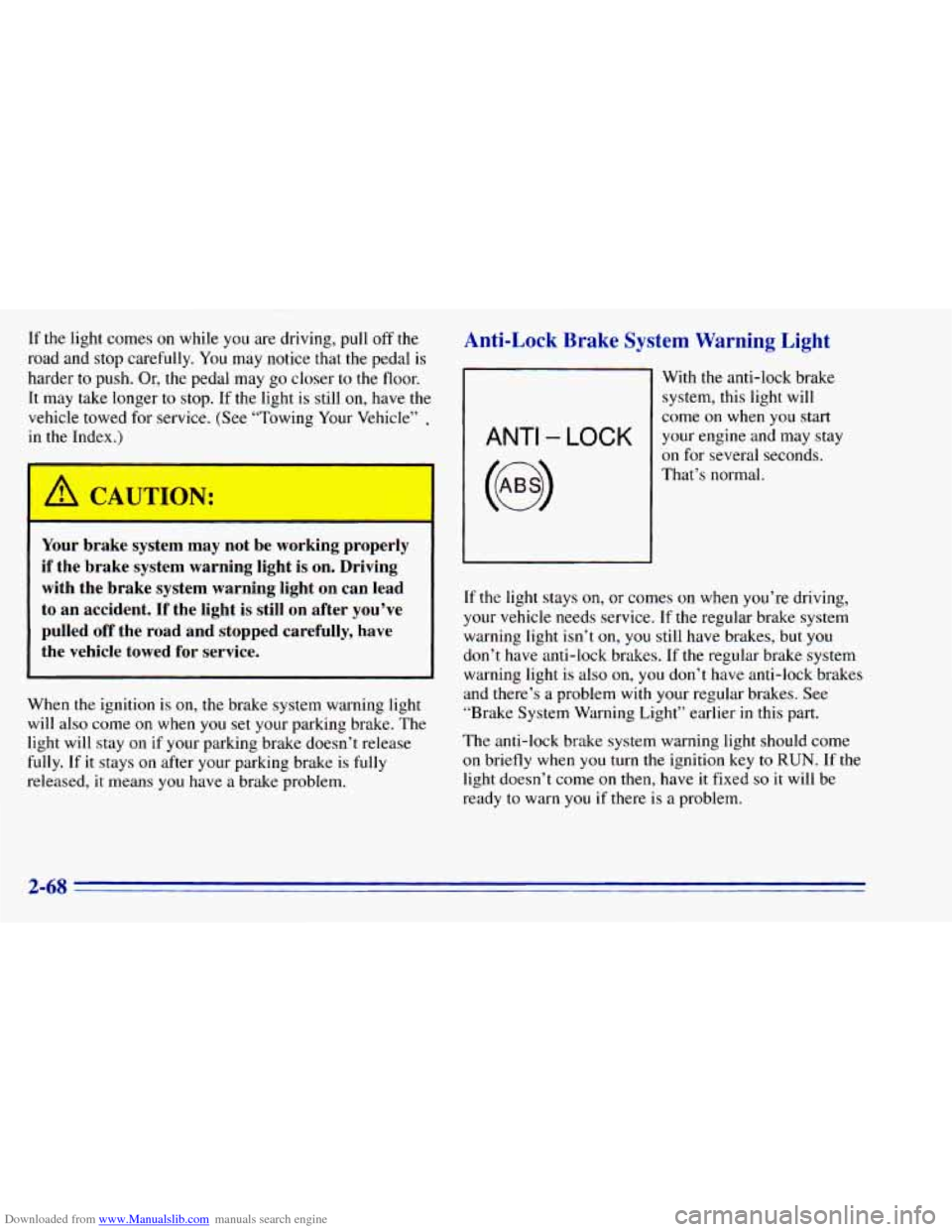
ANTI - LOCK
With the anti-lock brake
system, this light will
come
on when you start
your engine and may stay
on for several seconds.
That’s normal.
If the light stays
on, or comes on when you’re driving,
your vehicle needs service. If the regular brake system
warning light isn’t
on, you still have brakes, but you
don’t have anti-lock brakes. If the regular brake system
warning light is
also on, you don’t have anti-lock brakes
and there’s
a problem with your regular brakes. See
“Brake System Warning Light” earlier
in this part.
The anti-lock brake system warning light should come
on briefly when
you turn the ignition key to RUN. If the
light doesn’t come
on then, have it fixed so it will be
ready to warn
you if there is a problem.
2-68