1996 CHEVROLET BLAZER transmission
[x] Cancel search: transmissionPage 75 of 392
Downloaded from www.Manualslib.com manuals search engine Ensure the shift lever is fully in PARK (P) range
before starting the engine. Your vehicle has a
brake-transmission shift interlock.
You have to fully
apply your regular brakes before you can shift from
PARK (P) when the ignition key is in the RUN position.
If you cannot shift
out of PARK (P), ease pressure
on the shift lever -- push the shift lever all the way
into PARK (P) (press the button in on the console shift
lever) as you maintain brake application. Then shift
into
the gear you wish. See “Shifting Out of PARK (P)” in
the Index.
REVERSE (R): Use this gear to back up.
I NOTICE:
Shifting to REVERSE (R) while your vehicle is
moving forward could damage your transmission.
Shift to
REVERSE (R) only after your vehicle
is stopped.
To rock your vehicle back and forth to get out of snow,
ice or sand without damaging your transmission, see
“Stuck:
In Sand, Mud, Ice or Snow” in the Index.
NEUTRAL (N): In this position, your engine doesn’t
connect with the wheels.
To restart when you’re already
moving,
use NEUTRAL (N) only.
Shifting out of
PARK (P) or NEUTl ,L [lu) wde
your engine is “racing” (running at high speed) is
dangerous. Unless your foot is firmly on the
brake pedal, your vehicle could move very
rapidly. You could lose control and hit people
or objects. Don’t shift out of
PARK (P) or
NEUTRAL (N) while your engine is racing.
NOTICE:
Damage to your transmission caused by shifting
out of
PARK (P) or NEUTRAL (N) with the
engine racing isn’t covered by your warranty.
2-17
Page 76 of 392
Downloaded from www.Manualslib.com manuals search engine AUTOMATIC OVERDRIVE (0): This position is
for normal driving. If you need more power for passing,
and you’re:
Going less than about 35 mph (56 km/h), push your
accelerator pedal about halfway down.
Going about 35 mph (56 km/h) or more, push the
You’ll shift down to the next gear and have more power.
accelerator all the way
down.
AUTOMATIC OVERDRIVE
(0) should not be
used when towing a trailer, carrying a heavy load,
driving on steep hills, or for off-road driving. Select
DRIVE (D) when operating the vehicle under any of
these conditions.
DRIVE (D): This position is also used for normal
driving, however it offers more power and lower fuel
economy than AUTOMATIC OVERDRIVE
(GO). You
should use DRIVE (D) when towing a trailer, carrying a
heavy load, driving
on steep hills or winding roads or
for off-road driving.
SECOND (2): This position gives you more power but
lower fuel economy. You can use
SECOND (2) on hills.
It can help control your speed as you
go down steep
mountain roads, but then you would also want
to use
your brakes
off and on.
You can also use SECOND (2) for starting your vehicle
from a stop
on slippery road surfaces.
FIRST (1): This position gives you even more power
(but lower fuel economy) than SECOND
(2). You can
use
it on very steep hills, or in deep snow or mud. If the
selector lever is put in FIRST (1) while the vehicle is
moving forward, the transmission won’t shift into
FIRST
(1) until the vehicle is going slowly enough.
I NOTICE:
If your rear wheels can’t rotate, don’t try to
drive. This might happen if you were stuck in
very deep sand or mud or were up against a solid
object. You could damage your transmission.
Also, if you stop when going uphill, don’t hold
your vehicle there with only the accelerator pedal.
This could overheat and damage the transmission.
Use your brakes or shift into
PARK (P) to hold
your vehicle in position on a hill.
2-18
Page 77 of 392
Downloaded from www.Manualslib.com manuals search engine Manual Transmission
5-Speed
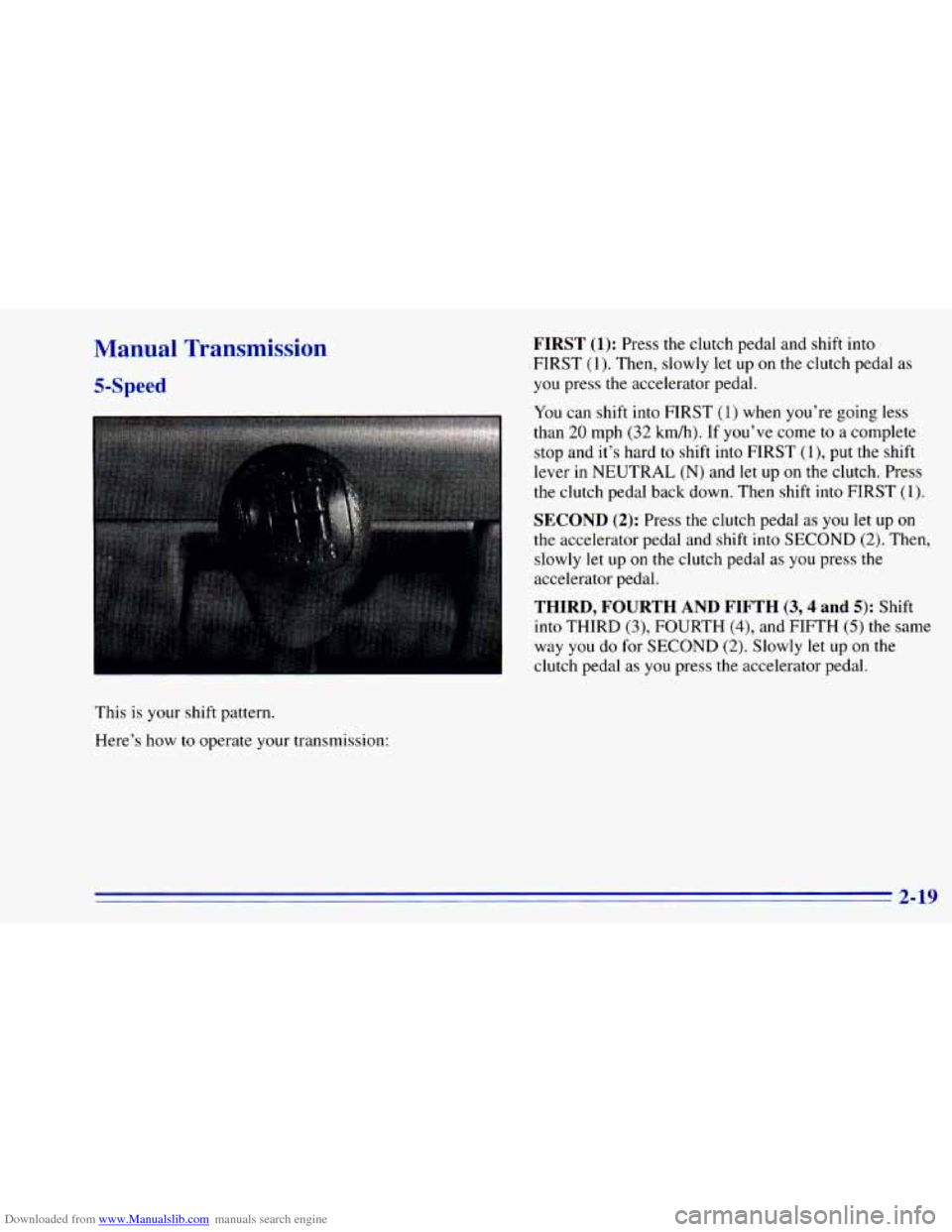
This is your shift pattern.
Here’s how
to operate your transmission:
FIRST (1): Press the clutch pedal and shift into
FIRST (1). Then, slowly
let up on the clutch pedal as
you press
the accelerator pedal.
You can shift
into FIRST (1) when you’re going less
than 20 mph (32 km/h). If you’ve come to a complete
stop and it’s hard to shift into FIRST
(l), put the shift
lever in NEUTRAL (N) and
let up on the clutch. Press
the clutch pedal back down. Then shift into FIRST
(1).
SECOND (2): Press the clutch pedal as you let up on
the accelerator pedal and shift into SECOND
(2). Then,
slowly
let up on the clutch pedal as you press the
accelerator pedal.
THIRD, FOURTH ‘AND FIFTH (3,4 and 5): Shift
into THIRD (3), FOURTH
(4), and FIFTH (5) the same
way you do for SECOND
(2). Slowly let up on the
clutch pedal as
you press the accelerator pedal.
2-19
Page 78 of 392
Downloaded from www.Manualslib.com manuals search engine To stop, let up on the accelerator pedal and press the
brake pedal. Just before the vehicle stops, press the
clutch pedal and the brake pedal, and
shift to
NEUTRAL (N).
NEUTRAL (N): Use this position when you start or
idle your engine.
REVERSE (R): To back up, press the clutch pedal, wait
about six seconds, then shift into REVERSE
(R). Then
let up on the clutch pedal slowly while pressing the
accelerator pedal.
NOTICE:
Shift to REVERSE (R) only after your vehicle is
stopped. Shifting to REVERSE (R) while your
vehicle
is moving could damage your transmission.
Use REVERSE (R), along with the parking brake, for
parking your vehicle.
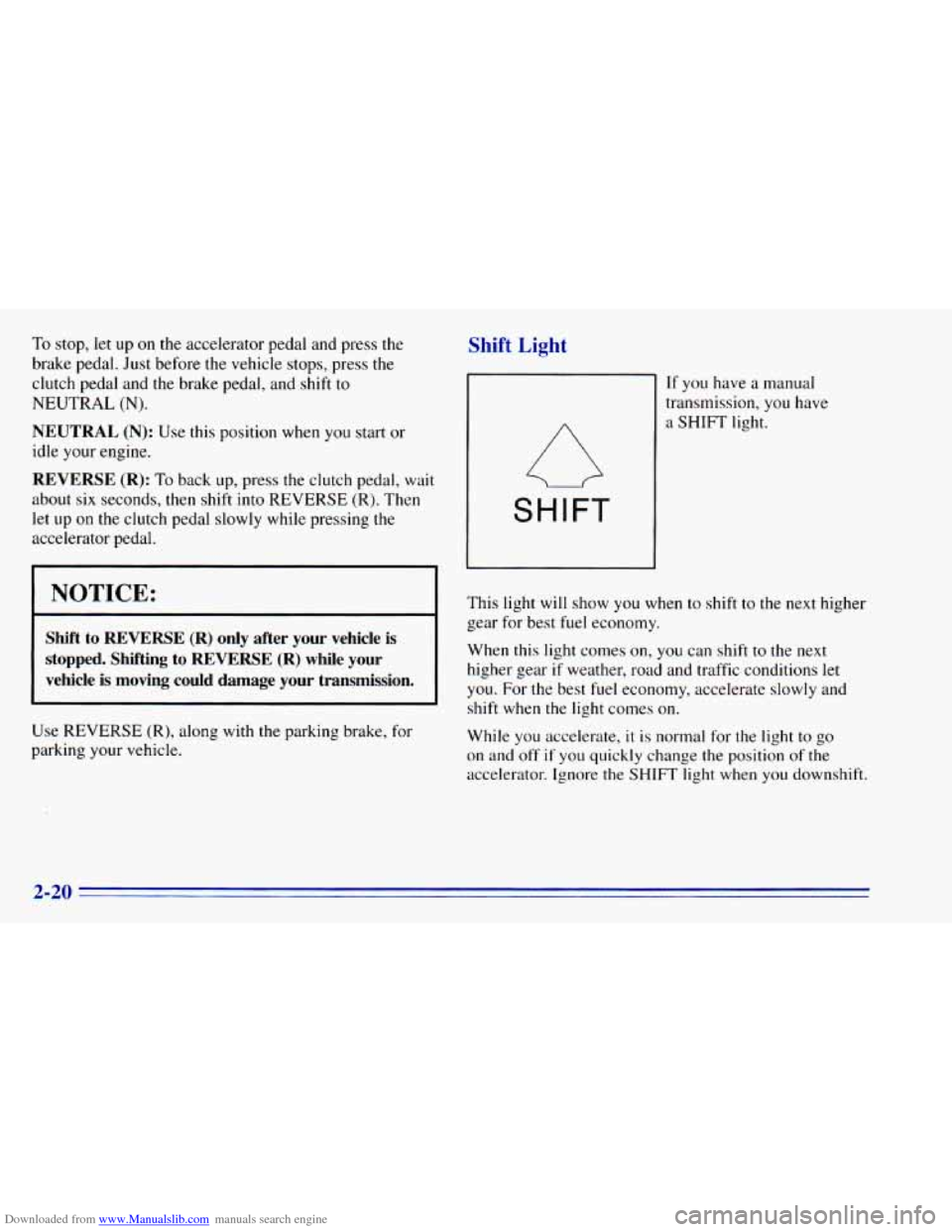
Shift Light
SHIFT
If you have a manual
transmission, you have
a SHIFT light.
This light
will show you when to shift to the next higher
gear for best fuel economy.
When this light comes on,
you can shift to the next
higher gear
if weather, road and traffic conditions let
you. For the best fuel economy, accelerate slowly and
shift when the light comes on.
While you accelerate,
it is normal for the light to go
on and
off if you quickly change the position of the
accelerator. Ignore the SHIFT light when you downshift.
2-20
Page 79 of 392
Downloaded from www.Manualslib.com manuals search engine If you skip more than onc ,ear when you
downshift, you could lose control of your vehicle. And you could injure yourself or others. Don’t shift
down more than one gear when you downshift.
If your vehicle has four-wheel drive and is equipped
with a manual transmission, disregard the shift light
when the transfer case is in
4LO.
Locking Rear Axle
If you have this reature, your rear axle can give you
additional traction
on snow, mud, ice, sand or gravel. It
works like a standard axle most
of the time, but when
one of the rear wheels has no traction and the other does,
the locking feature will allow the wheel with traction to
move the vehicle.
All-Wheel Drive (Option)
If your vehicle has all-wheel drive, your engine’s
driving power is
sent to all four wheels for extra
traction. This
is like four-wheel drive, but there is no
lever or switch to engage or disengage the front
axle.
It is fully automatic and adjusts itself as needed for
road conditions.
Four-wheel Drive (Option)
If your vehicle has four-wheel drive, you can send your
engine’s driving power to all four wheels for extra
traction.
To shift out of two-wheel drive and into
four-wheel drive, move the transfer case shift lever
to
4HI or 4LO. You should use 2HI for most normal
driving conditions.
NOTICE:
Driving in the 4HI or 4LO positions for a long
time on dry or wet pavement could shorten the life of your vehicle’s drivetrain.
2-21
Page 81 of 392
Downloaded from www.Manualslib.com manuals search engine The front axle portion of the diagram on the indicator
will light up when
you shift into four-wheel drive. A
slight delay between shifting and the pattern’s lighting
is normal. If the pattern does
not light up, or if the front
axle lights do not go out after
you shift out of
four-wheel drive, have your dealer check your system.
Turn the INT LIGHTS switch located to the right of
your headlamp switch to dim your transfer case
indicator light when your headlamps or parking lamps
are
on. This will also cause your instrument panel
lights
to dim.
2HI: This setting is for driving in most street and
highway situations. Your front axle is
not engaged in
two-wheel drive.
4HI: This setting engages your front axle to help drive
your vehicle. Use 4HI when you need extra traction,
such as on snowy or icy roads, or in most off-road
situations.
N SET PARK BRAKE: Shift to this neutral setting
only when your vehicle needs
to be towed.
4LO: This setting also engages your front axle to give
you extra traction and provides extra gear reduction.
You may never need 4LO. It sends the maximum power
to all four wheels. You might choose 4LO if you were
driving off-road in sand, mud or deep snow and
climbing
or descending steep hills.
You can shift from 2HI to 4HI or from 4HI to 2HI while
the vehicle
is moving. Do not press the transfer case
shift lever button when shifting from 2HI to 4HI or from
4HI
to 2HI. Your front axle will engage faster if you
take your foot off of the accelerator for a few seconds
after
you shift.
To shift your transfer case into N SET PARK BRAKE:
1. Stop the vehicle and shift your transmission into
NEUTRAL
(N).
2. Set the parking brake. Your vehicle can roll unless
3. Pull the transfer case shift lever into N SET
the brakes are applied.
PARK BRAKE.
2-23
Page 82 of 392
Downloaded from www.Manualslib.com manuals search engine To shift into or out of 4LO:
1. The vehicle must be moving less than 3 mph
(4.8 kmrdh) with the transmission in NEUTRAL (N)
for an automatic transmission. For a manual
transmission, the clutch pedal must be engaged.
The preferred method for shifting into or
out of
4LO is to have your vehicle moving 1 to 2 mph
(1.6 to 3.2 kdh).
2. Press the transfer case shift button and shift in one
continuous motion.
Don’t pause
in N SET PARK BRAKE as you shift into
or out
of 4L0, or your gears could clash.
Remember that driving in
4HI or 4LO may reduce
fuel economy.
Also, driving in four-wheel drive on
dry.pavement could cause your tires to wear faster and
make your transfer case harder
to shift and reduce
powertrain longevity.
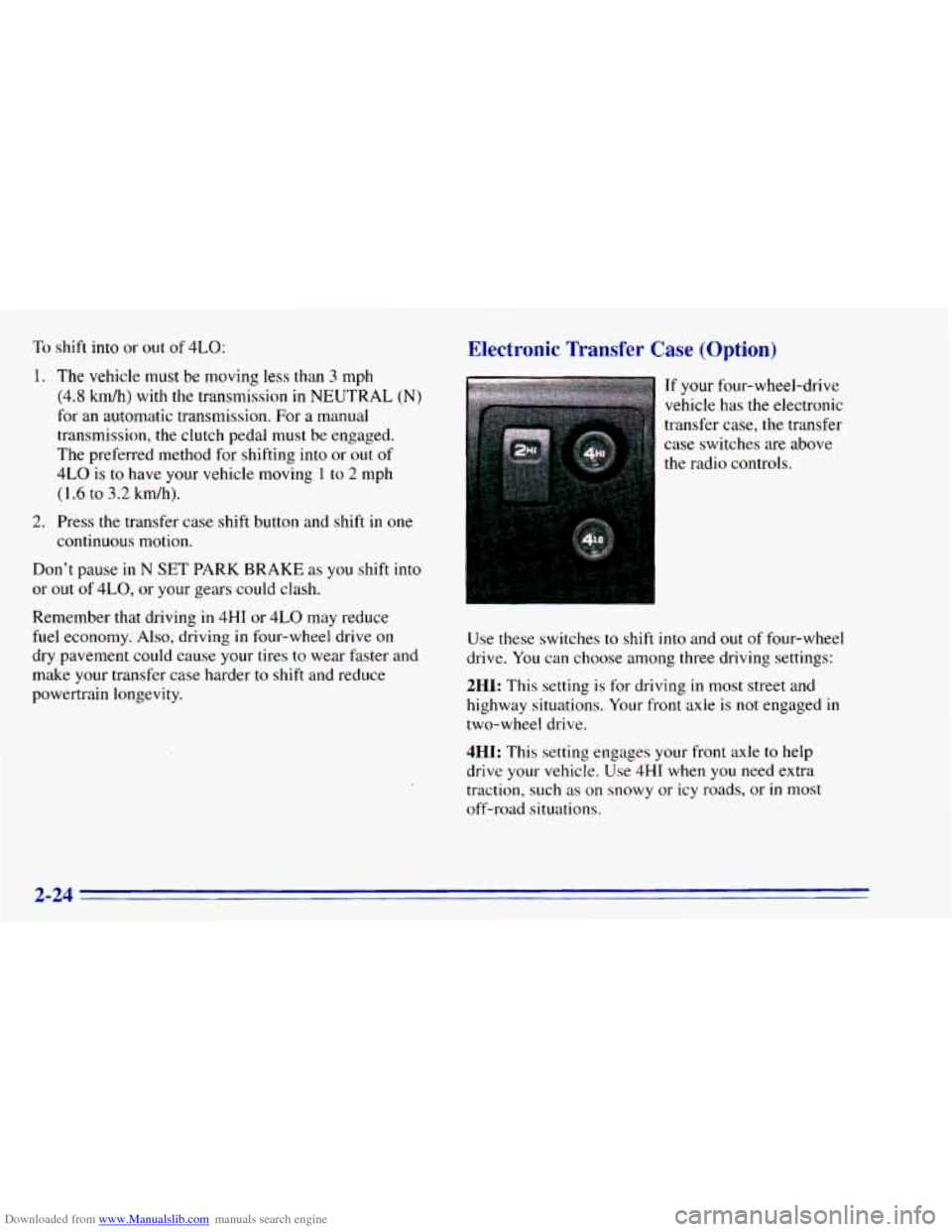
Electronic Transfer Case (Option)
If your four-wheel-drive
vehicle has the electronic
transfer case, the transfer
case switches are above
the radio controls.
Use these switches to shift into and out of four-wheel
drive. You can choose among three driving settings:
2HI: This setting is for driving in most street and
highway situations. Your front axle is
not engaged in
two-wheel drive.
4HI: This setting engages your front axle to help
drive your vehicle.
Use 4HI when you need extra
traction, such as on snowy or icy roads, or
in most
off-road situations.
2-24
Page 83 of 392
Downloaded from www.Manualslib.com manuals search engine 4LO: This setting also engages your front axle to give
you extra traction. You may never need 4LO. It sends
the maximum power to all four wheels. You might
choose 4LO
if you were driving off-road in sand, mud
or deep snow and climbing or descending steep hills.
Indicator lights
in the switches show you which setting
you are in. The indicator lights will come on briefly when
you turn
on the ignition and one will stay on. If the lights
do not come on, you should take your vehicle
in for
service. An indicator light will flash while shifting.
It will
remain illuminated when the shift is completed.
Shifting from 2HI to 4HI'
Press and release the 4HI switch. This can be done at
any speed, and the front axle will lock automatically.
Shifting from 4HI to 2HI
Press and release the 2HI switch. This can be done at
any speed, and the front axle will unlock automatically.
Shifting from 2HI or I1 to 4LO
To shift from tHI or 4HI to 4L0, the vehicle must be
stopped or moving less than
3 mph (4.8 km/h) with the
transmission
in NEUTRAL (N) in vehicles equipped with an
automatic transmission or the clutch pedal
engaged in vehicles equipped with a manual
transmission. The preferred method for shifting into
4LO is
to have your vehicle moving 1 to 2 mph
(1.6
to 3.2 km/h). Press and release the 4LO switch.
You must wait for the 4LO indicator light to stop
flashing and remain illuminated before shifting your
transmission
into gear or releasing the clutch pedal.
If the 4LO switch is pressed when your vehicle is in
gear and/or moving, the 4LO indicator light will flash
for
30 seconds and not complete the shift unless your
vehicle is moving slower than
3 mph (4.8 km/h) and
the transmission is in NEUTRAL (N) or the clutch
pedal engaged.
On automatic transmission equipped vehicles, if your
transfer case does not shift into 4L0, your transmission
indicator switch may require adjustment. With your
transmission
in NEUTRAL (N), press and release the
4LO switch. While the 4LO indicator light is flashing,
shift your transmission into PARK (P). Wait until the
4LO indicator light remains illuminated before shifting
your transmission
into gear. This will get you into 4L0,
but you should take your vehicle
in for service to restore
normal operation.
2-25