1996 CADILLAC SEVILLE ESP
[x] Cancel search: ESPPage 105 of 354
Downloaded from www.Manualslib.com manuals search engine The first -prompt to appear relates to the automatic door
locks. This feature can be bypassed by pressing the
INFO button. The STORAGE MODE? prompt appears
next. To select, press the RESET button. ENABLE
STORAGE MODE? will then appear. A yes or no
response must be given.
If the INFO (no) button is
pressed,
the DISABLE STORAGE MODE? prompt will
appear. Once again,
a yes or no response is required.
Once the battery guard has been programmed, your
vehicle will enter the storage mode approximately
20 minutes after the ignition key has been turned off.
The RKE will also be disabled at this point. The RKE
will reactivate when a door or the trunk is opened,
however, if your vehicle is left inactive for another
20 minutes the RKE will re-enter the storage mode.
Your vehicle will stay in the storage mode until the
ignition key is turned out of
LOCK. The system will
“wake-up” when the door key is inserted into the door
however, your vehicle will remain
in the storage mode.
The ignition must be out of
LOCK before the battery
guard is disabled.
Mirrors
Electrochromic DaylNight Rearview Mirror
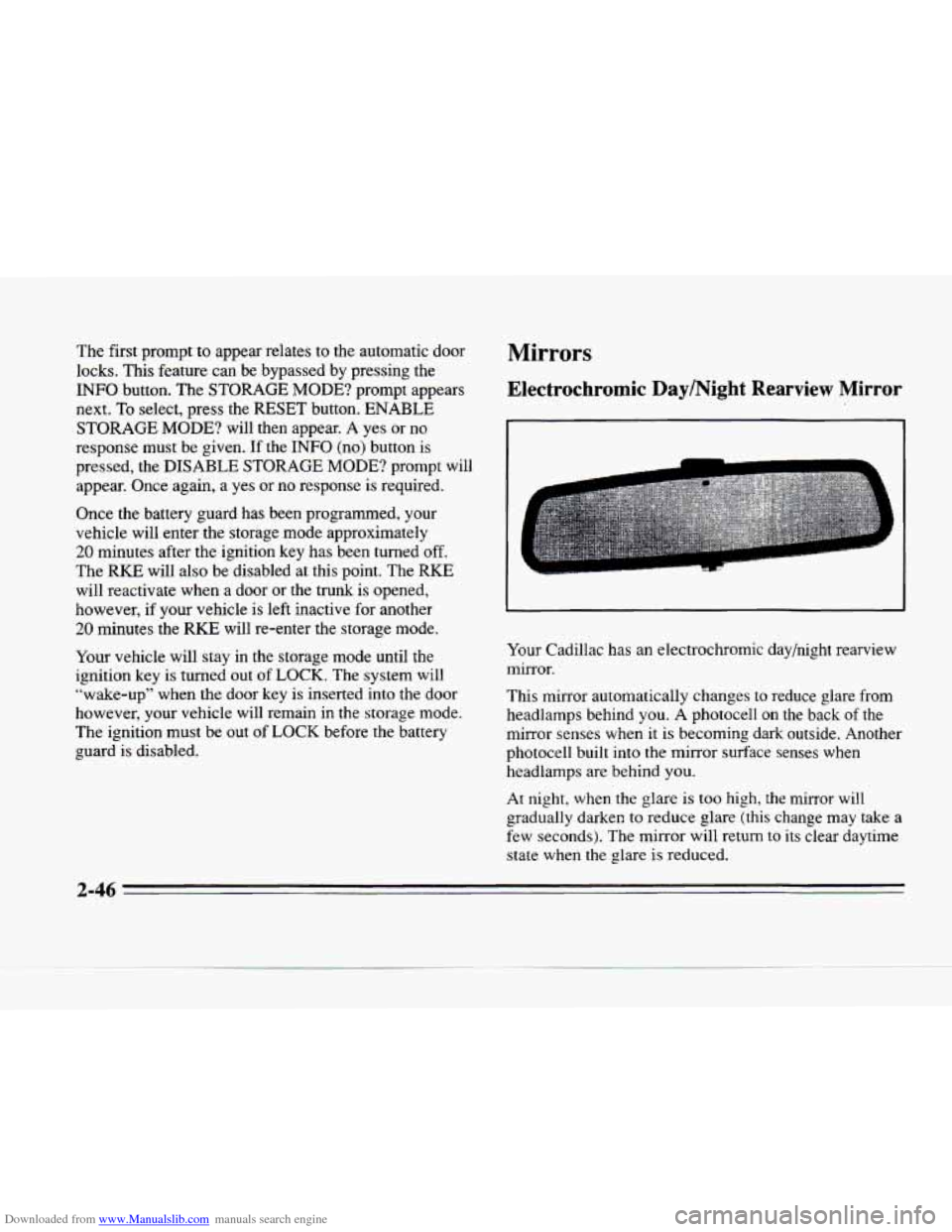
Your Cadillac has an electrochromic day/night rearview
mirror.
This mirror automatically changes to reduce glare from
headlamps behind you. A photocell
on the back of the
mirror senses when it
is becoming dark outside. Another
photocell built into the mirror surface senses when
headlamps are behind you.
At night, when the glare is too high,
the mirror will
gradually darken to reduce glare (this change may take
a
few seconds). The mirror will return to its clear daytime
state when the glare is reduced.
2-46
Page 145 of 354
Downloaded from www.Manualslib.com manuals search engine TRANSMISSION HOT - 112: This messages indicates
that the transmission fluid in your vehicle is too hot
(message apppears when fluid temperature has reached
266°F (1 30°C) for 15 minutes or when the temperature
reaches
291 OF (144°C) for 32 seconds). Have your
vehicle serviced immediately.
TRUNK OPEN - 24: This message indicates that the
trunk
is open when the ignition is in RUN.
TURN SIGNAL ON - 20: This message is a reminder,
after driving about
a mile, that you have the turn signal on.
VEHICLE SPEED LIMITED TO XXX MPH
(KM/H) - 113: A failure in the suspension control
system has occurred when this message appears. The
PCM determines the speed your vehicle is limited to.
Have your Cadillac serviced if this message appears.
VERY LOW REFRIGERANT A/C COMPRESSOR
OFF - 12: This message means that the air conditioning
system detects a refrigerant level that is
low enough to
cause damage to
the A/C compressor. To avoid damage
the
A/C compressor automatically turns off and the
Electronic Climate Control will automatically switch
from
AUTO to ECON and remain there. Have the A/C
system serviced if this message appears.
Traction Active
When your traction control system is limiting wheel
spin, the TRACTION ACTIVE message will be
displayed. SIippery road conditions may exist
if this
message is displayed,
so adjust your driving
accordingly. This message will stay
on for a few
seconds after the traction control system stops
limiting wheel spin.
Trip Computer
Road Sensing Suspension
The Road Sensing Suspension (RSS) and the optional
Continuous Variable-Road Sensing Suspension
(CV-RSS) automatically adjust the ride
of your vehicle,
with the CV-RSS having
a wider range of control.
Automatic ride control is achieved through the
RSS
controller, a computer used to control and monitor the
suspension system. The controller receives inputs from
various sensors
to determine the proper system response.
If the controller detects a problem
within the system, the
DIC will display
a SERVICE RIDE CONTROL
message. If this message appears, have your vehicle
serviced at your Cadillac dealership.
2-86
Page 181 of 354
Downloaded from www.Manualslib.com manuals search engine Understanding Radio Reception
FM Stereo
FM stereo will give you the best sound. But FM signals
will reach only about
10 to 40 miles (16 to 65 km). Tall
buildings
or hills can interfere with FM signals, causing
the sound to come and go.
AM The range
for most AM stations is greater than for FM,
especially at night. The longer range, however, can
cause stations to interfere with each other.
AM can pick
up noise from things like
storms and power lines. Try
reducing the treble to reduce this noise if you ever get it.
Tips About Your Audio System
Hearing damage from loud noise is almost undetectable
until
it is too late. Your hearing can adapt to higher
volumes
of sound. Sound that seems normal can be loud
and harmful to your hearing. Take precautions by
adjusting the volume control
on your radio to a safe
sound level before your hearing adapts to
it.
To help avoid hearing loss or damage:
Adjust the volume control to the lowest setting.
Increase volume slowly until you hear comfortably
and clearly.
NOTICE:
Before you add any sound equipment to your
vehicle
-- like a tape player, CB radio, mobile
telephone or two-way radio
-- be sure you can
add what you want.
If you can, it’s very important
to do it properly. Added sound equipment may
interfere with the operation of your vehicle’s
engine, Cadillac radio or other systems, and even
damage them. Your vehicle’s systems
may
interfere with the operation of sound equipment
that has been added improperly.
So, before adding sound equipment, check with
your dealer and
be sure to check Federal rules
covering mobile radio and telephone units.
3-34
Page 187 of 354
Downloaded from www.Manualslib.com manuals search engine The body takes about an hour to rid itself of the alcohol
in one drink.
No amount of coffee or number of cold
showers will speed that up. “I’ll be careful” isn’t the
right answer. What if there’s an emergency, a need to
take sudden action,
as when a child darts into the street?
A person with even a moderate BAC might not be able
to
react quickly enough to avoid the collision.
There’s something else about drinking and driving that
many people don’t
know. Medical research shows that
alcohol in
a person’s system can make crash injuries
worse, especially injuries to the brain, spinal cord
or
heart. This means that when anyone who has been
drinking
-- driver or passenger -- is in a crash, that
person’s chance
of being killed or permanently disabled
is higher than if the person had not been drinking.
I’ A CAUTION:
Drinking and then driving is very dangerous.
Your reflexes, perceptions, attentiveness and
judgment can be affected
by even a small amount
of alcohol. You can have a serious -- or even
fatal
-- collision if you drive after drinking.
Please don’t drink and drive or ride with
a driver
who has been drinking. Ride home in
a cab; or if
you’re with
a group, designate a driver who will
not drink.
4-4
-.
Page 191 of 354
Downloaded from www.Manualslib.com manuals search engine Remember: Anti-lock doesn’t change the time you need
to get your foot up to the brake pedal or always decrease
stopping distance. If
you get too close to the vehicle in
front
of you, you won’t have time to apply your brakes
if that vehicle suddenly slows or stops. Always leave
enough room up ahead to stop, even though you have
anti-lock brakes.
Using Anti-Lock
Don’t pump the brakes. Just hold the brake pedal down
and let anti-lock work for
you. You may hear the
anti-lock pump or motor operate, and feel the brake
pedal pulsate, but this is normal.
Traction Control System.
Your vehicle has a traction control system that limits
wheel spin. This is especially useful in slippery road
conditions. The system operates only if
it senses that one
or both of the front wheels are spinning or beginning to
lose traction. When this happens, the system works the
front brakes and reduces engine power to limit wheel
spin.
The TRACTION ACTIVE message will display on the
Driver Information Center when the traction control
system is limiting wheel spin. See “Driver Information
Center Messages’’ in the Index.
You may feel or hear the
system working, but this
is normal.
If your vehicle is in cruise control when the traction
control system begins to limit
wheel spin, the cruise
control will automatically disengage. When road
conditions allow you to safely
use it again, you may
re-engage the cruise control.
(See “Cruise Control’’ in
the Index.)
c
4-8
Page 192 of 354
Downloaded from www.Manualslib.com manuals search engine c
TRACTION
CONTROL
L
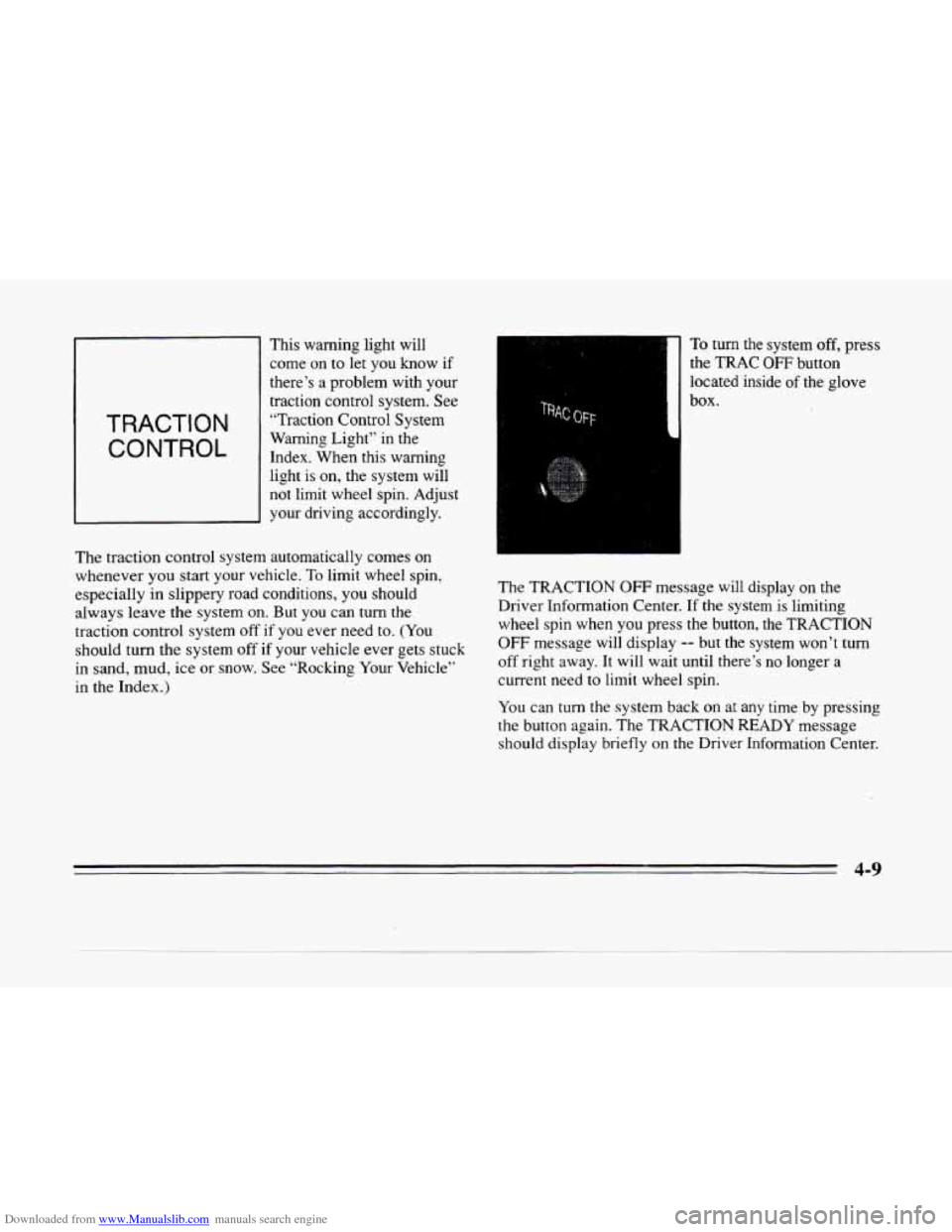
This warning light will
come on to let you know
if
there’s a problem with your
traction control system. See
“Traction Control System
Warning Light” in the
Index. When this warning
light is on, the system will
not limit wheel spin. Adjust
your driving accordingly.
The traction control system automatically comes on
whenever you start your vehicle.
To limit wheel spin,
especially in slippery road conditions, you should
always leave the system on. But you can turn the
traction control system
off if you ever need to. (You
should turn the system
off if your vehicle ever gets stuck
in sand, mud, ice or snow. See “Rocking Your Vehicle’‘
in the Index.)
1
To turn the system off, press
the
TRAC OFF button
located inside
of the glove
box.
The TRACTION
OFF message will display on the
Driver Information Center.
If the system is limiting
wheel spin when you press the button, the TRACTION
OFF message will display -- but the system won’t turn
off right away. It will wait until there’s no longer a
current need
to limit wheel spin.
You can turn the system back on at any time by pressing
the button again. The TRACTION
READY message
should display briefly on the Driver Information Center.
4-9
Page 196 of 354
Downloaded from www.Manualslib.com manuals search engine c
c
Passing
The driver of a vehicle about to pass another on a
two-lane highway waits for just the right moment,
accelerates, moves around the vehicle ahead, then goes
back into the right lane again.
A simple maneuver?
Not necessarily! Passing another vehicle on a two-lane
highway is a potentially dangerous move, since the
passing vehicle occupies the same lane as oncoming
traffic for several seconds.
A miscalculation, an error in
judgment, or a brief surrender to frustration or anger can
suddenly put
the passing driver face to face with the
worst of all traffic accidents
-- the head-on collision.
So here are some tips for passing:
0 “Drive ahead.” Look down the road, to the sides ana IO
crossroads for situations that might affect your passing
patterns.
If you have any doubt whatsoever about
making a successful pass, wait for a better time.
0 Watch for traffic signs, pavement markings and lines.
If you can see a sign up ahead that might indicate a
turn or an intersection, delay your pass. A broken
center line usually indicates it’s
all right to pass
(providing the road ahead
is clear). Never cross a solid
line on your side of the lane or a double solid line,
even
if the road seems empty of approaching traffic.
0 Do not get too close to the vehicle you want to pass
while you’re awaiting an opportunity. For one thing,
following too closely reduces your area of vision,
especially if you’re following a larger vehicle. Also,
you won’t have adequate space if the vehicle ahead
suddenly slows or stops. Keep back
a reasonable
distance.
0 When it looks like a chance to pass is coming up,
start to accelerate but stay in the right lane and don’t
get too close. Time your move
so you will be
increasing speed as the time comes
to move into the
other lane.
If the way is clear to pass, you will have a
“running start” that more than makes up for the
distance you would lose by dropping back. And
if
something happens to cause you to cancel your pass,
you need only slow down and drop
back again and
wait for another opportunity.
0 If other cars are lined up to pass a slow vehicle, wait
your turn. But take care that someone isn’t trying to
pass you
as you pull out to pass the slow vehicle.
Remember to glance over your shoulder
and check
the blind spot.
Page 197 of 354
Downloaded from www.Manualslib.com manuals search engine 0 Check your mirrors, glance over your shoulder and
start your left lane change signal before moving out
of the right lane
to pass. When you are far enough
ahead
of the passed vehicle to see its front in your
inside mirror, activate your right lane change signal
and move back into the right lane. (Remember that
your right outside mirror is convex. The vehicle you
just passed may seem
to be farther away from you
than
it really is.)
0 Try not to pass more than one vehicle at a time on
two-lane roads. Reconsider before passing the next
vehicle.
0 Don’t overtake a slowly moving vehicle too rapidly.
Even though the brake lamps are not flashing, it may
be slowing down
or starting to turn.
If you’re being passed, make it easy for the
following driver
to get ahead of you. Perhaps you
can ease a little
to the right.
Loss of Control
Let’s review what driving experts say about what
happens when the three control systems (brakes, steering
and acceleration) don’t have enough friction where the
tires meet the road
to do what the driver has asked.
In any emergency, don’t give up. Keep trying to steer and
constantly seek
an escape route or area of less danger.
Skidding
In a skid, a driver can lose control of the vehicle.
Defensive drivers avoid most skids by taking reasonable
care suited to existing conditions, and by not “overdriving”
those conditions. But skids
are always possible.
The three types of skids correspond to your Cadillac’s
three control systems. In the braking skid, your wheels
aren’t rolling. In the steering or cornering skid, too
much speed or steering in a curve causes tires
to slip and
lose cornering force.
And in the acceleration skid, too
much throttle causes the driving wheels
to spin.
A cornering skid is best handled
by easing your foot off
the accelerator pedal.
Remember: Any traction control system helps avoid
only the acceleration skid.
If your traction control system is off. then an
acceleration skid is also best handled by easing your
foot off the accelerator pedal.
If your vehicle starts to slide, ease your foot off
the
accelerator pedal and quickly steer the way you want the
vehicle to go. If you start steering quickly enough, your
vehicle may straighten
out. Always be ready for a
second
skid if it occurs. .. Y
-
4-14