1995 PONTIAC PONTIAC ignition
[x] Cancel search: ignitionPage 119 of 354

Low Oil Level Light Security Light
Your engine is equipped
with an oil level monitoring
system. When the ignition
key is turned on, the LOW
OIL LEVEL light will
briefly flash. If the light
does not flash, have it fixed
so it will be ready to warn
you if there’s
a problem.
If the light stays on, stop the vehicle on a level surface
and
turn the engine off. Check the oil level using the
This light will come on
when you turn the key to
START and stay on until the
vehicle starts. It will also
come on and stay on if your
key is too
dirty or wet for
the PASS-Key@II system to
read the resistor pellet.
If the resistor pellet is damaged or missing, the light will
flash.
engine oil dipstick. (See “Engine Oil” in the Index.) If you’re driving and the light comes on and remains on,
If‘ the light does not flash, have the low oil level sensor your PASS,Key~II system is not working properly.
a problem. and you system repaired SO it will be ready to warn you if there’s Your vehicle is not protected by
should see your dealer.
The
oil level monitoring system only checks oil level
during the brief period between key on and engine
crank.
It does not monitor engine oil level when the
engine is running. Additionally, an oil level check is
only performed
if the engine has been turned off for a
considerable period of time, allowing the oil normally
in
circulation to drain back into the oil pan.
2-58
ProCarManuals.com
Page 121 of 354
Control Buttons
The trip calculator has three buttons that control its
functions.
MODE: Press this button to change the mode being
displayed.
EM: Press this button to change the display from
English to metric units or metric to English.
RESET Press this button for one second to reset the
mode displayed.
If you push and hold RESET for more
than five seconds, all the modes will reset. You can’t
reset
INST ECON, RANGE or EXT TEMP.
Head-Up Display (Option)
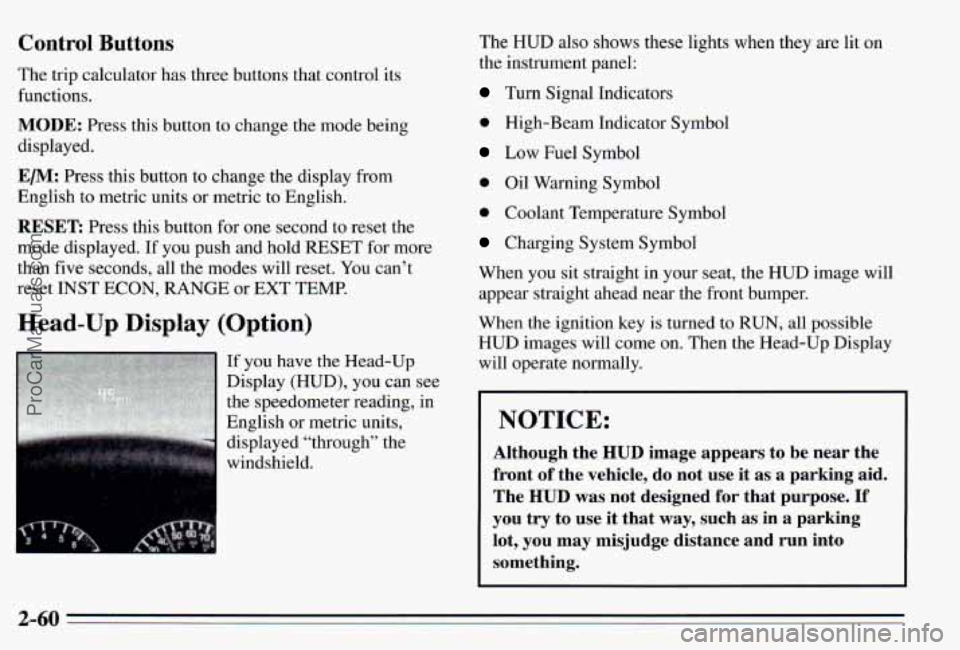
If you have the Head-Up
Display (HUD), you can see
the speedometer reading, in
English or metric units,
displayed “through” the
windshield. The
HUD also shows these lights when they are
lit on
the instrument panel:
Turn Signal Indicators
0 High-Beam Indicator Symbol
Low Fuel Symbol
0 Oil Warning Symbol
0 Coolant Temperature Symbol
Charging System Symbol
When you sit straight in your seat, the HUD image will appear straight ahead near the front bumper.
When the ignition key is turned
to RUN, all possible
HUD images will come on. Then the Head-Up Display
will operate normally.
NOTICE:
Although the HUD image appears to be near the
front
of the vehicle, do not use it as a parking aid.
The
HUD was not designed for that purpose. If
you try to use it that way, such as in a parking
lot, you may misjudge distance and run into
something.
2-60
ProCarManuals.com
Page 123 of 354
Care of the Head-Up Display
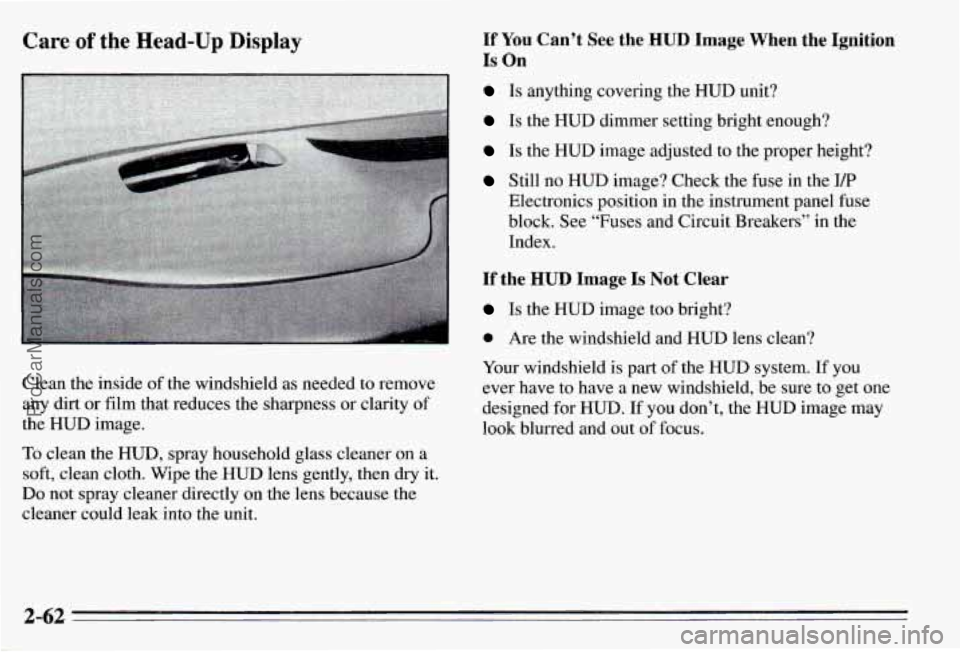
Clean the inside of the windshield as needed to remove
any dirt or film that reduces the sharpness or clarity of
the HUD image.
To clean the HUD, spray household glass cleaner on a
soft, clean cloth. Wipe the HUD lens gently, then dry it.
Do not spray cleaner directly on the lens because the
cleaner could leak into the unit.
If YOU Can’t See the HUD Image When the Ignition
Is On
Is anything covering the HUD unit?
Is the HUD dimmer setting bright enough?
Is the HUD image adjusted to the proper height?
Still no HUD image? Check the fuse in the I/P
Electronics position in the instrument panel fuse
block. See “Fuses and Circuit Breakers” in the
Index.
If the HUD Image Is Not Clear
Is the HUD image too bright?
0 Are the windshield and HUD lens clean?
Your windshield
is part of the HUD system. If you
ever have to have a new windshield, be sure to get one
designed for HUD.
If you don’t, the HUD image may
look blurred and out of focus.
2-62
ProCarManuals.com
Page 129 of 354
Rear Window Defogger
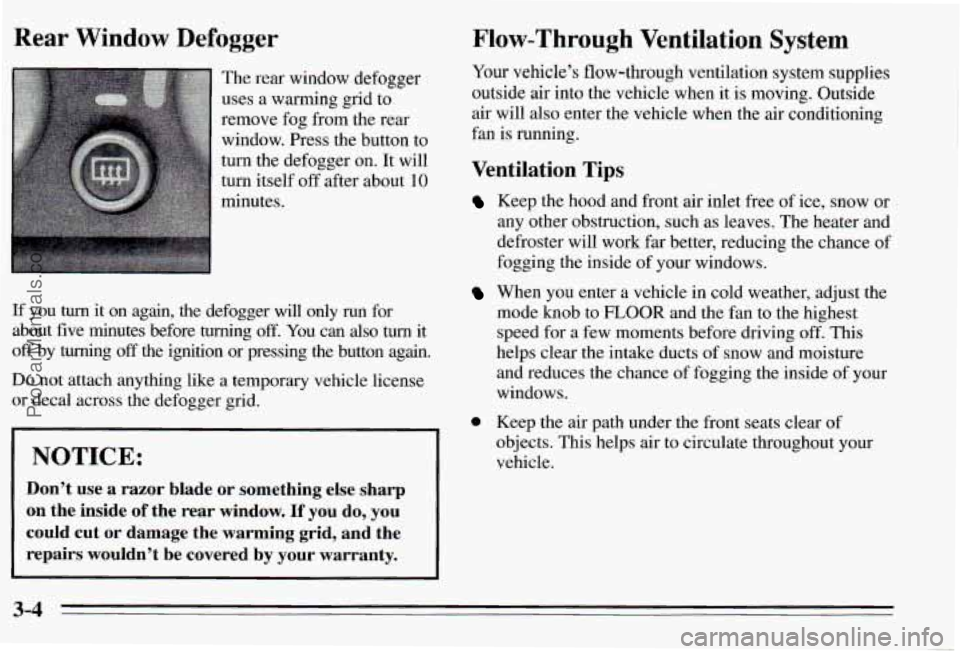
The rear window defogger
uses a warming grid to
remove fog from the rear
window. Press the button to
turn the defogger on. It will
turn itself off after about 10
minutes.
If you turn it on again, the defogger will only run for
about five minutes before turning
off. You can also turn it
off by turning off the ignition or pressing the button again.
Flow-Through Ventilation System
Your vehicle’s flow-through ventilation system supplies
outside air into the vehicle when it
is moving. Outside
air
will also enter the vehicle when the air conditioning
fan is running.
Ventilation Tips
Do not attach anything like a temporary vehicle license
or decal across the defogger grid.
0
NOTICE:
Don’t use a razor blade or something else sharp
on the inside
of the rear window. If you do, you
could cut or damage the warming grid, and the
repairs wouldn’t be covered by your warranty.
Keep the hood and front air inlet free of ice, snow or
any other obstruction, such as leaves. The heater and
defroster will work
far better, reducing the chance of
fogging the inside of your windows.
When you enter a vehicle in cold weather, adjust the
mode knob to
FLOOR and the fan to the highest
speed for a few moments before driving off.
This
helps clear the intake ducts of snow and moisture
and reduces the chance of fogging the inside of your
windows.
Keep the air path under the front seats clear of
objects. This helps
air to circulate throughout your
vehicle.
3-4
ProCarManuals.com
Page 130 of 354
Audio Systems
Your Delco@ audio system has been designed to operate
easily and give years
of listening pleasure. You will get
the
most enjoyment out of it if you acquaint yourself
with
it first. Find out what your Delco@system can
do and how to operate all its controls, to be sure you’re
getting the
most out of the advanced engineering that
went into it.
Setting the Clock
Radio Without Cassette Tape or Compact Disc Player
1. With the ignition on, press SET. SET will appear on
2.
3.
the display for five seconds.
Press and hold the up arrow on the
SEEK button
until the correct minute appears.
Press and hold the down arrow on the
SEEK button
until the correct hour appears.
Radio with Cassette Tape or Compact Disc Player
1. Press and hold HR until the correct hour appears.
2. Press and hold MIN until the correct minute appears.
AM/FM Stereo Radio
Playing the Radio
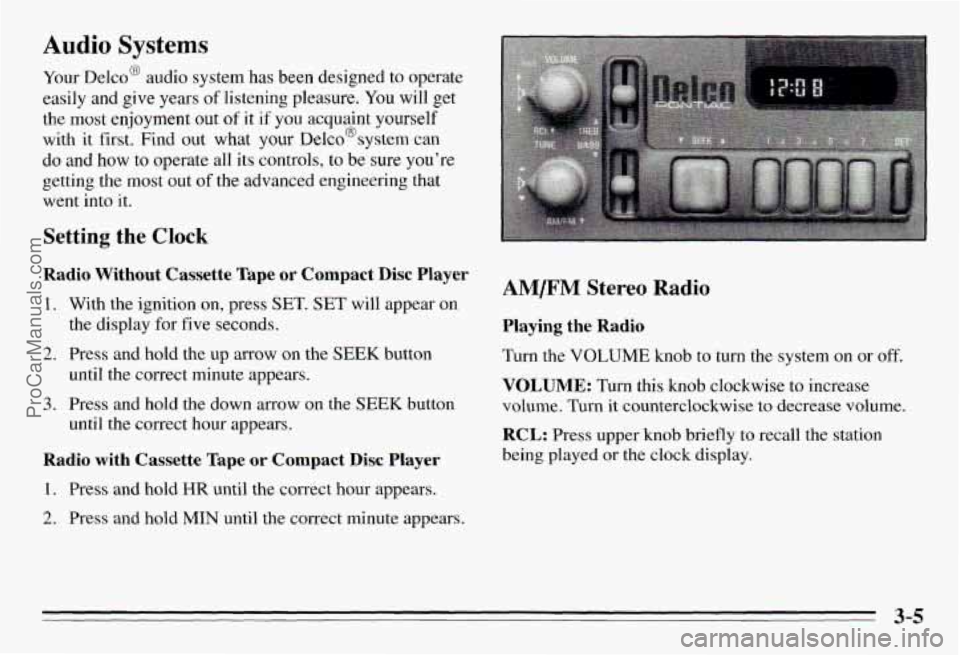
Turn the VOLUME knob to turn the system on or off.
VOLUME: Turn this knob clockwise to increase
volume. Turn it counterclockwise to decrease volume.
RCL: Press upper knob briefly to recall the station
being played
or the clock display.
3-5
ProCarManuals.com
Page 132 of 354
Optional AM/F” Stereo Radios
If your Pontiac has a radio with a cassette tape player,
a compact disc player or a graphic equalizer, the
instructions below will explain how to use the radio.
For other features, see the instructions
for the feature
your radio has.
Playing the Radio
Push POWER to turn the system on or off.
VOL: Turn this knob clockwise to increase volume.
Turn it counterclockwise to decrease volume.
RECALL: Press this button briefly to recall the station
being played or the clock display.
If you press the button
when the ignition
is off, the clock will show for a few
seconds.
Finding a Station
AMm: Press this button to get AM, FMl or FM2.
The display shows your selection.
TUNE: Press this knob lightly so it extends. Turn it to
choose radio stations. Push the knob back in when
you’re not using
it.
SEEK: Press the up or down arrow to go to the next
higher
or lower station.
Presets: The six pushbuttons let you return to your
favorite stations. You can set up to
18 stations (6 AM,
6 FM1 and 6 FM2).
1. Press AMRM to select the band.
2. Find the station you want.
3. Press and hold one of the six numbered butt S.
4. The sound will mute. When it returns and SET
appears on the display, release the button.
Whenever you press that numbered button, the station
you set will return.
Adjusting the Speakers
BAL: Press this knob lightly so it extends. Turn the
knob
to move the sound to the left or right speakers. The
middle position is
a detent and balances the speakers.
FADE: Press the knob lightly so it extends. Turn the
knob to move the sound to the front or rear speakers.
The middle position is
a detent and balances the
speakers.
Push the knob back in when you’re not using
it.
3-7
ProCarManuals.com
Page 137 of 354
Entering a Code Unlocking the System
1.
2.
3.
4.
5.
6.
7.
8.
9.
Write down any number from 000 to 1999. This is
your code.
Turn the ignition to ACC or
RUN.
Turn the radio off.
Press the
1 and 4 preset buttons at the same time and
hold until
“- - -” shows-on the display.
You now have only 15 seconds between each of the
following steps.
Press MIN and
“000” will appear on the display.
Press
MIN again and hold until the last two digits of
your code appear.
Press and hold
HR until the first digit or digits of
your code appear.
Press
A” after you make sure the code matches
the one you wrote down. “rEP” will appear on the
display, meaning you should repeat Steps
5 through 7.
After you repeat the steps, press A”. SEC
should appear on the display, meaning your system is
secured.
If your ignition is off, the THEmZOCK
indicator light on the radio face will flash.
Store the paper with your code written on it in
a safe
place (not in your vehicle).
If battery power is removed €or any reason, LOC will
appear on
the display when power is reapplied. You will
need to enter your code to unlock the system. You have
only 15 seconds between each of the following steps.
1. Turn the ignition on. LOC will appear on the display.
2. Press MIN and “000” will appear on the display.
3. Press MIN again and hold until the last two digits of
4. Press and hold HR until the first digit or digits of
your code appear.
your
code appear.
5. Press AM/FM after you make sure the code matches
the one you wrote down.
SEC should appear on the
display, meaning you can now use your system, and.
it is secured. If LOC appears, you entered the wrong
code and the system is still locked.
If you enter the wrong code eight times, InOP will
appear on the display. You will have to wait an hour
with the ignition on before you can try again. When you
try again, you will only have
three chances to enter the
correct code before InOP appears.
If you lose or forget your code and cannot unlock the
system, contact you dealer.
3-12
ProCarManuals.com
Page 138 of 354
Disabling THEFTLOCK
If you want to turn off THEFTLOCK, you will neea to
enter
your code. If you lose or forget your code, see
your dealer.
1. Turn the ignition on and the radio off.
2. Press the 1 and 4 preset buttons at the same time and
hold until
SEC shows on the display.
You now have only
1.5 seconds between each of the
following steps.
3. Press MIN and “000” will appear on the display.
4. Press MIN again and hold until the last two digits of
your code appear.
5. Press and hold HR until the first digit or digits of
your code appear.
the one you wrote down.
“- - -” should appear on the
display, meaning your system
is unsecured. If SEC
appears, you entered the wrong code and the system
is still secured.
6. Press AMEM after you make sure the code matches
Understanding Radio Reception
FM Stereo
FM Stereo will give you the best sound, but mVr signals
will reach only about 10 to
40 miles (1 6 to 65 km). Tall
buildings or hills can interfere with
FM signals, causing
the sound to come and go.
I
AM
The range for most AM stations is greater than for FM,
especially at night. The longer range, however, can
cause stations to interfere with each other.
AM can also
pick up noise from things like storms and power lines.
To lower this noise,
try reducing the treble level.
3-13
ProCarManuals.com