Page 75 of 354

To start your engine:
1. Without pushing the accelerator pedal, turn your
ignition
key to START. When the engine starts, let
go of the key. The idle speed will
go down as your
engine gets warm.
NOTICE:
Holding your key in START for longer than
15 seconds at a time will cause your battery to
be drained much sooner. And the excessive heat
can damage your starter motor.
2. If your engine won’t start (or starts but then stops),
it could be flooded with too much gasoline. Try
pushing your accelerator pedal all the way to the
floor and holding it there as you hold the key in
START for about three seconds. If the vehicle starts
briefly but then stops again, do the same thing, but
this time keep the pedal down for five or six seconds.
This clears the extra gasoline from the engine. Your
engine
is designed to work with the
electronics
in your vehicle. If’ you add electrical
parts or accessories, you could change the way the
fuel injection system operates. Before adding
electrical equipment, check with your dealer.
If you
don’t, your engine might not perform properly.
If you ever have to have your vehicle towed, see
the part of this manual that tells how to do it
Driving Through Deep Standing
Water
NOTICE:
If you drive too quickly through deep puddles
or standing water, water can come
in through
your engine’s
air intake and badly damage your
engine. Never drive through water that is slightly
lower than the underbody
of your vehicle. If you
can’t avoid deep puddles or standing water, drive
through them very slowly.
2-14
ProCarManuals.com
Page 81 of 354
Second-Gear Start (Option)
Your vehicle may be
equipped with a
Second-Gear Start feature.
The button is below the
lamp controls.
Press
2ND GEAR START to provide more traction
when you are starting
on ice or other slippery surfaces.
The transaxle
will be in second gear when the vehicle
begins
to move. After starting in second gear, the
vehicle will upshift normally. The
SECOND GEAR
START
light on the
instrument cluster will
come on when this feature
is active.
This feature is only for improved traction when the road
surface is slippery and is not intended for continuous
use. Press the switch
to turn off the feature. Leave the
switch off for normal road conditions.
2-20
ProCarManuals.com
Page 90 of 354
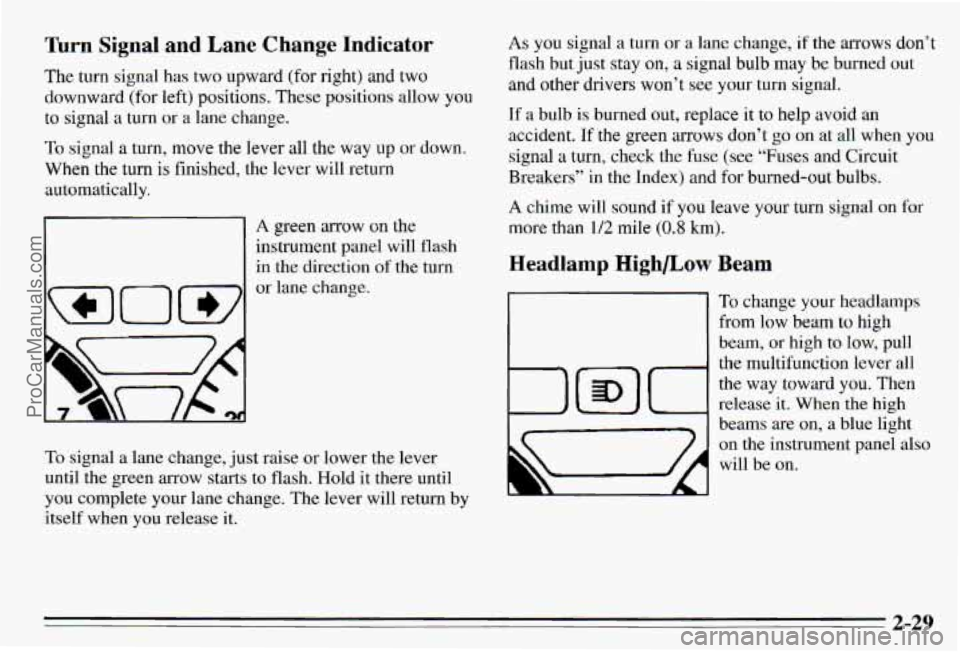
Turn Signal and Lane Change Indicator
The turn signal has two upward (for right) and two
downward (for left) positions. These positic allow you
to signal a turn or a lane change.
To signal a turn, move the lever all the way up or down.
When the turn is finished, the lever will return
automatically.
r-l
WOW
A green arrow on the
instrument panel will flash
in the direction
of the turn
or lane change.
To signal
a lane change, just raise or lower the lever
until the green arrow starts to flash. Hold
it there until
you complete your lane change. The lever
will return by
itself when you release it.
As you signal a turn or a lane change, if the arrows don’t
flash but just stay on, a signal bulb may be burned out
and other drivers won’t see your turn signal.
If a bulb is burned out, replace it to help avoid an
accident.
If the green mows don’t go on at all when you
signal a
turn, check the fuse (see “Fuses and Circuit
Breakers” in the Index) and for burned-out bulbs.
A chime will sound if you leave your turn signal on for
more
than 1/2 mile (0.8 km).
Headlamp Highbow
1
Beam
To change your headlamps
from
low beam to high
beam, or high to low, pull
the multifunction lever all
the way toward you. Then
release
it. When the high
beams are on, a blue light
on the instrument panel also
will be on.
2-29
ProCarManuals.com
Page 91 of 354
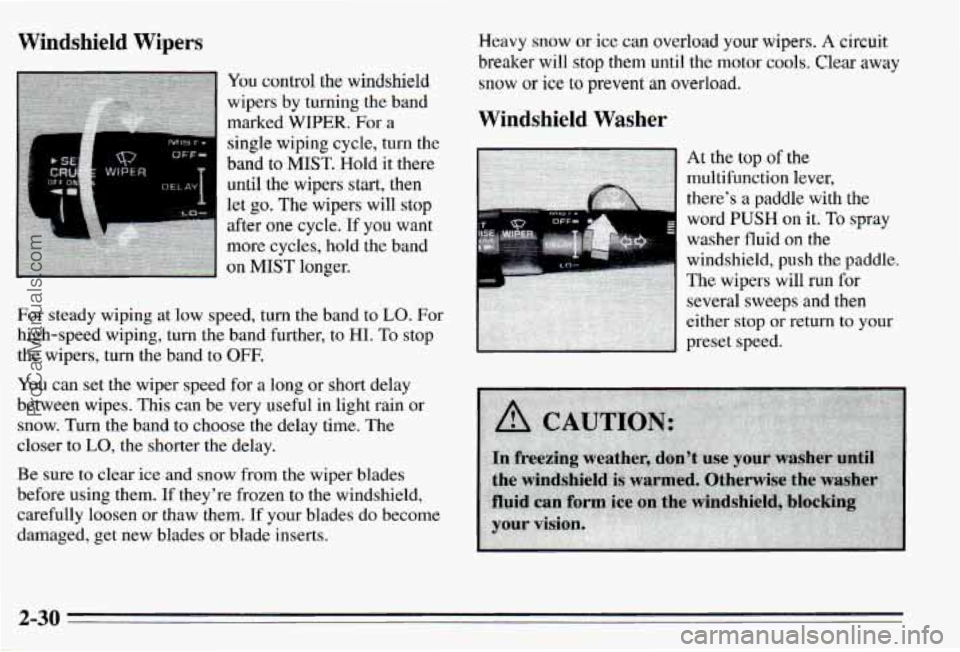
Windshield Wipers
You control the windshield
wipers by turning the band
marked
WIPER. For a
single wiping cycle, turn the
band to MIST. Hold it there
until the wipers start, then
let
go. The wipers will stop
after one cycle. If you want
more cycles, hold the band
on
MIST longer.
For steady wiping at low speed, turn the band to
LO. For
high-speed wiping, turn the band further, to HI.
To stop
the wipers, turn the band
to OFF.
You can set the wiper speed for a long or short delay
between wipes. This can be very useful in light rain or
snow. Turn the band to choose the delay time. The
closer to
LO, the shorter the delay.
Be sure to clear ice and snow from the wiper blades
before using them. If they’re frozen to the windshield,
carefully loosen or thaw them.
If your blades do become
damaged, get new blades
or blade inserts. Heavy
snow or ice can overload your wipers. A circuit
breaker will stop them until the motor c001.s. Clear away
snow or ice to prevent an overload.
Windshield Washer
word PUSH on it. To spray
washer
fluid on the
windshield, push the paddle.
The wipers will
run for
several sweeps and then
either stop or return
to your
preset speed.
2-30
ProCarManuals.com
Page 95 of 354
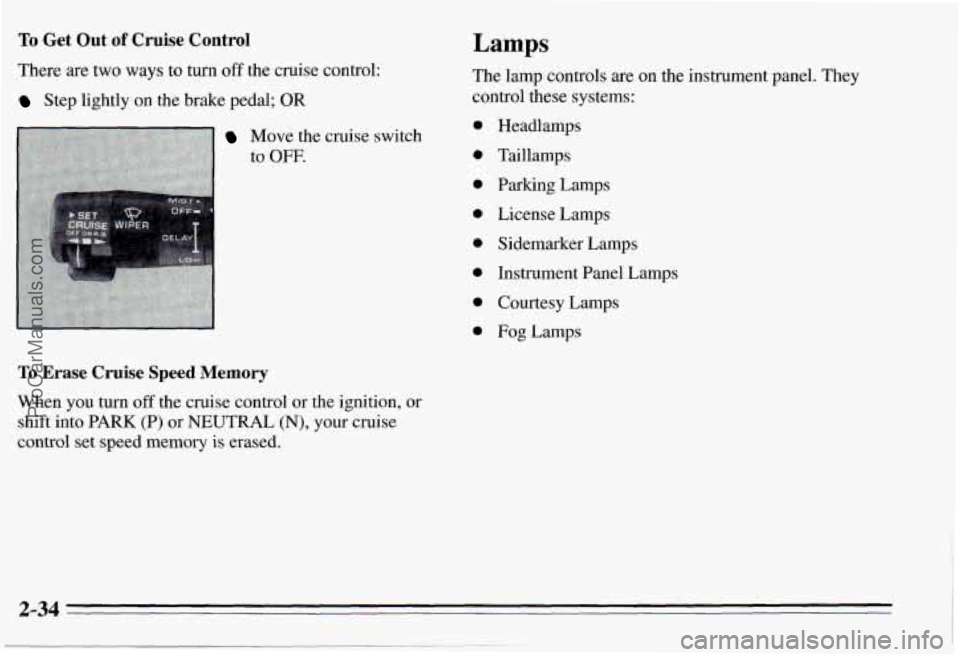
To Get Out of Cruise Control
There are two ways to turn off the cruise control:
Step lightly on the brake pedal; OR
Move the cruise switch
to
OFF.
To Erase Cruise Speed Memory
When you turn off the cruise control or the ignition, or
shift into PARK (P) or NEUTRAL (N), your cruise
control set speed memory is erased.
Lamps
The lamp controls are on the instrument panel. They
control these systems:
0
0
0
0
0
0
0
0
Headlamps
Taillamps
Parking Lamps
License Lamps
Sidemarker Lamps
Instrument Panel Lamps
Courtesy Lamps
Fog Lamps
2-34
ProCarManuals.com
Page 96 of 354

1 Fog Lamps
To turn the fog lamps on, press the top of the fog lamp
switch
(C). Press the bottom of the switch to turn the fog
lamps
off. Your parking lamps must be on, or your fog
lamps won't come
on.
The fog lamps will go off whenever you change to
high-beam headlamps. When you return
to low beams,
~ the fog lamps will come on again.
I Instrument Panel Lamps
You can brighten or dim the instrument panel lamps by
moving the PANEL dial. If you turn the dial all the way
up, your courtesy or interior lamps will come on.
Turn the knob to LAMPS
(B) to turn on the headlamps
and other operating lamps.
Turn the knob to PARK
(A) to turn on the parking and
other operating lamps without
the headlamps.
Turn the knob to
OFF to turn off the lamps.
A warning chime will sound when you turn the ignition switch to
OFF, LOCK or ACC with the lamps on.
Daytime Running Lamps (Canada Only)
Daytime Running Lamps (DRL) can make it easier for
others to see the front of
your vehicle during the day.
DRL can be helpful in many different driving conditions, but they can be especially helpful in the
short periods after dawn and before sunset.
A light sensor on top
of the instrument panel makes the
DRL work,
so be sure it isn't covered.
2-35
ProCarManuals.com
Page 104 of 354
Sun Visors
To block out glare, you can swing down the visors. You
can also move them from side to side.
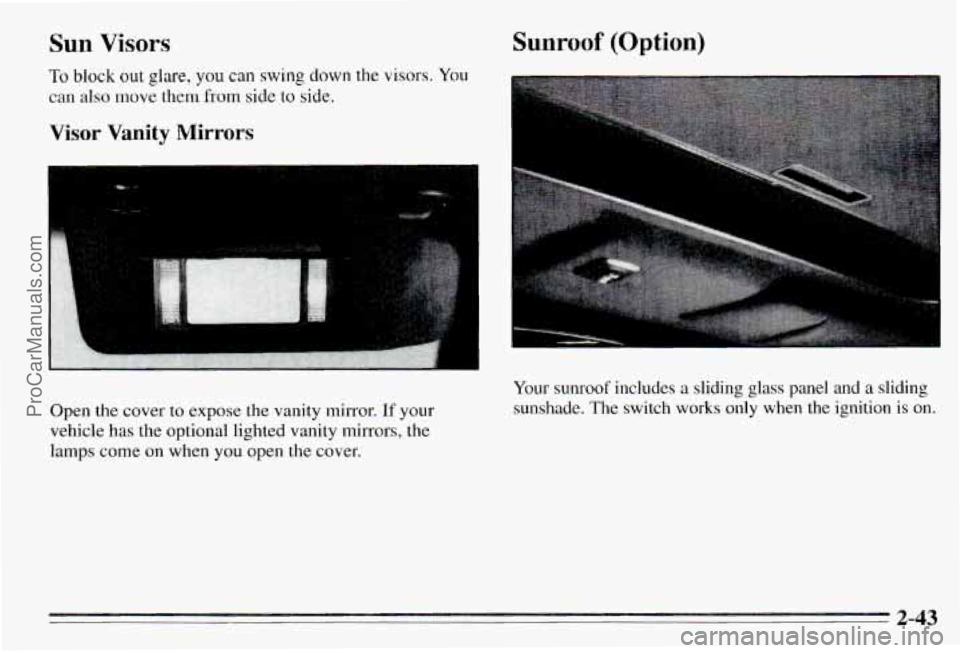
Visor Vanity Mirrors
Open the cover to expose the vanity mirror. If your
vehicle has the optional lighted vanity mirrors, the lamps come on when you open the cover,
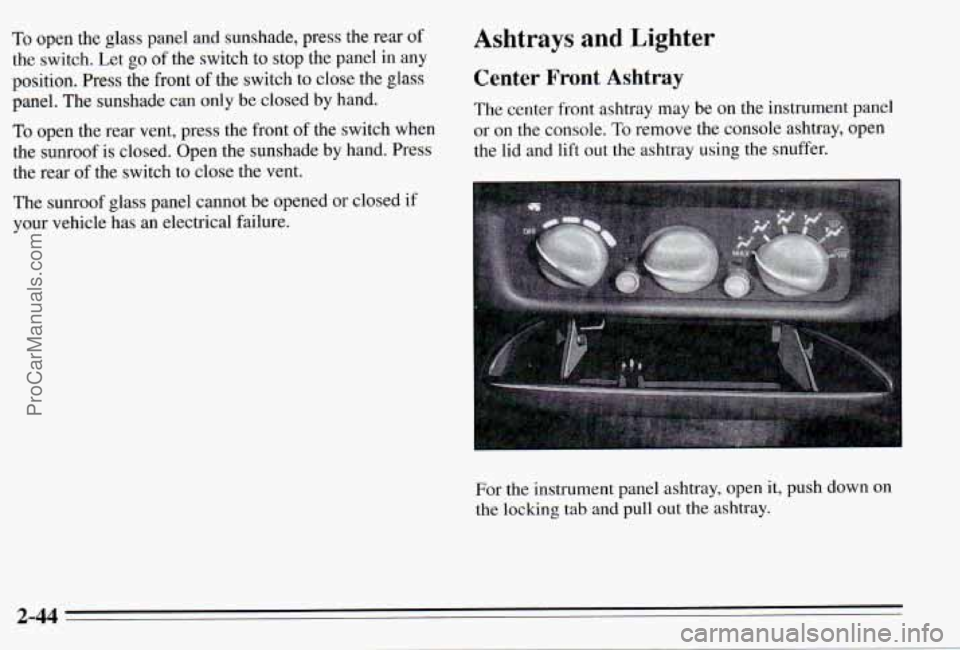
Sunroof (Option)
Your sunroof includes a sliding glass panel and a sliding
sunshade. The switch works only when the ignition is on.
2-43
ProCarManuals.com
Page 105 of 354
To open the glass panel and sunshade, press the rear of Ashtrays and Lighter
the switch. Let go of the switch to stop the panel in any
position. Press the front
of the switch to close the glass Center Front Ashtray
panel. The sunshade can only be closed by hand.
TO open the rear vent, press the front of the switch when or on the console. To remove the console ashtray, open
the sunroof is closed. Open the sunshade by hand. Press the l\
id and lift out the ashtray using the snuffer.
the rear of the switch to close the vent. The
center front ashtray may be on the instrument panel
The sunroof glass panel cannot be opened or closed
if
your vehicle has an electrical failure.
For the instrument panel ashtray, open
it, push down on
the locking tab and pull out the ashtray.
2-44
ProCarManuals.com