Page 99 of 390
PARK (P): This position locks your front wheels. It’s
the best position to
use when you start your engine
because your vehicle can’t move easily.
Ensure the shift lever
is fully in PARK (P) before starting
the engine. Your Oldsmobile has brake-transaxle shift
interlock
(BTSI). You must fully apply your regular brakes
before you can shift from PARK (P) when the ignition key is
in the RUN position.
As you step on the brake pedal,
while in PARK (P),
you may hear a click from the solenoid
of the
BTSI. This ensures that the BTSI is operating
properly.
If you cannot shift out of PARK (P), ease pressure on
the shift lever
-- push the shift lever all the way into
PARK (P) as you maintain brake application. Then
move the shift lever into the gear you wish. See
“Shifting Out of PARK
(P)” in this part.
REVERSE (R): Use this gear to back up.
I NOTICE: I
Shifting to REVERSE (R) while your vehicle is
moving forward could damage your transaxle. Shift to REVERSE
(R) only after your vehicle is
stopped.
To rock your vehicle back and forth to get out of snow,
ice or sand without damaging your transaxle, see “If
You’re Stuck: In Sand,
Mud, Ice or Snow” in the Index.
2-29
ProCarManuals.com
Page 100 of 390
NEUTRAL (N): In this position, your engine doesn’t
connect with the wheels. To restart when you’re already
moving, use NEUTRAL
(N) only. Also, use
NEUTRAL
(N) when your vehicle is being towed.
1 NOTICE:
Damage to your transaxle causedby shifting out
of PARK
(P) or NEUTRAL (N) with the engine
racing isn’t covered by your warranty.
Forward Gears
AUTOMATIC OVERDRIVE (0): If your automatic
transaxle has AUTOMATIC OVERDRIVE
(a), this
position
is for normal driving. If you need more power
for passing, and you’re:
Going less than about 35 mph (56 kmh), push your
accelerator pedal about halfway down.
Going about 35 mph (56 km/h) or more, push the
accelerator
all the way down.
You’ll shift down to the next gear and have more power.
2-30
ProCarManuals.com
Page 101 of 390

If your automatic transaxle has OVERDRIVE (@),
NOTICE: THIRD (D) is like OVERDRIVE (D), but you never go
into Overdrive. Here are some times you might choose
This NOTICE applies only if you have the 3800 THIRD (D) instead of OVERDRIVE (@):
V6 engine and the automatic overdrive transaxle.
If your vehicle is so equipped, and if it seems to 0 When driving on hilly, winding roads.
start up rather slowly, or if it seems not to shift
far that way, your vehicle can be damaged. So, if
When going down a steep hill. with a transaxle system sensor. If you drive very
between gears. gears as you go faster, something may be wrong
When towing a trailer, so there is less shifting
this happens, have your vehicle serviced right SECOND GEAR (2): This position
gives you
away. Until then, you can use SECOND (2) when more power, but lower fuel economy. You can use
SECOND
(2) on hills. It can help control your speed as you are driving less than 35 mph (56 km/h) and you go down steep mountain roads, but then you would
OVERDRIVE (0) for higher speeds. also want to use your brakes off and on.
THIRD GEAR (D): If your automatic transaxle does
not have
OVERDRIVE (@), this position is for normal
driving, at all speeds, in most street and highway
situations. NOTICE:
Don’t drive in SECOND (2) for more than 5 miles
(8 km), or at speeds over 55 mph (88 km/h), or
you can damage your transaxle. Use THIRD (D)
(OVERDRIVE (a) or THIRD (D) if your vehicle
has OVERDRIVE
(a)) as much as possible.
Don’t shift into SECOND
(2) unless you are going
slower than 65 mph
(105 km/h), or you can
damage your engine.
2-31
ProCarManuals.com
Page 105 of 390
Leaving Your Vehicle With the Engine
Running
If you have to leave your vehicle with the engine
running, be sure your vehicle is in PARK (P) and your
parking brake is firmly set before you leave it. After
you’ve moved the shift lever into the PARK (P)
position, hold the regular brake pedal down. Then, see if
you can move the shift lever away from PARK (P)
without first pulling it toward you.
If you can, it means that the shift lever wasn’t fully
locked into PARK
(P).
Torque Lock
If you are parking on a hill and you don’t shift your
transaxle into PARK (P) properly, the weight
of the
vehicle may put too much force on the parking pawl in
the transaxle. You may find it difficult to pull the shift
lever out of PARK (P). This
is called “torque lock.” To
prevent torque lock, set the parking brake and then shift
into PARK (P) properly before you leave the driver’s
seat.
To find out how, see “Shifting Into PARK (P)” in
the Index.
When you are ready to drive, move the shift lever out of
PARK (P) before you release the parking brake.
If “torque
lock” does occur, you may need to have
another vehicle push yours a little uphill to take some of
the pressure from the transaxle,
so you can pull the shift
lever out of PARK (P).
2-35
ProCarManuals.com
Page 107 of 390
Engine Exhaust Running Your Engine While You’re
2-37
ProCarManuals.com
Page 117 of 390
You’ll go right back up to your chosen speed and stay
there.
If you have the 3800 V6 engine, cruise control
memory will be erased when you place
the transaxle in
PARK (P). If this is the case, you will not be able to
resume your set speed by moving the cruise control
switch to
WA.
Use the SET button to reset cruise (see “To Set Cruise
Control” earlier in this section).
If you hold the switch at
R/A longer than half a second,
the vehicle will keep going faster until you release the
switch or apply
the brake. You could be startled and
even lose control.
So unless you want to go faster, don’t
hold the switch at R/A.
To Increase Speed While Using Cruise
Control
There are two ways to go to a higher speed. Here’s the
first:
Use the accelerator pedal to get to the higher speed.
Push the button at the end of the lever, then release
the button and the accelerator pedal. You’ll now
cruise at the higher speed.
Here’s the second way to go to
a higher speed:
Move the cruise switch from ON to WA. Hold it
there until you get up to the speed you want, and
then release the switch.
To increase your speed in very small amounts, move
the switch to R/A for less than half a second and then
release
it. Each time you do this, your vehicle will go
about
1 mph (1.6 kdh) faster.
2-47
ProCarManuals.com
Page 118 of 390
If you have the 3.1L V6 engine, the accelerate feature
will work whether or not you have set an initial cruise
control speed.
If you have the
3800 V6 engine, the accelerate feature
will only work after you have set the initial cruise
control speed by pushing the
SET button.
To Reduce Speed While Using Cruise
Control
0 Push in the button at the end of the lever until you
reach the lower speed you want, then release
it.
To slow down in very small amounts, push the
button for less than half a second. Each time you do
this, you’ll
go 1 mph (1.6 km/h) slower.
Passing Another Vehicle While Using
Cruise Control
Use the accelerator pedal to increase your speed. When
you take your foot
off the pedal, your vehicle will slow
down
to the cruise control speed you set earlier.
Using Cruise Control on Hills
How well your cruise control will work on hills depends
upon your speed, load, and the steepness of the hills.
When going up steep hills, you may have to step on the
accelerator pedal to maintain your speed. When going
downhill, you may have to brake or shift to a lower gear
to keep your speed down.
Of course, applying the brake
takes you out
of cruise control. Many drivers find this to
be too much trouble and don’t use cruise control on
steep hills.
To Get Out of Cruise Control
There are two ways to turn off the cruise control:
0 Step lightly on the brake pedal; OR
0 Move the cruise switch to OFF.
To Erase Cruise Speed Memory
When you turn off the cruise control or the ignition,
your cruise control set speed memory is erased. If
you have the
3800 V6 engine, cruise control memory
will also be erased when you place the transaxle
in
PARK (P).
2-48
ProCarManuals.com
Page 141 of 390
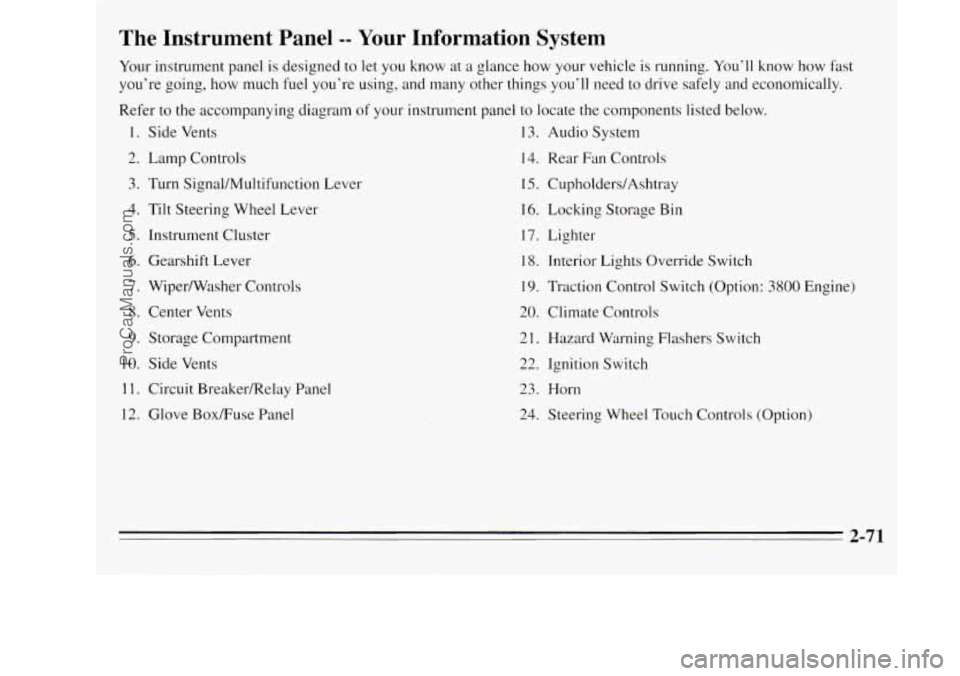
The Instrument Panel -- Your Information System
Your instrument panel is designed to let you know at a glance how your vehicle is running. You’ll know how fast
you’re going, how much fuel you’re using, and many other things you’ll need to drive safely and economically.
Refer to the accompanying diagram
of your instrument panel to locate the components listed below.
1. Side Vents 13. Audio System
2. Lamp Controls
14. Rear Fan Controls
3. Turn Signal/Multifunction Lever 15. CupholderdAshtray
4. Tilt Steering Wheel Lever 16. Locking
Storage Bin
5. Instrument Cluster 17. Lighter
6. Gearshift Lever
18. Interior Lights Override Switch
7. Wiper/Washer Controls 19. Traction Control Switch (Option: 3800 Engine)
8. Center Vents
20. Climate Controls
9. Storage Compartment 21. Hazard Warning Flashers Switch
10. Side Vents
22. Ignition Switch
1 1. Circuit BreakedRelay Panel 23. Horn
12. Glove BoxRuse Panel
24. Steering Wheel Touch Controls (Option)
-
2-71
ProCarManuals.com