Page 134 of 340
Downloaded from www.Manualslib.com manuals search engine AM/FM Stereo Radios with Cassette Tape
Player or Compact Disc Player
Your Chevrolet may have a radio with a cassette tape
player
or a compact disc player. To play the radio,
follow the instructions earlier in this manual under
“AM/FM Stereo Radio.” For other features, see
the
following instructions for the feature your radio has.
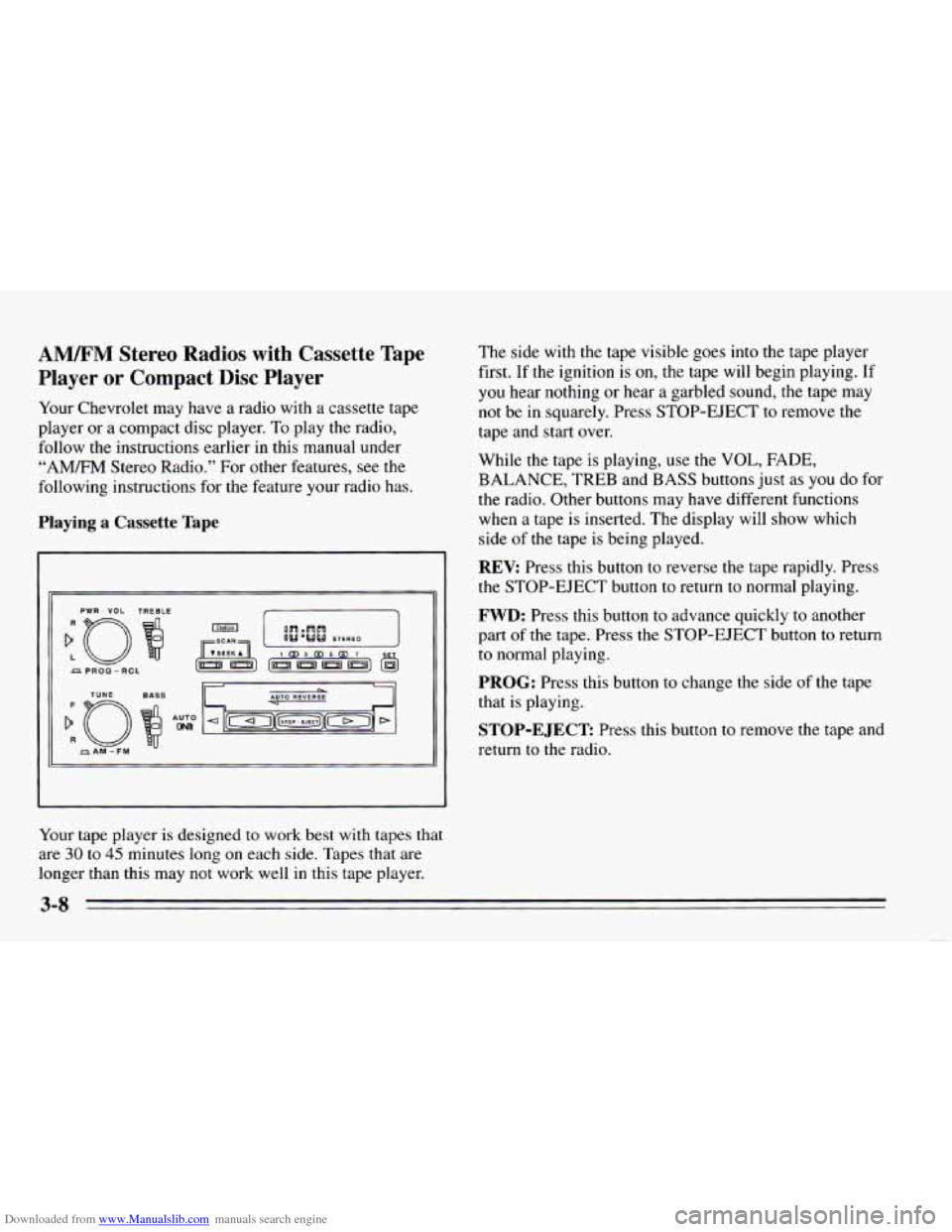
Playing a Cassette Tape
PWR - VOL TREBLE
Your tape player is designed to work best with tapes that
are 30 to 45 minutes long on each side. Tapes that are
longer than this may not work well in this tape player. The side
with the tape visible goes
into the tape player
first. If the ignition is
on, the tape will begin playing. If
you hear nothing or hear
a garbled sound, the tape may
not be in squarely. Press STOP-EJECT to remove the
tape and start over.
While the tape is playing, use the
VOL, FADE,
BALANCE, TREB and BASS buttons just as you do for
the radio. Other buttons may have different functions
when a tape is inserted. The display will show which
side
of the tape is being played.
REV: Press this button to reverse the tape rapidly. Press
the STOP-EJECT button to return to normal playing.
FWD: Press this button to advance quickly to another
part
of the tape. Press the STOP-EJECT button to return
to normal playing.
PROG: Press this button to change the side of the tape
that is playing.
STOP-EJECT Press this button to remove the tape and
return to the radio.
Page 135 of 340
Downloaded from www.Manualslib.com manuals search engine Playing the Compact Disc Player
:o
PWR - VOL
TUYE
f
R
AM-FM
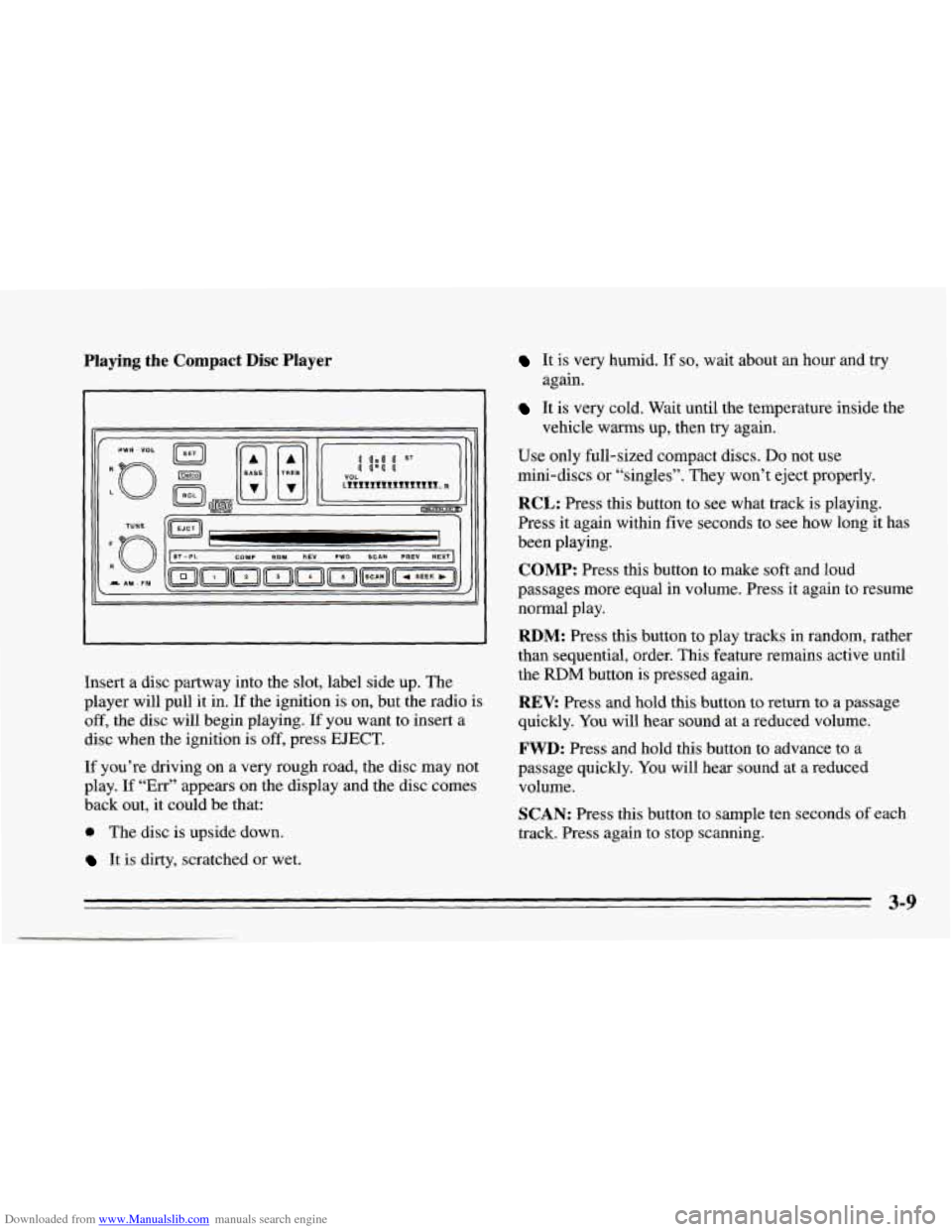
Insert a disc partway into the slot, label side up. The
player will pull it in. If the ignition is on, but the radio is
off, the disc will begin playing. If you want to insert a
disc when the ignition is off, press
EJECT.
If you’re driving on a very rough road, the disc may not
play.
If “Err” appears on the display and the disc comes
back out, it could be that:
0 The disc is upside down.
It is dirty, scratched or wet.
It is very humid. If so, wait about an hour and try
It is very cold. Wait until the temperature inside the
Use only full-sized compact discs.
Do not use
mini-discs or “singles”. They won’t eject properly.
RCL: Press this button to see what track is playing.
Press it again within five seconds to see how long it has
been playing.
COMP: Press this button to make soft and loud
passages more equal in volume. Press it again to resume
normal play.
RDM: Press this button to play tracks in random, rather
than sequential, order. This feature remains active until
the
RDM button is pressed again.
REV: Press and hold this button to return to a passage
quickly. You will hear sound at a reduced volume.
FWD: Press and hold this button to advance to a
passage quickly. You will hear sound at a reduced
volume.
SCAN: Press this button to sample ten seconds of each
track. Press again to stop scanning.
again.
vehicle warms up, then try
again.
3-9
Page 136 of 340
Downloaded from www.Manualslib.com manuals search engine PREV Press to play a track again. If you keep pressing
the PREV button, the disc will keep backing up to
previous tracks.
NEXT: Press to advance to the next track. If you keep
pressing the NEXT button, the disc will keep advancing
to other tracks.
STPPL: Press this button to switch between the radio
and disc when a disc is
in the player.
EJECT Press this button to remove the disc. The radio
will play.
If
you turn off the ignition or radio with a disc in the
player, it will stay in the player. When
you turn on the
ignition or system, the disc will start playing where it
was stopped.
CD Player Anti-Theft Feature
Delco LOC II@ is a security feature that can be used or
ignored. If
you ignore it, the radio will play normally. If
you
use it, your radio cannot be turned on if it is stolen.
These instructions will
tell you how to enter a secret
code
into the radio. If battery power is lost for any
reason, the secret code must
be entered again before
your audio system can be turned on.
To Set the Anti-Theft System:
1. Write down any six-digit number and keep it in a
safe place. This is your secret code.
2. Turn the ignition on.
3. Rotate the PWR-VOL knob to turn the radio off.
4. Press station preset buttons 1 and 4 at the same time
and hold until
“---” shows on the display.
You now have only
I5 seconds between each of the
following steps.
5. Press SET and “000” will appear on the display.
6. Press SCAN until the first digit of your code
appears.
7. Press SEEK until the second and third digits of your
code appear.
8. Press the TUNE knob (“000” will appear on the
display).
9. Press SCAN until the fourth digit of your code
appears.
10. Press SEEK until the fifth and sixth digits of your
code appear.
3-10
Page 137 of 340
Downloaded from www.Manualslib.com manuals search engine 11. Press the TUNE knob (“rEP” will appear for five
12. Repeat steps
6 through 10. Then press the TUNE
seconds,
then
“000”).
knob again. SEC will appear, indicating that Delco
LOC
I1 is set, and your radio is secure. If “---”
appears, the steps were not successful and you must
repeat the entire procedure.
To Disable the Anti-Theft System
Enter your secret code by following these steps (you
will have only 15 seconds between each step).
1.
2.
3.
4.
5.
Turn the ignition on and the radio off, then press
station preset buttons 1 and
4. SEC will appear,
showing the radio is secure.
Press
SET and “000” will appear on the display.
Press SCAN until the first digit of your secret code
appears.
Press
SEEK until the second and third digits of your
code appear.
Press
the TUNE knob (“000” will appear on the
display). 6.
Press SCAN until the fourth digit of your code
appears.
7. Press SEEK until the fifth and sixth digits of your
code appear.
8. Press the TUNE knob. If the display shows “---,” the
radio is unsecured and will play again. If the display
shows SEC, the steps were not successful and the
numbers did not match the secret code.
If you lose or forget your code, see your dealer.
If you lose battery power, when the battery is
reconnected the radio will not turn on and
LOC will
appear. Follow Steps
1 through 8 for disabling your
system, and the time will appear if you are successful. If
SEC appears, the numbers did not match and your
unit
is still locked.
Understanding Radio Reception
FM Stereo
FM Stereo will give you the best sound, but FM signals
will reach only about
10 to 40 miles (16 to 65 km). Tall
buildings or hills can interfere with
FM signals, causing
the sound to come and go.
3-11
Page 166 of 340
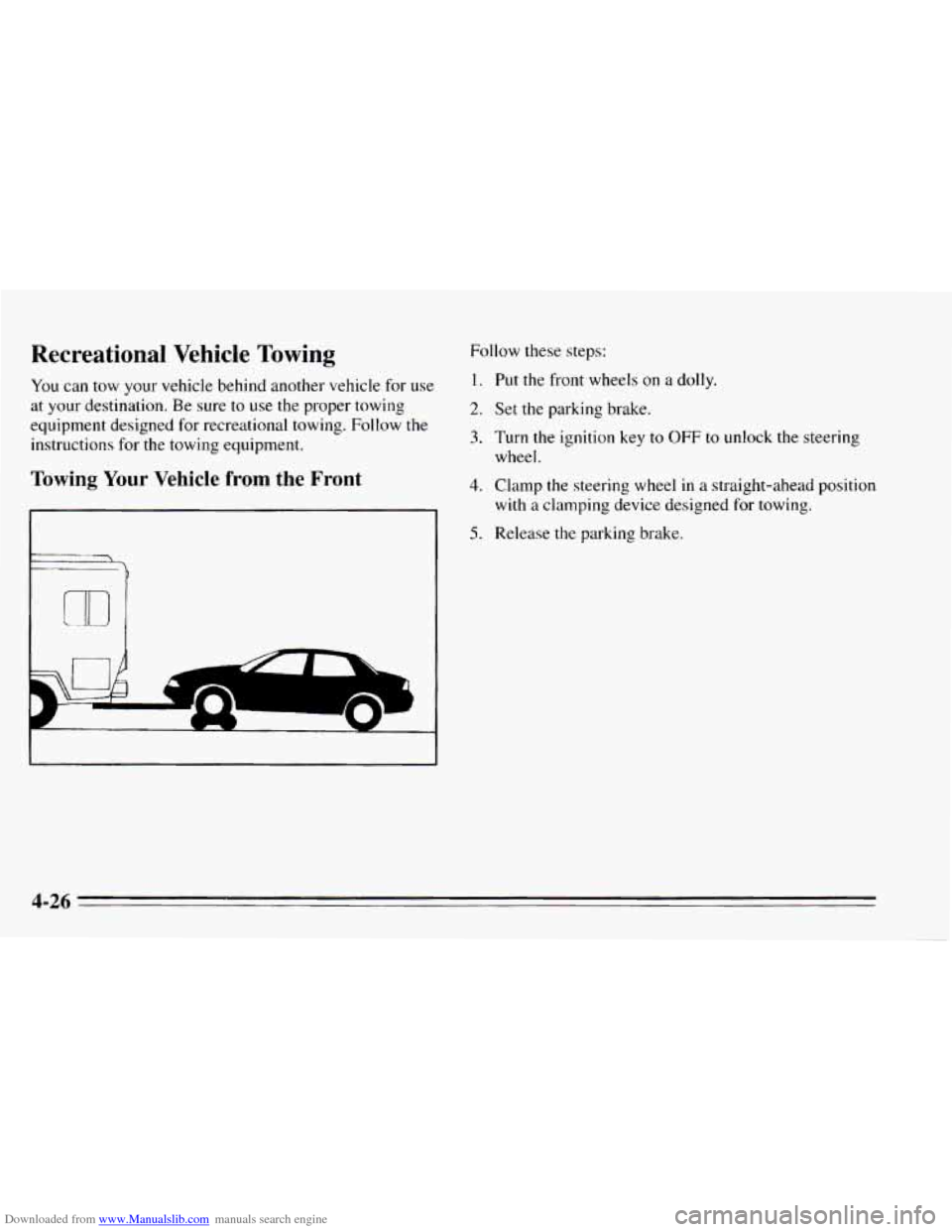
Downloaded from www.Manualslib.com manuals search engine Recreational Vehicle Towing
You can tow your vehicle behind another vehicle for use
at your destination.
Be sure to use the proper towing
equipment designed for recreational towing. Follow
the
instructions for the towing equipment.
Towing Your Vehicle from the Front
P
Follow these steps:
1. Put the front wheels on a dolly.
2. Set the parking brake.
3. Turn the ignition key to OFF to unlock the steering
4. Clamp the steering wheel in a straight-ahead position
5. Release the parking brake.
wheel.
with
a clamping device
designed for towing.
4-26
-
Page 167 of 340
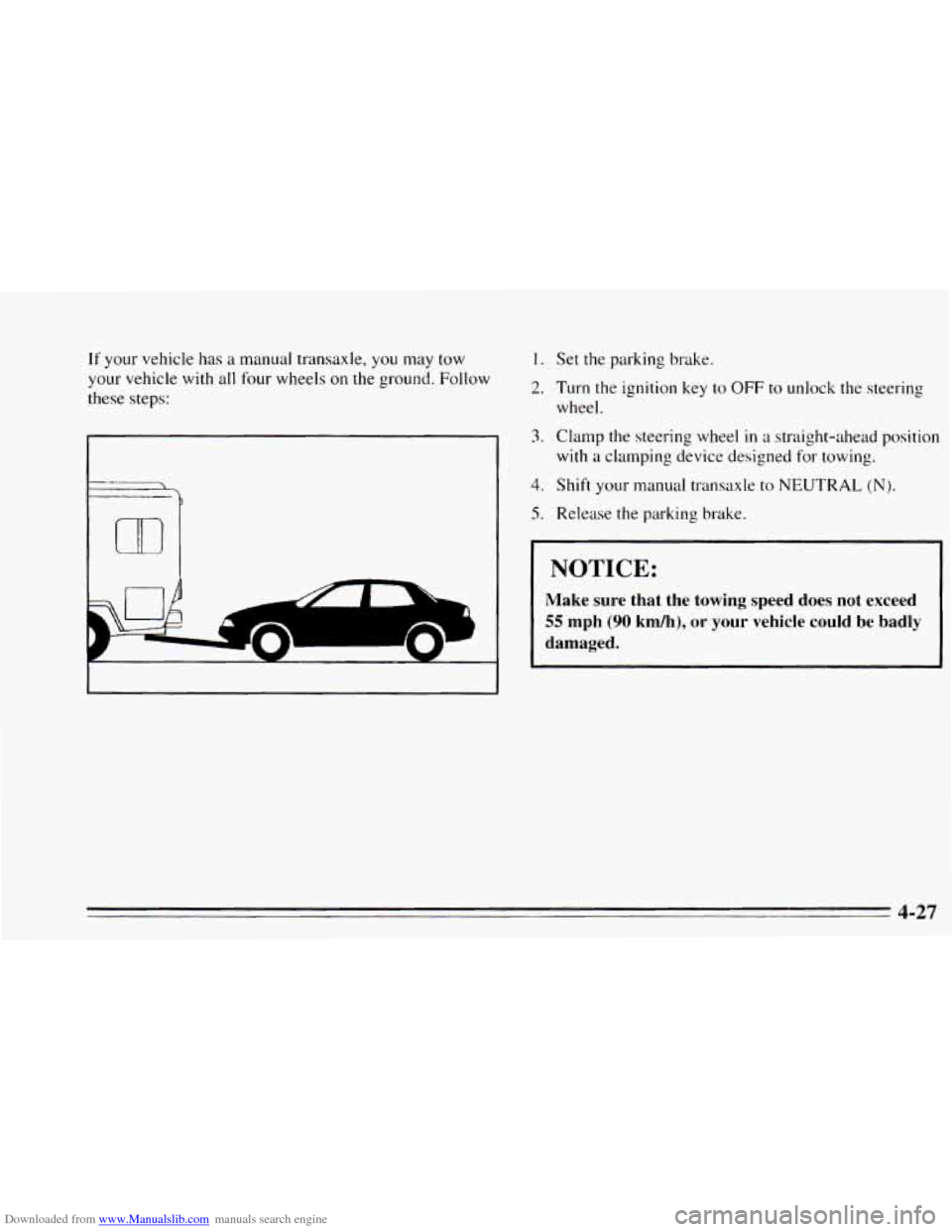
Downloaded from www.Manualslib.com manuals search engine If your vehicle has a manual transaxle, you may tow
your vehicle with
all four wheels on the ground. Follow
these steps:
1.
2.
3.
4.
5.
Set the parking brake.
Turn the ignition key
to OFF to unlock the steering
wheel.
Clamp the steering wheel
in a straight-ahead position
with a clamping device designed for towing.
Shift
your manual transaxle to NEUTRAL (N).
Release the parking brake.
I NOTICE:
Make sure that the towing speed does not exceed
55 mph (90 kh), or your vehicle could be badly
damaged.
4-27
Page 179 of 340
Downloaded from www.Manualslib.com manuals search engine To Jump Start Your Chevrolet
1. Check the other vehicle. It must have a 12-volt
battery with
a negative ground system.
3. Turn off the ignition on both vehicles. Turn off all
lights that aren’t needed, and radios. This will avoid
sparks and help save both batteries. And it could
save your radio!
NOTICE:
If the other system isn’t a 12-volt system with a
negative ground, both vehicles can be damaged.
2. Get the vehicles close enough so the jumper cables
can reach, but be sure the vehicles aren’t touching
each other.
If they are, it could cause a ground
connection you don’t want. You wouldn’t be able to
start your Chevrolet, and the bad grounding could
damage the electrical systems.
You could be injured if the vehicles roll. Set the
parking
brake firmly on each vehicle. Put an
automatic transaxle in PARK (P) or a manual
transaxle
in NEUTRAL (N).
NOTICE:
If you leave your radio on, it could be badly
damaged. The repairs wouldn’t be covered by
your warranty.
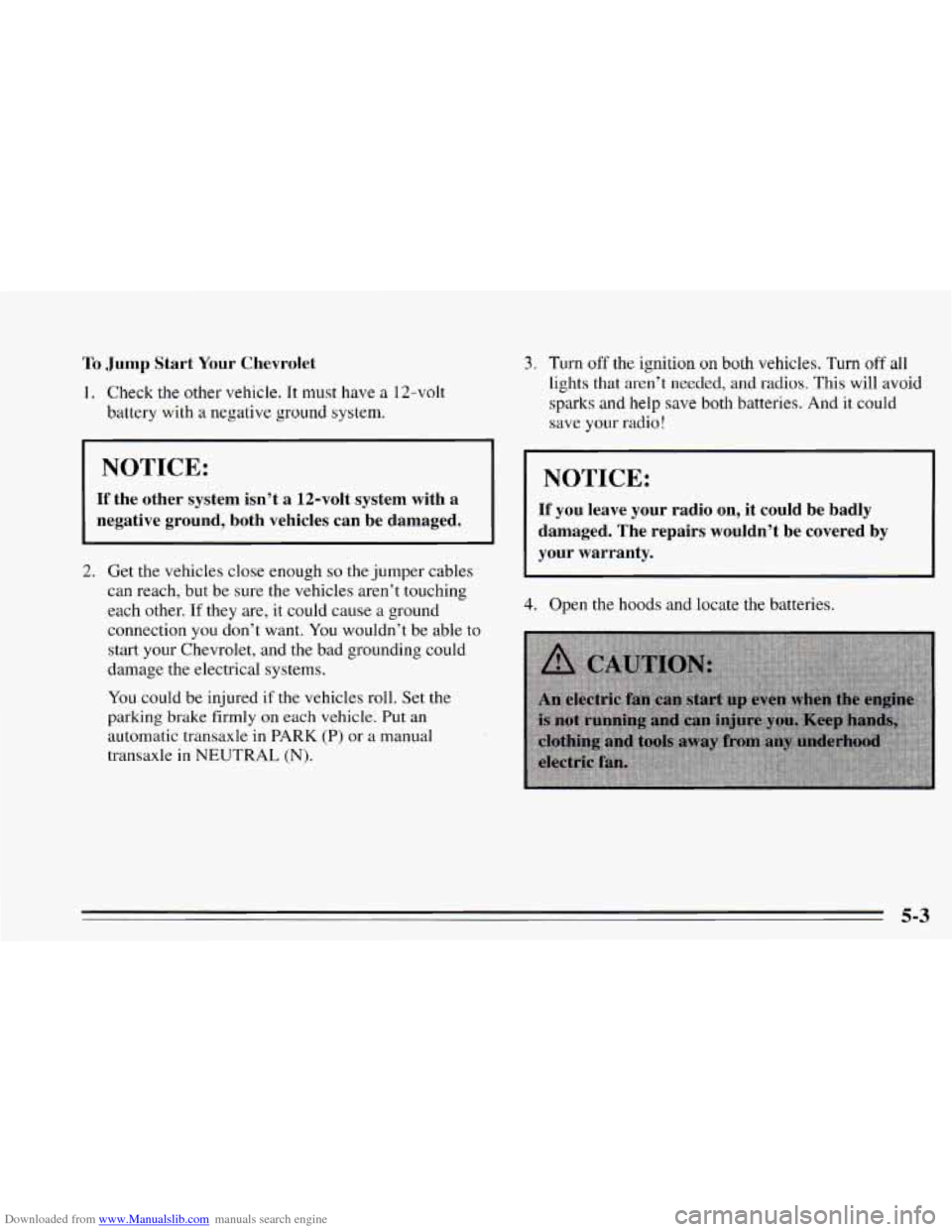
4. Open the hoods and locate the batteries.
5-3
Page 184 of 340
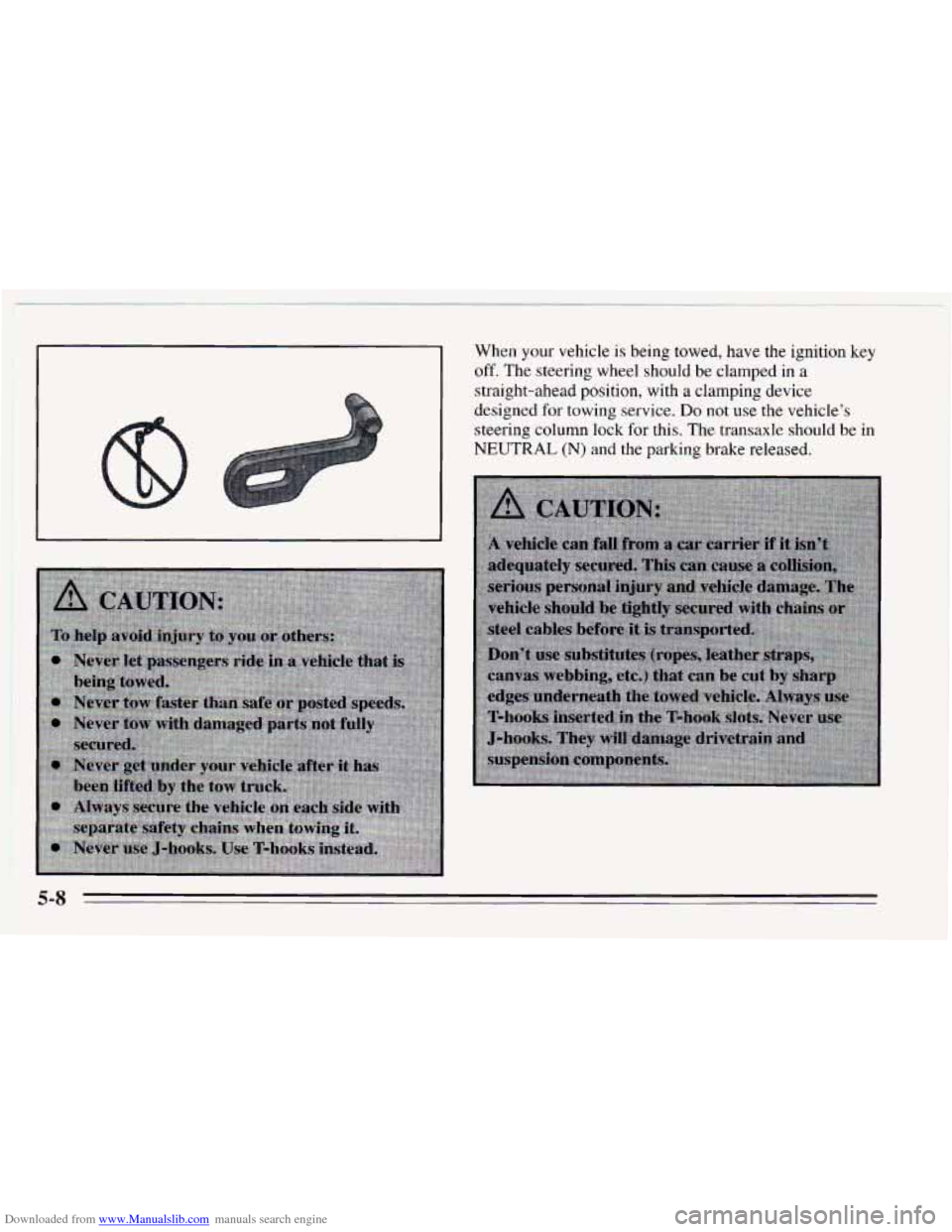
Downloaded from www.Manualslib.com manuals search engine When your vehicle is being towed, have the ignition key
off, The steering wheel should be clamped in a
straight-ahead position, with a clamping device
designed for towing service.
Do not use the vehicle’s
steering column lock
for this. The transaxle should be in
NEUTRAL (N) and the
parking brake released.
5-8