1995 CHEVROLET BLAZER ignition
[x] Cancel search: ignitionPage 124 of 380
Downloaded from www.Manualslib.com manuals search engine Malfunction Indicator Lamp (SERVICE ENGINE SOON
Light)
I
SERVICE
ENGINE
SOON
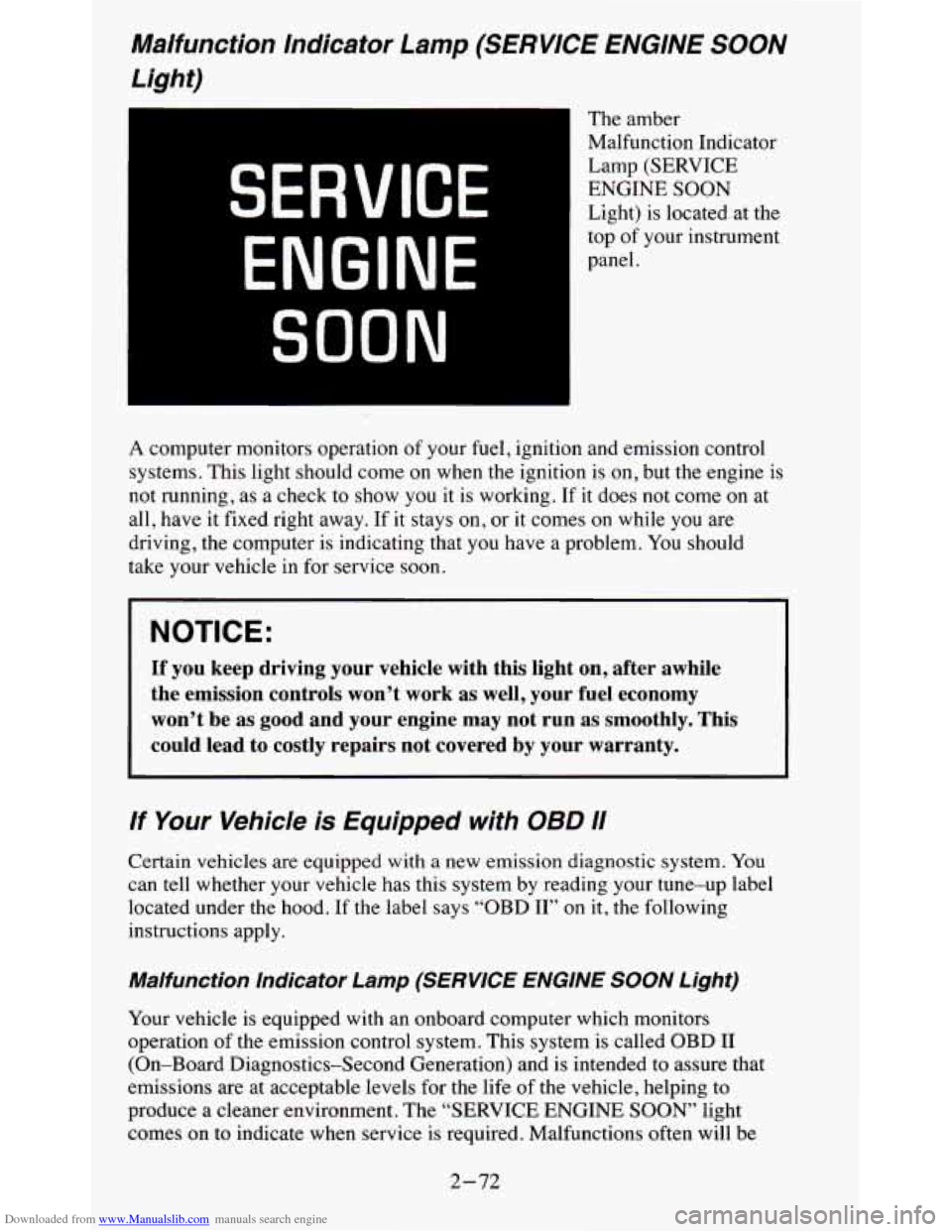
The amber
Malfunction Indicator
Lamp (SERVICE
ENGINE SOON
Light) is located at the
top
of your instrument
panel.
A computer monitors operation of your fuel, ignition and emission control
systems. This light should come on when the ignition is on, but the engine is
not running,
as a check to show you it is working. If it does not come on at
all, have it fixed right away. If it
stays on, or it comes on while you are
driving, the computer is indicating that
you have a problem. You should
take your vehicle in for service soon.
NOTICE:
If you keep driving your vehicle with this light on, after awhile\
the emission controls won’t work
as well, your fuel economy
won’t be as good and your engine may not run as smoothly.
This
could lead to costly repairs not covered by your warranty.
If Your Vehicle is Equipped with 08D 11
Certain vehicles are equipped with a new emission diagnostic sy\
stem. You
can
tell whether your vehicle has this system by reading your tune-up l\
abel
located under the hood. If the label says “OBD
11” on it, the following
instructions apply.
Malfunction Indicator Lamp (SERVICE ENGINE SOON Light)
Your vehicle is equipped with an onboard computer which monitors
operation
of the emission control system. This system is called OBD I1
(On-Board Diagnostics-Second Generation) and is intended
to assure that
emissions are at acceptable levels for the life
of the vehicle, helping to
produce a cleaner environment. The “SERVICE ENGINE
SOON’ light
comes on to indicate when service is required. Malfunctions oft\
en will be
2-72
Page 125 of 380
Downloaded from www.Manualslib.com manuals search engine indicated by the system before any problem is apparent, which may prevent
more serious damage to your vehicle, This system is
also designed to assist
your service technician in correctly diagnosing any malfunction.
The
“SERVICE ENGINE SOON” light should come on, as a check to show
you it is working, when the ignition is on and the engine is not running. This
light will also come during
a malfunction in one of two ways:
Light on steady - indicates a system malfunction has been detected.
Drive the vehicle to the dealer for service at your first opportunity.
Light flashing - indicates a misfire has been detected which may
damage the emission control system. The damage may be reduced by
lowering the vehicle speed, reducing the amount of cargo being hauled
or trailered, avoiding hard acceleration, or by avoiding steep uphill
grades.
If these actions are effective, the light will stop flashing and
remain
on steady. Drive the vehicle to a dealer for service. If the light
continues to flash, stop
the vehicle. Wait for a steady light to come on,
then drive the vehicle to a dealer for service.
These following conditions also may cause the “SERVICE ENGINE
SOON’ light to come on:
Low Fuel/Out of Fuel - As the vehicle starts to run out of fuel the
“SERVICE ENGINE SOON” light may come on as a result of an engine
misfire. Filling your gasoline tank should correct this condition. Make sure
to install the gas cap fully. It will require a few driving trips to turn the light
off.
Poor Quality Fuel
- Be sure to fuel your vehicle with quality fuel. Your
engine may not run efficiently
on poor fuel. Poor fuel may cause stalling,
hesitation or misfire. These conditions may
go away when the engine is
warned-up. However, poor quality fuel may cause the “SERVICE ENGINE
SOON’ light to come on.
Have a dealer check the vehicle. If no problems are found, you may want to
change to another brand of fuel.
Driving Through Standing Water
- Driving your vehicle through puddles
of deep standing water may result in a temporary misfire condition. This
condition will usually correct itself shortly after the electric\
al system dries
out. It will require a few driving trips to turn the light off.
2-73
Page 126 of 380
Downloaded from www.Manualslib.com manuals search engine Charging System Light
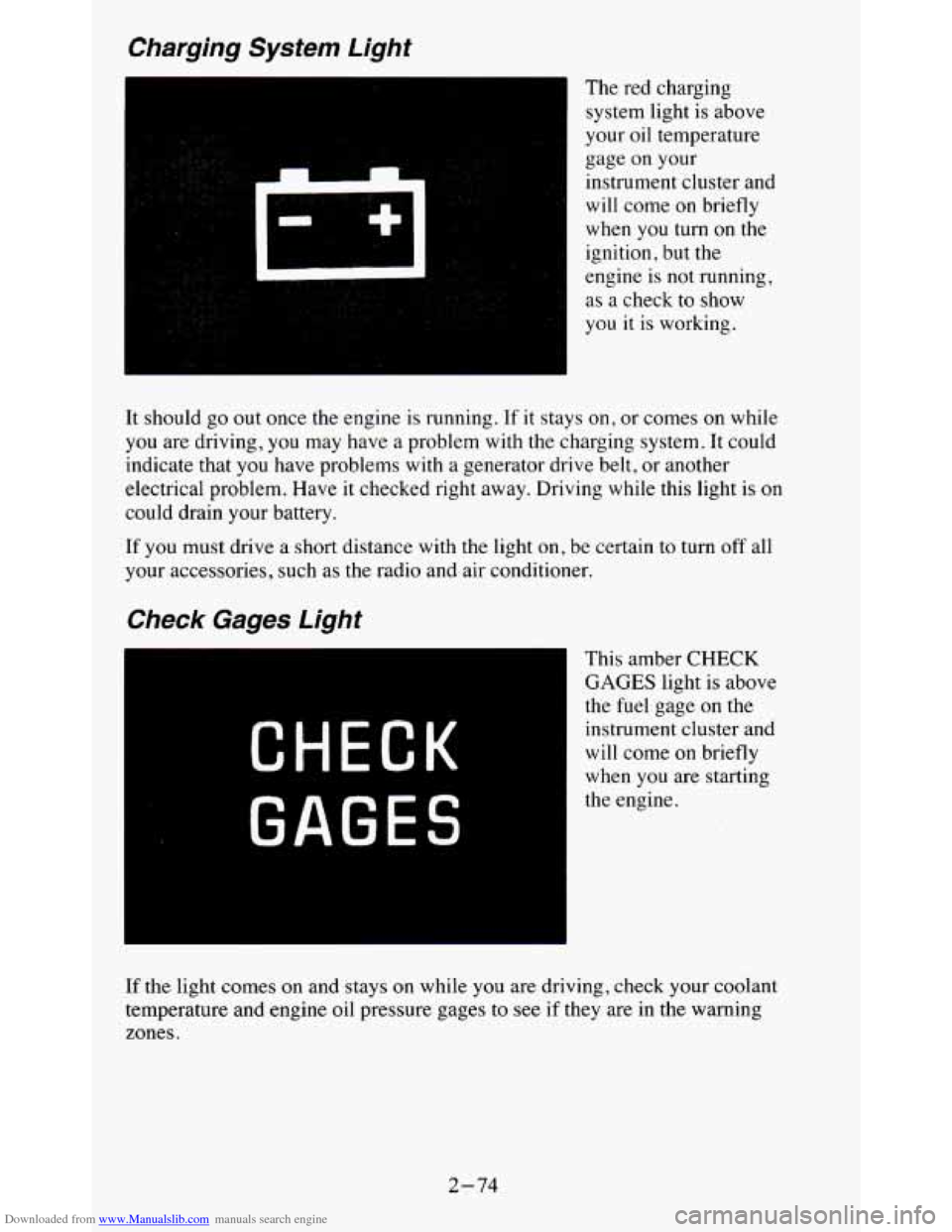
The red charging
system light is above
your oil temperature
gage on your
instrument cluster and
will come on briefly
when
you turn on the
ignition,
but the
engine
is not running,
as a check to show
you
it is working.
It should go out once the engine is running. If it stays
on, or comes on while
you are driving, you may have a problem with the charging system. It could
indicate that you have problems with a generator drive belt, or another
electrical problem. Have it checked right away. Driving while t\
his light is on
could drain your battery.
If you must drive a short distance with the light on, be certain to turn off all
your accessories, such as the radio and air conditioner.
Check Gages Light
CHECK
GAGES
This amber CHECK
GAGES light is above
the
fuel gage on the
instrument cluster and
will come on briefly
when you are starting
the engine.
If the light comes on and stays on while you are driving, check your coolant
temperature and engine oil pressure gages to see
if they are in the warning
zones.
2-74
Page 127 of 380
Downloaded from www.Manualslib.com manuals search engine Daytime Running Lamps (DRL) Indicator Light
A
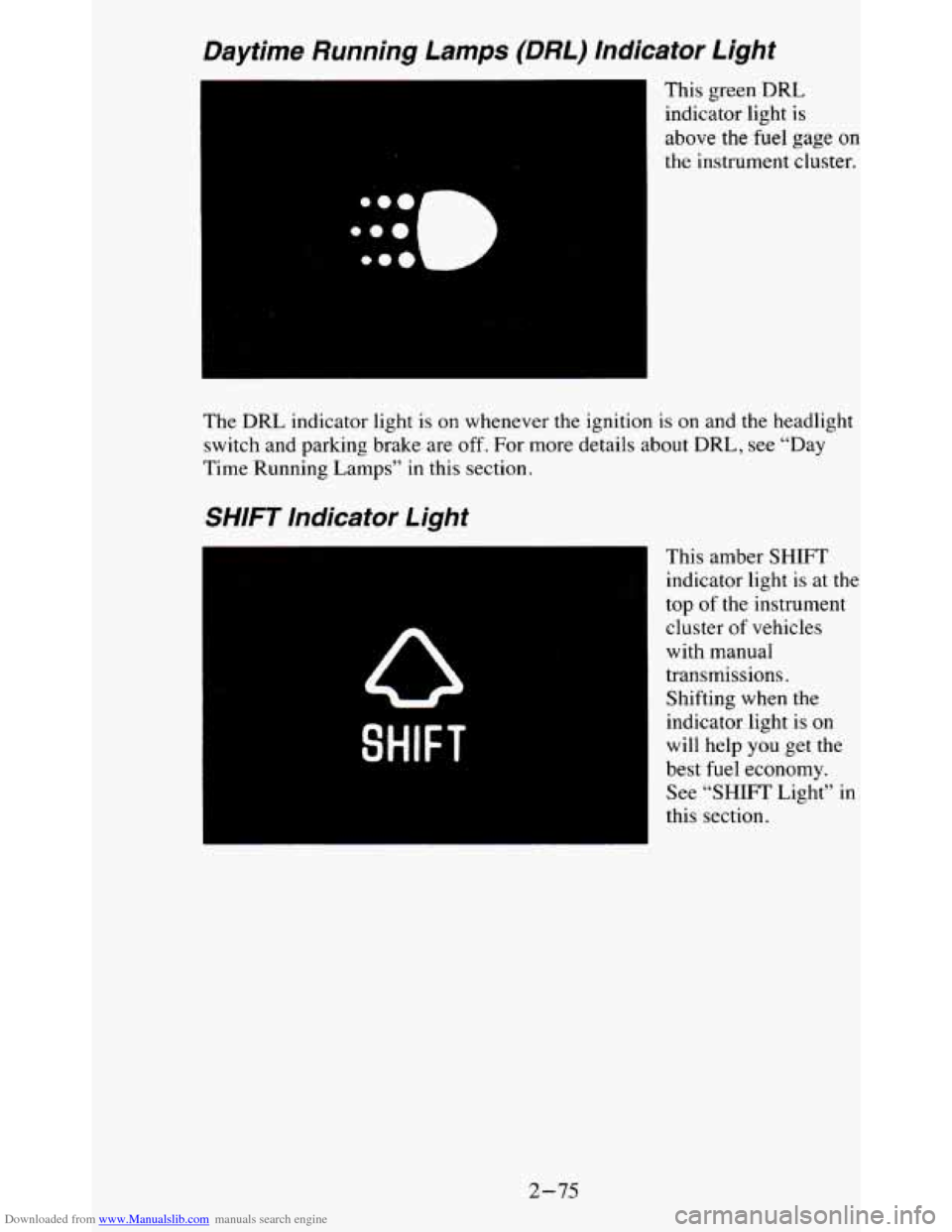
This green DRL
indicator light
is
above the fuel gage on
the instrument cluster.
The DRL indicator light is on whenever the ignition is
on and the headlight
switch and parking brake are
off. For more details about DRL, see “Day
Time Running Lamps” in
this section.
SHIFT Indicator Light
SHIFT
This amber SHIFT
indicator light
is at the
top of the instrument cluster
of vehicles
with manual
transmissions.
Shifting when the
indicator light is
on
will help you get the
best fuel economy.
See “SHIFT Light” in
this section.
2-75
Page 130 of 380
Downloaded from www.Manualslib.com manuals search engine NOTICE:
Damage to your engine from neglected oil problems can be
costly and is not covered by your warranty.
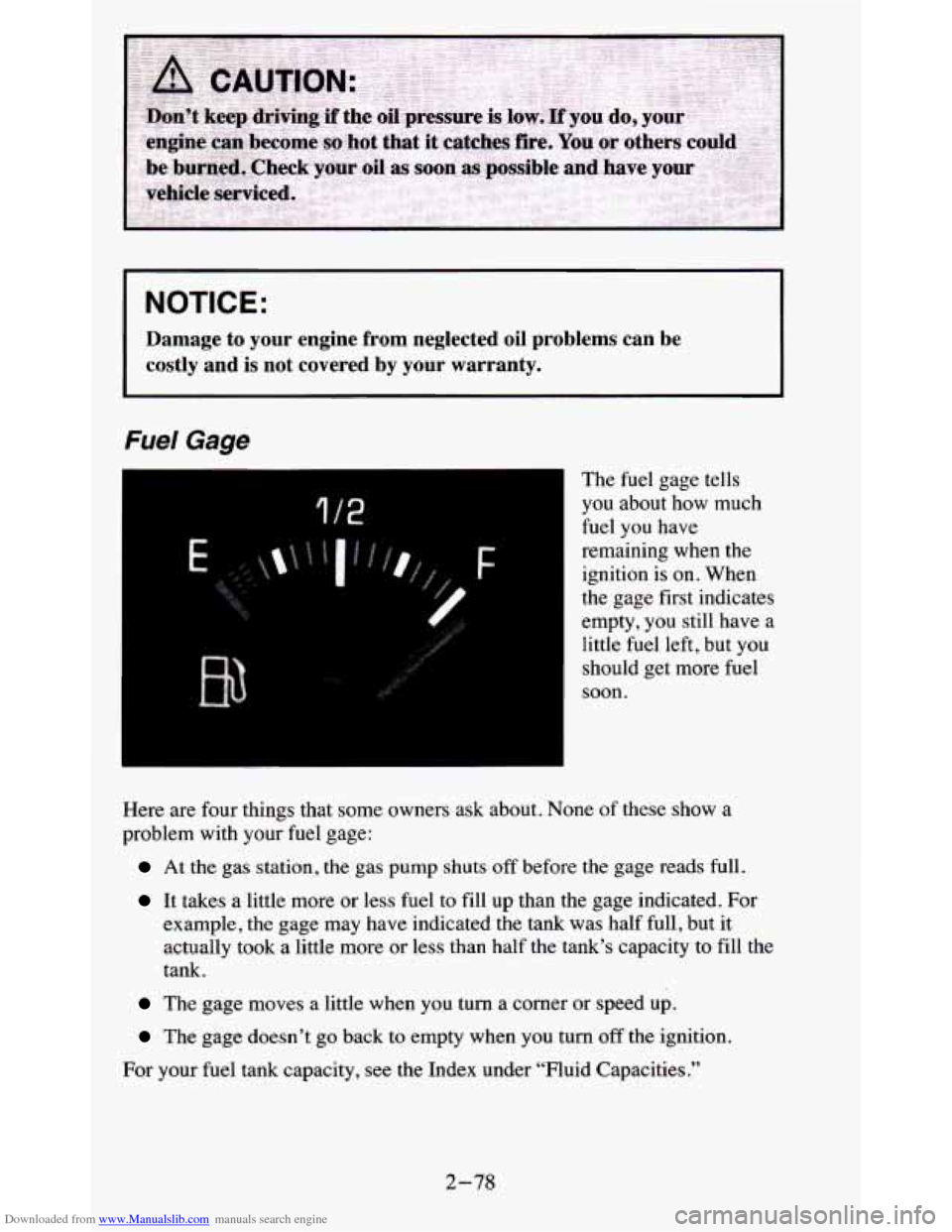
Fuel Gage
I
1 /2
The fuel gage tells
you about how much
fuel you have
remaining when the
ignition
is on. When
the gage first indicates
empty, you still have a
little fuel left, but you
should get more fuel
soon.
3
Here are four things that some owners ask about. None of these show a
problem with
your fuel gage:
At the gas station, the gas pump shuts off before the gage reads full.
It takes a little more or less fuel to fill up than the gage indicated. For
example, the gage may have indicated the tank was half full, but it
actually took a little more
or less than half the tank’s capacity to fill the
tank.
The gage moves a little when you turn a corner or speed up.
The gage doesn’t go back to empty when you turn off the ignition.
For your fuel tank capacity, see the Index under “Fluid Capacities.”
2-78
Page 131 of 380
Downloaded from www.Manualslib.com manuals search engine Voltmeter
14
49
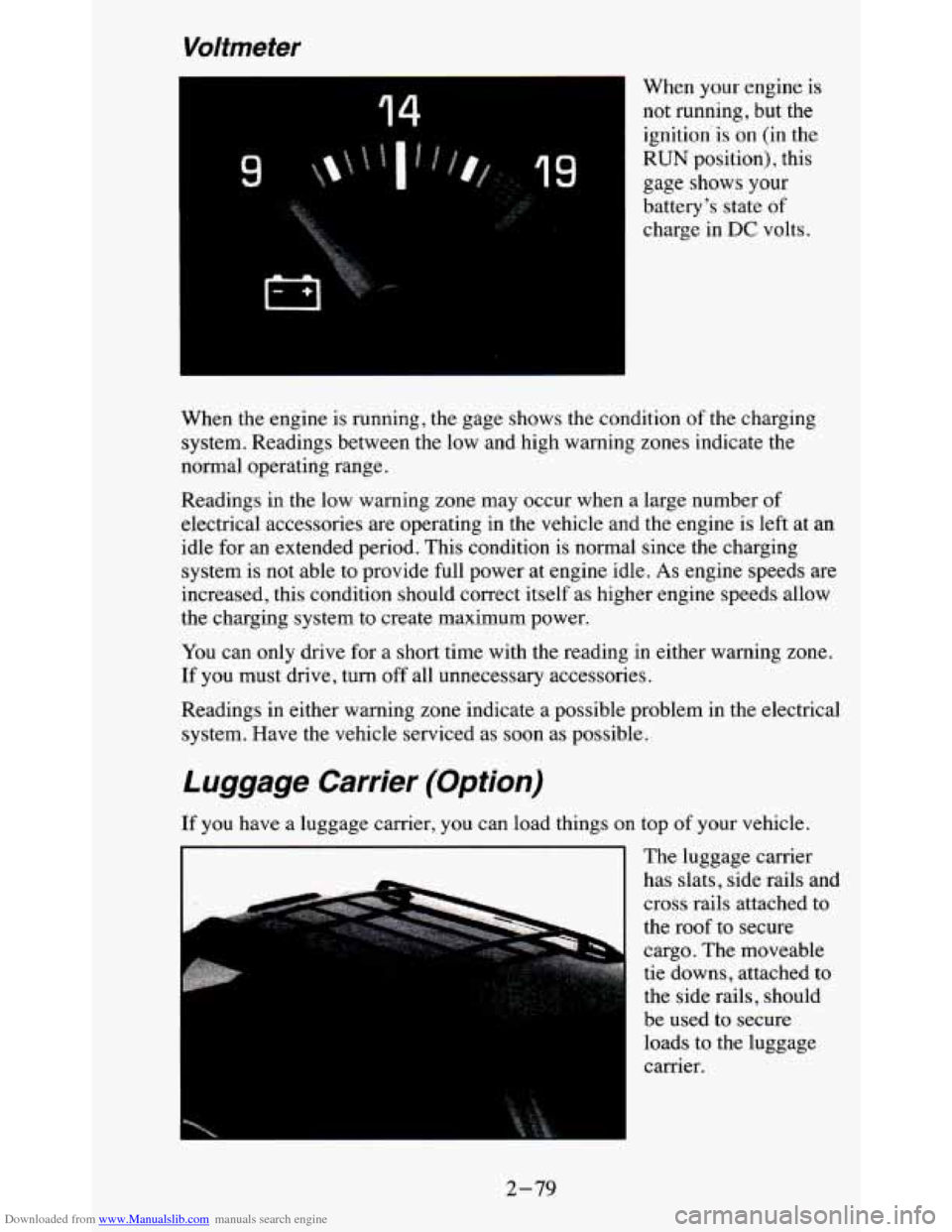
When your engine is
not running, but the ignition'is on (in the
RUN position), this
gage shows
your
battery's state of
charge in DC volts.
When the engine is running, the gage shows the condition of the charging
system. Readings between the low and high warning zones indicate the
normal operating range.
Readings in the low warning zone may occur when a large number of
electrical accessories are operating in the vehicle and the engine is left at an
idle for an extended period. This condition is normal since
the charging
system is not able to provide full power at engine idle.
As engine speeds are
increased, this condition should correct itself as higher engine speeds allow
the charging system to create maximum power.
You can only drive for
a short time with the reading in either warning zone.
If you must drive, turn
off all unnecessary accessories.
Readings in either warning zone indicate a possible problem in the electrical
system. Have the vehicle serviced as soon as possible.
Luggage Carrier (Option)
If you have a luggage carrier, you can load things on top of your vehicle.
The luggage carrier
has slats, side rails and
cross rails attached to
the roof to secure
cargo. The moveable
tie downs, attached to
the side rails, should
be used to secure loads to the luggage
carrier.
I I
2-79
Page 137 of 380
Downloaded from www.Manualslib.com manuals search engine Rear Window Defogger (Option)
If your vehicle has this option, the rear window will have lines running
across the glass. These lines heat your window.
For best results, clear the window of as much snow or ice as possible before
using the rear window defogger.
REAR DEFOG
-
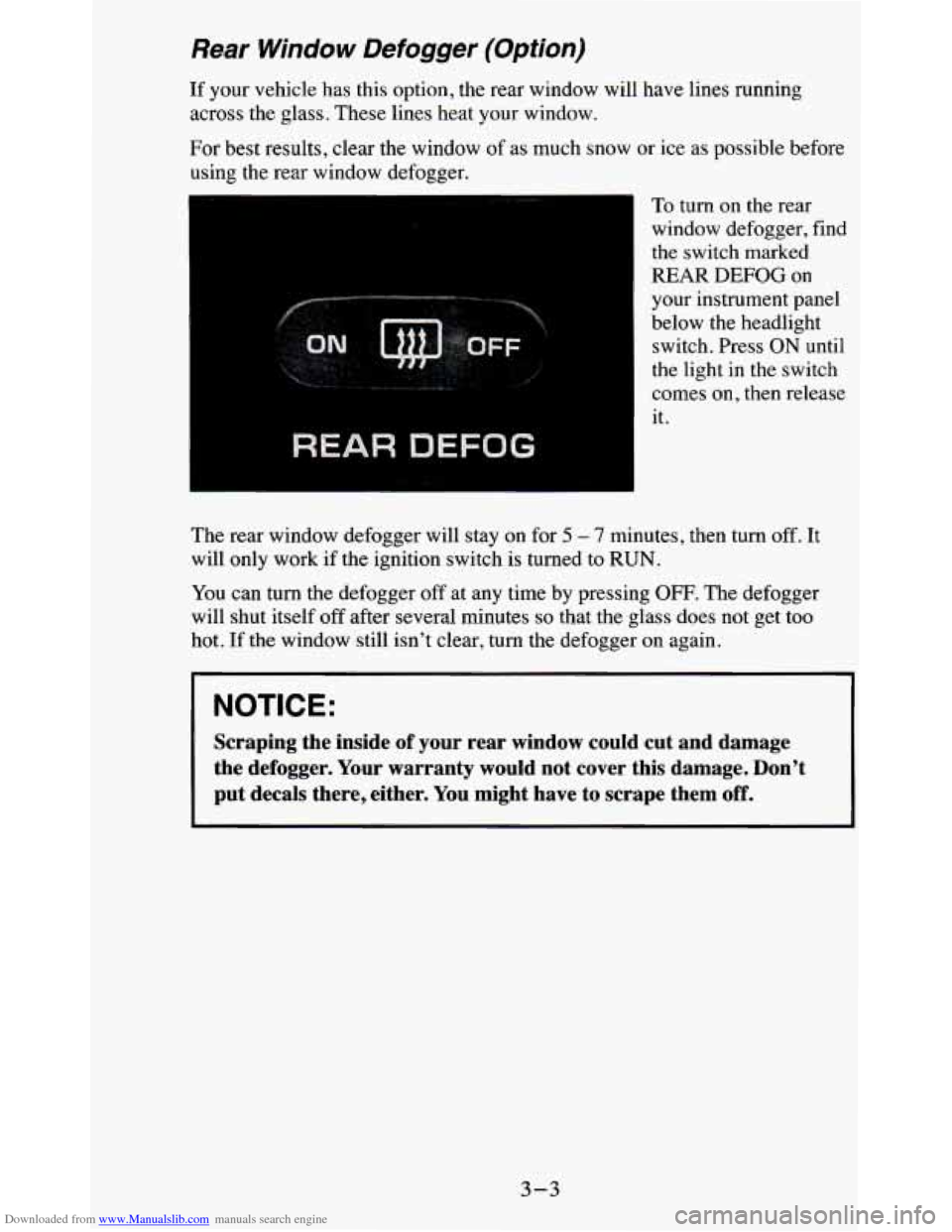
To turn on the rear
window defogger, find
the switch marked
REAR
DEFOG on
your instrument panel
below the headlight switch. Press ON until
the light in the switch
comes on, then release
it.
The rear window defogger will stay on for
5 - 7 minutes, then turn off. It
will only work if the ignition switch is turned to RUN.
You can
turn the defogger off at any time by pressing OFF. The defogger
will shut itself off after several minutes
so that the glass does not get too
hot.
If the window still isn’t clear, turn the defogger on again.
NOTICE:
Scraping the inside of your rear window could cut and damage
the defogger. Your warranty would not cover this damage. Don’\
t
put decals there, either. You might have to scrape them
off.
3-3
Page 139 of 380
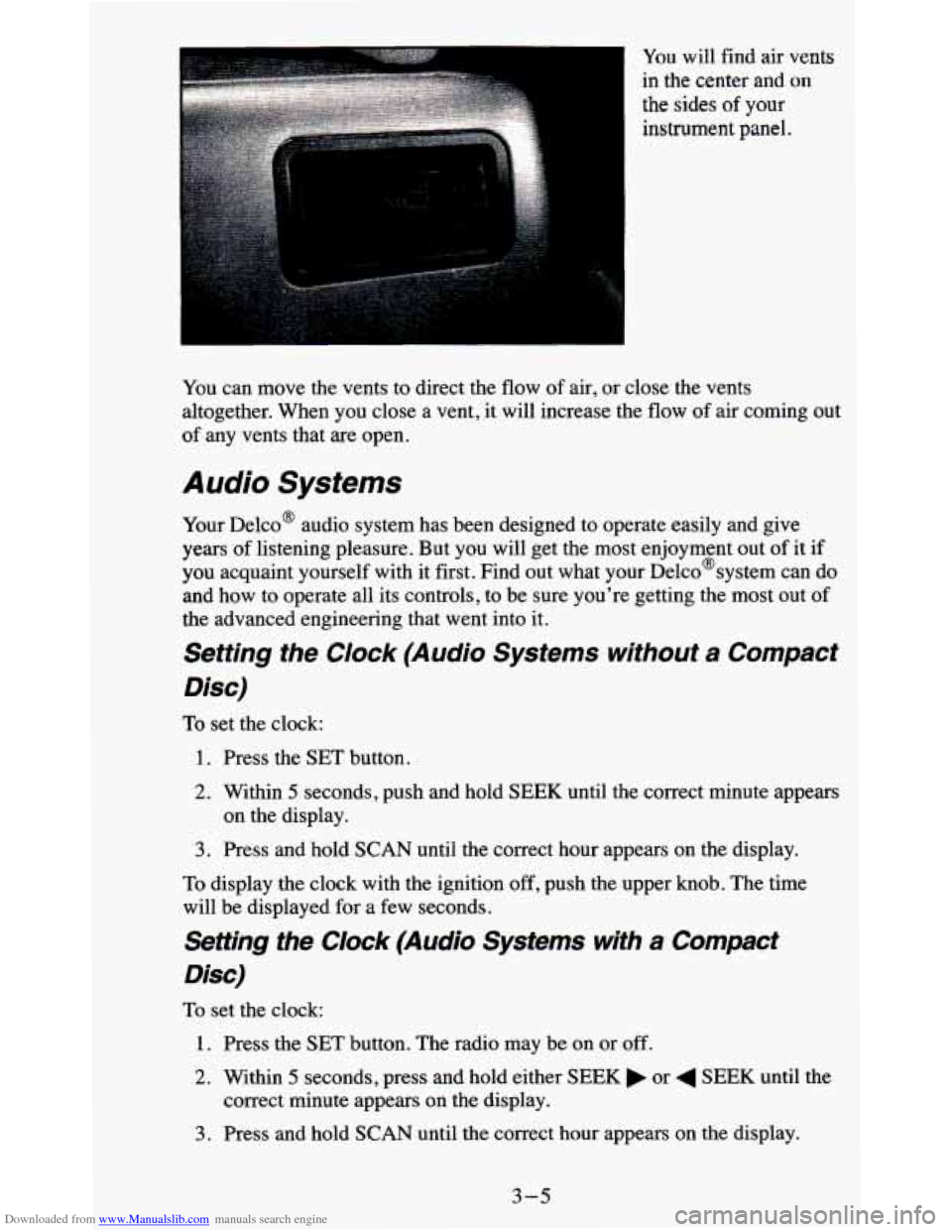
Downloaded from www.Manualslib.com manuals search engine You will find air vents
in the center and
on
the sides of your
instrument panel.
You can move the vents to direct the
flow of air, or close the vents
altogether. When you close a vent, it will increase the flow of air coming out
of any vents that are open.
Audio Systems
Your Delco@ audio system has been designed to operate easily and give
years of listening pleasure. But you will get the most enjoyment out of it if
you acquaint yourself with it first. Find out what your Delco@system can do
and how to operate all its controls, to be sure you're getting the most out of
the advanced engineering that went into it.
Setting the Clock (Audio Systems without a Compact
Disc)
To set the clock:
1. Press the SET button.
2. Within 5 seconds, push and hold SEEK until the correct minute appears
3. Press and hold SCAN until the correct hour appears on the display.
on the display.
To display the clock with the ignition off, push the upper knob. The time
will be displayed for a few seconds.
Setting the Clock (Audio Systems with a Compact
Disc)
To set the clock:
1. Press the SET button. The radio may be on or off.
2. Within 5 seconds, press and hold either SEEK or 4 SEEK until the
correct minute appears
on the display.
3. Press and hold SCAN until the correct hour appears on the display.
3-5