Page 147 of 410
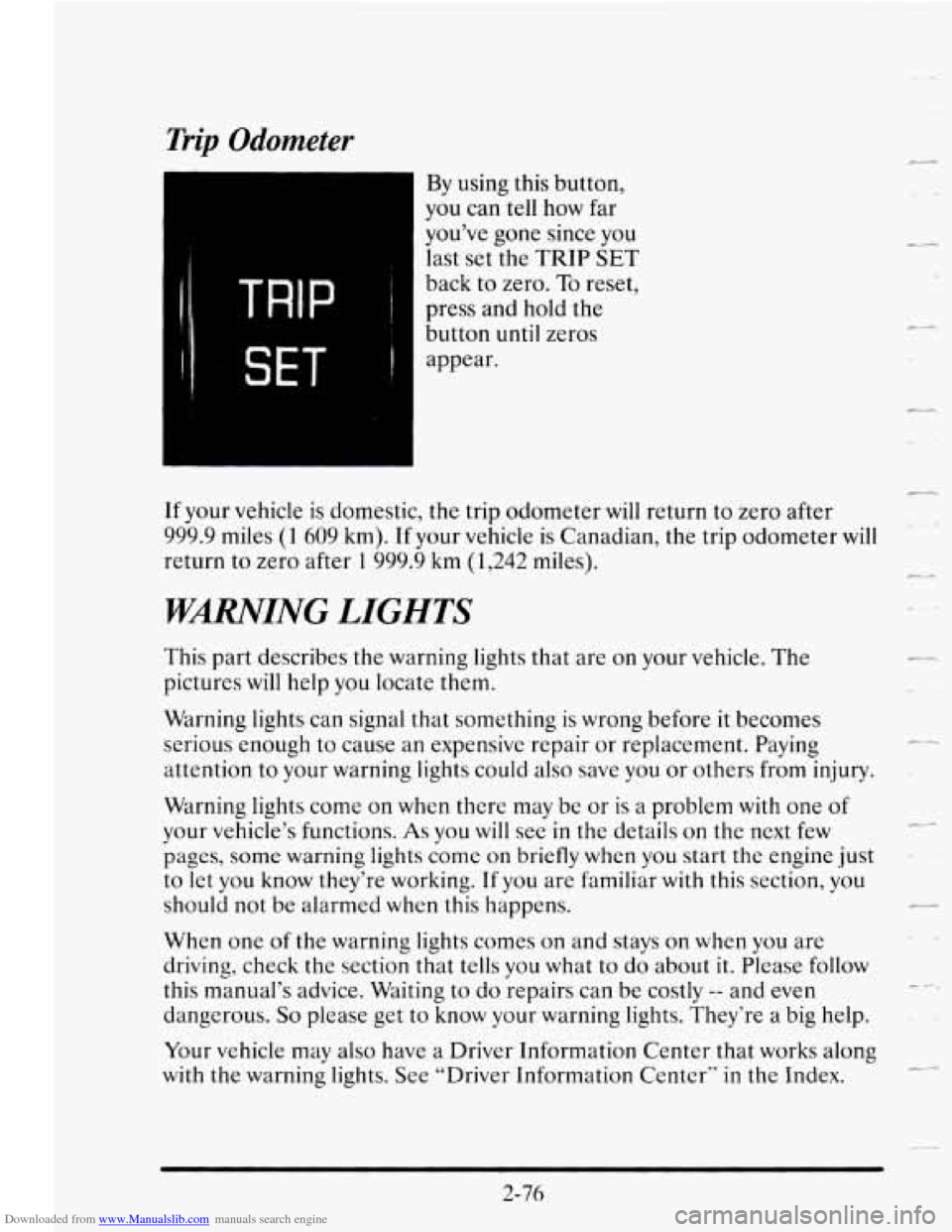
Downloaded from www.Manualslib.com manuals search engine Trip Odometer
TRIP ~
SET I
By using this button,
you can tell how far
you’ve gone since you
last
set the TRIP SET
back to zero. To reset,
press and hold the
button until zeros
appear.
If your vehicle is domestic, the trip odometer will return to zero after
999.9 miles
(1 609 km). If your vehicle is Canadian, the trip odometer will
return to zero after 1 999.9 km (1,242 miles).
WMING LIGHTS
This part describes the warning lights that are on your vehicle. The
pictures will help
you locate them.
Warning lights can signal that something is wrong before it becomes
serious enough
to cause an expensive repair or replacement. Paying
attention to your warning lights could also save you or others from injury.
Warning lights come
on when there may be or is a problem with one of
your vehicle’s functions. As you will see in the details on the next few
pages, some warning lights come
on briefly when you start the engine just
to let you know they’re working.
If you are familiar with this section, you
should not be alarmed
when this happens.
When one of the warning lights comes on and stays on when you are
driving, check the section that tells you
what to do about it. Please follow
this manual’s advice. Waiting to do repairs can
be costly -- and even
dangerous.
So please get to know your warning lights. They‘re a big help.
Your vehicle may also have a Driver Information Center that works along
with the warning lights. See “Driver Information Center‘‘ in the Index.
r
L
c.-d
c +..
2-76
Page 150 of 410
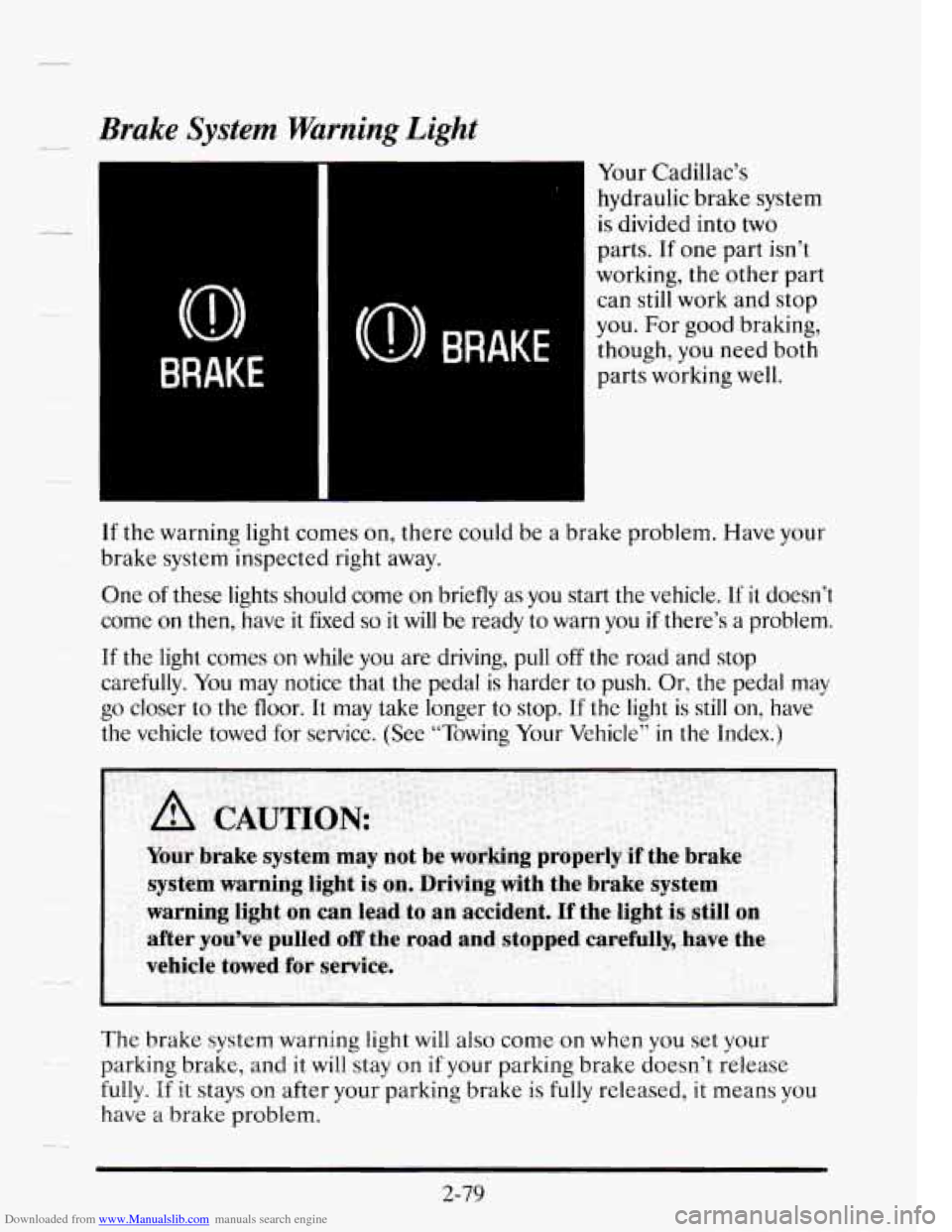
Downloaded from www.Manualslib.com manuals search engine Brake System Warning Light
Your Cadillac’s hydraulic brake system
is divided into two
parts. If one part isn’t
working, the other part
can still work and stop
you.
For good braking,
though,
you need both
parts working well.
If the warning light comes on, there could be a brake problem. Have your
brake system inspected right away.
One of these lights should come on briefly as you start the vehicle. If it doesn’t
come on then, have it fixed
so it will be ready to warn you if there’s a problem.
If the light comes on while you are driving, pull off the road and stop
carefully. You may notice that
the pedal is harder to push. Or, the pedal may
go closer to the floor. It may take longer to stop. If the light is still on, have
the vehicle towed for service. (See “Towing Your Vehicle” in the Index.)
The brake system warning light will also come
on when you set your
parking brake, and it will stay
on if your parking brake doesn’t release
fully.
If it stays on after your parking brake is fully released, it means you
have
a brake problem.
-4
2-79
Page 151 of 410
Downloaded from www.Manualslib.com manuals search engine Anti-Lock Brake System Warning Light
ANTI-
LOCK (0 ABS)
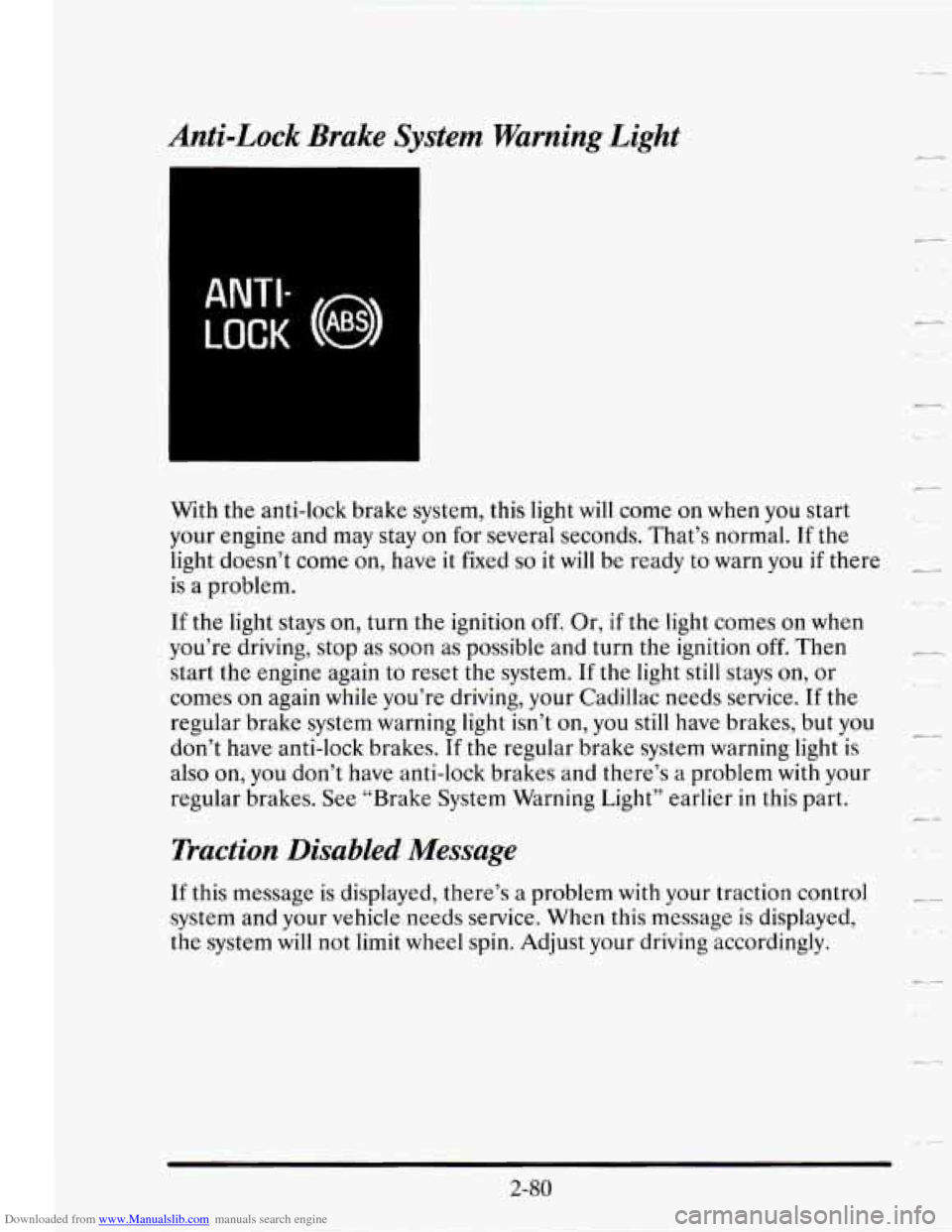
With the anti-lock brake system, this light will come on when you start
your engine and may stay on
for several seconds. That’s normal. If the
light doesn’t come on, have it fixed
so it will be ready to warn you if there
is a problem.
If the light stays on, turn the ignition off. Or, if the light comes on when
you’re driving, stop as soon as possible and turn the ignition
off. Then
start the engine again to reset the system. If the light still stays
on, or
comes on again while you’re driving, your Cadillac needs service.
If the
regular brake system warning light isn’t on, you still have brakes, but you
don’t have anti-lock brakes.
If the regular brake system warning light is
also on, you don’t have anti-lock brakes and there’s
a problem with your
regular brakes.
See “Brake System Warning Light” earlier in this part.
Traction Disabled Message
If this message is displayed, there’s a problem with your traction control
system and your vehicle needs service. When this message is displayed,
the system will not limit wheel spin. Adjust your driving accordingly.
-,.
c-
2-80
Page 152 of 410
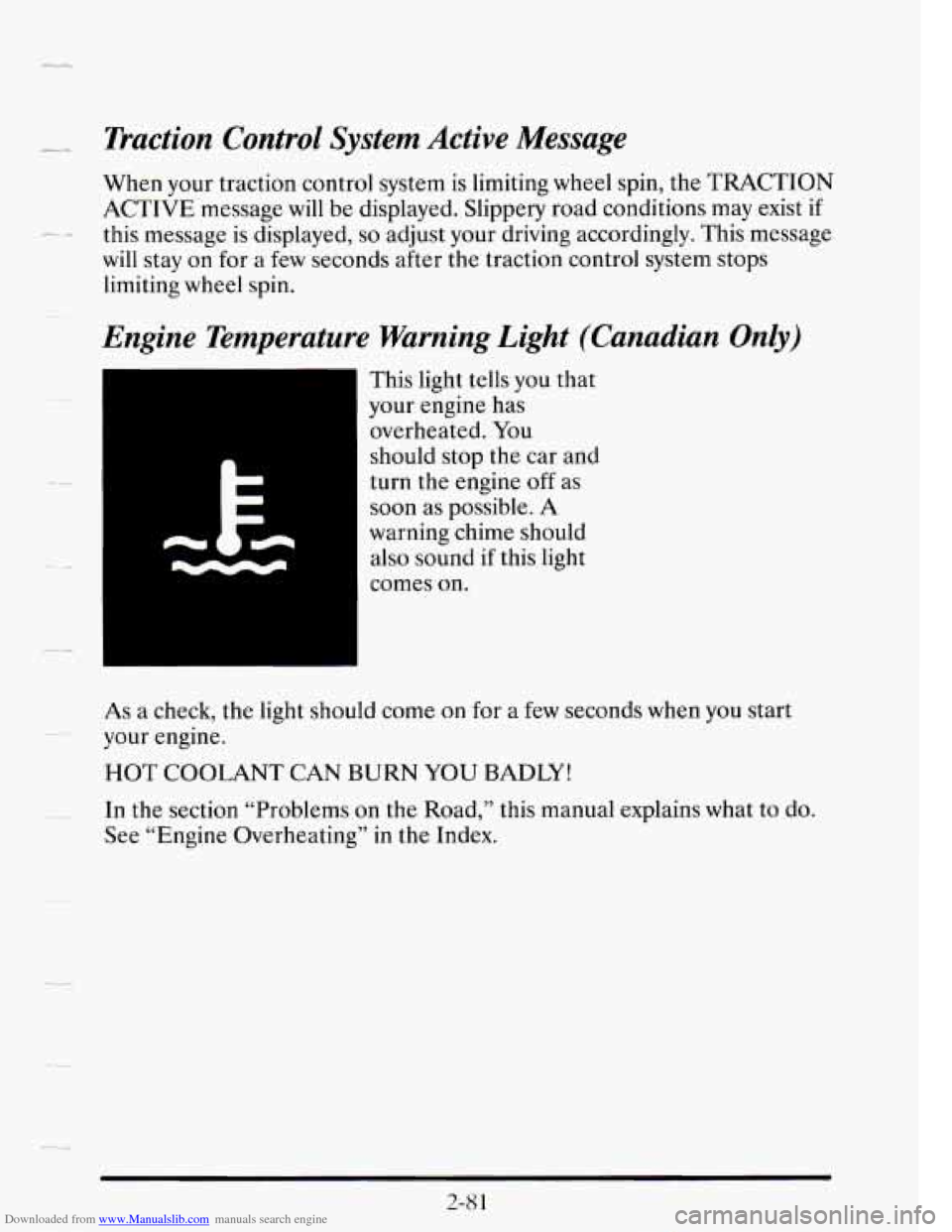
Downloaded from www.Manualslib.com manuals search engine - Traction Control System Active Message
When your traction control system is limiting wheel spin, the TRACTION
ACTIVE message will be displayed. Slippery road conditions may exist
if
will stay on for a few seconds after the traction control system stops
limiting wheel spin.
/-. .- this message is displayed, so adjust your driving accordingly. This message
Engine Temperature Warning Light (Canadian Only)
This light tells you that
your engine has
overheated. You
should stop the car and
turn the engine
off as
soon as possible.
A
warning chime should
also sound if this light
comes
on.
As a check, the light should come on for a few seconds when you start
your engine.
HOT COOLANT CAN BURN YOU BADLY!
In the section “Problems on the Road,” this manual explains what to do.
See “Engine Overheating” in the Index.
..
2-8 1
Page 154 of 410
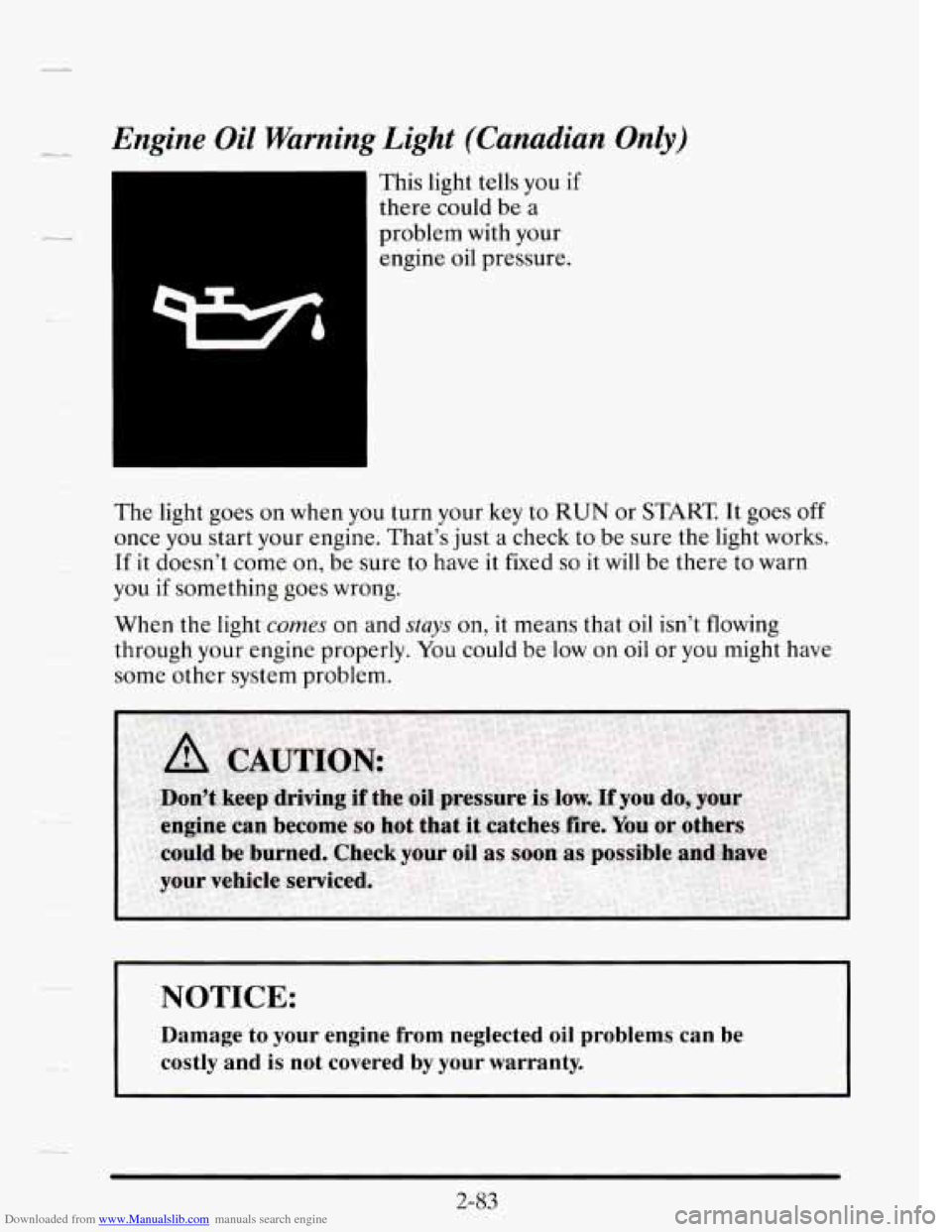
Downloaded from www.Manualslib.com manuals search engine Engine Oil Warning Light (Canadian Only)
This light tells you if
there could be a
problem with your
engine oil pressure.
The light goes on when you turn your key to
RUN or START It goes off
once you start your engine. That’s just a check to be sure the light works.
If it doesn’t come on, be sure to have it fixed
so it will be th.ere to warn
you
if something goes wrong.
When the light
comes on and stays on, it means tha.t oil isn’t flowing
through your engine properly.
You could be low on oil or you might have
some other system problem.
NOTICE:
Damage to your engine from neglected oil problems can be
costly and
is not covered by your warranty.
Page 158 of 410
Downloaded from www.Manualslib.com manuals search engine LL
--
--
The RANGE display shows how far the computer thinks you can travel
with the fuel that is in your tank. The computer does not know what
driving conditions will be like
for the rest of your trip, so the range is
estimated based on your recent fuel economy. Therefore, your range
reading may change as your driving habits change. (Going from city
to
highway driving may increase the range reading.)
If the range display shows
LO, you should stop for fuel as soon as
possible.
Your computer needs enough data
for the RANGE reading to work,
however,
so it will read LO when your vehicle is brand new (under 25
miles). It may also show LO if your battery has been disconnected.
Driver Information Center
Your Driver Information Center (DIC) display gives you the status of
many of your vehicle’s systems. The DIC is used to display driver
selectable information and warning/status messages.
If more than one problem is detected, the Driver Information Center will
automatically display all current messages.
2-87
Page 160 of 410
Downloaded from www.Manualslib.com manuals search engine .-
reads TIMER 0O:OO:OO. Press the INFORMATION button to exit from
the TIMER function.
AVG MPH (Average Speed) Reset
Press repeatedly the INFORMATION button to display the AVG MPH,
then press and hold the RESET button until
0.0 AVG MPH is displayed.
MPG AVG (Average Fuel Economy) Reset
Press repeatedly the INFORMATION button to display the MPG AVG,
then press and hold the RESET button until
0.0 AVG MPG is displayed.
Another method to reset both AVG MPG is
to press the AVG button on
the Fuel Data Panel until 0.0 AVG MPG is shown in both displays.
Fuel Used Reset
Press repeatedly the INFORMATION button to display the FUEL
USED on the Driver Information Center, then press and hold the
RESET button until
FUEL USED 0.0 is displayed.
Oil Life Left Reset
Press repeatedly the INFORMATION button to display the OIL LIFE
LEFT, then press and hold the RESET button until
0.0 OIL LIFE LEFT
is displayed.
DISPLAY ON/OFF Button
Pressing this button will turn off the Driver Information Center (DIC),
Electronic Climate Control and
Fuel Data Center displays. If you have
the digital cluster, the fuel gage, trip odometer and odometer will also
turn off. While displays are off, pressing the INFORMATION button
will
only turn on the DIC. If any other button is pressed or a driving warning
message needs to be displayed or fuel level falls below four gallons, all the
displays will come back on.
TRIP SET Button
Press and hold this button to set the trip odometer back to zero.
ENG/MET (English/Metric Button)
Press this button to switch from English (miles and Degrees Fahrenheit)
to metric (kilometers and Degrees Celsius).
2-89
Page 162 of 410
Downloaded from www.Manualslib.com manuals search engine BATTERY VOLTS LOW - 06
_L-.
This message will appear when the electrical system is charging less than
10 volts or if the battery has been drained. If this message appears
immediately after starting, it is possible that the generator can still
recharge the battery. The battery should recharge after driving a few miles
and the message should go out.
If this message appears while driving or
after starting your vehicle and stays on, have it checked immediately to
-~ determine the cause of this problem. To help the generator recharge the
battery quickly you can reduce the load on the electrical system by turning
off your accessories. You can monitor battery voltage on the Driver
Information Center by toggling the INFORMATION button. The normal
range is
11.5 to 15.5 volts.
-
CHANGE TRANS FLUID - 47
~- This message will appear when it is time to replace the transaxle fluid. See
your maintenance schedule booklet
for the proper fluid and change
intervals.
CHECK BRAKE FLUID - 37
This message is displayed to inform the driver that the brake reservoir
fluid level
is low. Check the brake reservoir level and add as needed. Have
the brake system serviced by
a Cadillac technician as soon as possible. If
the brake warning light is on, follow the directions in that part.
CHECK COOLANT LEVEL - 04
This message will appear when there is a low level of engine coolant.
Have the cooling system serviced by a Cadillac technician
as soon as
possible.
CHECK FUEL GAGE - 39
This message will appear when your fuel supply is less than four gallons
and your display
is turned off.