Page 104 of 340
Downloaded from www.Manualslib.com manuals search engine running at 2,000 revolutions per minute (rpm). The tachometer needle will
vary all the time that the engine is running.
The yellow warning range tells you that your engine speed is reach\
ing its
upper limits. Don’t drive very long with the tachometer in the yellow range.
If you have a manual transmission, shift to a higher gear as soon as possible.
If you have an automatic transmission, lift your foot off
of the accelerator
pedal
so that the transmission can select a higher gear.
The Red danger range tells you that your engine speed is at its upper limits.
You should immediately shift to a higher gear, or lift your foot
off of the
accelerator pedal. If you drive for very long with the tachometer in the red
danger range, engine damage will result.
NOTICE:
Do not operate the engine with the tachometer in the red area,
or engine damage
will occur.
I
Warning Lightsy Gages and Indicators
This section describes the warning lights and gages that may be on your
vehicle. The pictures will help you locate them.
Warning lights and gages can signal that something is wrong be\
fore it
becomes serious enough to cause an expensive repair or replacem\
ent.
Paying attention to your warning lights and gages could also s\
ave you or
others from injury.
Warning lights
go on when there may be or is a problem with one of your
vehicle’s functions.
As you will see in the details on the next few pages,
some warning lights come on briefly when you turn the ignition\
key just to
let you know they’re working. If you are familiar with this sec\
tion, you
should not
be alarmed when this happens.
Gages can indicate when there may be or is a problem with one
of your
vehicle’s functions. Often gages and warning lights work toge\
ther to let you
know when there’s a problem with your vehicle.
When one of the warning lights comes on and stays on when you are
driving, or when one of the gages shows there may be a problem, check the
section that tells you what to
do about it. Please follow the manual’s advice.
Waiting to do repairs can be costly
- and even dangerous. So please get to
know your warning lights and gages. They’re a big help.
2-58
I
Page 107 of 340
Downloaded from www.Manualslib.com manuals search engine Malfunction Indicator (Service Engine Soon) Lamp
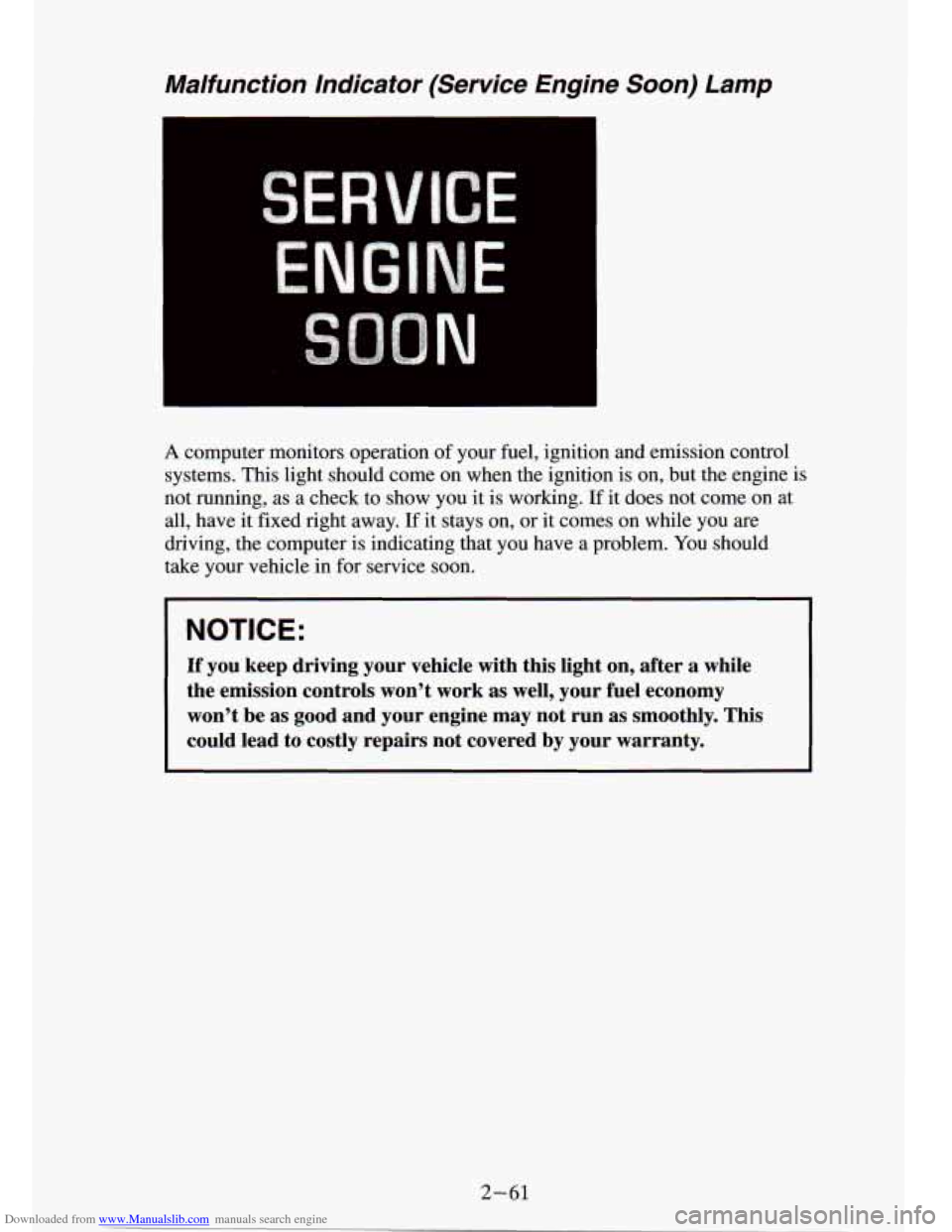
A computer monitors operation of your fuel, ignition and emission control
systems. This light should come on when the ignition
is on, but the engine is
not running, as a check to show you it is working.
If it does not come on at
all, have it fixed right away.
If it stays on, or it comes on while you are
driving, the computer is indicating that you have a problem. You should
take your vehicle in for service soon.
NOTICE:
If you keep driving your vehicle with this light on, after a while
the emission controls won’t work as well, your fuel economy \
won’t be as good and your engine may
not run as smoothly. This
could lead to costly repairs not covered by your warranty.
2-61
Page 109 of 340
Downloaded from www.Manualslib.com manuals search engine Charging System Light
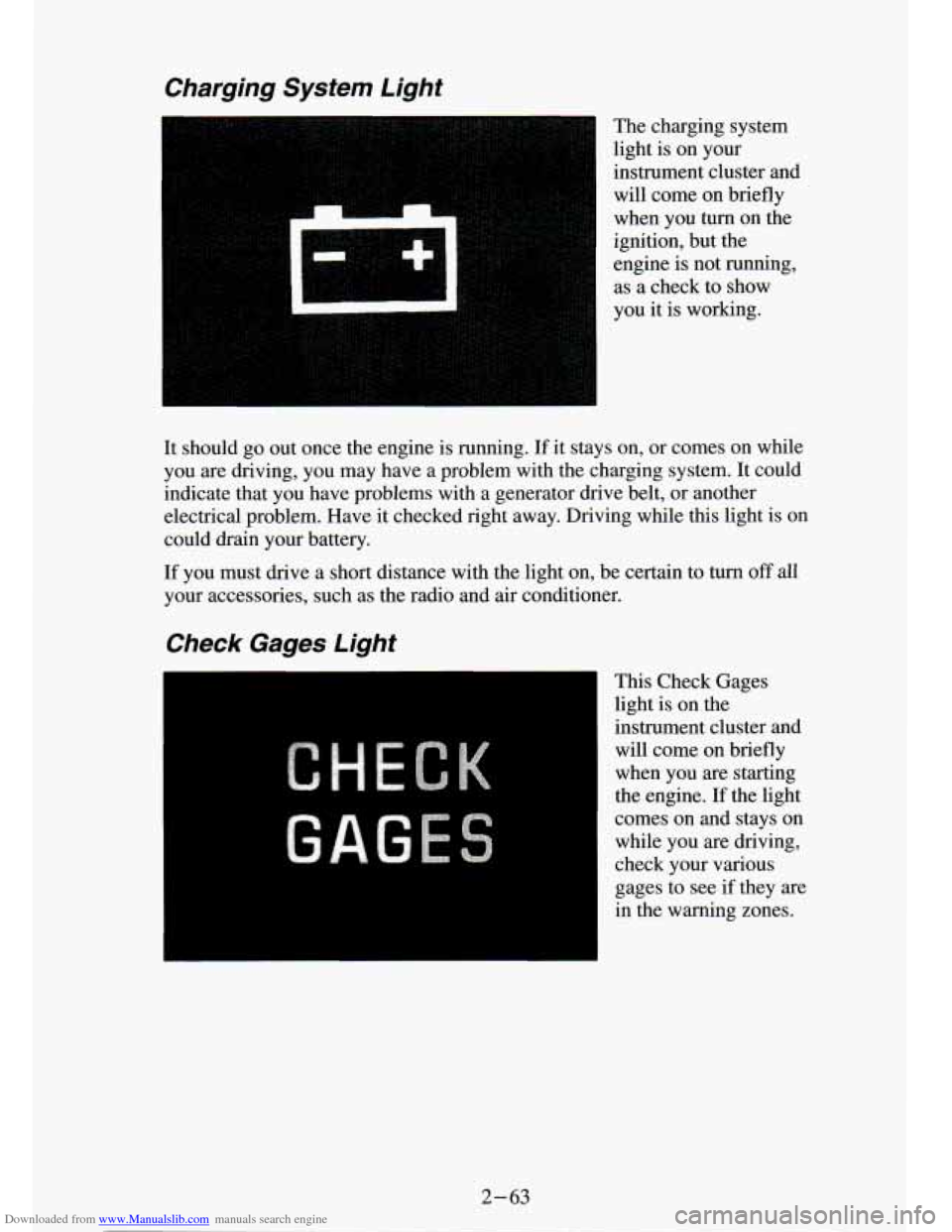
The charging system
light is on your
instrument cluster and will come on briefly
when you turn on the
ignition, but the
engine is not running,
as a check to show
you it is working.
It should
go out once the engine is running. If it stays on, or comes on while
you are driving, you may have a problem with the charging system.
It could
indicate that you have problems with a generator drive belt, or another
electrical problem. Have it checked right away. Driving while this light is on
could drain your battery.
If you must drive a short distance with the light on, be certain to turn off all
your accessories, such as the radio and air conditioner.
Check Gages Light
This Check Gages
light is on the
instrument cluster and
will come on briefly
when you are starting
the engine.
If the light
comes on and stays on while you are driving,
check your various
gages to see
if they are
in the warning zones.
2-63
Page 110 of 340
Downloaded from www.Manualslib.com manuals search engine :.
Daytime Running Lights (DRL) Indicator Light
(Canada Only)
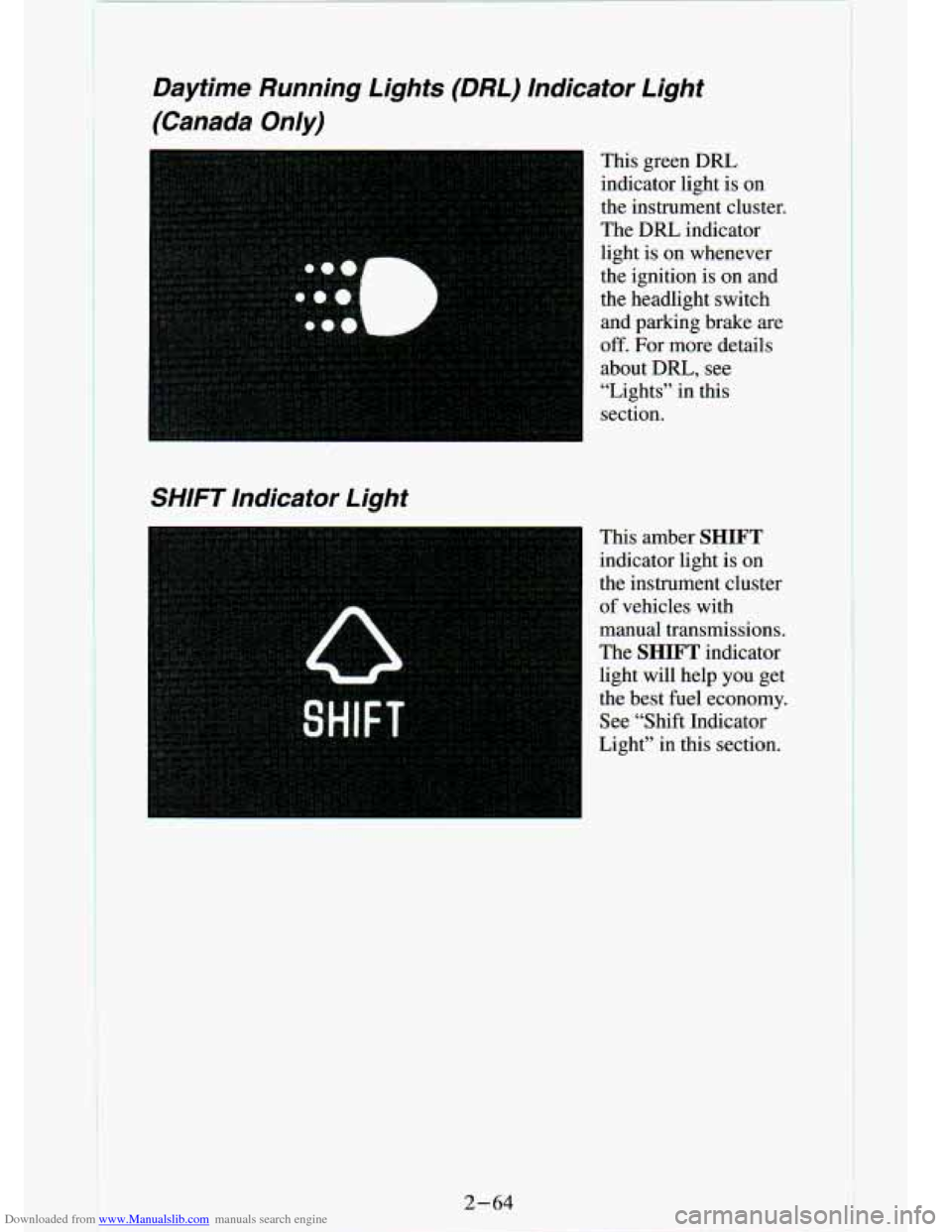
This green DRL indicator light is on
the instrument cluster.
The
DRL indicator
light is on whenever
the ignition is
on and
the headlight switch
and parking brake are
off. For more details
about DRL,
see
“Lights” in this
section.
SHIFT Indicator Light
This amber SHIFT
indicator light is on
the instrument cluster
of vehicles with
manual transmissions.
The
SHIFT indicator
light will help
you get
the best fuel economy.
See “Shift Indicator
Light” in this section.
2-64
Page 112 of 340
Downloaded from www.Manualslib.com manuals search engine Gages
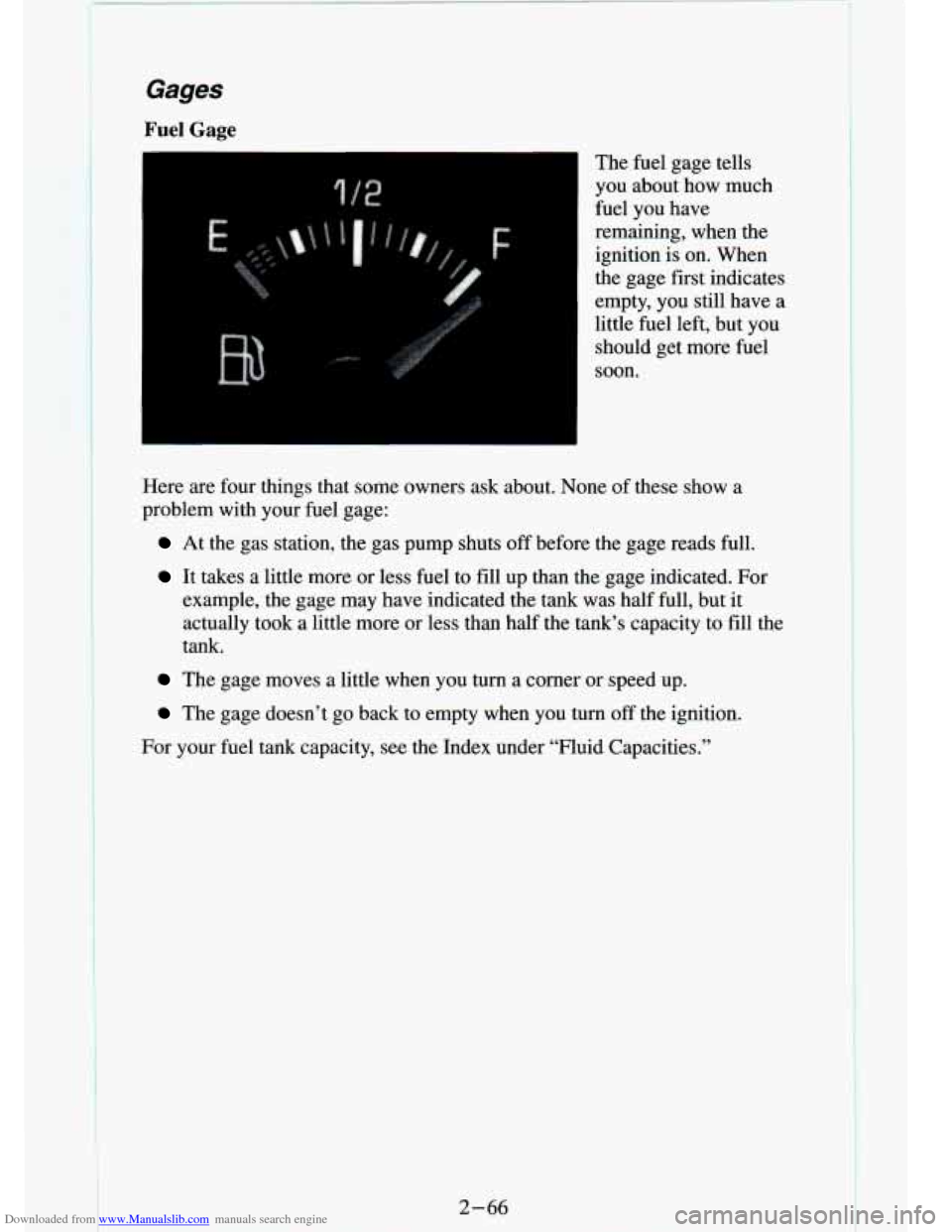
Fuel Gage The fuel gage tells
you about how much
fuel you have
remaining, when the
ignition is on. When
the gage first indicates
empty, you still have a
little fuel left, but you should get more fuel
soon.
Here are four things that some owners ask about. None of these show a
problem with your fuel gage:
At the gas station, the gas pump shuts off before the gage reads full.
It takes a little more or less fuel to fill up than the gage indicated. For
example, the gage may have indicated the tank was half full, but
it
actually took a little more or less than half the tank’s c\
apacity to fill the
tank.
The gage moves a little when you turn a corner or speed up.
The gage doesn’t go back to empty when you turn off the ignition.
For your fuel tank capacity, see the Index under “Fluid Capacities.”
2-66
Page 113 of 340
, this gage shows your batteryâ€")
Downloaded from www.Manualslib.com manuals search engine Voltmeter
I
When your engine is not running, but the ignition is on (in \
the RUN
position), this gage shows your battery’s state of charge in DC volts. When
the engine is running, the gage shows the condition of the charging system.
Readings between the low and high warning zones indicate the normal
operating range.
You can only drive for a short time with
the reading in either warning zone.
If you must drive,
turn off all unnecessary accessories.
Readings in either warning zone indicate a possible problem in the electrical
system. Have
the vehicle serviced as soon as possible.
Center High Mounted Stop Lamp (CHMSL)
Feed Wire
Your vehicle includes a Center High Mounted Stop Lamp (CHMSL) located
above the rear window.
If equipment such as a cap or camper is installed, a wire labeled “Center
High Mounted Stop Lamp (CHMSL)” feed is provided along the left rear
frame. This wire should be used to install a CHMSL in the cap or camper.
2-67
Page 121 of 340
Downloaded from www.Manualslib.com manuals search engine How To Operate Your ETP AM Radio
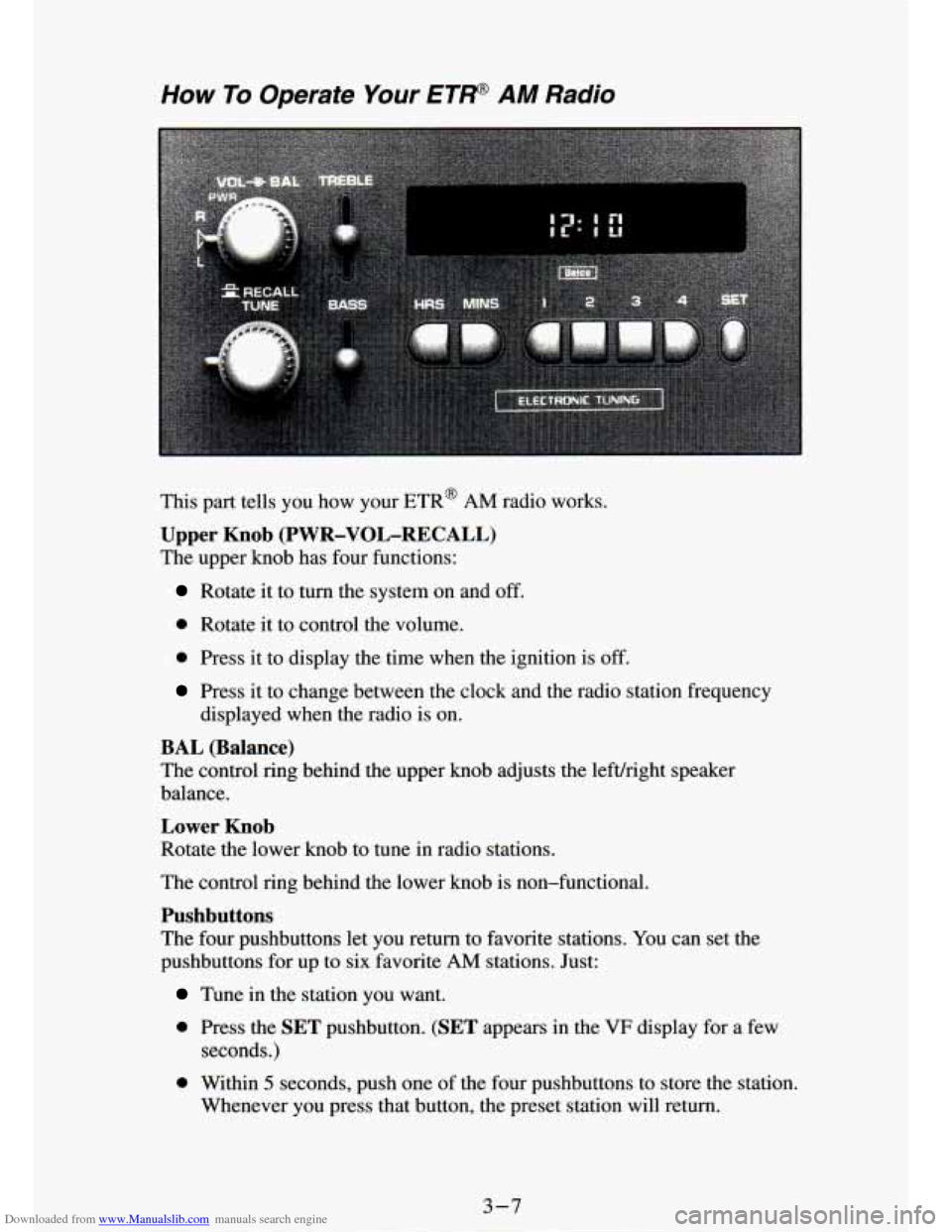
This part tells you how your ETR@ AM radio works.
Upper Knob (PWR-VOL-RECALL)
The upper knob has four functions:
Rotate it to turn the system on and off.
0 Rotate it to control the volume.
0 Press it to display the time when the ignition is off.
Press it to change between the clock and the radio station frequency
displayed when the radio is on.
BAL (Balance)
The contrQl rimz behind the upper knob adjusts the lefvright speaker
balance.
Lower Knob
Rotate the lower knob to tune in radio srauons.
The control ring behind the lower knob is non-functional.
Pushbuttons
The four pushbuttons let you return to favorite stations. You can set the
pushbuttons for up to six favorite
AM stations. Just:
Tune in the station you want.
0 Press the SET pushbutton. (SET appears in the VF display for a few
seconds.)
0 Within 5 seconds, push one of the four pushbuttons to store the station,
Whenever you press that button, the preset station will return.\
3-7
Page 123 of 340
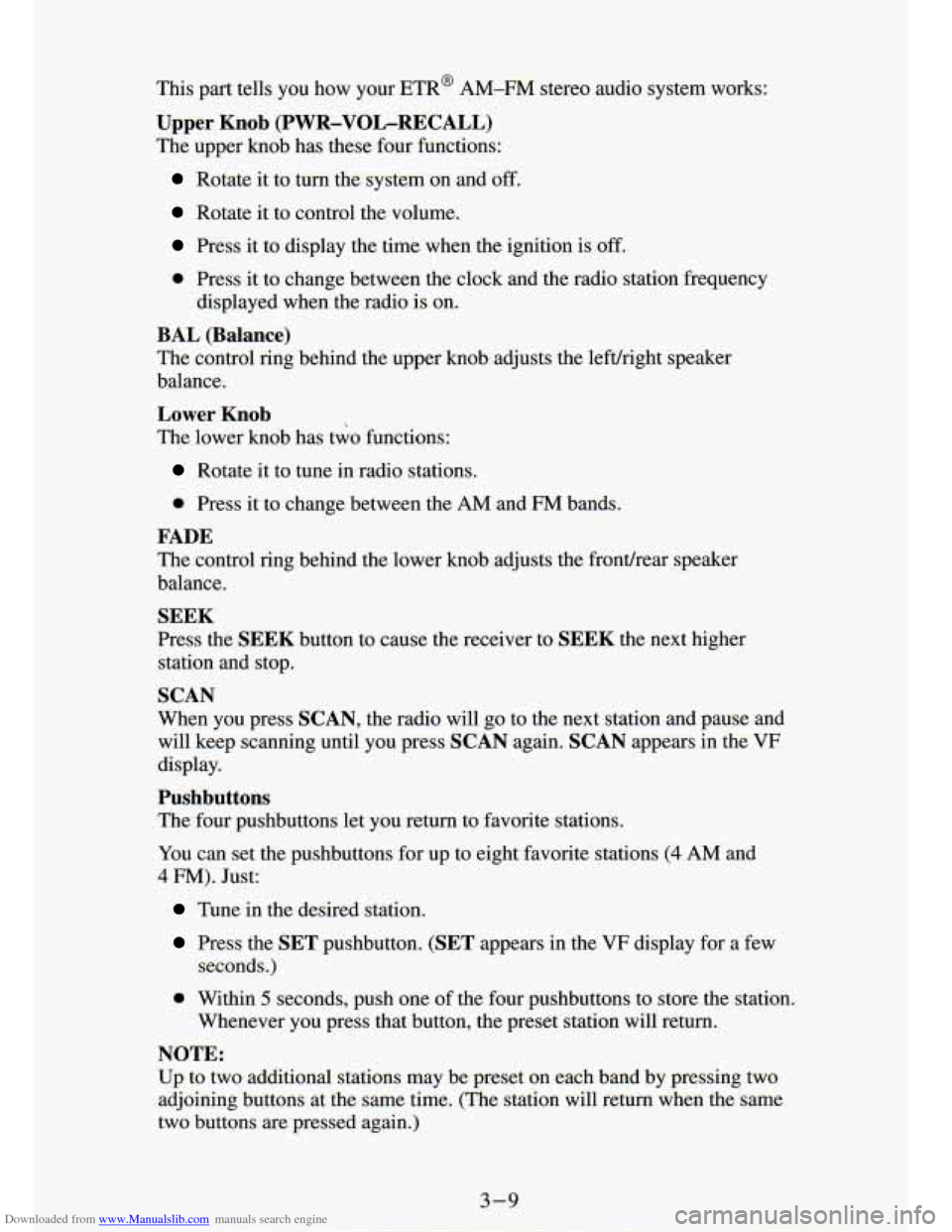
Downloaded from www.Manualslib.com manuals search engine This part tells you how your ETR@ AM-FM stereo audio system works:
Upper Knob (PWR-VOL-RECALL)
The upper knob has these four functions:
Rotate it to turn the system on and off.
Rotate it to control the volume.
Press it to display the time when the ignition is off.
0 Press it to change between the clock and the radio station fr\
equency
displayed when~the radio is on.
BAL (Balance)
The control ring behind the upper knob adjusts the leftlright me: :r
balance.
Lower Knob
The lower knob has two functions:
*
Rotate it to tune in radio stations.
0 Press it to change between the AM and FM bands.
FADE
The control ring behind the lower knob adjusts the frontlrear speaker
balance.
SEEK
Press the SEEK button to cause the receiver to SEEK the next higher
station and stop.
SCAN
When you press SCAN, the radio will go to the next station and pause and
will keep scanning until you press
SCAN again. SCAN appears in the VF
display.
Pushbuttons
The four pushbuttons let you return to favorite stations.
YOU can set the pushbuttons for up to eight favorite stations
(4 AM and
4 FM). Just:
Tune in the desired station.
Press the SET pushbutton. (SET appears in the VF display for a few
seconds.)
0 Within 5 seconds, push one of the four pushbuttons to store the station.
Whenever you press that button, the preset station will return.\
NOTE:
Up to two additional stations may be preset on each band by pressing two
adjoining buttons at
the same time. (The station will return when the same
two buttons are pressed again.)