Page 110 of 308
Convenience Net
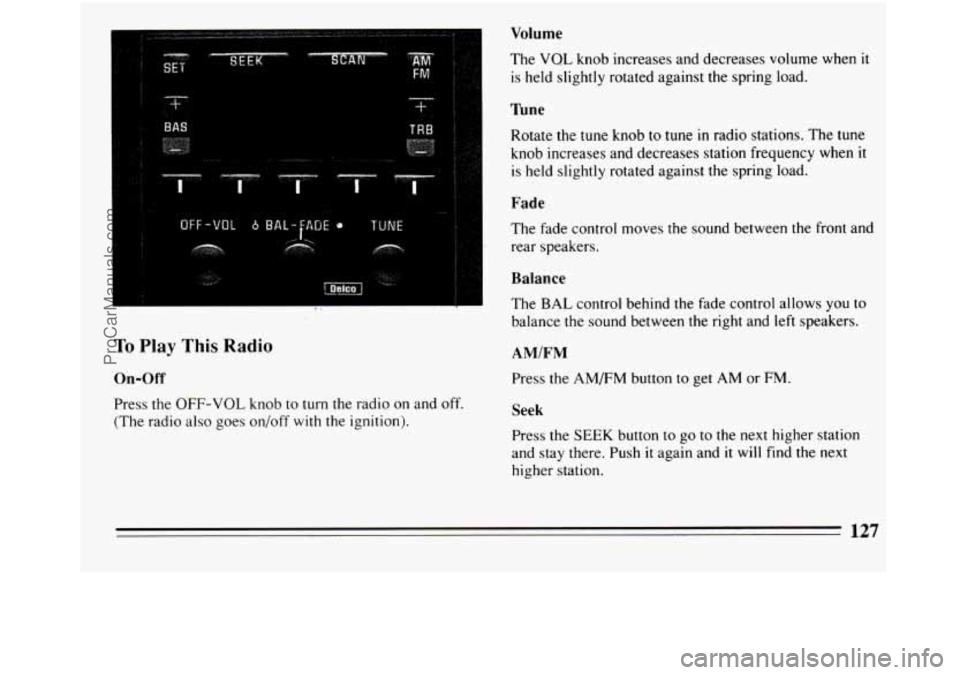
Your vehicle may have a convenience net. You’ll see it
just behind the back wall of the trunk.
Put small loads, like grocery bags, behind the net. It can
help keep them from falling over during sharp turns or
quick starts and stops.
The net isn’t for larger heavier loads. Store them
in the
trunk as far forward as you can.
You can unhook the net
so that it will lie flat when
you’re not using
it.
Astroroof (Option)
To open the astroroof, press the switch located on the
roof. The ignition switch must be in the
“RUN” position
for the astroroof
t.o operate.
The sunshade can be opened by grasping the handle and
sliding it to the rear. It
will open automatically when the
astroroof is open completely. It must be closed
manually.
To open the astroroof to an angled venting position,
press and hold the forward portion of the switch until it
stops. To close it, press and hold the rear portion
of the
switch
until it stops.
To open the astroroof completely, press and hold the rear
portion of the switch. To close the
it, press and hold the
front portion of
the switch until it stops.
The astroroof cannot be operated manually if your car
has an electrical power failure.
108
ProCarManuals.com
Page 114 of 308
Your Buick has a “tamper-resistant odometer.” If you
can see very noticeable bright silver lines between the
numbers, probably someone has tried to turn
it back.
The numbers may not be true.
You may wonder what happens
if a car has to have a
new odometer installed. If possible, the new one has to
be set to
the same reading as the old one. If it can’t be,
then it’s set at zero, and a label on the driver’s door must
show the old reading and when the new one
was
installed.
Trip Odometer
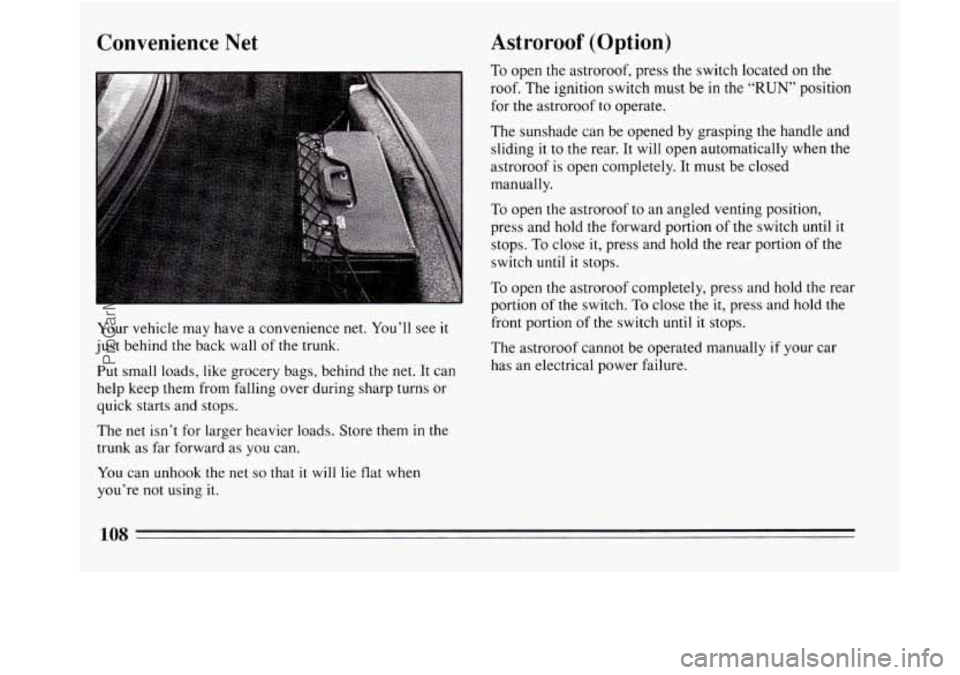
A trip odometer can tell
you how many miles you
have driven since
you last
set
it back to zero. To reset
it, push the button.
Warning Lights, Gages and
Indicators
This section describes the warning lights and gages that
may be on your vehicle. The pictures will help you
locate them.
Warning lights and gages can signal that something is
wrong before
it becomes serious enough to cause an
expensive repair or replacement. Paying attention to
your warning lights and gages could
also save you or
others from injury.
Warning lights
go on when there may be or is a problem
with one of your vehicle’s functions. As you will see in
the details on the next few pages, some warning lights
come on briefly when you turn the ignition key
just to
let you know they’re working.
If you are familiar with
this section, you should not be alarmed
when this
happens.
Gages can indicate when there may be or is a problem
with one of your vehicle’s functions. Often gages and
warning lights work together to let
you know when
there’s a problem
with your vehicle.
112
ProCarManuals.com
Page 118 of 308
go closer to the floor. It may take longer to stop. Have
the vehicle towed for service. (See “Towing Your Car”
in the Index.) Engine Coolant Temperature Gage
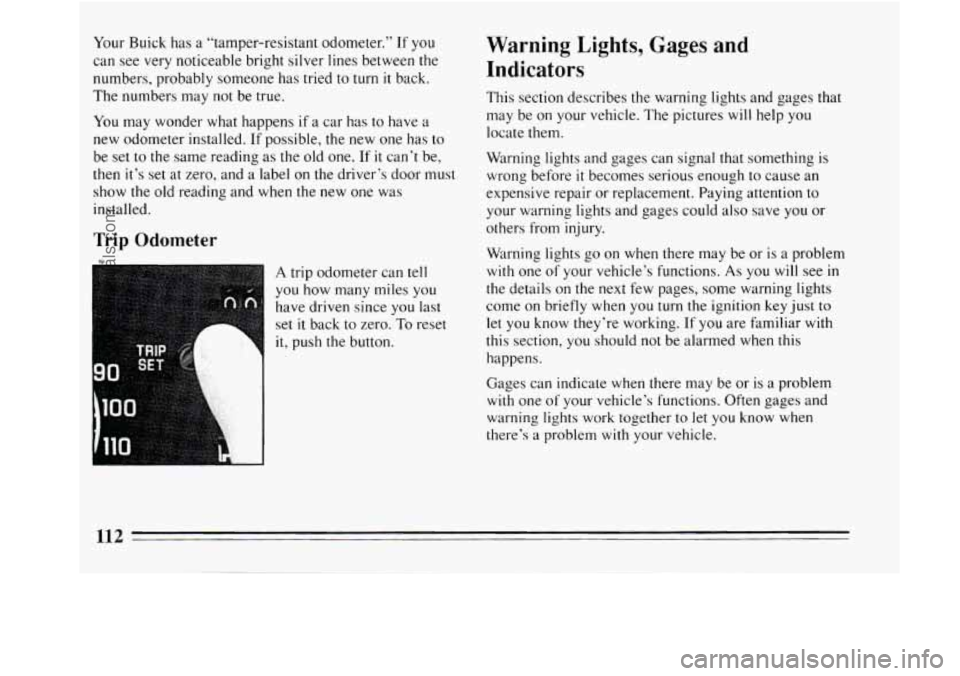
This gage shows the engine
coolant temperature. If the
gage pointer moves into the
red area, your engine
is too
hot!
If the anti-lock brake system warning light stays on
longer than normal after you’ve started your engine, turn
the ignition off. Or,
if the light comes on and stays on
when you’re driving, stop as soon as possible and turn
the ignition off. Then start the engine again to reset the
system. If the light still stays on, or comes on again
while you’re driving, your Buick needs service. If the
light is on but not flashing and the regular brake system
warning light isn’t on,
you still have brakes, but you
don’t have anti-lock brakes. It means
that your engine coolant has overheated. If you
have been operating your vehicle under normal driving
conditions,
you should pull off the road, stop your
vehicle and turn off the engine as soon as possible.
The chapter “Problems on the Road,” this manual
explains what to do. See “Engine Overheating”
in the
Index.
116
ProCarManuals.com
Page 120 of 308

could be low on oil, or you might have some other oil
problem. Have your vehicle serviced as soon
as you can.
NOTICE:
Damage to your engine from neglected oil
problems can be costly and is not covered by
your warranty.
Low Oil Warning Light
LOW
OIL
Your vehicle is equipped
with an oil level monitoring
system. When the ignition
key is turned on, the light
will flash briefly.
If the light stays on, stop the vehicle on a level surface and
turn
off the engine. Check the oil level using the engine oil
dipstick. See “Engine Oil” in the Index. If the light does
not flash, have the low oil level sensor system repaired so
it will be ready to warn you if there’s a problem.
Note: The oil level monitoring system only checks oil
level during the brief period between key
on and engine
crank. It does not monitor engine oil level when the
engine
is running. Additionally, an oil level check is
only performed
if the engine has been turned off for a
considerable period of time allowing the oil normally
in
circulation to drain back into the oil pan.
118
ProCarManuals.com
Page 122 of 308
Malfunction Indicator Lamp (Service Engine
Soon Light)
SERVICE
ENGINE
SOON
A computer monitors
operation
of your fuel,
ignition and emission
systems. This light should
come on when the ignition
is on and the engine
is not
running, as a check to show
you
it is working.
If the light does not come on at all, have it fixed right
away.
If it says on, or comes on while you are driving,
the computer
is indicating that you have a problem. You
should take your vehicle in for service soon.
NOTICE:
If you keep driving your vehicle with this light on,
after a while the emission controls won’t work as
well, your fuel economy won’t be as good and
your engine may not run as smoothly. This could
lead to costly repairs not covered by your
~ warranty.
rachometer
The tachometer tells you how fast the engine is running .
It shows speed in revolutions per minute (RPM). Do not
operate your engine
in the red line range. If you do you
can cause severe engine damage.
120
ProCarManuals.com
Page 129 of 308
BAS TRB !
... . . ~*
... ", .
OFF-VOL 6 BAL-fAOE 0 TUNE
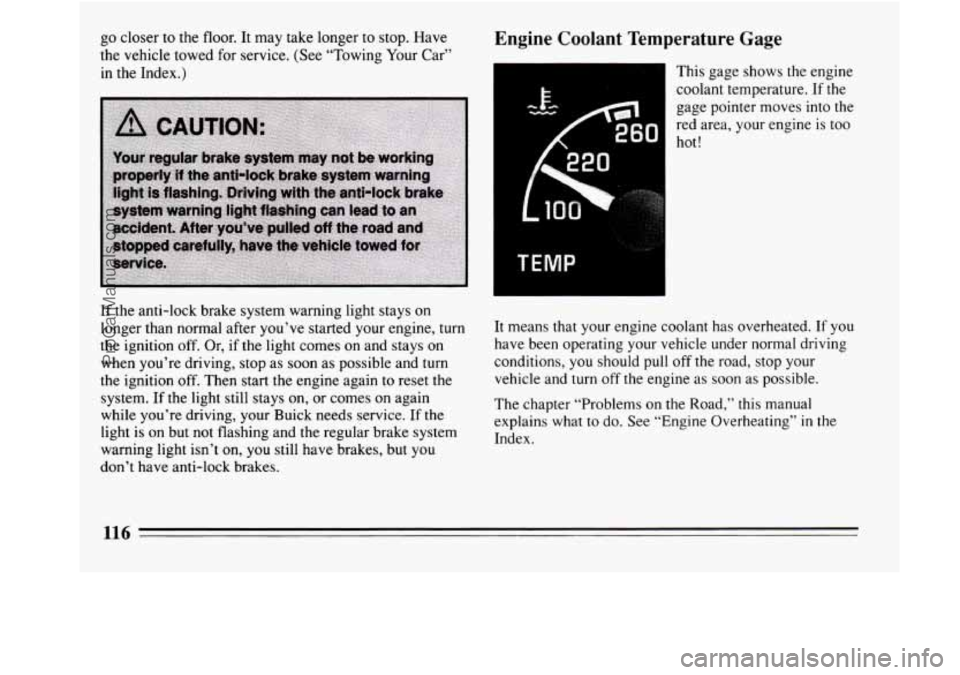
Volume
The VQL knob increases and decreases volume when it
is held slightly rotated against the spring load.
I'une
Rotate the tune knob to tune in radio stations. The tune
knob increases and decreases station frequency when it
is held slightly rotated against the spring load.
Fade
The fade control moves the sound between the front and
rear speakers.
Balance
- The BAL control behind the fade control allows you IO
balance the sound between the right and left speakers.
To Play This Radio
On-Off
Press the OFF-VOL knob to turn the radio on and off.
(The radio also goes on/off with the ignition).
AMIFM
Press the AM/FM button to get AM or FM.
Seek
Press the SEEK button to go to the next higher station
and stay there. Push
it again and it will find the next
higher station.
127
ProCarManuals.com
Page 132 of 308
Recall
Press RCL to see what track is playing. Press it again
within
5 seconds to see how long the CD has been
playing that track.
The track number also appears when you change the
volume or when a new track starts to play.
Next
Press NEXT to hear the next track now (instead of
waiting until the present track is finished.)
If you hold
this button, or press it more than once, the disc
will
advance further.
Previous
If you press and hold the PREV button, or press it more
than once, the disc will return to previous tracks.
Scan
Press SCAN to hear the first ten seconds of each track.
Press it again to stop scanning.
stop
By pressing STOP, the compact disc will stop playing
and the radio
will play.
Play
compact disc will play, if there is one inserted.
. Pressing PLAY will cause the radio to stop and the
Compression
Pressing the COMP'button makes soft and loud passages
more equal
in volume.
Eject
By pressing EJECT, the disc will eject and the radio will
play. The disc will start at track one when you reinsert it.
Press the OFF-VOL knob or turn the ignition key off
to
stop the disc player. The disc stays in the player and will
resume playing at the point where
it stopped.
ProCarManuals.com
Page 133 of 308
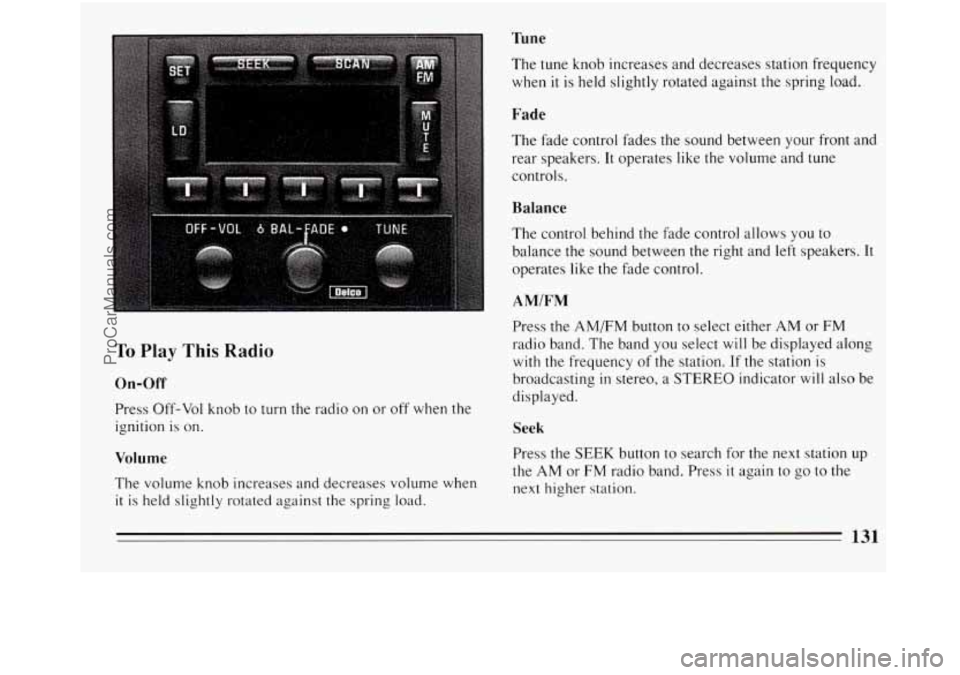
Tune
To Play This Radio
On-Off
Press Off-Vol knob to turn the radio on or off when the
ignition is on.
Volume
The volume knob increases and decreases volume when
it is held slightly rotated against the spring load. The tune knob increases
and decreases station frequency
when it is held slightly rotated against the spring load.
Fade
The fade control fades the sound between your front and
rear speakers.
It operates like the volume and tune
controls.
Balance
The control behind the fade control allows you to
balance the sound between the right and left speakers. It
operates like the fade control.
AMIFM
Press the AMEM button to select either AM or FM
radio band. The band you select will be displayed along
with the frequency of the station. If the station is
broadcasting
in stereo, a STEREO indicator will also be
displayed.
Seek
Press the SEEK button to search for the next station up
the AM or FM radio band. Press
it again to go to the
next higher station.
131
ProCarManuals.com