1994 BUICK PARK AVENUE wheel
[x] Cancel search: wheelPage 86 of 324
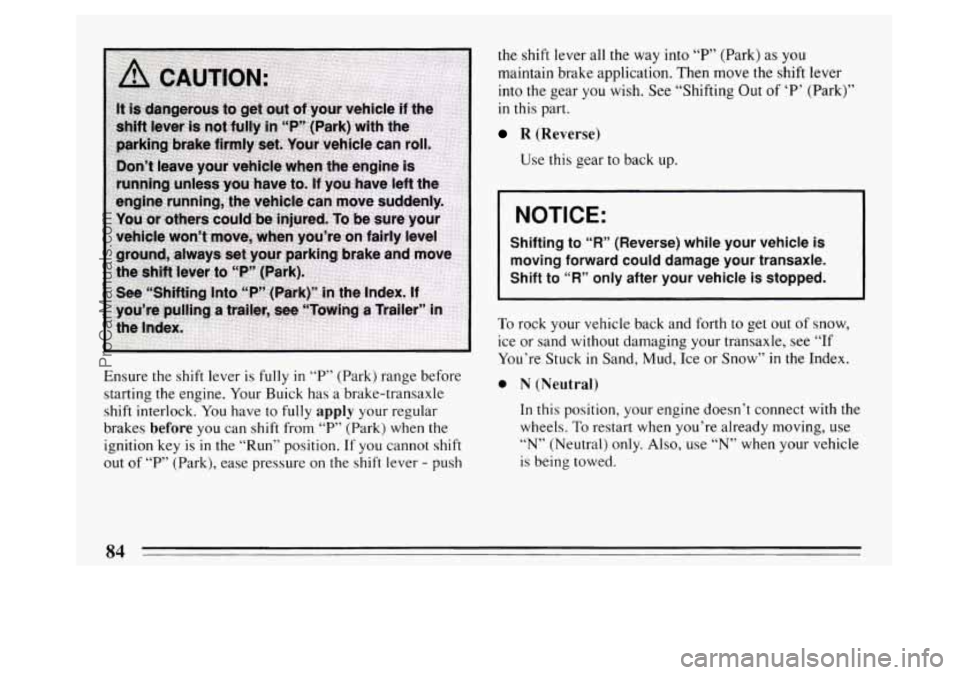
Ensure the shift lever is fully in T’ (Park) range before
starting the engine. Your Buick has a brake-transaxle
shift interlock. You have
to fully apply your regular
brakes
before you can shift from “P” (Park) when the
ignition key
is in the “Run” position. If you cannot shift
out of “P’ (Park), ease pressure on the shift lever - push the
shift lever all the way into
“P’ (Park) as you
maintain brake application. Then move the shift lever
into the gear
you wish. See “Shifting Out of ‘P’ (Park)”
in this part.
R (Reverse)
Use this gear to back up.
NOTICE:
Shifting to “R” (Reverse) while your vehicle is
moving forward could damage your transaxle.
Shift to “R” only after your vehicle is stopped.
I
To rock your vehicle back and forth to get out of snow,
ice or sand without damaging your transaxle, see
“If
You’re Stuck in Sand, Mud, Ice or Snow” in the Index.
0 N (Neutral)
In this position, your engine doesn t connect with the
wheels.
To restart when you’re already moving, use
“N” (Neutral) only. Also, use “N” when your vehicle
is being towed.
84
ProCarManuals.com
Page 88 of 324
NOTICE:
Don’t drive in “2” (Second Gear) for more than 5
miles (8 km), or at speeds over 55 mph (88 km/h),
or you can damage your transaxle. Use
“@” or
“@ or 3” as much as possible.
Don’t shift into
“2” unless you are going slower
than
65 mph (105 km/h), or you can damage your
engine.
1 (First Gear)
This position gives you even more power (but lower
fuel economy) than
“2.” You can use it on very steep
hills, or in deep snow or mud. If the selector lever is
put in
“1,” the transaxle won’t shift into first gear
until the vehicle is going slowly enough.
NOTICE:
If your front wheels can’t rotate, don’t try to
drive. This might happen if you were stuck in
very deep sand
or mud or were up against a solid
object. You could damage your transaxle.
Also, if you stop when going uphill, don’t hold
your vehicle there
with only the accelerator
pedal. This could overheat and damage the
transaxle. Use your brakes or shift into
“P” Park
to hold your vehicle in position on a hill.
ProCarManuals.com
Page 89 of 324
Parking Brake
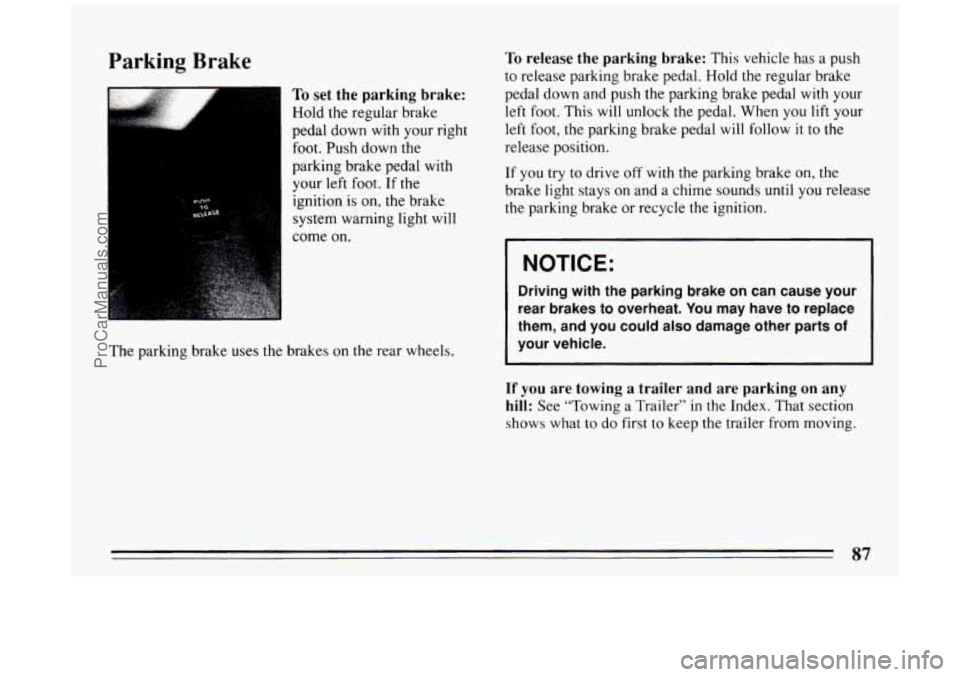
To set the parking brake:
Hold the regular brake
pedal down with your right
foot. Push down the
parking brake pedal with
your
left foot. If the
ignition is on, the brake
system warning light will
come on.
The parking brake uses
the brakes on the rear wheels.
To release the parking brake: This vehicle has a push
to release parking brake pedal. Hold
the regular brake
pedal down and push the parking brake pedal with your
left foot. This
will unlock the pedal. When you lift your
left
foot, the parking brake pedal will follow it to the
release position.
If
you try to drive off with the parking brake on, the
brake light stays on and a chime sounds until you release
the parking brake or recycle the ignition.
I NOTICE:
Driving with the parking brake on can cause your
rear brakes to overheat.
You may have to replace
them, and you could
also damage other parts of
your vehicle.
If you are towing a trailer and are parking on any
hill:
See “Towing a Trailer” in the Index. That section
shows what to
do first to keep the trailer from moving.
87
ProCarManuals.com
Page 95 of 324

Power Windows
Your power window controls are on the armrest. The
switch for the driver’s window has an express-down
feature. Pull
the switch back all the way, release it and
the window will lower automatically.
To stop the
window from lowering, push the switch forward.
To
partially open the window, pull the switch back and
quickly release it.
You may also have a lock out button. Push
LOCK to
disable the power window switches. This
will prevent
passengers from opening and closing the windows. The driver
can still control all the windows
with the switch
in
the locked position. Push UNLOCK to allow your
passengers to use their window switches again.
Horn
To sound the horn, press a pad with the horn symbol on
either side of the steering wheel.
Tilt Wheel
A tilt steering wheel allows
you to adjust the steering
wheel before you drive.
You can also raise
it to the
highest level to give your
legs more room
when you
exit and enter
the vehicle.
To tilt the wheel, hold the steering wheel and pull the
lever toward
you. Move the steering wheel to a
comfortable position, then release the lever to lock the
wheel
in place.
93
ProCarManuals.com
Page 125 of 324
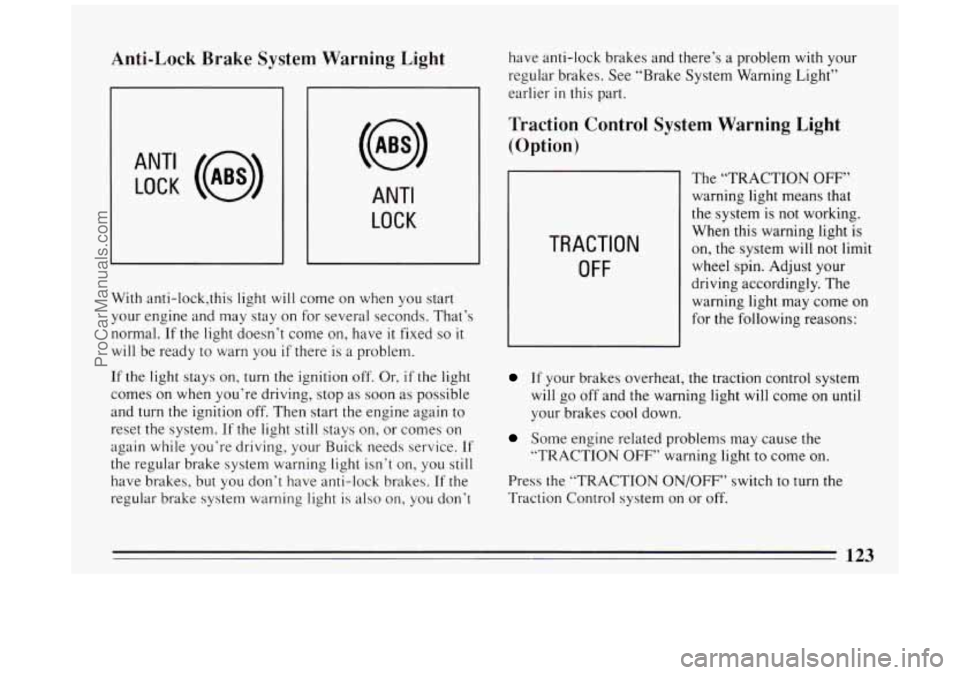
Anti-Lock Brake System Warning Light
ANT‘ LOCK (a)
ANTI
LOCK
J
With anti-lock,this light will come on when you start
your engine and may stay on for several seconds. That’s
normal.
If the light doesn’t come on, have it fixed so it
will be ready to warn you if there is a problem.
If the light stays on, turn the ignition
off, Or, if the light
comes on when you’re driving, stop as soon as possible
and
turn the ignition off. Then start the engine again to
reset the system.
If the light still stays on, or comes on
again while you’re driving, your Buick needs service.
If
the regular brake system warning light isn’t on, you still
have brakes, but you don’t have anti-lock brakes. If the
regular brake system warning light is also on, you don’t have
anti-lock brakes and there’s a problem
with your
regular brakes. See “Brake System Warning Light”
earlier
in this part.
Traction Control System Warning Light
(Option)
TRACTION
OFF
The “TRACTION OFF”
warning light means that
the system is not working.
When this warning light is
on, the system will not limit
wheel spin. Adjust your
driving accordingly. The
warning light may come on
for the following reasons:
If your brakes overheat, the traction control system
will go off and the warning light will come on
until
your brakes cool down.
Some engine related problems may cause the
“TRACTION
OFF’’ warning light to come on.
Press the “TRACTION ON/OFF” switch to turn the
Traction Control system on or off.
123
ProCarManuals.com
Page 133 of 324

@ Part 3 Comfort Controls and Audio Systems
In this part you’ll find out how to operate the comfort control systems and audio systems offered with your Buick .
Be sure to read about the particular system supplied with your vehicle .
Part 3 includes:
Comfort Control System ............................................................ 132
Heater and Defroster
....................................................... 137. 138
Airconditioner
........................................................... 134. 140
Rear Window Defogger
.................................................... 139. 140
Ventilation
................................................................... 141
Steering Wheel Controls
........................................................ 155
Audiosystems
.................................................................... 143
Understanding Radio Reception
.................................................. 143
Radio Controls
....................................................... 144. 147. 151
Settingtheclock
.................................................... 146.149. 152
Tape Player Controls
.................................... ................. 146. 149
CD Player Controls
................................... ..................... 153
Steering Wheel Controls
............................. ....................... 155
Care of Cassette Tape Player and Tapes
............................................ 157
CareofCompactDiscs
......................................................... 158
Antennacare ................................................................ 158
131
ProCarManuals.com
Page 157 of 324

Steering Wheel Controls
t‘
If your car has this feature, you can control certain radio
and comfort control functions using the pads on the
steering wheel.
You can select radio stations by pressing the pad marked
SEEK A or v.
Press PROG A to hear the stations preset on your radio
pushbuttons.
Press
BAND v to receive AM, FM 1 or FM2 radio
signals. To
increase or decrease the volume, press the pad
marked
VOL A or v.
The pad marked TEMP A or allows you to select
higher or lower temperature for the climate control
system.
Anti-Theft Feature
Delco-Loc I1 is a security feature for the compact disc
player. It can be used or ignored. If ignored, the system
plays normally. If security system
is used, your player
won’t be usable
if it’s ever stolen, because it won’t turn
on.
The instructions below tell you how to enter your
personal secret code into the system. If your vehicle
loses battery power
for any reason, you must unlock
the system
with the secret code again before the system
will turn on.
Be sure to read through the entire procedure and become
familiar
with the appropriate buttons and knobs before
starting.
1. Write down any &digit number and keep it in a safe
place.
2. Turn the ignition to the ACC or RUN position.
3. Press PWR to turn the radio off.
155
ProCarManuals.com
Page 170 of 324
A computer senses that wheels are slowing down. If one
of the wheels is about to stop rolling, the computer will
separately work the brakes at each front wheel and at the
rear wheels.
The anti-lock system can change the brake pressure faster
than any driver could. The computer is programmed to
make the most of available tire and road conditions.
m
b r
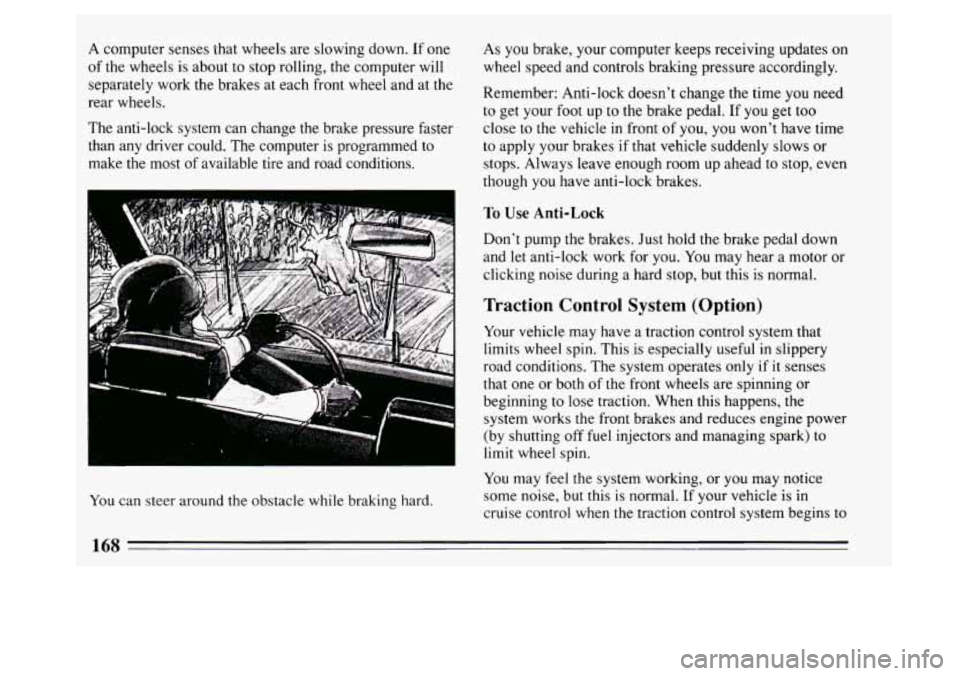
You can steer around the obstacle while braking hard. As you
brake, your computer keeps receiving updates on
wheel speed and controls braking pressure accordingly.
Remember: Anti-lock doesn’t change the time you need
to get your foot up to the brake pedal. If you get too
close to the vehicle in front of you, you won’t have time
to apply your brakes if that vehicle suddenly slows or
stops. Always leave enough room up ahead to stop, even
though you have anti-lock brakes.
To Use Anti-Lock
Don’t pump the brakes. Just hold the brake pedal down
and let anti-lock work for you.
You may hear a motor or
clicking noise during a hard stop, but this is normal.
Traction Control System (Option)
Your vehicle may have a traction control system that
limits wheel spin. This is especially useful in slippery
road conditions. The system operates only
if it senses
that one or both of the front wheels are spinning or
beginning to lose traction. When
this happens, the
system works the front brakes and reduces engine power
(by shutting off fuel injectors and managing spark) to
limit wheel spin.
You may feel the system working, or you may notice
some noise, but this
is normal. If your vehicle is in
cruise control when the traction control system begins to
168
ProCarManuals.com