1994 BUICK PARK AVENUE ESP
[x] Cancel search: ESPPage 148 of 324

Clock To Play A Cassette
To set the clock:
0 Press the SET button.
0 Within 5 seconds, press and hold SCAN until the
correct hour appears on the display.
0 Press and hold SEEK until the correct minute
appears on the display.
Treble
Slide the TREBLE lever up to increase the treble
response.
If the station is weak or noisy, slide the
TREBLE lever down to reduce the noise.
Bass
Slide the BASS lever up to increase the bass response.
Adjust the BASS lever to give a pleasing sound to your
ear.
DNR@
This is the Dynamic Noise Reduction button. DNR@
helps remove background hiss from the radio or tape
player.
You may want to leave it pushed in all the time.
Your tape player is built to work best with tapes that are
30 to 45 minutes long on each side. Tapes longer than
that are
so thin they may not work well in this player.
With the radio on, press a tape into the slot marked
AUTO REVERSE (the tape side goes in first).
Once
the tape is playing, use the upper and lower knobs
for volume, balance, and fade just as you did for radio.
The arrows indicate which side
of the tape is being
played.
When the end
of the tape is reached, it will
automatically reverse and play the other side
of the tape.
Forward
To rapidly advance the tape, press and the tape will
rapidly
go forward until you press the 4 button or
STOP-EJECT lightly.
146
ProCarManuals.com
Page 151 of 324

Pushbuttons Treble
The five pushbuttons let you return to favorite stations.
You can set the pushbuttons for up to fifteen stations
(5 AM and 10 FM).
Tune in the desired station.
Push the SET button.
Within 5 seconds, push one of the five pushbuttons.
SET will disappear from the display when the station
is set.
Whenever you press that button, the preset station
will
return.
Clock
To set the clock:
0 Press the SET button.
0 Within 5 seconds, press and hold SCAN until the
correct hour appears on the display.
appears on the display.
0 Press and hold SEEK until the correct minute Adjust the treble response
up or down.
If the station is
weak or noisy, adjust the treble down to reduce the noise.
Bass
Adjust the bass response up or down. Pressing the
button
in the center will set the bass level to a factory
preset level.
To Play a Cassette
Your tape player is built to work best with tapes that are
30 to 45 minutes long on each side. Tapes longer than
that are
so thin they may not work well in this player.
With the radio
on, press a tape into the slot marked
AUTO REVERSE (the tape side goes in first).
Once the tape is playing, use the upper and lower knobs
for volume, balance, and fade just as
you did for the
radio. The arrow
in the graphic display above the word
TAPE indicates which side of the tape is being played.
When the end
of the tape is reached, it will
automatically reverse and play the other side of the tape.
149
ProCarManuals.com
Page 154 of 324

Recall
When the ignition is off, push RCL to display the time.
With the radio on, and the time displayed, push
RCL to
see the frequency.
Seek 4 or b
Pressing the SEEK 4 or b will cause the receiver to
seek the next lower or higher station and stop.
Scan
When you press SCAN, the radio will go to the next
station and pause and keep doing that
until you press
SCAN again. SC will appear in the display.
Pushbuttons
The five pushbuttons let you return to favorite stations.
You can set the pushbuttons for up to fifteen stations
(5 AM and 10 FM).
0 Tune in the desired station.
0 Press the SET pushbutton.
0 Within 5 seconds, push one of the five pushbuttons.
SET will disappear from the display when the station
is set. Whenever
you press that button, the preset station
will
return.
Clock
To set the clock:
0 Press the SET pushbutton.
0 Within 5 seconds, press and hold SCAN until the
correct hour appears
on the display.
0 Press and hold SEEK or 4 until the correct minute
appears on the display.
Treble
Adjust the treble response up or down. If the station is
weak or
noisy, adjust the treble down to reduce the
noise. Pressing the control in the center
will set the bass
to a factory preset level.
Bass
Use the BASS control to adjust bass response up or
down. Pressing the control
in the center will set the bass
to a factory preset level.
152
ProCarManuals.com
Page 167 of 324
There’s something else about drinking and driving that
many people don’t know. Medical research shows that
alcohol in a person’s system can make crash injuries
worse. That’s especially true for brain, spinal cord and
heart injuries. That means that if anyone who has been
drinking
-- driver or passenger -- is in a crash, the
chance
of being killed or permanently disabled is higher
than if that person had not been drinking. And we’ve
already seen that the chance of a crash itself is higher for
drinking drivers.
Control of a Vehicle
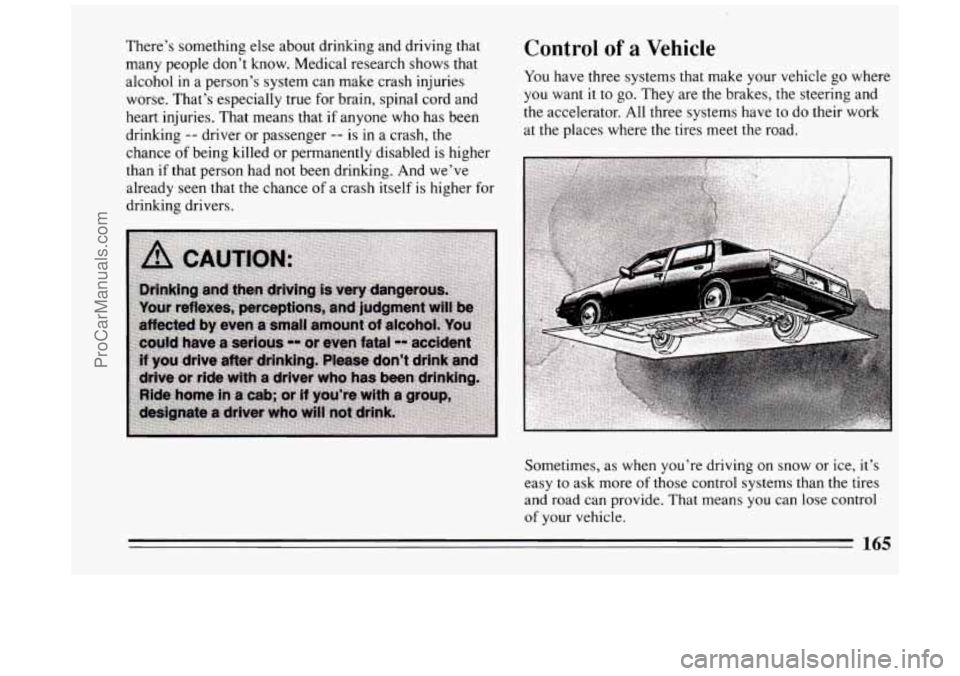
You have three systems that make your vehicle go where
you want it to go. They are the brakes, the steering and
the accelerator. All three systems have
to do their work
at the places where the tires meet the road.
Sometimes, as when you’re driving on snow or ice, it’s
easy to ask more of those control systems than the tires
and road can provide. That means you can lose control
of your vehicle.
165
ProCarManuals.com
Page 170 of 324
A computer senses that wheels are slowing down. If one
of the wheels is about to stop rolling, the computer will
separately work the brakes at each front wheel and at the
rear wheels.
The anti-lock system can change the brake pressure faster
than any driver could. The computer is programmed to
make the most of available tire and road conditions.
m
b r
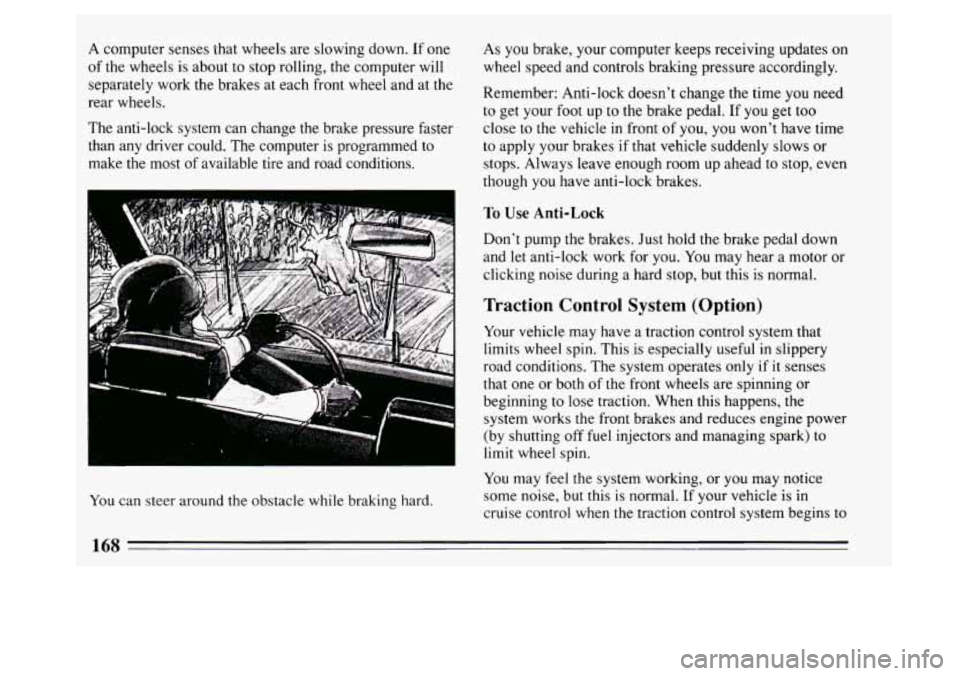
You can steer around the obstacle while braking hard. As you
brake, your computer keeps receiving updates on
wheel speed and controls braking pressure accordingly.
Remember: Anti-lock doesn’t change the time you need
to get your foot up to the brake pedal. If you get too
close to the vehicle in front of you, you won’t have time
to apply your brakes if that vehicle suddenly slows or
stops. Always leave enough room up ahead to stop, even
though you have anti-lock brakes.
To Use Anti-Lock
Don’t pump the brakes. Just hold the brake pedal down
and let anti-lock work for you.
You may hear a motor or
clicking noise during a hard stop, but this is normal.
Traction Control System (Option)
Your vehicle may have a traction control system that
limits wheel spin. This is especially useful in slippery
road conditions. The system operates only
if it senses
that one or both of the front wheels are spinning or
beginning to lose traction. When
this happens, the
system works the front brakes and reduces engine power
(by shutting off fuel injectors and managing spark) to
limit wheel spin.
You may feel the system working, or you may notice
some noise, but this
is normal. If your vehicle is in
cruise control when the traction control system begins to
168
ProCarManuals.com
Page 171 of 324
limit wheel spin, the cruise control will automatically
disengage. When road conditions allow you to safely
use it again, you may re-engage the cruise control. (See
“Cruise Control” in the Index.) traction control system
off if you ever need to. (You
should turn the system off if your vehicle ever gets stuck
in sand, mud, ice or snow. See “Rocking Your Vehicle’’
in the Index.)
TRACTION
OFF
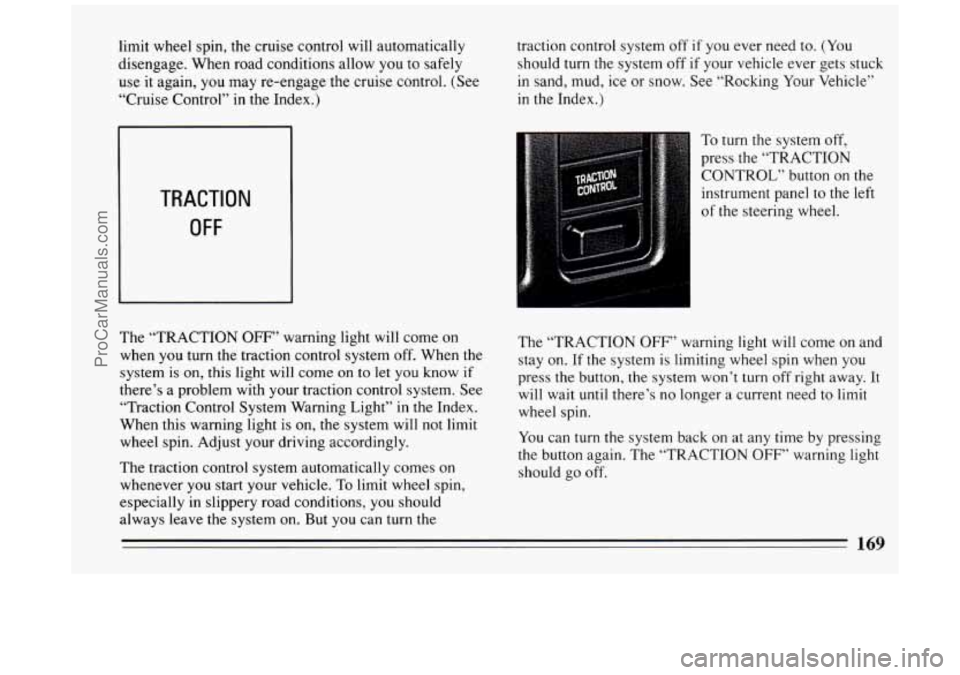
The “TRACTION OFF” warning light will come on
when you turn the traction control system off. When the
system
is on, this light will come on to let you know if
there’s a problem with your traction control system. See
“Traction Control System Warning Light” in
the Index.
When this warning light is
on, the system will not limit
wheel spin. Adjust your driving accordingly.
The traction control system automatically comes on
whenever you start your vehicle.
To limit wheel spin,
especially in slippery road conditions,
you should
always leave the system on. But you can turn the To
turn the system off,
press the “TRACTION
CONTROL” button
on the
instrument panel to the left
of the steering wheel.
The “TRACTION
OFF” warning light will come on and
stay on.
If the system is limiting wheel spin when you
press the button, the system won’t
turn off right away. It
will wait until there’s no longer
a current need to limit
wheel spin.
You can
turn the system back on at any time by pressing
the button again. The “TRACTION
OFF” warning light
should go off.
ProCarManuals.com
Page 175 of 324
0 Do not get too close to the vehicle you want to pass
while you’re awaiting an opportunity. For one thing,
following too closely reduces your area of vision,
especially if you’re following a larger vehicle. Also,
you won’t have adequate space if the vehicle ahead
suddenly slows or stops. Keep back a reasonable
distance.
0 When it looks like a chance to pass is coming up,
start to accelerate but stay in the right lane and don’t
get too close. Time your move
so you will be
increasing speed as the time comes to move into the
other lane. If the way is clear to pass, you will have a
“running start” that more than makes up for the
distance you would lose by dropping back. And if
something happens to cause you to cancel your pass,
you need only slow down and drop back again and
wait for another opportunity.
If other cars are lined up to pass a slow vehicle, wait
your turn. But take care that someone isn’t trying to
pass you as you pull out
to pass the slow vehicle.
Remember
to glance ov’er your shoulder and check
the blind spot.
0
0
0
ahead of the passed vehicle to see its front in your
inside mirror, activate your right lane change signal
and move back into the right lane. (Remember that
your right outside mirror
is convex. The vehicle you
just passed may seem to be farther away from you
than
it really is.)
Try not to pass more man one vehicle at a time on
two-lane roads. Reconsider before passing the next
vehicle.
Don’t overtake
a slowly moving vehicle too rapidly.
Even though the brake lights are not flashing,
it may
be slowing down or starting to
turn.
If you’re being passed, make it easy for the
following driver to get ahead
of you. Perhaps you
can ease a little
to the right.
Loss of Control
Let’s review what driving experts say about what
happens when the three control systems (brakes, steering
and acceleration) don’t have enough friction where the
tires meet the road to do what the driver has asked.
0 Check your mirrors, glance over your shoulder, and
start your left lane change signal before moving out
of the right lane to pass. When you are far enough In
any emergency, don’t give up. Keep trying to steer
and constantly seek an escape route or area of less
danger.
173
ProCarManuals.com
Page 176 of 324
Skidding
In a skid, a driver can lose control of the vehicle.
Defensive drivers avoid most skids by taking reasonable
care suited to existing conditions, and by not
“overdriving” those conditions. But skids are always
possible.
The three types
of skids correspond to your Buick’s
three control systems. In the braking skid your wheels
aren’t rolling. In the steering or cornering skid, too
much speed or steering in a curve causes tires
to slip and
lose cornering force. And in the acceleration skid too
much throttle causes the driving wheels to spin.
A cornering skid is best handled by easing your foot off”
the accelerator pedal.
If you have the traction control system, remember: It
helps avoid only the acceleration skid.
If you do not have traction control, or if the system is
off, then an acceleration skid is also best handled by
easing your foot off the accelerator pedal.
If your vehicle starts
to slide, ease your foot off the
accelerator pedal and quickly steer the way you want the
vehicle
to go. If you start steering quickly enough, your
vehicle may straighten out. Always be ready for a
second skid if it occurs. Of
course, traction is reduced when water, snow, ice,
gravel, or other material is on the road. For safety, you’ll
want to slow down and adjust your driving
to these
conditions. It is important to slow down on slippery
surfaces because stopping distance will be longer and
vehicle control more limited.
While driving
on a surface with reduced traction, try
your best to avoid sudden steering, acceleration, or
braking (including engine braking by shifting to a lower
gear). Any sudden changes could c’ause the tires to slide.
You may not realize the surface is slippery until
your
vehicle is skidding. Learn to recognize warning clues --
such as enough water, ice or packed snow on the road to
make a “mirrored surface”
-- and slow down when you
have any doubt.
Remember: Any anti-lock braking system
(ABS) helps
avoid only the braking skid.
174
ProCarManuals.com