Page 54 of 356

Downloaded from www.Manualslib.com manuals search engine Features & Controls
Enain laust ........................................................................\
........................... 2-26
hunnlng Your Engine While You’re Parked
.................................................. 2-26
Four-wheel Drive
........................................................................\
........................ 2-27
Manual Transfer Case
........................................................................\
............. 2-28
Electronic Transfer Case
........................................................................\
......... 2-29
Windows
........................................................................\
....................................... 2-31
Tailgate
........................................................................\
......................................... 2-33
Horn
........................................................................\
.............................................. 2-33
Tilt Wheel
........................................................................\
..................................... 2-34
Turn Signal/MuItifunction Lever
........................................................................\
.. 2-35
Turn Signal and Lane Change Indicator
....................................................... 2-36
Headlight High-Low Beam
........................................................................\
...... 2-38
Windshield Wipers
........................................................................\
................... 2-38
Windshield Washer
........................................................................\
.................. 2-40
Cruise Control
........................................................................\
.......................... 2-41
Lights
........................................................................\
............................................ 2-46
Mirrors
........................................................................\
.......................................... 2-50
Accessory Power Outlet
........................................................................\
............. 2.53
Cigarette LighteVAshtrays
........................................................................\
........... 2-54
Storage Compartments
........................................................................\
............... 2.55
Instrument Cluster
........................................................................\
................... I.rr . 2-62
Warning Lights, Gages and Indicators
.......................................................... 2-65
Trailer Wiring Harness
........................................................................\
................ 2-75
2-2
Page 87 of 356
Downloaded from www.Manualslib.com manuals search engine The IUrn Signal!ultifunction Lever
PO1 77
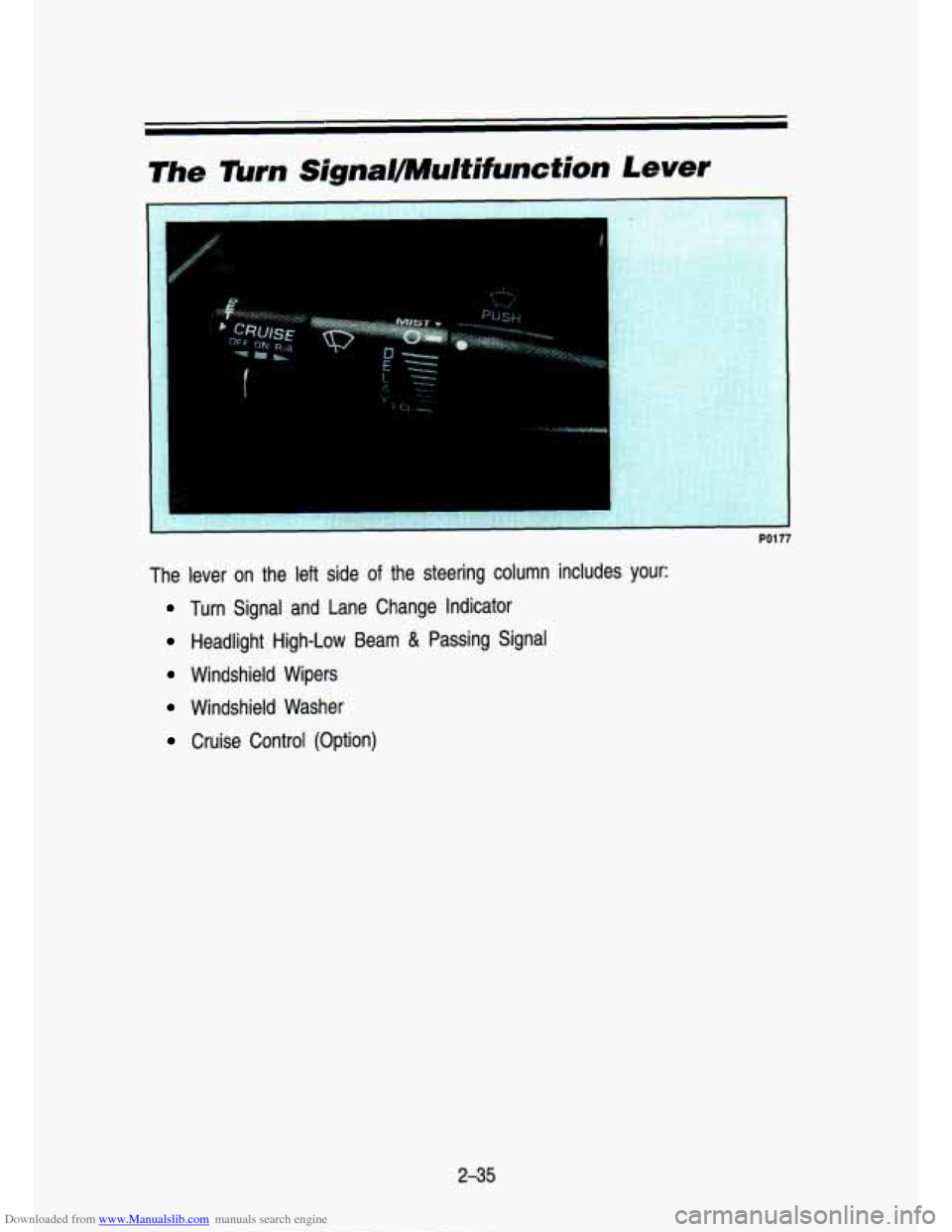
The lever on the left side of the steering column includes your:
Turn Signal and Lane Change Indicator
Headlight High-Low Beam & Passing Signal
Windshield Wipers
Windshield Washer
Cruise Control (Option)
2-35
Page 93 of 356
Downloaded from www.Manualslib.com manuals search engine I 1OTICE
Cruise Control (Option)
PO259
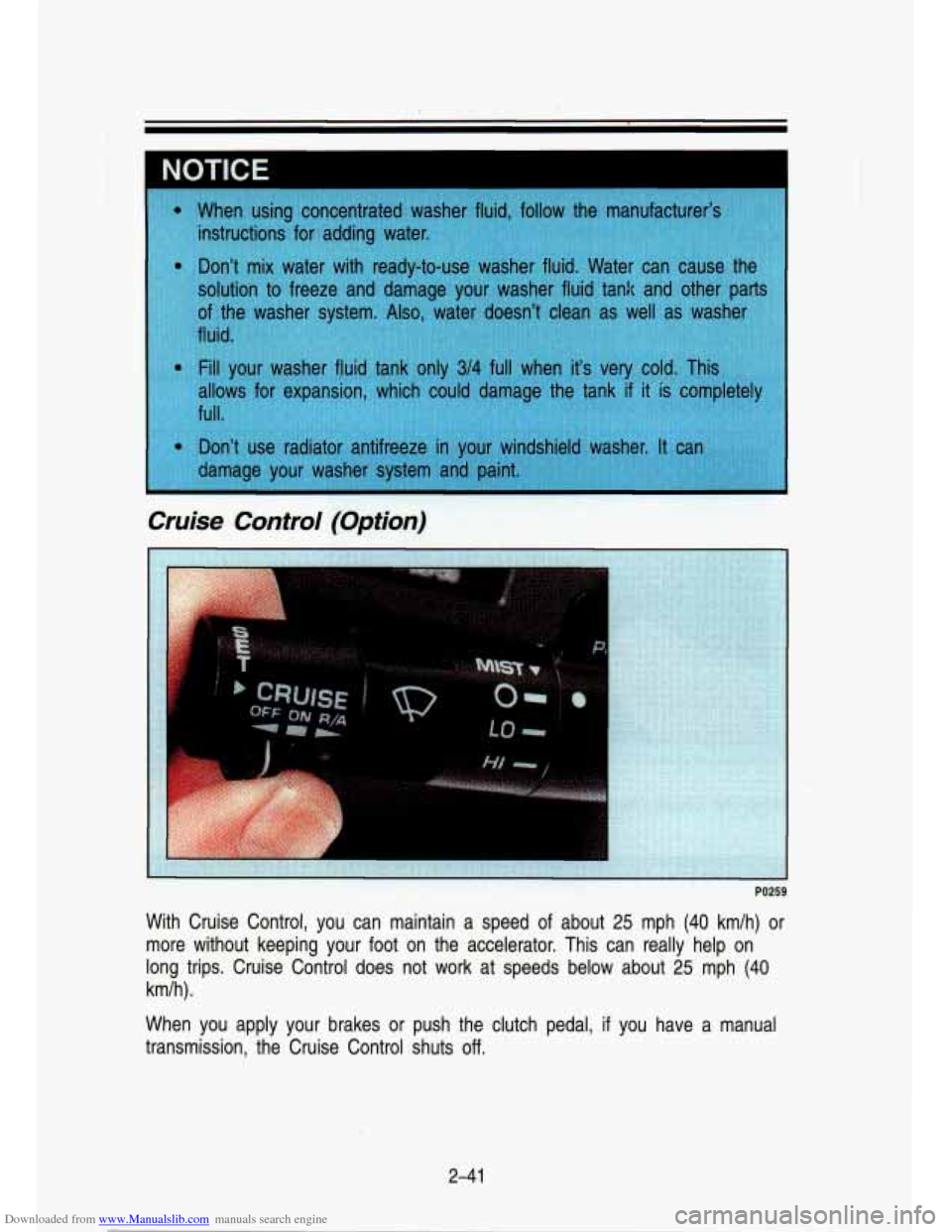
With Cruise Control, you can maintain a speed of about 25 mph (40 km/h) or
more without keeping your foot on the accelerator. This can re\
ally help on
long trips. Cruise Control does not work at speeds below about\
25 mph (40
kmlh).
When you apply your brakes
or push the clutch pedal, if you have a manual
transmission, the Cruise Control shuts
off.
2-4 1
Page 94 of 356
Downloaded from www.Manualslib.com manuals search engine Features & Contmls
t
1 CALITION I. - .. ;Fg ,. L A Cruise Control can be dangerous where you can't drive safely a\
t
a steady speed.
So, don't use your Cruise Control on winding
roads
or in heavy traffic.
Cruise Control can be dangerous on slippery roads. On such
roads, fast changes in tire traction can cause needless wheel
spinning, and you could lose control. Don't use Cruise Control \
on slippery roads.
To Set Cruise Control
Move the Cruise Control switch to ON.
1 CAUTION
A If you leave your Cruise Control switch on when you're not using \
k Cruise, you might hit a button and go into Cruise when you don't
want to. You could be startled and even lose control. Keep the
Cruise Control switch
OFF until you want to use it.
Get up to the speed you want.
Push in the set button at the end of the lever and release it.
Take your foot off the accelerator pedal.
2-42
Page 95 of 356

Downloaded from www.Manualslib.com manuals search engine To Resume a Set Speed
c
PO261
Suppose you set your Cruise Control at a desired speed and th\
en you apply
the brake. This, of course, shuts
off the Cruise Control. But you don’t need
to reset it. Once you’re going about
25 mph (40 km/h) or more, you can
move the Cruise Control switch from ON to
WA (Resume/Accelerate) for
about half a second.
You’ll go right back up to your chosen speed and stay there.
If you hold the switch at WA (ResumelAccelerate) longer than half a
second, the vehicle will keep going faster until you release t\
he switch
or apply the brake. You could be startled and even lose contr\
ol.
So
unless you want to go faster, don’t hold the switch at WA
(ResumelAccelerate).
ro Increase Speed While Using Cruise Control
There are two ways to go to a higher speed. Here’s the fi\
rst:
1. Use the accelerator pedal to get to the higher speed.
2. Push the button at the end of the lever, then release the button and the
accelerator pedal. You’ll now cruise at the higher speed.
2-43
Page 96 of 356
Downloaded from www.Manualslib.com manuals search engine Features & Controls
PO263
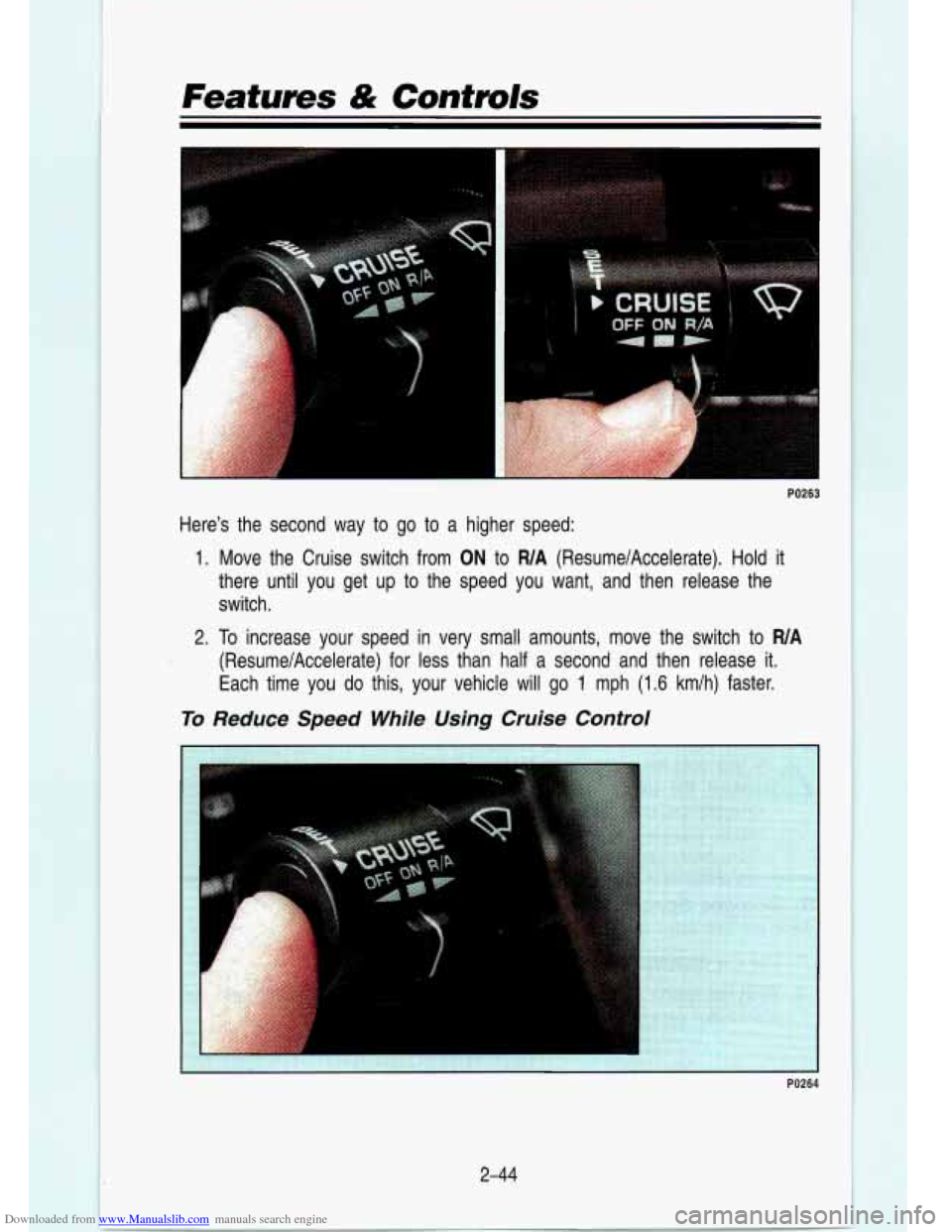
Here's the second way to go to a higher speed:
1. Move the Cruise switch from ON to WA (ResumelAccelerate). Hold it
there until you get up to the speed you want, and then release the
switch.
2. To increase your speed in very small amounts, move the switch to WA
(ResumelAccelerate) for less than half a second and then release it.
Each time you
do this, your vehicle will go 1 mph (1.6 kmlh) faster.
To Reduce Speed While Using Cruise Control
PO264
2-44
Page 97 of 356
Downloaded from www.Manualslib.com manuals search engine 1. Push in the button at the end of the lever until you reach the lower
2. To slow down in very small amounts, push the button for less than a
speed you want, then release
it.
half second. Each time you do this, you’ll go 1 mph (1.6 km/h) slower.
Passing Another Vehicle While Using Cruise Control
Use the accelerator pedal
to increase your speed. When you take your foot
off the pedal, your vehicle will slow down to the Cruise Control speed you set
earlier.
Using Cruise Control on Hills
How well your Cruise Control will work on hills depends upon \
your speed,
load, and the steepness of the hills. When going up steep hills, you may
want to step on the accelerator pedal to maintain your speed. When going
downhill, you may have to brake or shift to a lower gear to keep your speed
down.
Of course, applying the brake takes you out of Cruise Control. Many
drivers find this to be too much trouble and don’t use Cruise Control on
steep hills.
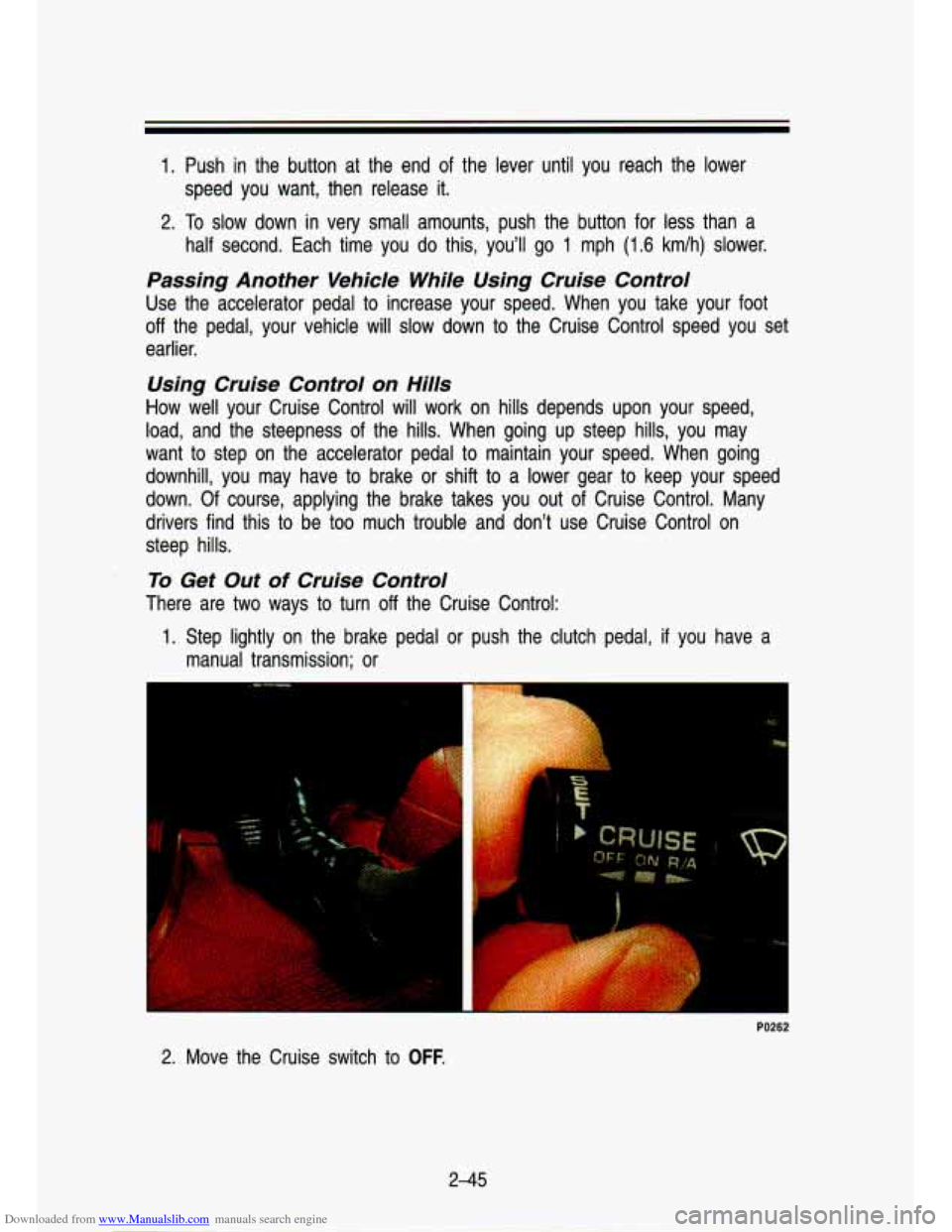
To Get Out of Cruise Control
There are two ways to turn off the Cruise Control:
1. Step lightly on the brake pedal or push the clutch pedal, if you have a
manual transmission; or
ruzw
2. Move the Cruise switch to OFF.
2-45
Page 98 of 356
Downloaded from www.Manualslib.com manuals search engine Features & Contmls
To Erase Speed Memory
When you turn off the Cruise Control or the ignition, your Cruise Control set
speed memory is erased.
Lights
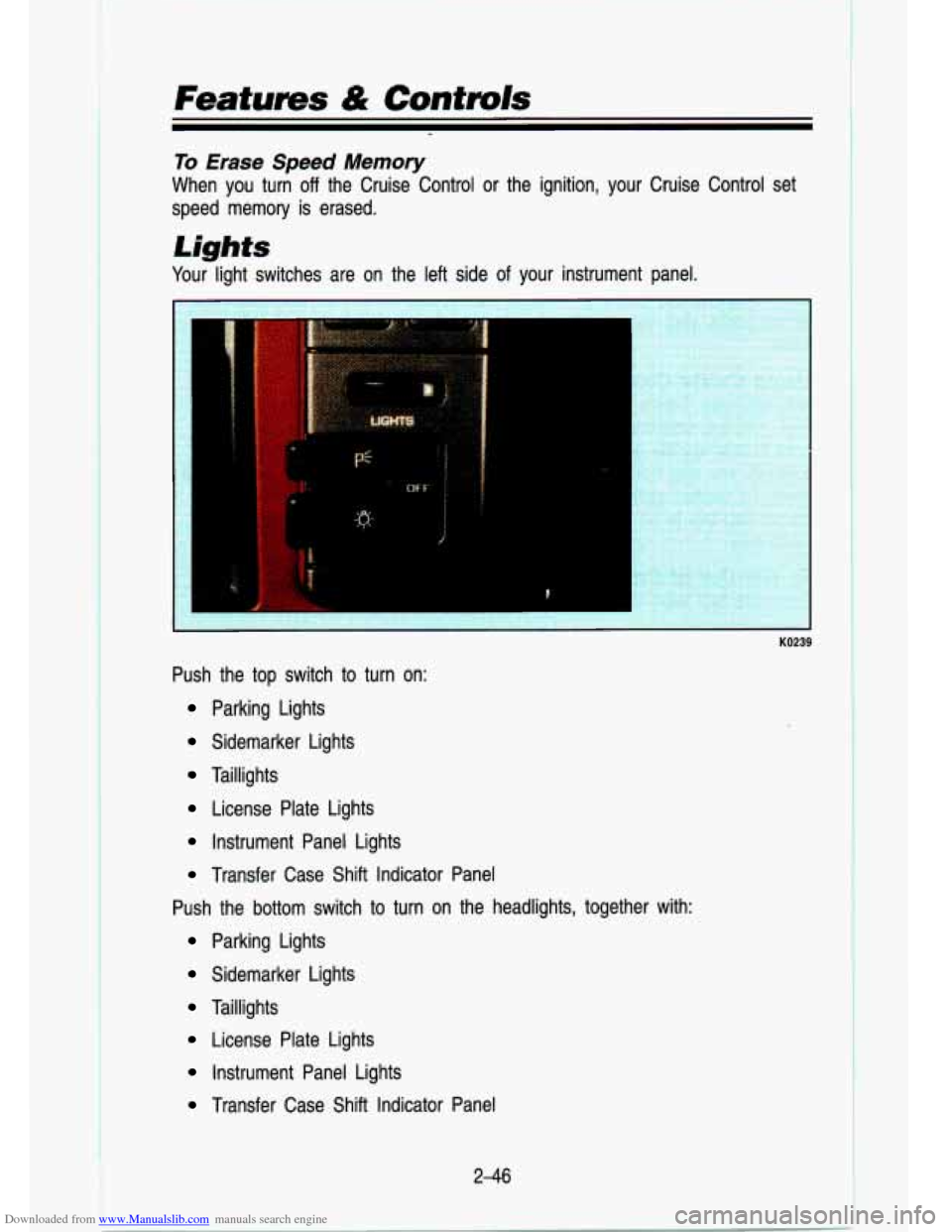
Your light switches are on the left side of your instrument panel.
KO239
Push the top switch to turn on:
Parking Lights
Sidemarker Lights
Taillights
License Plate Lights
Instrument Panel Lights
Transfer Case Shift Indicator Panel
Push the bottom switch to turn on the headlights, together wit\
h:
Parking Lights
Sidemarker Lights
Taillights
License Plate Lights
Instrument Panel Lights
Transfer Case Shift Indicator Panel
2-46