1993 CHEVROLET LUMINA radio controls
[x] Cancel search: radio controlsPage 54 of 324
Downloaded from www.Manualslib.com manuals search engine Features & Controls
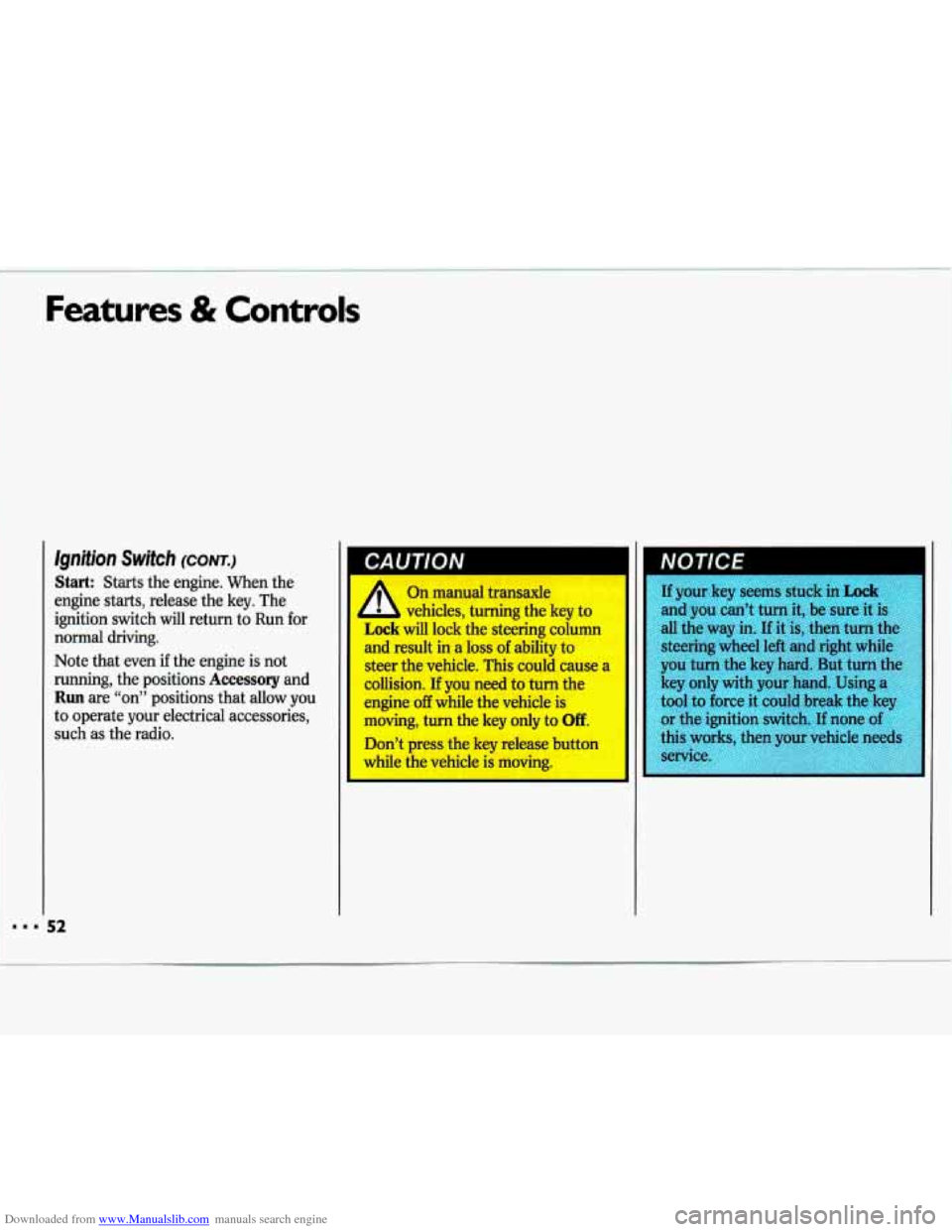
lgnition Switch (CONT.)
Start: Starts the engine. When the
engine starts, release the key. The
ignition switch will return to Run for
normal driving.
Note that even if the engine is not
running, the positions
Accessory and
Run are “on” positions that allow you
to operate your electrical accessories,
such
as the radio.
NOTICE I
If your key seems stuck in Lock
and you can’t turn it, be sure it is
all the way in. If it is, then turn the
steering wheel left and right while
you turn the key hard. But turn the
key only with your hand. Using a
tool to force it could break the key
or the ignition switch.
If none of
this wc s, then your vehicle needs
service
Page 82 of 324

Downloaded from www.Manualslib.com manuals search engine Features & Controls
Courtesy and Instrument Panel
Lights (CONT.)
When you close a door (or the last door
when more than one are open at the
same time), other lights will come on.
They are in your instrument panel and
the switches for your doors, headlamps,
radio, heating and air conditioning
systems
(if equipped).
These lights will go
off automatically
after about
30 seconds.
L
".. .
Inside Manual DaylNighf
Rearview Mirror
To reduce glare from lights behind you,
pull the lever toward
you to the night
position.
Convex Outside Mirror
Your right side mirror is convex. A
convex mirror's surface is curved so you
can see more from the driver's seat.
1 CAUTIVN
I
If you aren't used to a convex
mirror, you can hit another
vehicle. A convex mirror can make
things (like other vehicles) look
farther away than they redly are. If
you cut too sharply into the right
lane, you could hit a vehicle on
youi right. Check your inside
mirror
or glance over your shoulder II
before changing lanes.
Page 94 of 324

Downloaded from www.Manualslib.com manuals search engine Features & Controls
Voltmeter (OPTION)
When the engine is running, the gage
shows the condition of the charging
system. Readings between the red
warning zones indicate the normal
operating range.
Readings in either red warning zone
indicate
a possible problem in the
electrical system. Have your vehicle
serviced immediately.
When your engine is not running, but
the ignition is on (in
the Run position),
the gage shows your battery’s state of
charge.
Battery Warning Light
The charging system light will come on
briefly when you turn on the ignition as
a check to show you it is working. Then
it should
go out. If it stays on, or comes
on while you are driving, you may have
a problem with the electrical charging
system. It could indicate that you have
a loose generator drive belt or another
electrical problem. Have it checked
right away. Driving while this light is on could drain your battery.
If you must drive a short distance with
the light
on, be certain to turn off all
your accessories, such as the radio and
air conditioner.
Brake System Warning Light
Your Chevrolet’s hydraulic brake
system
is divided into two parts. If one
part isn’t working, the other part can
still work and stop you.
For good
braking, though, you need both parts
working well.
If the warning light goes
on, there could be a brake problem.
Have your brake system inspected right
away.
This light should come on as you start
the vehicle. If it doesn’t come on then,
have it fixed
so it will be ready to warn
you
if there’s a problem.
Page 99 of 324
Downloaded from www.Manualslib.com manuals search engine 1 n this part you’ll find out how to
operate the comfort control systems and audio systems offered with your
Chevrolet
. Be sure to read about the
particular system supplied with your
vehicle
.
Heater Controls ........................................................................\
................................. 98
Air Conditioning ........................................................................\
................................ 99
Setting the Clock ........................................................................\
............................. 103
AM/FM Stereo Radio
........................................................................\
...................... 104
AM/FM Stereo Radio with Cassette Player
.......................................................... 106
AM/FM Stereo Radio with Cassette Player and BoseB Speakers ........................ 108
AM/FM Stereo with Compact Disc Player
............................................................. 110
Understanding Radio Reception
........................................................................\
..... 113
Care of Your Cassette Tape Player ........................................................................\
113
Care of Your Compact Discs ........................................................................\
........... 114
Fixed Mast Antenna ........................................................................\
....................... 114
Page 106 of 324

Downloaded from www.Manualslib.com manuals search engine Comfort Controls & Audio Systems
I
= 104
AMFM Stereo Radio
The digital display indicates information
on time or radio station frequency, the
AM or FM radio band, whether the
station is in stereo, and other radio
functions.
VOL-BAL (Volume-Balance): Turn
the upper knob to turn the radio on or
off, or to adjust volume. Press it to
change between the clock and the radio
station frequency when the radio is on.
Press the knob to display the time when
the ignition is
off.
The control ring behind the VOL-BAL
knob adjusts the lefVright speaker
balance.
TUNIE-FADE This knob has two
functions. Turn it to the left
or right to
tune in radio stations (the radio station
frequency will be displayed on the
digital screen). Press the knob to
change between the
AM and FM bands.
The control ring behind the
TUNE
knob adjusts the fronthear speaker
balance.
Page 108 of 324

Downloaded from www.Manualslib.com manuals search engine 1 Comfort Controls & Audio Systems
1
AMIFM Stereo Radio with
Cassette Player
The digital display indicates information
on time or radio station frequency, the
AM or FM radio band, whether the
station is in stereo, and other radio
functions.
TUNE-FADE This knob has two
functions. Turn it to the left or right to
I tune in radio stations (the radio station
VOL-BAL (Volume-Balance): Turn
the upper knob to turn the radio on or
off, or to change volume. Press it to
change between the clock and the radio
station frequency when the radio is on.
Press the knob to display the time when
the ignition
is off.
The control ring behind the VOL-BAL
knob adjusts the left/right speaker
balance. frequency will be displayed on
the
digital screen). Press the knob to
change between the
AM and FM bands.
The control ring behind the
TUNE-
FADE knob adjusts the fronthear
speaker balance.
TREB (Treble): Slide this lever up to
increase treble, or down to decrease it.
BASS: Slide this lever up to increase
bass, or down to decrease
it.
SCAN: Press to listen for a few
seconds to the next station on the
AM
or FM band; the scan will continue
every few seconds until
you press
SCAN again to stop on a particular
station.
You can also press the upper
knob
(VOLBAL) to stop the scan
SEEK: Each time press SEEK, you will
tune in the next station higher on the
radio
band.
Page 110 of 324

Downloaded from www.Manualslib.com manuals search engine Comfort Controls & Audio Systems
'I
AMIFM Stereo Radio with
Cassette Player and
Base@ Silver
Series Speaker
System
The digital display indicates information
on time or radio station frequency, the
AM or FM radio band, whether the
station is in stereo, and other radio
functions.
VOL (Volume): Turn the upper knob
to turn the system on or
off and increase
or decrease volume.
I 08
TUNE-FADE To tune radio stations,
turn the lower knob. Press the knob to
switch between the
AM and FM bands.
Turn the control ring behind the lower
knob to adjust the front-rear speaker
balance.
RCLPROG (Recall-Program): Press
to switch the display between the time
and the station frequency.
SCAN: Press to listen for a few
seconds to the next station on the AM
or
FM band; the scan will continue
every few seconds until you press
SCAN again to stop on a particular
station.
You can also press the upper
knob
(VOL) to stop the scan.
SEEK: Press SEEK to tune the next
station on the radio band.
TREB (Treble): Adjusts the treble
level up or down.
BASS: Adjusts the bass level up or
down.
Page 112 of 324

Downloaded from www.Manualslib.com manuals search engine Comfort Controls & Audio Systems
AMIFM Stereo with Compact Disc
Player
The digital display indicates information on time or radio station frequency, the
AM or FM radio band, whether the
station is in stereo, and other radio
functions.
PWR-VOL (Power-Volume) : Turn
the upper knob to turn the unit on and
off when the ignition is on and to adjust
the volume up or down. The control behind
the upper knob lets
you adjust left-right speaker balance.
TUNE: Turn the lower knob to tune in
higher frequencies and lower
frequencies. Press the hob to switch
between the AM and FM bands.
The control behind the lower knob lets
you adjust the front-rear speaker
balance.
SEEK: Press to tune automatically to
the next station higher or lower on the
band. Press
SEEK, to tune stations
higher on the band. Press
+SEEK to
tune stations lower on the band.
SCAN: Press to listen for a few
seconds to the next station on the AM
or
FM band. The scan will continue
every few seconds until you press
SCAN again to stop on a particular
station.
RCL (Recall): Press to change
between the clock and the radio station
frequency displayed on the digital
screen.
BASS: Press up or down to increase or
decrease the bass.
TREB (Treble): Press up or down to
increase or decrease the treble.
110