Page 57 of 370
Downloaded from www.Manualslib.com manuals search engine Features & Controls
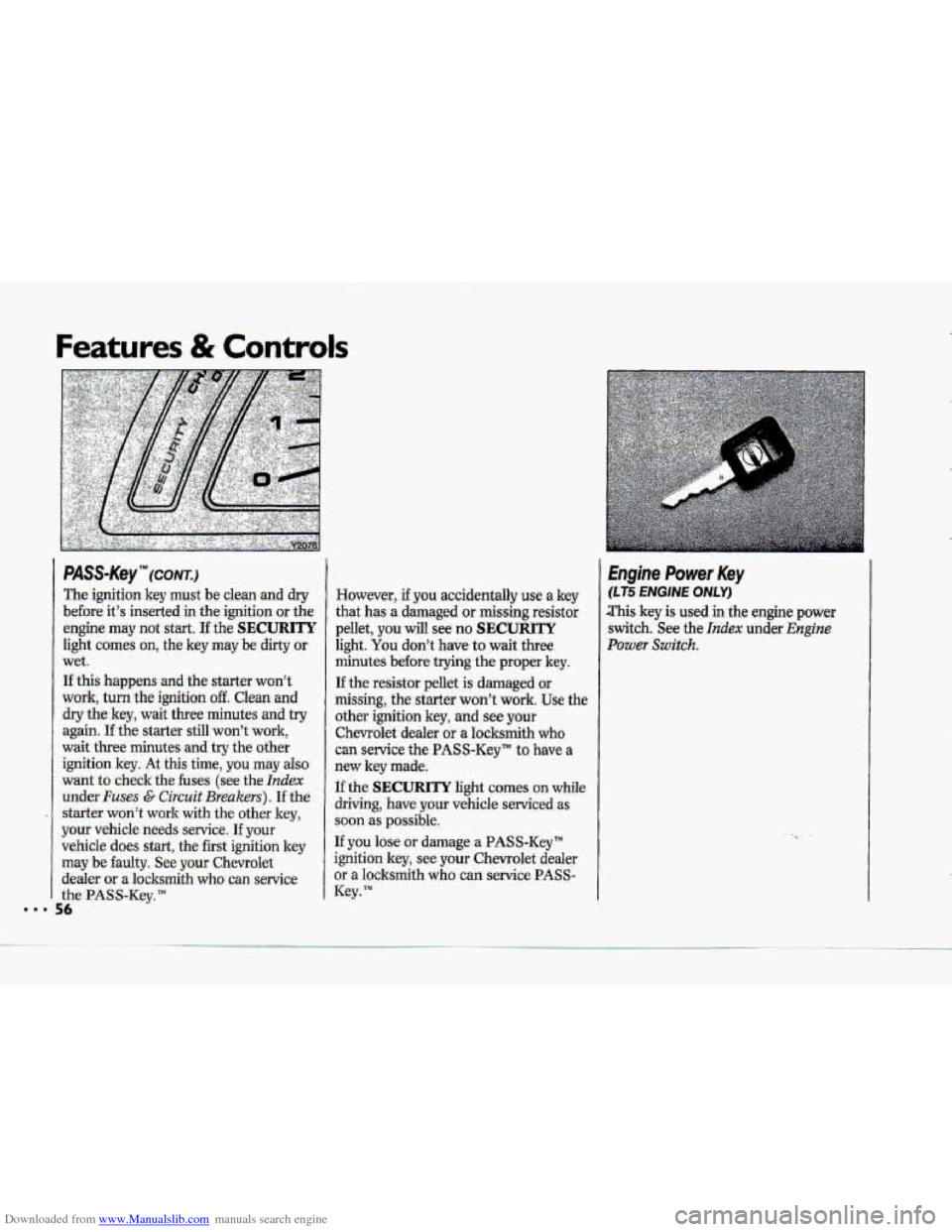
PASS-K~Y'"~(CC~NTJ
The.ignition key must be clean-and dry
before it's inserted-in the ignition or the
engine
may not start. If the SECURITY
light comes on, the key may be dirty or
wet.
If this happens and the starter.won't
work; turn the ignition off. 'Clean and
dry tkkey, wait three ,minutes and try
again. If the starter still won't work,
wait
three minutes and try the other
iation key. At this time, you may also
want to &e& the' fuse&. (see the Index
under Fuses C Circuit Brg~kers). I€ the
.- staer won't work with the other key,
ymr vehicle needs service. If your
vehicle does start, the fkst ignition key
may be faulty. See your Chevrolet
d.ealer
or a locksmith who. can service
the PA.SS-Kcy;"
... 56
- ~
However, if you accidentally use a key
that has a damaged or missing.resistor
pellet,
you will see no SECURITY
light. You don't have to wait three.
minutes before.trying the proper key.
If the -resistor pellet is damaged m
missing, the-starter won't work. Use the
other ignition key, and see your
Chevrolet dealer or-a locksmith who
can service the PASS-Key" to have a
new key made.
If the SECURITY light comes on while
dri+ing, have your vihicle serviced 'as
suon as possible.
If you lose or damage a PASS-Key'"
ignition key, see .your Chevrolet dealer
or a locksmith who can service PASS-
Key. TM
Engine Power Key
(LT5 ENGINE ONLY)
.This key is used in the engine power
switch. -See the Index under Engirie
Power Switch.
Page 58 of 370
Downloaded from www.Manualslib.com manuals search engine DAB. (Delayed Accessory Bus)
With this feature the: power windows
will continue to work and the radio will
continue
to play .up,to 15 minutes after
the ignitiorikey is turned to the Off
position and: removed. DAB will shut
off when you open the ,driver’s or
passenger’sdoor.
illuminated Entry System
A photo cell will activate your :courtesy
lights in low light levels, when you
unlock your do-ors with the door key or
with the Pawive Keyless Entry
,transmitter.
The courtesy lights inside your vehicle
will
go on. These lights will go off after
about 30 seconds, or when you start
your engine.
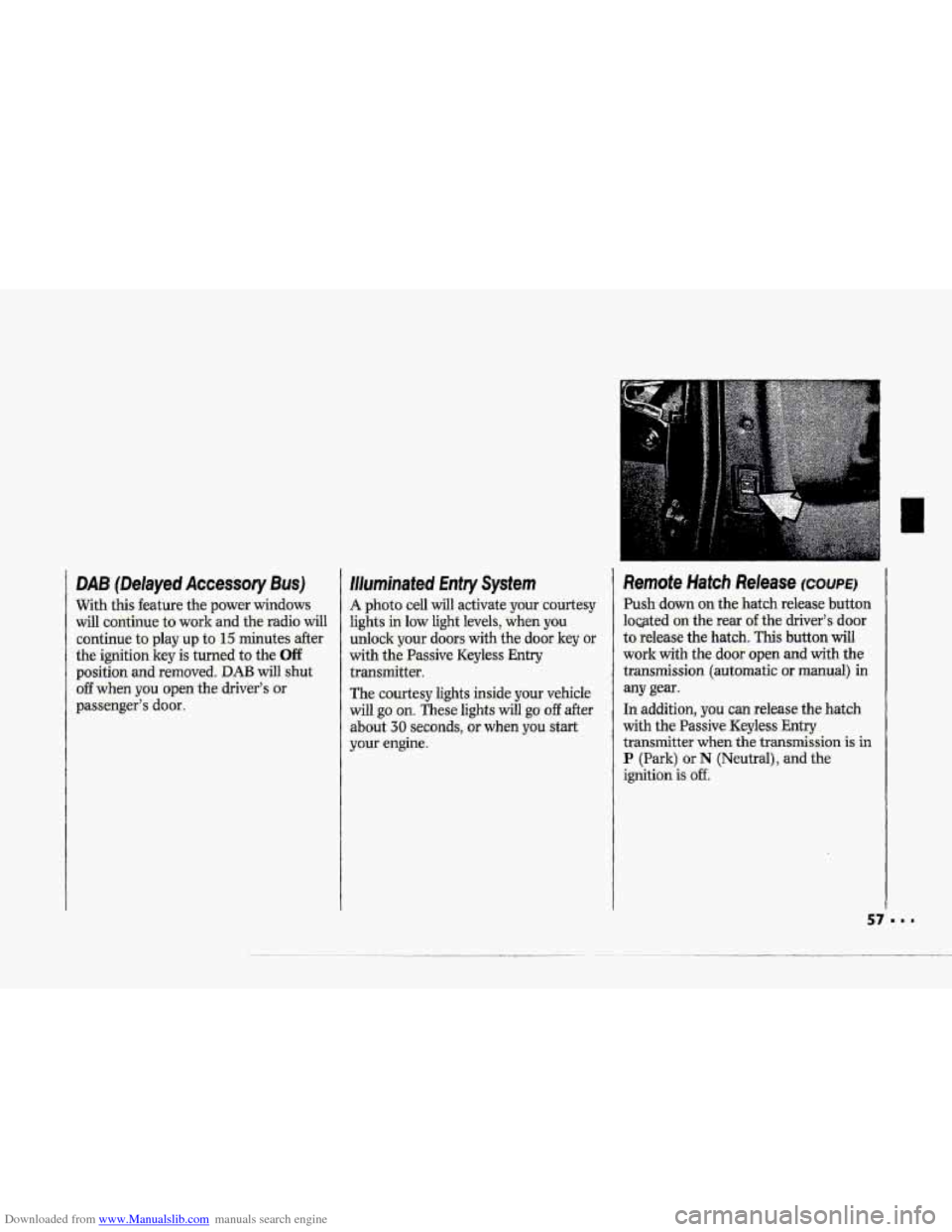
Remote Hatch Release COUPE^
Push-down. on the hatch release button
loated
on the rear ofthe driver’s door,
to release the hatch. This button will
work with the dooi. open and with the
transmission (automatic
ar manual) in
any gear.
In addition, YQU can release the hatch
with the Passive Keyless
Entry
transmitter when the transmission is.. in
P (Park) or N (Neutral), and the
ignition
is off.
Page 61 of 370
Downloaded from www.Manualslib.com manuals search engine Features & Controls
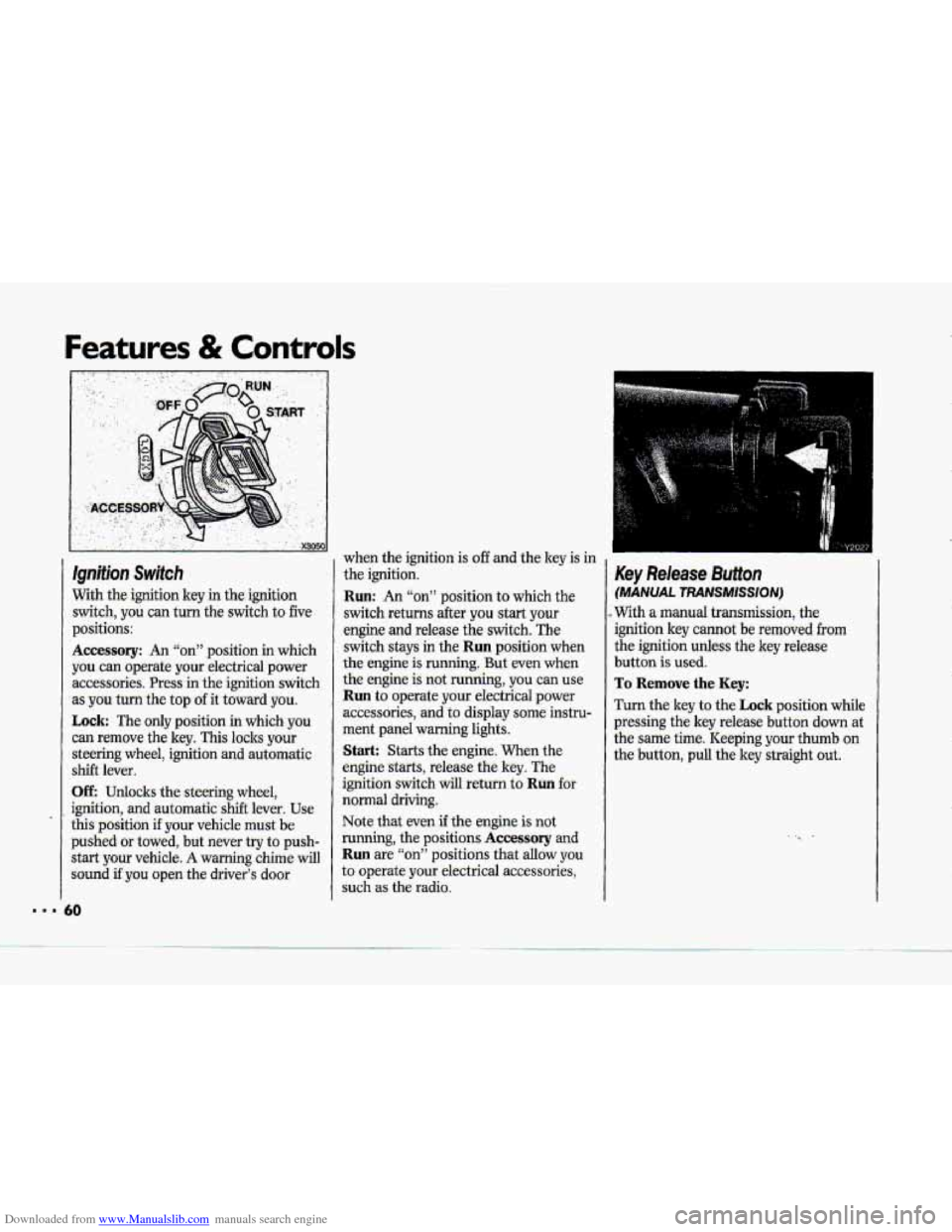
Ignition Switch
With the-ignition key in the ignition
switch, you can turn
the switch to five
p.ositions:
Accessory: An “on” position in which
you
can operate your .electrical power
accessories. Press in the-ignition .switch
as
you turn the top of it toward you.
Lock: The only position in which you
can remove the key. This locks your
steering wheel, ignition. and automatic
shift lever.
UE Udo:cks the steering wheel,
ignition, and automatic shift lever. Use
this pasition if your vehicle must be
pushed or towed, but never try to push-
start your vehicle-.
A warning chime will
sound if you open the driver’s door when
the ignition is
off and the key is in
the ignition.
Run: An “on” position to which the
switch returns after you start your
engine and release the switch. The
switch stays in
the Run position when
the engine is running. But -even when
the engine is-not running, you can use.
Run to operate your electrical power
accessories,
and to display some instru-
ment panel warning lights.
Start: Starts the engine, When the
engine starts, release the key. The
ignition switch will return to
Ruil fot
noma1 driving.
Note
that even if the engine is not
running, the positions
Accessory and
Run are “on” positions that allow y0.u
to operate your electrical accessories,
such
as the radio.
Key Release Button
(MANUAL TRANSMISSION)
..With a manual transmission, the
ignition key c-ot be removed from
the ignition unless the key release
button is used.
To Remove the Key:
Turn the key to the Lock position while
pressing the
key release buttoa down at
the same time. Keeping your thumb on
the button, pull the key straight out.
Page 73 of 370
Downloaded from www.Manualslib.com manuals search engine Features & Controls
Shift Speeds
(MANUAL TRANSMISSION)
This chart-shows when to shift to the
next higher gear for best fuel economy.
If your speed drops below 20 rnph
(32 hh), .or if the engineis.not
running :smo.othly, ~ou shauld
downshift
-to the next lower gear. 'You
may have to downshift two or mare
gears to keep :the engine mrining
smoothly or far :good performance-.
Acceleration Shift Spe.eds:
1st to 2nd .................. 15 mph (24.Jan/h)
2nd to 3rd ................ 25-mph (40-Imh)
3rd to 4th ................. 40 mph (64.ld.h)
4th-to 5th ............. .... 45 rnph (72 ldh)
5th tu 6th .................. :5O'mph (80 lun/h)
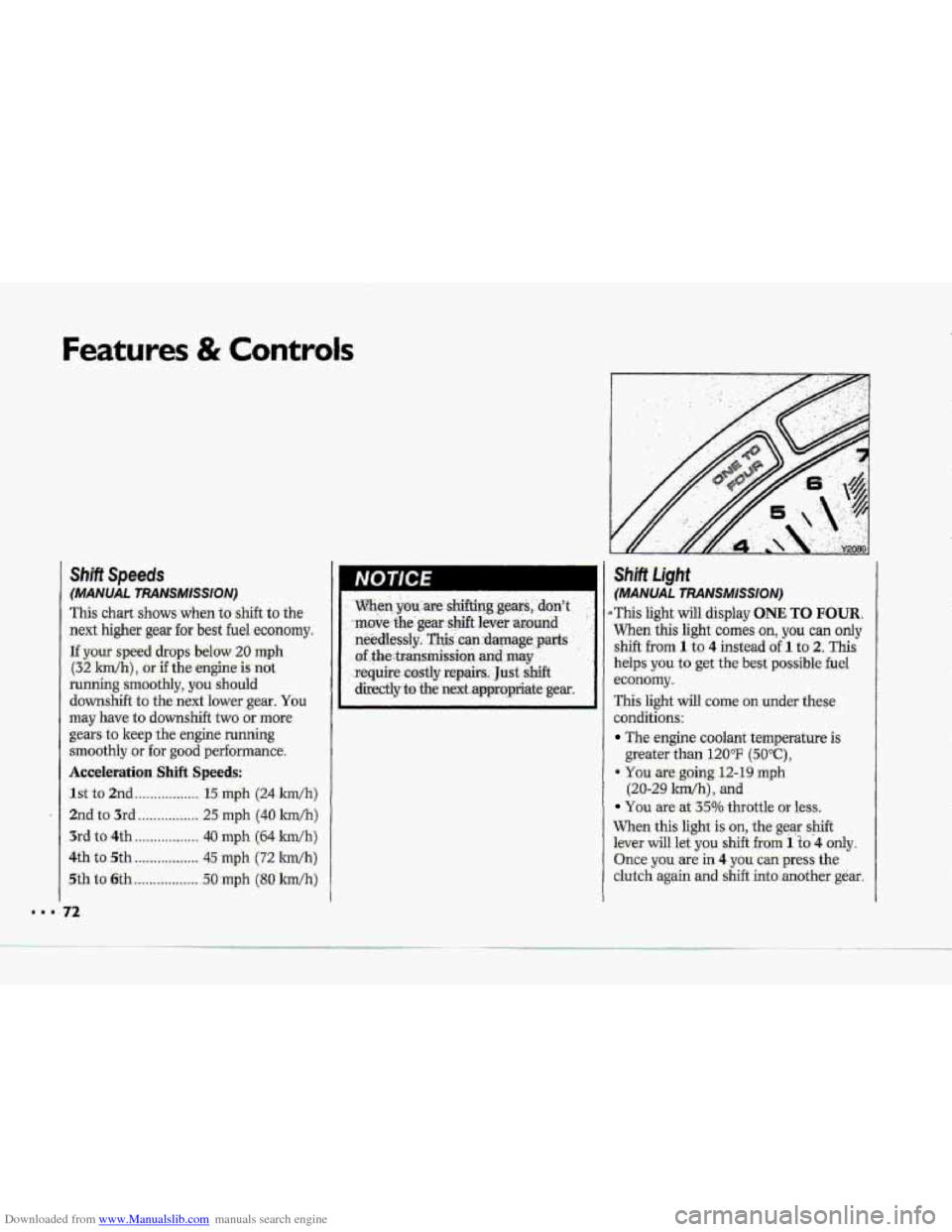
.ShRt .Light
(MANUAL TRANSMISSION)
i This light will display ONE TO FOUR..
When this light comes on, you can only
shift from 1 to 4 insteadaf 1 to 2. This
kelps you to get the best possible fuel
.economy.
Thk light will come on under these
conditions-:
The engine coolant. temperature is
geeeater than 120°F (50°C),
9 You are going 12-19.rnph
(20-29 Bm/h), and
You are at 35% throttle or less.
When
this light is .on, the gear s-hift
lever will kt you shift fiam 1 to"4 only.
Q.nce you we in 4 you-. can press th,e
clutch. again and shift into.:another. gear.
-.
Page 74 of 370
Downloaded from www.Manualslib.com manuals search engine ,-
Fullow the shift speeds hthis chart
when the 0NE.TO FOUR light is an.
Computer Aided .Manual
Transmission Shift Speeds:
1st to 4th .................. -15 mph (24 km/h)
4th t05th ...!. ......... 25 mph (40 ldh)"
5th to 6th ............ 40 mph (64 lm/h)**
Each -time .you: come to a stop, your
vehicle!s Engine Control Moduie
(ECM) determines when to activate the
ONE TO FOUR upshift system. Use
2 only when-you accelerate very qufcldy
€rom'i stop. You can then fdlow the
.-lull gear shift pattern.
30 rnph (48 km/h) when pcceZaa.ting to
highway speeds
**$5 mph (72 km/hj .when accelerati~g to
highmay speeds-
When-you downshift, don? slip more
than one gear. For example, you can
shift from 6 to 5 or from 6 to 4.. But
don't shift from 6 to:3.
Be careful not to drive faster than the-
sp.e:eds shown for each gar.
Maximum Speed Limits When
Douinshifting:
1st ............................ 40 mph (64 km/h)
2nd ......................... 60 nqh ('97 ldh)
3rd ........................ -80 mph. (129 lm/h)
4th ...................... 105 rnph (169: Wli)
A
If you skrp marethan one
gear when you downshift,
you could lose- cmtrol of your
vehicle-. And you could injure
yourself and others. Don't shift
from 6 to 3, 5 to 2, or 4 to .3 .......uj.I....
Page 76 of 370
Downloaded from www.Manualslib.com manuals search engine r i 1
1 I-
i
p" i
r"
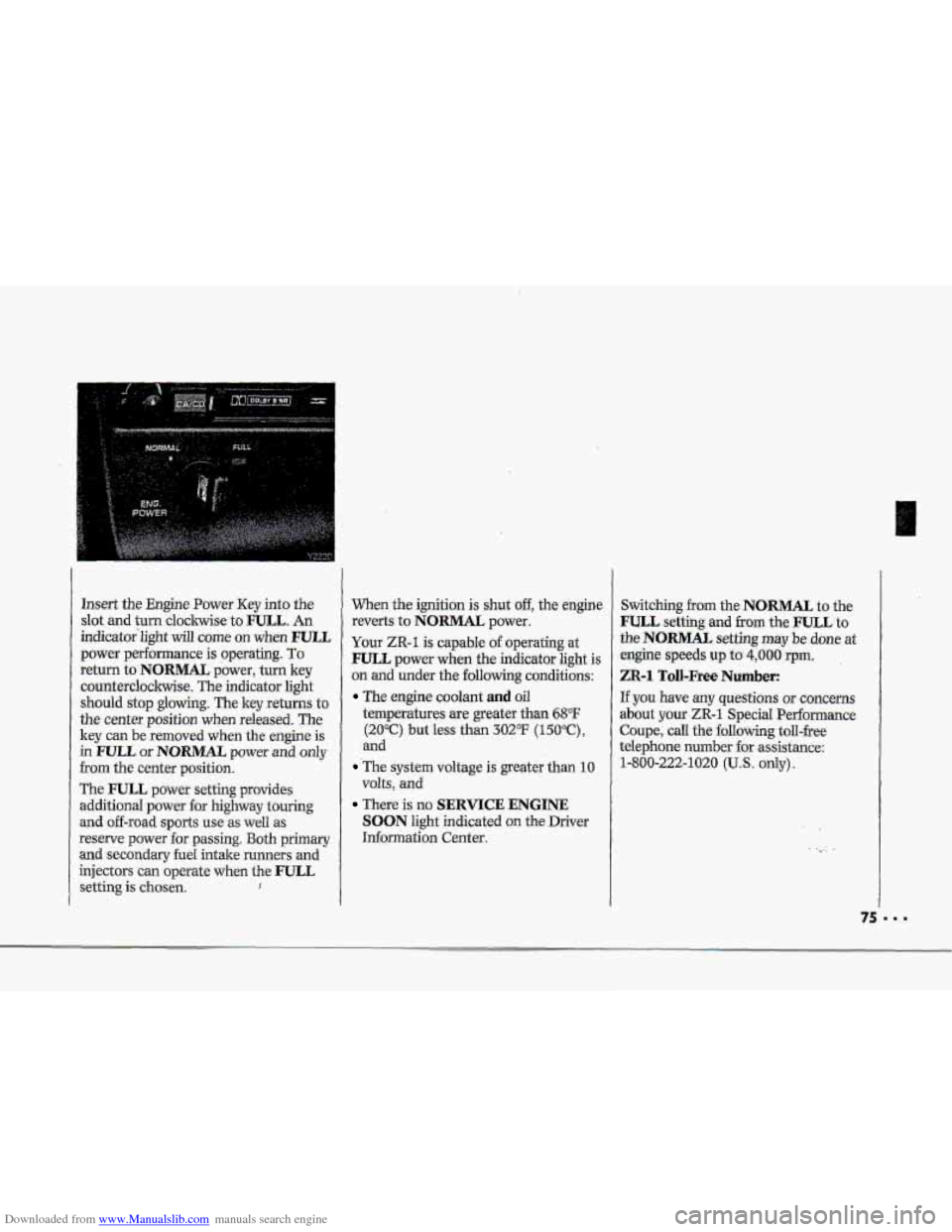
lnsert the Engine Power Key into the
slot and turn claclnvise to FULL. An
indicat0r"light
will come on when FULL
power performance is operating. To
return to-NORMAL power, turn key
countercloclnvise. The indicator
light
should stop glowing. The key returns to
the center position when released. The
key can be removed when the engine is
in PULL or NORMAL power and only
from the center position.
The
FULL power setting provides
additional
power for highway touring
and off-road sports use as well as
reserve power for passing. Both primary
and secondary fuel intake runners and
injectors can operate when the
FULL
setting is chosen. I
When the ignition is shut off, the engine
reverts
to NORMAL power.
Your ZR-1 is capable of operating at
FULL power when the indicator light is
on and u.nder the following conditions:
The engine coolant and oil
temperatures are greater than 68°F
(200Cc) but less than 3OFF (150°C),
and
-The system voltage is greater than 10
volts, and
There is no SERVICE ENGINE
SOON light indicated on the Driver
Infomation Center. Switching
from the NORMAL to
the
FULL setting and from the FULL to
the NORMAL setting may be done at
engine speeds up to 4,000 rpm.
ZR-1 Toll-Free Number:
If you have any questions or concerns
about your
ZR-1 Special Performance
Coupe, call the following toll-free
telephone number
for ,assistance:
1-800-222-1020
(U.S. only).
75
Page 77 of 370
Downloaded from www.Manualslib.com manuals search engine Features & Controls
Of-Road Track Use
See your Warranty Booklet before using
your Corvette
for off-road track use.
NOTICE I
..
Selective. Ride Control (OPTION)
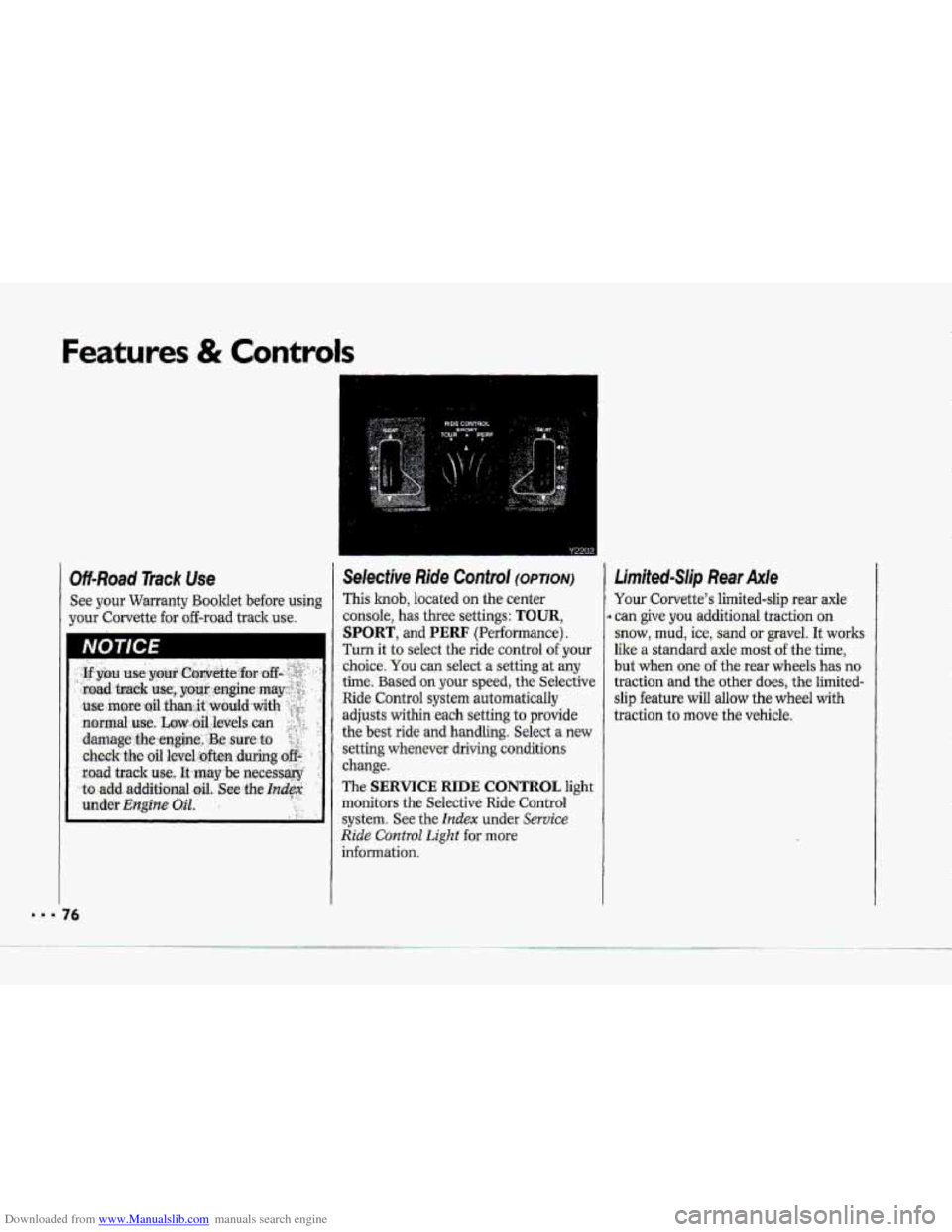
This knob, located on the center
consoIe,
has three settings: TOUR,
SPORT, and PERF (Performance).
Turn it to select the ride control of your
choice. You can select .a setting at my
time. Based your speed, the Selective
Ride Control system automatically
adjusts within each setting to provide
the best ride
and handling. Select a new
setting whenever driving conditions
change.
The
SERVICE RIDE CONTROL light
monitors
the Selective Ride Control
system. See the Index under Service
Ride Control Light €or more
information.
4
Limited-Slip Rear Axle
Your Corvette's limited-slip rear axle
can give
you additional traction on
snow, mud, ice, sand or gravel. It works
like a standard axle most of the time,
but when one of the rear whe.els has no
traction and the other does, the Iirnited-
slip feature will allow the wheel with
traction
to move the vehicle.
76
Page 78 of 370
Downloaded from www.Manualslib.com manuals search engine , ,
Y216i
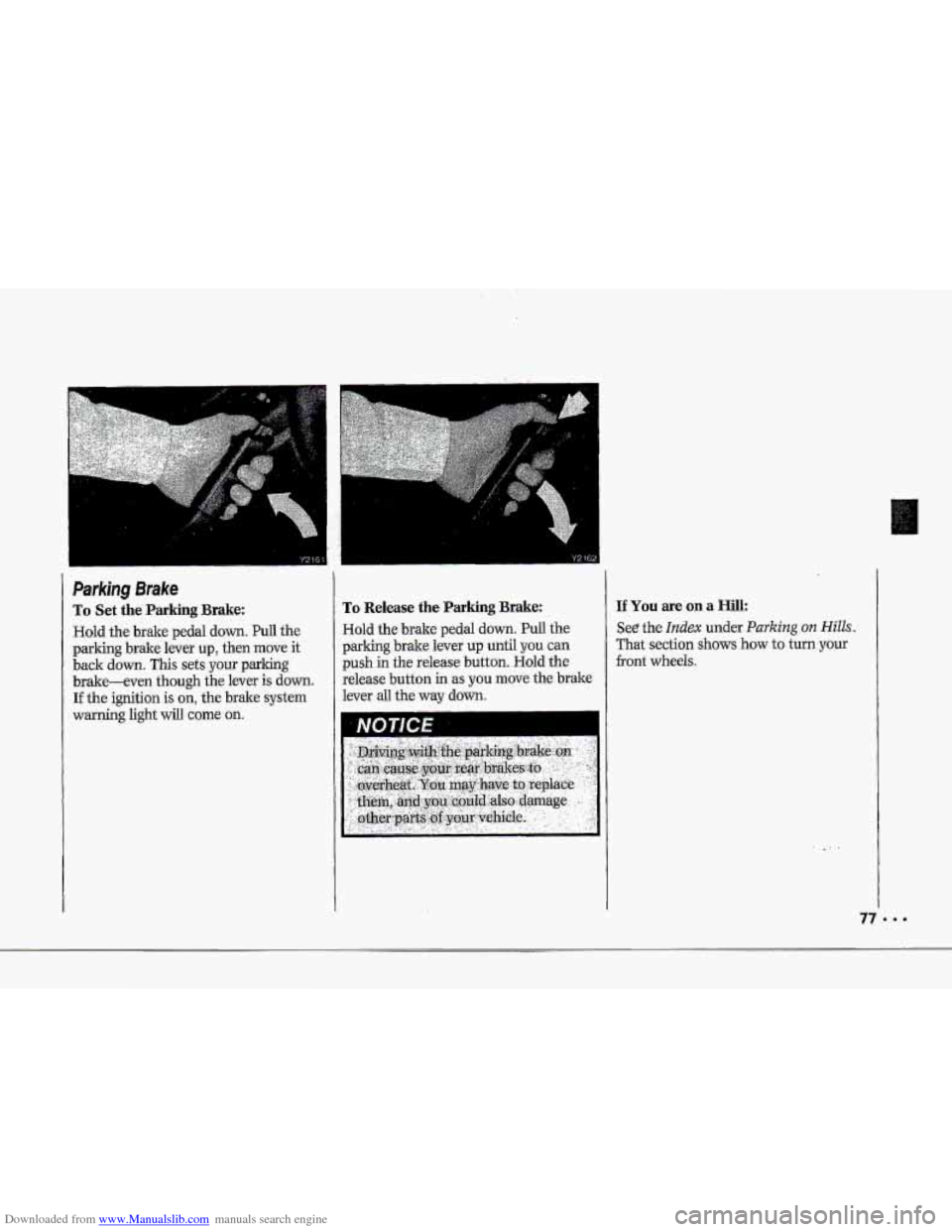
Parking Brake
To Set the Parking Brake:
Hold the brake pedal down. PuIl the
pdking brake lever up, then move it
back down. This sets your parking
brake-even though the lever is down.
If the ignition is on, the bxake system
warning light will come on.
Y 2132
To Release the Parking Brake:
Hold the brde pedal down. Pull the
parking brake lever up until you can
push in the release button. Hold the
release button
in 'as you move the bt&e
lever ad the way dawn.
IfYoumeonaHill:
See the Indm under Parking 012 Hills.
That section shows how to tum.your
front wheeTs.