1993 CHEVROLET CORVETTE audio
[x] Cancel search: audioPage 145 of 370
Downloaded from www.Manualslib.com manuals search engine ...
Comfort Controls & Audio Systems
Directional Controls (CONT.)
also controls the fan speed
-automaticallyy, unless the fan is
overridden
by the 7 or A button.
'YJJ(Heater): In this setting, all air
coming into the vehicle. is forced to the
floor. The fan blower motor will vary
in speed unless yowpress the Vur A
button. The in-car temperature will
adjust to the setting you choose. The
air conditioning compressor will not.
run in the manual heater mode.
If .your vehicle has an
engine block
heater
and you.use .it during cold
weather,
UoF (-18°C) or lower, your
heating system will .more quickly
provide heat became the engine coolant
is already warmed. See the
Index under
Engine Bluck Heater.
44
(Defrost): With this setting,
mast
of the air is forced. through the
windshield defroster vents. The
cornpressor
runs by using all the input
signals. The fan blower also .goes to a
fixed
high speed with no delay. After
start-up you can override the High fan
blower speed by pushing or AUTO.
DEFOG: Press the and (@'
buttons at the same time to operate the
defog mode. This directs warmed air
through the windshield defroster
vents,
and through the heater ducts.
OFF: Press to turn off the system.
Rear Window Defogger
(COUPE AND HARDTOP CONVERTlBLE)
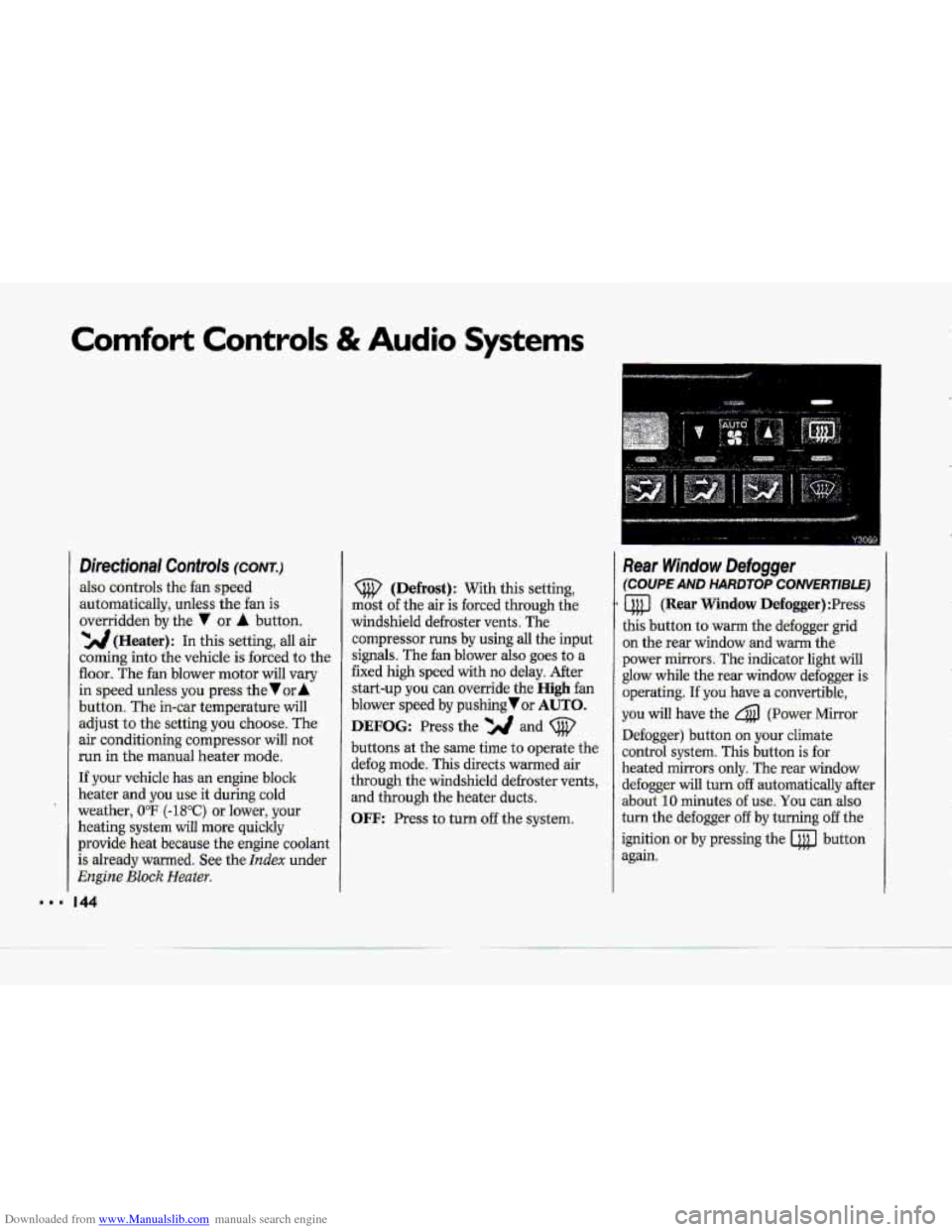
a (Rear Window Defogger) :Press
this button to warm the defogger grid
on the rear window and
warm the
power mirrors. The indicator light will
glow while the rear window defogger is
operating.
If you have a convertible,
you. will have the 4 (Power Mirror
Defogger) button .on your climate
control system. This button
is for
heated mirrors only. The -rear window
defogger
will turn:off automatically after.
about
10 minutes. of use, You can also-
turn the defogger
off by turning off the
ignition
or by pressing the @ button
again.
Page 147 of 370

Downloaded from www.Manualslib.com manuals search engine Comfort Controls & Audio Systems
The following .pages describe the audio
systems available for your Corvette, and
how to get the best performance from
them.. Please read about ,the system in
your vehicle.
'I I46
CAUTION I
A
Hearing damage from loud
noise is almost undetectable
until it is too late. Your hearing can
adapt to. higher volumes of sound.
Sound that s-eems normal.can-be
loud and
harmful to your hearing.
Take precautions by adjusting the
volume control
on your radio to-a.
safe sound
level before yaur hearing
adapts to it.
To help avoid hearing loss OK
damage:
1. Adjust the volume control to the
lowest setting.
2. Increase volume slowly until you
hear comfortably and clearly.
Page 149 of 370
Downloaded from www.Manualslib.com manuals search engine Comfort Controls & Audio Systems
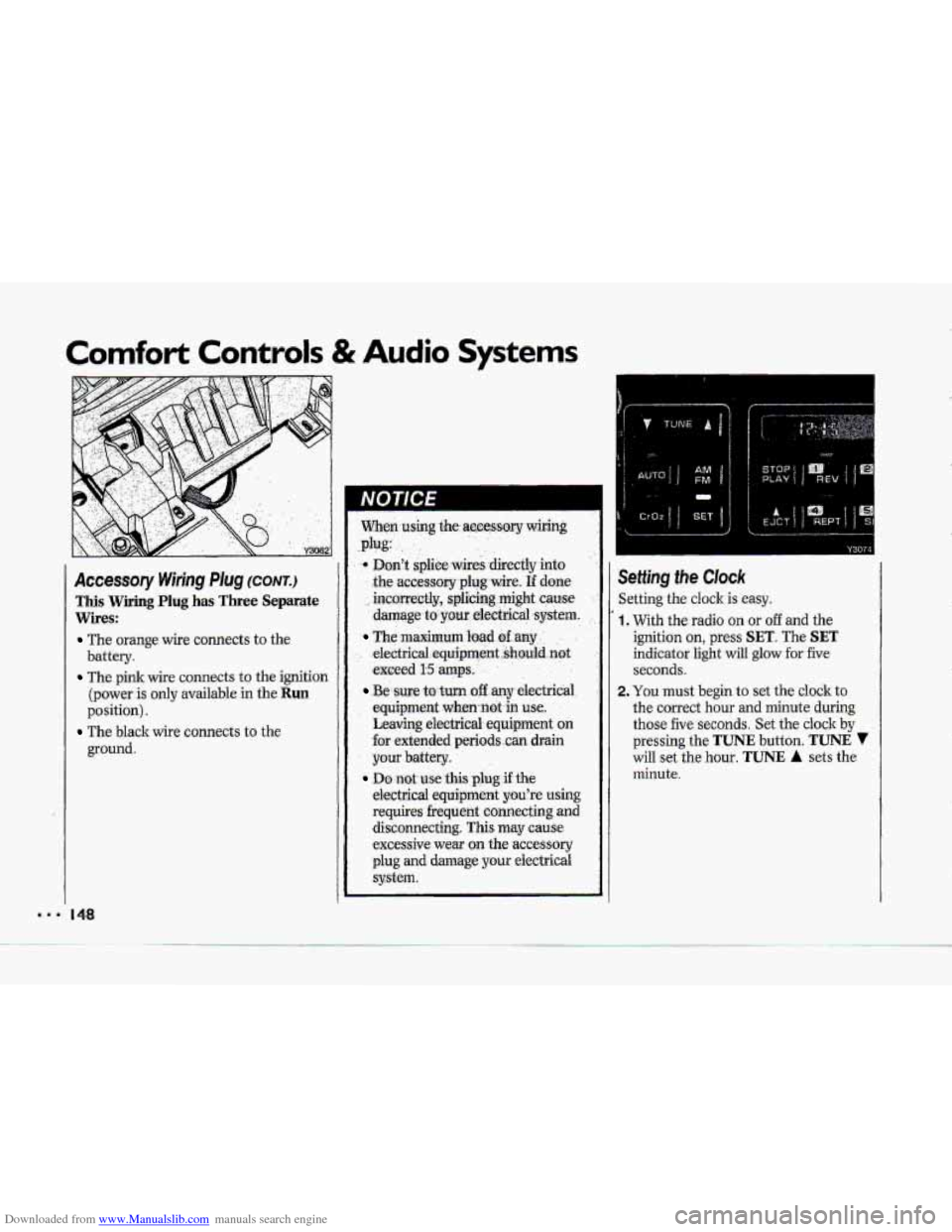
Accessory Wiring Plug (CONTJ
This Wiring Plug has Three Separate
Wires:
The orange wire connects to the
battery.
The pink wire connects to the ignition
(power
is only available in the Run
position).
ground.
The black wire connects to the
When.using $he.accessory wiring
Don't splice wires -directly into
the
accessory plug wire. If done
incmrectly, splicing might cause
damage.to pur electrical system.
The maximum bad dany ' , .
electric,al,equipment..shauld.not
exceed I15 amps, . .
.Be sure to turn off any electricai
equipment when-not-in
use..
Leaving electrical equipment on
€or extended periods ..can drain
your battery.
electrical equipment
you're using
requires frequent connecting and disconnecting. This may
cause
excessive wear on the accessory
plug
and damage your eiectricai
system.
.plug:
Do not use this plug if the
Y3074
ietting the Clock
ietting the cloclc is easy.
, With the radio on or off and the
ignition on, press
SET. The SET
indicator light will glow for five
seconds.
!. You must begin to set the clock to
the correct hour and minute during
those five seconds. Set the clock
by
pressing the TUNE button. TUNE 7
will set the hour. TUNE A sets the
minute.
Page 151 of 370
Downloaded from www.Manualslib.com manuals search engine Comfort Controls & Audio Systems
AMlFM Stereo with Cassette
PIayer (cum)
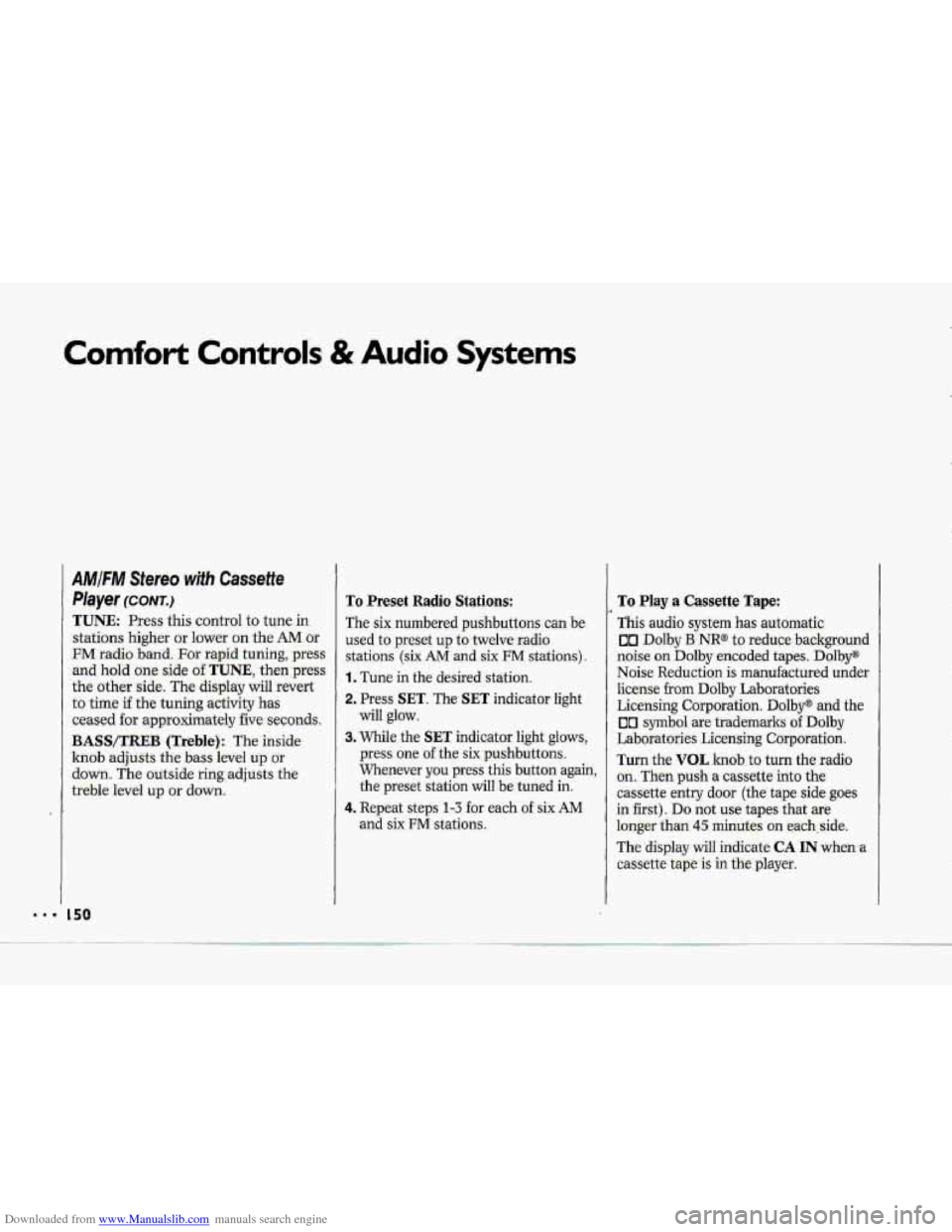
TUNE. Press this control to tune in.
stations higher or lower on the AM.or
FM radio band. For rapid tuning, press
and hold one side of.TUNE., then:press
the other side. The display will revert
to time if the tuning activity has
ceased for approximately five sec0nd.s.
BASWXREB (Treble): The inside
knob adjusts the bass level up or
down. The autside ring;adjQsts the
treble level up or down.
To Preset Radio Stations:
The six numbered- pushbuttons can be.
used to preset up to twelve-radio
stations (six AM -and six FM stati.ons).
1. Tune in the desired station.
2, Press SET. The SET indicator light
will glow.
3. While the SET indicator. light- glows,
press one. of the six pushbuttons.
Whenever
you press this button again,
the preset station will be tuned in.
4. Repeat steps 1-3 -for each of six AM
and six FM stations,
To Play a Cassette Tape:
This audio system has automatic.
on Dolby B NR@- to reduce background
noise. on Dolby encoded tapes. Dolby"
Noise Re:du.ction is manufactured under
license from Dolby Laboratories
Licensing Corporation.
Dolby@ and the
00 symbol are trademarks of Dolby
Laboratories Licensing Corporation.
Turn the VOL 1Znd.b.ts turn the radio
on. Then push a Cassetteinto the
cassette entry door (the tape side goes
in :first). Do not use tapes-that are
loQger- than 45 minutes on each,:side.
The
display will indicate CA IN when a
cassette tape is in tkplayer.
Page 153 of 370
Downloaded from www.Manualslib.com manuals search engine Comfort Controls & Audio Systems
AMIFIW Stereo wifh Cassette
Player (Delco-Bose@ Music
System)
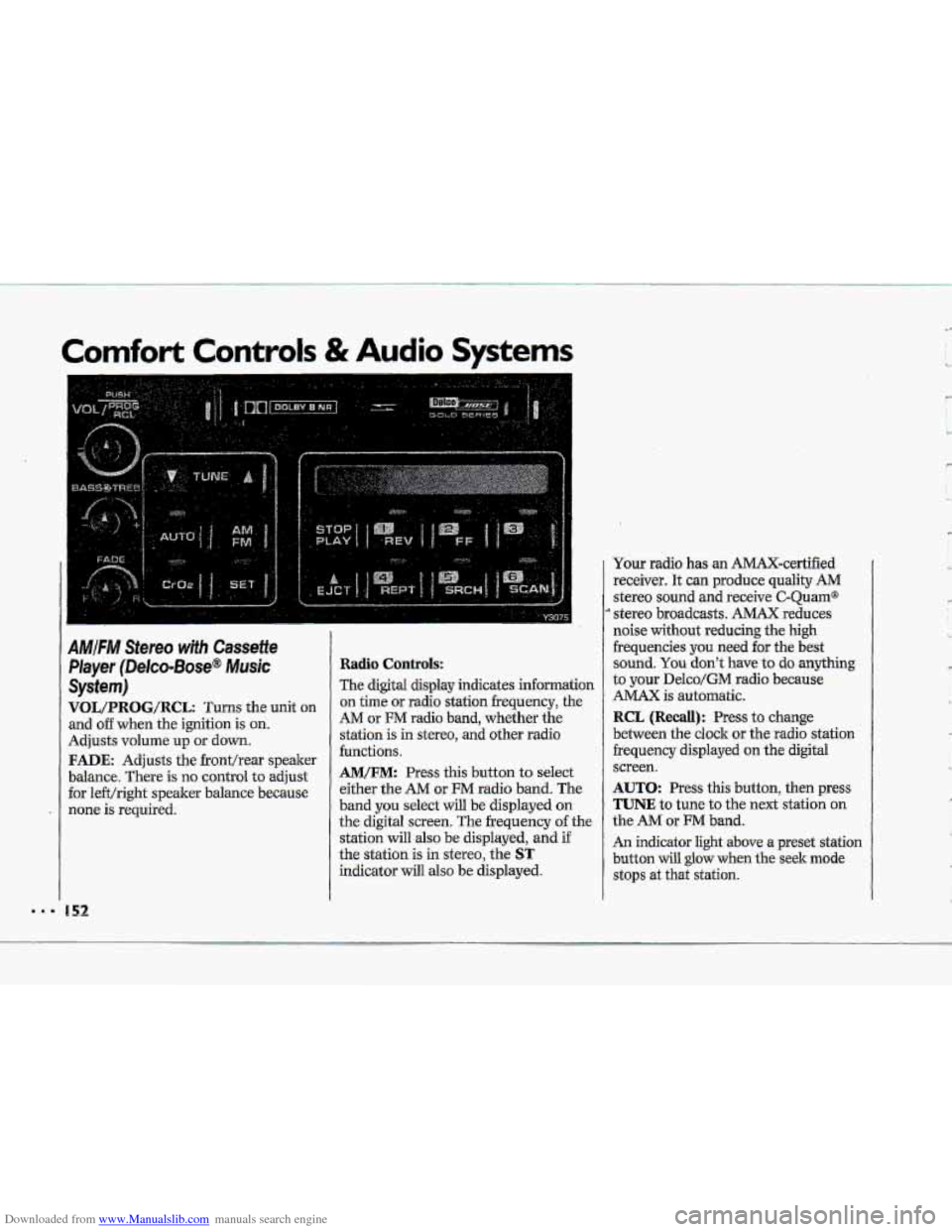
VOL/PRBG/R@L: Turns the unit on
and o€€ when the ignition is on.
Adjusts volume up or down.
FADE: Adjusts the fronthear speaker
balance. There is no control
to adjust
for le€t/right speaker balance because
none is required.
Radio Controls:
The digital display indicates information
on time or radio station frequency, the
AM or FM radio band, whether the
station is in stereo,
and other radio
functions.
AM/FM: Press this button to select
either the
AM or FM radio band. The
band
you select will be displayed on
the digital screen. The frequency of the
station
will also be displayed, and if
the station is in stereo, the
ST
indicator will also be displayed. Your radio
has an AMAX-certified
receiver. It can produce quality
AM
stereo sound and receive C-Quam@
stereo broadcasts. AMAX reduces
noise
without reducing the high
frequencies you
need for the best
sound.
You don't have to do anything
to your Delco/GM radio because
AMAX is automatic.
RCL (Recall): Press to change
between the clock or the radio station
frequency displayed
on the digital
screen.
AUTO: Press this button, then press
TUNE to tune to the next station on
the AM or FM band.
An indicator light above a preset station
button will
glow when the seek mode
stops at that station.
'w
' ,- I
c
L,
R
'k
Page 154 of 370
Downloaded from www.Manualslib.com manuals search engine TUNE: Press this control to tune in
stations higher
dower on the AM or
%M radio b-and. For rapid tuning, press
and hold one side of TUNE, theirpress
the other
side. The di-splay will revert
to time if the tuning -activity has
ceased for approximately five seconds.
BASS/TREB (Treblej: -The. inside
knob adjusts the
bass .level up or
down. The outside rin,g adjusts the
treble ievel
up or down.
To Preset Radio Stations:
The six numbered pushbuttons can be
used to preset-up
to twelve Eadio,.
stations (six AM ad six FM.stations).
1. Tune in the desired station.
2. Press SET. The SET indicator light
3. While the SET indicator light glows,
press one of the six .pushbuttons.
Whenever
you.press this button
again, the preset station will 'be tuned
in.
and six FM stations.
will
glow.
4. Repeat
steps 1-3 for each of six AM
To Play a Cassette Tape:
TGs audio system has automatic
UI Ddby B NR@ to reduce backpurid
noise on Dolby encoded tapes*
Dolby@
Noise Redudtion is.manufactwed under
license
fr~m Dolby Laboratories
Licensing Corporation. Dolby" and the
00 symbol are trademarks of Dolby
Laboratories Licensing- Corporation.
Turn the.VOL
knob to. turn t.he fadio:
on. Then
push a cassette into the
cassette entry door (the tape
side goes
in first).. Do not use tapes that .are
longer than
45 minutes on each side.
The,
display will indicate CA IN when a
cassette tape.& in the player.
Page 155 of 370
Downloaded from www.Manualslib.com manuals search engine Comfort Controls & Audio Systems
'I
AMIFM Stereo with Cassette
Player (Delco-Bose@ Music
System) ~conrr.)
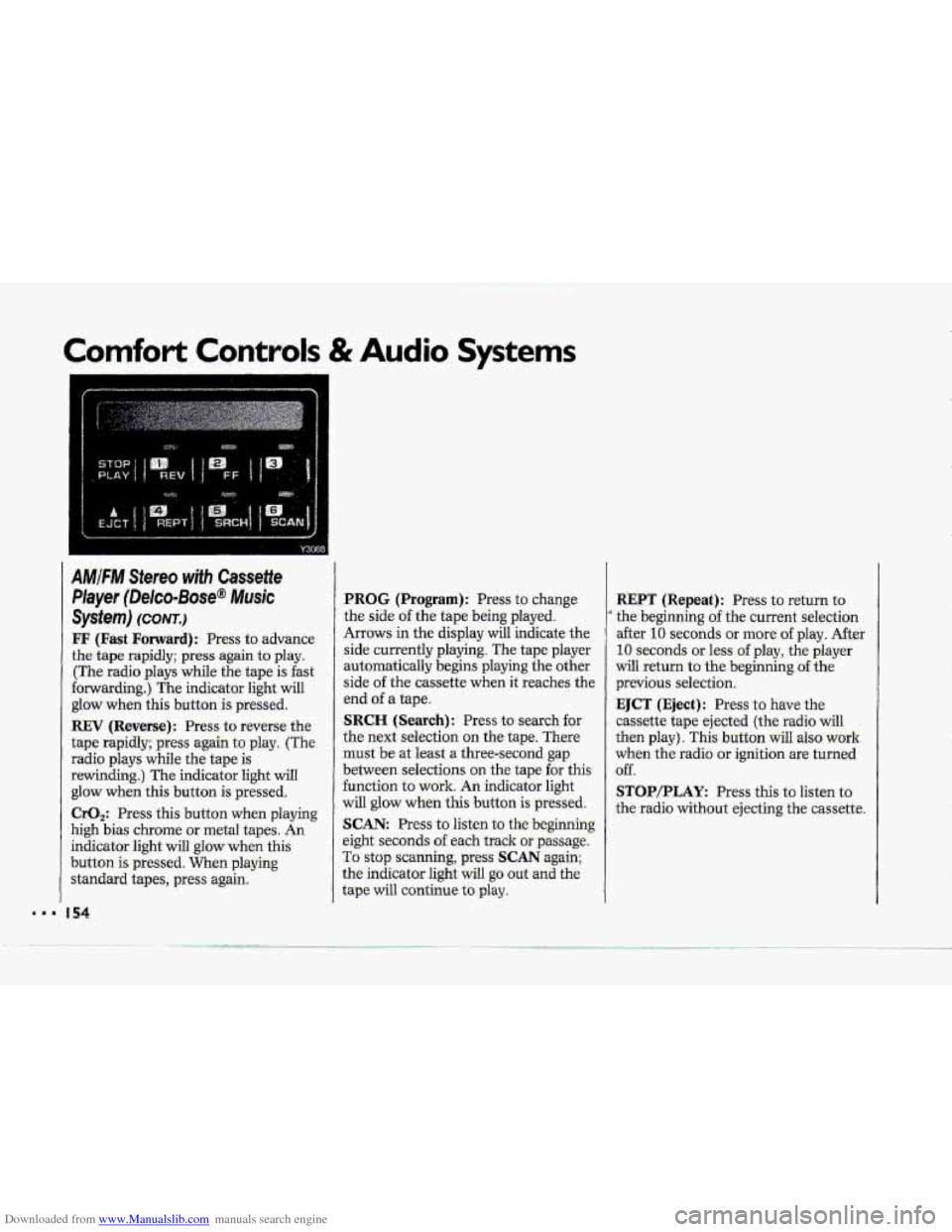
FF (Fast Forward): Press to advance
the tape rapidly; press again to play.
(The radio plays while the tape is fast
forwarding.) The indicator light will
glow when this button
is pressed.
REV (Reverse): Press to reverse the
tape rapidly; press again to play. (The
radio plays while the tape
is
rewinding.) The indicator light will
glow when this button is pressed.
CrO,: Press this button when playing
high bias chrome
or metal tapes. An
indicator light will glow when this
button
is pressed. When playing
standard tapes, press again.
I54
PROG (Program): Press to change
the side
of the tape being played.
Arrows in the display will indicate the
side currently playing. The tape player
automatically begins playing the other
side
of the cass-ettg. W&n it xeahez, the
end
of a tape.
SRCH (Search): Press to search for
the next selection on the tape. There
must be at least a three-second gap
between selections on the tape for this
function to work. An indicator light
will glow when this button is pressed.
SCAN: Press to listen to the beginning
eight seconds
of each track or passage.
To stop scanning, press SCAN again;
the indicator light will
go out and the
tape will continue
to play.
.. --
REPT (Repeat): Press to return to
' the beginning of the current selection
after
10 seconds or more of play. After
10 seconds or less of play, the player
will return to the beginning of the
previous selection.
EJCT (Eject): Press to have the
cassette tape ejected (the radio
will
then play). This button wilI also work
when the radio or ignition are turned
off.
STOP/PLAY: Press this to listen to
the radio without ejecting the cassette.
Page 157 of 370
Downloaded from www.Manualslib.com manuals search engine .I.
Comfort Controls & Audio Systems
AMIFM Stereo with CassettelCD
Player (Delco-Bose@ Music
System) (CONT.)
Radio Contro~s:
-The digitd display indicates information
on- time or radio station frequency, the
AM or FM radio- band, whether the
station
is in stereo, and other radio
functions..
AMtFM: Press this button to select
either
-the AM OF FM radio- band. The
band you -select-will be displayed on
the digital screen. The frequency -of the
station will also
be displayed, and if
the station is in. stereo,
ST will-:also be
displayed.
Ywr radio has an AMAX-certified
.receiver. .It can produce quality AM
stereo sound and receive C-Qu.am@
stereo broadcasts. AMAX reduces
noise with0u.t reducing
the high
frequencies. you need
for the best
sound. You don't Jiave,to do anything
to your Delco/GM radio because.
AMAX is automatic.
156
RCL (Recall): Press to change
between the clock or the radio station
frequency displayed
on the digital
screen.
AUTO: Press this button, then press
TUNE to tune to the next station on
the
AM or FM band.
An indicator light above a preset station
b-utton will glow when the seekmode
stops .at that station.
TUNE: Press this control to tune in
stations higher or lower
on the AM or
FM radio band. .For rapid tuning, press
and hold one side of TUNE, then press
the other side.
BASS/TREB (Treble): The inside
knob adjusts the bass level up or
down. The outside ring adjusts the
treble bel up or down,
GA/cD: The .display will indicate
CA IN when a cassette is loaded into the unit, or
CD IN when a CD is
loaded into the unit. Cassette play is
also indicated in
the display by an
arrow. CD play.is also .indicated by the
track number
that is displayed when
RCL is pressed. An indicator light will
glow when the button is pressed. Press
,to alternate between cassette and CD
if both are loaded in the unit.
To Preset Radio Stations:
The six numbered pushbuttons can be.
used to preset up to twelve radio
:stations
(six AM and six FM stations).
1. Tune in the desired station.
-2. Press: SET. The SET indicator light
3. While the SET indicator light glows,
press one of the six pushbuttons.
Whenever
you press this button
again,
the preset station will be tuned
in.
will glow.
4. Repeat steps 1 --? for each o€.sirr AM