Page 96 of 370
Downloaded from www.Manualslib.com manuals search engine ,.-
Don't exceed the maximum vehicle
capacity
when loading your Corvette.
For more information on vehicle
capacity and loading, .see the Index
under Loadhtg Your Vehicle.
To prevent damage-or loss of cargo as
you're driving, check now and then to.
make sue the'luggage-Carrie? and cargo
are still securely fasteried.
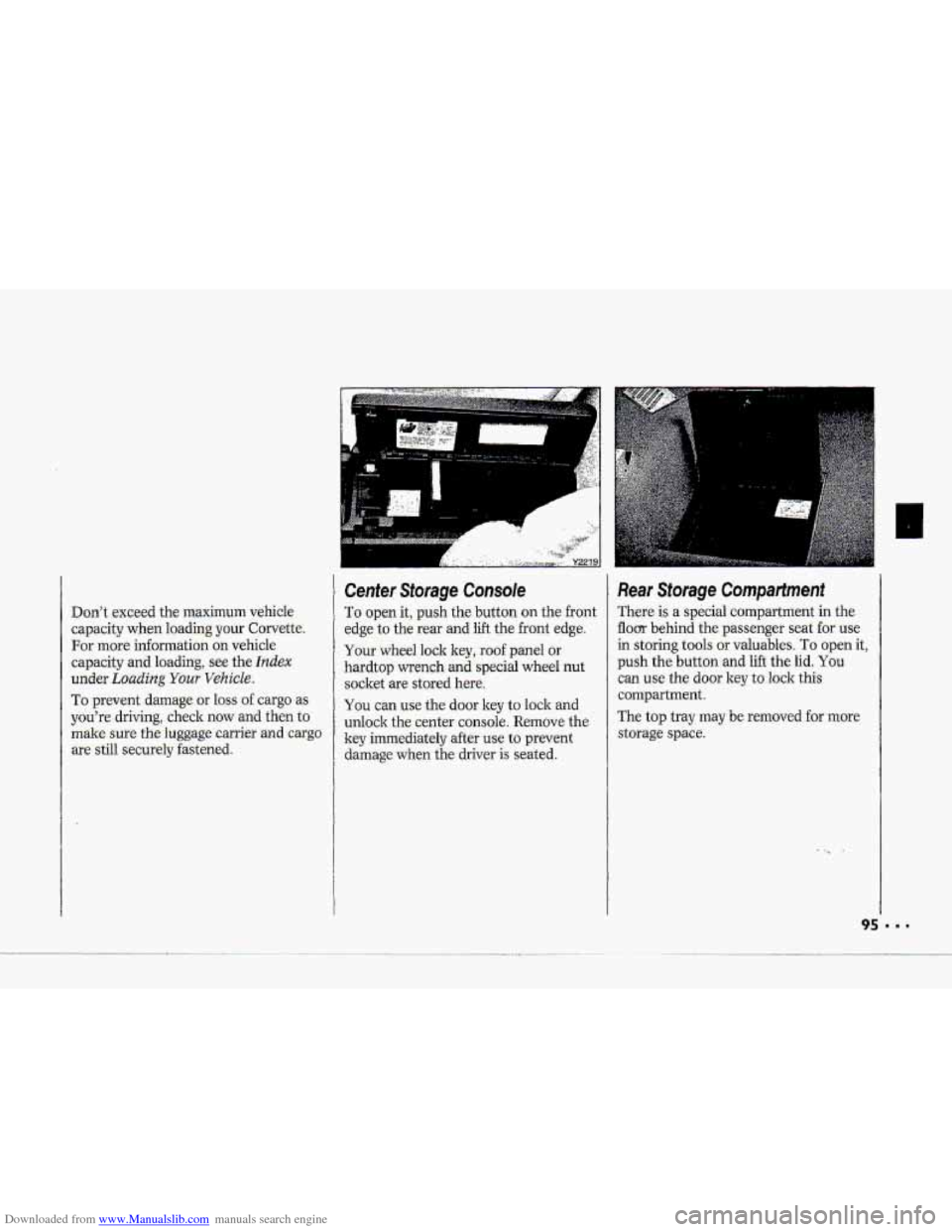
Cenfer Storage Console
To. open it, push the button on the front
edge to the
rear and lift the.front edge.
Your whed lock key, roof panel or
hardtop wrench
and special wheel nut
socket -are stored here.
You can use the door key to lock and
unlock thecenter console. Remove the
ley immediately after
use to prevent
damage.when the driver-is seated.
Re.ar Storage Compartment
There is a special compartment in the-
flom behind the pa-ssenger seat for use
in-storing tools or valuables. 'To open it,
push the. button -and lift the lid. You
can use the dour key t.0 lo-ck this
compartment.
The
top tray may.be removed for more
storage spa-ce.
Page 97 of 370
Downloaded from www.Manualslib.com manuals search engine Also, to xeduce.the potential for
radi.0 receiver interference, do not
connect or placemy p other
-dectronic modules to or near-the
power s,o.urce in this compartment.
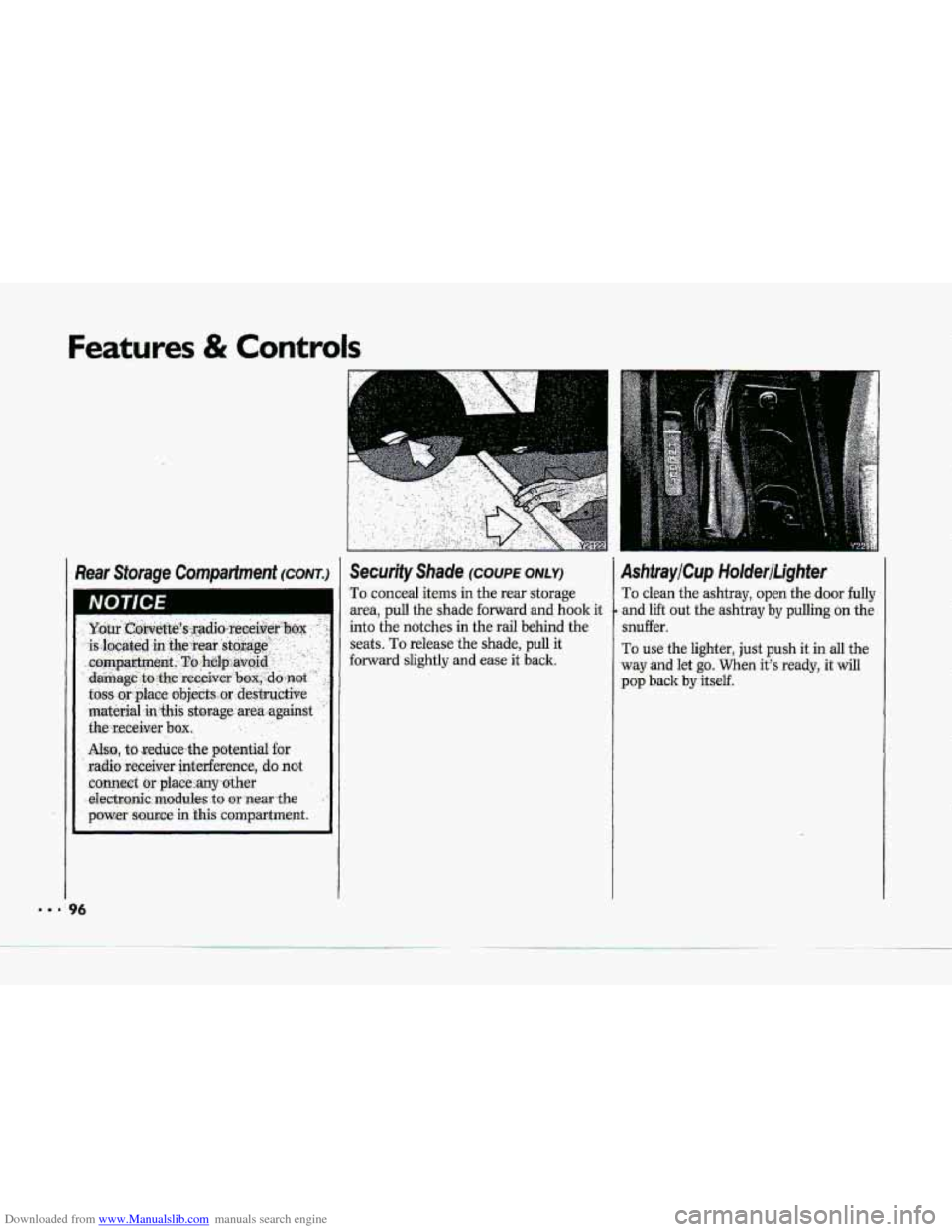
Security Shade (cow ONLY)
To conceal items in the rear storage
area,
pull the shade forward and hook it
into the notches in the rail behind the
seats.
To release the shade, pull it
forward
slightly and ease it back.
AshtrayiCup HolderiLighter
To clean the ashtray, open the door fully
and
lift out the ashtray by pulling on the
snuffer.
To use the lighter, just push it in all the
way and let
go. When it's ready, it will
pop back by itself.
Page 109 of 370
Downloaded from www.Manualslib.com manuals search engine Features & Controls
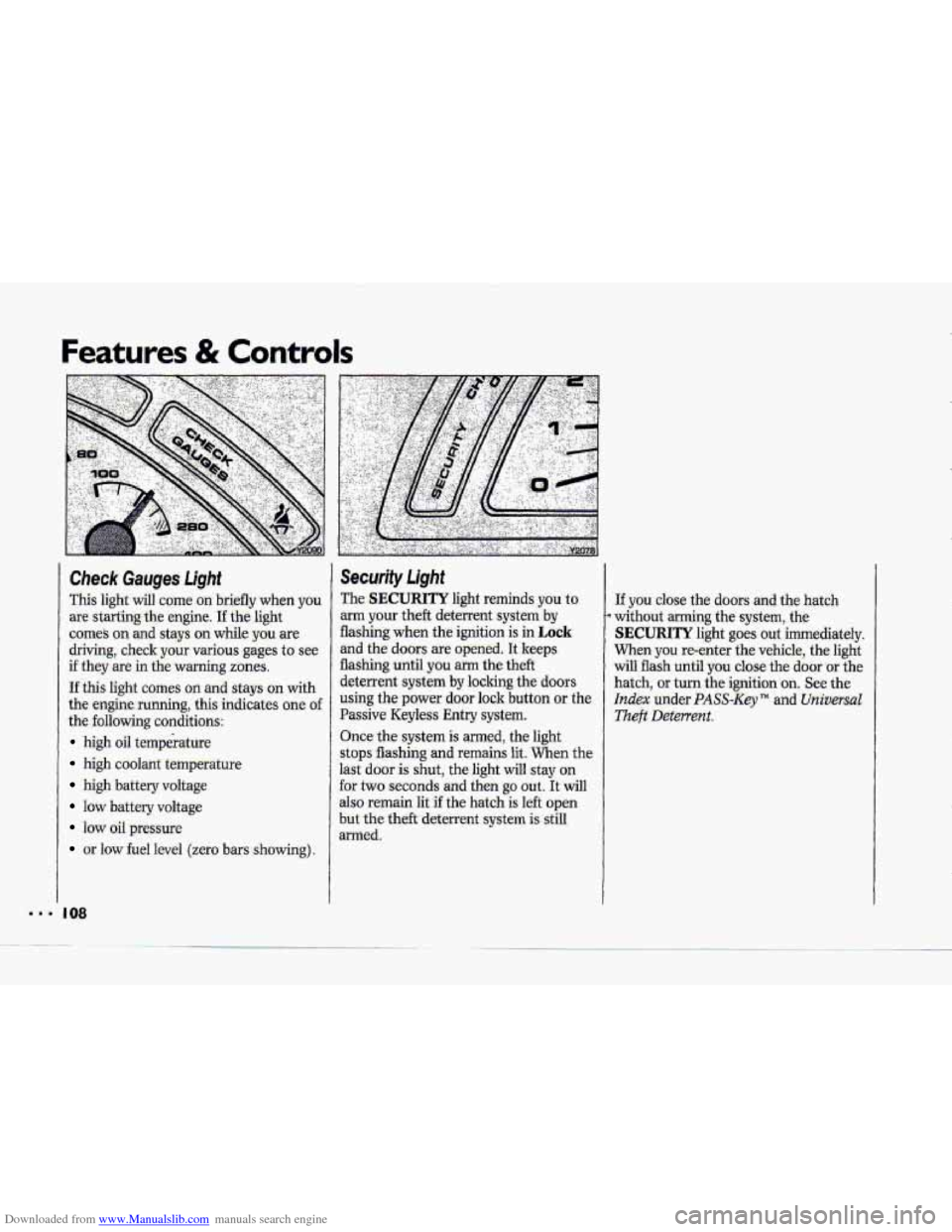
Check Gauges Light
This light will come on briefly whien y6u
are starting the engine. I€ the light
comes on and stays on while you are
driving, check your various gages to see
if they are in the warning zones.
If this light comes on and stays on with
the engine running, this indicates one of
the following conditions:
high oil temperature
high coolant temperattiE’
high battery voltage
low battery voltage
IOW oil pressure
or low fuel level (zero bars showing).
I 08
Security Light
The SECURITY light reminds you to
arm your theft deterrent system by
flashing when the ignition is in Lock-
and the doors are opened. It keeps
flashing until
you arm the theft
deterrent system
by locking the doors
using the power door lock button or the
Passive Keyless Entry system.
Once the system
is armed, the light
stops flashing
and remains lit. When the
last
door is shut, the light will stay on
for two seconds and then
go out. It will
also remain lit if the hatch is left open
but the theft deterrent system is still
armed.
If you close the doors and the hatch
without arming the system, the
SECURITY light goes out immediately.
When you re-enter the vehicle, the light
w.ill flash until
you close the door or the
hatch,
or turn the ignition .on. See the
Index under PASS-Key TM and Universal
.Theft Deterrent.
Page 115 of 370
Downloaded from www.Manualslib.com manuals search engine Features & Contro1.s
point more than 90" from the valve stem
may damage the LTPWS sensors..
If this light stays on after the tire pressure
is properly adjusted, see your dealer.
I14
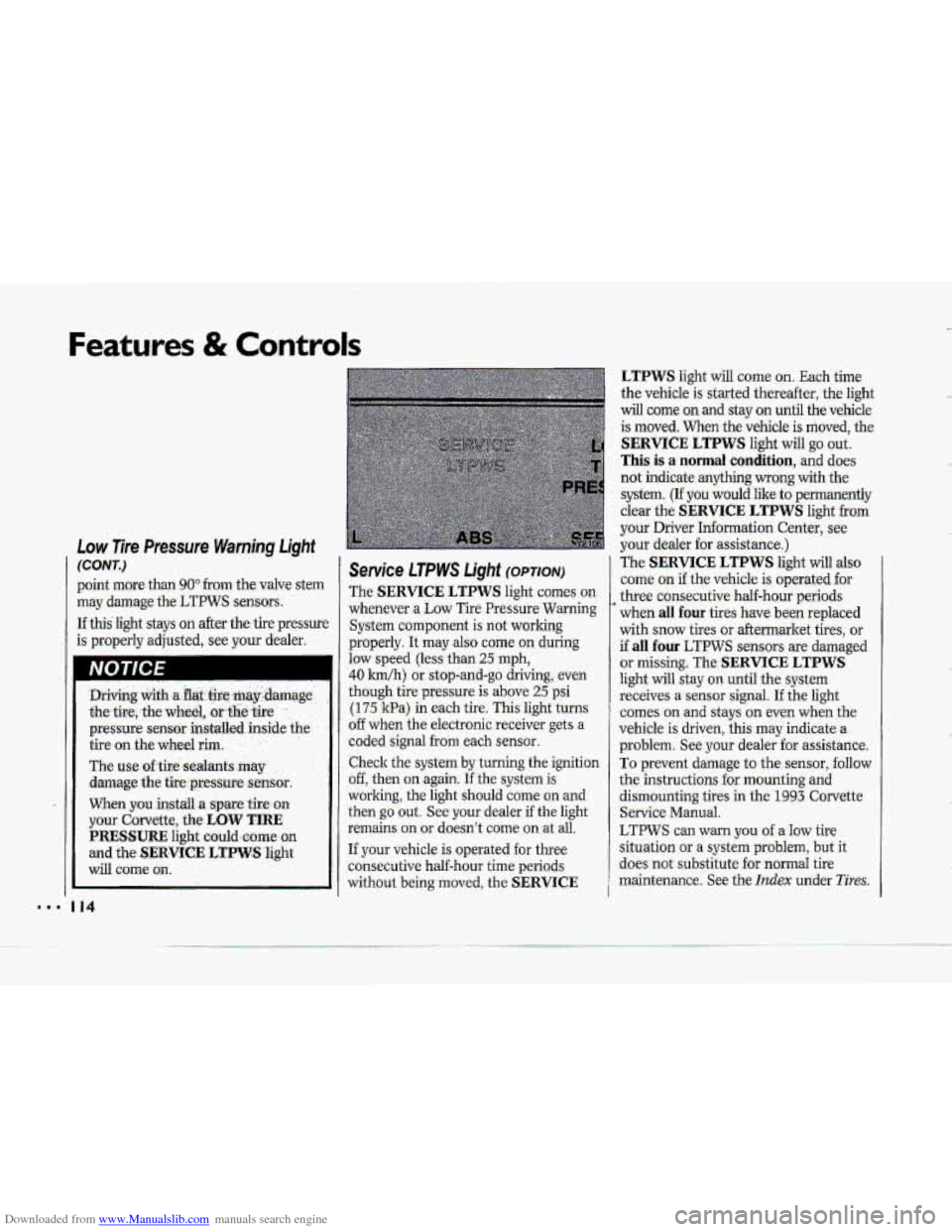
Service LTPWS Light (OPTION)
The SERVICE LTPWS light comes on
whenever a Low Tire PressureWrtming
System component is not working
properly. It
may also come on during
law speed (less than 25 rnph,
40 Idh) or. stop-and-go driving, even
though tire pressure is above 25 psi
(175 kPa-) in each tire. This light turns
o€f when the electronic receiver gets a
coded signal
from each sensor..
.Check the system
by turning the ignition
off, then on again. If'lhe system is
worling, the light should come on-and
then go out. See your dealer if the light
remains on
or doesn'.t come on .at ail.
If your vehicle is operated for three
consecutive half-hour time periods
without being moved,
the .. SERVICE
LTPWS light will come on. Each time
the vehicle
is started thereafter, the light
will come mand stay on until the vehicle.
is moved. When the vehicle
is moved, the-
SERVICE LTPWS light will go out.
This is a normal condition, and does
not indicate
anything-wrong with the
system.
(If you would Iilre to permanently
clear the
SERVICE LTPWS light from
your Driver Information Center, see
your dealer for assistance.)
The
SERVICE LTPWS light will also
corne. on if.the vehicle is operated for
three consecutive half-hour periods-
when
,dl four tires- have been replaced
with
snow tires or aftermarket tires, or
if all four LT-PWS sensors. are damaged
or missing. The SERVICE LTPWS
light will stay o.n until the system
receives
a sensor signal. I€ the light
'comes on and stays on even when the
vehicle is driven, this may .indicate
a
problem. See your dealer for assistance.
To prevent damage to the sensor, follow
the instructions
for mounting and
dismounting tires in
the 1993 Corvette,
Service Manua.1.
LTPWS can warn you of a Idw tire
situation-or
a system problem, but it
-does not substitute .foT.norrnal tire
maintenance. See the
Itzdex under Tires;
Page 120 of 370
Downloaded from www.Manualslib.com manuals search engine i
t
I
The Selective Ride Control system is
designed to sense vehicle speed in the
first minute after the vehicle is started.
If the vehicle has not been moved in the
first minute, the Selective Ride Control
system
will interpret this as a vehicle
speed
fault. After thee consecutive .
vehicle speed faults, the SERVICE
RIDE CONTROL light will turn on.
Once the vehicle is moved, the
SERVICE RIDE CONTROL light will
go out.
,I 19
Page 121 of 370
Downloaded from www.Manualslib.com manuals search engine Features & Controls
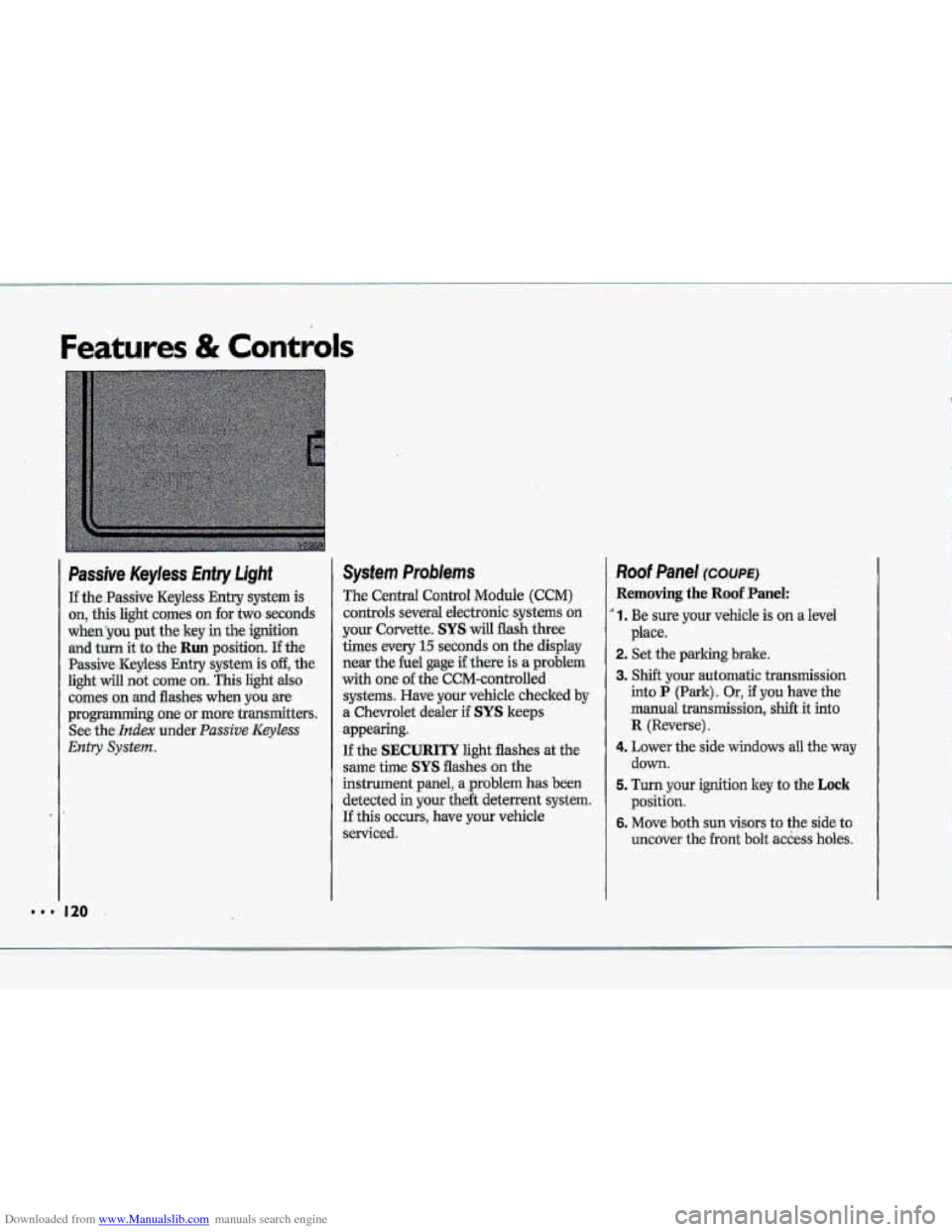
Passive Keyless Entry Light
If the.Passive Keyless Entry system is
on, this light comes on for two seconds
whenyou put the key in the ignition
and turn it to the Run position. If the
Passive -Keyless Entry .system is off, the
light will not cume on. This light also
comes on .md flashes when you we
programming~ one or more transmitters.
See
the- Index under. Passive Keyless
Entry System.
System Problems
The Central Control Module (CCM)
controls several electronic systems on
your Corvette. SYS will flash three
times every
15 seconds on the display
near the he1 gage if there is a problem
with one of the CCM-cantrolled
systems. Have your vehicle checked
by
a. Chevrolet dealer if SYS keeps
appearing.
If the SECURITY light flashes at the
same the SYS flashes on the
instrument panel, a ,problem has been
detected in your the& deterrent system.
If this OCCUTS, have YQW vehicle
serviced.
Roof Panel ~XWE)
Removing the Roof Panel:
' 1. Be sure your vehicle is on a level
2. Set the parking brake.
3. Shift your automatic transmission
into P (Park). Or, if you have the
manual
transmission, shift it into
R {Reverse).
4. Lower the side windows all the'way
down.
5. Turn your ignition key to the Lock
position.
6. Move both sun visors to the side to
uncover the
.front bolt access holes.
place.
k p*
.&
"' 120
Page 122 of 370
Downloaded from www.Manualslib.com manuals search engine T
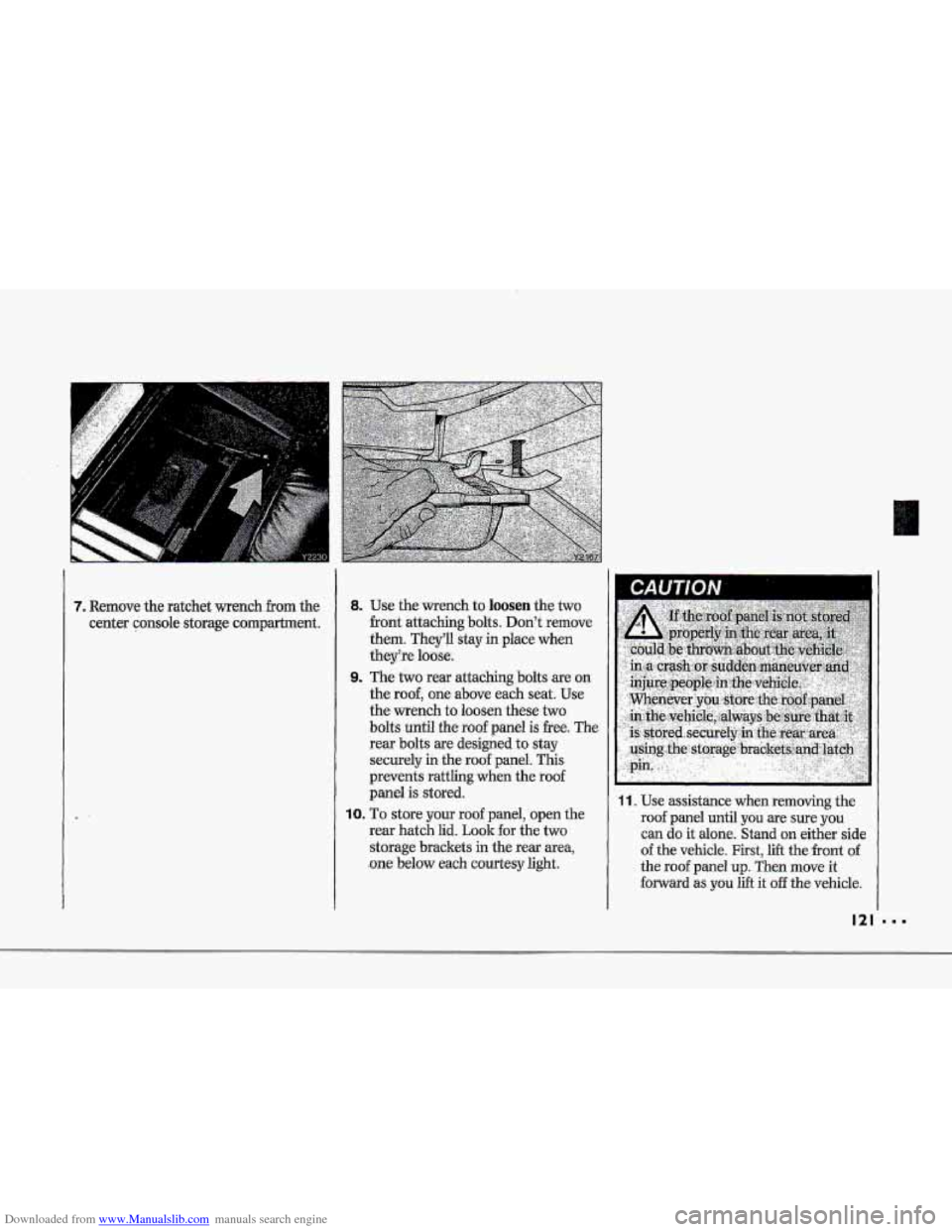
7. Remove the ratchet wench from the
center console storage compartment.
8. Use the-wrench to loosen the two
-front attaching bolts. Don't remove
them. They'll stay in place when
theyke luase.
9. The two rear attaching bolts are,on
the
roof, one above each seat; Use
the wrench to loosen these two
bolts until the roof panel is -free. The
rear bolts are designed
to stay
securely
in the roof panel. This
prevents
rattling when the roof
panel is stored.
10. To store your roof panel, open the
rear hatch lid.
Look for the two
storage brackets in the rear area,
.one below each courtesy light,
11. Use assistance when removing the
roof panel until you 'are sure you
can do it alone. Stand onzeither side
of the vehicIe. First, lift the front of -
the roof panel up. Then move it
forward as,.you lift it off the vehicle.
121
Page 124 of 370
Downloaded from www.Manualslib.com manuals search engine T I i
p" i
ip"
rp"
Reinstalling the Roof Panel:
'1. Follow steps 1-7 in Removing the
Roof Panel, earlier this .section, to
prepare
your vehicle.
2. Open the rear hatch and remove the
roof panel horn its stored position by
reversing the procedure in
Storing the
Roof Panel, earlier in this section.
3. Lower the roof panel onto the top of 7. Fully tighten the rear bolts, then the
the vehicle, rear edge
first, placing the front bolts. If the balts-
aren't tight
rear guide pins
of the roof panel into enough, the roof panel may male a
their locating holes. popping noise
wbde you drive. If this
4. Lower the front of the roof panel and I happens, tighten the bolts securely. I
position the front guide pins.
the
two rear attaching bslts.
5. Use the wrench to partially tighten
I IVU I It€ I
6. Use the wrench to loosely start the
front two attaching bolts, making
sure the bolts are properly threaded
into the roof panel.
If the front bolts
seem hard to
start, tighten the rear
bolts
some more. Also, holding down
the panel
on the outside will help you
start the bolts.