1993 CHEVROLET BLAZER tow
[x] Cancel search: towPage 93 of 386
It can be dangerous to get out of your vehicle if the shift lever is nut
four-wheel drive, also be sure the transfer case is in a drive gear.
Your vehicle can roll.
If you have left the engine running, the vehicle
can move suddenly. You
or others could be injured. To be sure your
vehicle won’t move, follow the steps below. If you are parking on a
hill,
or if you’re pulling a trailer, see “Parking on Hills’’ or “Trailer
Towing” in the Index.
fully in P (Park) with the parking brake firmly set. If you have
If your vehicle has four-wheel drive, you can send your engine’\
s driving power
to
all four wheels for extra traction. To get the most satisfaction out of
four-wheel drive, you must be familiar with its operation. Read the pan that
follows before using four-wheel drive. You
should use 2H for most normal
driving conditions.
I
Driving in the 4H or 4L positions for a long time on dry or wet pavement
could shorten the life of your vehicle’s drivetrain.
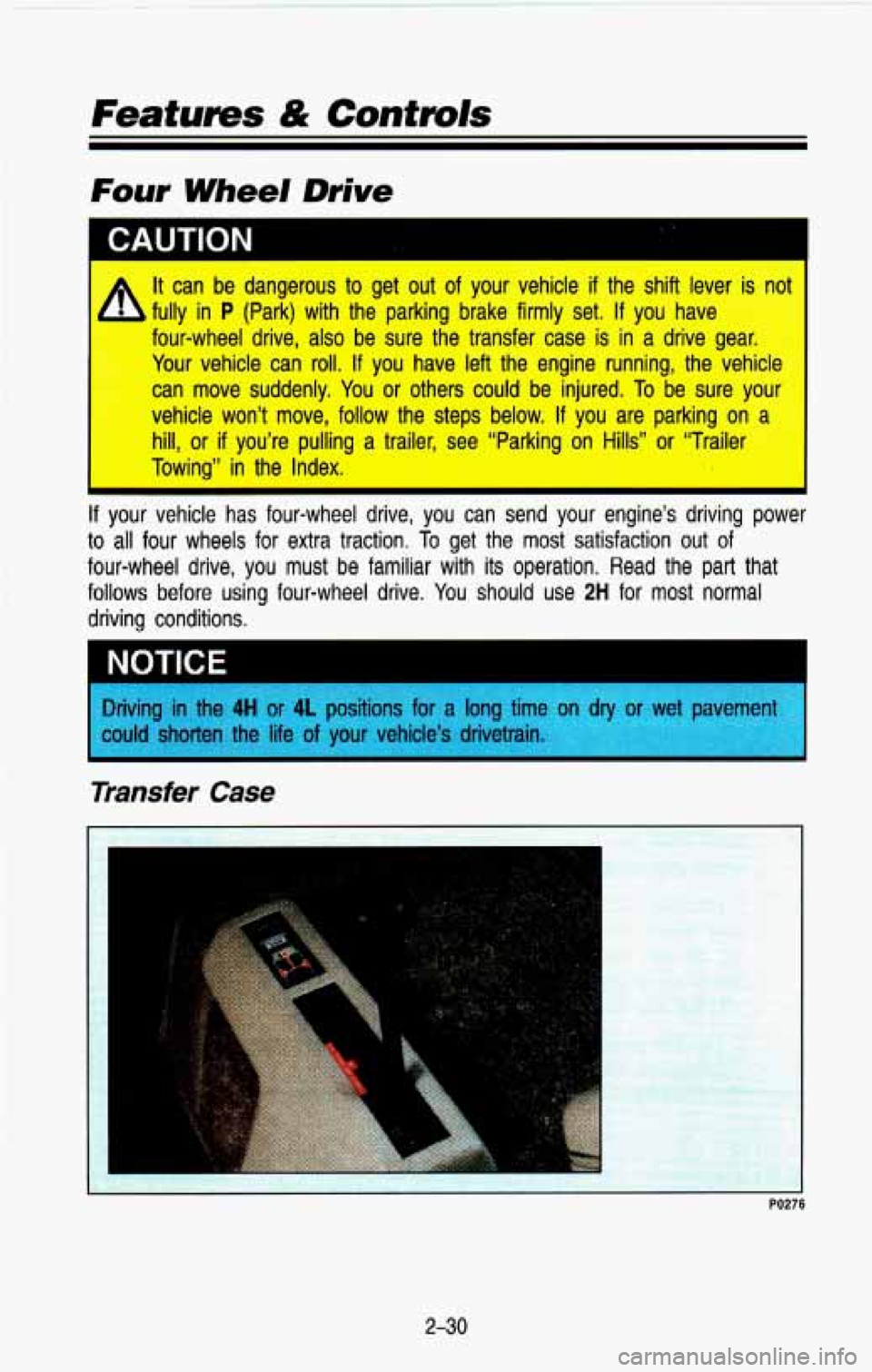
Transfer Case
2-30
Page 95 of 386
Features & Contmls
N (Neutral): Shift to this setting only when your vehicle needs to be towed or
when using a power take
off.
4L (Low): This setting also engages your front axle to give you extra traction,
but should be used only for off-road or on extremely slippery surfaces.
You can shift from
2H to 4H or from 4H to 2H while the vehicle is moving.
Your front axle will engage faster if you take your foot
off of the accelerator
for a few seconds after you shift. In extremely cold weather it may be
necessary to stop or slow the vehicle to shift out of
2H.
To shift into or out of 4L or N (Neutral):
1. Slow the vehicle to a roll, about 3 mph (5 km/h) and shift your
transmission into neutral.
2. Shift the transfer case shift lever in one continuous motion.
Don’t pause in
N (Neutral) as you shift the transfer case into 4L, or your
gears could clash.
Remember that driving in
4H or 4L may reduce fuel economy. Also, driving in
four-wheel drive on
dry pavement could cause your tires to wear faster and
make your transfer case harder to shift.
Front Axle Locking Feature
The front axle locks and unlocks automatically when you shift \
the transfer
case.
A slight delay for the axle to lock or unlock is normal. If the outside
temperature is very hot, or the vehicle has been used under hard driving
conditions, there may be a slight delay for the axle to unlock.
2-32
Page 101 of 386
Features & Contmls
beam lights with fog lamps at all times, or that headlights be turned on
whenever you must use your windshield wipers. In addition, most jurisdictions
prohibit driving solely with parking lights, especially
at dawn or dusk. It is
recommended that you check with your own state or provincial h\
ighway
authority for applicable lighting regulations.
Head/ight Hiah-Low Beam
F. p h*' .- ..
K2242
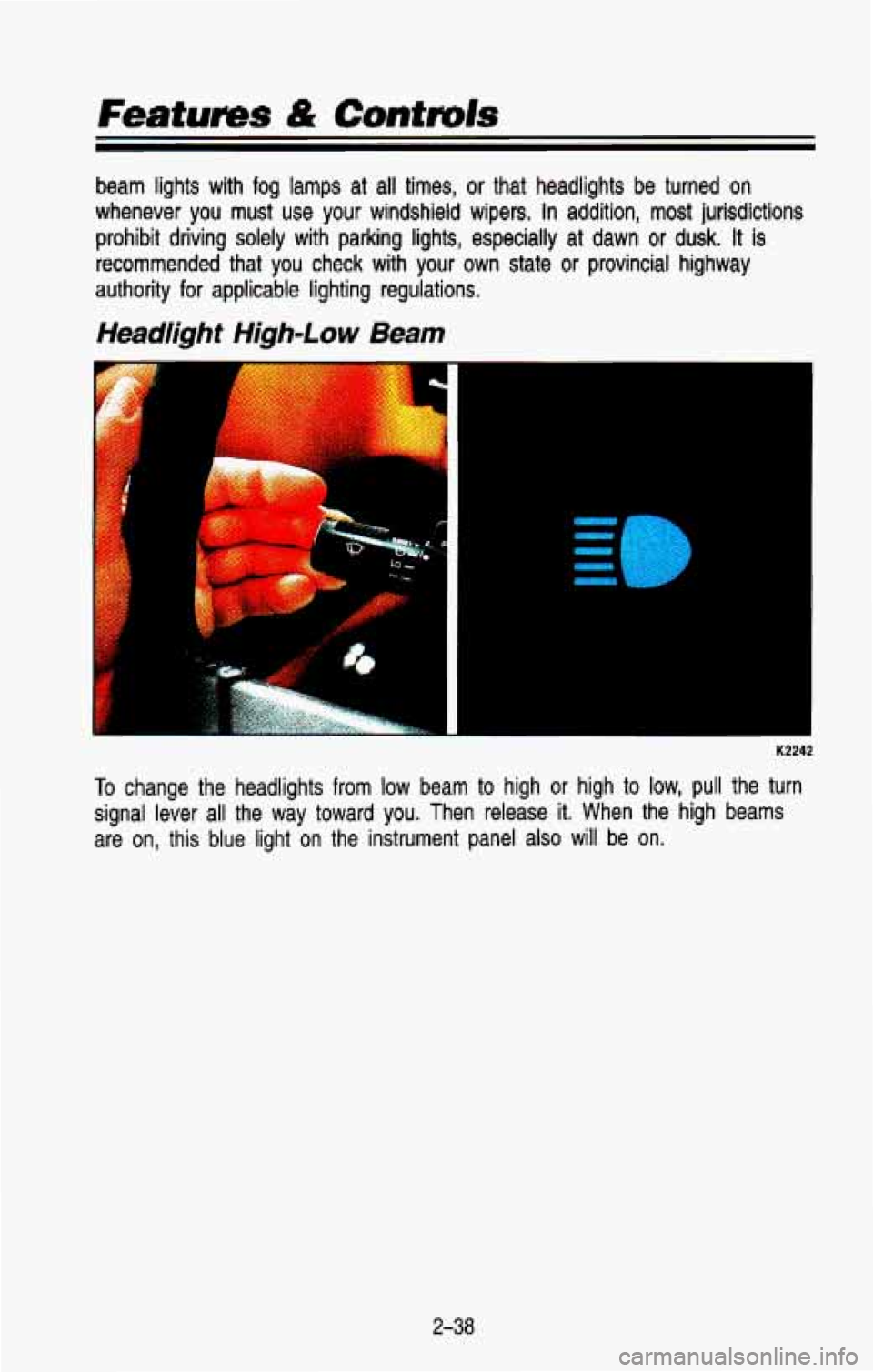
To change the headlights from low beam to high or high to low, pull the turn
signal lever all the way toward you. Then release it. When the high beams
are on, this blue light on the instrument panel
also will be on.
2-38
Page 110 of 386
Push the right side of the switch with the 0 symbol on it to turn off your
lights.
Turn the dial at the right of the headlight switch
to adjust interior lights.
Turning the dial all the way up turns on the interior lights.
You can switch your headlights from low beam
to high by pulling the
multifunction lever toward you.
To return the headlights to low beam, pull the
lever again.
A circuit breaker protects your headlights from electrical overload\
. If you have
an electrical overload, your headlights will flicker on and
off. If this ever
happens, have your headlight wiring checked right away.
Headlights-On Reminder
A buzzer will sound when your headlights are turned on and your ignition is
in
Off, LOCK or Acc.
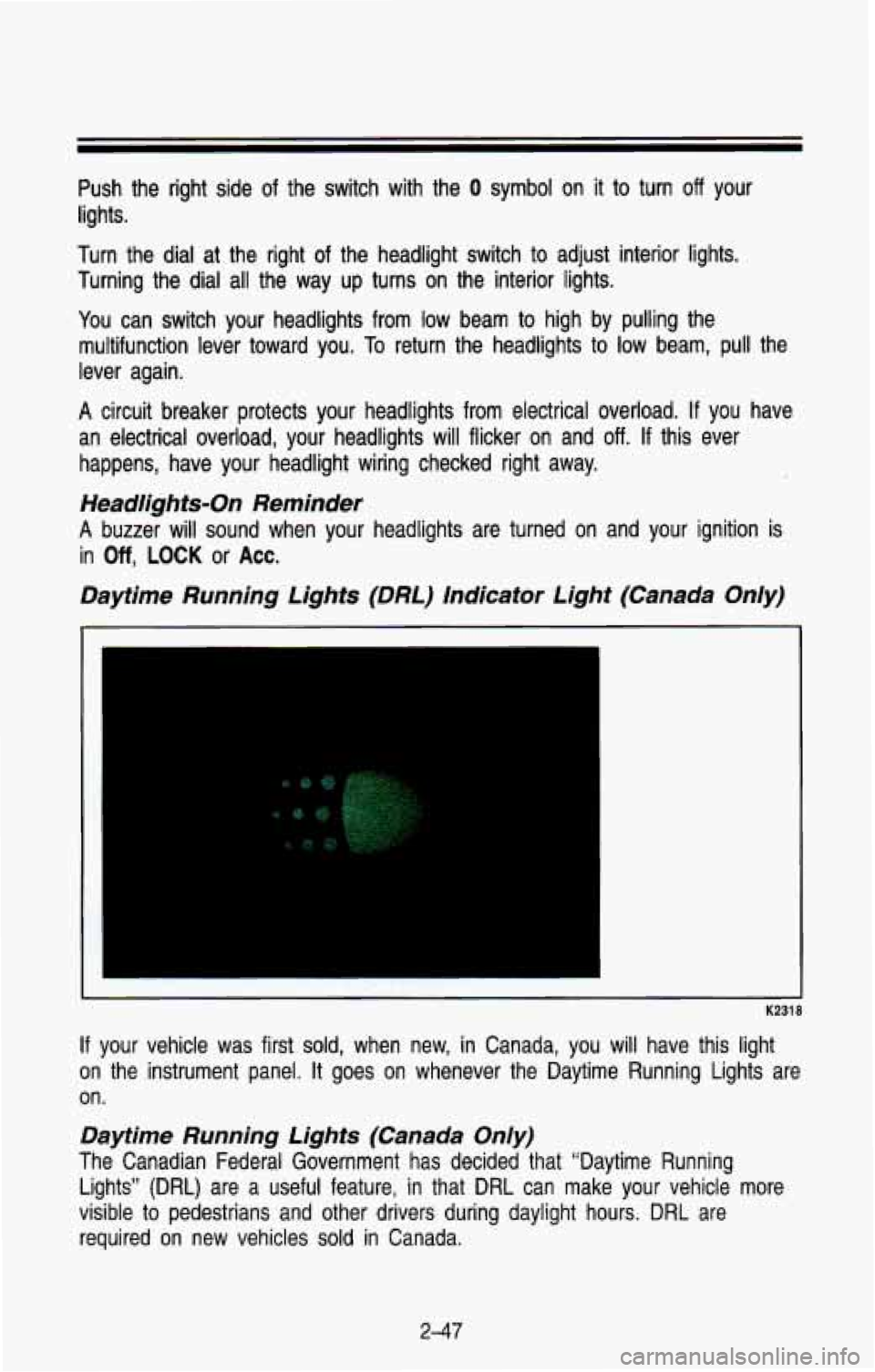
Daytime Running Lights (DRL) Indicator Light (Canada Only)
K2318
If your vehicle was first sold, when new, in Canada, you will have this light
on the instrument panel.
It goes on whenever the Daytime Running Lights are
on.
Daytime Running Lights (Canada Only)
The Canadian Federal Government has decided that “Daytime Run\
ning
Lights”
(DRL) are a useful feature, in that DRL can make your vehicle more
visible
to pedestrians and other drivers during daylight hours. DRL are
required
on new vehicles sold in Canada.
2-47
Page 132 of 386
Brake System Warning Light
BRAKE
-
K2325
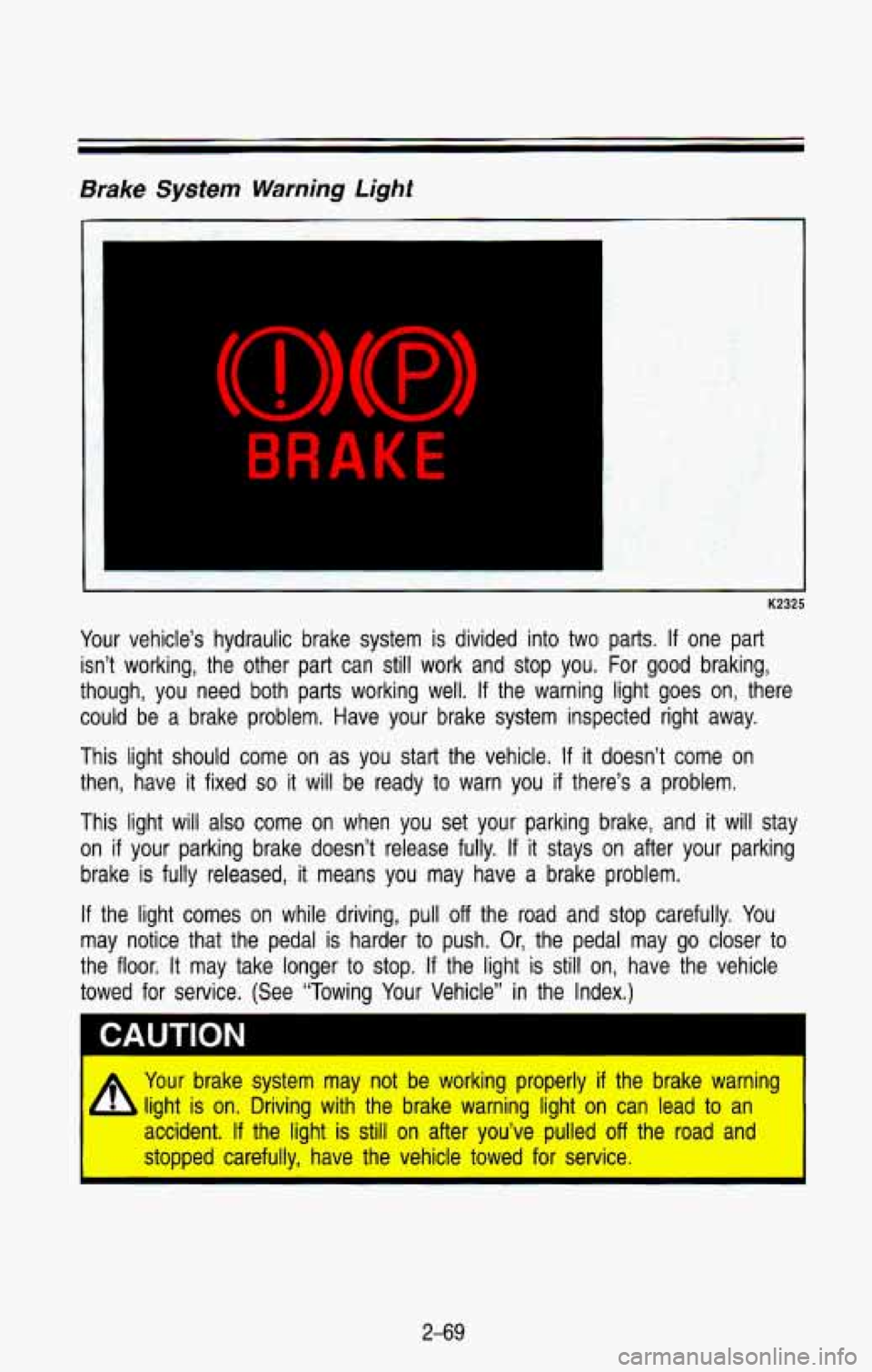
Your vehicle’s hydraulic brake system is divided into two parts. If one part
isn’t working, the other part can still work and stop you. For good braking,
though, you need both parts working well.
If the warning light goes on, there
could be
a brake problem. Have your brake system inspected right away.
This light should come on as you start the vehicle.
If it doesn’t come on
then, have it fixed
so it will be ready to warn you if there’s a problem.
This light will also come
on when you set your parking brake, and it will stay
on
if your parking brake doesn’t release fully. If it stays on after your parking
brake is fully released, it means you may have
a brake problem.
If the light comes on while driving, pull off the road and stop carefully. You
may notice that the pedal is harder to push. Or, the pedal may
go closer to
the floor. It may take longer
to stop. If the light is still on, have the vehicle
towed for service. (See “Towing Your Vehicle” in the Index.)
I CAUTION
I A Your brake system may not be working properly if the brake warning
b light is on. Driving with the brake warning light on can lead to an
I accident. If the light is still on after you’ve pulled off the road and
stopped carefully,
have the vehicle towed for service. I
2-69
Page 144 of 386

NOTICE
Don’t exceed the maximum vehicle capacity when loading your \
vehicle. For
more information on vehicle capacity and loading, see “Loadin\
g Your Vehicle”
in the Index.
To prevent damage or loss of cargo as you’re driving, check now and then to
make sure the luggage carrier and cargo are still securely fastened.
Be sure the cargo is properly loaded.
If small heavy objects are placed on the roof, place the load in the area
over the rear wheels (behind the rear side door on wagon mod\
els).
If
you need to, cut a piece of 3/8 inch plywood to fit inside the cross rails
and side rails to spread the load.
If plywood is used, tie it to the side
rail supports.
Tie the load to the cross rails or the side rail supports. Use the cross
rails only to keep the load from sliding.
If you need to carry long items, move the cross rails as far\
apart as
they will go. Tie the load to the cross rails and the side \
rails or side rail supports. Also tie the load to the bumpers.
Do not tie the load so tightly
that the cross rails or side rails are damaged.
After moving the cross rails, be sure to tighten all the slider screws.
To reduce wind noise, the cross rails must be installed with the \
narrow edge
toward the front of the vehicle.
Also, the front cross rail should be about 8 inches (200 mm) behind the front
anchor on Utility models.
2-8 1
Page 149 of 386
Comfort Controls & Audio Systems
Heating System (Without Air Conditioning)
K2441
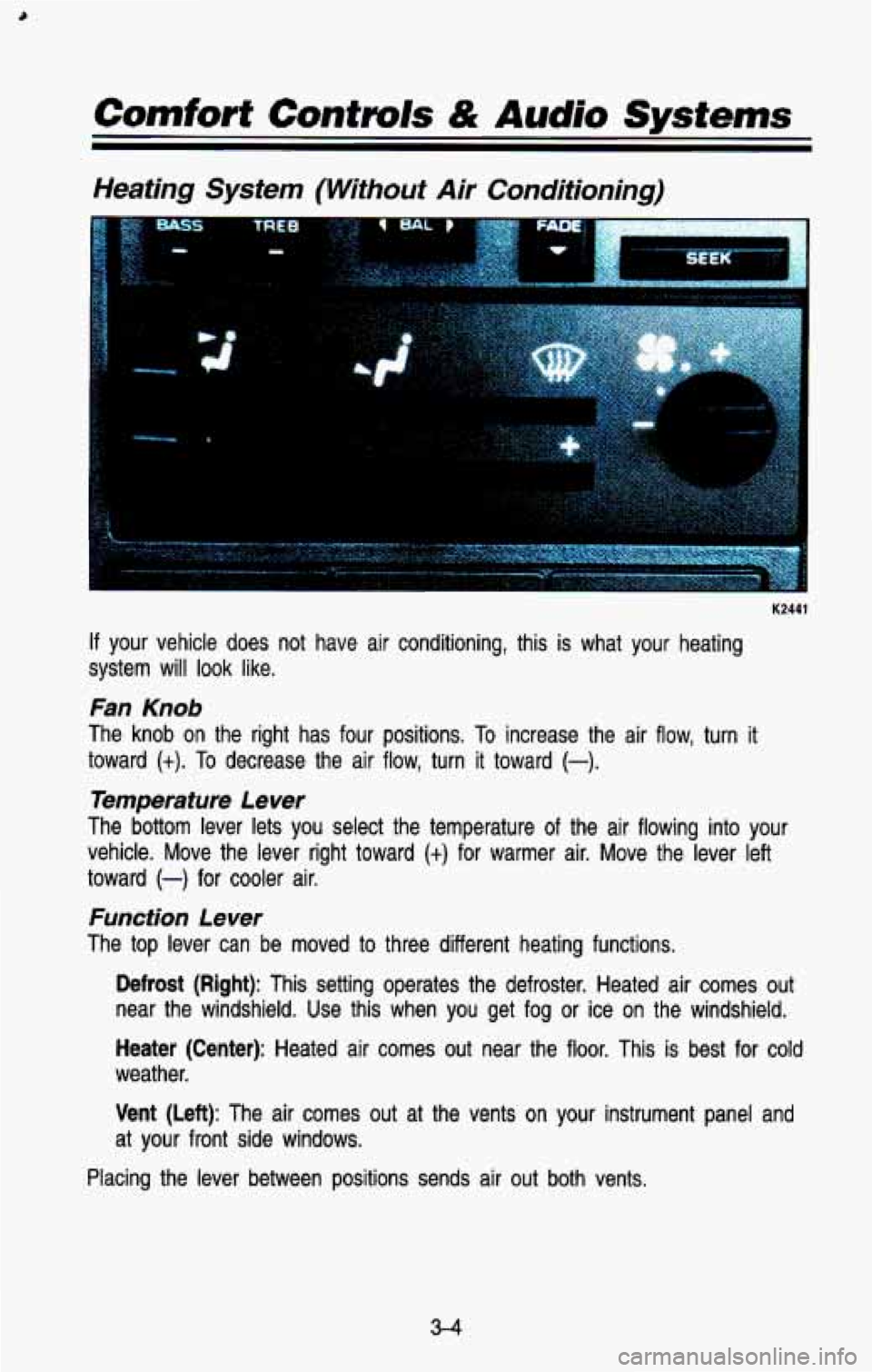
If your vehicle does not have air conditioning, this is what your heating
system will look like.
Fan Knob
The knob on the right has four positions. To increase the air flow, turn it
toward
(t). To decrease the air flow, turn it toward (-).
Temperature Lever
The bottom lever lets you select the temperature of the air f\
lowing into your
vehicle. Move the lever right toward
(+) for warmer air. Move the lever left
toward
(-) for cooler air.
Function Lever
The top lever can be moved to three different heating functions.
Defrost (Right): This setting operates the defroster. Heated air comes\
out
near the windshield. Use this when you get fog
or ice on the windshield.
Heater (Center): Heated air comes out near the floor. This is best for cold
weather.
Vent (Left): The air comes out at the vents on your instrument panel and
at your front side windows.
Placing the lever between positions sends air
out both vents.
3-4
Page 152 of 386
Right Button
Defrost (Top): Press here to operate the defroster. Heated air comes out
near the windshield. You can use it to help clear fog or ice on your
windshield.
Heater (Bottom): Press here, and heated air comes out near the floor. This
setting is best for passenger comfort in cold weather.
The air flow can be blended between the two positions.
To blend between
positions, press the side of the button showing the area where you would like
more air flow. The system will automatically begin to blend to\
ward the position
chosen. To
stop the system between positions, just press the SAME side of
the button again.
Left Button
Vent (Top): Press the top of this button and all of the airflow will come
through the instrument panel vents.
Heater (Bottom): Press the bottom of this button and all of the airflow will
come through the floor outlet.
The air flow can be blended between the two positions.
To blend between
positions, press the side
of the switch showing the area where you would like
more air flow. The system will automatically begin to blend toward the position
chosen. To stop the system between positions, just press the
SAME side of
the button again.
Temperature Selector Bar
The bar under your system display lets you select the temperat\
ure of the air
coming into your vehicle. Press
COLD for cooler air and press HOT for
warmer air. Release the bar when the system reaches the temper\
ature you
want. The temperature is shown on the display by an arrow mov\
ing between
C and H.
Fan Control Button
This button is in the upper right corner of your system control panel. The fan
has four settings-low, medium low, medium high and high. Press the top of
the button
(t) to increase the air flow. Press the bottom of the button (-) to
decrease the air flow. The setting you select is shown on your display as
LOW, MED LOW, MED HI or HI.
Air Recirculation Button
If you press the MAX button (RECIR on some models), the air in your
vehicle will be recirculated. With the air conditioner on,
MAX will give you
maximum cooling.
It can also be used in all modes to help keep dust out of
your vehicle. When MAX is selected, REC will light on your display.
3-7