1993 BUICK PARK AVENUE engine
[x] Cancel search: enginePage 129 of 340
service, and you should take your Buick to the dealer at
once. To save your battery
until you get there, turn off
all accessories, and set your air system to OFF.
Volts Gage
8
I
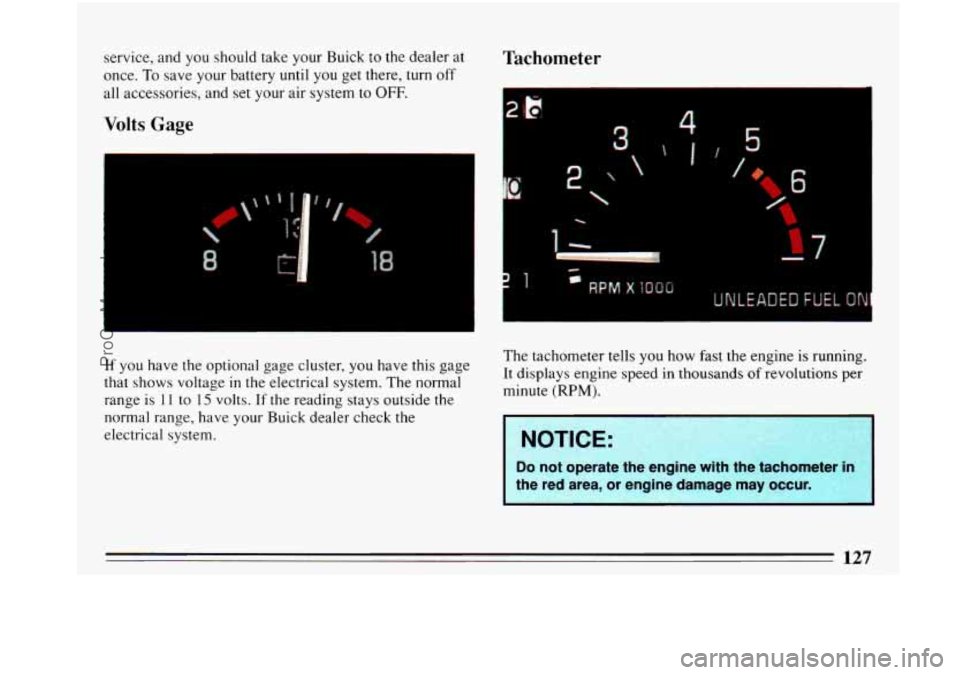
If you have the optional gage cluster, you have this gage
that shows voltage
in the electrical system. The normal
range
is 11 to 15 volts. If the reading stays outside the
normal range, have your Buick dealer check the
electrical system.
Tachometer
2'
f 5
c
The tachometer tells you how fast the engine is running.
It displays engine speed in thousands of revolutions per
minute
(RPM).
I NOTICE: I
Do not operate the engine with the tachometer in
the red area, or engine damage may occur.
I
127
ProCarManuals.com
Page 135 of 340
Auto Dual Zone
, w. .. . . , ... ,
-*FBr
AUTO
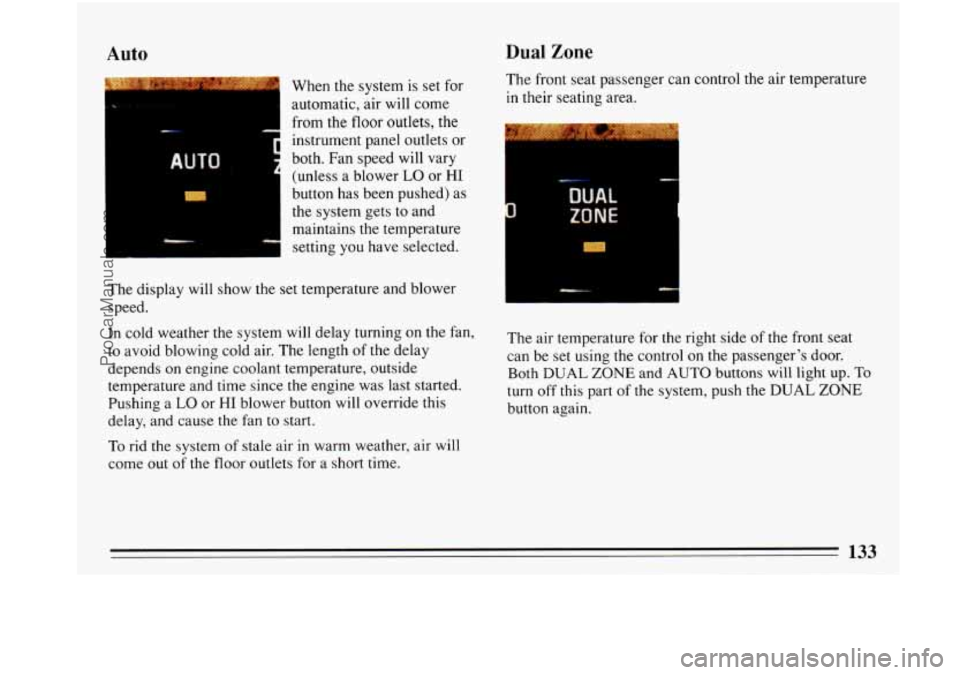
When the system is set for
automatic, air will come
from the
floor outlets, the
instrument panel outlets or
both. Fan speed will vary
(unless a blower
LO or HI
button has been pushed) as
the system gets to and
maintains the temperature
setting you have selected.
The display will show the set temperature and blower
speed.
In cold weather the system will delay turning on the fan,
to avoid blowing cold air. The length of the delay
depends on engine coolant temperature, outside
temperature and time since the engine was last started.
Pushing a
LO or HI blower button will override this
delay, and cause the fan to start.
To rid the system of stale air in warm weather, air will
come out of the floor outlets for
a short time. The
front seat passenger can control the air temperature
in their seating area.
__. ylrr
The air temperature for the right side of the front seat
can be set using the control on the passenger’s door.
Both DUAL
ZONE and AUTO buttons will light up. To
turn off this part of the system, push the DUAL ZONE
button again.
ProCarManuals.com
Page 140 of 340
The Bi-level setting directs outside air into your vehicle
in two ways. Cool air is directed toward your upper
body through instrument panel outlets, while slightly
warmed air is directed through the heater outlet at your
feet.
The air conditioner compress& operates in all Air
Conditioning positions and the Defrost position when
the outside temperature is above
48 OF (9 “C).
When you don’t need to cool the outside air, use the
VENT, HEAT and
DEFROST settings. Adjust the
temperature control for comfort. You’ll get better fuel
economy (gas mileage) if you’re not cooling the outside
air. When you cool the air, your engine runs a
refrigeration compressor, and it has to work harder.
Vent
For mild outside temperature, when little heating or
cooling is needed, use the
VENT setting. Air will flow
thought the instrument panel outlets. Use the air outlets
to turn on, adjust and turn
off the air flow. Adjust the
temperature lever
to the desired temperature.
Heater
When outside temperatures are cold, pressing the HTR
setting and adjusting the temperature lever will send
warm air through the floor outlets and some through the
defroster vents.
Defrost
The DEFROST setting directs most of the air flow
toward the windshield. Use defrost when you want to
remove
fog or ice from the windshield. When it’s 48OF
(9 * C) or warmer, you’ll get cooled air.
Defog
Air entering the vehicle will be evenly split between the
floor outlets and the outlets near the windshield. You
can control the temperature of the air and the fan speed
to clear the foggy windows.
138
ProCarManuals.com
Page 141 of 340
Rear Window Defogger
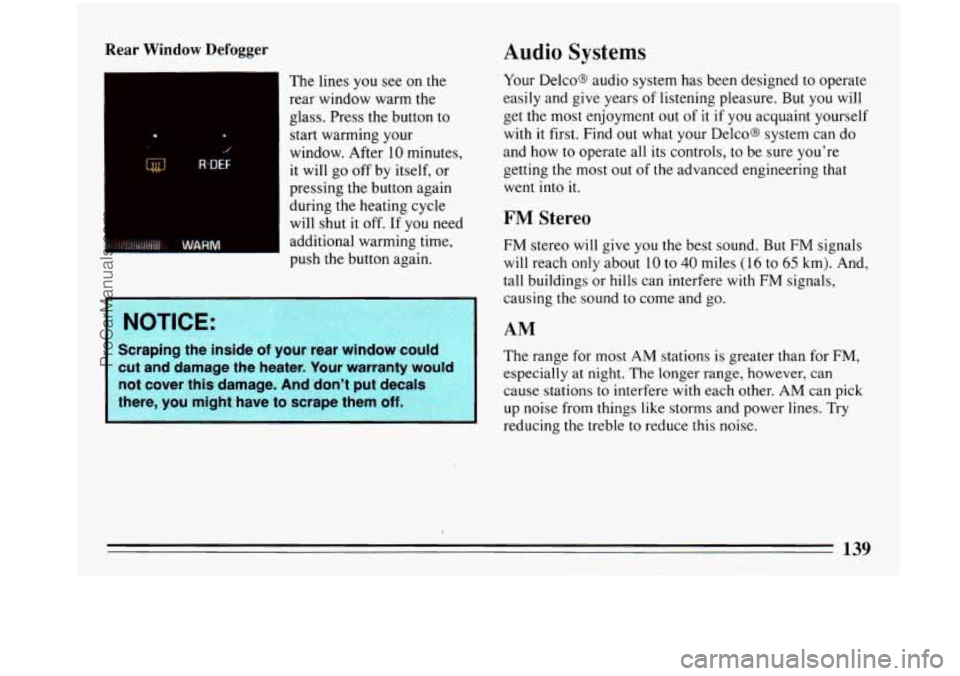
The lines you see on the
rear window warm the
glass. Press the button to
start warming your
window. After 10 minutes,
it will
go off by itself, or
pressing the button again
during the heating cycle will shut it off. If
you need
additional warming time,
push the button again.
NOTICE:
Scraping the inside of your rear window could
cut and damage the heater. Your warranty would
not cover this damage. And don’t put decals
there, you might have to scrape them
off.
Audio Systems
Your Delco@ audio system has been designed to operate
easily and give years
of listening pleasure. But you will
get the most enjoyment out
of it if you acquaint yourself
with
it first. Find out what your DelcoB system can do
and how to operate all its controls, to be sure you’re
getting
the most out of the advanced engineering that
went into
it.
FM Stereo
FM stereo will give you the best sound. But FM signals
will reach only about 10 to
40 miles (16 to 65 km). And,
tall buildings or hills can interfere with FM signals,
causing the sound to come and go.
AM
The range for most AM stations 1s greater than for FM,
especially at night. The longer range, however, can
cause stations to interfere with each other. AM can pick
up noise from things like storms and power lines. Try
reducing the treble to reduce this noise.
139
ProCarManuals.com
Page 142 of 340
AM.Stereo
This means the Delco@ system can receive C-QUAM@
stereo broadcasts. Many AM stations around the country
use C-QUAM@
to produce stereo, though some do not.
(C-QUAM@ is a registered trademark
of Motorola, Inc.)
If your Delco@ system can get C-QUAM@, your
“STEREO” light will come on when you’re receiving it.
A CAUTION:
nearing damage from loud noise is almost
undetectable until it is too late. Your hearing
can
adapt to higher volumes of sound. Sound that
seems normal can be loud and harmful to your
hearing. Take precautions by adjusting the
volume control on your radio to a safe sound
level before your hearing adapts to it.
To help avoid hearing loss or damage:
Adjust the volume control to the lowest
Increase volume slowly until you hear
setting.
comfortably and
clearly. telephone
or two-way radio
-- be sure you ca
add what you want.
If you can, it’s very important
to do it properly. Added sound equipment may
interfere with the operation of your vehicle’s
engine, Delco’ radio or other systems,
and even
damage them. And, your vehicle’s systems may
interfere with the operation
of sound equipment
that has been added improperly.
So, before adding sound equipment, check with
your dealer
and be sure to check Federal rules
covering mobile radio and telephone units.
..
140
-
ProCarManuals.com
Page 174 of 340
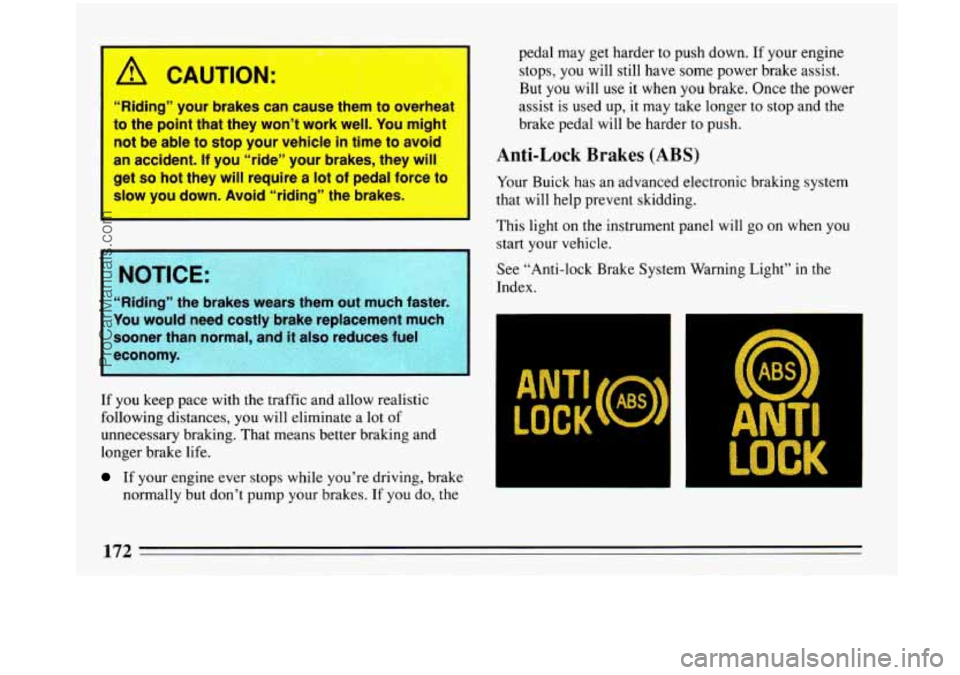
---
1 A CAUTION:
“Riding” your brakes can cause them to overheat
to the point
that they won’t work well. You might
not be able to stop your vehicle
in time to avoid
an accident.
If you “ride” your brakes, they will I
get so hot they will require a lot of pedal force to
slow you down. Avoid “riding” the brakes.
‘I
E:
e brakes weafs them out much faster
You would need costly brake replacement much
sooner than normal, and
it also reduces fuel
If you keep pace with the traffic and allow realistic
following distances,
you will eliminate a lot of
unnecessary braking. That means better braking and
longer brake life.
If your engine ever stops while you’re driving, brake
normally but don’t pump your brakes. If
you do, the pedal
may get harder to push down.
If your engine
stops,
you will still have some power brake assist.
But you will use it when you brake. Once the power
assist is used up, it may take longer to stop and the
brake pedal will be harder to push.
Anti-Lock Brakes (ABS)
Your Buick has an advanced electronic braking system
that will help prevent skidding.
This light on the instrument panel will
go on when you
start your vehicle.
See “Anti-lock Brake System Warning Light” in the
Index.
ANTI
LOCK ANTI
LOCK
ProCarManuals.com
Page 178 of 340
Braking in Emergencies
Use your anti-lock braking system when you need to.
With anti-lock, you ‘can steer and brake at the same time.
In many emergencies, steering can help you more than
even the very best braking.
Steering
Power Steering
If you lose power steering assist because the engine
stops
or the system fails to function, you can steer but it
.will take much more effort.
Steering Tips
Driving on Curves
It’s important to take curves at a reasonable speed.
A lot of the “driver lost control” accidents mentioned on
the news happen on curves. Here’s
why:
Experienced driver or beginner, each.of us is subject to
the same laws of physics when driving on curves. The
traction of the tires against the road surface makes it
possible for the vehicle to changejts path when you
turn
the front wheels. If there’s no traction, inertia will keep
the vehicle going in the same direction. If you’ve ever
tried to steer a vehicle on wet ice, you’ll understand this. The
traction you can get in a curve depends on the
condition of your tires and the road surface, the angle
at
which the curve is banked, and your speed. While
you’re in a curve, speed is the one factor you can
control.
Suppose you’re steering through a sharp curve. Then
you suddenly accelerate.
Those two control systems
-- steering .and acceleration --
can overwhelm those places where the tires meet the
road and make you lose control.
What should you do
if this ever happens? Let up on the
.accelerator pedal, steer the vehicle the way you want it
to go, and slow down.
Speed limit signs near curves
warn that you should
adjust your speed. Of course,
the posted speeds are
based on good weather and road conditions. Under less
favorable conditions you’ll want to go slower.
If you need to reduce your speed as you approach a
curve, do it before you enter the curve, while your front
wheels are straight ahead.
Try to adjust
your speed so you can “drive” through the
curve. Maintain a reasonable, steady speed. Wait to
accelerate until you are out of the curve, and then
accelerate gently into the straightaway.
176 I
ProCarManuals.com
Page 182 of 340
0
0
0
Try not to pass more than one vehicle at a time on
two-lane roads. Reconsider before passing the next
vehicle.
Don’t overtake a slowly moving vehicle too rapidly.
Even though the brake lights are not flashing, it may
be slowing down or starting to turn.
If you’re being passed, make it easy for
the
following driver to get ahead of you. Perhaps you
can ease a little to the right.
Loss of Control
Let’s review what driving experts say about what
happens when the three control systems (brakes, steering
and acceleration) don’t have enough friction where the
tires meet the road to do what the driver has asked.
In any emergency, don’t give up. Keep trying to steer
and constantly seek an escape route or area of less
danger.
Skidding
In a skid, a driver can lose control of the vehicle.
Defensive drivers avoid most skids by taking reasonable
care suited to existing conditions, and by not
“overdriving” those conditions. But skids are always
possible. The three
types of skids correspond to your Buick’s
three control systems. In the braking skid your wheels
aren’t rolling. In
the steering or cornering skid, too
much speed or steering in a curve causes tires to slip and
lose cornering force. And in the acceleration skid too
much throttle causes the driving wheels to spin.
A cornering skid and an acceleration skid are best
handled by easing your foot
off the accelerator pedal.
If your vehicle starts to slide (as when
you turn a corner
on a wet, snow- or ice-covered road), ease your foot off
the accelerator pedal as soon as you feel the vehicle start
to slide. Quickly steer the way you want the vehicle to
go. If
you start steering quickly enough, your vehicle
will straighten
out. As it does, straighten the front
wheels.
Of course, traction is reduced when water, snow, ice,
gravel, or other material is on the road. For safety, you’ll
want to slow down and adjust your driving to these
conditions. It is important
to slow down on slippery
surfaces because stopping distance will be longer and
vehicle control more limited.
While driving on a surface with reduced traction, try
your best to avoid.sudden steering, acceleration, or
braking (including engine braking by shifting to a lower
gear). Any sudden changes could cause the tires to slide.
You may not realize the surface is slippery until your
ProCarManuals.com