Page 108 of 560
1082-1. Instrument cluster
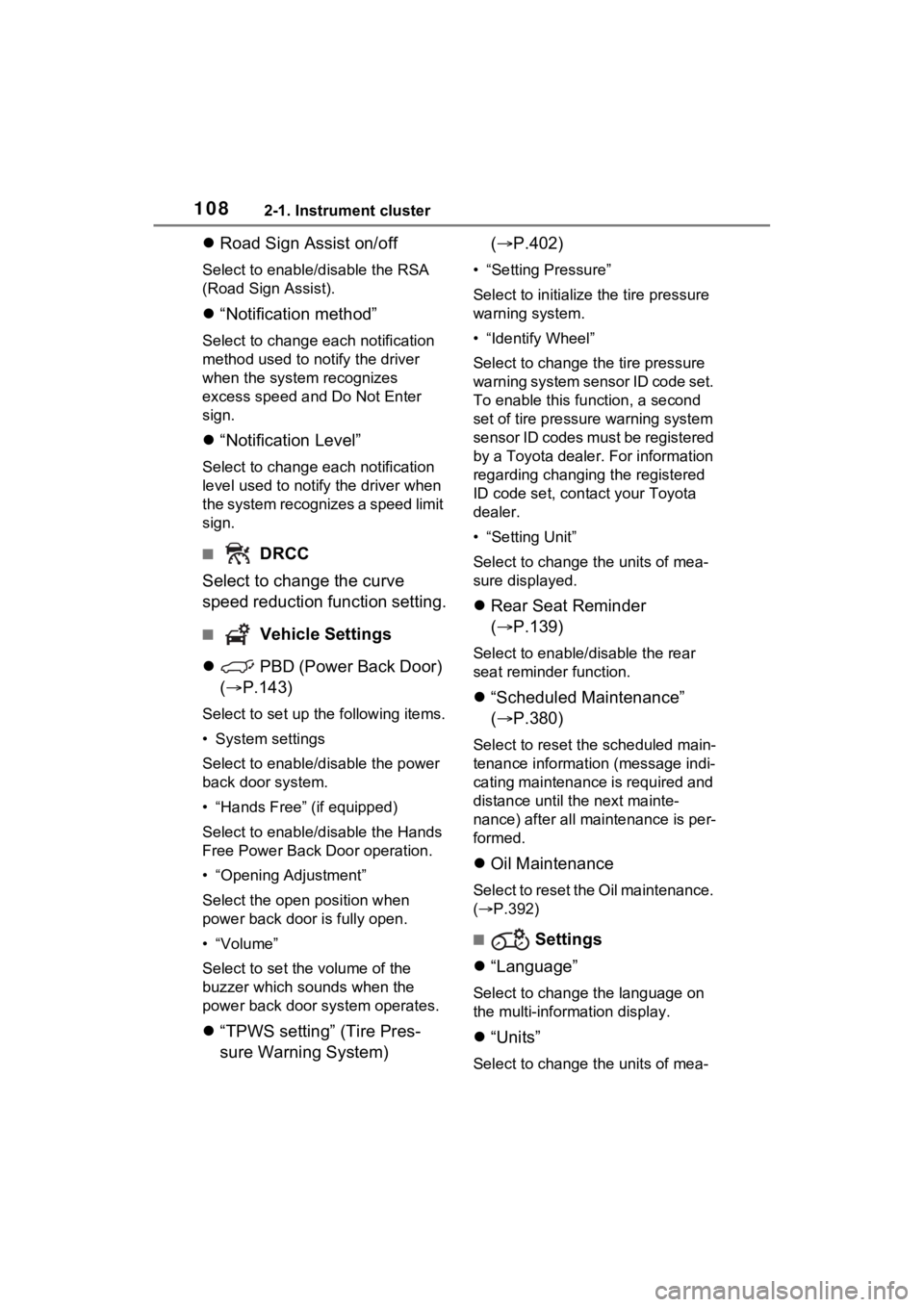
Road Sign Assist on/off
Select to enable/disable the RSA
(Road Sign Assist).
“Notification method”
Select to change e ach notification
method used to notify the driver
when the system recognizes
excess speed and Do Not Enter
sign.
“Notification Level”
Select to change e ach notification
level used to notify the driver when
the system recognizes a speed limit
sign.
■ DRCC
Select to change the curve
speed reduction function setting.
■ Vehicle Settings
PBD (Power Back Door)
( P.143)
Select to set up the following items.
• System settings
Select to enable/disable the power
back door system.
• “Hands Free” (if equipped)
Select to enable/disable the Hands
Free Power Back Door operation.
• “Opening Adjustment”
Select the open position when
power back door is fully open.
•“Volume”
Select to set the volume of the
buzzer which sounds when the
power back door system operates.
“TPWS setting” (Tire Pres-
sure Warning System) (
P.402)
• “Setting Pressure”
Select to initialize the tire pressure
warning system.
• “Identify Wheel”
Select to change the tire pressure
warning system sen sor ID code set.
To enable this function, a second
set of tire pressure warning system
sensor ID codes must be registered
by a Toyota dealer. For information
regarding changing the registered
ID code set, contact your Toyota
dealer.
• “Setting Unit”
Select to change the units of mea-
sure displayed.
Rear Seat Reminder
( P.139)
Select to enable/disable the rear
seat reminder function.
“Scheduled Maintenance”
( P.380)
Select to reset the scheduled main-
tenance information (message indi-
cating maintenance is required and
distance until the next mainte-
nance) after all ma intenance is per-
formed.
Oil Maintenance
Select to reset the Oil maintenance.
( P.392)
■ Settings
“Language”
Select to change the language on
the multi-information display.
“Units”
Select to change the units of mea-
Page 120 of 560
1202-1. Instrument cluster
Select to initialize the tire pres-
sure warning system.
• “Identifying Each Wheel & Posi- tion”
Select to change the tire pressure
warning system sensor ID code
set. To enable this function, a
second set of tire pressure warn-
ing system sensor ID codes must
be registered by a Toyota dealer.
For information regarding chang-
ing the registered ID code set,
contact your Toyota dealer.
• “Pressure unit setting” Select to change the units of
measure displayed.
“Scheduled Maintenance”
( P.380)
Select to reset the scheduled
maintenance information
(message indicating mainte-
nance is required and dis-
tance until the next
maintenance) after all mainte-
nance is performed.
Oil Maintenance
Select to reset the Oil mainte-
nance. ( P.392)
Rear Seat Reminder
( P.139)
Select to enable/disable the
rear seat reminder function.
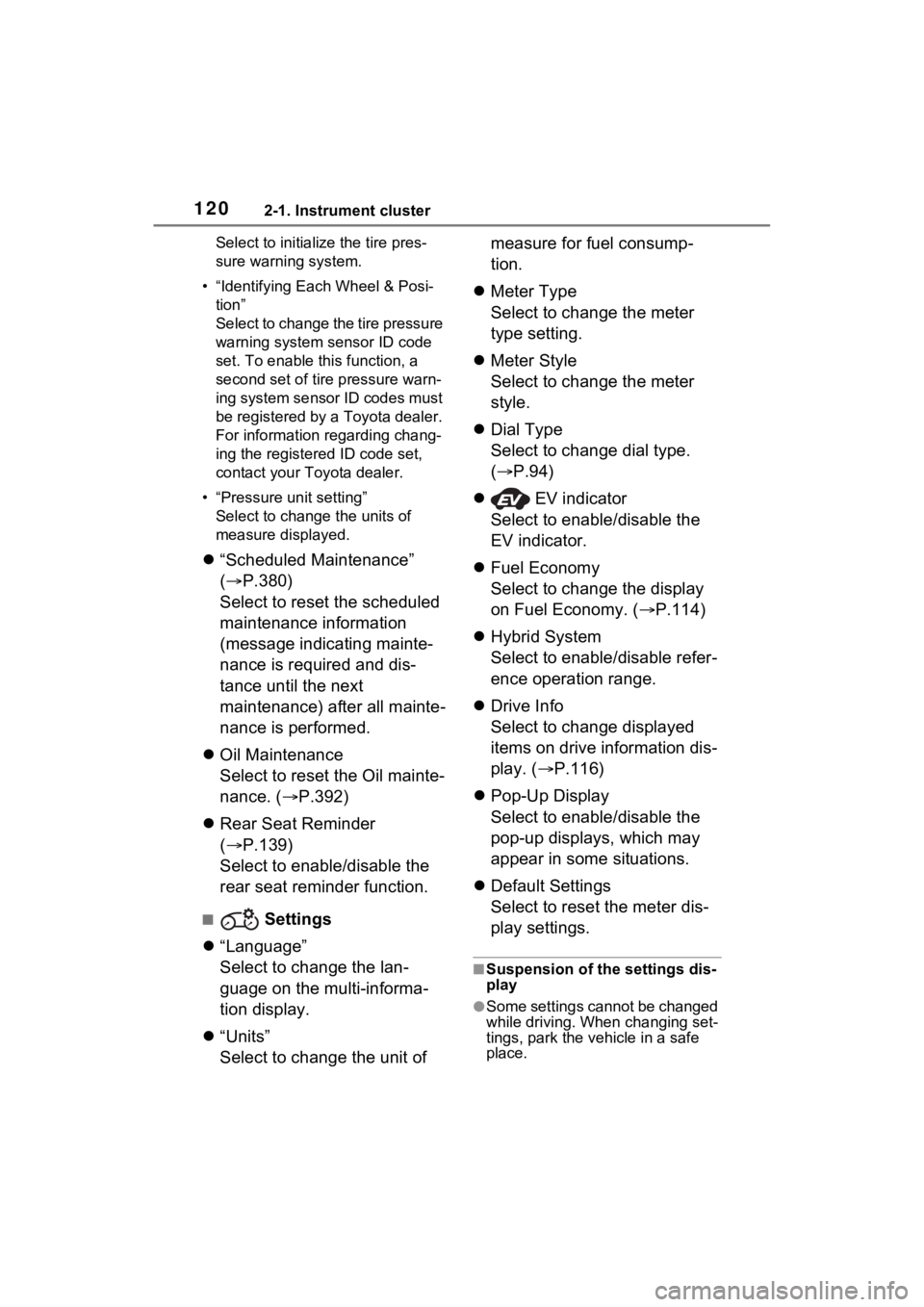
■ Settings
“Language”
Select to change the lan-
guage on the multi-informa-
tion display.
“Units”
Select to change the unit of measure for fuel consump-
tion.
Meter Type
Select to change the meter
type setting.
Meter Style
Select to change the meter
style.
Dial Type
Select to change dial type.
( P.94)
EV indicator
Select to enable/disable the
EV indicator.
Fuel Economy
Select to change the display
on Fuel Economy. ( P.114)
Hybrid System
Select to enable/disable refer-
ence operation range.
Drive Info
Select to change displayed
items on drive information dis-
play. ( P.116)
Pop-Up Display
Select to enable/disable the
pop-up displays, which may
appear in some situations.
Default Settings
Select to reset the meter dis-
play settings.
■Suspension of the settings dis-
play
●Some settings cannot be changed
while driving. When changing set-
tings, park the vehicle in a safe
place.
Page 503 of 560
5038-2. Customization
8
Vehicle specifications
*1: If equipped
*2: For details about each function: P.106
*3: The default setting varies according to country.
*4: Even if “Trip” is selected, the display of the average fuel co nsumption will
not change.
*5: If “Tank” is selected, t he gadget will be hidden.
■Gauges, 12.3-inch multi-information display*1 ( P.94, 111)
Suggestion functionOn
On (when the
vehicle is stopped)
O–O
Off
Sensor sensitivity for darken-
ing the brightness of the
instrument cluster depend-
ing on the outside brightness
Standard-2 to 2––O
Sensor sensitivity for return-
ing the brightness of the
instrument cluster to the orig-
inal level depending on the
outside brightness
Standard-2 to 2––O
Function*2Default settingCustomized setting
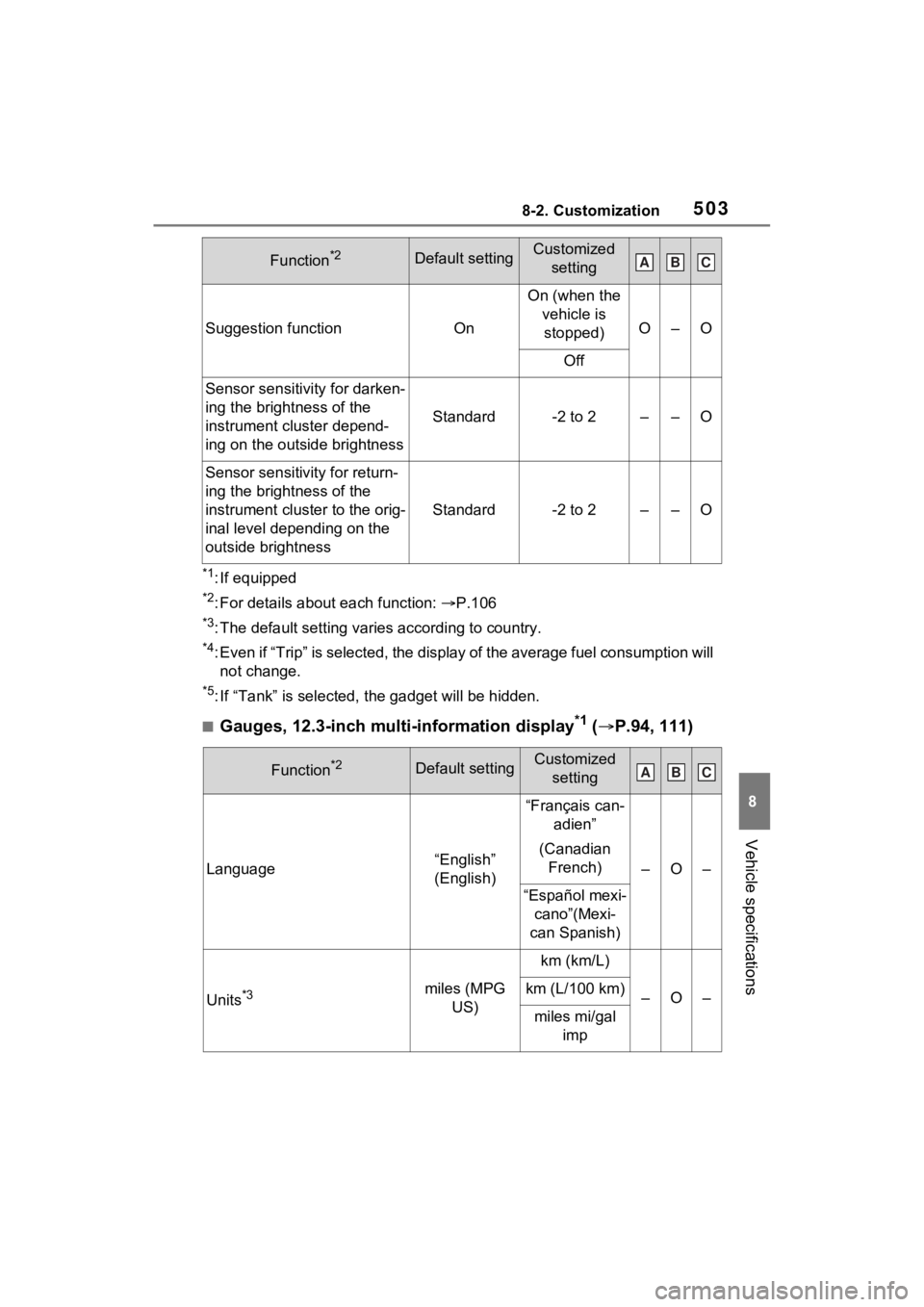
Language“English”
(English)
“Français can- adien”
(Canadian French)
–O–
“Español mexi- cano”(Mexi-
can Spanish)
Units*3miles (MPG US)
km (km/L)
–O–km (L/100 km)
miles mi/gal imp
Function*2Default settingCustomized settingABC
ABC