2023 NISSAN PATHFINDER idling stop system
[x] Cancel search: idling stop systemPage 178 of 665

TPMS Error: See Owner’s Manual
This warning appears when there is an er-
ror with your TPMS. If this warning appears,
have the system checked. It is recom-
mended that you visit a NISSAN dealer for
this service.
Transmission Shif t Position
indicator
This indicator shows the transmission shif t
position.
Turn signal/hazard
indicators (green)
The appropriate indicator flashes when the
turn signal switch is activated.
Both indicators flash when the hazard
switch is turned on.
When parked apply parking
brake
This message appears when a malfunc-
tion occurs in the electric shif t control sys-
tem below 6 mph (10 km/h).
Have the system checked. It is recom-
mended that you visit a NISSAN dealer for
this service.
4WD Error: See Owner’s Manual
This warning appears when the 4-Wheel
Drive (4WD) system is not functioning prop-
erly while the engine is running. Reduce
vehicle speed and have your vehicle
checked by a NISSAN dealer as soon as
possible. For additional information, see
“Intelligent 4x4 (I-4x4)” (P. 5-171).
4WD High Temp. Stop Vehicle
This warning appears when the oil tem-
perature of the powertrain parts will in-
crease due to the difference in rotation be-
tween the front and rear wheels is large
(wheel slip), such as when driving the ve-
hicle on rough roads, through sand or mud,
or freeing a stuck vehicle. If this warning is
displayed, stop the vehicle with the engine
idling, as soon as it is safe to do so. In these
cases, the 4WD changes to 2WD to protect
the powertrain parts. Then if the warning
turns off, you can continue 4WD driving.
Tire Size Incorrect See Owner’s
Manual
This warning may appear if there is a large
difference between the diameters of the
front and rear wheels. Pull off the road in a
safe area, with the engine idling. Check that
all the tire sizes, brand, construction and
tread patterns are the same, that the tirepressure is correct and that the tires are
not excessively worn. If you have any prob-
lems, please change tires or adjust to the
correct tire pressure. Do not select the
SNOW or SAND or MUD/RUT (if so equipped)
mode with the Drive Mode Selector and do
not drive fast. For additional information,
see “Intelligent 4x4 (I-4x4)” (P. 5-171).
Automatic Emergency
Braking (AEB) with
Pedestrian Detection
system warning indicator
This warning appears when the ignition
switch is placed in the ON position.
This warning appears when the AEB with
Pedestrian Detection system is set to OFF
in the vehicle information display.
If the warning appears when the AEB with
Pedestrian Detection system is on, it may
indicate that the system is unavailable. For
additional information, see “Automatic
Emergency Braking (AEB) with Pedestrian
Detection” (P. 5-137).
Instruments and controls2-71
Page 180 of 665

Hands on detection
warning
This warning appears when the Steering
Assist system is engaged and the following
condition(s) occur:
• When not holding the steering wheel
• When there is no steering wheeloperation
Hold onto the steering wheel immediately.
When the steering operation is detected,
the warning turns off and the Steering As-
sist function is automatically restored.
For additional information, see “ProPILOT
Assist” (P. 5-88).
Intelligent Lane
Intervention (I-LI)/
Intelligent Blind Spot
Intervention (I-BSI)/
ProPILOT Assist indicator
This indicator shows when the I-LI, I-BSI or
ProPILOT Assist system is engaged.
For additional information, see “Intelligent
Lane Intervention (I-LI)” (P. 5-45), “Intelligent
Blind Spot Intervention (I-BSI)” (P. 5-65) or
“ProPILOT Assist” (P. 5-88).
Idling Stop System
This indicator shows the Idling Stop Sys-
tem status.
For addition information, see “Idling Stop
System” (P. 5-189).
Lane Departure Warning
(LDW) indicator
This indicator appears when the LDW sys-
tem is unavailable.
For additional information, see “Lane De-
parture Warning (LDW)” (P. 5-38).
Malfunction: See Owner’s Manual
This warning appears when one or more of
the following systems (if so equipped) is
not functioning properly:
• Rear Automatic Braking (RAB)
• Traffic Sign Recognition (TSR)
If one or more of these warning appears,
have the system checked. It is recom-
mended that you visit a NISSAN dealer for
this service.
Malfunction
This warning appears when one or more of
the following systems (if so equipped) mal-
function:
• Rear Cross Traffic Alert (RCTA)
• Automatic Emergency Braking (AEB) with Pedestrian Detection
• Intelligent Forward Collision Warning (I-FCW)
If one or more of these warning appears,
have the system checked. It is recom-
mended that you visit a NISSAN dealer for
this service.
Not Available Bad Weather
This message may appear when the Steer-
ing Assist system is engaged.
Under the following conditions, the Steer-
ing Assist system is automatically
canceled:
• When the wiper (HI) operates.
• When lane markers in the traveling lane cannot be correctly detected for a period
of time due to such items as a snow rut,
reflection of light on a rainy day or several
unclear lane markers are present.
Instruments and controls2-73
Page 314 of 665

•Do not use the recirculation mode for
long periods as it may cause the inte-
rior air to become stale and the win-
dows to fog up.
Start the engine and operate the controls
to activate the air conditioner.
NOTE:
• Odors from inside and outside the ve- hicle can build up in the air conditioner
unit. Odor can enter the passenger
compartment through the vents.
• When parking, set the heater and air conditioner controls to turn off air re-
circulation to allow fresh air into the
passenger compartment. This should
help reduce odors inside the vehicle.
While the engine is stopped by the Idling
Stop System, activating the front defroster
will cause the engine to automatically re-
start. While the engine is running, activating
the front defroster will prevent the Idling
Stop System from automatically stopping
the engine.
When the engine is stopped by the Idling
Stop System, heater and air conditioner
performance may be reduced. To keep full
heater and air conditioner performance,
restart the engine by pushing the Idling Stop OFF switch. For additional informa-
tion, see “Idling Stop System” (P. 5-195).
AUTOMATIC OPERATION
Cooling and/or dehumidified
heating (AUTO)
This mode may be used all year round as
the system automatically works to keep a
constant temperature. Air flow distribution,
air intake control, and fan speed are also
controlled automatically.
1. Press the AUTO button.
2. Turn the temperature control dial to the
lef t or right to set the desired
temperature.
• Adjust the temperature display to about 75°F (24°C) for normal operation.
• The temperature of the passenger com- partment will be maintained automati-
cally. Air flow distribution, air intake con-
trol and fan speed are also controlled
automatically.
• A visible mist may be seen coming from the vents in hot, humid conditions as the
air is cooled rapidly. This does not indicate
a malfunction. 3. You can individually set driver's and front
passenger's side temperature using
each temperature control dial.
• To synchronize the driver’s and front pas- senger’s temperature settings, press the
SYNC button. The SYNC indicator will
illuminate.Heating (A/C off)
The air conditioner does not activate. When
you need to heat only, use this mode.
1. Press the AUTO button.
2. Turn the temperature control dial to set the desired temperature.
• The temperature of the passenger com- partment will be maintained automati-
cally. Air flow distribution, air intake con-
trol and fan speed are also controlled
automatically.
• Not recommended if windows fog up.
Dehumidified defrosting or
defogging
1. Press thefront defroster button.
(The indicator light on the button will
come on.)
2. Turn the temperature control dial to set the desired temperature.
Monitor, climate, audio, phone and voice recognition systems4-33
Page 326 of 665
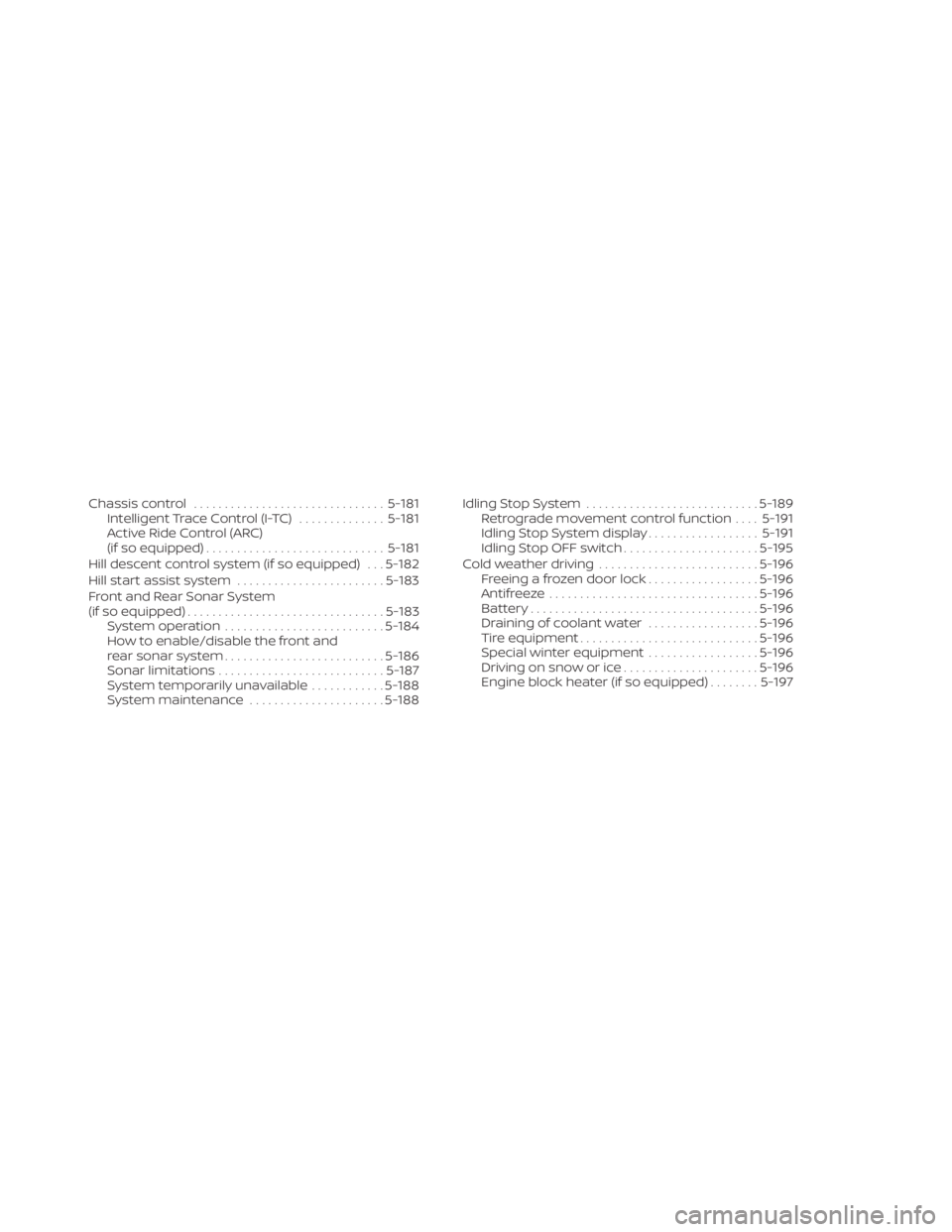
Chassis control............................... 5-181
Intelligent Trace Control (I-TC) ..............5-181
Active Ride Control (ARC)
(if so equipped) ............................. 5-181
Hill descent control system (if so equipped) . . . 5-182
Hill start assist system ........................5-183
Front and Rear Sonar System
(if so equipped) ................................ 5-183
System operation .......................... 5-184
How to enable/disable the front and
rear sonar system .......................... 5-186
Sonar limitations ........................... 5-187
System temporarily unavailable ............5-188
System maintenance ......................5-188Idling Stop System
............................ 5-189
Retrograde movement control function ....5-191
Idling Stop System display ..................5-191
Idling Stop OFF switch ......................5-195
Cold weather driving .......................... 5-196
Freeing a frozen door lock ..................5-196
Antifreeze .................................. 5-196
Battery..................................... 5-196
Draining of coolant water ..................5-196
Tire equipment ............................. 5-196
Special winter equipment ..................5-196
Driving on snow or ice ......................5-196
Engine block heater (if so equipped) ........5-197
Page 356 of 665
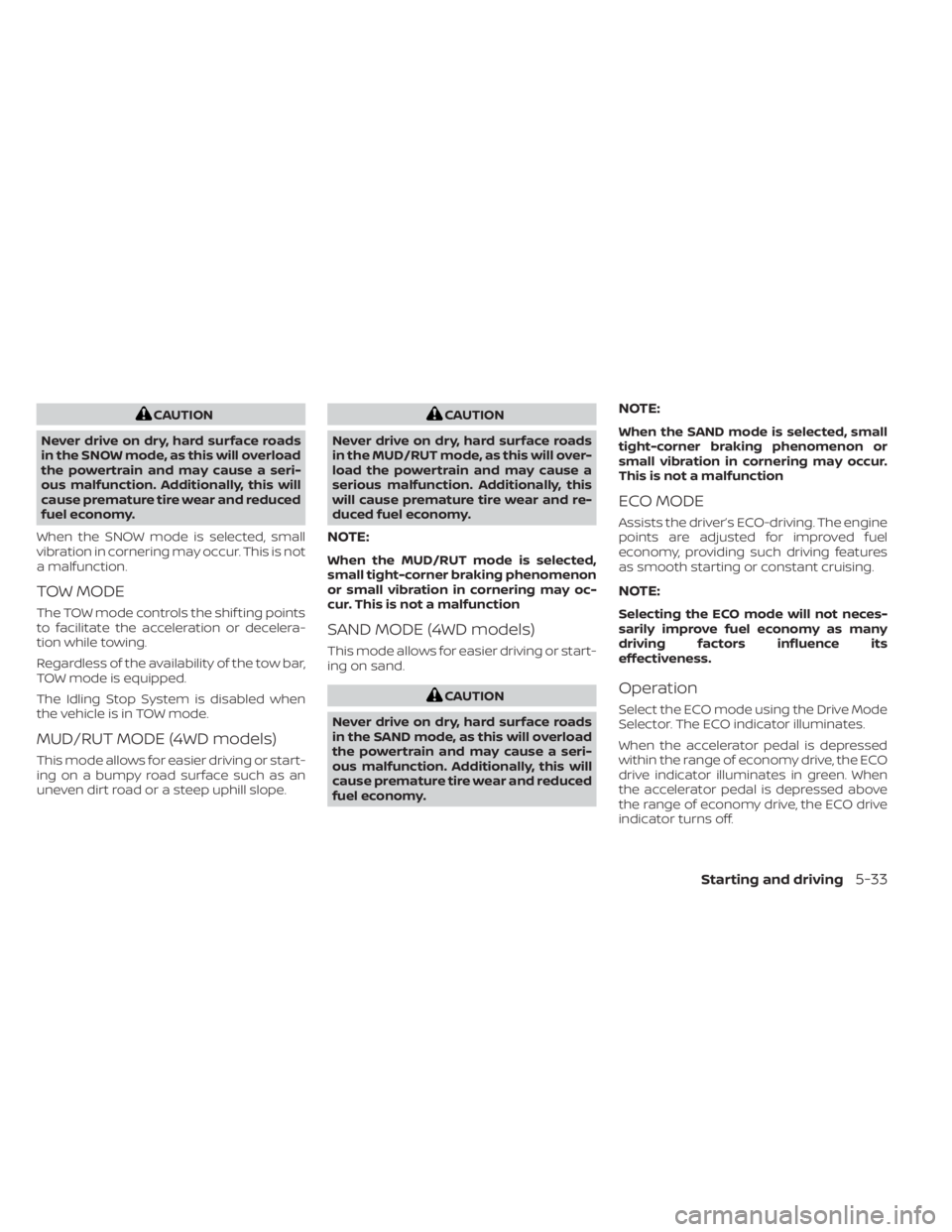
CAUTION
Never drive on dry, hard surface roads
in the SNOW mode, as this will overload
the powertrain and may cause a seri-
ous malfunction. Additionally, this will
cause premature tire wear and reduced
fuel economy.
When the SNOW mode is selected, small
vibration in cornering may occur. This is not
a malfunction.
TOW MODE
The TOW mode controls the shif ting points
to facilitate the acceleration or decelera-
tion while towing.
Regardless of the availability of the tow bar,
TOW mode is equipped.
The Idling Stop System is disabled when
the vehicle is in TOW mode.
MUD/RUT MODE (4WD models)
This mode allows for easier driving or start-
ing on a bumpy road surface such as an
uneven dirt road or a steep uphill slope.
CAUTION
Never drive on dry, hard surface roads
in the MUD/RUT mode, as this will over-
load the powertrain and may cause a
serious malfunction. Additionally, this
will cause premature tire wear and re-
duced fuel economy.
NOTE:
When the MUD/RUT mode is selected,
small tight-corner braking phenomenon
or small vibration in cornering may oc-
cur. This is not a malfunction
SAND MODE (4WD models)
This mode allows for easier driving or start-
ing on sand.
CAUTION
Never drive on dry, hard surface roads
in the SAND mode, as this will overload
the powertrain and may cause a seri-
ous malfunction. Additionally, this will
cause premature tire wear and reduced
fuel economy.
NOTE:
When the SAND mode is selected, small
tight-corner braking phenomenon or
small vibration in cornering may occur.
This is not a malfunction
ECO MODE
Assists the driver’s ECO-driving. The engine
points are adjusted for improved fuel
economy, providing such driving features
as smooth starting or constant cruising.
NOTE:
Selecting the ECO mode will not neces-
sarily improve fuel economy as many
driving factors influence its
effectiveness.
Operation
Select the ECO mode using the Drive Mode
Selector. The ECO indicator illuminates.
When the accelerator pedal is depressed
within the range of economy drive, the ECO
drive indicator illuminates in green. When
the accelerator pedal is depressed above
the range of economy drive, the ECO drive
indicator turns off.
Starting and driving5-33
Page 493 of 665

Follow these easy-to-use Fuel Efficient
Driving Tips to help you achieve the most
fuel economy from your vehicle.
1.Use Smooth Accelerator and Brake
Pedal Application
• Avoid rapid starts and stops.
• Use smooth, gentle accelerator and brake application whenever possible.
• Maintain constant speed while com- muting and coast whenever possible.
2. Maintain Constant Speed
• Look ahead to try and anticipate and minimize stops.
• Synchronizing your speed with traffic lights allows you to reduce your num-
ber of stops.
• Maintaining a steady speed can mini- mize red light stops and improve fuel
efficiency.
3. Use Air Conditioning (A/C) at Higher
Vehicle Speeds
• Below 40 mph (64 km/h), it is more efficient to open windows to cool the
vehicle due to reduced engine load.
• Above 40 mph (64 km/h), it is more efficient to use A/C to cool the vehicle
due to increased aerodynamic drag. • Recirculating the cool air in the cabin
when the A/C is on reduces cooling
load.
4. Drive at Economical Speeds and
Distances
• Observing the speed limit and not ex- ceeding 60 mph (97 km/h) (where le-
gally allowed) can improve fuel effi-
ciency due to reduced aerodynamic
drag.
• Maintaining a safe following distance behind other vehicles reduces unnec-
essary braking.
• Safely monitoring traffic to anticipate changes in speed permits reduced
braking and smooth acceleration
changes.
• Select a gear range suitable to road conditions.
5. Use Cruise Control
• Using cruise control during highway driving helps maintain a steady speed.
• Cruise control is particularly effective in providing fuel savings when driving
on flat terrains.
6. Plan for the Shortest Route
• Utilize a map or navigation system to determine the best route to save time. 7.
Avoid Idling
• Shutting off your engine when safe for stops exceeding 30–60 seconds saves
fuel and reduces emissions.
8. Buy an Automated Pass for Toll Roads
• Automated passes permit drivers to use special lanes to maintain cruising
speed through the toll and avoid stop-
ping and starting.
9. Winter Warm Up
• Limit idling time to minimize impact to fuel economy.
• Vehicles typically need no more than 30 seconds of idling at start-up to ef-
fectively circulate the engine oil before
driving.
• Your vehicle will reach its ideal operat- ing temperature more quickly while
driving versus idling.
10. Keeping your Vehicle Cool
• Park your vehicle in a covered parking area or in the shade whenever
possible.
• When entering a hot vehicle, opening the windows will help to reduce the
inside temperature faster, resulting in
reduced demand on your A/C system.
FUEL EFFICIENT DRIVING TIPS
5-170Starting and driving
Page 494 of 665

• Keep your engine tuned up.
• Follow the recommended scheduledmaintenance.
• Keep the tires inflated to the correct pres- sure. Low tire pressure increases tire
wear and lowers fuel economy.
• Keep the wheels in correct alignment. Im- proper alignment increases tire wear and
lowers fuel economy.
• Use the recommended viscosity engine oil. For additional information, see “Engine
oil and oil filter recommendations”
(P. 10-7).
If any malfunction occurs in the I-4X4 sys-
tem while the engine is running, messages
are displayed in the meter.
If the “AWD error” warning appears, there
may be a malfunction in the I-4X4 system.
Reduce vehicle speed and have your ve-
hicle checked. It is recommended that you
visit a NISSAN dealer as soon as possible. The “AWD High Temp. Stop Vehicle” (high
temperature) warning appears when the
oil temperature of the powertrain parts will
increase due to the difference in rotation
between the front and rear wheels is large
(wheel slip), such as when driving the ve-
hicle on rough roads, through sand or mud,
or freeing a stuck vehicle. If this warning is
displayed, stop the vehicle with the engine
idling, as soon as it is safe to do so. In these
cases, the 4WD changes to 2WD to protect
the powertrain parts. Then if the warning
turns off, you continue 4WD driving.
LSD3252LSD3253
INCREASING FUEL ECONOMY
INTELLIGENT 4X4 (I-4X4) (if so
equipped)
Starting and driving5-171
Page 497 of 665

•HEADED UPHILL OR DOWNHILL, NO
CURB
OC:
Turn the wheels toward the side of the
road so the vehicle will move away
from the center of the road if it moves.
4. Place the ignition switch in the LOCK position.
NOTE:
Use the Idling Stop System when the ve-
hicle is stopped for a period of time, for
example waiting at stop lights. Stop the
engine with the ignition switch when
parking, etc. for an extended period of
time.
WARNING
• If the engine is not running or is
turned off while driving, the power
assist for the steering will not work.
Steering will be harder to operate.
• When the electric power steering
warning light illuminates with the
engine running, there will be no
power assist for the steering. You will
still have control of the vehicle, but
the steering will be harder to operate.
Have the power steering system
checked. It is recommended that you
visit a NISSAN dealer for this service.
The power steering system is designed to
provide power assist while driving to oper-
ate the steering wheel with light force.
When the steering wheel is operated re-
peatedly or continuously while parking or
driving at a very low speed, the power as-
sist for the steering wheel will be reduced.
This is to prevent overheating of the power
steering system and protect it from getting
damaged. While the power assist is re-
duced, steering wheel operation will be-
come heavy. When the temperature of the
power steering system goes down, the
power assist level will return to normal.
Avoid repeating such steering wheel op- erations that could cause the power steer-
ing system to overheat.
You may hear a sound when the steering
wheel is operated quickly. However, this is
not a malfunction.
If the electric power steering warning light
illuminates while the engine is running, it
may indicate the power steering system is
not functioning properly and may need
servicing. Have the power steering system
checked. It is recommended that you visit a
NISSAN dealer for this service.
When the electric power steering warning
light illuminates with the engine running,
there will be no power assist for the steer-
ing, but you will still have control of the
vehicle. At this time, greater steering effort
is required to operate the steering wheel,
especially in sharp turns and at low speeds.
For additional information, see “Electric
Power steering warning light” (P. 2-17).
POWER STEERING
5-174Starting and driving