2023 NISSAN LEAF service
[x] Cancel search: servicePage 51 of 612
The sound starts when the vehicle speed is
less than 22 mph (35 km/h) while
decelerating.
WARNING
• If the sound cannot be heard, pedes-
trians may not notice the oncoming
vehicle, which may cause an accident
resulting in serious injury or death. It
is recommended that you immedi-
ately visit a NISSAN certified LEAF
dealer for VSP system inspection.
• If the VSP system OFF warning light
illuminates while the power switch is
in the ON position, or in the READY to
drive position, it may indicate the VSP
system is not functioning properly.
Have the VSP system checked. It is
recommended that you visit a
NISSAN certified LEAF dealer for this
service. For additional information,
see “Approaching Vehicle Sound for
Pedestrians (VSP) system OFF
warning light” (P. 2-19).
NOTE:
The volume of the (VSP) sound cannot be
raised or lowered.
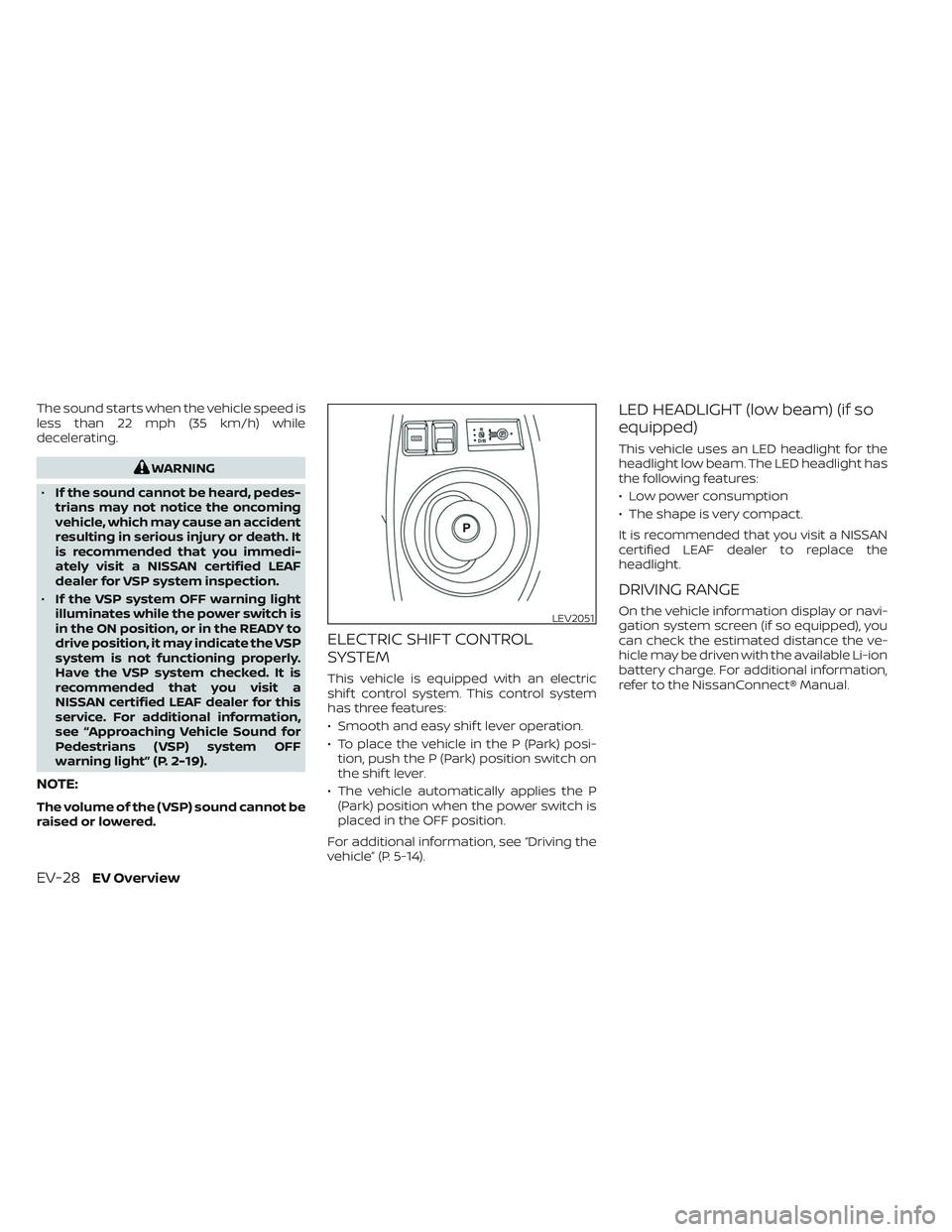
ELECTRIC SHIFT CONTROL
SYSTEM
This vehicle is equipped with an electric
shif t control system. This control system
has three features:
• Smooth and easy shif t lever operation.
• To place the vehicle in the P (Park) posi- tion, push the P (Park) position switch on
the shif t lever.
• The vehicle automatically applies the P (Park) position when the power switch is
placed in the OFF position.
For additional information, see “Driving the
vehicle” (P. 5-14).
LED HEADLIGHT (low beam) (if so
equipped)
This vehicle uses an LED headlight for the
headlight low beam. The LED headlight has
the following features:
• Low power consumption
• The shape is very compact.
It is recommended that you visit a NISSAN
certified LEAF dealer to replace the
headlight.
DRIVING RANGE
On the vehicle information display or navi-
gation system screen (if so equipped), you
can check the estimated distance the ve-
hicle may be driven with the available Li-ion
battery charge. For additional information,
refer to the NissanConnect® Manual.LEV2051
EV-28EV Overview
Page 60 of 612
Charging stations or V2X charging/
discharging devices using this standard
are UL certified and safe to use in the US.
While supported by NISSAN, this connector
may not become the US SAE standard. V2X
charging/discharging is possible (even
several times a day). If the battery tempera-
ture is near the red zone, in order to protect
the battery, power of the V2X charging/
discharging will be limited.
For additional information, consult a V2X
device manufacturer or a V2X charging/
discharging service provider.
Power limitation mode
This mode protects the health and opera-
tion of the vehicle's Li-ion battery. This
mode operates in certain extreme condi-
tions (heat, cold, low state of charge). Power
available to vehicle systems, including its
traction motor, is limited resulting in limited
performance, acceleration and top speed.
Charging may be automatically termi-
nated, especially with repeated quick
charging in extreme hot weather.Checking Li-ion battery charge
The three methods for checking the
amount of charge are as follows:
• Check by using the Li-ion battery avail-
able charge gauge on the vehicle infor-
mation display when the power switch is
placed in the ON position. For additional
information, see “Li-ion battery available
charge gauge” (P. 2-9) and “Low battery
charge indicator” (P. 2-38).
• Check by using an internet enabled smart phone or personal computer. For
additional information, refer to the
“NissanConnect® Manual”.
• Check by using the charging status indi- cator light. For additional information, see
“Charging status indicator lights”
(P. CH-49).
NOTE:
• During the charge operation, charge continues when the power switch is
placed in the ON position.
• The Li-ion battery cannot be charged if the quick charge connector and the
normal charge connector are con-
nected at the same time. If another
charge connector is connected mid-
charge, charging will stop. • For safety reasons, it is not possible to
switch to the READY to drive position
while a charge connector is connected.
• During charging, it is possible that the radio may be inaudible due to noise by
the electromagnetic wave.
HOW TO NORMAL CHARGE (AC
220–240 volt) BY CHARGING
DEVICE
WARNING
• If you use any medical electric de-
vices, such as an implantable cardiac
pacemaker or an implantable cardio-
vascular defibrillator, check with the
electric medical device manufac-
turer concerning the effects that
charging may have on implanted de-
vices before starting the charge op-
eration. Charging may affect the
operation.
• Be sure to follow the precautions for
using the charging device that can be
installed in your home. Failing to do
so could result in serious injury or
death.
ChargingCH-9
Page 70 of 612
–Do not use the EVSE if other de-
vices are plugged into the same
circuit.
– When unplugging, be sure to pull
by the plug or the Genuine NISSAN
Adapter, not the cord.
– Do not pull, twist, bend, step on or
drag the cable.
– Do not attach or detach the
Genuine NISSAN Adapter while
the Genuine NISSAN Adapter is in-
serted into an outlet.
– Do not use the Genuine NISSAN
Adapter if the plug is not fully in-
serted and not locked.
– If you use the EVSE holder, handle
it with care to avoid injuries due to
contact with its edges or other
parts.
– Do not use the EVSE or Genuine
NISSAN Adapter if the cable or
cord is frayed, has broken insula-
tion, or shows any other indica-
tions of damage. –
Stop using the EVSE or Genuine
NISSAN Adapter immediately if
charging stops before completion
when you move the Genuine
NISSAN Adapter, the plug or the
cord.
– Do not use the EVSE or Genuine
NISSAN Adapter if the control box,
plug, Genuine NISSAN Adapter or
charge connector is broken,
cracked, open, corroded or shows
any other indications of damage.
– Do not use the EVSE or Genuine
NISSAN Adapter if the plug or
Genuine NISSAN Adapter has a
loose connection with the outlet
or if the outlet is damaged or
rusted.
– Before connecting the EVSE, be
sure to check the rated current
shown on the EVSE to ensure that
the outlet and circuit have enough
current capacity to charge your
vehicle safely. If the capacity of
the outlet and circuit is not
enough, wiring may cause over-
heating or a fire.
– If in any doubt about the outlet
and circuit, consult a qualified
electrician. –
The device has parts that may
spark inside. Do not use it where
gasoline, paint, or flammable liq-
uids are used or stored.
– Do not use if a malfunction occurs
or if the EVSE or Genuine NISSAN
Adapter has been damaged in any
manner. It is recommended that
you visit a NISSAN certified LEAF
dealer for replacement.
– The EVSE or Genuine NISSAN
Adapter contains no user service-
able parts. Do not attempt to re-
pair the EVSE or Genuine NISSAN
Adapter, doing so will void your
warranty.
• Pass the lower side belt of the EVSE
case securely through the fastener
on the bottom of the luggage board.
If the case suddenly becomes loose,
it may cause serious injury or death.
ChargingCH-19
Page 99 of 612
IMMEDIATE CHARGE
When a charging timer is not turned on,
charging automatically starts when a nor-
mal or trickle charge connector is con-
nected to the vehicle.
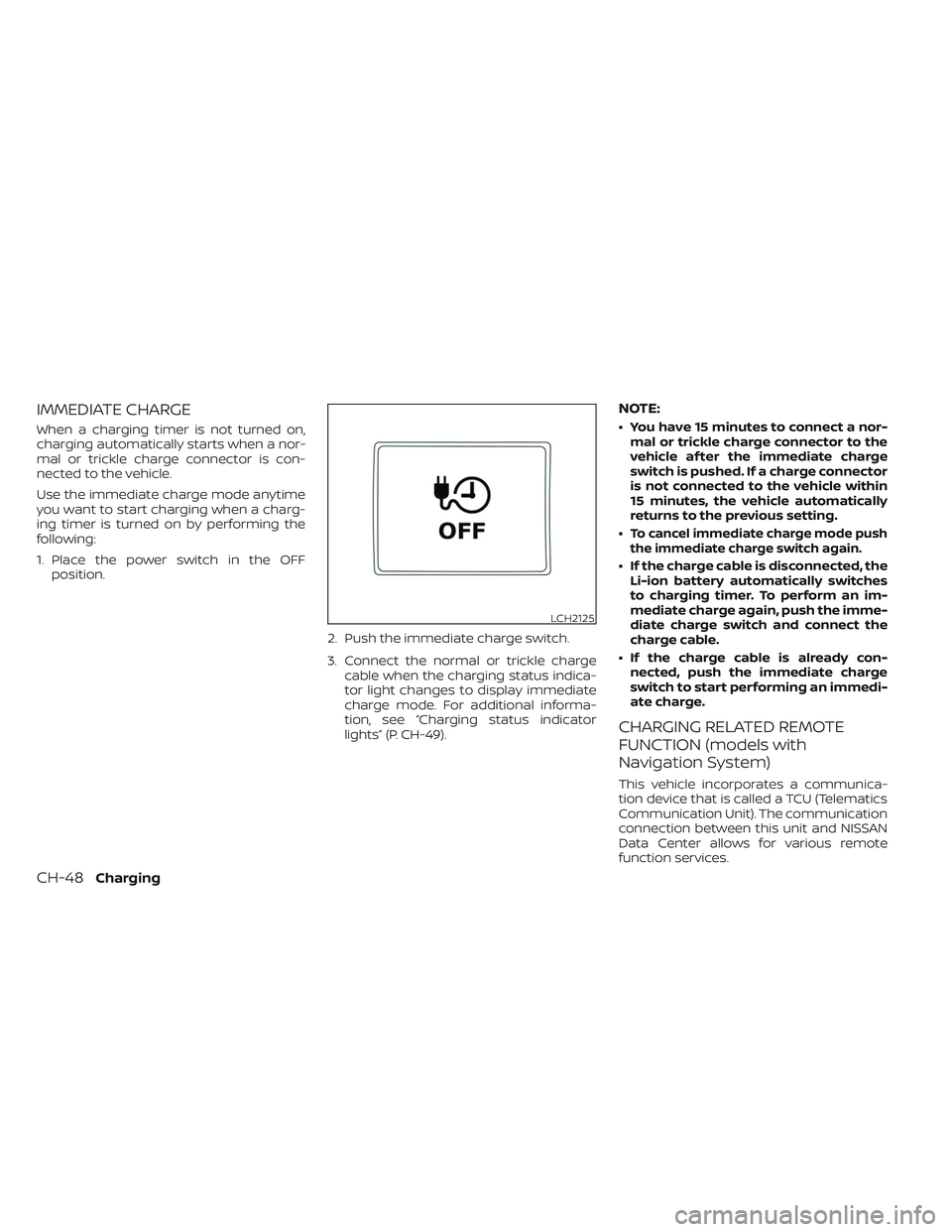
Use the immediate charge mode anytime
you want to start charging when a charg-
ing timer is turned on by performing the
following:
1. Place the power switch in the OFFposition.
2. Push the immediate charge switch.
3. Connect the normal or trickle chargecable when the charging status indica-
tor light changes to display immediate
charge mode. For additional informa-
tion, see “Charging status indicator
lights” (P. CH-49).
NOTE:
• You have 15 minutes to connect a nor-mal or trickle charge connector to the
vehicle af ter the immediate charge
switch is pushed. If a charge connector
is not connected to the vehicle within
15 minutes, the vehicle automatically
returns to the previous setting.
•
To cancel immediate charge mode push
the immediate charge switch again.
• If the charge cable is disconnected, the Li-ion battery automatically switches
to charging timer. To perform an im-
mediate charge again, push the imme-
diate charge switch and connect the
charge cable.
• If the charge cable is already con- nected, push the immediate charge
switch to start performing an immedi-
ate charge.
CHARGING RELATED REMOTE
FUNCTION (models with
Navigation System)
This vehicle incorporates a communica-
tion device that is called a TCU (Telematics
Communication Unit). The communication
connection between this unit and NISSAN
Data Center allows for various remote
function services.
LCH2125
CH-48Charging
Page 100 of 612
•Remote battery status check:
The charging status of the Li-ion battery
can be checked using the
“NissanConnect® EV & Services”, or
“NissanConnect®”, or Owners Portal even
if you are not in the vehicle.
• Remote start charge:
The function of starting the Li-ion battery
charge or starting the heater and air con-
ditioner is available using your personal
computer or internet enabled smart
phone.
• Plug-in reminder:
A notification e-mail will be sent to your
personal computer or internet enabled
smart phone if the plug is not connected
at the specific time you selected, af ter
turning off the power switch.
NOTE:
• Establishing the NissanConnect® EV & Services, or NissanConnect® is neces-
sary before using this service. For addi-
tional information, refer to the
NissanConnect® Manual.
• To check the Li-ion battery charging status using an internet enabled smart
phone or personal computer, the fol-
lowing conditions must be met: – The vehicle must be located in a cel-
lular phone coverage area.
– The cellular phone must be located in an area with cellular phone
coverage.
– If using a computer, the computer must be connected to the internet.
– Some cellular phones are not com- patible and cannot be used to check
the Li-ion battery charging status.
Please confirm beforehand.
• Certain remote functions require a compatible smart phone, which is not
included with the vehicle.
• NissanConnect® EV & Services, or NissanConnect® information system
features are included through a sub-
scription service which requires owner
consent to activate. The subscription
must be active to use these features.
• NissanConnect® EV & Services, or NissanConnect® communications may
be received at a verified e-mail address
or by SMS/text messaging-enabled
mobile phone.
• Standard text rates and/or data usage may apply depending on your carrier.
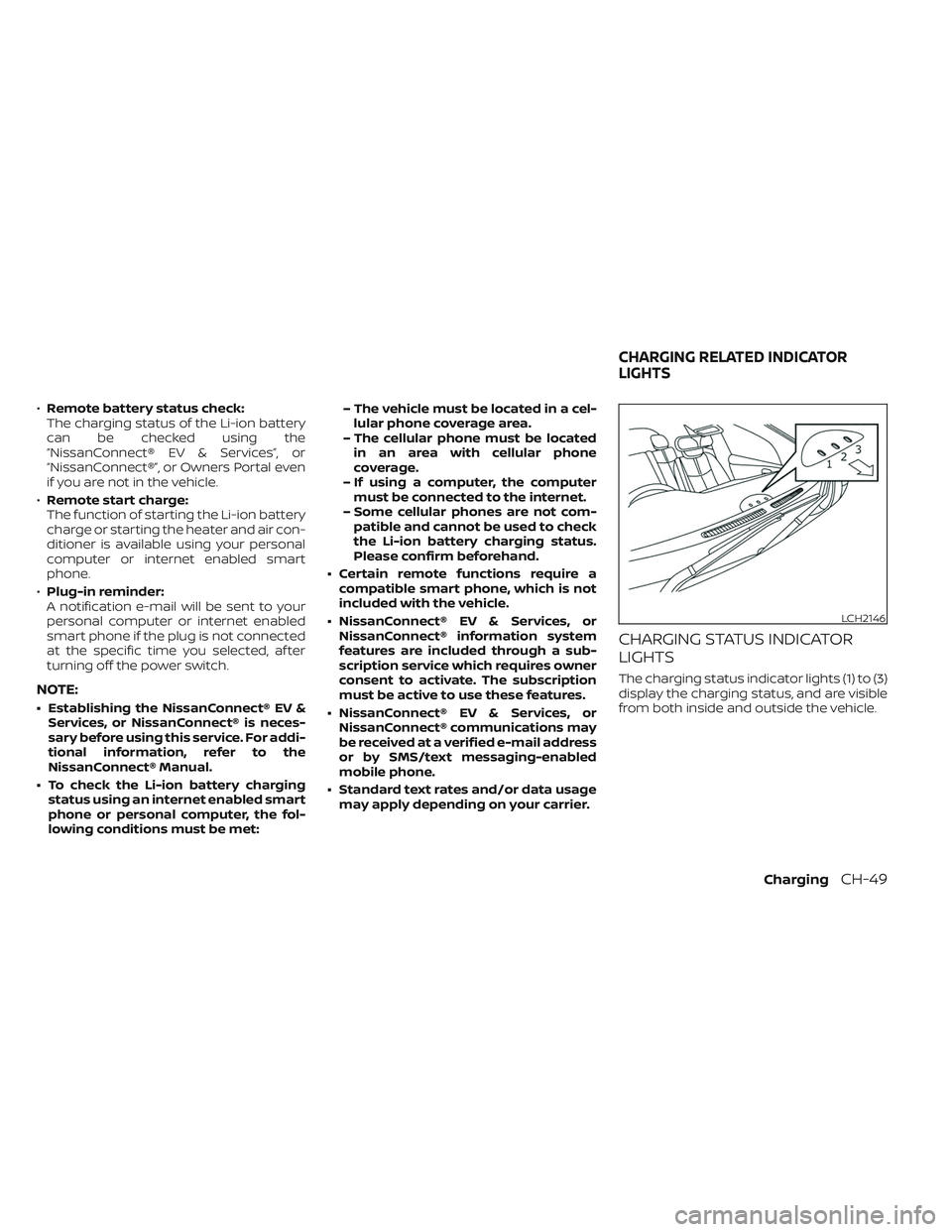
CHARGING STATUS INDICATOR
LIGHTS
The charging status indicator lights (1) to (3)
display the charging status, and are visible
from both inside and outside the vehicle.
LCH2146
CHARGING RELATED INDICATOR
LIGHTS
ChargingCH-49
Page 122 of 612
WARNING
• Every person who drives or rides in
this vehicle should use a seat belt at
all times. Children should be in the
rear seats and in an appropriate
restraint.
• The seat belt should be properly ad-
justed to a snug fit. Failure to do so
may reduce the effectiveness of the
entire restraint system and increase
the chance or severity of injury in an
accident. Serious injury or death can
occur if the seat belt is not worn
properly. •
Always route the shoulder belt over
your shoulder and across your chest.
Never put the belt behind your back,
under your arm or across your neck.
The belt should be away from your
face and neck, but not falling off your
shoulder.
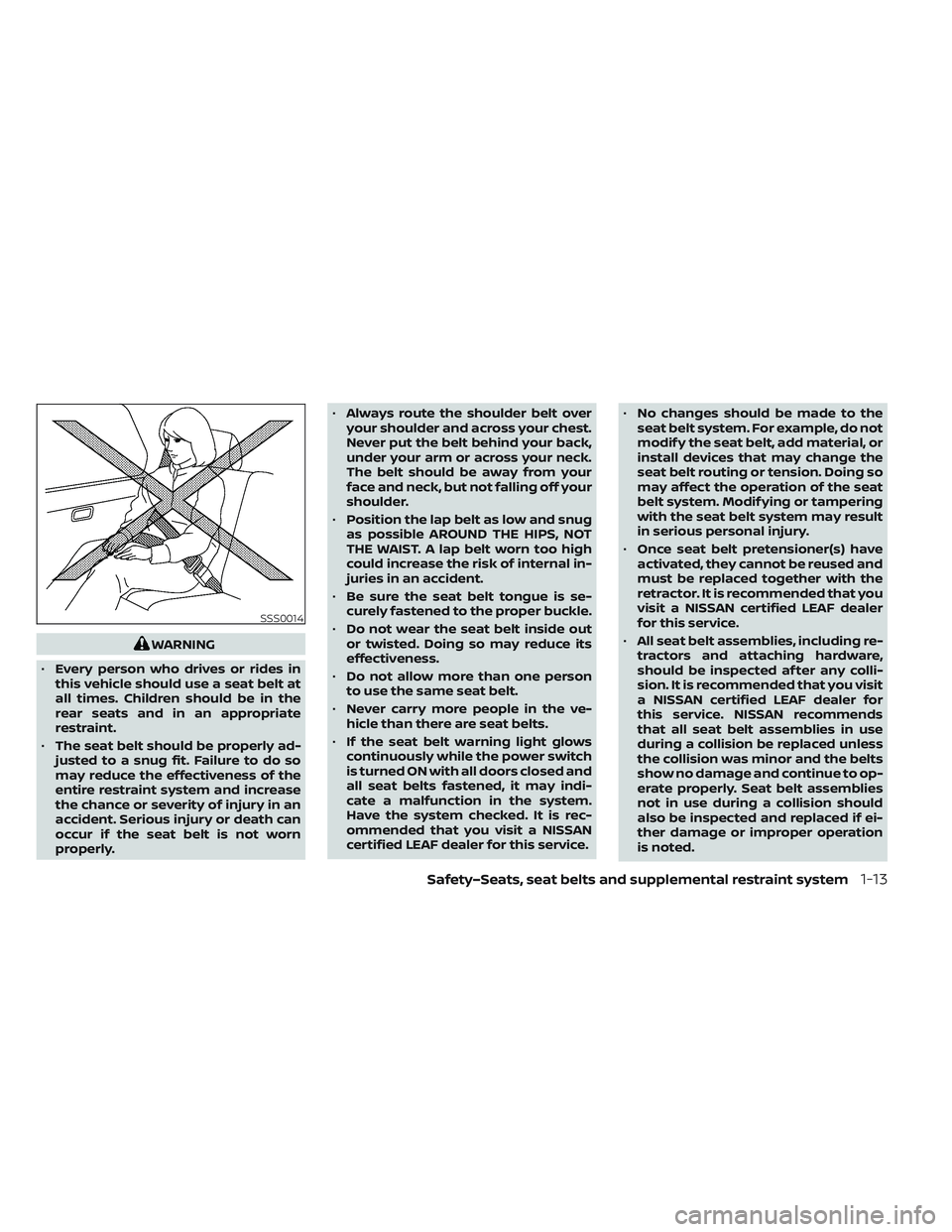
• Position the lap belt as low and snug
as possible AROUND THE HIPS, NOT
THE WAIST. A lap belt worn too high
could increase the risk of internal in-
juries in an accident.
• Be sure the seat belt tongue is se-
curely fastened to the proper buckle.
• Do not wear the seat belt inside out
or twisted. Doing so may reduce its
effectiveness.
• Do not allow more than one person
to use the same seat belt.
• Never carry more people in the ve-
hicle than there are seat belts.
• If the seat belt warning light glows
continuously while the power switch
is turned ON with all doors closed and
all seat belts fastened, it may indi-
cate a malfunction in the system.
Have the system checked. It is rec-
ommended that you visit a NISSAN
certified LEAF dealer for this service. •
No changes should be made to the
seat belt system. For example, do not
modif y the seat belt, add material, or
install devices that may change the
seat belt routing or tension. Doing so
may affect the operation of the seat
belt system. Modif ying or tampering
with the seat belt system may result
in serious personal injury.
• Once seat belt pretensioner(s) have
activated, they cannot be reused and
must be replaced together with the
retractor. It is recommended that you
visit a NISSAN certified LEAF dealer
for this service.
• All seat belt assemblies, including re-
tractors and attaching hardware,
should be inspected af ter any colli-
sion. It is recommended that you visit
a NISSAN certified LEAF dealer for
this service. NISSAN recommends
that all seat belt assemblies in use
during a collision be replaced unless
the collision was minor and the belts
show no damage and continue to op-
erate properly. Seat belt assemblies
not in use during a collision should
also be inspected and replaced if ei-
ther damage or improper operation
is noted.
SSS0014
Safety–Seats, seat belts and supplemental restraint system1-13
Page 126 of 612
WARNING
When fastening the seat belts, be cer-
tain that seatbacks are completely se-
cured in the latched position. If they are
not completely secured, passengers
may be injured in an accident or sud-
den stop.
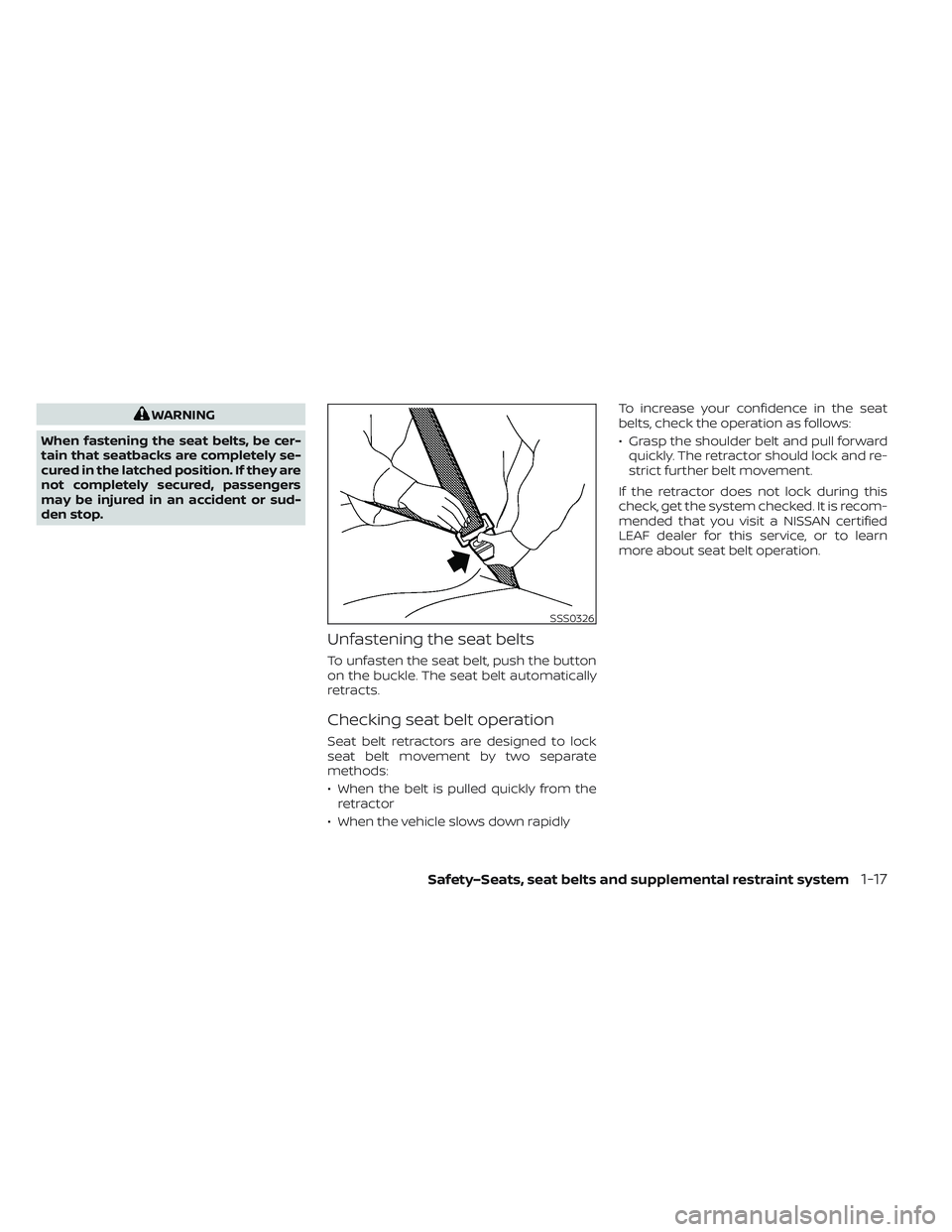
Unfastening the seat belts
To unfasten the seat belt, push the button
on the buckle. The seat belt automatically
retracts.
Checking seat belt operation
Seat belt retractors are designed to lock
seat belt movement by two separate
methods:
• When the belt is pulled quickly from the retractor
• When the vehicle slows down rapidly To increase your confidence in the seat
belts, check the operation as follows:
• Grasp the shoulder belt and pull forward
quickly. The retractor should lock and re-
strict further belt movement.
If the retractor does not lock during this
check, get the system checked. It is recom-
mended that you visit a NISSAN certified
LEAF dealer for this service, or to learn
more about seat belt operation.
SSS0326
Safety–Seats, seat belts and supplemental restraint system1-17
Page 148 of 612
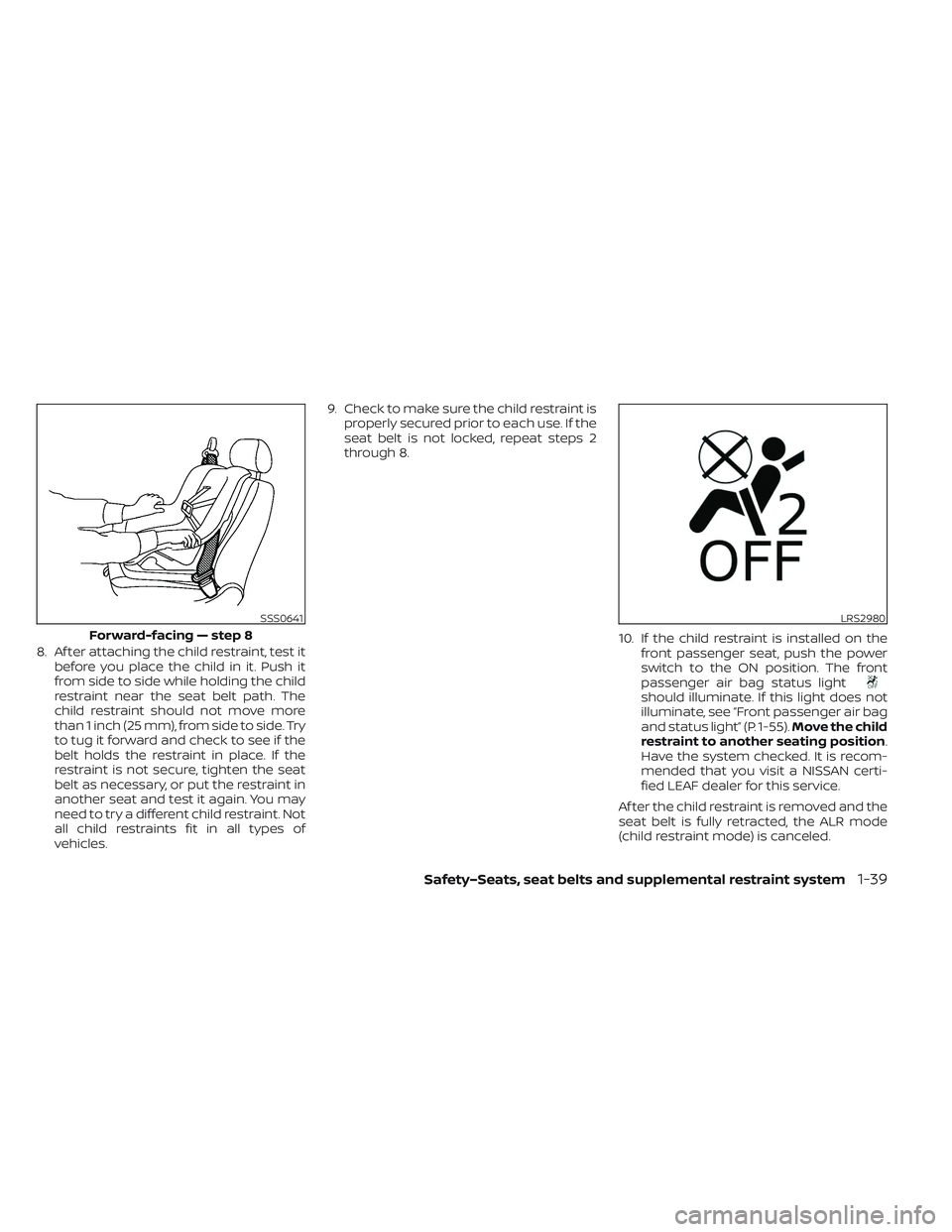
8. Af ter attaching the child restraint, test itbefore you place the child in it. Push it
from side to side while holding the child
restraint near the seat belt path. The
child restraint should not move more
than 1 inch (25 mm), from side to side. Try
to tug it forward and check to see if the
belt holds the restraint in place. If the
restraint is not secure, tighten the seat
belt as necessary, or put the restraint in
another seat and test it again. You may
need to try a different child restraint. Not
all child restraints fit in all types of
vehicles. 9. Check to make sure the child restraint is
properly secured prior to each use. If the
seat belt is not locked, repeat steps 2
through 8.
10. If the child restraint is installed on thefront passenger seat, push the power
switch to the ON position. The front
passenger air bag status light
should illuminate. If this light does not
illuminate, see “Front passenger air bag
and status light” (P. 1-55). Move the child
restraint to another seating position.
Have the system checked. It is recom-
mended that you visit a NISSAN certi-
fied LEAF dealer for this service.
Af ter the child restraint is removed and the
seat belt is fully retracted, the ALR mode
(child restraint mode) is canceled.
SSS0641
Forward-facing — step 8
LRS2980
Safety–Seats, seat belts and supplemental restraint system1-39