2023 MAZDA CX5 Car play
[x] Cancel search: Car playPage 353 of 583

Tire Pressure MonitoringSystem (TPMS)
▼Tire Pressure Monitoring System
(TPMS)
The TPMS monitors the air pressure of
each tire and if it decreases below the
specified
value, the system
notifies the
driver by turning on the TPMS warning
light in the instrument cluster and
indicating a message on the
multi-information display.
For the TPMS, the air pressure data
sent from the tire pressure sensors
installed on each wheel via radio signal
is received by the receiver unit in the
vehicle to monitor the tire pressures.
1. Tire pressure sensors
In addition, the current tire pressures
can be checked using the center
display.
Refer to the Vehicle Status Monitor
section in the Mazda Connect
Owner's Manual.
NOTE
When the ambient temperature is
low, the tire temperatures also
decrease. If the tire temperatures
decrease, the air pressure in the tires
will also decrease which could turn
on the TPMS warning light.
Before driving, visually inspect the
tires for abnormalities. Additionally,
inspect the tire pressures monthly. A
digital type air pressure gauge is
recommended for inspecting the tire
pressures.
The TPMS is not a substitute for your
own periodic inspection of the tires.
Always inspect the tires yourself
periodically.
CAUTION
Each tire, including the spare (if
provided), should be checked
monthly when cold and
inflated to
the inflation pressure recommended
by the vehicle manufacturer on the
vehicle placard or tire inflation
pressure label. (If your vehicle has
tires of a different size than the size
indicated on the vehicle placard or
tire inflation pressure label, you
should determine the proper tire inflation pressure for those tires.)
As an added safety feature, your
vehicle has been equipped with a
tire pressure monitoring system
(TPMS) that illuminates a low tire
pressure telltale when one or more
of your tires is significantly
under-inflated. Accordingly, when
the low tire pressure telltale
illuminates, you should stop and
check your tires as soon as possible,
and inflate them to the proper
pressure. Driving on a significantly
under-inflated tire causes the tire to
overheat and can lead to tire failure.
Under-inflation also reduces fuel
efficiency and tire tread life, and may
affect the vehicle's handling and
stopping ability.
When Driving
Tire Pressure Monitoring System (TPMS)
4-202
CX-50_8KB8-EA-22A_Edition2_new 2022-1-6 14:55:18
Page 357 of 583

Rear View Monitor*
▼Rear View Monitor
The rear view monitor provides visual
images of the rear of the vehicle when
reversing.
WARNING
Always drive carefully confirming the
safety of the rear and the surrounding
conditions by looking directly with
your eyes:
Reversing the vehicle by only looking at
the screen is dangerous as it may cause
an accident or a collision with an
object. The rear view monitor is only a
visual assist device when reversing the
vehicle. The images on the screen may
be
different from the actual conditions.
CAUTION
Do not use the rear view monitor
under the following conditions:
Using the rear view monitor under
the following conditions is
dangerous and could result in injury
or vehicle damage or both.
Icy or snow-covered roads.
Tire chains or a temporary spare
tire is installed.
The trunk lid is not fully closed.
The vehicle is on a road incline.
Bumpy roads.
When the display is cold, images
may course across the monitor or the
screen and may be dimmer than
usual, which could cause
difficulty in
confirming the surrounding
conditions of the vehicle. Always
drive carefully confirming the safety
of the rear and the surrounding
conditions by looking directly with
your eyes.
Do not apply excessive force to the
camera. The camera position and
angle may deviate.
Do not disassemble, modify, or
remove it as it may no longer be
waterproof.
The camera cover is made of plastic.
Do not apply degreasing agents,
organic solvents, wax, or glass
coating agents to the camera cover.
If any are spilled on the cover, wipe
off with a soft cloth immediately.
Do not rub the camera cover
forcefully with an abrasive or hard
brush. The camera cover or lens may
be scratched which might affect the
images.
If a camera lens is severely damaged
by flying gravel, have the camera
replaced. For camera replacement,
consult an Authorized Mazda Dealer.
NOTE
If water, snow, or mud is stuck on
the camera lens, wipe it off using a
soft cloth. If it cannot be wiped off,
use a mild detergent.
If the camera temperature changes
rapidly (Hot to cold, cold to hot), the
rear view monitor may not operate
correctly.
When replacing the tires, consult an
Authorized Mazda Dealer. Replacing
the tires could result in deviation of
the guide lines which appear on the
display.
If the vehicle's front, side, or rear has
been involved in a collision, the
alignment of the rear view parking
camera (location, installation angle)
may have deviated. Always consult
an Authorized Mazda Dealer to have
the vehicle inspected.
When Driving
Rear View Monitor
4-206*Some models.
CX-50_8KB8-EA-22A_Edition2_new 2022-1-6 14:55:18
Page 361 of 583

CAUTION
The guide lines on the screen are fixed lines. They are not synced to the driver's
turning of the steering wheel. Always be careful and check the area to the vehicle's
rear and the surrounding area directly with your eyes while backing up.
▼Rear View Monitor Operation
The operation of the rear view monitor when reversing the vehicle varies depending
on the
traffic, road, and vehicle conditions. The amount of steering and the timing
also varies depending on conditions, so confirm the surrounding conditions directly
with your eyes and steer the vehicle in accordance with the conditions.
Be well aware of the above cautions prior to using the rear view monitor.
NOTE
Images displayed on the monitor from the rear view parking camera are reversed
images (mirror images).
1. Shift the selector lever to reverse (R) po sition to switch the display to the rear
view monitor display.
2. Confirming the surrounding conditions, reverse the vehicle.
When Driving
Rear View Monitor
4-210
CX-50_8KB8-EA-22A_Edition2_new 2022-1-6 14:55:18
Page 381 of 583

The air to the floor is warmer than air
to the face (except when the
temperature control dial is set at the
extreme hot or cold position).
▼Cooling
1. Press the switch.
2. Set the temperature control dial to the cold position.
3. Set the fan control dial to the desired speed.
4. Turn on the air conditioner by pressing the A/C switch.
5. After cooling begins, adjust the fan control dial and temperature
control dial as needed to maintain
maximum comfort.
CAUTION
If the air conditioner is used while
driving up long hills or in heavy traffic,
monitor the high engine coolant
temperature warning indication to see
if it is displayed (page 7-22).
The air conditioner may cause engine
overheating. If the warning indication
is displayed, turn the air conditioner
off (page 7-15).
NOTE
When maximum cooling is desired,
set the temperature control dial to
the extreme cold position and set
the air intake selector to the
recirculated air position, then turn
the fan control dial fully clockwise.
If warmer air is desired at floor level,
press the
switch and adjust the
temperature control dial to maintain
maximum comfort.
The air to the floor is warmer than air
to the face (except when the
temperature control dial is set at the
extreme hot or cold position).
▼ Ve n t i l a t i o n
1. Press the switch.
2. Set the air intake selector to the outside air position (indicator light
turns off).
3. Set the temperature control dial to the desired position.
4. Set the fan control dial to the desired speed.
▼Windshield Defrosting and
Defogging
1. Press the switch.
2. Set the temperature control dial to the desired position.
3. Set the fan control dial to the desired speed.
4. If dehumidified heating is desired, turn on the air conditioner.
WARNING
Do not defog the windshield using the
switch with the temperature
control set to the cold position:
Using the
switch with the
temperature control set to the cold
position is dangerous as it will cause
the outside of the windshield to fog
up. Your vision will be hampered,
which could lead to a serious accident.
Set the temperature control to the hot
or warm position when using the
switch.
NOTE
Fogging on the windows clears up
more easily while the air conditioner
is on, but they will fog up more easily
if the air conditioner is turned off.
Be careful that the windows do not
fog up when doing any of the
following:
Switching to recirculate mode
Interior Features
Climate Control System
5-8
CX-50_8KB8-EA-22A_Edition2_new 2022-1-6 14:55:18
Page 389 of 583

No. MenuExplanation
(1) Information Fuel Efficiency Monitor:
Monitor fuel
efficiency in real time and view fuel
efficiency history.
SiriusXM Travel Link
*:
Access traffic information, weather, fuel prices, parking information
and sports scores.
Vehicle Status Monitor:
View important vehicle maintenance messages, information, and inter-
vals.
(2) Entertainment FM
AM
SiriusXM
*
Pandora*
Bluetooth
USB1 Audio/USB2 Audio
USB1 Video/USB2 Video
Audio
Off
(3) Notifications Displays text messages received by the mobile device paired to Mazda
Connect and notifications from the vehicle.
(4) Communication By connecting your mobile device,
such as a Smartphone, to Mazda
Connect via Bluetooth
®, you can use the hands-free call and short mes-
sage functions.
(5) Navigation The navigation system (vehicles with navigation system) can be used
when the SD card for the navigation system is inserted.
If the SD card for the navigation system is not inserted, the compass in-
dicating the direction in which the ve
hicle is moving is displayed. The
compass may not indicate the correct bearing when the vehicle is stop-
ped or traveling at a slow speed.
For the navigation system operation, refer to the navigation system
manual.
Interior Features
Mazda Connect
5-16*Some models.
CX-50_8KB8-EA-22A_Edition2_new 2022-1-6 14:55:18
Page 390 of 583

No. MenuExplanation
(6) Settings You can change the settings for the Mazda Connect screen, sound set-
tings, and the vehicle functions.
In-Vehicle Displays:
Configures settings and content for all in-vehicle displays.
Sound Settings:
Configures
the in-vehicle listening experience.
Safety Settings:
Configures safety and driver assistance features.
Ve h i c l e S e t t i n g s :
Configures vehicle convenience features.
Connectivity Settings:
Configures Bluetooth and other device connectivity settings.
System Settings:
Configures language, time, and other general settings.
(7) Apple CarPlay You can use Apple CarPlay™ by connecting an iPhone
® compatible with
Apple CarPlay™.
(8) Android Auto You can use Android Auto™ by connecting an Android™ Smartphone
compatible with Android Auto™.
WARNING
Always adjust Mazda Connect while the vehicle is stopped:
Do not adjust Mazda Connect with th
e Commander switch while driving the
vehicle. Adjusting Mazda Connect with the Commander switch while driving the
vehicle is dangerous as it could distract your attention from the vehicle operation
which could lead to a serious accident.
Even if the audio remote control switches are equipped on the steering wheel, learn
to use the switches without looking down at them so that you can keep your
maximum attention on the road while driving the vehicle.
Do not allow the connection plug cord to get tangled with the selector lever:
Allowing the plug cord to become tangled with the selector lever is dangerous as it
could interfere with driving , resulting in an accident.
Interior Features
Mazda Connect
5-17
CX-50_8KB8-EA-22A_Edition2_new 2022-1-6 14:55:18
Page 393 of 583
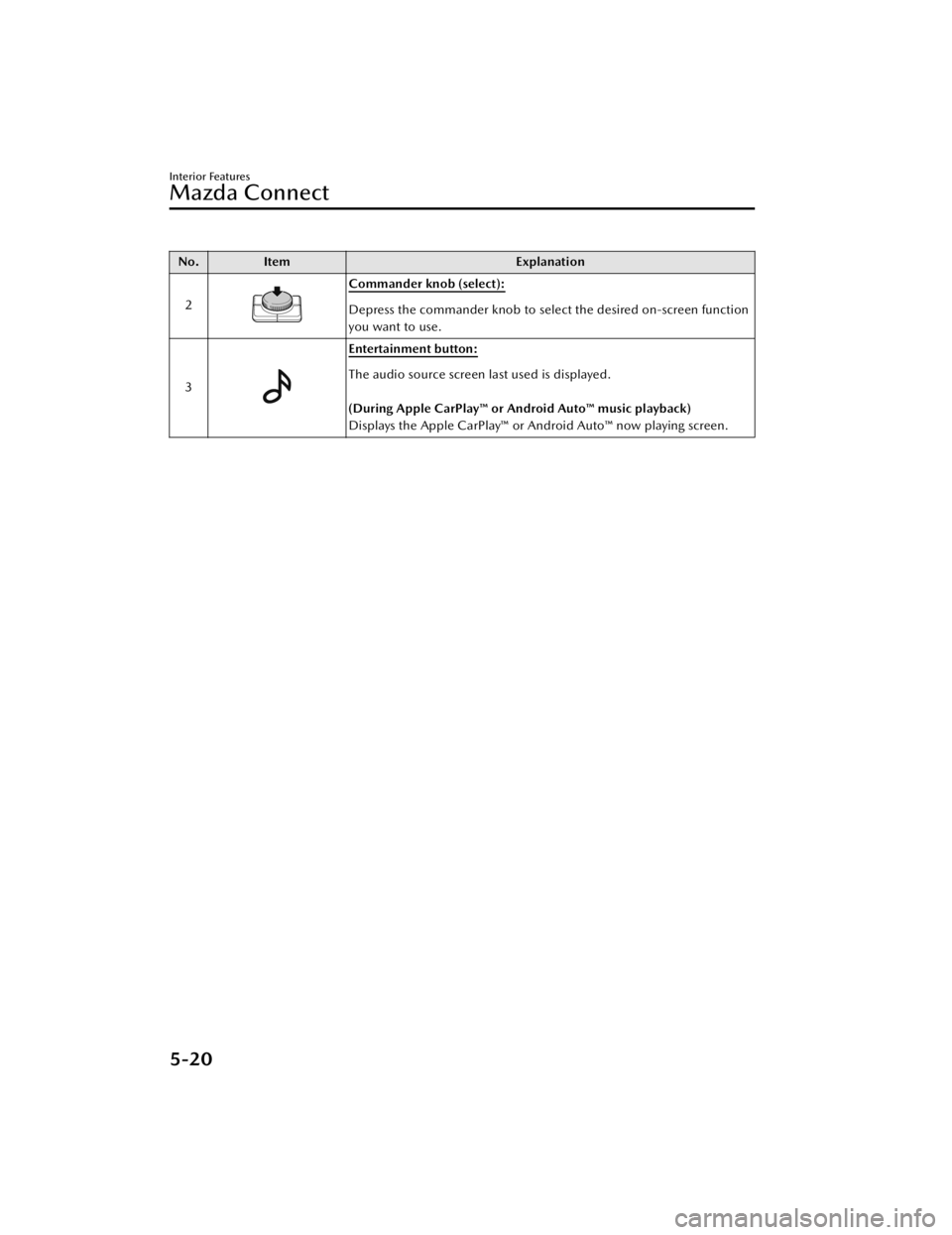
No.Item Explanation
2
Commander knob (select):
Depress the commander knob to select the desired on-screen function
you want to use.
3
Entertainment button:
The audio source screen last used is displayed.
(During Apple CarPlay™ or Android Auto™ music playback)
Displays the Apple CarPlay™ or Android Auto™ now playing screen.
Interior Features
Mazda Connect
5-20
CX-50_8KB8-EA-22A_Edition2_new 2022-1-6 14:55:18
Page 394 of 583

No.Item Explanation
4
Vo l u m e k n o b :
Volume adjustment
Adjust the volume by turning the volume knob.
If you adjust the volume during voice guidance, the volume of the
voice guidance will change.
If you adjust the volume during a hands-free call, the conversation vol-
ume will change.
Press the volume knob to mute/pause the audio. Press the knob again
to resume.
Po we r o ff /o n
Press and hold to turn off the Mazda Connect power and turn off the
screen.
Press and hold again to turn on the Mazda Connect power.
NOTE
If you press the volume knob to mute an audio source which can be
paused, such as Apple CarPlay™, USB audio, or Bluetooth® audio,
while it is playing, the song playback pauses. Press the volume knob
again to cancel the mute and the pause at the same time.
Selecting a radio station
Radio stations saved to your Favorites can be selected by sliding the
volume knob left (SEEK DOWN)/right (SEEK UP) while listening to
FM/AM/SiriusXM
®. The station will change each time you slide the
volume knob.
If you want to manually tune to the next available station before or af-
ter the currently selected station, slide and hold the volume knob left
(SEEK DOWN) or right (SEEK UP) until you hear a beep and the tuner
will select the next available station.
Playback Control
Music and video files can be cued when listening to stored content via
USB, Bluetooth
®, and SiriusXM®, audio, or video.
Slide the volume knob right to skip to the next track or slide it to the
left to go back to the previous track. You can also slide and hold the
volume knob to fast forward or rewind the track.
Interior Features
Mazda Connect
5-21
CX-50_8KB8-EA-22A_Edition2_new 2022-1-6 14:55:18