Page 253 of 690
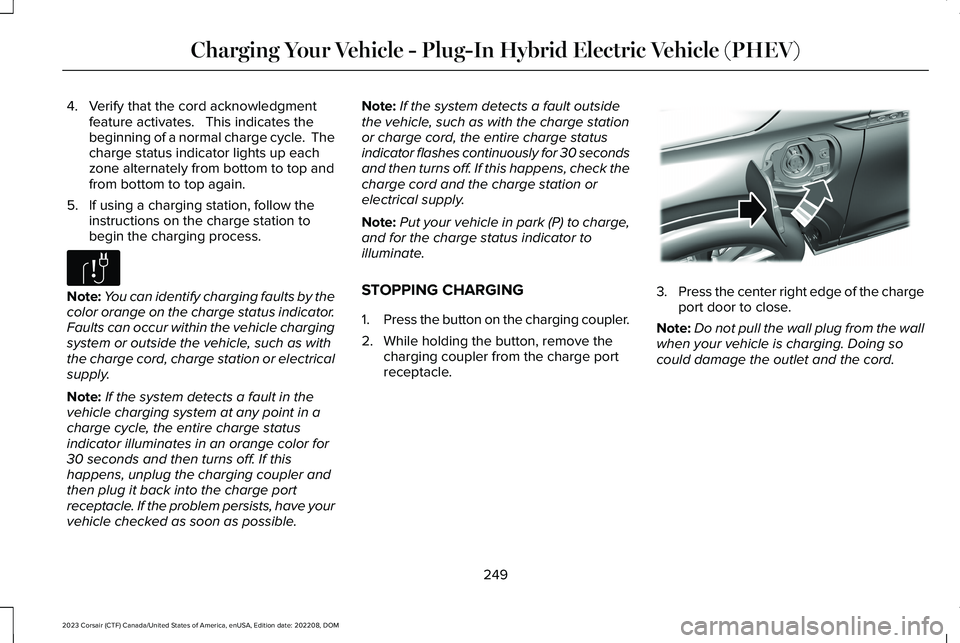
4.Verify that the cord acknowledgmentfeature activates. This indicates thebeginning of a normal charge cycle. Thecharge status indicator lights up eachzone alternately from bottom to top andfrom bottom to top again.
5.If using a charging station, follow theinstructions on the charge station tobegin the charging process.
Note:You can identify charging faults by thecolor orange on the charge status indicator.Faults can occur within the vehicle chargingsystem or outside the vehicle, such as withthe charge cord, charge station or electricalsupply.
Note:If the system detects a fault in thevehicle charging system at any point in acharge cycle, the entire charge statusindicator illuminates in an orange color for30 seconds and then turns off. If thishappens, unplug the charging coupler andthen plug it back into the charge portreceptacle. If the problem persists, have yourvehicle checked as soon as possible.
Note:If the system detects a fault outsidethe vehicle, such as with the charge stationor charge cord, the entire charge statusindicator flashes continuously for 30 secondsand then turns off. If this happens, check thecharge cord and the charge station orelectrical supply.
Note:Put your vehicle in park (P) to charge,and for the charge status indicator toilluminate.
STOPPING CHARGING
1.Press the button on the charging coupler.
2.While holding the button, remove thecharging coupler from the charge portreceptacle.
3.Press the center right edge of the chargeport door to close.
Note:Do not pull the wall plug from the wallwhen your vehicle is charging. Doing socould damage the outlet and the cord.
249
2023 Corsair (CTF) Canada/United States of America, enUSA, Edition date: 202208, DOMCharging Your Vehicle - Plug-In Hybrid Electric Vehicle (PHEV)E306677 E295444
Page 256 of 690
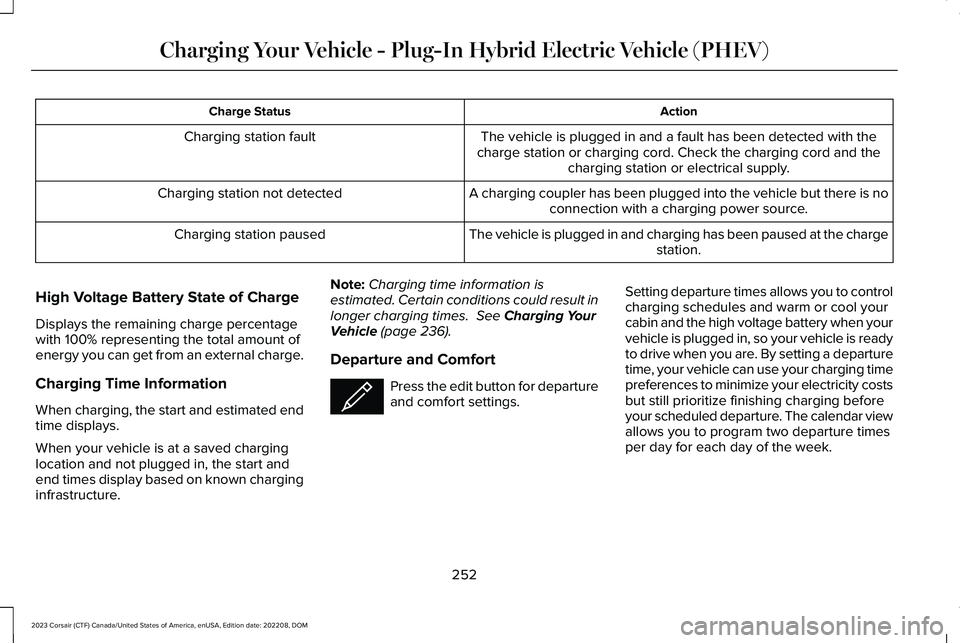
ActionCharge Status
The vehicle is plugged in and a fault has been detected with thecharge station or charging cord. Check the charging cord and thecharging station or electrical supply.
Charging station fault
A charging coupler has been plugged into the vehicle but there is noconnection with a charging power source.Charging station not detected
The vehicle is plugged in and charging has been paused at the chargestation.Charging station paused
High Voltage Battery State of Charge
Displays the remaining charge percentagewith 100% representing the total amount ofenergy you can get from an external charge.
Charging Time Information
When charging, the start and estimated endtime displays.
When your vehicle is at a saved charginglocation and not plugged in, the start andend times display based on known charginginfrastructure.
Note:Charging time information isestimated. Certain conditions could result inlonger charging times. See Charging YourVehicle (page 236).
Departure and Comfort
Press the edit button for departureand comfort settings.
Setting departure times allows you to controlcharging schedules and warm or cool yourcabin and the high voltage battery when yourvehicle is plugged in, so your vehicle is readyto drive when you are. By setting a departuretime, your vehicle can use your charging timepreferences to minimize your electricity costsbut still prioritize finishing charging beforeyour scheduled departure. The calendar viewallows you to program two departure timesper day for each day of the week.
252
2023 Corsair (CTF) Canada/United States of America, enUSA, Edition date: 202208, DOMCharging Your Vehicle - Plug-In Hybrid Electric Vehicle (PHEV)E353986
Page 260 of 690
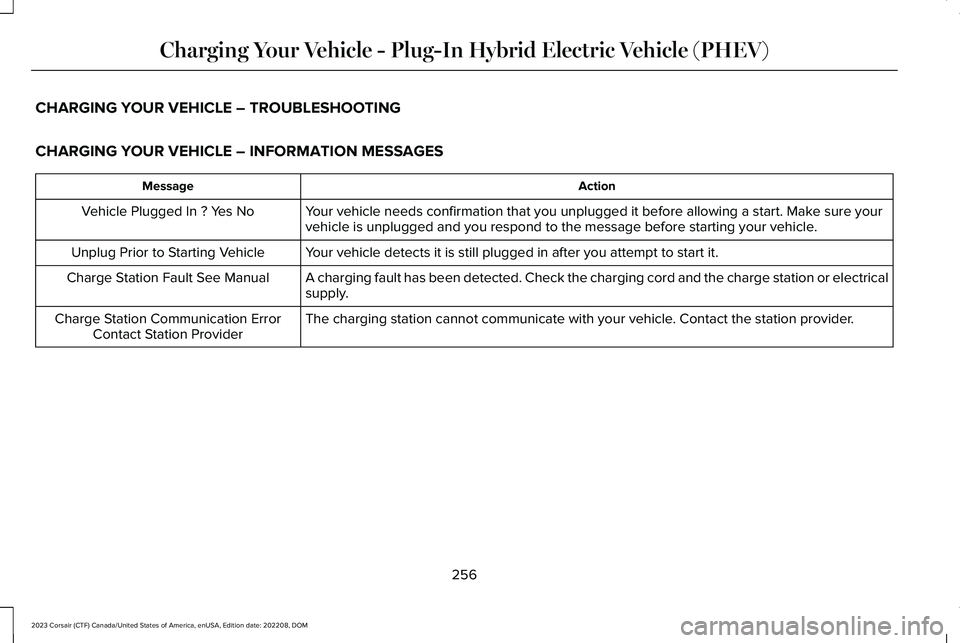
CHARGING YOUR VEHICLE – TROUBLESHOOTING
CHARGING YOUR VEHICLE – INFORMATION MESSAGES
ActionMessage
Your vehicle needs confirmation that you unplugged it before allowing a start. Make sure yourvehicle is unplugged and you respond to the message before starting your vehicle.Vehicle Plugged In ? Yes No
Your vehicle detects it is still plugged in after you attempt to start it.Unplug Prior to Starting Vehicle
A charging fault has been detected. Check the charging cord and the charge station or electricalsupply.Charge Station Fault See Manual
The charging station cannot communicate with your vehicle. Contact the station provider.Charge Station Communication ErrorContact Station Provider
256
2023 Corsair (CTF) Canada/United States of America, enUSA, Edition date: 202208, DOMCharging Your Vehicle - Plug-In Hybrid Electric Vehicle (PHEV)